











Popular Police Sound Effects Library

Pick a ready-to-use clip for sirens, radio cues, or patrol ambience, or copy the prompt to generate a tighter transient, a longer decay, or a more distant street perspective.

How to Generate Your Own
Police Sound Effects

Cannot find the perfect police sound effect you need? Generate custom AI police audio effortlessly. Describe the style, such as distant patrol siren, fast pass-by, city echo, urgent alarm loop, and Media.io AI builds tailored police sound effects instantly. No audio editing experience needed. Turn your concept into a royalty-free, high-quality downloadable WAV police clip in under 60 seconds.

1

Describe the police sound

Type or paste a prompt for the exact cue you need, like a yelp siren burst, a walkie squelch, or a distant siren through walls.

2

Choose time and variations

Select 5s, 10s, or 20s, then set how many versions to generate so you can audition different intensity and texture quickly.

3

Generate and preview takes

Click Generate, listen to each result, and keep the take with the best transient, tail, and perceived distance for your scene.

4

Download WAV and use

Download the WAV and drop it into videos, narrative audio, games, apps, training sims, or commercial projects.

What Can You Use These Police Sound Effects For?

Creators in every field are using our royalty-free audio to set the perfect mood.

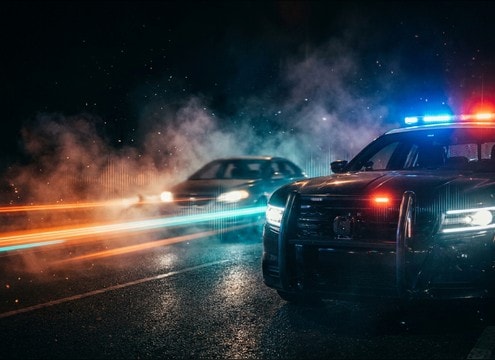
Police siren sound for a roadside traffic stop scene

Traffic stop tension

Use a short yelp or hi-lo hit, then cut to a quieter idle bed to sell the moment the cruiser pulls in behind the car.

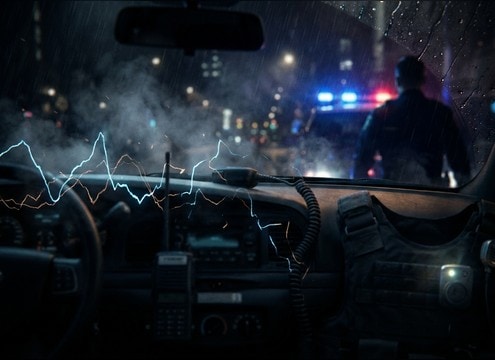
Walkie squelch and dispatch beeps for bodycam audio

Bodycam style reenactment

Add close perspective radio squelch, button beeps, and clipped dispatch tones that sit under dialogue without heavy masking.

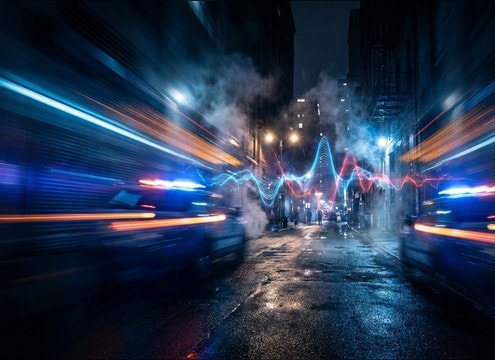
Police siren passby doppler effect for a chase scene

Foot chase exterior

Layer a moving siren passby with doppler and a short street tail to suggest patrol cars circling nearby blocks.

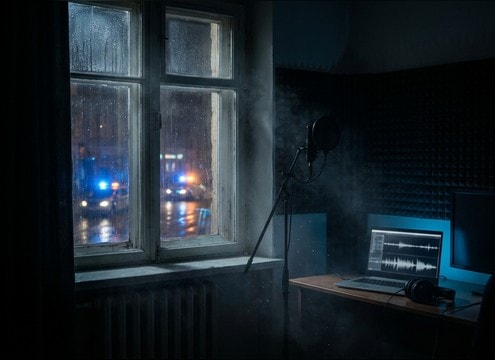
Distant police siren heard indoors with room tone

Apartment interior realism

Choose a muffled distant siren with softened highs and room tone so it feels like it is coming through windows and walls.

Dispatch console beep sound effect for control room scenes

Dispatch center cutaways

Drop in clean console beeps and subtle station ambience to bridge scenes without adding distracting voices.

Police radio chirp and siren bed for true crime audio

True crime narration

Use short radio chirps and restrained siren beds to punctuate chapter transitions without overpowering narration.

Police dispatch beep for training simulation interface audio

Training simulation UX

Add consistent alert beeps and squelch opens that read clearly at low volume for scenario-based training modules.

Night city ambience with distant police siren movement

Neighborhood night ambience

Build a 20-second station or street bed with occasional distant siren movement to set location and scale fast.

Why Choose Media.io for Police Sound Generator?

See exactly why creators, developers and studios choose our AI audio generator over all others.

Prompt controls for a police sound generator

Police Sound Generator with prompt control

Dial in siren type, intensity, and timing with plain text prompts, then regenerate variations until the cadence matches your edit.

Previewing police siren and radio sound effects

Preview before you download

Audition takes quickly and keep only the versions with the cleanest attack and the least harsh high end for your mix.

Choosing close versus distant police siren perspective

Distance and space variants

Create close, mid, or distant perspectives by prompting for muffling, room tone, and reflection length to fit the camera position.

Generating multiple police sound variations at once

Multiple takes per idea

Generate several options at once to compare stereo width, tail length, and texture without retyping your whole prompt.

Downloading police sound effects as WAV for editing

Clean WAV for editing

Download WAV outputs that are easy to trim, fade, and layer under dialogue or ambience beds with predictable results.

Using generated police SFX in a scene workflow

Ready for scene workflows

Move from prompt to usable SFX fast, whether you need a single beep, a short siren hit, or a longer station ambience bed.

How to Choose and Prompt Police Sirens, Radio, and Dispatch SFX

Police audio reads as believable when you pick the right siren pattern, keep radio elements non-distracting, and match perspective to camera distance. Use the library for quick placeholders, then refine with prompts like wail vs yelp, close passby vs muffled indoor, or clean console beeps vs gritty handheld static.

Pick the siren pattern that matches action

Different patterns communicate different urgency on screen. Wail feels sustained and authoritative, yelp cuts through fast edits, and hi-lo often signals controlled traffic movement. When prompting, specify cadence, brightness, and whether you want a steady cycle or a short hit.

  • Use wail for approach shots and establishing emergency presence
  • Use yelp for quick escalation, turns, and rapid cut sequences
  • Use hi-lo when you want a rhythmic, less chaotic warning

Make radio cues feel real without stealing focus

Radio squelch, beeps, and light static can sell authenticity, but intelligible speech can clash with dialogue or raise content issues. Prompt for non-verbal radio events and control texture so it sits in the midrange without harsh hiss.

  • Ask for squelch open and close, no intelligible speech
  • Request clean beeps for dispatch consoles and UI-like moments
  • Reduce masking by keeping static short and avoiding heavy low-end

Match perspective: close, passby, or distant through walls

A close siren needs crisp transients and presence, while distance usually softens highs and adds environmental smear. For movement, request doppler and stereo travel. For interiors, ask for muffling and a touch of room tone so it feels like it is outside the building.

  • Close: brighter tone, clearer attack, minimal ambience
  • Passby: doppler shift, stereo movement, trailing street tail
  • Distant/indoor: muffled highs, softer attack, subtle room tone

Avoid common police SFX pitfalls

Overly distorted sirens, exaggerated reverb, or constant loud radio noise can make a scene feel fake and fatiguing. Keep tails controlled, avoid nonstop high-frequency energy, and choose durations that match the cut rather than forcing long loops.

  • Skip extreme distortion unless the story calls for damaged audio
  • Avoid long, washy tails that blur dialogue and location clarity
  • Choose 5s for hits, 10s for motion, and 20s for ambience beds

Frequently Asked Questions About
Police Sound Effects

Everything you need to know before downloading or generating your first sound.

What is the difference between wail, yelp, and hi-lo police sirens?

Wail is a slower, sustained sweep that reads well in establishing shots. Yelp is faster and more urgent for quick edits or sudden escalation. Hi-lo alternates two tones in a steady pattern, often used for controlled traffic movement or a less frantic warning.

How do I make a police siren sound distant or heard indoors?

In the prompt, specify distance and barrier: "distant siren two blocks away" or "muffled siren through apartment windows." Ask for softened highs, lower transient clarity, and a little room tone. If it still feels too close, pick a take with less brightness and a shorter, less defined attack.

Can I download these police sound effects for commercial use?

Yes. The page provides royalty-free downloads, and you can also generate your own variants and export them as WAV for use in client work, ads, apps, and monetized content.

Do downloads come as WAV, and can I edit them?

You can download WAV files and edit them like any other SFX. For cleaner cuts, fade the first and last few frames to avoid clicks, and leave a little headroom if you plan to layer sirens with engine or street ambience.

Are these police sound effects free to download?

Yes. You can preview and download the AI-generated police sound effects as WAV files and use them in personal or commercial projects.

Can I copy the prompt used for each sound?

Yes. Open any sound row to view the prompt, copy it, adjust the wording and generate a custom variation that better matches your scene.

Related Free Sound
Effect Categories

Explore other AI-generated sound libraries from Media.io

sound

Rain Sound Effects

10+ free sounds
sound

Thunder Sound Effects

10+ free sounds
sound

Farts Sound Effects

10+ free sounds
sound

Car Crash Sounds

10+ free sounds
sound

Explosion Sound Effects

10+ free sounds
sound

Gunshot Sound Effects

10+ free sounds
sound

Pistol Sound Effects

10+ free sounds
sound

AI Horror Sound Effects

10+ free sounds
sound

AI Forest Sound Effects

10+ free sounds
sound

AI Dog Whistle Sound

10+ free sounds
sound

AI Ding Sound

10+ free sounds
sound

Phone Ring Sound

10+ free sounds
media.io

AI Video Generator star

Easily generate videos from text or images

Generate
