














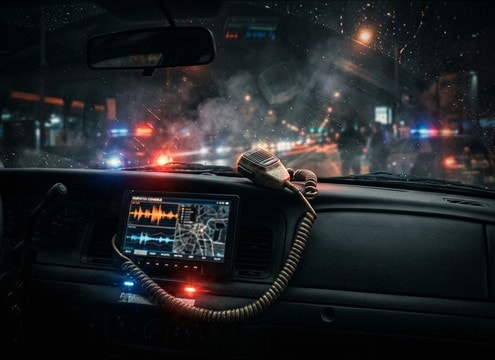
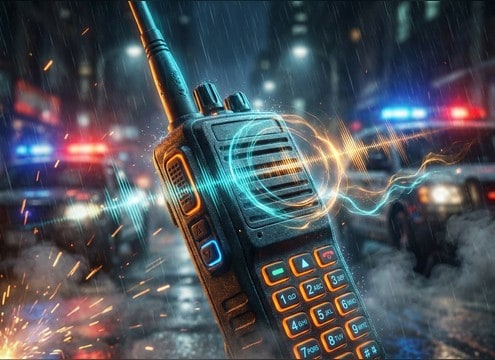
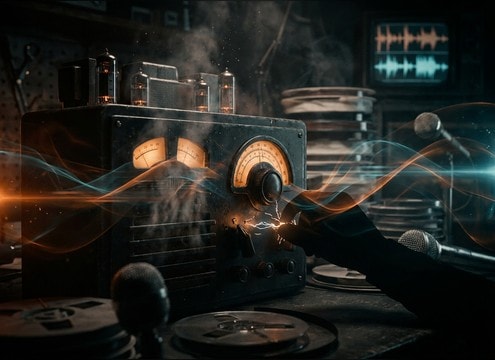
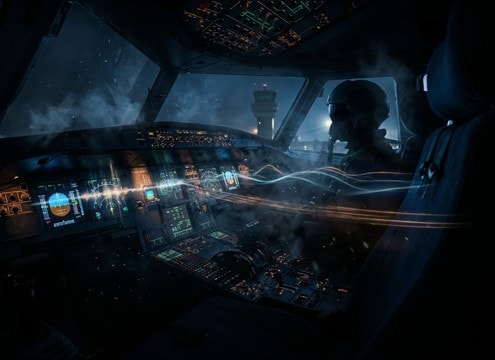
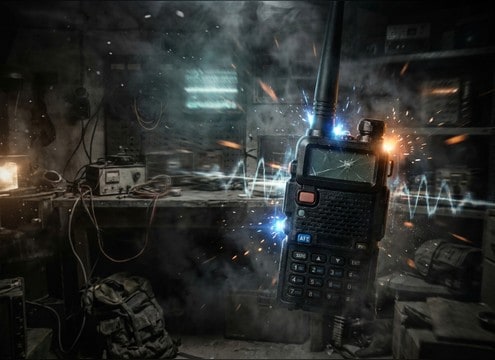


Radio audio sells the device, not just the noise. Decide what the listener is hearing (AM table radio, handheld walkie-talkie, aircraft comms), then prompt the generator for the right transient behavior (squelch pop, knob click), the right bed (hiss vs crackle), and the right tail (fast gate close vs lingering noise). Use short 5s cues for actions and longer 10s to 20s beds for scenes.
Start with the device and band
A vintage AM radio reads gritty and midrangy, while a modern handheld often sounds gated and narrowband. Naming the device in your prompt helps the generator choose the right tonal center and texture.
- Prompt with device: "handheld walkie-talkie" vs "vintage AM tabletop radio"
- Specify bandwidth: "narrowband" or "muffled" for comms-style audio
- Ask for mono when you want authentic small-speaker playback
Control squelch, clicks, and carrier noise
Most radio realism comes from the on and off mechanics. If your cut shows a PTT press or channel change, request a clear transient and a believable gate close so it does not sound like generic white noise.
- Use words like "hard squelch pop", "soft gate close", and "PTT click"
- Call out intensity: "light crackle" for subtle, "harsh crackle" for urgency
- Choose tail behavior: "quick decay" for handheld, "lingering hiss" for broadcast
Match distance and masking needs
Radio beds can easily fight speech. If the scene has dialogue, prompt for a lower, steadier noise floor and fewer sharp crackles. If the radio is off-screen, reduce brightness and transient edge.
- Ask for "soft noise floor" to keep consonants clear
- Request "distant" or "thin" for off-screen radios and weak reception
- Avoid heavy low-end rumble unless the scene is meant to feel damaged
Avoid common radio SFX pitfalls
Two mistakes break the illusion: overly wide stereo and overly busy crackle. Keep it focused, short, and consistent so it behaves like a small device in a real scene.
- Avoid "wide stereo" unless you are deliberately stylizing the effect
- Avoid constant loud crackles that draw attention away from dialogue
- Avoid obvious musical tones unless you are creating a scanning UI sound




