














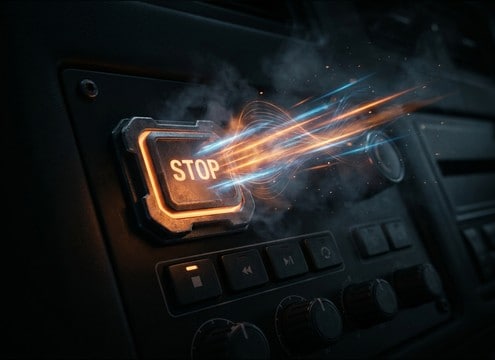




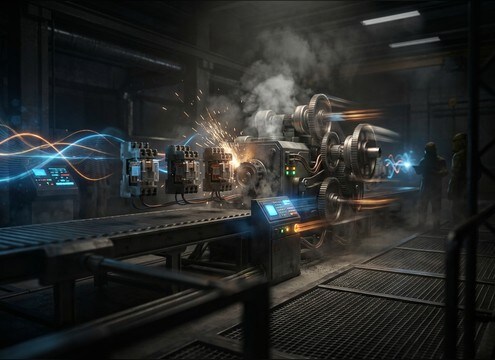




Stop sounds are all about timing and shape: a strong transient for the moment action halts, then a tail that either ends instantly or decays naturally in the right space. When you generate or pick a clip, decide what is stopping (a button, a vehicle, a motor, or a crowd), how abrupt it should feel, and whether you need dry silence or a small room reflection to keep the edit believable.
Choose the stop type and mechanism
Write prompts that name the physical cause of the stop. A UI click, an emergency button slap, and a motor cutoff have totally different textures, even if they all mean stop.
- Use nouns and actions: "stop button click", "air brake grab", "relay cut power"
- Specify material when needed: plastic, metal, rubber, electric motor
- Call out intensity: gentle halt, sudden cutoff, panic stop
Control transient and tail length
The transient sells the moment; the tail decides whether the stop feels clean or natural. If your scene cuts hard, keep the decay short. If the camera stays on the space, let a little tail remain.
- Ask for "sharp transient" for UI and mechanical stops
- Request "tight tail" or "minimal decay" to avoid masking dialogue
- For realism, add "final settle" or "small rattle" after the stop
Match distance and space
A stop recorded close feels dry and direct; distant stops need air, reflections, or ambience. Put the listener where the camera is.
- Use perspective words: close-up, mid distance, across the room
- Name the environment: car interior, hallway, warehouse, outdoors
- Ask for stereo width only when the scene is wide and open
Avoid common stop-sound mistakes
Bad stop SFX usually fail in two ways: an unnatural click pop at the end, or a tail that keeps going after the picture has already stopped.
- Avoid prompts that add long reverb if the scene is dry
- Avoid overly bassy rumbles for small UI or device stops
- Avoid hard digital pops; request "clean end" or "no click"




