











Popular Market Sound Effects Library

Pick a ready-to-use market bed or a focused foley moment like bags, coins, and crate hits. Copy a prompt to regenerate cleaner, busier, closer, or more distant versions that fit your scene timing.

How to Generate Your Own
Market Sound Effects

Cannot find the perfect market sound effect you need? Generate custom AI market audio effortlessly. Describe the style, such as short clean cue, cinematic hit, subtle background layer, branded UI alert, and Media.io AI builds tailored market sound effects instantly. No audio editing experience needed. Turn your concept into a royalty-free, high-quality downloadable WAV market clip in under 60 seconds.

1

Describe your market scene

Type a prompt for the exact moment you need: busy street stalls, indoor bazaar aisle, vendor callouts, bags and coins, or a calm morning crowd bed.

2

Choose length and variations

Set 5s, 10s, or 20s, then pick how many versions to generate so you can audition different crowd density, distance, and energy.

3

Generate and preview takes

Click Generate, listen to each result, and keep the version with the cleanest texture, best stereo width, and the right tail for your cut.

4

Download WAV and use

Export the selected sound as a WAV file and drop it into videos, apps, games, audio drama scenes, or commercial edits.

What Can You Use These Market Sound Effects For?

Creators in every field are using our royalty-free audio to set the perfect mood.

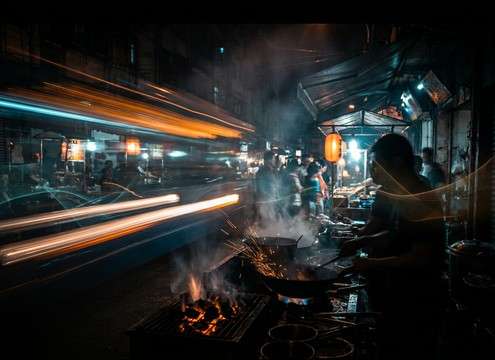
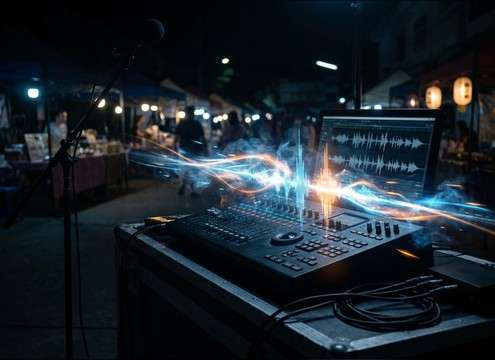
Street food market montage with crowd ambience bed

Street food montage

Lay a steady crowd and utensil clatter bed under fast cuts without distracting dialogue, then regenerate tighter or wider stereo versions to fit the pacing.

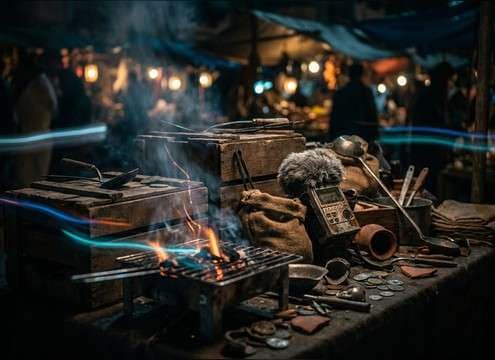
Close-up market stall foley with bags and coins

Vendor stall close-ups

Add close foley like bag rustle, coin clinks, and crate setdowns with crisp transients that read clearly under music.

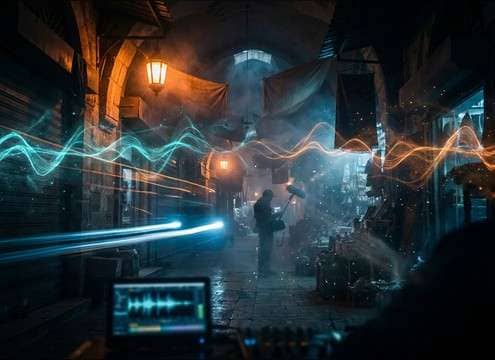
Indoor bazaar ambience with short reverb tail

Indoor bazaar scenes

Create a more enclosed market sound with short reflections and a denser midrange, suitable for covered halls and narrow aisles.

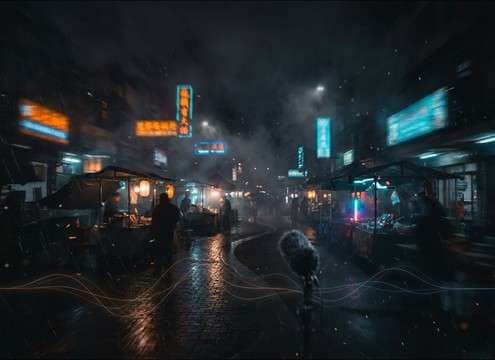
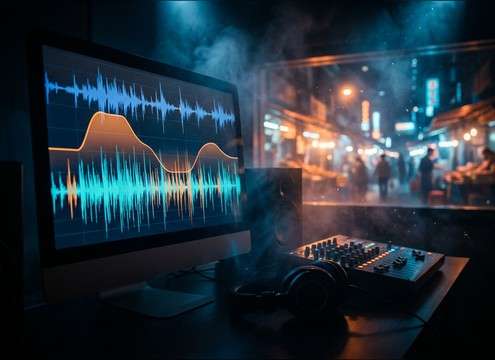
Night market establishing shot ambience with distant music

Night market establishing

Build a longer atmospheric bed with distant music spill, neon hum, and airy crowd texture for wide shots and transitions.

Transition bumper using vendor call and PA cue

Marketplace transitions and

Use 5-second stings like a single vendor call or PA cue to bridge scenes, then regenerate versions with less masking if voiceover is present.

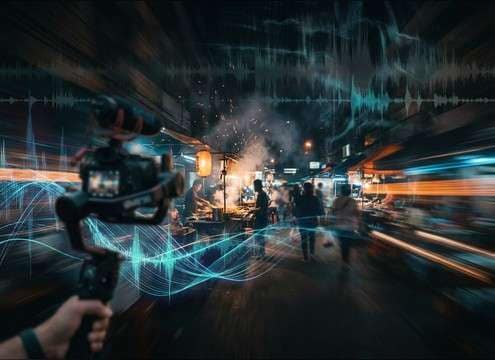
Travel vlog B-roll with consistent market ambience

Travel vlog B-roll

Replace weak camera audio with consistent market beds that match perspective changes, from near-stall detail to distant walkway wash.

Documentary narration over market ambience layer

City documentary ambience

Layer market crowd texture under narration, controlling noise floor and decay so the voice stays intelligible.

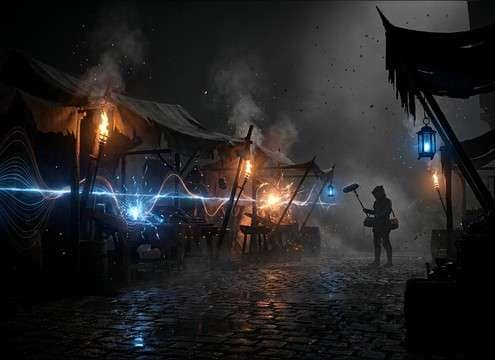
RPG town market loop ambience and one-shot vendor calls

RPG town square

Create loopable market beds for game hubs, with optional vendor bark bursts that can be triggered as one-shots.

Why Choose Media.io for Market Sound Generator?

See exactly why creators, developers and studios choose our AI audio generator over all others.

Prompt controls for market sound generator variations

Prompted Market Sound Generator control

Steer crowd density, distance, and stall activity by text prompt, then regenerate variations until the ambience matches your scene.

WAV download output for market sound effects

Download-ready WAV output

Export clean WAV files for edits where you need predictable peaks, stable noise floor, and easy trimming on the timeline.

Preview and regenerate market ambience takes

Fast preview and regenerate

Audition multiple takes quickly, compare tails and stereo width, and rerun prompts when a version feels too busy or too thin.

Duration options for market sound effects generation

Scene-fit durations

Pick 5s, 10s, or 20s to match cut length, from quick vendor bark stingers to longer establishing ambience.

Clean market crowd bed without intelligible speech

Cleaner beds, less distraction

Generate crowd texture that avoids intelligible speech so it sits under narration, dialogue, or on-screen text without fighting attention.

Consistent market ambience texture across multiple shots

Consistent texture across shots

Keep continuity by producing related variations from the same prompt style, helping multiple scenes feel like the same location.

How to Prompt Market Sounds That Match Your Scene

Market audio usually fails for two reasons: the crowd is too random to loop cleanly, or the voices become distractingly intelligible. Use prompts that specify the market type, perspective, and motion, then ask for controlled transients and a steady noise floor so the sound supports the picture cut instead of taking over.

Start with the market type and time

Different markets have different signatures. A farmers market is softer and open-air, a fish market is wetter and louder, and a night market often has electrical hum and distant music spill. Naming the place and time helps the generator pick the right texture and activity level.

  • Try: outdoor farmers market, early morning, light chatter
  • Try: covered bazaar aisle, midday rush, dense crowd bed
  • Try: night market, distant music, gentle neon hum

Specify perspective and space

Perspective tells the model how much detail to include. Close perspective brings in bag rustle and coin clicks; distant perspective becomes a smooth wash. Space hints like alley, open plaza, or indoor hall help shape reflections and room tone.

  • Close-mic stall foley, minimal room tone, crisp transients
  • Mid-distance walkway, wide stereo, soft masking
  • Indoor hall, short reflections, controlled decay

Control motion and activity cues

Markets feel alive when small motion cues appear without becoming chaotic. Ask for occasional footsteps pass-bys, crate setdowns, or a single vendor call, and keep the rest as a stable bed for easy looping and dialogue safety.

  • Occasional left-to-right footsteps pass-by, subtle doppler
  • One vendor bark every few seconds, not intelligible
  • Light packing sounds, no sudden spikes or clipping

Avoid common prompt pitfalls

Overly literal prompts can produce harsh peaks, recognizable words, or mismatched reverb. Prevent problems by requesting a steady noise floor, no clear phrases, and a smooth start and end if you need loopability.

  • Ask with no intelligible speech, no brand names, no slogans
  • Ask with stable noise floor, controlled dynamics, clean tail
  • Ask with loop-friendly start and end, consistent stereo image

Frequently Asked Questions About
Market Sound Effects

Everything you need to know before downloading or generating your first sound.

Can I use these market sounds in commercial projects, and are they free to download?

On this page you can preview and download the sounds and also generate new variations. The downloads are provided as royalty-free audio for typical commercial uses, and you should still review the license shown in-product for your specific project and distribution.

How do I get a loopable market ambience that does not click at the cut?

Choose a 10s or 20s generation and include loop language in the prompt like "seamless start and end" and "steady noise floor." When editing, cut on similar texture and avoid trimming into a sharp transient like a coin click.

How can I keep the crowd present but prevent recognizable words?

In your prompt, request "no intelligible speech" or "murmur only" and specify that voices should be textural. If a take still has clear words, regenerate with the same scene prompt but add "more distant" or "softer midrange" to reduce clarity.

Are the downloads WAV, and what is best for a quick edit?

Yes, you can download WAV. For fast edits, use 5s clips for stings like a vendor call or bag rustle, and use 10s to 20s beds for establishing shots and longer walk-and-talk coverage.

Are these market sound effects free to download?

Yes. You can preview and download the AI-generated market sound effects as WAV files and use them in personal or commercial projects.

Can I copy the prompt used for each sound?

Yes. Open any sound row to view the prompt, copy it, adjust the wording and generate a custom variation that better matches your scene.

Related Free Sound
Effect Categories

Explore other AI-generated sound libraries from Media.io

sound

Rain Sound Effects

10+ free sounds
sound

Thunder Sound Effects

10+ free sounds
sound

Farts Sound Effects

10+ free sounds
sound

Car Crash Sounds

10+ free sounds
sound

Explosion Sound Effects

10+ free sounds
sound

Gunshot Sound Effects

10+ free sounds
sound

Pistol Sound Effects

10+ free sounds
sound

AI Horror Sound Effects

10+ free sounds
sound

AI Forest Sound Effects

10+ free sounds
sound

AI Dog Whistle Sound

10+ free sounds
sound

AI Ding Sound

10+ free sounds
sound

Phone Ring Sound

10+ free sounds
media.io

AI Video Generator star

Easily generate videos from text or images

Generate
