












Popular Fire-Alarm Sound Effects Library

Preview these ready-to-use alarms, then copy the prompt to generate new takes with different distance, cadence, or room reflections for your exact scene timing.

How to Generate Your Own
Fire-Alarm Sound Effects

Cannot find the perfect fire-alarm sound effect you need? Generate custom AI fire-alarm audio effortlessly. Describe the style, such as distant patrol siren, fast pass-by, city echo, urgent alarm loop, and Media.io AI builds tailored fire-alarm sound effects instantly. No audio editing experience needed. Turn your concept into a royalty-free, high-quality downloadable WAV fire-alarm clip in under 60 seconds.

1

Describe the alarm

Type or paste a prompt describing the fire alarm type (horn, bell, voice evac), the space (hallway, stairwell, outdoors), and how intense you want it.

2

Pick time and variants

Choose a duration of 5s, 10s, or 20s, then set how many variations you want so you can audition different cadences quickly.

3

Generate and preview

Click Generate, listen to each result, and keep the version with the right transient bite, tail length, and distance for your cut.

4

Download WAV and use

Download the WAV file and drop it into safety videos, film scenes, apps, audio dramas, or commercial projects as needed.

What Can You Use These Fire-Alarm Sound Effects For?

Creators in every field are using our royalty-free audio to set the perfect mood.

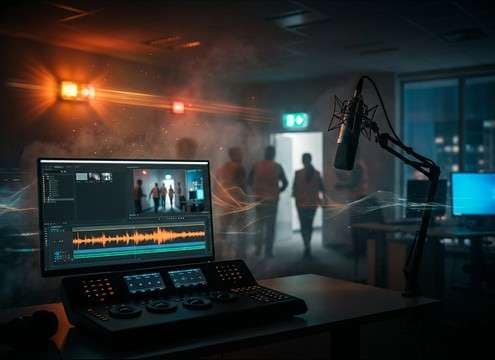
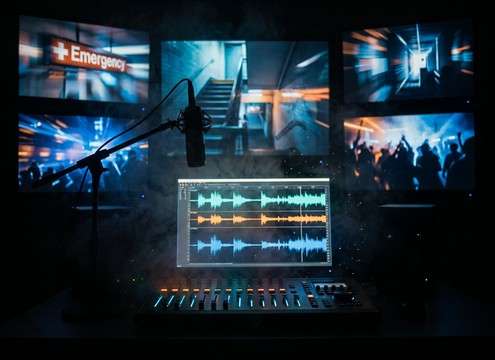
Fire alarm sound used in a workplace evacuation training video timeline

Workplace evacuation video

Add a believable alarm cue under on-screen exit directions, then trim to match your drill sequence timing.

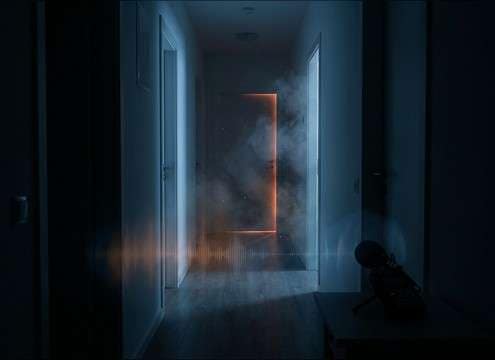
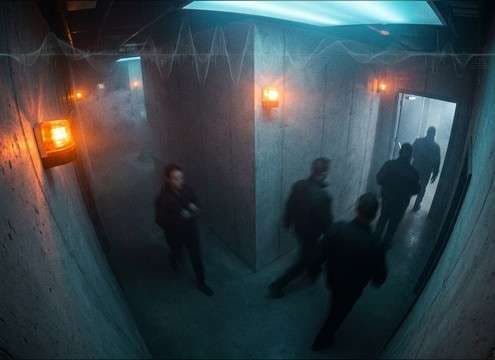
Distant fire alarm sound effect layered under an apartment hallway scene

Apartment hallway scene

Use a muffled or distant take to sell a neighbor unit alarm while dialogue stays intelligible.

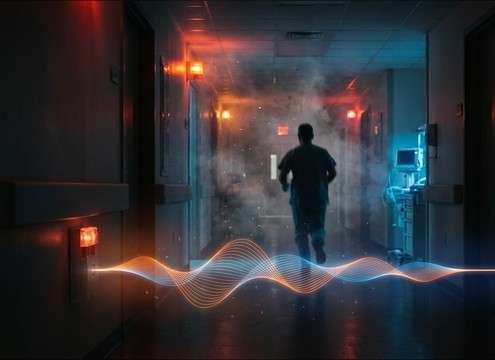
Hospital corridor scene with fire alarm echo and room reflections

Hospital corridor tension

Choose a cleaner horn with controlled decay so it cuts through ambience without washing out footsteps.

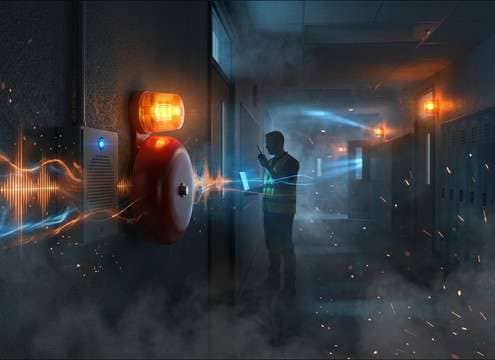
School drill video using bell style fire alarm and PA announcement

School drill announcement

Combine a bell pattern with a short voice-evac snippet to match common campus alarm systems.

Mobile building safety app UI using control panel beep sound

Building safety app

Use short, non-clipping panel beeps for UI states like Alarm, Fault, and Reset without harsh resonance.

CCTV reenactment clip with narrow stereo indoor fire alarm sound

Security camera reenactment

Pick a narrow stereo, indoor alarm to match CCTV audio perspective and keep it feeling in-camera.

Emergency montage edit with looping fire alarm bed and consistent room tone

Emergency broadcast montage

Use a steady loop bed to bridge cuts between signage, stairwells, and crowd shots.

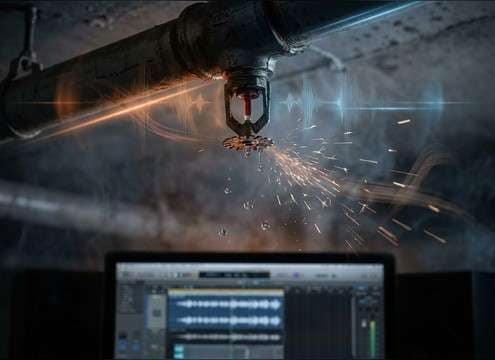
Scene setup with pre-alarm fire alarm sound before sprinkler water starts

Sprinkler test scene

Lay in a pre-alarm or low-intensity pattern before water foley starts, maintaining believable escalation.

Why Choose Media.io for Fire-Alarm Sound Generator?

See exactly why creators, developers and studios choose our AI audio generator over all others.

Text prompt controls for a fire alarm sound generator

Prompt-ready Fire Alarm Sound Generator

Describe horn vs bell, cadence, and environment in plain language, then regenerate until the alarm matches your scene.

Distance slider concept for close versus distant fire alarm sound

Distance and space control

Quickly create close, down-the-hall, or behind-the-door perspectives with different room tone and reflection character.

Multiple generated variations of a fire alarm pattern

Fast variations for continuity

Generate multiple options so consecutive shots can have slightly different timing while staying like the same system.

Audio preview player for fire alarm sound effects

Preview before download

Audition transient harshness, tail length, and masking strength first, then keep only what fits your mix.

WAV download button for a fire alarm sound effect

Export-ready WAV workflow

Download a clean WAV and drop it straight into your editor, DAW, or app build without extra conversion steps.

Duration options 5s 10s 20s for fire alarm SFX generation

Useful short durations

Choose 5s, 10s, or 20s clips for stings, scene beds, and loopable backgrounds without overlong files.

How to Choose and Prompt Fire Alarm Sounds That Fit the Scene

Fire alarms are easy to recognize but hard to match. The right choice depends on the alarm type (horn, bell, or voice evac), the cadence pattern, and whether the listener is in the same room, down a corridor, or outside. Use the tips below to pick a downloadable clip or write prompts that control harshness, decay, and perceived distance without making the alarm feel fake or overly cinematic.

Pick the alarm type and cadence

Start by deciding what the device is. Modern systems often use horn pulses, older buildings may use bells, and many commercial spaces add voice evacuation. Cadence matters: repeating bursts feel like a building system, while a single sustained tone can read as a generic siren.

  • Prompt: "horn strobe style pulses" or "mechanical bell ring"
  • Specify pattern words like "pulsing", "steady", or "three-beep cadence"
  • Avoid mixing bell and horn textures unless your scene shows multiple sources

Match distance with tone and reflections

Distance is more than volume. Close alarms have sharper transients and more high end. Distant alarms lose brightness, pick up room tone, and often smear into reflections in hallways and stairwells.

  • Close: crisp attack, minimal tail, low noise floor
  • Distant: rolled-off highs, softer transient, more ambience bed
  • Stairwell: stronger early reflections and longer reverb decay

Control harshness so it edits well

Fire alarms can be piercing, which is realistic, but they can also wreck dialogue and cause listener fatigue. Choose or generate versions with the right bite, then shape the intensity by selecting a cleaner tone, shorter tail, or less aggressive high end.

  • If it masks speech, pick a less bright take or a more distant perspective
  • For quick cuts, prefer tight tails so the alarm does not smear across edits
  • Avoid clipping or overly distorted alarms unless the speaker is visibly damaged

Decide if you need a loop bed

Many scenes need the alarm to run under action. In that case, look for consistent cadence and stable tone so you can loop without obvious jumps. For short moments, a 5-second sting is often enough.

  • Use 20 seconds for continuous drill ambience under multiple shots
  • Use 10 seconds when you need a repeatable bed for a single location
  • Use 5 seconds for a punch-in cue, quick reveal, or cutaway

Frequently Asked Questions About
Fire-Alarm Sound Effects

Everything you need to know before downloading or generating your first sound.

Can I download these fire-alarm sound effects as WAV files?

Yes. After you preview a clip or generate a variation, you can download the result as a WAV file and place it directly into your editor or DAW.

How do I choose between close and distant fire alarm sounds?

Close alarms have sharper transients and more high-frequency bite, while distant alarms are darker with more room tone and softer attack. If your scene is in a hallway or behind a door, choose a muffled version with reflections so it feels physically separated.

Which duration should I pick: 5s, 10s, or 20s?

Use 5 seconds for quick stings or transitions, 10 seconds for a short continuous bed you can repeat, and 20 seconds for longer drill sequences where consistent cadence and room tone matter.

How can I make a fire alarm sit under dialogue without being unbearable?

Start with a less harsh take: slightly reduced high end, softer transient, and shorter tail. If you are generating, prompt for "muffled", "behind a door", or "moderate reverb" to reduce piercing energy while keeping the alarm recognizable.

Are these fire-alarm sound effects free to download?

Yes. You can preview and download the AI-generated fire-alarm sound effects as WAV files and use them in personal or commercial projects.

Can I copy the prompt used for each sound?

Yes. Open any sound row to view the prompt, copy it, adjust the wording and generate a custom variation that better matches your scene.

Related Free Sound
Effect Categories

Explore other AI-generated sound libraries from Media.io

sound

Rain Sound Effects

10+ free sounds
sound

Thunder Sound Effects

10+ free sounds
sound

Farts Sound Effects

10+ free sounds
sound

Car Crash Sounds

10+ free sounds
sound

Explosion Sound Effects

10+ free sounds
sound

Gunshot Sound Effects

10+ free sounds
sound

Pistol Sound Effects

10+ free sounds
sound

AI Horror Sound Effects

10+ free sounds
sound

AI Forest Sound Effects

10+ free sounds
sound

AI Dog Whistle Sound

10+ free sounds
sound

AI Ding Sound

10+ free sounds
sound

Phone Ring Sound

10+ free sounds
media.io

AI Video Generator star

Easily generate videos from text or images

Generate
