













Popular Seagull Sound Effects Library

Choose a ready-to-use gull call or ambience bed, then tweak the prompt for distance, flock density, wind, and shoreline texture. Each clip is designed to be easy to place in beach scenes, harbors, and seaside establishing shots without harsh peaks or awkward fades.

How to Generate Your Own
Seagull Sound Effects

Cannot find the perfect seagull sound effect you need? Generate custom AI seagull audio effortlessly. Describe the style, such as short clean cue, cinematic hit, subtle background layer, branded UI alert, and Media.io AI builds tailored seagull sound effects instantly. No audio editing experience needed. Turn your concept into a royalty-free, high-quality downloadable WAV seagull clip in under 60 seconds.

1

Describe the gulls

Type a prompt for the call style and setting, like close pier screech, distant flock, or harbor echoes, plus any wind or surf you want.

2

Pick time and takes

Choose a duration of 5s, 10s, or 20s and set how many variations you want to generate so you can compare different performances.

3

Generate and preview

Click Generate, listen to each result, and keep the version with the best transient, decay, and background texture for your scene.

4

Download WAV and use

Export a WAV file and drop it into videos, coastal game levels, apps, podcasts, or commercial projects as your scene needs.

What Can You Use These Seagull Sound Effects For?

Creators in every field are using our royalty-free audio to set the perfect mood.

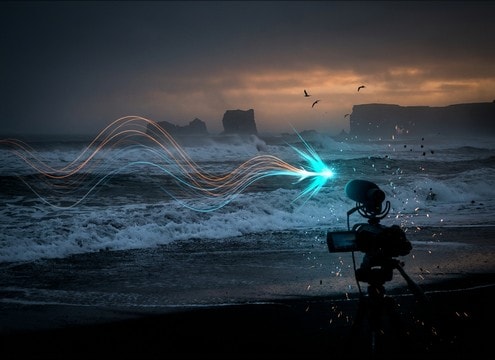
Seagull ambience used for a beach establishing shot

Beach establishing shots

Lay in a wide stereo gull bed under surf to sell location quickly, then cut to a single close cry when the camera reveals the shore.

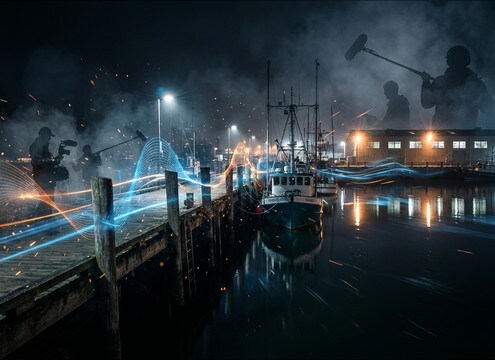
Seagull sound effects supporting a harbor dock scene

Harbor and dock

Add gull calls with light reflections to match boats, warehouses, and water slap without overpowering dialogue on the pier.

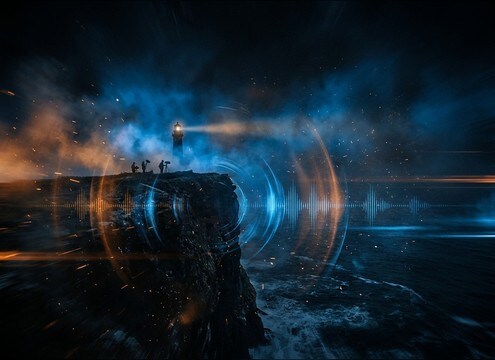
Distant seagull calls for a lighthouse cliff scene

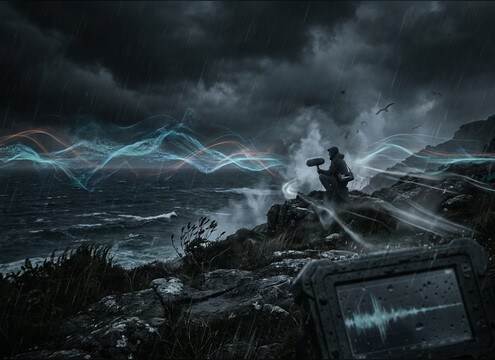
Lighthouse and cliff

Use distant calls with longer decay tails to emphasize height and open air, especially when the shot is wide and windy.

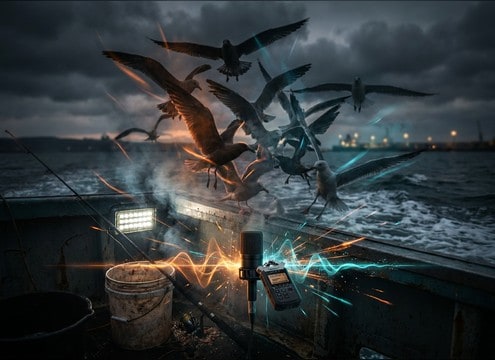
Excited seagulls layered into a fishing vlog segment

Fishing vlogs and

Punch up frantic flock moments near food with dense squawks that sit above wind noise and camera handling rumble.

Urban coastal gulls used in a seaside town street scene

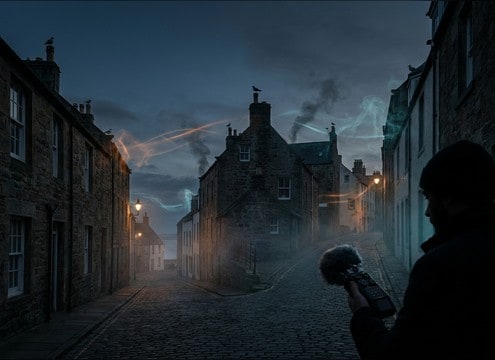
Coastal town street

Blend rooftop gulls with short slapback to match buildings, giving a seaside vibe without needing visible shoreline.

Seagull ambience used from a boat deck perspective

Sailing and boat-deck

Pair intermittent calls with open-air room tone so the deck feels alive between rope squeaks and distant engine hum.

Loopable seagull ambience for a maritime museum kiosk

Maritime exhibits and

Loop a calm morning shoreline bed as a subtle ambient layer in museum audio stations or interactive displays.

Seagull sounds used to transition into a coastal weather scene

Weather transitions to

Crossfade from inland wind to coastal wind plus gulls to signal the scene has reached the shoreline before waves are visible.

Why Choose Media.io for Seagull Sound Generator?

See exactly why creators, developers and studios choose our AI audio generator over all others.

Prompt controls for generating seagull calls

Scene-specific prompts

Media.io for Seagull Sound Generator lets you steer call type, flock density, and background surf so the sound matches what is on screen.

Regenerate multiple seagull sound variations quickly

Fast regeneration

If a take feels too harsh or too busy, regenerate variations in seconds until the transient and tail feel natural for your edit.

Duration selection for seagull sound effects

Duration that fits the cut

Pick 5s for accents, 10s for short beds, or 20s for loop setups without stretching audio and creating obvious artifacts.

Previewing seagull sound effects before downloading

Preview before export

Audition options right in the browser and choose the version with the best stereo width and least distracting background noise.

WAV download for seagull audio clips

Download-ready WAV

Export WAV files that are easy to drop into timelines and layer under dialogue, waves, and dock activity with minimal cleanup.

Royalty-free seagull sound effects library

Royalty-free resource library

Start from ready-made seagull clips you can download royalty-free, then refine with AI prompts when your scene needs a better match.

Prompting Seagull Sounds That Match Distance, Wind, and Loops

Seagull audio can read as fake fast if the distance is wrong, the highs are too sharp, or the ambience bed will not loop. Use prompts that specify perspective, shoreline conditions, and how dense the flock should be. When browsing clips, listen for clean transients, believable decay, and a steady noise floor that will not pump under compression.

Choose perspective: close, mid, or distant

Start by deciding if gulls are the subject or just a location cue. Close calls need a crisp attack and controlled harshness, while distant calls should feel softened and more spacious. If your shot is wide, avoid single sharp squawks that pull attention away from the image.

  • Prompt cues: close pier screech, mid-distance shoreline, far flock across the bay
  • Ask for softened transients for distant takes to avoid a too-present sound
  • Keep close calls sparse so they do not fight dialogue or narration

Match the shoreline texture

Gulls rarely live in silence. Your bed may include surf hiss, wind, or dock reflections, and that background determines how well the call sits in the mix. A harbor can support subtle slapback, while an open beach usually feels drier with more wind noise and fewer hard reflections.

  • Prompt surf level: faint surf, steady surf hiss, or surf masked by wind
  • For harbors, request light echoes or reflections off boats and buildings
  • If the scene is calm, ask for lower harshness and gentler dynamics

Make ambience loop cleanly

Looping gull ambience works best when there are no sudden peaks at the end of the file and the background texture stays consistent. A stable noise floor and smooth timing lets you repeat the bed behind long sequences without obvious repetition or clicks at the cut point.

  • Use prompt words like loopable, seamless loop, or stable bed
  • Avoid requests for constant loud squawks if you need a repeating ambience
  • Prefer wider stereo beds for establishing shots, then cut to a closer call for emphasis

Common pitfalls to avoid

Many seagull clips fail because they are too bright, too rhythmic, or mismatched to the environment. If the call sounds like it was recorded indoors or has an unnatural reverb tail, it will break the illusion of open air. When in doubt, choose a less aggressive take and add interest with timing rather than volume.

  • Avoid exaggerated high-end screeches when the shot is serene
  • Do not use heavy room reverb for open shoreline scenes
  • Skip overly busy flocks for dialogue scenes; intermittent calls read more realistic

Frequently Asked Questions About
Seagull Sound Effects

Everything you need to know before downloading or generating your first sound.

Can I download these seagull sounds for commercial use?

The page provides royalty-free seagull clips you can download and use in commercial projects. If you have a specific licensing or attribution requirement, review the license details shown at download in your workspace.

Do the downloads include WAV files?

Yes. After you generate or pick a library clip, you can export and download it as a WAV so it is easy to edit, loop, and layer in most audio and video editors.

How do I make the seagulls sound farther away?

Regenerate with a distance cue in the prompt, such as distant flock across the bay or far shoreline, and request softened attack plus more air and lower presence to reduce harshness.

Which duration should I choose: 5s, 10s, or 20s?

Use 5s for single calls or quick accents, 10s for short coastal beds under a cut, and 20s when you need a loopable ambience layer for longer scenes.

Are these seagull sound effects free to download?

Yes. You can preview and download the AI-generated seagull sound effects as WAV files and use them in personal or commercial projects.

Can I copy the prompt used for each sound?

Yes. Open any sound row to view the prompt, copy it, adjust the wording and generate a custom variation that better matches your scene.

Related Free Sound
Effect Categories

Explore other AI-generated sound libraries from Media.io

sound

Rain Sound Effects

10+ free sounds
sound

Thunder Sound Effects

10+ free sounds
sound

Farts Sound Effects

10+ free sounds
sound

Car Crash Sounds

10+ free sounds
sound

Explosion Sound Effects

10+ free sounds
sound

Gunshot Sound Effects

10+ free sounds
sound

Pistol Sound Effects

10+ free sounds
sound

AI Horror Sound Effects

10+ free sounds
sound

AI Forest Sound Effects

10+ free sounds
sound

AI Dog Whistle Sound

10+ free sounds
sound

AI Ding Sound

10+ free sounds
sound

Phone Ring Sound

10+ free sounds
media.io

AI Video Generator star

Easily generate videos from text or images

Generate
