














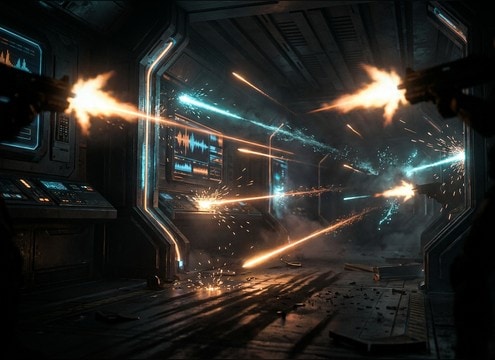
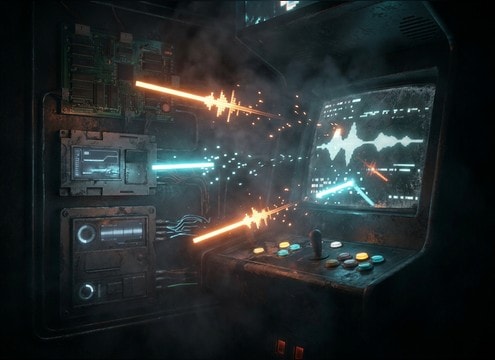

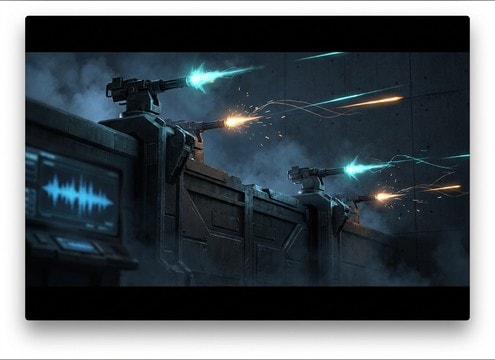
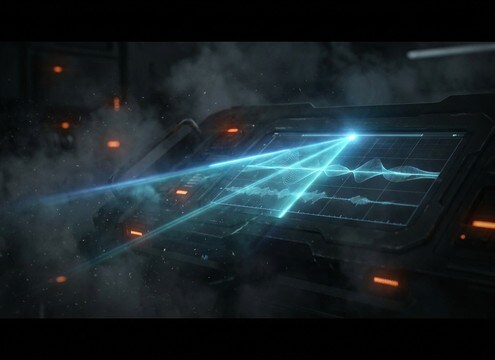
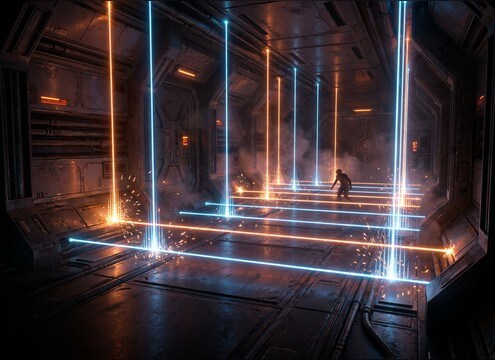
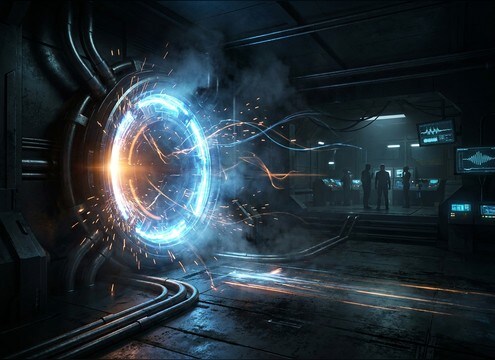
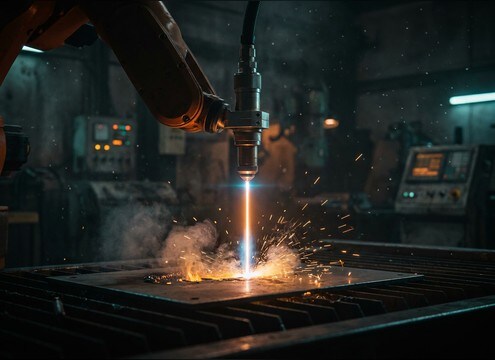


Laser sounds can read as toys, UI, or heavy weapons depending on attack shape, pitch motion, and tail length. When you prompt, describe the action (tap, burst, scan), the tone (clean sine vs gritty plasma), and the space (dry close-up vs distant reflections). Use the tips below to choose or generate a laser that syncs to flashes, beams, and HUD animations without fighting dialogue or music.
Choose the action: shot, beam, scan, or ricochet
Start by naming what the laser is doing on screen. A one-shot needs a fast transient; a beam needs sustained body; a scan needs gentle movement; a ricochet benefits from resonant ringing.
- For blaster hits, ask for a sharp attack and short decay
- For continuous beams, ask for steady body and a controlled ending
- For ricochets, ask for metallic resonance and a brighter tail
Control pitch sweep and brightness
Pitch motion is what makes a laser feel futuristic. Small, fast sweeps read like UI; larger sweeps and brighter harmonics read like weapons. Decide whether you want a rising chirp, falling zap, or stable tone.
- Rising sweep suggests charge-up or power build
- Falling sweep suggests a quick discharge or miss
- Reduce brightness for distant shots or softer devices
Set distance and space without muddy tails
Perspective sells scale. Close sounds should be dry and punchy; distant shots should soften the transient and add light reflections. Keep tails short when there is dialogue or rapid cuts.
- Ask for softened attack and light reflections for far perspective
- Keep the low-end tight to avoid masking impacts and music
- Use narrower stereo for UI, wider stereo for big weapons
Avoid common laser SFX mistakes
Many laser clips fail because they are too long, too noisy, or too similar across shots. Small prompt tweaks can fix it: shorten the tail, reduce hiss, or add slight variation per shot.
- Avoid overly long decay that smears rapid firing
- Avoid broadband hiss that stacks into harsh noise
- Avoid identical repeated shots; vary pitch by a small amount




