a1.art Review: When Filters Beat Writing Prompts

Sometimes the fastest way to make a visual is to choose an example rather than describe a look in a long prompt. a1.art builds around that habit: creators browse a large catalog of community-made image filters and apps, apply a design to their own material, and share results. It also offers video templates and API access for app-style generation. This review looks at how its preset-centered approach works, what "free" means when exports and quality are involved, and when Media.io gives creators more deliberate control over a complete image or video project.

Inside a1.art: The Features That Matter

a1.art is both a catalog of reusable AI image/video apps and a community of filter creators. Its distinctive value is fast visual imitation from an existing style or preset rather than deep prompt engineering.This a1 art review examines the filter community before broader model features.

Core Feature Overview

  • Browse Community-Created AI Image Filters: Discover community-made image filters and apply them to photos or text prompts, with popular effects spanning portraits, fashion, pets and seasonal looks.
  • Create a Reusable Filter or Mini-App: Build reusable form-based or node-style mini-apps so other creators can apply a particular visual effect, rather than generating only a single personal image.
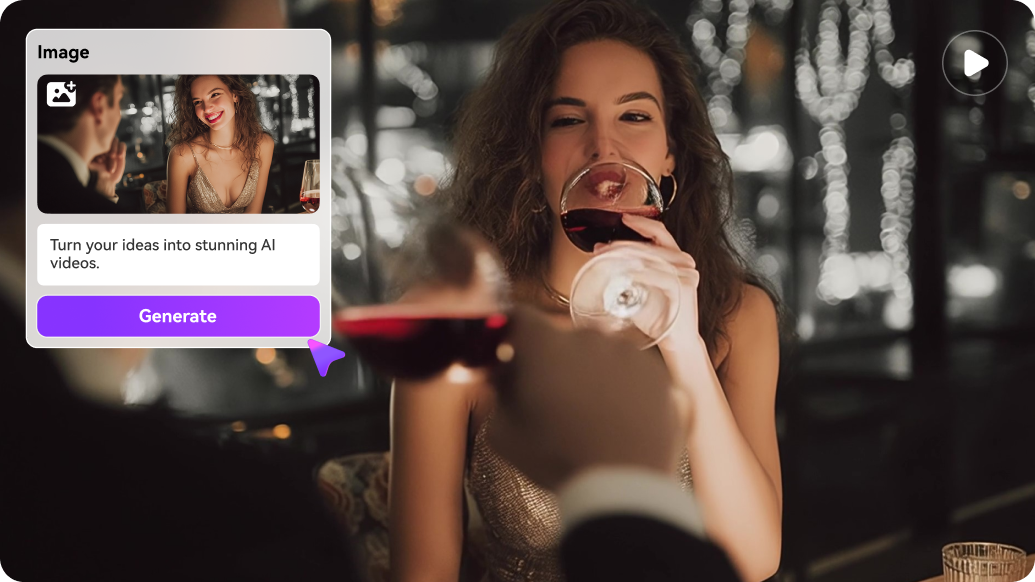
  • Move from Still Filters to AI Video: Try video-capable filters and model routes for text-to-video or image-to-video creation, while checking which animation controls each app actually provides.
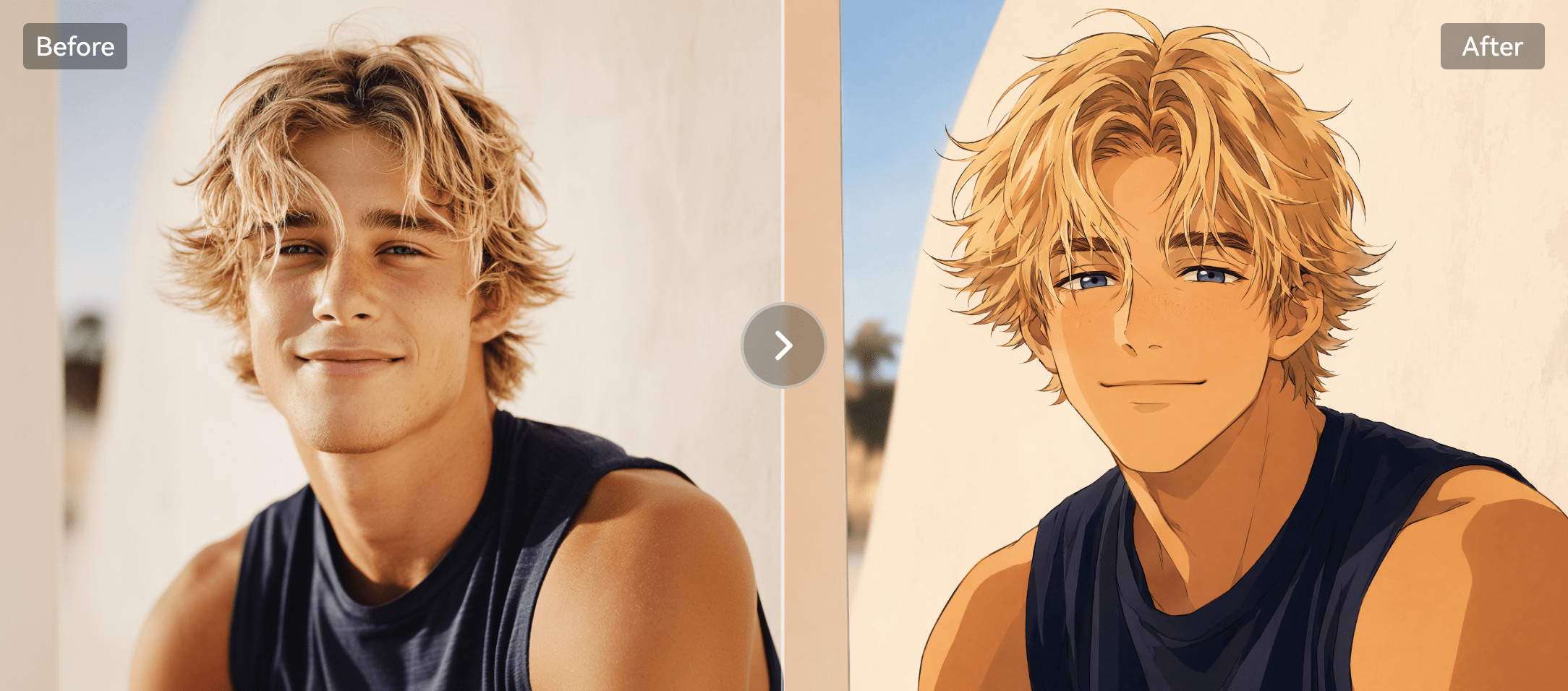
  • Make a Styled Portrait from One Photo: Transform a supplied portrait into a stylized image using a preset, then inspect whether the chosen effect preserves important facial and composition details.
  • Distinguish Free Creation from High-Quality Saves: Earn selected free credits through platform activities, but review additional costs for refinement, higher quality or watermark-free downloads before relying on a free export.
  • Consider the API and Community Visibility: Explore documented image/video app APIs and community publishing options, checking visibility, copyright expectations and whether an effect suits private client work.
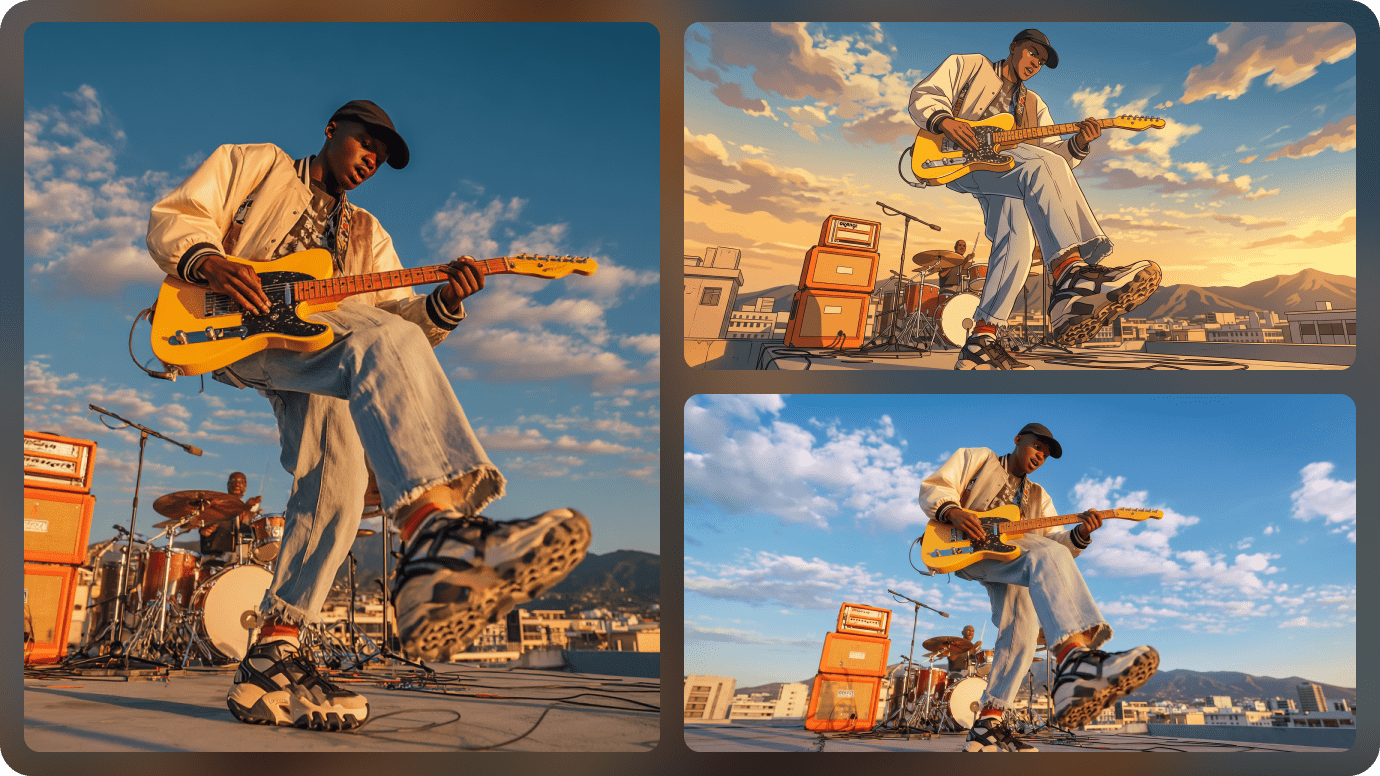
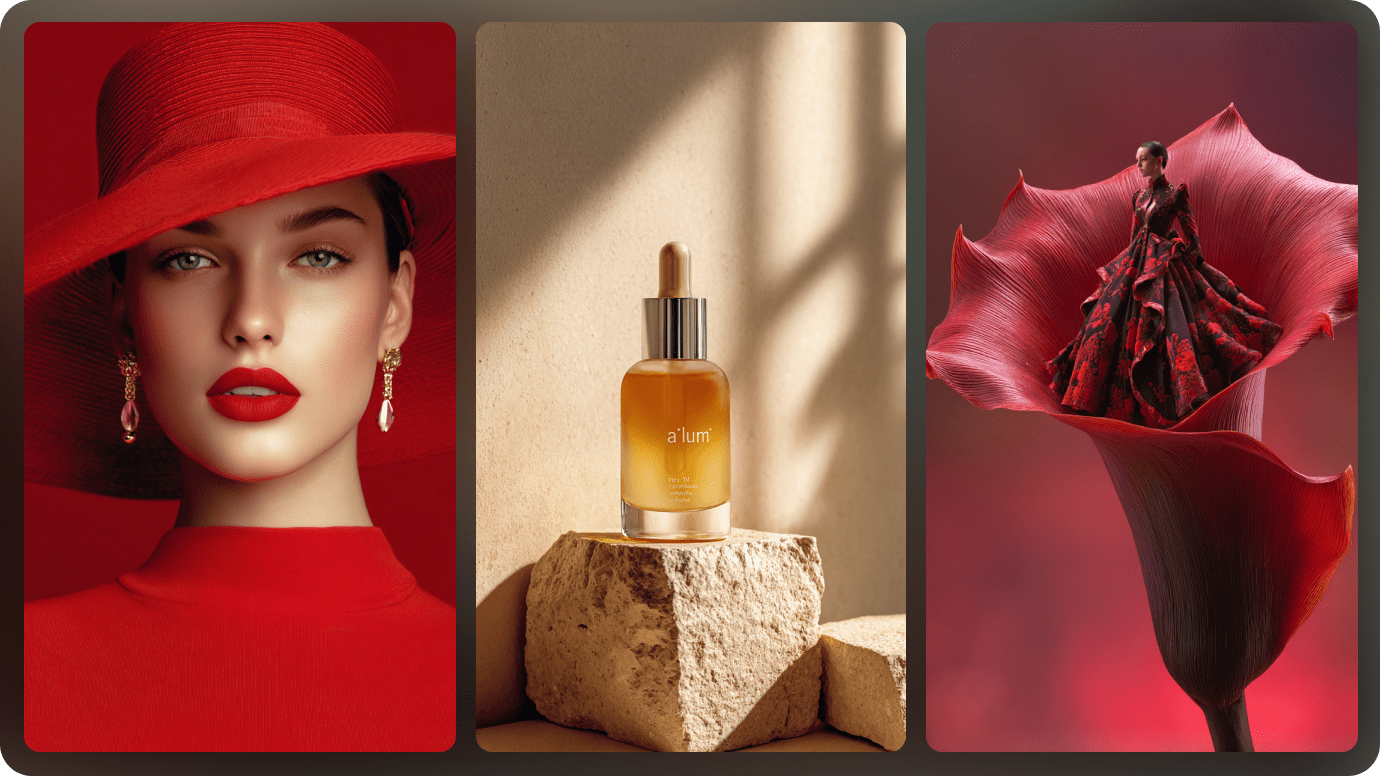
Browse Community-Created AI Image Filters

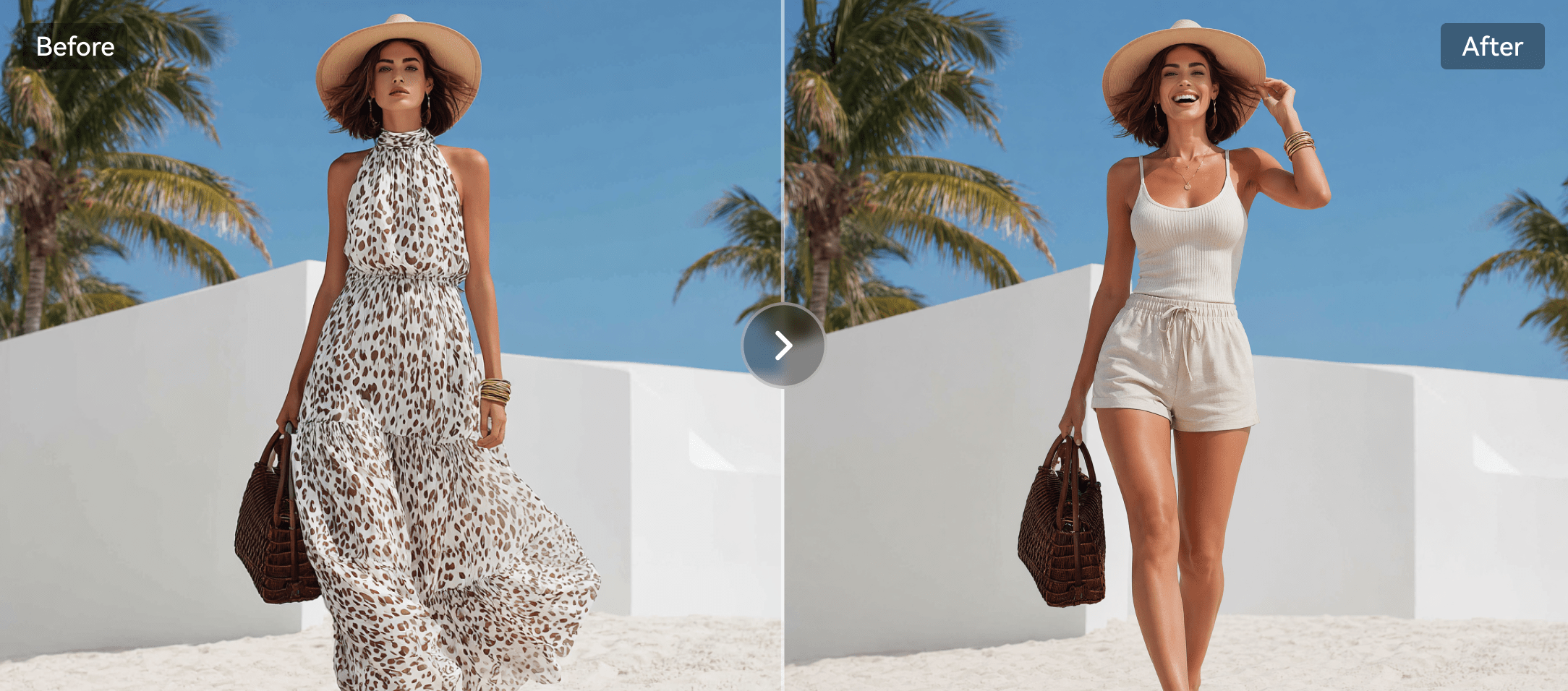
The core a1 art filters experience is discovery: browse a visual example, open its app and generate a related look using an image or text field. Some effects are decorative, while others focus on portrait styling, pets, seasonal celebrations or fashion. This shortcut can be delightful for casual users, but the look of one preview is not a guarantee that the same preset will work on every face or composition. For a deliberate edit instead of a public filter, Media.io image-to-image lets creators describe the desired change.

Illustrative AI image and visual styling example

Create a Reusable Filter or Mini-App

a1.art documents form-based and node-style apps for creators who want others to reuse a defined image effect. That makes it more than a gallery of outputs: the reusable mini-app becomes the creative object. A branded campaign might package a consistent illustration treatment for multiple visitors. The technical depth differs from simply applying an app made by someone else, and API credit rules can vary by app design. Explore whether the goal is to publish a reusable community effect or produce a single visual for yourself.

Illustrative photo to video motion example

Move from Still Filters to AI Video

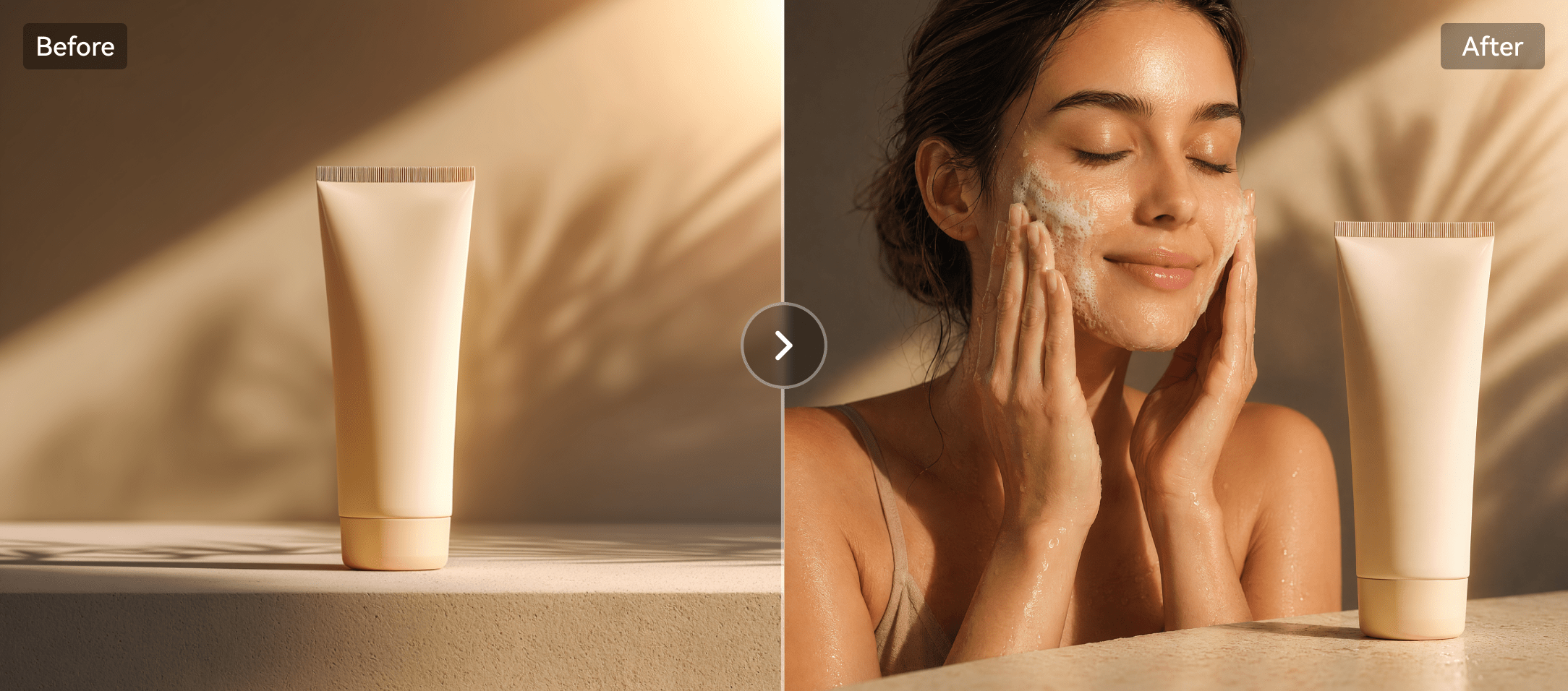
The a1 art ai video generator appears through video-enabled filters, model routes and templates; some pages present text-to-video and image-to-video controls next to each other. A short mood animation may begin with a static filtered portrait. Quality and animation type depend on the selected app or model, so avoid treating all video templates as one consistent engine. Media.io image-to-video is a direct alternative when the intention is to animate one chosen picture. An a1 art image to video template can suit quick decorative motion without elaborate editing. The a1 art video generator should be judged at the selected template or engine, not by generic model labels.

Illustrative talking video creative example

Make a Styled Portrait from One Photo

The a1 art ai image generator works well when the user has a concrete reference appearance: retro film, digital illustration or a themed holiday portrait. Choosing a preset can reduce the words needed to get started, but may also reduce fine-grained control over composition. Check whether the effect changes important identity details or adds unwanted artifacts. A targeted Media.io face edit can be preferable when the real photo needs only a limited adjustment. An a1 art image generator preset often begins with a photo and one reusable visual example.

Illustrative generative image and editing example

Distinguish Free Creation from High-Quality Saves

Official a1.art documentation describes ways to earn free credits through signup, daily visits and community participation. Separate help material explains that refining or saving watermark-free higher-quality images can cost additional computing credits. That distinction matters to anyone searching a1 art free. An effect may be easy to preview, yet exporting the finished asset at the desired quality can be different. Review the current checkout and exact app credit indicator rather than assuming every download is free.

Illustrative character or scene visual transformation

Consider the API and Community Visibility

The a1.art help center documents API use for image/video app generation and distinguishes form apps from node apps. Creative businesses may find that useful when integrating a popular effect into their own service. The same documentation also raises visibility and copyright considerations when publishing an app or example image to the community. For private client work, verify whether project images are public or retained. Media.io background removal is a narrower task option when you do not need a reusable community preset.

Illustrative image to video workflow example

How to Apply a Creative Photo Style on Media.io

1
2
3
1
Step 1: Upload a Photo with a Clear Subject

Choose an image that will still read well after changing its visual style.

2
Step 2: Describe the Style and Keep Important Details

Give a focused style prompt while specifying what must stay unchanged.

3
Step 3: Review the New Image and Export

Check facial features, colors and subject details before sharing.

Media.io step 1 illustrative creative workflow
Media.io step 2 illustrative creative workflow
Media.io step 3 illustrative creative workflow

Where a1.art Fits into Actual Creative Work

Specific projects where the platform's capabilities are useful - and what to inspect before treating a render as finished.

Seasonal Portrait Trends

Choose a themed app, upload a clear portrait and compare whether the output preserves the face as expected.

Pet Style Filters

Apply a cartoon or painterly look to a pet photo with minimal prompt writing.

Creator-Made Mini Apps

Publish a repeatable visual recipe that other users can apply to their images.

Quick Social Experiment

Make a short trend-inspired effect without assembling an elaborate creative workflow.

Community Filter Discovery

Explore a wide range of styles and templates before committing to one production direction.

Lightweight API Prototypes

Use a documented app API if your service needs a known filter effect and its credit rules fit the budget.

What to Consider Before Paying for a1.art

These are workflow and purchase trade-offs, not claims based on invented benchmark tests.

Preset Control Is Limited

A quick visual template may not let you specify exact product placement, face detail or lighting behavior.

Free Preview Is Not Always Free Export

Refining or removing watermark/quality limitations can have separate credit requirements.

Community Results Vary

Different authors produce different app designs and effects; results are not guaranteed to be equally reliable.

Model Pages Can Be Generic

Some model-tag landing pages are broad; verify controls in the actual app before assuming a specific capability.

Publishing May Affect Privacy

Read current content visibility settings before sharing client portraits or private reference images.

Complex Video Still Takes Work

A filter-generated clip is not necessarily a complete ad, narrative or polished multi-scene social video.

a1.art vs Media.io: Match the Tool to the Task

a1.art rewards fast exploration of community-made image effects and reusable filters; users can start with a familiar template instead of writing a detailed prompt. Media.io instead provides an expanded route from an image idea to video, stories and subsequent editing. The useful comparison is repeatable effect discovery versus control over the entire creative deliverable.

Creative Need a1.art Media.io
Filter discovery Strong Fit strong workflow fit
Strong fit: community-made effects and reusable mini-apps.
Curated creative tools and prompt-guided image changes.
One-click themed portraits Strong Fit strong workflow fit
Browse template appearance and adapt your photo.
Choose among image models and task-specific photo effects.
App building Strong Fit strong workflow fit
Node/form app authoring plus documented APIs.
Creator-facing and developer paths, but not the same public filter-app marketplace.
Image generation Visual preset-first workflow. Strong Fit strong workflow fit
Prompt and model-based image creation and editing.
Video templates Short video effects and image animation in supported apps. Strong Fit strong workflow fit
Image-to-video, text-to-video and scripted video workflows.
Free access Signup/daily credit schemes; premium saves may cost credits. Access and price differ by chosen media tool.
Privacy of shared effectsStrong Fit strong workflow fit
Community examples and published apps require visibility review.
Task-based tools without an equivalent public app-sharing community.
Fine editing Depends on preset/app controls. Strong Fit strong workflow fit
Specialized image enhancer, remover and face editor options.
Best fit Exploring and sharing ready-made AI visual effects. Creators needing deliberate edit direction or fuller video production.
Best for a1.art Users

Choose a1.art When You Need:

The strongest reasons are the distinctive product workflows and trade-offs described above.

  • You want to pick a visual example rather than write a detailed prompt
  • You browse trends and community-built image effects
  • You want to make a reusable mini-app filter
  • You value fast themed portraits and creative experimentation
  • You are comfortable reviewing credits for premium saves
Visit a1.art Official Site
Best for Model + Task Workflows

Choose Media.io When You Need:

Media.io combines popular image and video models with task-based paths for actual creative deliverables.

  • You want to control an individual image edit more precisely
  • You need a dedicated object/background removal or enhancement tool
  • You want to animate an approved image into video
  • You need to build a story or ad rather than a one-off filter result
Create an AI Photo Effect

Final Verdict: Is a1.art Worth It?

Our Take

a1.art has a clear appeal when discovery matters more than technical settings. Browsing a visual app and recreating a related look can be faster than researching prompts and models. Its community app-creation system is also useful for people who want others to reuse a style.

The trade-off is control and clarity. A filter preview is not the same as a precise art-direction workflow, and free generation rewards should not be confused with free high-quality watermark-free export in every case. Users working with private portraits should examine community visibility carefully. When comparing a1 art alternatives, the main distinction is precise creative control versus a ready-made preset.

Choose a1.art for preset-driven images, themed filters and shareable community apps. Choose Media.io when you need multi-model creation, targeted editing or a complete video result beyond an isolated visual effect.

a1.art FAQ

What is a1.art?
faq faq

a1.art is a creative community offering reusable AI image and video filters, apps and templates.

Official help material describes signup and daily free credits. Some higher-quality saves, refinements or watermark-free outputs may consume extra credits.

Credits are used for generation and refinement, with subscription options. Verify current membership rates and the selected app's credit cost at checkout.

Yes. Its template and app library supports prompt- and photo-based image creation in many visual styles.

Yes. Video-enabled filters and model pages support text or image-based generation in selected workflows.

Choose an effect or mini-app, provide the required image or prompt input, then run it to generate a result with that preset.

Its help center documents community apps, form or node structures and APIs for applying those creations.

It can be when fast visual trends and reusable presets matter more than fine-grained control over a specific scene.

Media.io offers AI image models, edits, photo animation and task-specific video workflows rather than an equivalent community filter marketplace.

What Media.io Creators Say About Their Workflow

Media.io AI video generator user
Sarah L.

Content Creator

star star star star half star

Media.io makes it much easier to test different AI video styles without jumping between several platforms. I can start with a text prompt or image, compare model results, and then resize or polish the clip for social media in the same workspace.

Media.io AI video creator
John D.

Social Media Marketer

star star star star half star

I use Media.io to create quick product clips, ad concepts, and short-form videos from images. The biggest advantage is that generation does not feel like the final step - I can continue with music, captions, enhancement, and format conversion before publishing.

Media.io AI video editing user
Emily T.

Freelance Designer

star star star star half star

The workflow is approachable even when I am experimenting with unfamiliar AI models. I can animate artwork, try different motion prompts, preview the output, and prepare a cleaner final version without needing advanced video-editing experience.

Media.io Online Tools Quality Rating:
vote 4.7 (162,357 Votes)
media.io

AI Video Generator star

Easily generate videos from text or images

Generate