












Popular Police-Siren Sound Effects Library

Each clip is tuned for a different scene need, like close-up urgency, distant ambience, or a moving pass-by. Preview, download, or copy the prompt to generate a tighter timing, different pitch sweep, or a cleaner tail.

How to Generate Your Own
Police-Siren Sound Effects

Cannot find the perfect police-siren sound effect you need? Generate custom AI police-siren audio effortlessly. Describe the style, such as distant patrol siren, fast pass-by, city echo, urgent alarm loop, and Media.io AI builds tailored police-siren sound effects instantly. No audio editing experience needed. Turn your concept into a royalty-free, high-quality downloadable WAV police-siren clip in under 60 seconds.

1

Describe the siren

Type or paste a prompt for the exact pattern you need, like wail, yelp, phaser, muffled interior, or a fast pass-by with Doppler shift.

2

Pick length and variations

Choose 5s, 10s, or 20s, then set how many versions to generate so you can compare timing, tone, and intensity.

3

Generate and preview

Click Generate, listen to the results, and keep the take that matches your scene cut, loudness, and perspective.

4

Download WAV and use

Export the selected clip as a WAV file and drop it into videos, narrative scenes, apps, games, podcasts, or commercial projects.

What Can You Use These Police-Siren Sound Effects For?

Creators in every field are using our royalty-free audio to set the perfect mood.

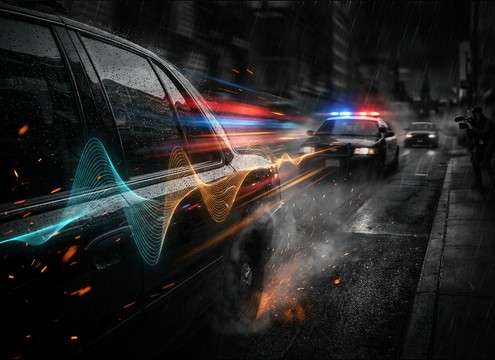
Police siren sound for a car chase cut with Doppler movement

Car chase transitions

Cut between shots with a tight yelp burst or a moving pass-by so the siren motion matches camera direction and speed.

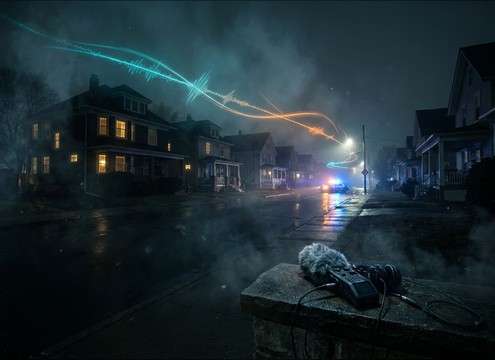
Distant police siren ambience layered under a nighttime neighborhood scene

Neighborhood night ambience

Use a distant wail as a background cue behind quiet street tone without overpowering dialog or room tone.

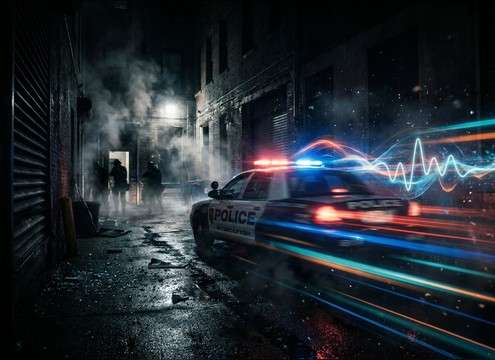
Police response scene with siren onset and steady roll sound

Dispatch and response

Add a short wail onset to sell the moment a unit pulls out, then switch to a steadier patrol roll for continuity.

Short police siren accent for a traffic stop moment

Traffic stop tension

Place a brief yelp or phaser burst before a door open or radio line to punctuate the moment without long tails.

Police siren with urban reflections for a downtown establishing shot

City canyon establishing

Choose reflective street-canyon variants to match tall buildings and longer reverb tails in wide exterior shots.

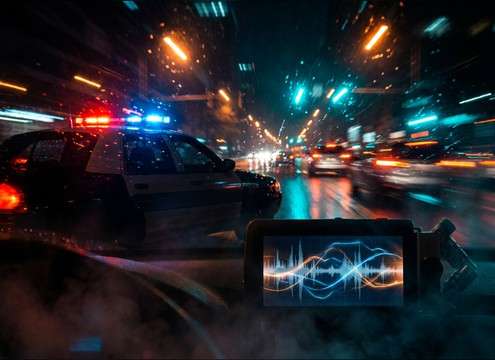
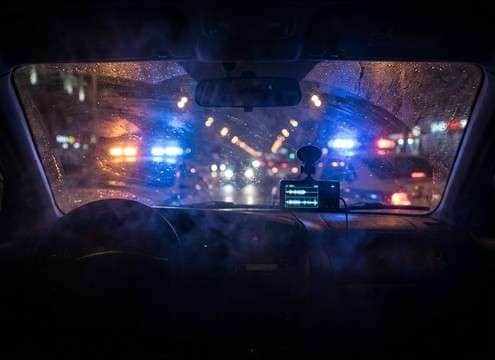
Muffled police siren heard through a car window interior POV

Interior POV through

Pick muffled interior takes to sell a scene from inside a car, apartment, or office with filtered highs and softer transients.

Police siren sting for a news headline segment

News package stingers

Use a clean, short alert pattern as a quick audio sting under headlines without messy decay or clipping.

Dynamic police siren cues for a game wanted level escalation

Game wanted-level cues

Trigger 5-second loops for patrol proximity and swap to longer pursuit sequences as intensity escalates.

Why Choose Media.io for Police-Siren Sound Generator?

See exactly why creators, developers and studios choose our AI audio generator over all others.

Pattern controls for a police-siren sound generator

Police-Siren Sound Generator with pattern control

Dial in wail vs yelp vs phaser behavior from text, so the cadence matches your cut instead of fighting it.

Distance and Doppler options in a police-siren sound generator

Scene-matched distance and motion

Prompt close, mid, or distant perspective, plus pass-by movement with Doppler shift for believable approach and exit.

Multiple generated police siren variations for quick selection

Fast variations for editorial picks

Generate multiple options at once to compare intensity, pitch sweep, and tail length without re-editing your timeline.

Preview and WAV download workflow for police siren SFX

Preview first, then download WAV

Audition in-browser and export WAV when it fits, so you avoid grabbing the wrong siren tone for the scene.

Royalty-free police siren sound effects for production use

Royalty-free clips for real projects

Use the downloaded sirens in client work, narrative edits, and product demos without slowing down for custom recording.

Regeneration options to keep police siren continuity across edits

Regenerate to match continuity

If the edit changes, rerun the prompt at 5s, 10s, or 20s to keep cadence and energy consistent across shots.

How to Pick or Prompt the Right Police Siren

Police sirens read as pattern plus perspective. When you preview clips or write prompts, focus on the cadence (wail, yelp, phaser), how far the source feels, and whether the siren is stationary or moving past camera. The tips below help you get a siren that supports story beats without masking dialog or sounding like a generic alarm.

Choose the siren pattern that matches the moment

Wail suggests steady response or approach, yelp feels urgent and aggressive, and phaser often reads modern and attention-forward. Match the rhythm to the edit length and the emotion on screen.

  • For steady approach shots, prompt or pick a wail with even cycles and a clean fade
  • For fast cuts and spikes in tension, use yelp bursts with short decay
  • For contemporary fleets or stylized edits, choose phaser with smooth pitch travel

Dial perspective: close, distant, or moving pass-by

Perspective is what makes the siren believable. Close sirens have crisp transients and more high-end bite, while distant sirens lose highs and sit behind ambience. Pass-bys need Doppler shift and a clear approach-to-recede arc.

  • Close-up: look for strong attack and controlled tail so it cuts without smearing
  • Distant: prefer softened transients, narrowed stereo, and a quieter noise floor
  • Pass-by: ensure the pitch drops naturally on the exit and the level tapers smoothly

Match the environment and reflections

Siren reflections should fit the space. A street canyon adds slapback and a wider stereo image, tunnels create longer resonant tails, and interior POV should feel filtered as if through glass or walls.

  • Downtown: pick obvious early reflections and a wider stereo spread
  • Tunnel or underpass: use longer decay, but avoid boomy low-end build-up
  • Interior: choose muffled variants with rolled-off highs and subtle cabin tone

Avoid common siren mistakes in edits

The wrong siren can feel fake even if it is loud. Watch for clipping, overly perfect loops, or tones that read like a synth alarm. Keep room tone consistent and leave space for dialog and key foley.

  • Avoid harsh clipping and square-wave tone that screams non-diegetic alarm
  • Do not let long tails overlap dialog beats unless the scene calls for it
  • If looping, crossfade between cycles so the cadence does not reset abruptly

Frequently Asked Questions About
Police-Siren Sound Effects

Everything you need to know before downloading or generating your first sound.

Can I download these police sirens as WAV files?

Yes. After previewing or generating a take, you can export and download it as a WAV so it drops cleanly into most editors and DAWs.

Which siren pattern should I use: wail, yelp, or phaser?

Use wail for steady response or approach, yelp for urgency and quick accents, and phaser when you want a modern, sweeping tone. If your cut is short, yelp usually reads more clearly than a slow wail cycle.

How do I make a siren sound distant instead of right next to camera?

Choose or prompt a distant perspective: lower level, rolled-off highs, less transient bite, and a touch of outdoor ambience. Avoid heavy reverb if the scene is open air; a small amount of space is enough.

Is one clip enough for a pass-by, or should I generate multiple versions?

Generate a few variations when you need motion. Small differences in Doppler curve, stereo width, and tail length can decide whether the pass-by tracks the picture or feels disconnected.

Are these police-siren sound effects free to download?

Yes. You can preview and download the AI-generated police-siren sound effects as WAV files and use them in personal or commercial projects.

Can I copy the prompt used for each sound?

Yes. Open any sound row to view the prompt, copy it, adjust the wording and generate a custom variation that better matches your scene.

Related Free Sound
Effect Categories

Explore other AI-generated sound libraries from Media.io

sound

Rain Sound Effects

10+ free sounds
sound

Thunder Sound Effects

10+ free sounds
sound

Farts Sound Effects

10+ free sounds
sound

Car Crash Sounds

10+ free sounds
sound

Explosion Sound Effects

10+ free sounds
sound

Gunshot Sound Effects

10+ free sounds
sound

Pistol Sound Effects

10+ free sounds
sound

AI Horror Sound Effects

10+ free sounds
sound

AI Forest Sound Effects

10+ free sounds
sound

AI Dog Whistle Sound

10+ free sounds
sound

AI Ding Sound

10+ free sounds
sound

Phone Ring Sound

10+ free sounds
media.io

AI Video Generator star

Easily generate videos from text or images

Generate
