











Popular Falling Sound Effects Library

Pick a ready-to-use fall, then copy the prompt to remake it with a different height, surface, or room tail. Each clip is shaped for clean starts, readable motion, and a landing that does not bury dialogue.

How to Generate Your Own
Falling Sound Effects

Cannot find the perfect falling sound effect you need? Generate custom AI falling audio effortlessly. Describe the style, such as short clean cue, cinematic hit, subtle background layer, branded UI alert, and Media.io AI builds tailored falling sound effects instantly. No audio editing experience needed. Turn your concept into a royalty-free, high-quality downloadable WAV falling clip in under 60 seconds.

1

Describe the fall

Type a prompt for what is falling (person, tool, debris), the height, and the landing surface. You can also mention distance, room tone, and how sharp the impact should feel.

2

Pick time and variants

Choose a duration (5s, 10s, or 20s) and set how many variations you want to generate so you can audition different timing and intensity.

3

Generate and preview

Click Generate, then listen to each result. Keep the one with the best transient, tail length, and motion cue for your scene.

4

Download WAV and use

Download the WAV file and drop it into your timeline for videos, games, apps, podcasts, or commercial projects. Regenerate anytime to match a new cut.

What Can You Use These Falling Sound Effects For?

Creators in every field are using our royalty-free audio to set the perfect mood.

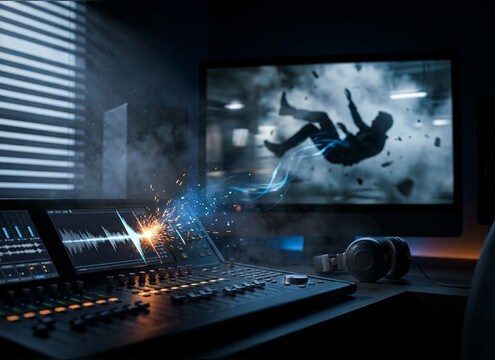
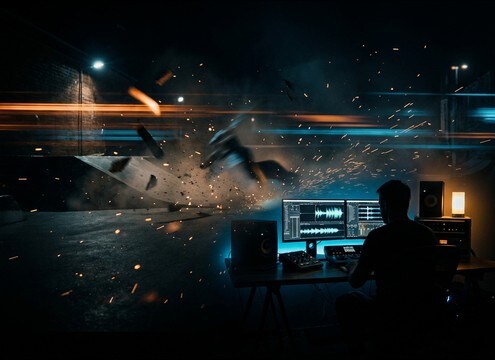
Editor syncing a stunt fall impact to a film cutaway

Stunt fall cutaways

Swap production audio with a cleaner fall plus a readable impact transient that lands exactly on frame.

Comedic character falling with a cartoon whistle sound cue

Slapstick and comedy

Use a pitch-glide whistle or bouncy tumbles to sell exaggerated motion without harsh low-end thumps.

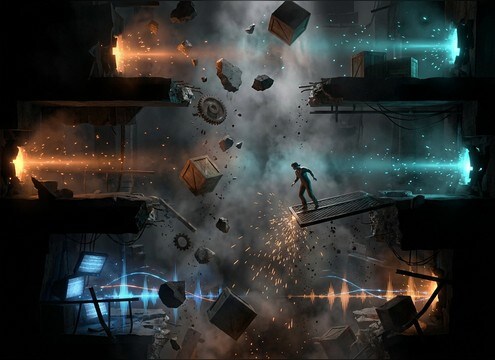
Game scene with a crate dropping onto a platform

Platformer drop hazards

Trigger short object drops and crunchy landings for traps, crates, and collapsing platforms.

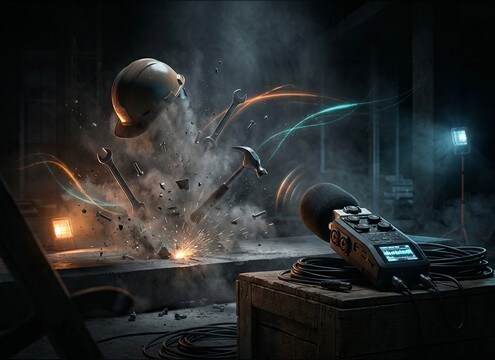
Hard hat falling on concrete in a construction setting

Construction mishap reenactments

Add hard-hat drops, tool clanks, and debris scatters that read as on-site and close-miked.

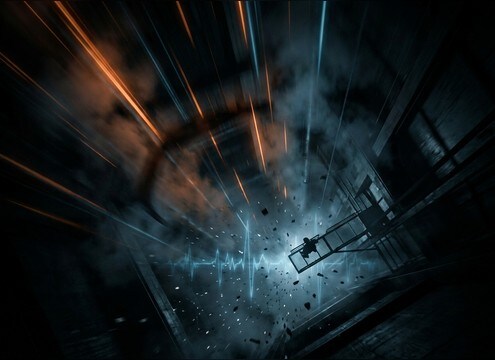
POV looking down from a tall height with wind rush implied

Height and vertigo

Play a long freefall whoosh under a POV shot to build speed before the cut away from impact.

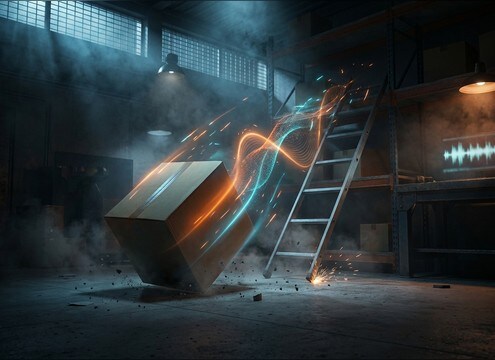
Training video scene showing a box dropping near a worker

Warehouse safety training

Illustrate a dropped box or slipping ladder moment with controlled tails that do not overwhelm narration.

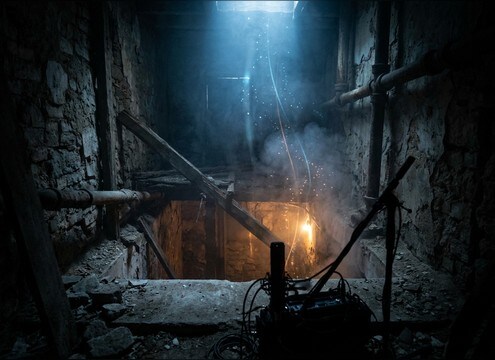
Dark basement stairwell with a distant fall sound cue

Horror basement falls

Choose distant drops with long decay and room tone to emphasize emptiness and depth in a dark space.

Athlete falling during a sports highlight sequence

Sports wipeouts

Layer a quick body drop thud with a short skid or tumble to punctuate a slam in highlight edits.

Why Choose Media.io for Falling Sound Generator?

See exactly why creators, developers and studios choose our AI audio generator over all others.

Prompt fields for generating falling sounds with height and surface details

Falling Sound Generator prompts

Start from copyable prompts for drops, tumbles, and freefalls, then tweak height, speed, and landing surface to match the shot.

Waveform view showing a transient and a controlled decay tail

Impact and tail control

Generate versions with sharper transients, softer thuds, or longer decay so the landing feels right without masking dialogue.

Audio perspective comparison from close mic to distant ambience

Distance and space options

Switch between close, mid, and distant perspectives by prompting room tone and reflections, from dry interiors to open-air drops.

Multiple generated audio variations listed for quick preview

Fast variation testing

Create multiple takes in one go to find the best timing, bounce pattern, or intensity for a specific cut.

In-browser audio player previewing a falling clip

Preview before download

Audition each clip in-browser to confirm texture, stereo width, and noise floor before exporting.

WAV file being imported into an editing timeline

WAV ready for timelines

Download WAV files that drop cleanly into NLEs and DAWs, with crisp starts that are easy to trim and align to picture.

How to Choose and Prompt Falling Sounds That Match Height and Landing

Falling audio reads as believable when the motion cue and the landing agree. Use prompts that specify what is falling, how far it drops, and what it hits, then adjust perspective so the transient and decay match your scene. The tips below help you get a clean whoosh, a clear impact, and a tail length that fits your cut.

Specify the source and material

Start by naming the thing that falls and its material. A human fall needs cloth and weight shift, while a metal tool needs clank and ring. Clear material language helps the generator pick the right texture and pitch.

  • Use: person body, metal wrench, glass bottle, loose gravel
  • Add weight cues: light, heavy, bulky, hollow
  • Ask for texture: cloth rustle, gritty debris, metallic ring

Control height, speed, and motion cue

Height changes the timing. Short drops are mostly impact, while longer falls need a sustained whoosh or wind rush. If your edit cuts before the landing, prompt no impact for a clean tail.

  • Short: table drop, waist height, quick impact
  • Medium: stair tumble, repeating hits, uneven rhythm
  • Long: freefall whoosh, steady texture, optional delayed impact

Match the landing and the decay

Landing surface defines the transient shape and how long the tail rings. Concrete gives a hard attack, wood gives a warmer thud, and water adds splash and bubble decay. Choose a tail that supports the scene rather than filling the whole mix.

  • Surfaces: concrete smack, wood thud, dirt crunch, water splash
  • Space: dry close, small room tone, long shaft reflections
  • Tail length: short decay for dialogue, longer decay for isolated shots

Avoid common prompt traps

Overstuffed prompts often produce messy timing. Keep one main action (fall) plus one landing, then regenerate small variations to fine-tune. If the clip feels noisy, request a lower noise floor and a cleaner transient.

  • Avoid stacking too many actions in one line
  • Do not mix scale cues like tiny object with massive impact
  • Ask for clean start, minimal hiss, and controlled reverb

Frequently Asked Questions About
Falling Sound Effects

Everything you need to know before downloading or generating your first sound.

How do I pick the right falling sound for a short drop vs a long fall?

For short drops, choose clips with a strong impact transient and a short decay so the landing reads instantly. For long falls, prioritize a sustained whoosh or wind texture and either delay the impact or remove it entirely if your cut ends mid-air.

What prompt details make falling SFX sound more realistic?

Include three specifics: what is falling (person, tool, debris), the height (table height, down stairs, long shaft), and the landing surface (wood, concrete, dirt, water). Then add perspective notes like close mic vs distant, plus whether you want a dry tail or audible room reflections.

Can I download these falling clips for commercial use?

Yes, you can download the clips as royalty-free audio and use them in commercial projects. If you have a specific licensing or platform requirement, check the license details shown in the download flow for your account and project.

Do you offer WAV downloads, and are the clips easy to edit?

You can download WAV files. Most falling clips here are designed with clean starts and controlled tails, so you can trim the attack, fade the decay, and align the impact to a frame without fighting extra noise.

Are these falling sound effects free to download?

Yes. You can preview and download the AI-generated falling sound effects as WAV files and use them in personal or commercial projects.

Can I copy the prompt used for each sound?

Yes. Open any sound row to view the prompt, copy it, adjust the wording and generate a custom variation that better matches your scene.

Related Free Sound
Effect Categories

Explore other AI-generated sound libraries from Media.io

sound

Rain Sound Effects

10+ free sounds
sound

Thunder Sound Effects

10+ free sounds
sound

Farts Sound Effects

10+ free sounds
sound

Car Crash Sounds

10+ free sounds
sound

Explosion Sound Effects

10+ free sounds
sound

Gunshot Sound Effects

10+ free sounds
sound

Pistol Sound Effects

10+ free sounds
sound

AI Horror Sound Effects

10+ free sounds
sound

AI Forest Sound Effects

10+ free sounds
sound

AI Dog Whistle Sound

10+ free sounds
sound

AI Ding Sound

10+ free sounds
sound

Phone Ring Sound

10+ free sounds
media.io

AI Video Generator star

Easily generate videos from text or images

Generate
