












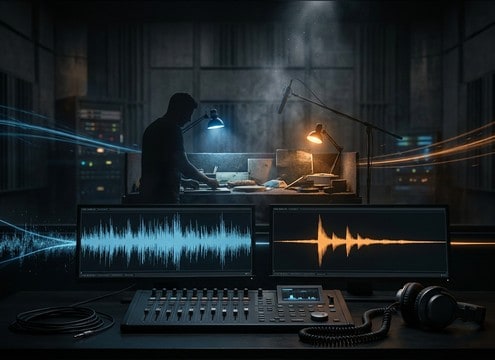
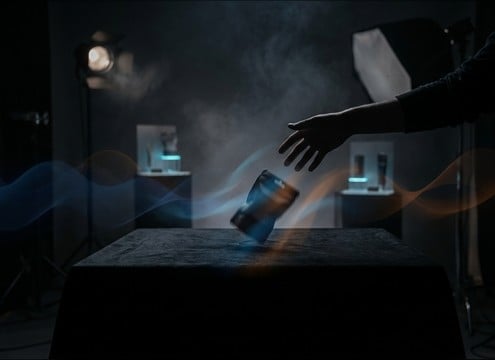
Popular Throw Sound Effects Library

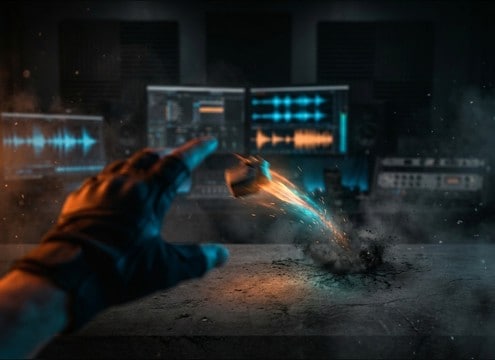
Pick a throw that matches your on-screen motion, then adjust it with prompts: lighter or heavier objects, closer or more distant perspective, cleaner attack, or a longer tail after impact.

How to Generate Your Own
Throw Sound Effects

Cannot find the perfect throw sound effect you need? Generate custom AI throw audio effortlessly. Describe the style, such as short clean cue, cinematic hit, subtle background layer, branded UI alert, and Media.io AI builds tailored throw sound effects instantly. No audio editing experience needed. Turn your concept into a royalty-free, high-quality downloadable WAV throw clip in under 60 seconds.

1

Describe the throw

Type a prompt for the exact action: what gets thrown, how fast it travels, and whether you want only a whoosh or an impact at the end.

2

Choose 5s, 10s, 20s

Set the duration (5s, 10s, or 20s) and select how many variations you want so you can audition a few takes.

3

Generate and preview

Click Generate, then listen to each result. Keep the cleanest transient, the right tail length, and the best distance match for your scene.

4

Download WAV and use

Export the WAV file and drop it into your timeline for videos, apps, podcasts, trailers, or commercial projects.

What Can You Use These Throw Sound Effects For?

Creators in every field are using our royalty-free audio to set the perfect mood.

Editor syncing a prop toss whoosh to a hand throw

On-screen prop tosses

Match hand-to-hand throws, missed catches, or items tossed to a teammate with a close whoosh and a tight landing hit.

Action scene timeline with a thrown object sound effect placed on impact

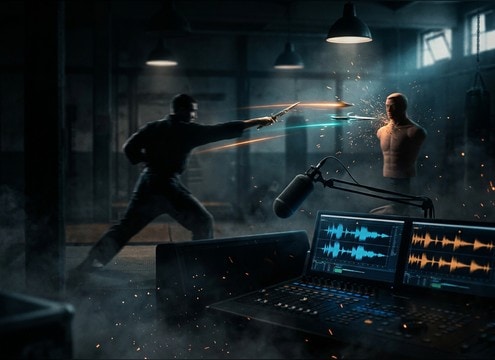
Fight and stunt

Add thrown objects, knives, or improvised weapons with sharper attacks and shorter tails that do not mask dialogue.

Comedy animation frame with exaggerated throw swoosh cue

Comedy timing gags

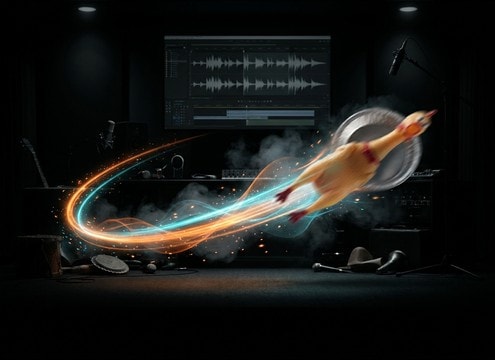
Use cartoon toss swoops or over-pronounced pass-bys to sell slapstick motion without needing a loud crash.

Sports practice video with subtle throw whoosh under ambience

Sports and training

Support ball tosses, gear throws, and quick passes with light whooshes that sit under crowd or gym ambience.

Game HUD with a thrown item sound effect layered under UI

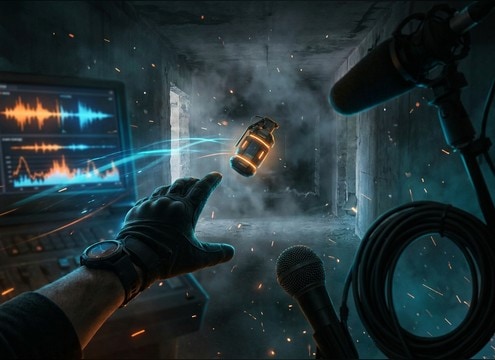
First-person gameplay throws

Create grenade toss, item throw, or pickup-throw loops with consistent perspective and controlled stereo width.

Waveform view showing cleaned throw whoosh replacing noisy production audio

Foley replacement for

Replace production audio where the throw is buried under wind or handling noise by regenerating a cleaner transient and room tone.

Product demo video with a gentle toss landing sound

Product ads and

Add light toss and drop-ins for packaging, accessories, or props, keeping impacts soft and non-distracting.

Audio drama session with distant throw and impact cues

Audio drama blocking

Stage off-camera throws by pushing distance back and lengthening decay so the action reads without visual context.

Why Choose Media.io for Throw Sound Generator?

See exactly why creators, developers and studios choose our AI audio generator over all others.

Prompt field showing object type and speed for a throw sound

Prompt control for object and speed

Specify what is thrown, how fast it moves, and whether the clip ends with an impact, bounce, or no hit at all.

Distance slider concept for close versus distant throw audio

Distance and space shaping

Adjust close, mid, or distant perspective with room tone and reflections so the throw sits naturally in the scene.

Multiple generated throw variations listed for quick preview

Regenerate clean alternates quickly

Generate several takes to find the best transient, tail length, and stereo width without re-recording foley.

Preview player with a throw whoosh waveform

Preview-first resource workflow

Audition clips in your browser before downloading so you only export what fits your edit and timing.

WAV download icon next to a throw sound effect clip

WAV exports for editing

Download WAV files that are easy to trim, fade, or layer with impacts, cloth, or ambience in your editor.

Creator exporting a royalty-free throw sound effect to a project folder

Royalty-free downloads for creators

Use the sounds in personal or client work with confidence, then create new prompt-based variations whenever the scene changes.

Prompting Throw Sounds That Match Motion and Impact

Throw audio is all about timing: a short release transient, a flight whoosh that matches speed, and an impact that fits the surface. Use prompts that name the object, the camera distance, and whether you need only pass-by air or a clear landing hit. The goal is to get a clip that syncs to the frame without masking dialogue or footsteps.

Start with the object and weight

The same throw motion sounds different depending on mass and material. Heavier objects add low-mid push and thicker air movement, while lighter objects read as a thin hiss with less low end.

  • Name the object: rock, bottle, knife, backpack, ball
  • Add weight cues: light, heavy, bulky, hollow
  • Choose material texture: metal, glass, plastic, wood

Specify speed, arc, and timing

Flight sound is driven by speed and proximity. A fast pass-by wants a sharper attack and shorter tail, while a lobbed arc benefits from a longer, softer whoosh that peaks mid-clip.

  • Use verbs: whip, lob, toss, fling, overhand throw
  • Call out motion: quick pass-by, slow arc, spinning
  • Ask for timing: whoosh starts immediately, impact near the end

Set perspective and environment

Distance and space determine brightness and decay. Indoor throws pick up early reflections, while outdoor throws feel wider with less reflective slap and more air.

  • Distance: close mic, mid distance, far away
  • Space: small room, hallway, warehouse, open field
  • Tail detail: short decay, long decay, dry, with room tone

Avoid common throw SFX mismatches

Most bad throw cues fail because the whoosh is too long, the impact is too loud, or the perspective does not match the camera. Tighten the prompt so the clip stays believable and editable.

  • Avoid overly long swooshes for quick on-screen throws
  • Do not let impact overwhelm dialogue; request a softer hit if needed
  • Prevent clutter by asking for a single impact instead of multiple bounces

Frequently Asked Questions About
Throw Sound Effects

Everything you need to know before downloading or generating your first sound.

Can I download and use these throw sound effects for commercial projects?

Yes. You can preview and download royalty-free throw SFX and use them in client work, monetized videos, ads, and apps. If you need a specific clearance workflow for your organization, generate a fresh variation and keep the exported file with your project assets.

Do you provide throw sound effects in WAV format?

Downloads are provided as WAV so you can trim the start transient, add fades, and place the impact precisely on the cut without extra conversion steps.

How do I choose between a close throw and a distant throw?

Close throws usually have brighter highs, a sharper attack, and less audible room. Distant throws are softer, more muted, and often have more ambience or tail. In prompts, explicitly say close mic or distant, and mention indoor reflections or outdoor air to lock the perspective.

How can I generate a throw whoosh without any impact?

In your prompt, say no impact, no landing, and whoosh only. If the result still includes a hit, regenerate with a shorter duration or ask for a clean tail that fades naturally at the end.

Are these throw sound effects free to download?

Yes. You can preview and download the AI-generated throw sound effects as WAV files and use them in personal or commercial projects.

Can I copy the prompt used for each sound?

Yes. Open any sound row to view the prompt, copy it, adjust the wording and generate a custom variation that better matches your scene.

Related Free Sound
Effect Categories

Explore other AI-generated sound libraries from Media.io

sound

Rain Sound Effects

10+ free sounds
sound

Thunder Sound Effects

10+ free sounds
sound

Farts Sound Effects

10+ free sounds
sound

Car Crash Sounds

10+ free sounds
sound

Explosion Sound Effects

10+ free sounds
sound

Gunshot Sound Effects

10+ free sounds
sound

Pistol Sound Effects

10+ free sounds
sound

AI Horror Sound Effects

10+ free sounds
sound

AI Forest Sound Effects

10+ free sounds
sound

AI Dog Whistle Sound

10+ free sounds
sound

AI Ding Sound

10+ free sounds
sound

Phone Ring Sound

10+ free sounds
media.io

AI Video Generator star

Easily generate videos from text or images

Generate

