












Popular Bullwhip Sound Effects Library

Pick a ready-to-use whip crack, then tweak intensity, distance, and room tail with a prompt if you need a tighter transient or a longer decay for your cut.

How to Generate Your Own
Bullwhip Sound Effects

Cannot find the perfect bullwhip sound effect you need? Generate custom AI bullwhip audio effortlessly. Describe the style, such as short clean cue, cinematic hit, subtle background layer, branded UI alert, and Media.io AI builds tailored bullwhip sound effects instantly. No audio editing experience needed. Turn your concept into a royalty-free, high-quality downloadable WAV bullwhip clip in under 60 seconds.

1

Describe the whip sound

Type or paste a prompt describing the crack, swish, distance, and space you need (for example, close dry snap or indoor crack with reflections).

2

Pick length and versions

Choose a duration of 5s, 10s, or 20s and set how many variations you want to generate for quick A/B choices.

3

Generate and preview

Click Generate, then listen to each result. Keep the version with the right transient punch and tail for your scene timing.

4

Download WAV and use

Download the WAV file and drop it into your timeline for films, shorts, game moments, apps, podcasts, or commercial projects.

What Can You Use These Bullwhip Sound Effects For?

Creators in every field are using our royalty-free audio to set the perfect mood.

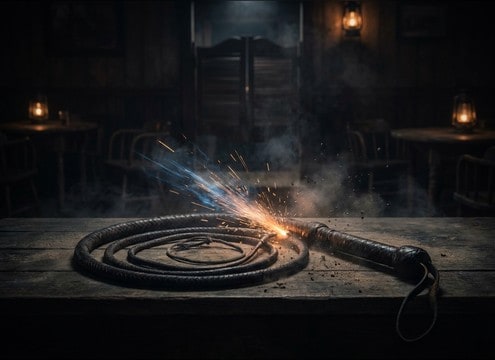
Bullwhip crack accent used as a western stinger hit

Western stinger hits

Drop a single crack on cut points for saloon entrances, villain reveals, or fast punctuation that reads like a classic whip snap.

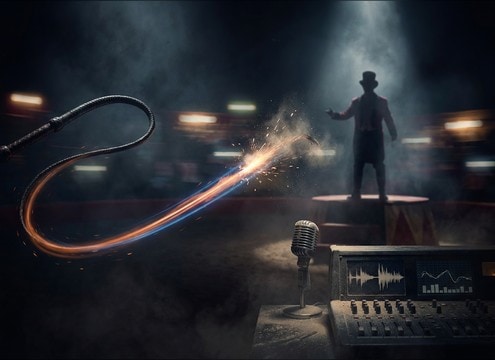
Ringmaster bullwhip cue sound with swish and crack

Circus ringmaster cues

Use swish-to-crack passes to motivate animal training cues, crowd reactions, and stage choreography with clear timing.

Leather whip foley with handling texture and snap

Foley for leather

Add subtle handle movement, strap creaks, and a final snap to sell close-up prop action on camera.

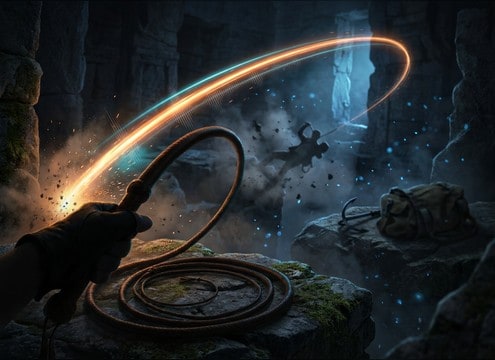
Adventure whip weapon sound synced to an action beat

Adventure hero weapon

Pair a whip crack with a grab, disarm, or swing beat so the attack and tail line up with animation frames.

Comedic whip swish sound timed to a visual gag

Action-comedy gag timing

Choose a lighter swish or a softer snap to keep the moment funny instead of violent, with less low-end and shorter decay.

Distant whip crack with long reverb for a scare cue

Haunted house lash

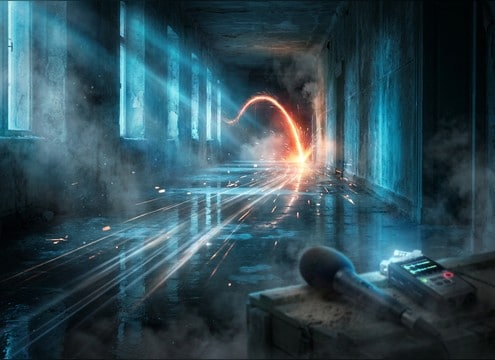
Pick a distant crack with long reflections to imply unseen movement down a corridor or in an empty hall.

Bullwhip item sound effect variations for a game

Game feedback for

Use consistent transient peaks for repeatable gameplay, then generate variations for different upgrade tiers or skins.

Trailer impact punctuation using a clean bullwhip crack

Trailer cut punctuation

Layer a clean crack over music hits to add bite without muddying dialogue, especially when you need a tight transient.

Why Choose Media.io for Bullwhip Sound Generator?

See exactly why creators, developers and studios choose our AI audio generator over all others.

Prompt controls for crack transient and swish lead-in

Prompt control for crack vs swish

Direct the Bullwhip Sound Generator to emphasize the crack transient, the swish lead-in, or both, so the hit matches your on-screen motion.

Distance and room tail options for bullwhip sounds

Distance and space tuning

Generate close, mid, or distant snaps and adjust room reflections and tail length to fit indoor halls or dry exteriors.

Multiple generated bullwhip takes for precise timing

Fast variations for timing

Create multiple takes in one run, then pick the one whose attack lands exactly on your frame-accurate whip strike.

Preview bullwhip audio clips before downloading

Clean preview before download

Audition each clip in-browser to check stereo width, decay, and masking against dialogue or music before exporting.

WAV download for bullwhip sound effects editing

WAV files for editing

Download WAV so you can trim tails, add fades, or EQ harsh highs without quality loss when building foley chains.

Intensity options from soft snap to loud crack

Mix-friendly intensity options

Generate softer snaps for comedy or louder cracks for impact, with controlled peaks that are easier to place in a mix.

How to Pick or Prompt a Believable Bullwhip Crack

A whip sound usually reads as two parts: the swish of the pass and the crack transient, followed by a tail shaped by distance and the space. Use the library when you need something immediately, or prompt the generator to control how sharp the attack is, how long the decay lasts, and whether the swish is audible. The tips below help you get a whip that sounds like leather and motion, not a random gunshot-like pop.

Choose the right crack shape

For picture sync, the transient is everything. A tight, bright crack sells fast motion, while a slightly softer attack can feel more natural or comedic. If the crack is too sharp, it can mask consonants in dialogue or read like a firearm.

  • For close-up hits, favor a fast attack and short tail
  • For stylized action, boost brightness and keep the peak controlled
  • For comedy, use a lighter snap or swish-only accent

Match distance with tail and reflections

Distance is mostly perceived through level, high-frequency loss, and reflections. A distant snap with early reflections feels like a hall or alley, while a dry exterior crack should have minimal room tone. Pick the perspective that matches the camera.

  • Close perspective: minimal reflections and a tight decay
  • Indoor space: audible early reflections with a medium tail
  • Distant whip: softer highs and longer, quieter decay

Use swish lead-ins for motion realism

If the whip is seen moving, a short swish before the crack helps the ear track direction and speed. Pass-by swishes also add stereo motion, which can make a single crack feel more physical without increasing loudness.

  • Add a swish lead-in when the whip travels across frame
  • Use wider stereo for pass-by shots, narrower for center hits
  • Keep swish levels lower than the crack so the hit stays clear

Avoid common bullwhip mistakes

A whip crack that is too bassy or too long can feel like a slam or gunshot. Overly synthetic whooshes can also break the illusion of leather and air movement. Small prompt changes usually fix these issues quickly.

  • Avoid heavy low-end rumbles that do not fit a whip
  • Avoid long reverb tails for outdoor shots unless motivated
  • Avoid repeated identical cracks if the scene shows multiple swings

Frequently Asked Questions About
Bullwhip Sound Effects

Everything you need to know before downloading or generating your first sound.

Are these bullwhip sound effects free to download and safe for commercial use?

You can preview the clips on this page and download usable files from Media.io. The downloads are provided as royalty-free audio for common commercial workflows, but always review the license shown in-product for your specific project needs.

Can I download bullwhip sounds as WAV?

Yes. After you pick a clip from the library or generate one with a prompt, download the result as a WAV file so it is easy to cut, fade, and mix without extra compression artifacts.

How do I make a whip crack feel closer or farther away?

Generate or choose a close version with a sharper transient and shorter decay for near-camera action. For distance, ask for softer highs, lower level, and more room reflections or a longer, quieter tail depending on the environment.

What duration should I choose for a whip sound: 5s, 10s, or 20s?

Use 5s for single cracks, quick swish-to-crack hits, and tight cut punctuation. Use 10s when you need a short sequence with buildup swishes. Use 20s for multiple passes, repeated cracks, or a longer routine you can edit down.

Are these bullwhip sound effects free to download?

Yes. You can preview and download the AI-generated bullwhip sound effects as WAV files and use them in personal or commercial projects.

Can I copy the prompt used for each sound?

Yes. Open any sound row to view the prompt, copy it, adjust the wording and generate a custom variation that better matches your scene.

Related Free Sound
Effect Categories

Explore other AI-generated sound libraries from Media.io

sound

Rain Sound Effects

10+ free sounds
sound

Thunder Sound Effects

10+ free sounds
sound

Farts Sound Effects

10+ free sounds
sound

Car Crash Sounds

10+ free sounds
sound

Explosion Sound Effects

10+ free sounds
sound

Gunshot Sound Effects

10+ free sounds
sound

Pistol Sound Effects

10+ free sounds
sound

AI Horror Sound Effects

10+ free sounds
sound

AI Forest Sound Effects

10+ free sounds
sound

AI Dog Whistle Sound

10+ free sounds
sound

AI Ding Sound

10+ free sounds
sound

Phone Ring Sound

10+ free sounds
media.io

AI Video Generator star

Easily generate videos from text or images

Generate
