











Popular Cannon Sound Effects Library

Pick a ready-to-use cannon hit, then tweak it with prompts for charge size, distance, and environment. Each option is built to cut through music while keeping a believable boom and tail.

How to Generate Your Own
Cannon Sound Effects

Cannot find the perfect cannon sound effect you need? Generate custom AI cannon audio effortlessly. Describe the style, such as short clean cue, cinematic hit, subtle background layer, branded UI alert, and Media.io AI builds tailored cannon sound effects instantly. No audio editing experience needed. Turn your concept into a royalty-free, high-quality downloadable WAV cannon clip in under 60 seconds.

1

Write your cannon prompt

Type what you need, like a close deck cannon crack, a distant fort report, or a ceremonial salute, and include details like tail length and space.

2

Pick time and takes

Choose 5s, 10s, or 20s, then set how many variations you want so you can compare different booms, decays, and distances.

3

Generate and preview

Click Generate, listen to each result, and keep the version that best matches your cut, perspective, and intensity.

4

Download WAV and use

Download the WAV file and drop it into video timelines, game engines, trailers, podcasts, or commercial projects as needed.

What Can You Use These Cannon Sound Effects For?

Creators in every field are using our royalty-free audio to set the perfect mood.

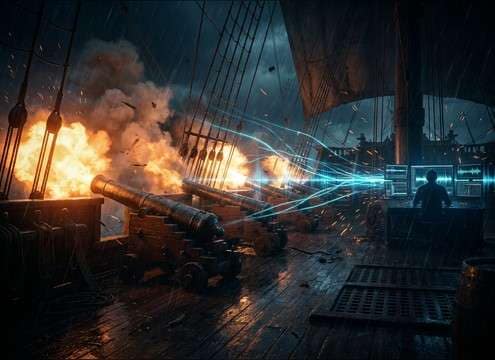
Cannon broadside sound effect synced to ship battle scene

Naval battle broadside

Sync single shots or volleys to muzzle flash, smoke, and hull recoil, with stereo width that sells ship scale.

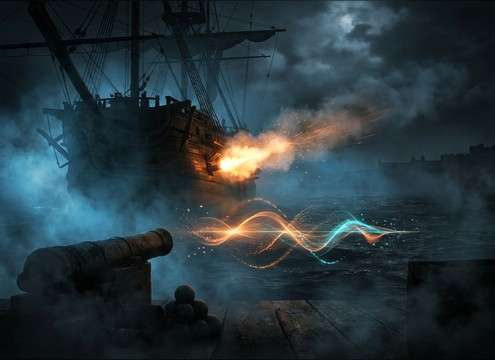
Cannon blast audio for pirate ship reveal in a short film

Pirate ship reveal

Use a close crack with a short tail for a jump cut, or a distant report for an establishing shot over water.

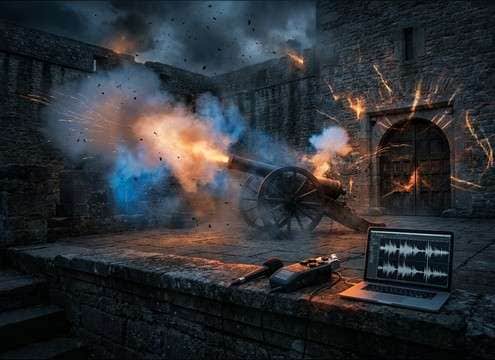
Fort siege cannon sound with stone reflections and long tail

Fortress siege beat

Pick stone-courtyard reflections and longer decays to match walls, towers, and enclosed firing positions.

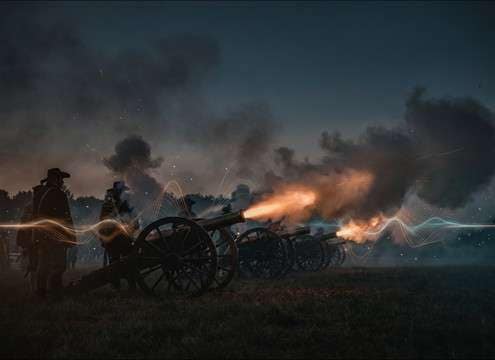
Ceremonial cannon salute sound for a historical reenactment video

Historical reenactment

Choose ceremonial salutes with controlled bass so narration stays clear while the boom still feels authentic.

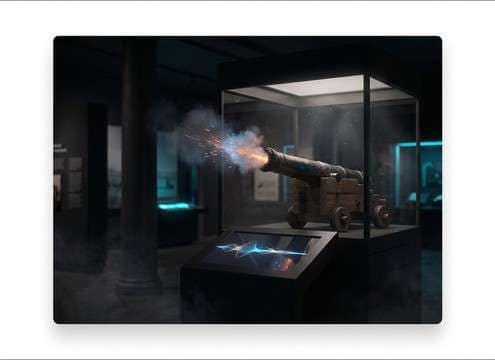
Interactive museum kiosk cannon sound effect on small speakers

Museum exhibit kiosk

Trigger short, punchy cannon hits that read well on small speakers and do not overwhelm the room.

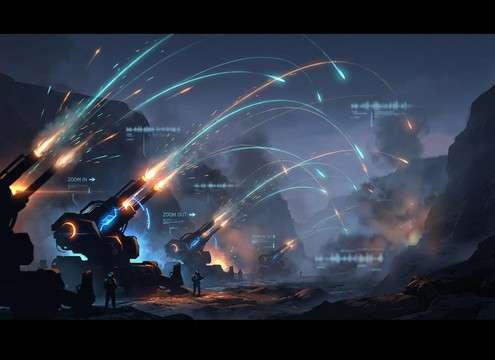
Cannon fire SFX set for a strategy game artillery unit

Strategy game artillery

Generate consistent variations for repeated shots, then swap distance presets for zoom-in and zoom-out camera states.

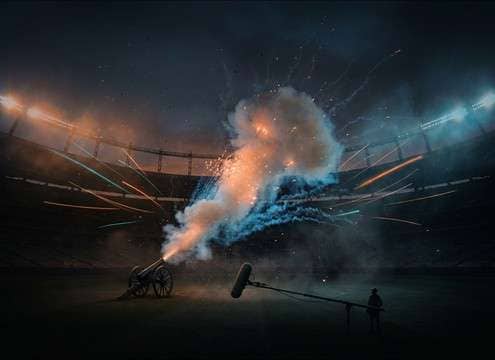
Outdoor cannon salute sound for stadium celebration moment

Stadium victory salute

Use a clean single boom with a moderate tail that feels outdoor and celebratory without sounding like an explosion.

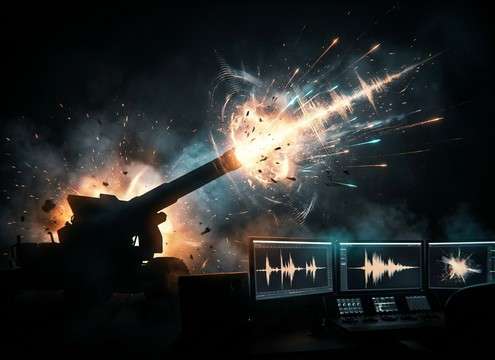
Cinematic cannon boom used as trailer impact hit

Trailer impact punctuation

Select an overcharged boom with a tight transient to hit title cards, then regenerate to match pacing changes.

Why Choose Media.io for Cannon Sound Generator?

See exactly why creators, developers and studios choose our AI audio generator over all others.

Prompt controls for generating cannon booms with different tails

Cannon Sound Generator with prompt control

Dial in charge size, distance, and tail length in plain English, then regenerate until the boom fits your scene timing.

Preview list of cannon sound variations before download

Preview-first, download-ready picks

Audition options quickly and keep only the takes with the right transient shape and low-end weight for your mix.

Distance variation controls for close and distant cannon shots

Distance and space variations

Swap close, mid, and distant perspectives, including outdoor reflections or tighter indoor slapback when needed.

Waveform showing sharp transient versus rounded cannon hit

Mix-friendly transient clarity

Choose cleaner attacks to cut through music, or rounder hits that sit behind dialogue without harsh spikes.

Regenerating cannon SFX to match a new edit timing

Fast iteration for edit changes

When the cut shifts, regenerate at 5s, 10s, or 20s so the decay ends exactly where your next beat lands.

Downloading a WAV cannon sound effect for editing

WAV output for real workflows

Export WAV files you can drop into NLE timelines, game audio events, or soundboards without format headaches.

How to Choose and Prompt Cannon Blasts That Fit the Scene

Cannon shots can read as a clean ceremonial boom, a gritty deck-fired blast, or a distant report with long returns. The fastest way to get believable results is to prompt for scale, perspective, and environment, then compare a few variations for transient punch and tail length. Use the tips below to avoid cannon hits that feel like generic explosions or modern gunfire.

Start with cannon type and charge

Tell the generator what kind of cannon you are hearing and how much power it should have. A light salute has a cleaner body and less debris, while a battle shot carries more low-end weight and a thicker decay.

  • Use words like naval deck cannon, fortress cannon, or ceremonial salute
  • Specify charge level: light, standard, heavy, or overcharged
  • Call out texture: clean boom, smoky decay, gritty blast, minimal debris

Define distance and camera perspective

Perspective changes everything: close shots need a sharp transient and short immediate tail, while distant reports are softer and rely on reflections and lingering rumble. Prompt the listening position like you would frame a shot.

  • Close: sharp crack, short decay, strong body, limited ambience
  • Mid: balanced transient, audible reflections, moderate tail
  • Distant: softened attack, long return echoes, lighter high-end

Match the environment and tail behavior

The same cannon will sound different by location. Stone courtyards add slapback and dense room tone, open water adds airy space, and valleys create extended returns. Describe the space so the tail ends naturally.

  • Stone fort or corridor for hard reflections and thicker reverb tail
  • Harbor or open sea for broader space and smoother high-end
  • Valley or mountains for long echo returns and rolling decay

Avoid common cannon SFX mistakes

Many cannon clips fail because they sound like a modern explosion, clip too hard, or have a tail that overwhelms dialogue. Fix this by tightening the prompt and regenerating with clearer constraints.

  • Avoid: fireball blast, shrapnel debris, modern gunshot crack
  • Avoid: distorted clipping and overly bright highs on the transient
  • Do: ask for controlled low-end and a tail length that matches the cut

Frequently Asked Questions About
Cannon Sound Effects

Everything you need to know before downloading or generating your first sound.

Can I download cannon sound effects for commercial use?

Yes. You can preview the sounds on the page, then download and use them as royalty-free audio in commercial projects. If your project has specific clearance requirements, review the license info shown in the product before publishing.

Do these cannon sounds download as WAV files?

Yes. Download your selected take as a WAV file so it is easy to edit, trim, fade, or sync precisely to muzzle flash and recoil in your timeline.

How do I make a cannon shot sound more distant?

In your prompt, specify distant perspective, softened transient, and long return echoes. If the result is still too close, regenerate with less attack and more ambience or reflections.

What duration should I choose: 5s, 10s, or 20s?

Use 5 seconds for single hits and quick salutes, 10 seconds when you need space for the decay and ambience after the blast, and 20 seconds for volleys or broadside sequences with long returns.

Are these cannon sound effects free to download?

Yes. You can preview and download the AI-generated cannon sound effects as WAV files and use them in personal or commercial projects.

Can I copy the prompt used for each sound?

Yes. Open any sound row to view the prompt, copy it, adjust the wording and generate a custom variation that better matches your scene.

Related Free Sound
Effect Categories

Explore other AI-generated sound libraries from Media.io

sound

Rain Sound Effects

10+ free sounds
sound

Thunder Sound Effects

10+ free sounds
sound

Farts Sound Effects

10+ free sounds
sound

Car Crash Sounds

10+ free sounds
sound

Explosion Sound Effects

10+ free sounds
sound

Gunshot Sound Effects

10+ free sounds
sound

Pistol Sound Effects

10+ free sounds
sound

AI Horror Sound Effects

10+ free sounds
sound

AI Forest Sound Effects

10+ free sounds
sound

AI Dog Whistle Sound

10+ free sounds
sound

AI Ding Sound

10+ free sounds
sound

Phone Ring Sound

10+ free sounds
media.io

AI Video Generator star

Easily generate videos from text or images

Generate
