











Popular Laser-Light Sound Effects Library

These laser-light clips are built for quick placement: short transients for blaster hits, smoother ramps for beam sweeps, and controlled tails that do not smear dialog or UI. Copy a prompt to generate alternate pitches, tighter decay, more stereo width, or a more distant feel, then download the version that best matches your cut.

How to Generate Your Own
Laser-Light Sound Effects

Cannot find the perfect laser-light sound effect you need? Generate custom AI laser-light audio effortlessly. Describe the style, such as short clean cue, cinematic hit, subtle background layer, branded UI alert, and Media.io AI builds tailored laser-light sound effects instantly. No audio editing experience needed. Turn your concept into a royalty-free, high-quality downloadable WAV laser-light clip in under 60 seconds.

1

Write your laser prompt

Type what you need: zap, beam sweep, scanner ticks, charge-up, distance, and whether you want a tight stop or a longer tail.

2

Pick length and variants

Choose 5s, 10s, or 20s, then set how many variations to generate so you can compare different pitches and textures.

3

Generate and audition

Click Generate, preview each result, and keep the take with the right transient, decay, and stereo width for your scene timing.

4

Download WAV and use

Export the chosen sound as a WAV file and drop it into videos, games, apps, podcasts, trailers, or commercial projects.

What Can You Use These Laser-Light Sound Effects For?

Creators in every field are using our royalty-free audio to set the perfect mood.

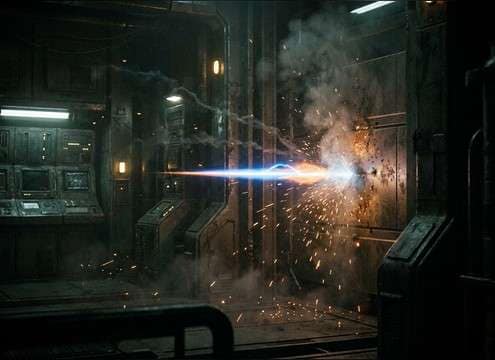
Laser blaster shot sound effect for a sci-fi firefight cut

Blaster shots and

Tight zaps that cut through action without a long tail that muddies dialog or impacts.

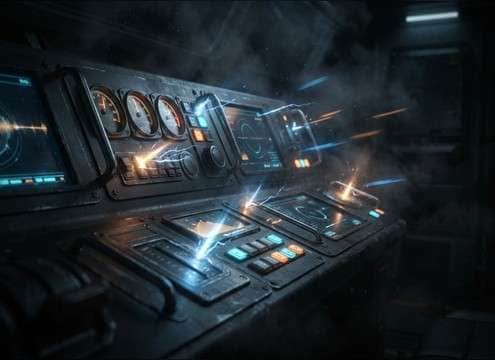
Laser UI click sound for spaceship dashboard buttons

Spaceship console UI

Short clicks and pulses for confirm, error, and menu focus states with low masking and fast stop.

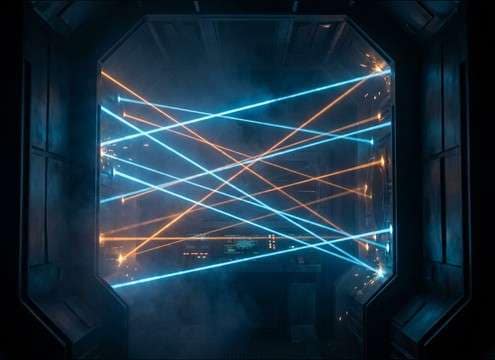
Security laser grid ambience sound for a stealth hallway scene

Security laser grid

Loopable scanning ticks and beam hum beds for vault corridors and stealth shots.

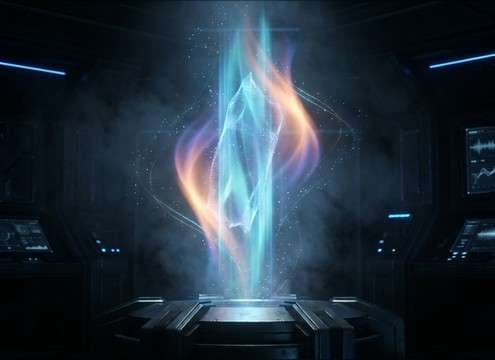
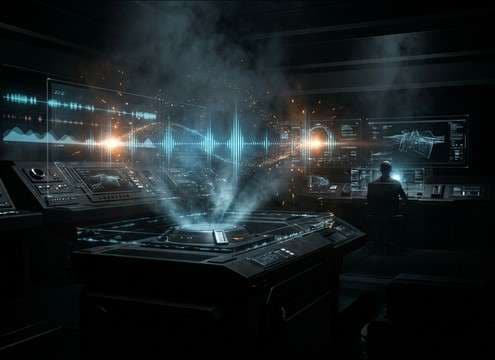
Hologram turning on with a light beam sweep sound

Hologram activation moments

Shimmery beam sweeps and soft energy blooms that feel light-based instead of explosive.

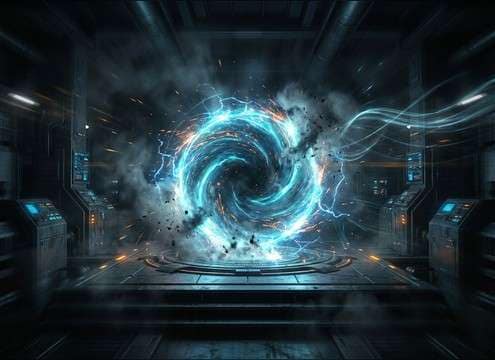
Teleport portal cue with rising laser charge sound

Teleport and portal

Rising charge-ups into a snap for entrances, exits, and quick scene transitions.

Augmented reality scan overlay with repeating laser ticks

AR scanning overlays

Rhythmic scan pulses that sync to HUD graphics and do not fight narration frequency ranges.

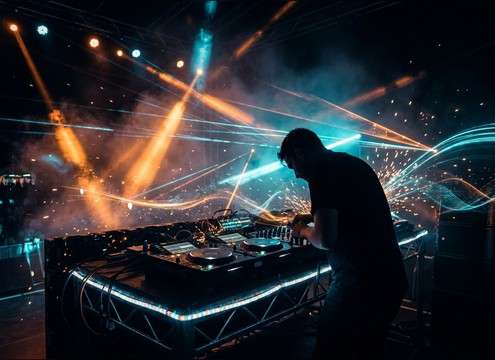
Stage lighting sweep cue with neon laser pulse sound

Stage light and

Stylized sweeps and neon pulses to accent strobe cuts and lighting movement on beats.

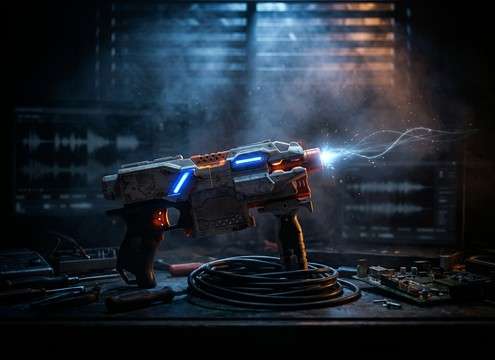
Toy blaster trigger sound with a clean laser zap

Toy blaster and

Clean, punchy laser-light cues that sell prop triggers without harsh hiss or distorted clipping.

Why Choose Media.io for Laser-Light Sound Generator?

See exactly why creators, developers and studios choose our AI audio generator over all others.

Prompt controls for a laser-light sound generator

Laser-Light Sound Generator control

Dial in zap vs beam, brightness, pitch glide, and tail length so the sound matches the on-screen light behavior.

Previewing laser zap variations before downloading

Preview first, download fast

Audition multiple takes in the browser and keep only the version with the cleanest transient and the right decay.

Selecting 5s 10s and 20s durations for laser sounds

Scene-fit duration options

Choose 5s for hits, 10s for sustained beams, or 20s for security-grid beds and loop-style cues.

Regenerating consistent laser pulse variations from one prompt

Regenerate consistent variations

Keep the same idea but swap texture, stereo width, or intensity to create a cohesive set of SFX for one sequence.

Downloading laser sound effects as WAV for editing

Clean WAV exports

Download WAV for reliable syncing and easier editing when trimming tails, adding fades, or fitting to frame-accurate cuts.

Using prompt templates for sci-fi laser sound cues

Prompt library for common sci-fi cues

Start from proven prompt phrasing for zaps, scans, and charge-ups, then customize to your prop, UI, or environment.

How to Pick and Prompt Laser-Light SFX That Cut Cleanly

Laser-light sounds can read as sharp energy, smooth illumination, or rhythmic scanning depending on transient shape, pitch motion, and tail behavior. Use this guide to choose the right library clip or write a prompt that targets the exact on-screen action, then regenerate variations until the zap, sweep, or beam sits in your mix without harsh hiss or cluttered decay.

Start with the action type

Describe what the light is doing on screen. A single blaster hit needs a fast attack and a clean stop, while a beam sweep wants a longer ramp and audible pitch movement. Scans and grids usually need repeated pulses with steady timing.

  • Use words like zap, snap, click pulse, sustained beam, sweep, scan ticks
  • Call out timing: single hit, triple burst, or repeating pulses
  • Specify stop behavior: hard stop, short fade, or gentle decay

Shape pitch and brightness for readability

Most laser-light cues live in the mid and high range. If your scene already has cymbals, sibilant dialog, or UI noise, ask for a slightly darker tone or smoother top end. If the cut feels dull, request a brighter transient and a tighter tail.

  • Ask for pitch glide up or down for sweeps and transitions
  • Use bright, glassy, neon, or warm to steer the harmonic color
  • Mention controlled hiss or clean noise floor to avoid fizz

Match space with tail and stereo width

Laser-light SFX can feel close and direct or placed in a room. If the shot happens in a corridor or lab, a touch of early reflections helps. For HUD and UI, keep it tight and mostly mono so it feels attached to the interface.

  • Request small room reflections or dry and close for UI
  • Set stereo width: narrow for focus, wide for spectacle
  • Control tail length: short decay for fast cuts, longer for reveals

Avoid common laser mistakes

The fastest way to ruin a sci-fi cue is adding a boomy low-end, overlong reverb, or harsh digital hiss that masks dialog. Keep the effect purposeful: a laser-light sound should feel like energy and light, not an explosion unless your scene shows impact debris.

  • Avoid heavy rumble unless there is a large weapon or impact
  • Avoid long wash reverb that smears fast edits
  • Avoid clipped distortion that creates brittle, fatiguing highs

Frequently Asked Questions About
Laser-Light Sound Effects

Everything you need to know before downloading or generating your first sound.

What is the difference between a laser zap, beam, and scan sound?

A zap is a short, high-transient hit with a quick decay. A beam is sustained with a stable tone and gentle modulation. A scan is rhythmic pulses or ticks designed to repeat cleanly, often with tight tails so it can loop.

Can I download these laser-light sound effects for commercial use?

Yes. The page is designed for royalty-free downloads so you can use the sounds in client work, monetized videos, apps, and games. If you have a specific licensing requirement, check the license details shown at download.

Do the downloads come as WAV files, and can I edit them?

You can download WAV files and edit them like any other SFX. Common edits include trimming the tail, adding a short fade-out to avoid clicks, or EQing the top end if the zap feels too sharp.

How do I make the laser sound feel close vs distant?

For close, prompt for a sharp transient, dry sound, and minimal reflections. For distant, reduce the transient bite, add early reflections, and lengthen the tail slightly. You can also ask for narrower stereo for distant cues and wider stereo for close, cinematic emphasis.

Are these laser-light sound effects free to download?

Yes. You can preview and download the AI-generated laser-light sound effects as WAV files and use them in personal or commercial projects.

Can I copy the prompt used for each sound?

Yes. Open any sound row to view the prompt, copy it, adjust the wording and generate a custom variation that better matches your scene.

Related Free Sound
Effect Categories

Explore other AI-generated sound libraries from Media.io

sound

Rain Sound Effects

10+ free sounds
sound

Thunder Sound Effects

10+ free sounds
sound

Farts Sound Effects

10+ free sounds
sound

Car Crash Sounds

10+ free sounds
sound

Explosion Sound Effects

10+ free sounds
sound

Gunshot Sound Effects

10+ free sounds
sound

Pistol Sound Effects

10+ free sounds
sound

AI Horror Sound Effects

10+ free sounds
sound

AI Forest Sound Effects

10+ free sounds
sound

AI Dog Whistle Sound

10+ free sounds
sound

AI Ding Sound

10+ free sounds
sound

Phone Ring Sound

10+ free sounds
media.io

AI Video Generator star

Easily generate videos from text or images

Generate
