25+ Gemini AI Remove Background Prompts for Clean Cutouts
Refine Gemini AI remove background prompts to isolate your subject without chewing up hair edges or warping clothing. You decide how aggressive the cutout is, from gentle to dramatic, and you can still keep the same expression, pose, and styling. Upload a photo, paste a prompt, and generate options until the background feels clean but believable. This page includes 25 prompts you can tweak for portraits, full-body shots, and busy scenes where you want the person to stay exactly them.
Stunning AI remove background generated with Media.io - powered by
Nano Banana Pro.
How to Remove Background from Photos with Gemini Prompts in 3 Steps
Use Media.io to apply these edits in a simple, repeatable flow. Upload once, try a few prompts, then download the cleanest result.
1
Open the AI photo editor
Go to Media.io and open the AI Photo Generator for image-to-image edits. Choose a photo where the subject is clear (even if the background is messy) so the model can keep identity details like facial features and hairstyle consistent.
2
Upload and paste a prompt
Upload your image, then paste one prompt card and adjust the target (transparent cutout, solid studio color, or background cleanup). This is where remove background with Gemini AI prompts fits best: specify what to remove, and what must stay untouched.
3
Generate, compare, download
Generate a few variations, checking hair edges, glasses rims, and clothing seams for artifacts. If the cutout looks too harsh or too soft, tweak intensity wording and regenerate. Download the final image once the subject looks natural and the background is clean.
Best Gemini AI Remove Background Prompts Ideas & Examples
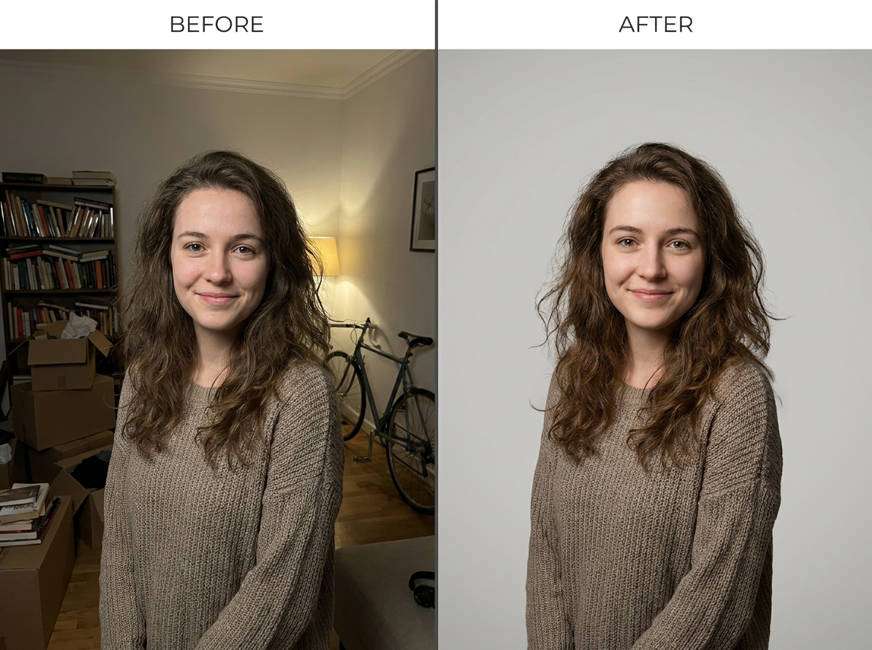
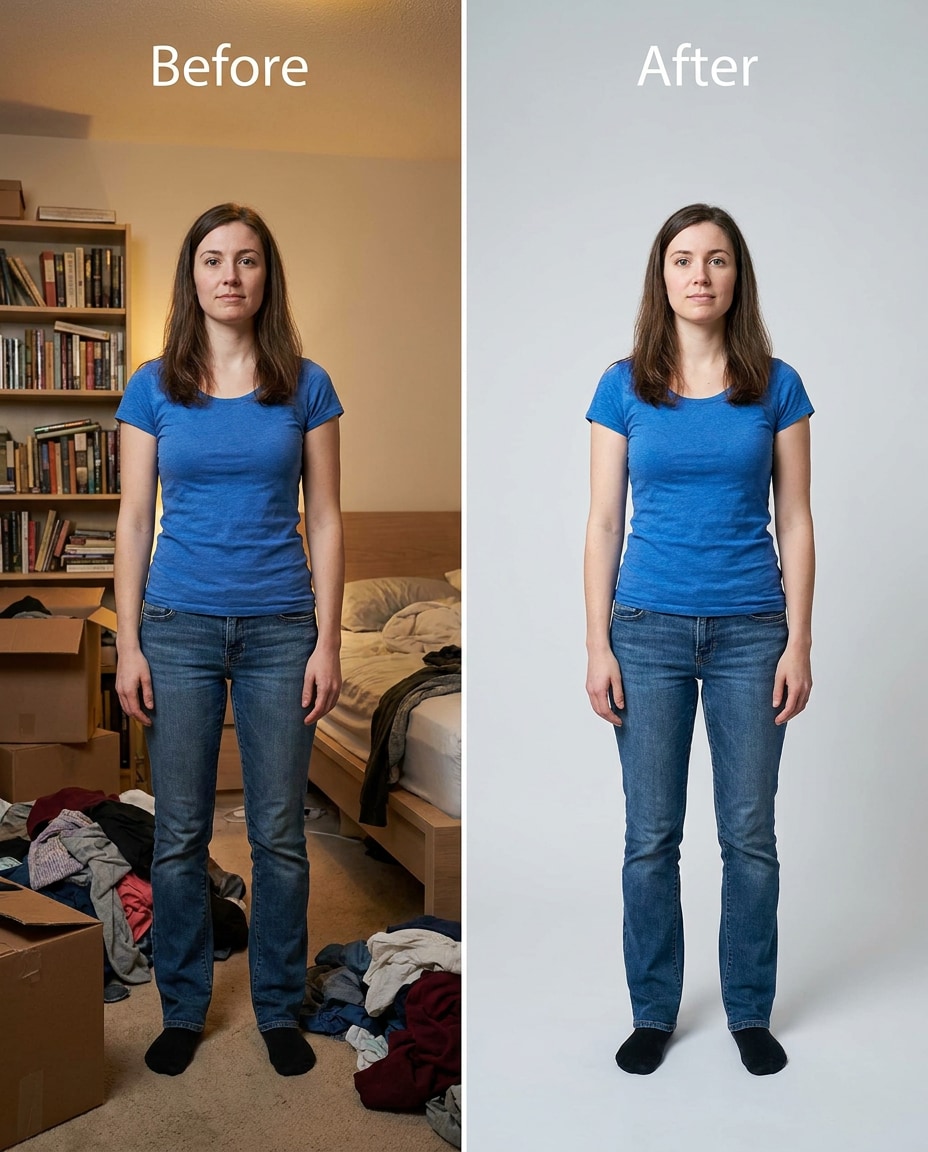
Bedroom Clutter Cleanup
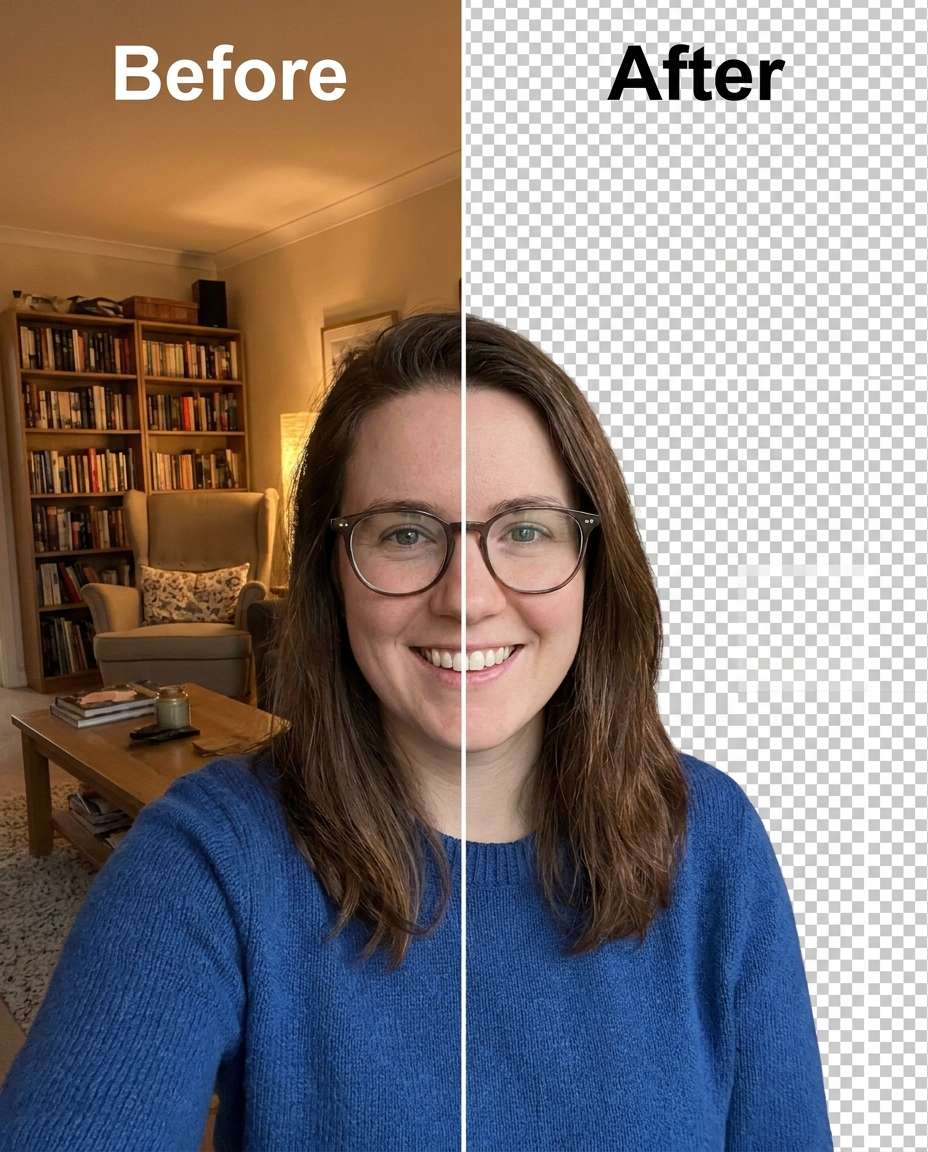
Slim the visual clutter behind me by removing the background and placing me on a clean light-gray seamless backdrop, keeping the same face and same hairstyle, keeping the same outfit details and same pose, preserving original lighting direction and natural shadows on my face and clothes, keep crisp hair edges and fabric texture --ar 4:5
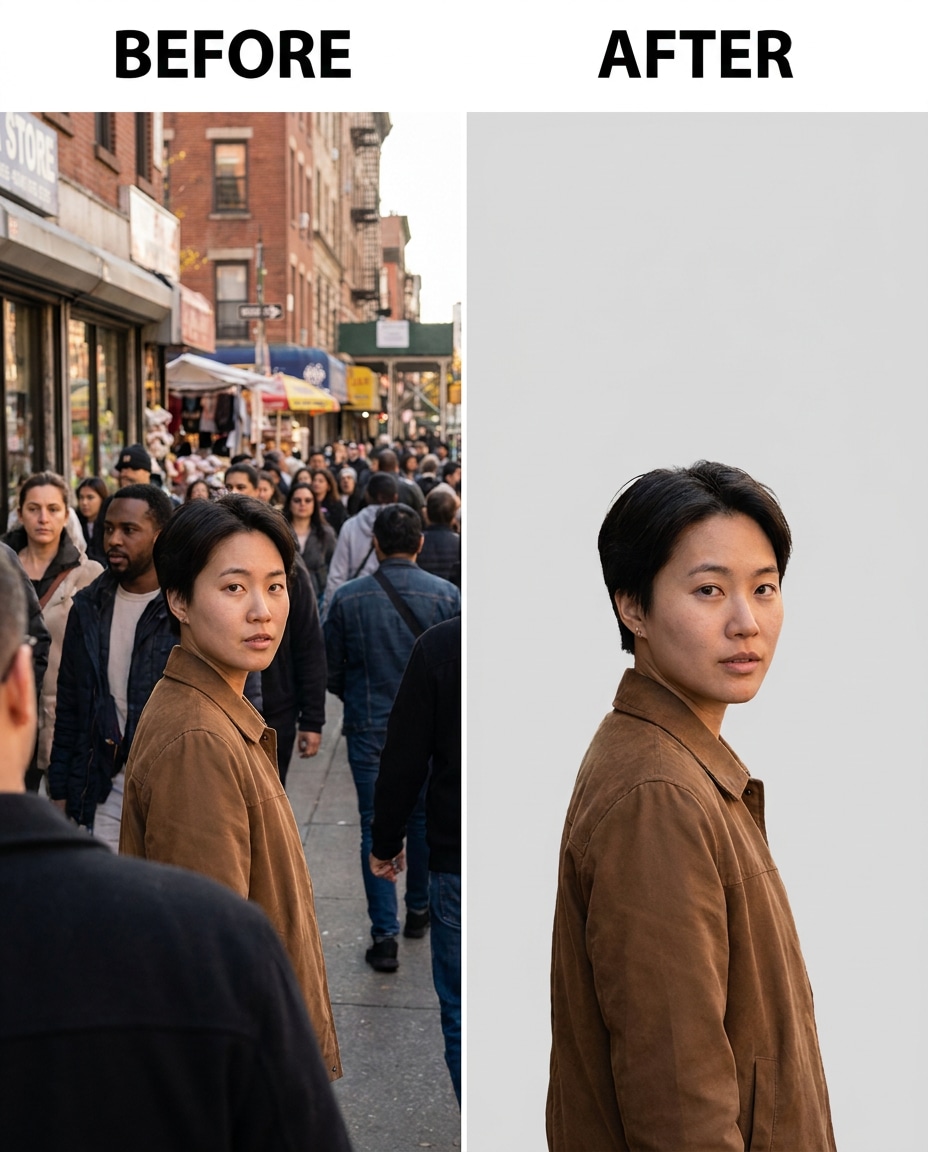
Street Crowd Removed
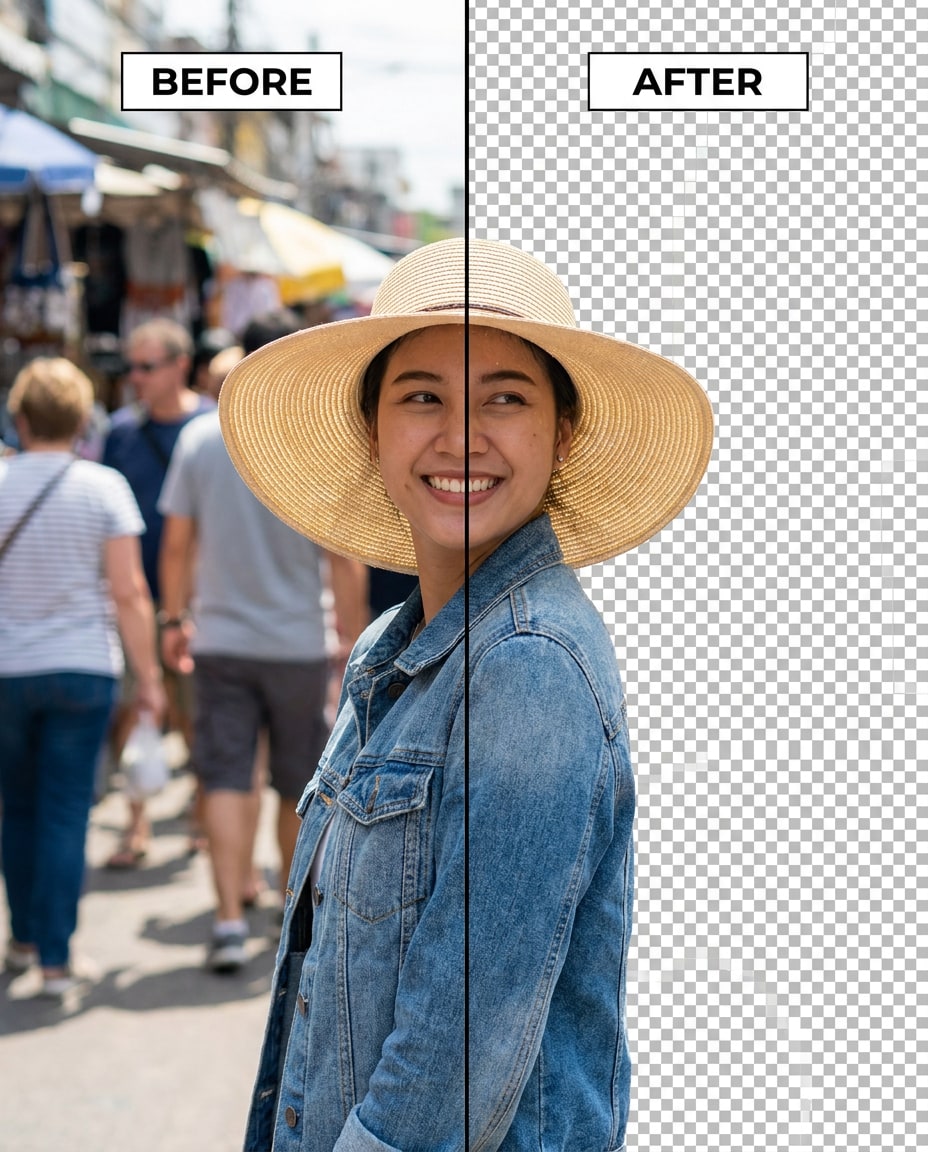
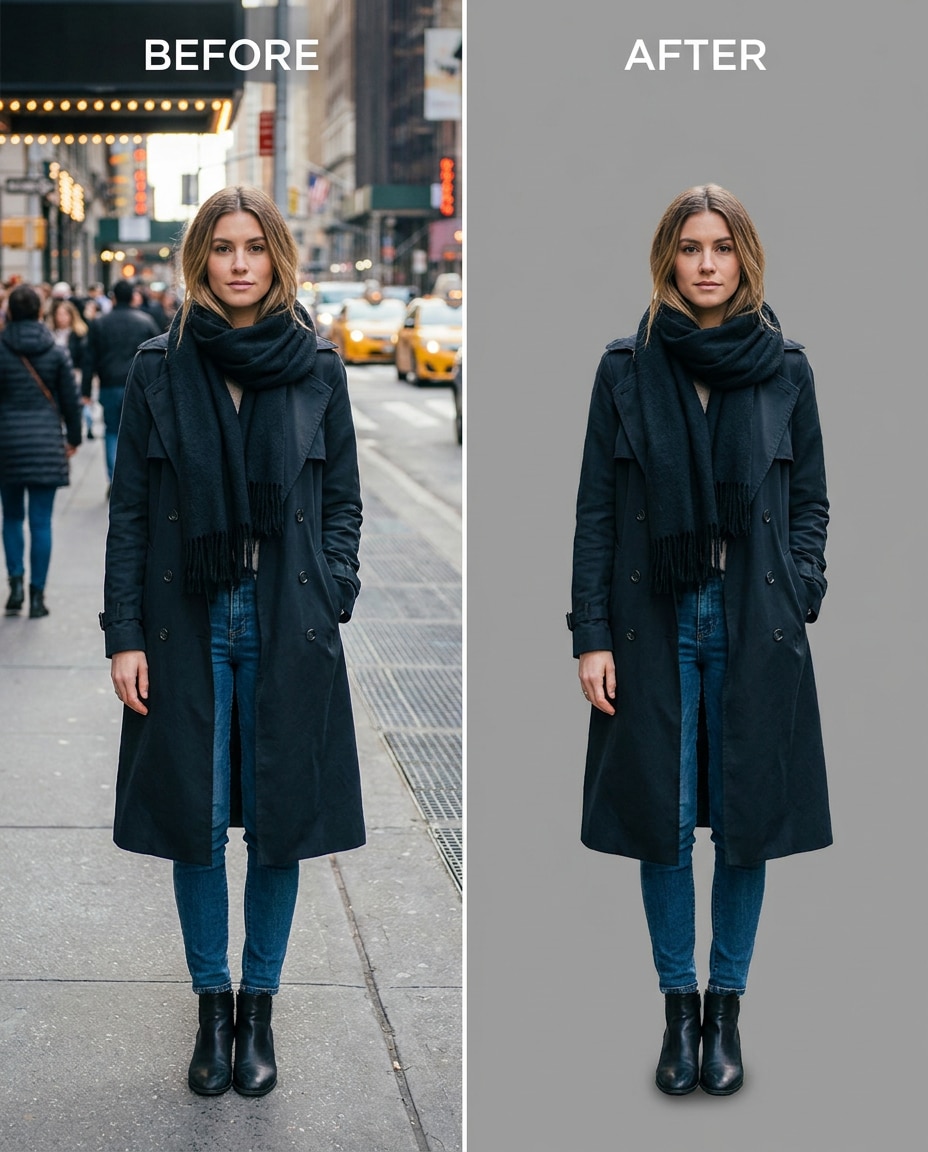
Refine my photo by removing the busy street background and any people behind me, keeping the same face and same skin tone, keeping the same hairstyle and same pose, preserving original lighting and realistic shadows, keep sharp edges around hair and jacket seams --ar 4:5
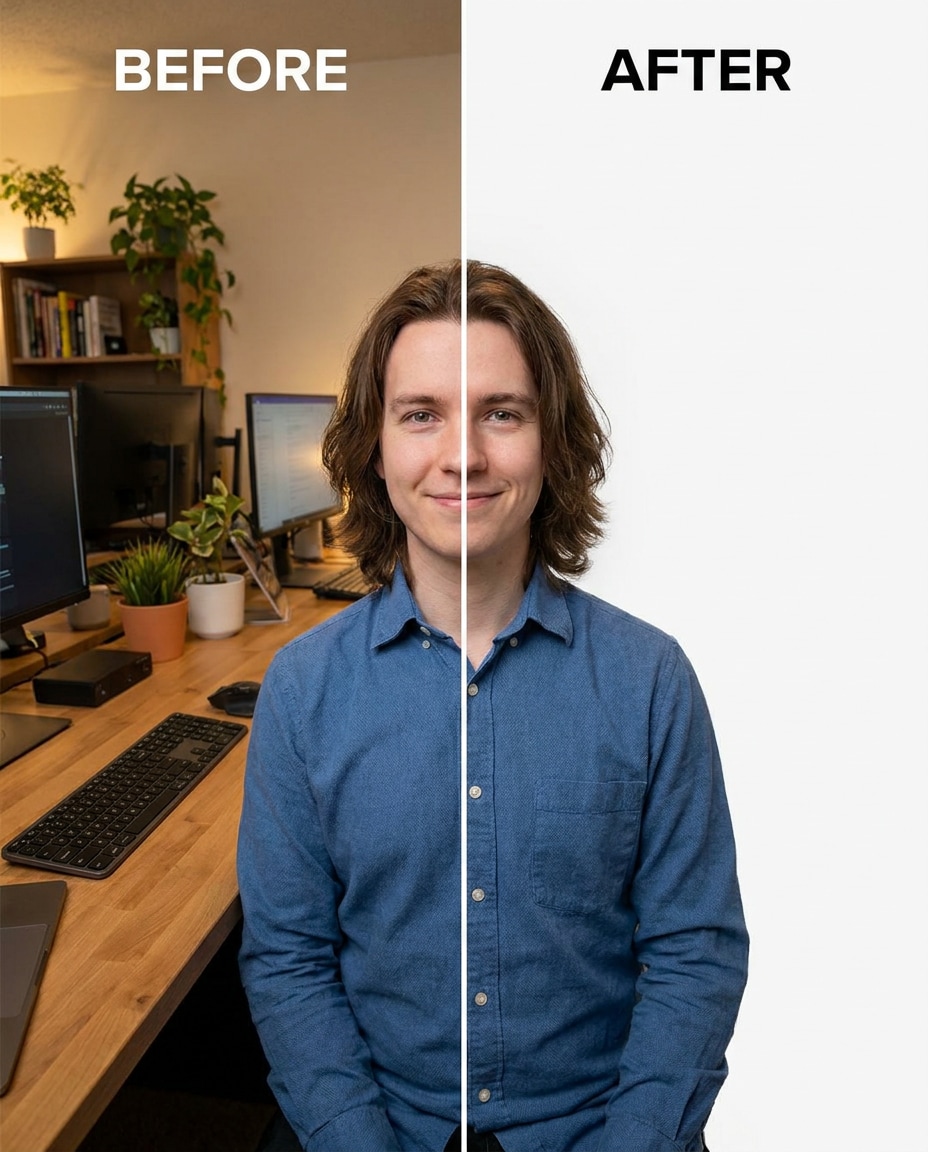
Office Headshot Cutout
Sculpt a clean professional look by removing the office background and replacing it with pure white, keeping the same face and same expression, keeping the same hairstyle and same outfit details, preserving original lighting and natural shadow falloff under the chin, keep glasses edges and collar seams intact --ar 4:5
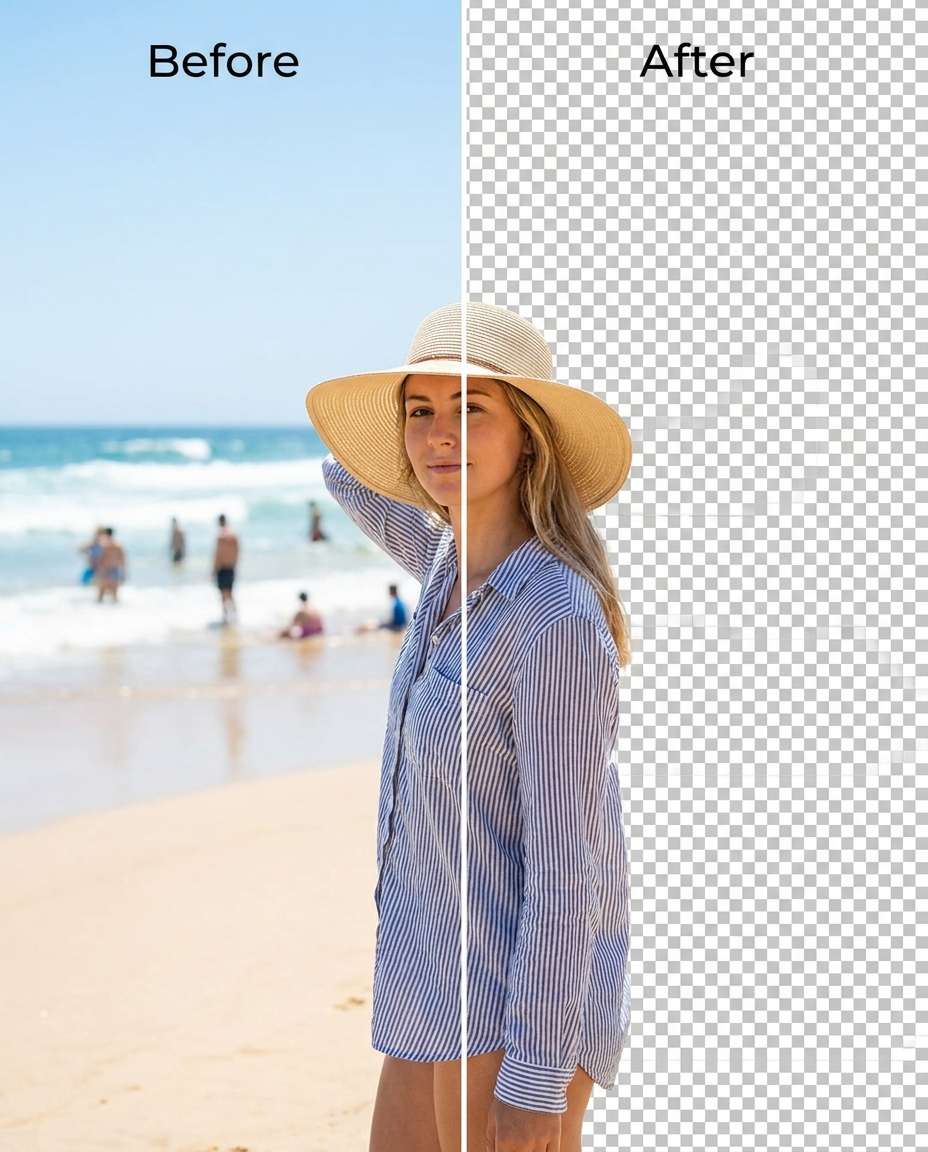
Beach Distraction Removal
Smooth the scene by removing the beach background (sand, waves, people) so only I remain, keeping the same face and same pose, keeping the same hairstyle and same outfit details, preserving original lighting direction and skin tone, keep clean edges around hair strands and swimsuit seams --ar 4:5
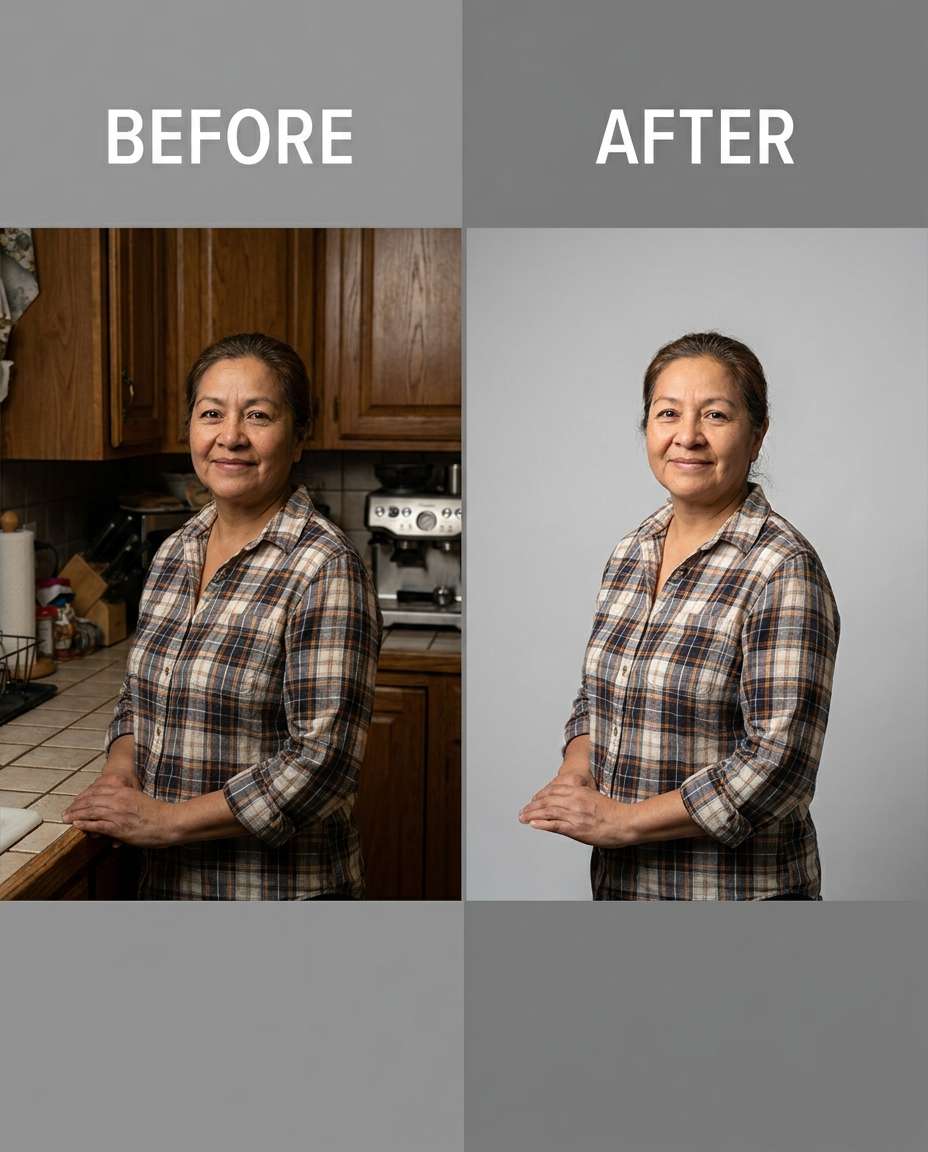
Kitchen Background Gone
Cinch the composition by removing the kitchen background behind me and leaving a clean neutral backdrop, keeping the same face and same expression, keeping the same hairstyle and same outfit details, preserving original lighting and color balance, keep crisp edges on hair and apron fabric texture --ar 4:5
Portrait Background Removal
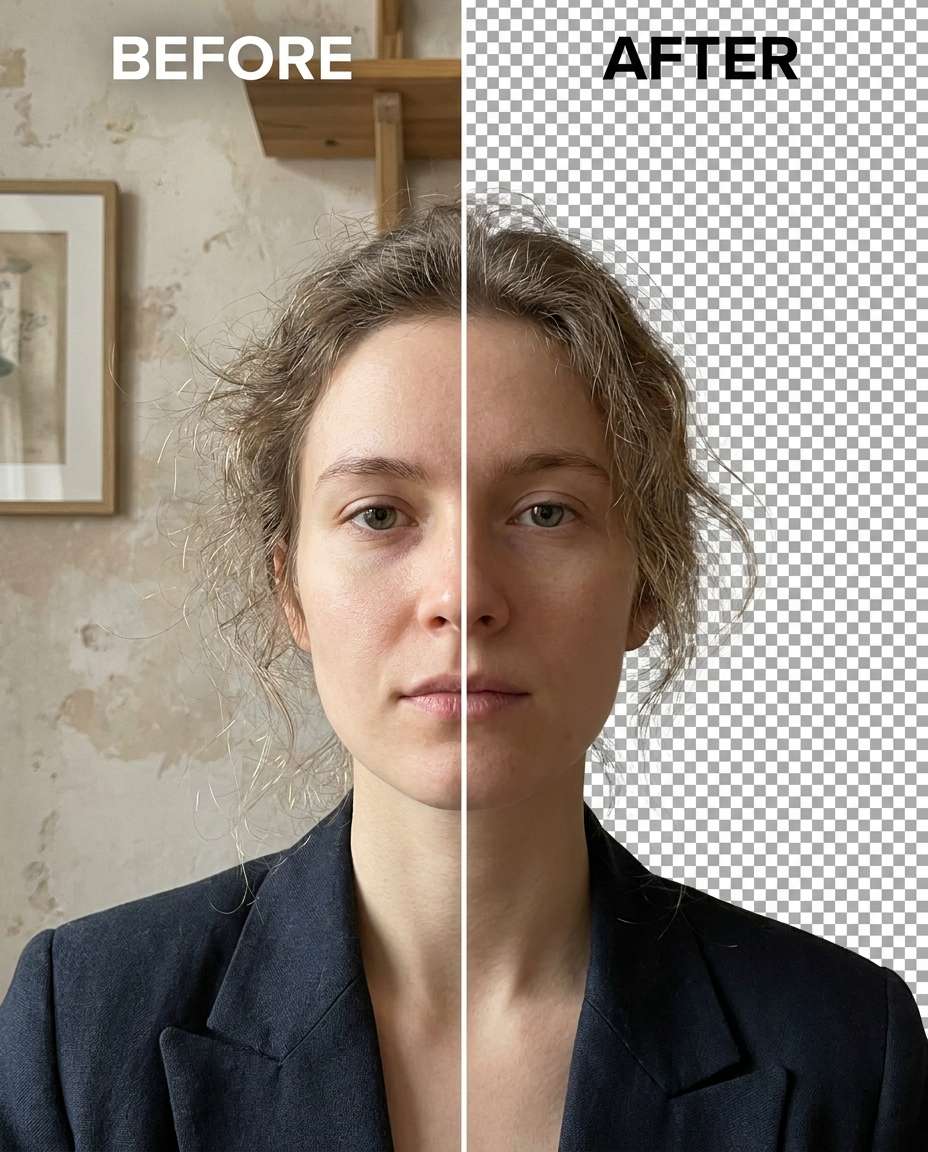
Remove the background from the uploaded portrait photo while preserving realistic hair details, facial features, clothing texture, lighting, shadows, and natural edges. Replace the background with a clean minimal studio-style background or transparent background effect while maintaining the original image quality and photorealistic appearance. Avoid blurry outlines, missing hair strands, artificial cutout effects, or over-smoothed edges. The final result should look naturally isolated, polished, and professionally edited.
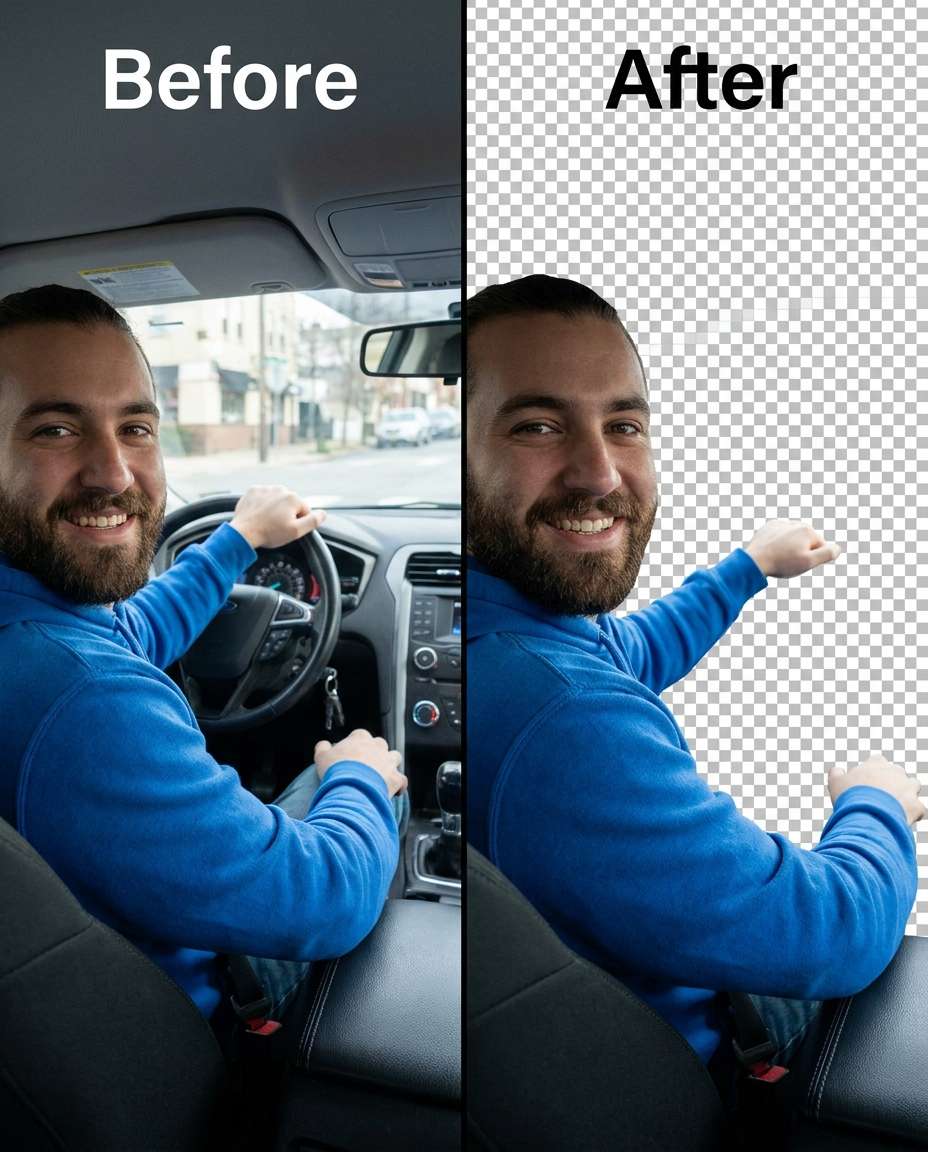
Car Interior Clean Cut
Adjust my photo by removing the car interior background and isolating me cleanly, keeping the same face and same expression, keeping the same hairstyle and same outfit details, preserving original lighting and shadow direction, keep sharp edges around sunglasses and seatbelt line --ar 4:5
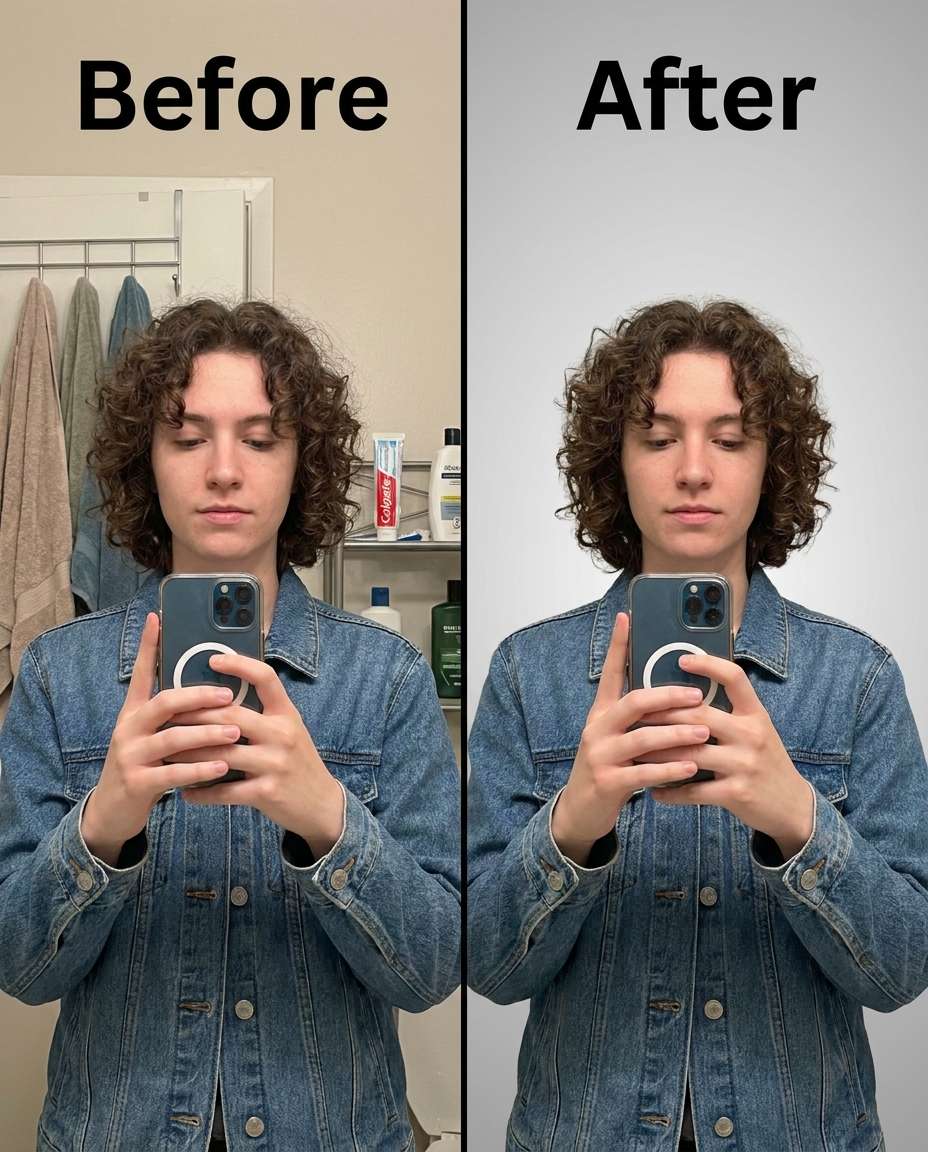
Mirror Selfie Background Removed
Tighten the look by removing the messy bathroom background from my mirror selfie, keeping the same face and same pose, keeping the same hairstyle and same outfit details, preserving original lighting and reflections on the phone screen, keep hair flyaways and sleeve edges clean --ar 4:5
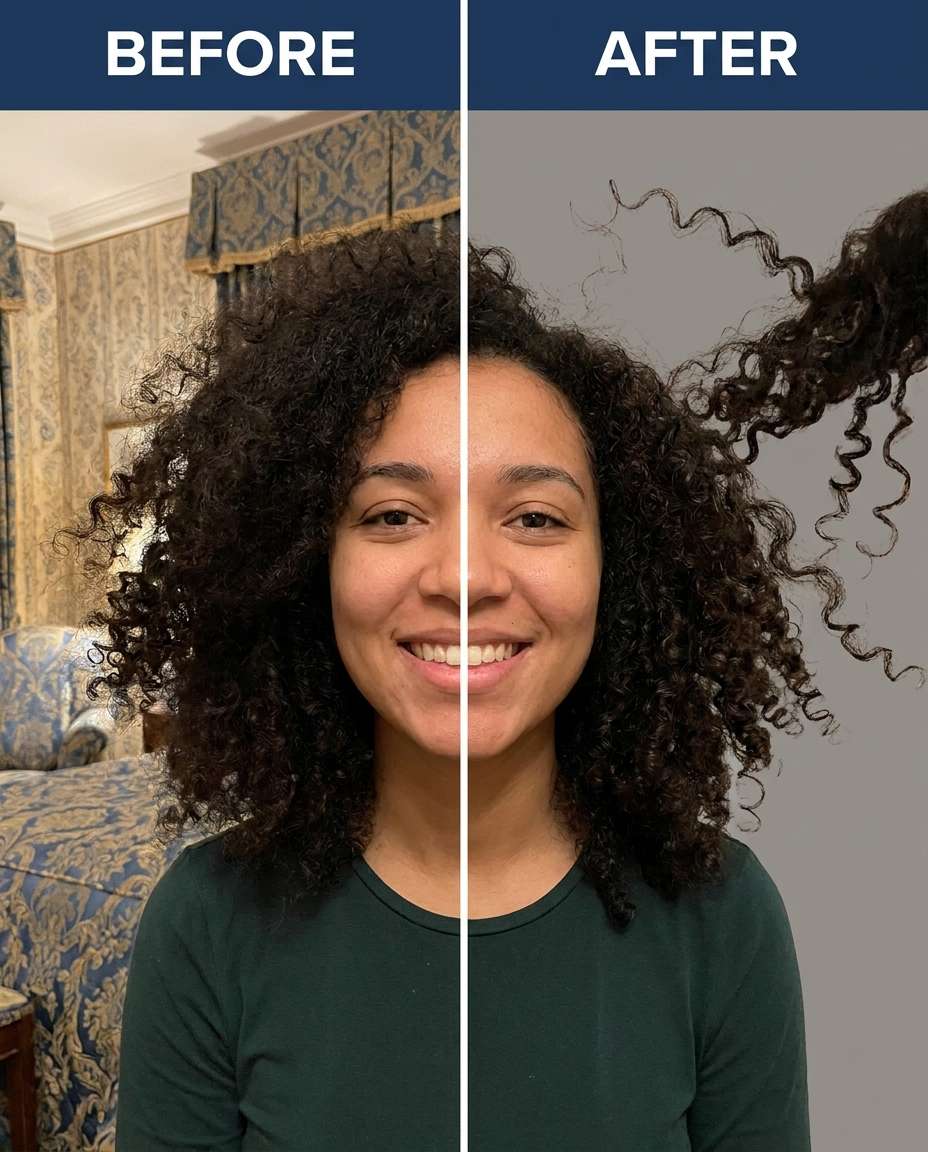
Curly Hair Edge Protection
Tune the cutout by removing the background while keeping the same face and same curly hairstyle intact, keeping the same skin tone and same pose, preserving fine hair strands and original lighting, protect shirt seams and fabric texture with clean edges --ar 4:5
Hat Brim Cutout
Soften the transition by removing the background behind me while keeping the same face and the same hat and hairstyle, keeping the same outfit details and same pose, preserving original lighting and shadow under the hat brim, keep clean edges on the brim and jacket collar --ar 4:5
Wedding Veil Cleanup
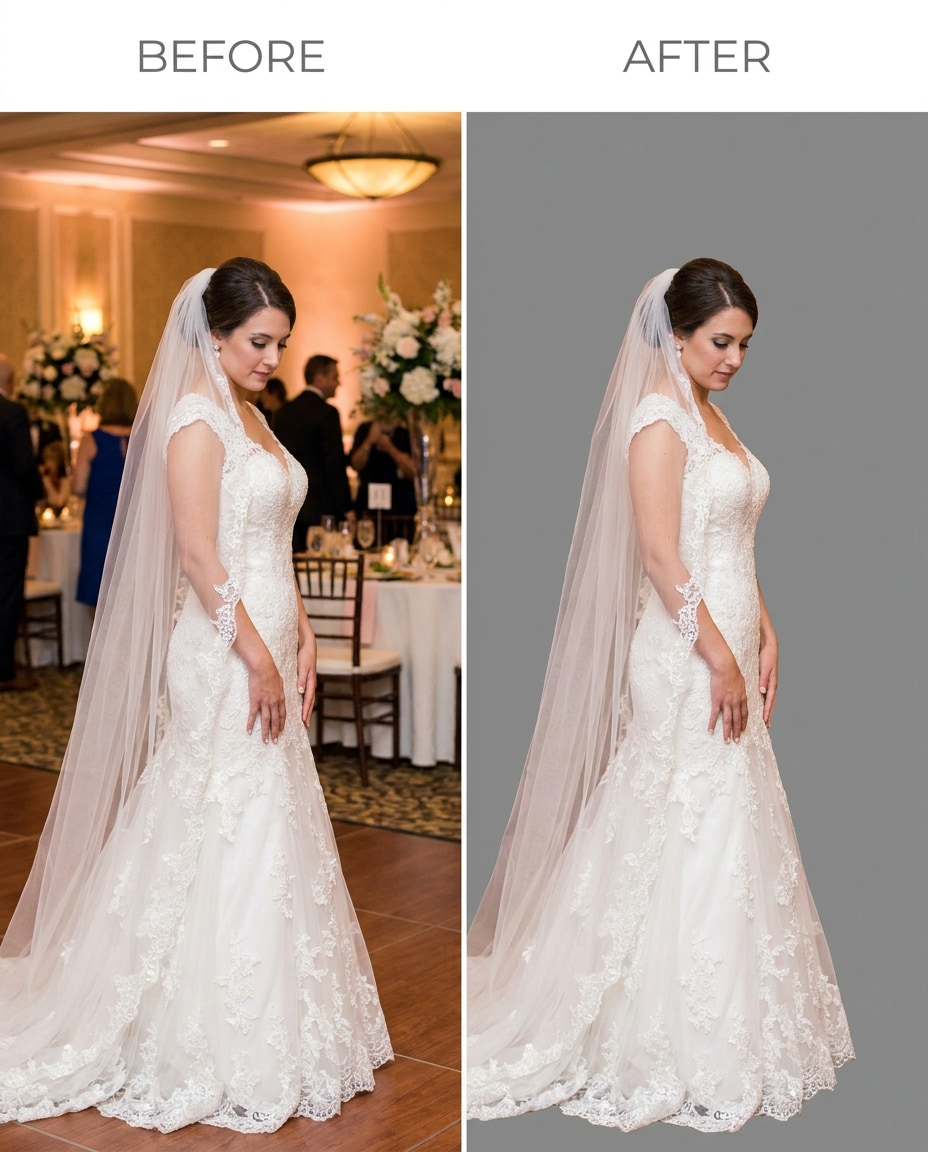
Slim away the venue background and isolate me while keeping the same face and same bridal hairstyle, keeping the same veil and same dress details, preserving original lighting and lace texture, keep veil edges delicate and dress seams undistorted --ar 4:5
Glasses Rim Precision
Refine the cutout by removing the background but keeping the same face and same expression, keeping the same hairstyle and same outfit details, preserving original lighting and reflections, protect glasses rims, earrings edges, and shirt collar seams --ar 4:5
Pet-In-Arms Cutout
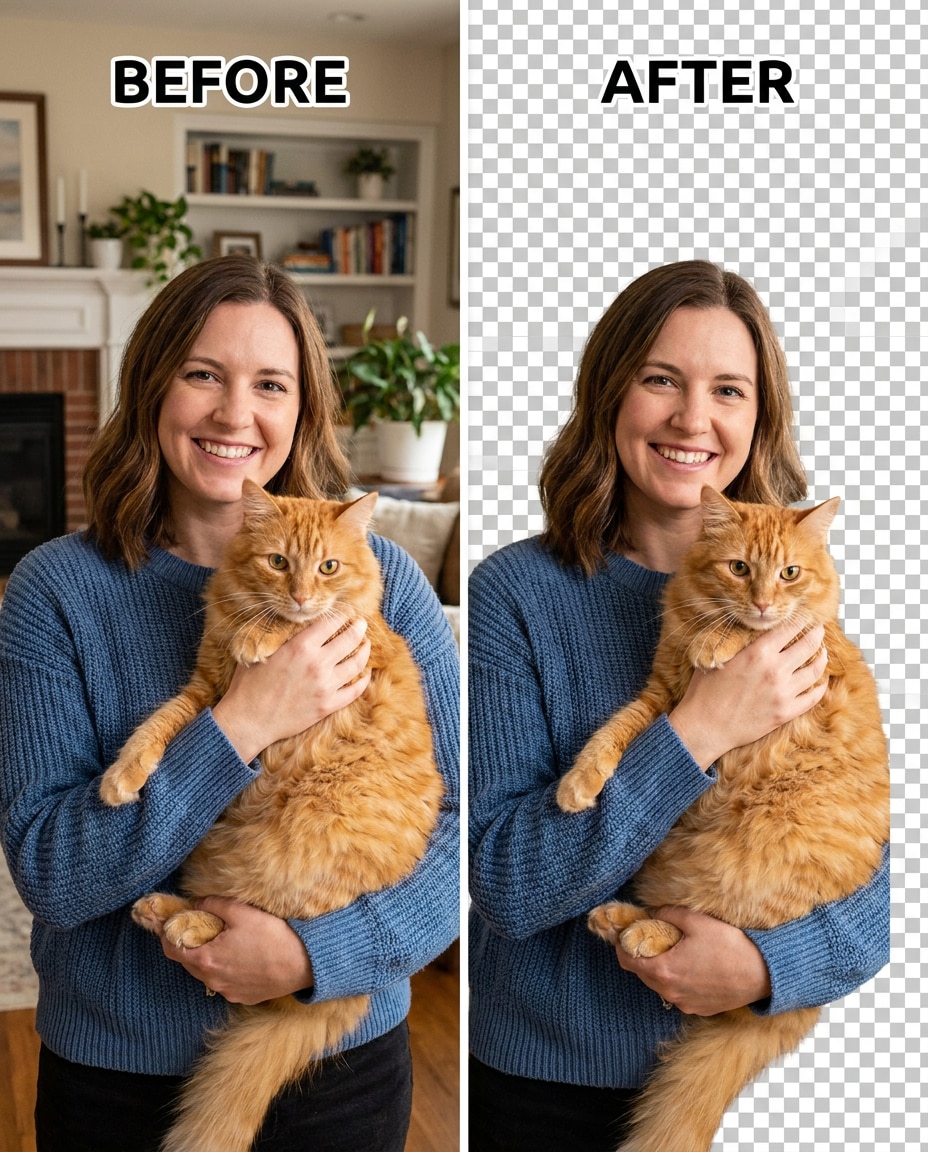
Sculpt a clean isolation by removing the background while keeping the same face and same pose, keeping the same outfit details and the pet exactly as-is, preserving original lighting and fur texture, protect hair flyaways and sleeve edges --ar 4:5
Full-Body Fashion Cutout
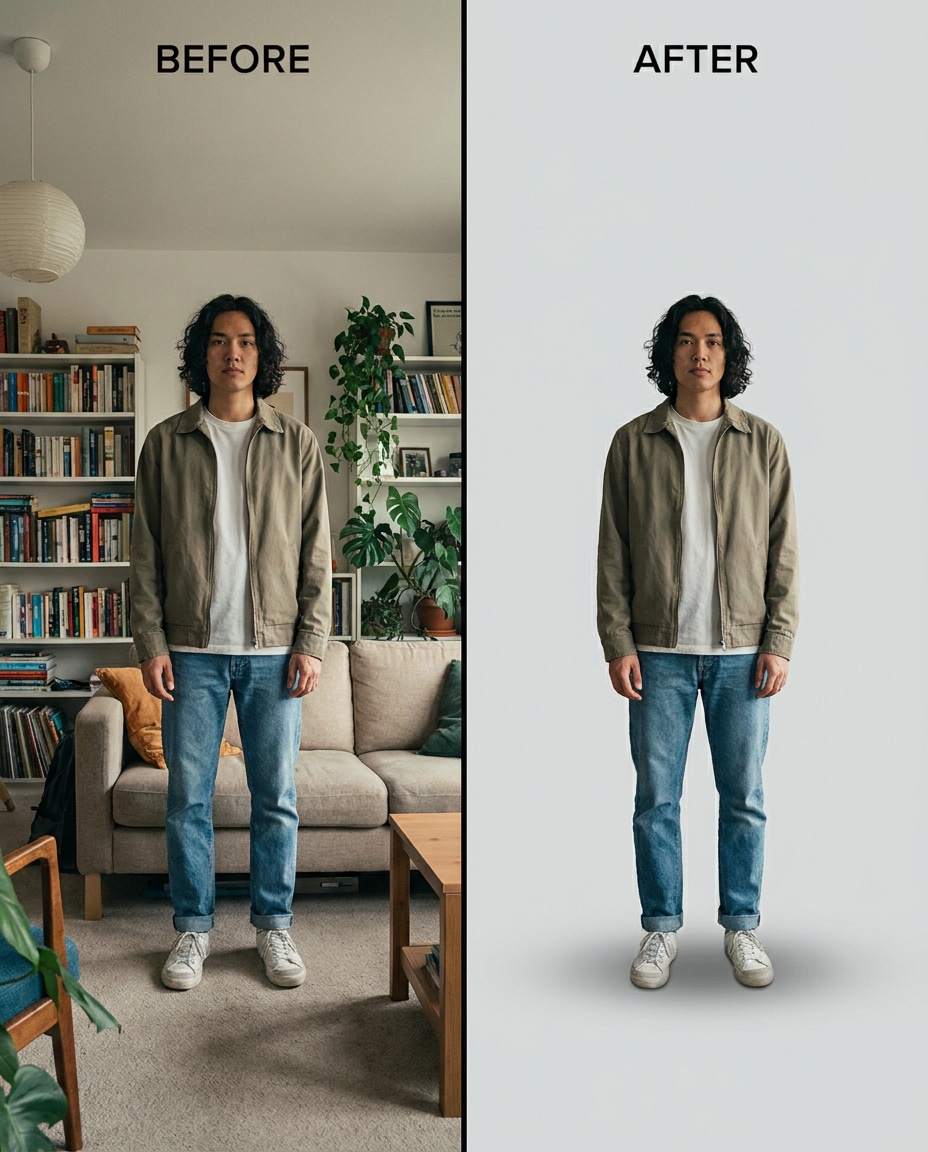
Smooth the background away for a clean fashion cutout, keeping the same face and same pose, keeping the same hairstyle and same outfit details, preserving original lighting and natural shadows on the outfit, protect outfit seams, shoe edges, and fabric texture --ar 4:5
Dancer Motion Preservation
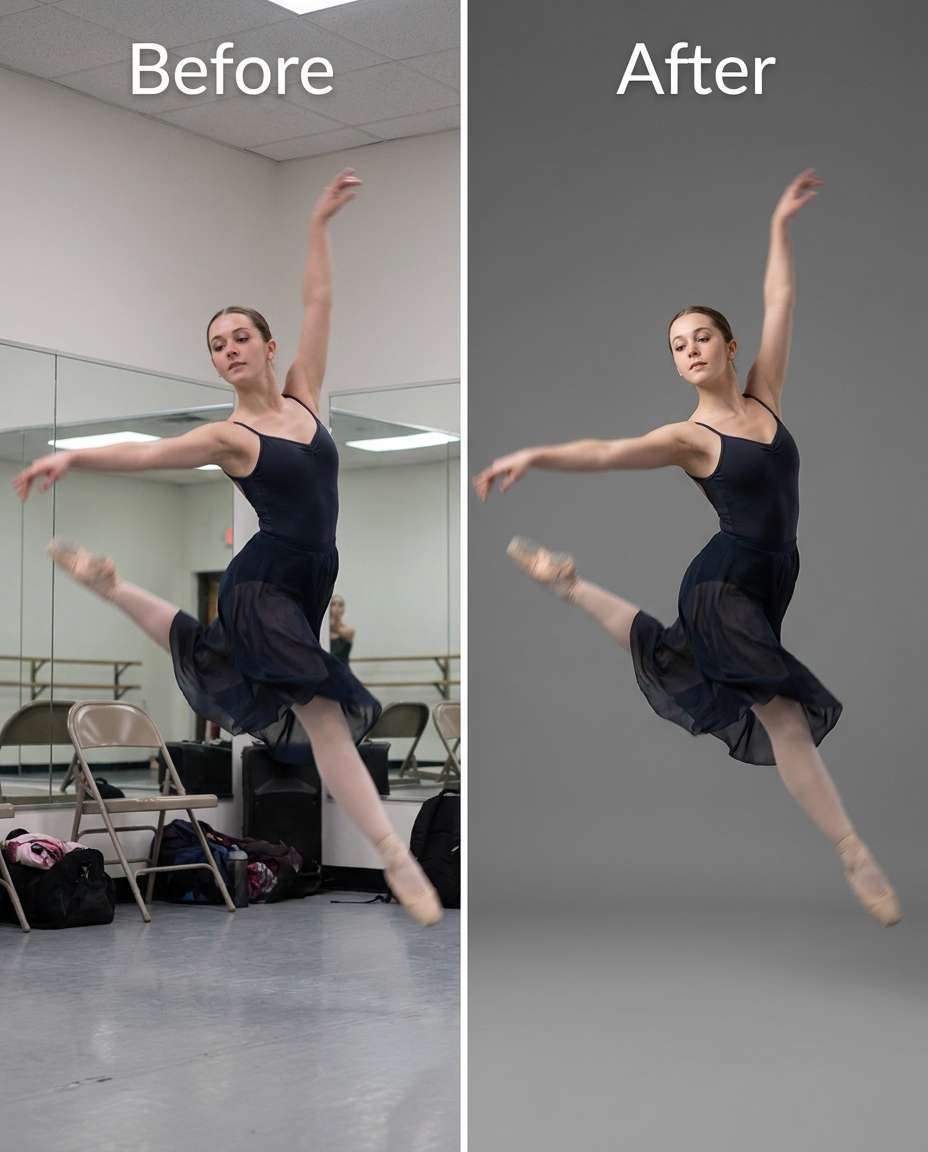
Cinch the composition by removing the background while keeping the same face and same dance pose, keeping the same hairstyle and same outfit details, preserving original lighting and any natural motion blur on limbs, protect fabric texture and edge detail --ar 4:5
Toddler Background Removed
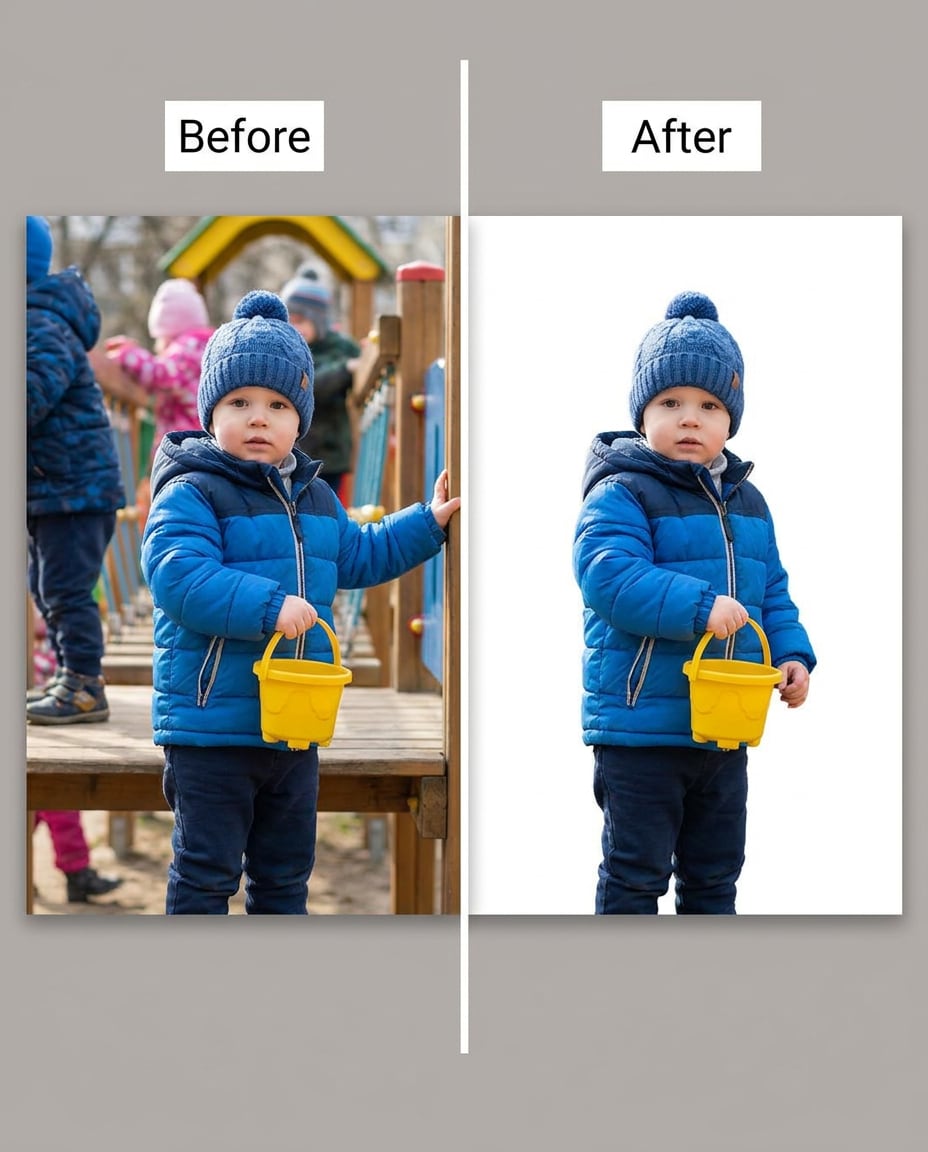
Reshape the image by removing the playground background while keeping the same face and same expression, keeping the same hairstyle and same outfit details, preserving original lighting and skin tone, protect toy edges, hair wisps, and clothing seams --ar 4:5
Graduation Tassel Detail
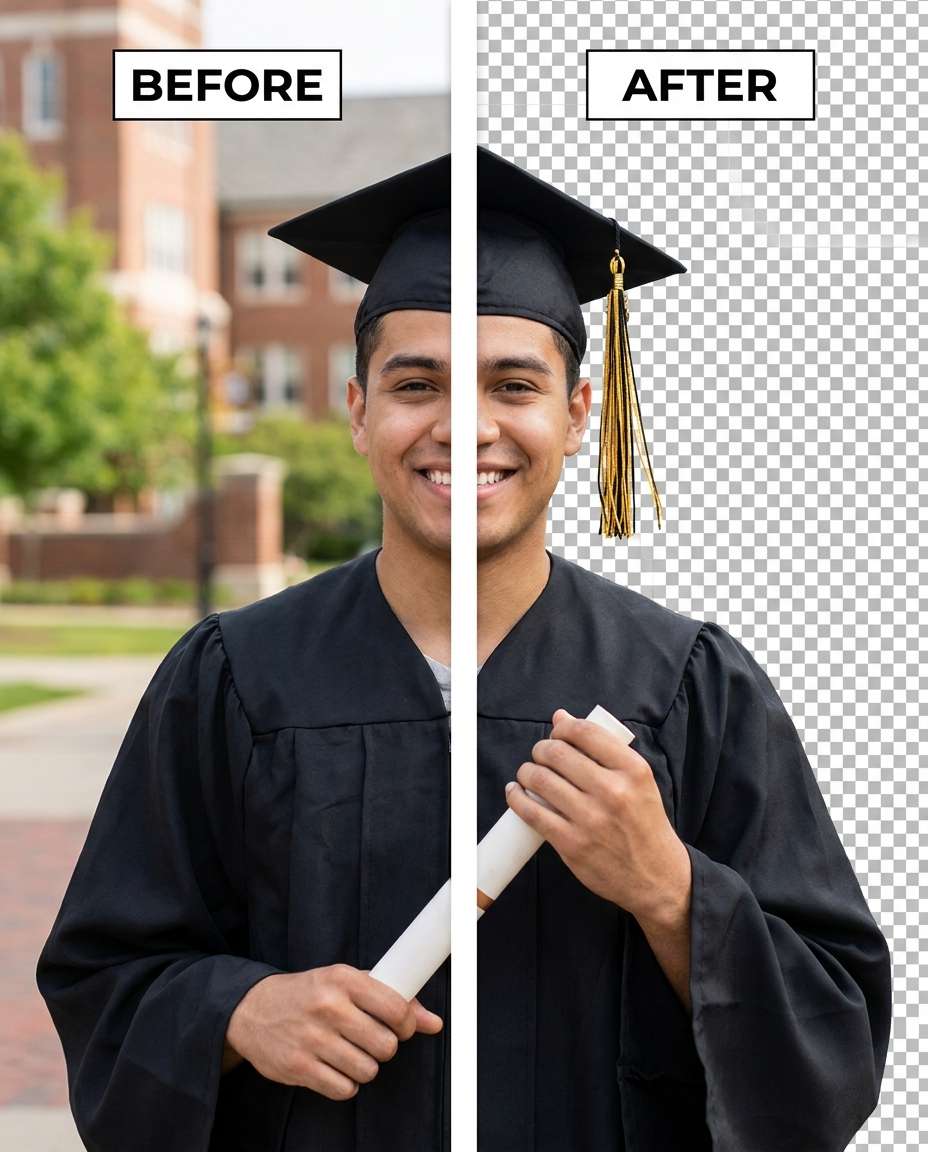
Adjust the cutout by removing the campus background, keeping the same face and same expression, keeping the same hairstyle and graduation gown details, preserving original lighting and cap texture, protect tassel strands, collar seams, and skin tone accuracy --ar 4:5
Athlete Stadium Removed
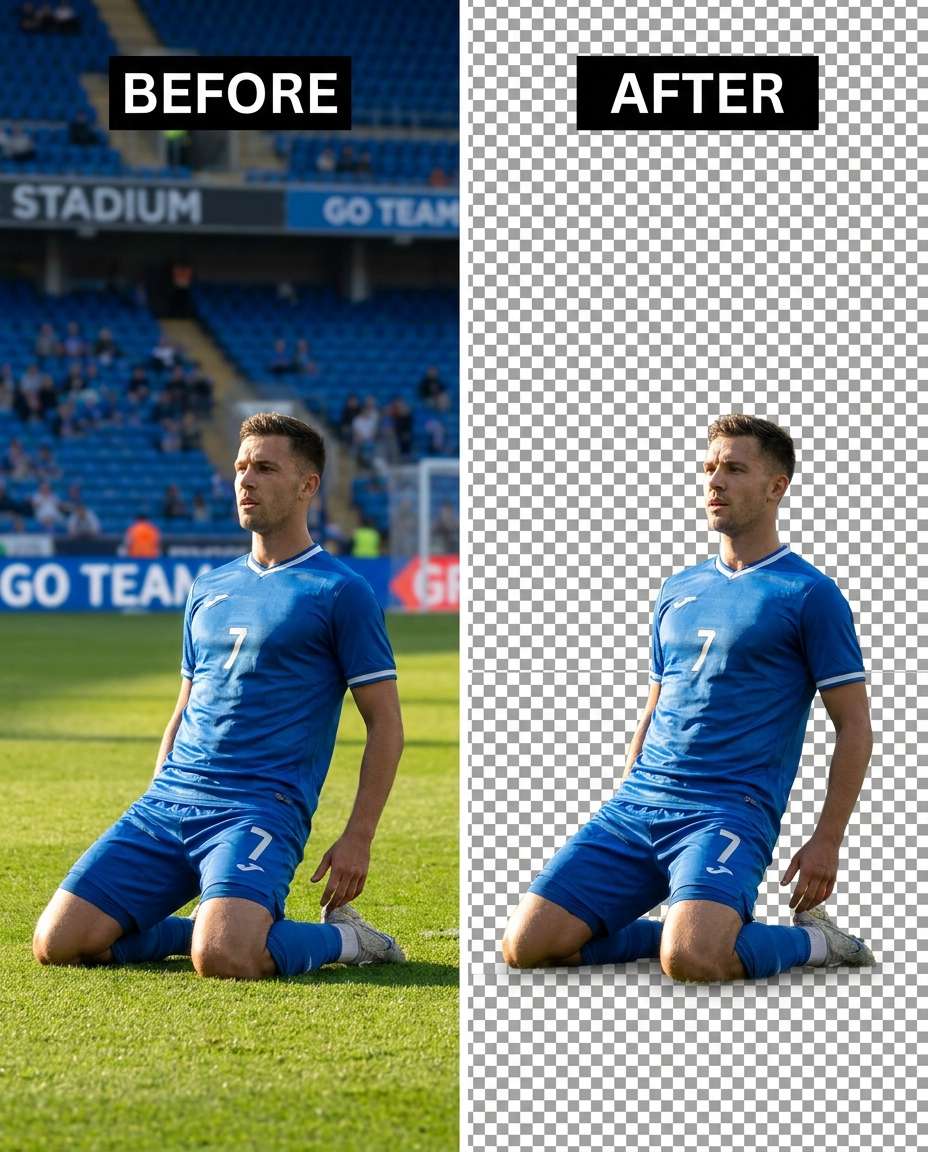
Tighten the focus by removing the stadium background and isolating me, keeping the same face and same expression, keeping the same hairstyle and same uniform details, preserving original lighting and sweat highlights, protect logo edges, jersey texture, and shadow direction --ar 4:5
Guitar Strings Protected
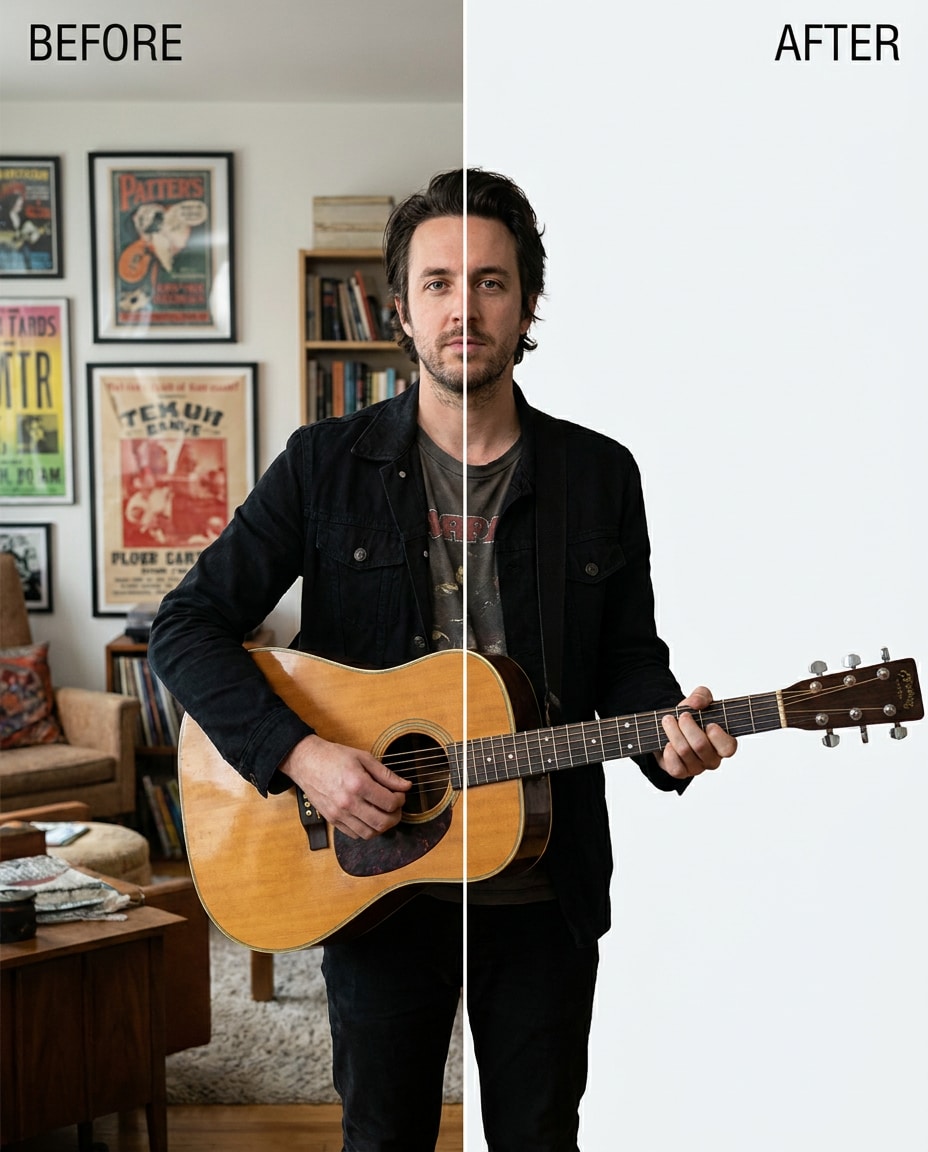
Tune the removal by cutting out the background while keeping the same face and same pose, keeping the same hairstyle and same outfit details, preserving original lighting and wood grain, protect guitar strings, hand edges, and fabric seams --ar 4:5
Plate and Hands Clean
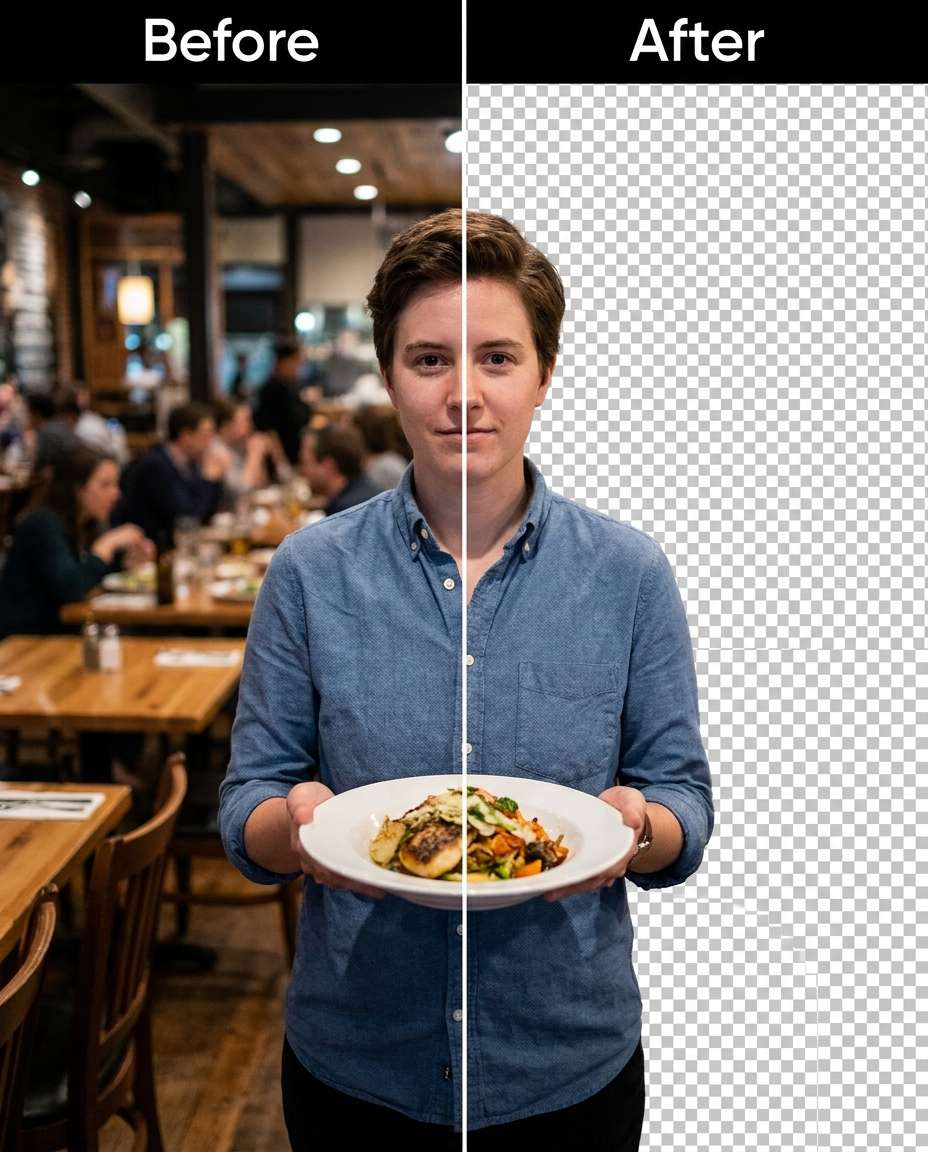
Soften the distractions by removing the restaurant background, keeping the same face and same expression, keeping the same hairstyle and same outfit details, preserving original lighting and skin tone, protect fingers, plate rim, and clothing texture with clean edges --ar 4:5
Night Neon Background Cut
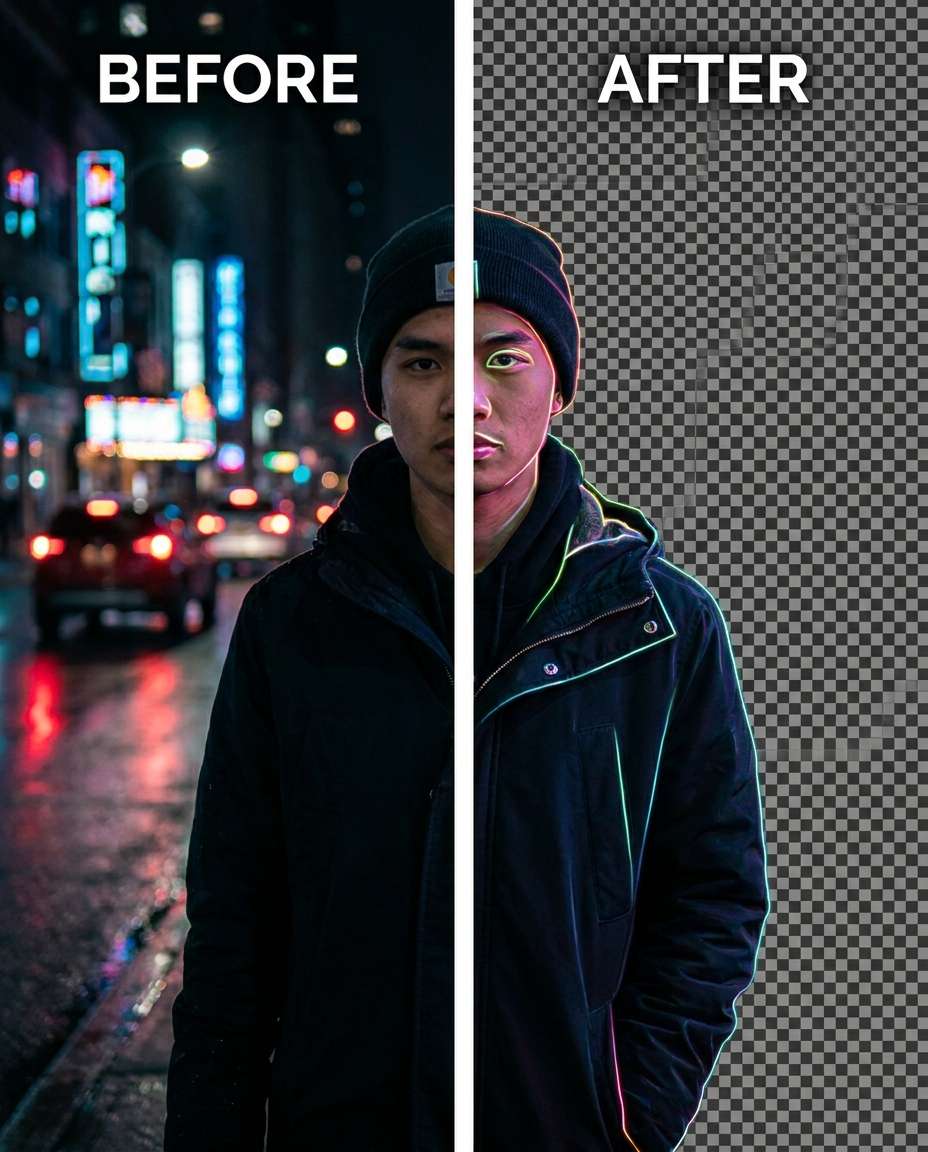
Slim the busy night scene by removing the neon street background while keeping the same face and same pose, keeping the same hairstyle and same outfit details, preserving original lighting and neon color spill on skin, protect hair edges and jacket seams --ar 4:5
Flyaway Hair Preserved
Refine the background removal while keeping the same face and same hairstyle, keeping the same skin tone and same outfit details, preserving fine flyaway hairs and original lighting, protect eyebrow detail, collar seams, and natural shadows --ar 4:5
Keep Soft Ground Shadow
Sculpt a clean cutout by removing the background but keeping the same face and same full-body pose, keeping the same hairstyle and same outfit details, preserving original lighting, keep a soft natural shadow under my feet and protect outfit seams and fabric texture --ar 4:5
Backdrop to Solid Color
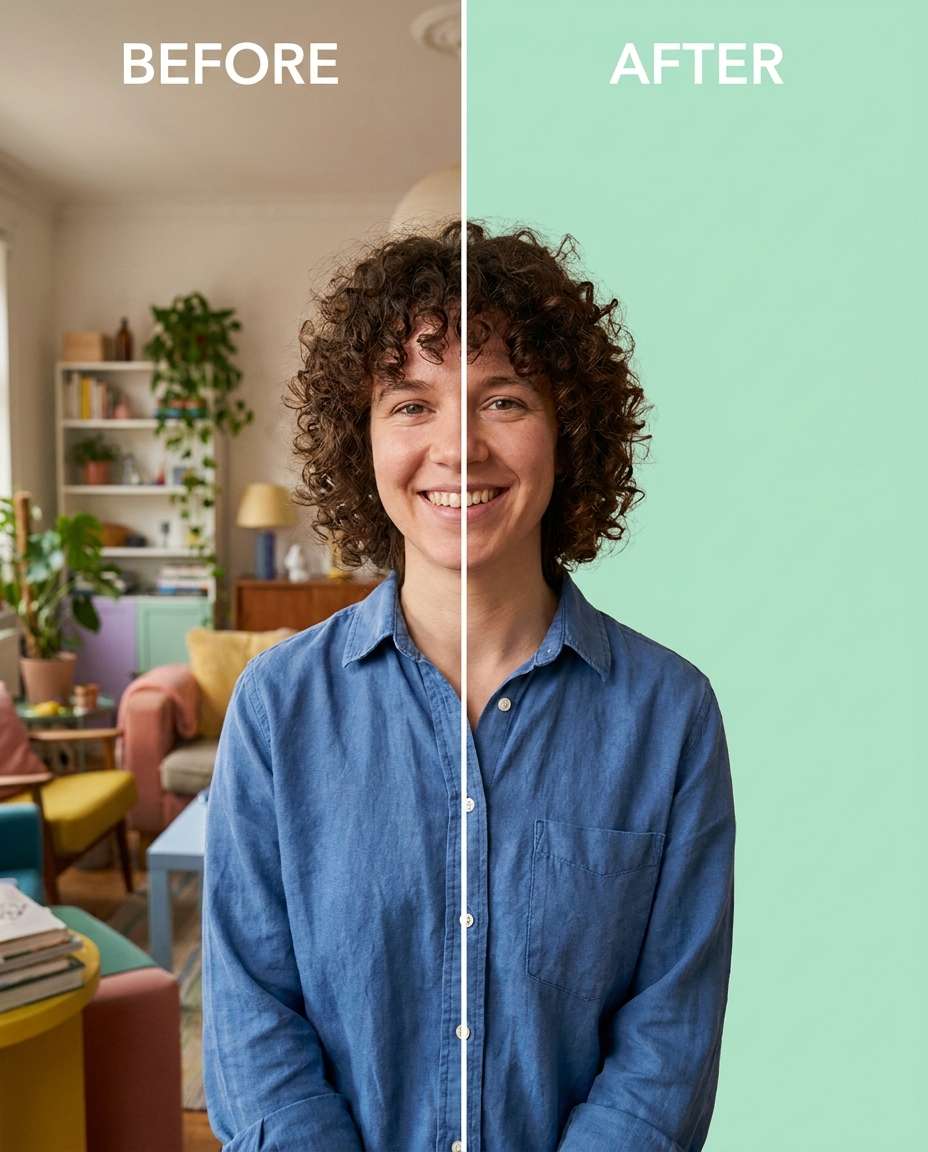
Smooth the edit by removing the background and replacing it with a solid pastel color, keeping the same face and same expression, keeping the same hairstyle and same outfit details, preserving original lighting and skin tone, protect hair edges and outfit stitching --ar 4:5
Window Light Cutout
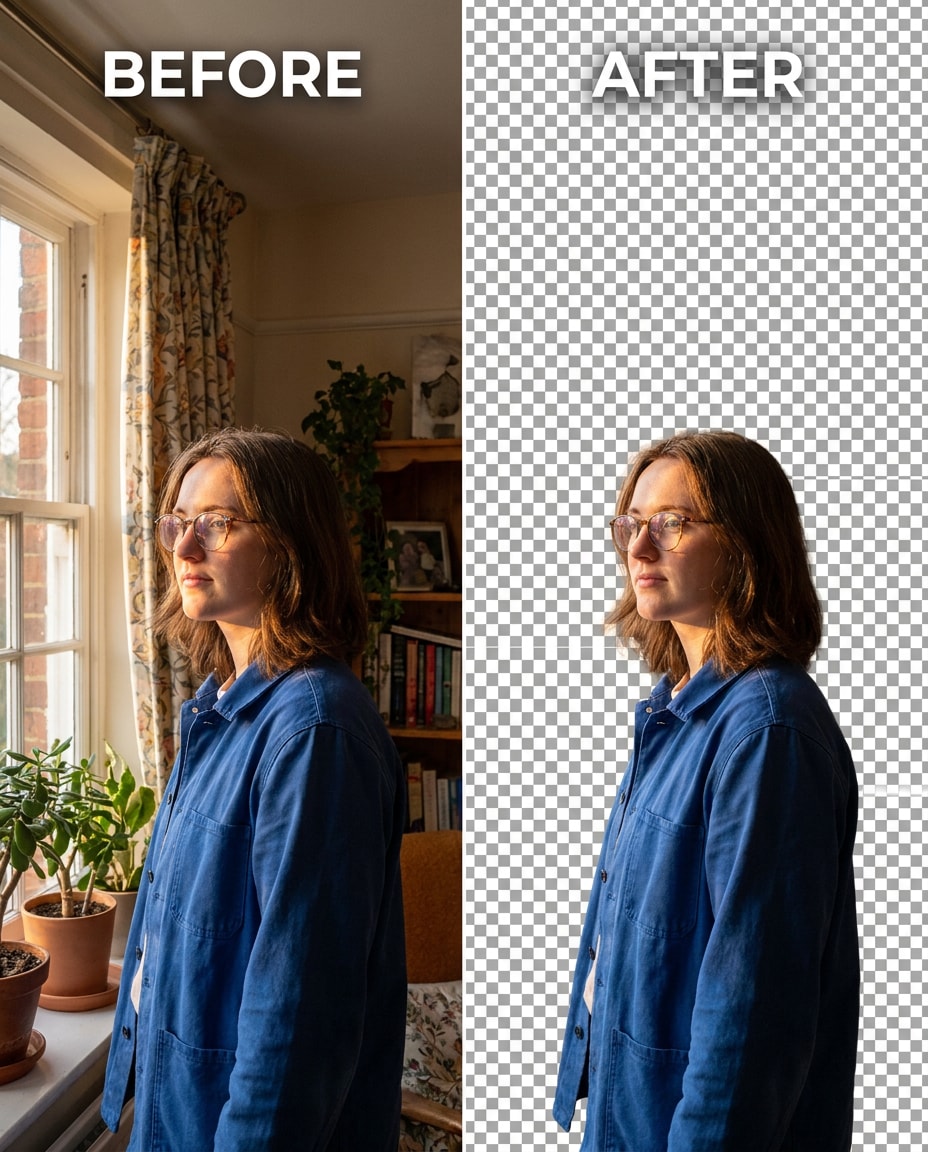
Cinch the scene by removing the background while keeping the same face and same pose, keeping the same hairstyle and same outfit details, preserving window-light highlights and shadow direction, protect skin texture, hair strands, and fabric weave --ar 4:5
How to Write Better Gemini AI Remove Background Prompts
The strongest background-removal edits come from naming what must stay untouched, not just what should disappear. Call out edge-sensitive areas (hair, glasses, lace, fingers) and the lighting you want preserved so the cutout looks natural instead of pasted on.
Lighting rules (preserve original lighting direction and shadow softness)
Output preference (transparent cutout look or clean seamless backdrop)
Prompt Writing Tips
Name the specific background elements to remove (people, furniture, signage) for cleaner results than saying only "remove background."
Add at least two identity anchors so the model doesn't alter facial features or restyle hair.
Ask to preserve seams, stitching, and fabric weave to avoid melted clothing edges.
Call out edge-problem zones like curls, veil, fur, and jewelry, and request crisp edges with no fringing.
If the cutout looks flat, explicitly request keeping original shadow direction and highlight placement on the subject.
Regenerate with "more aggressive removal" or "more subtle cleanup" to control how much of the environment remains.
Why Choose Media.io for Gemini AI Remove Background Prompts
Natural-looking cutouts that protect your identity and outfit while letting you tune background cleanup from subtle to strong without distortion.
Identity stays consistent
Keep the same face, hairstyle, pose, and skin tone while the edit focuses on removing distractions behind you. Media.io makes it easy to specify what must remain unchanged so your portrait still looks like you, not a re-generated person.
Cleaner hair-edge results
Background removal often fails around flyaways, curls, veils, and fur. These prompts emphasize edge preservation so strands stay believable. Generate multiple variations in Media.io and pick the one with the cleanest outline and least haloing.
Outfit seam protection
Clothing is where cutouts look most fake: collars melt, stitching disappears, and hems wobble. The workflow here calls out seams, logos, and fabric texture so the subject stays sharp while the background gets removed or simplified.
Fast iterate and download
Upload once, paste a new prompt, and generate again until you get the right level of cleanup. Media.io helps you iterate without complicated masking steps, then download your favorite result for thumbnails, profiles, or design layouts.
FAQs About
Gemini AI Remove Background Prompts
1. Why does my cutout look like it has a halo?
That usually happens when the edge isn't told what to preserve. Add instructions like "no halos," "keep fine hair strands," and "clean edges around fingers and glasses." Also request "preserve original lighting and natural shadows" so the subject doesn't look pasted onto a blank backdrop.
2. How do I keep hair flyaways and curly edges from getting clipped?
Be explicit about hair being the priority: mention "preserve flyaways," "keep individual curls," and "no jagged edges." It helps to also anchor identity (same face, same hairstyle) and ask for "clean alpha-like edges" while preserving the lighting direction so the outline stays believable.
3. Can I remove the background without changing my outfit color or texture?
Yes. In your prompt, lock the outfit by calling out "same outfit details," plus a preservation line like "preserve fabric texture and stitching." If you see color shifts, add "keep original color balance and skin tone" and regenerate a couple of variations to find the most faithful result.
4. how do I remove a photo background using Gemini AI prompt
Start with a clear request: remove the background, then add two or more anchors that must remain unchanged (face, hairstyle, pose, outfit). Finally, add preservation rules for lighting and edges (hair strands, glasses rims, seams). Generate a few versions and choose the cleanest outline with the most natural shadows.
5. Should I ask for a transparent background or a solid color backdrop?
Choose based on where the image will be used. A transparent-style cutout is flexible for design layouts, while a solid backdrop (white, gray, pastel) can look more finished for profiles and headshots. Either way, request edge cleanliness and lighting preservation so the subject doesn't look artificially cut out.
Why Creators Love Media.io's Gemini AI Remove Background Prompts?
Alex M.
Photographer
Ultra Realistic Results.
I used these remove background prompts to create visuals that looked like real photography. The lighting, textures, and colors felt incredibly natural.
Maya J.
Designer
Perfect Lighting & Detail.
The prompts produced cinematic compositions and soft lighting, making every image feel like a professional shoot.
Jordan P.
Creator
Perfect for Social Media.
I used these prompts to create viral content. It's fast, easy, and consistently produces stunning visuals.