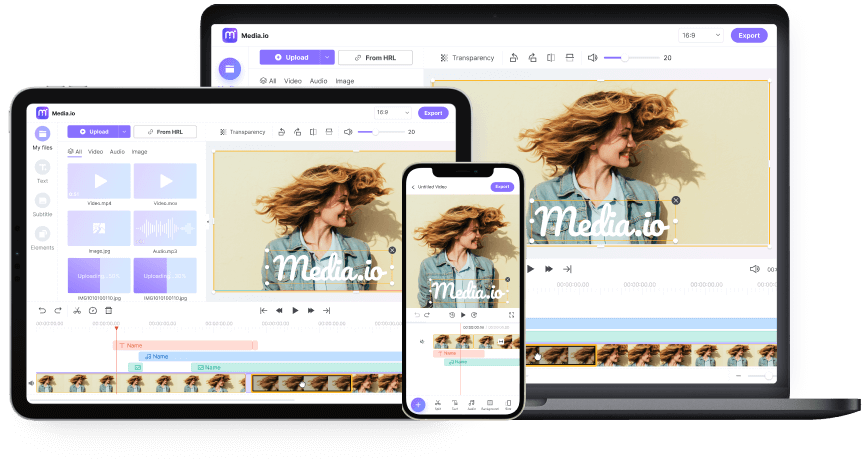
AI Voice Changer Online Free - 100+ AI Voice Filters
Change your voice to different pitches, characters, and genders with AI voice filters. Create anime voices, robot sounds, gender swaps, and more. Works online and free—no download needed.

* I'd like to Enhance Voice Quality, Change Song Voice with AI or Generate Music from TEXT or Generate Song from Lyrics.
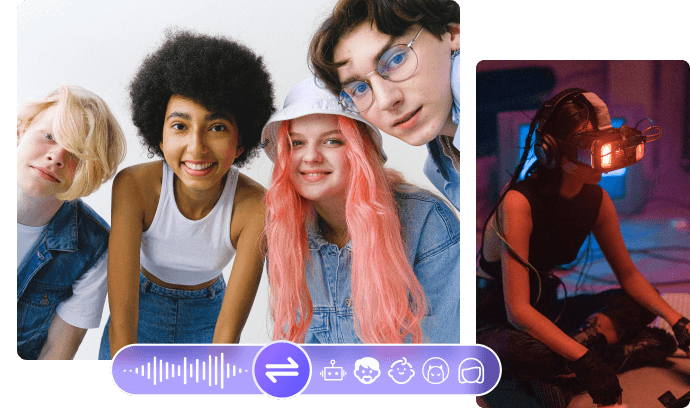











How to Change Your Voice Online
People love posting videos on TikTok, Instagram, YouTube and other video sites. Besides the attractive theme or cool video effects, the soundtrack and voice also play a big role in making your videos stand out.
If you want to change your voice online to get more views and likes, try Media.io. It's an easy-to-use online voice changer for gamers, video creators, and YouTubers. Add voice effects to sound like a demon, robot, sweet girl, tough man, or anyone else you can imagine.
-

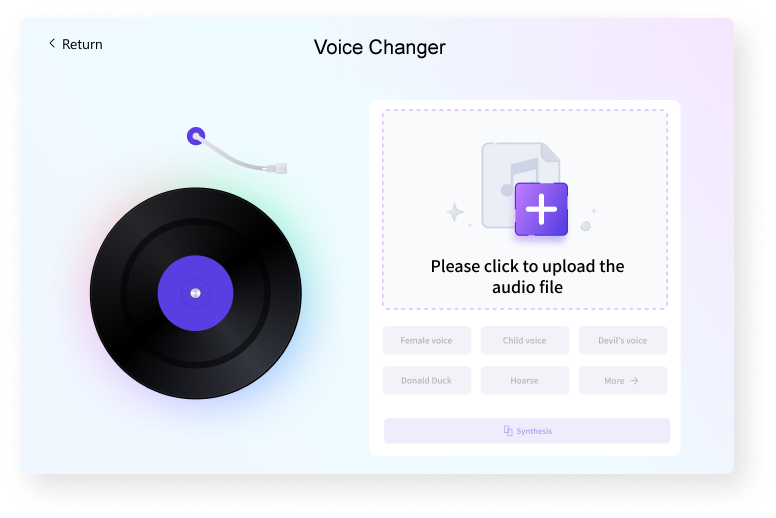
1. Upload Audio File
Upload your audio files to Media.io - it's all online and works right in your browser.
-

2. Select Voice Filters
Choose one of the voice effects you want to apply and click "Start." Our AI voice changer will do the rest for you.
-

3. Download and Save Changed Sound
Download the file to your local drive or Dropbox.
Bonus tip: Other handy tools like audio trimmer, joiner, and converter are available on our Video Editor. Give them a try if needed!
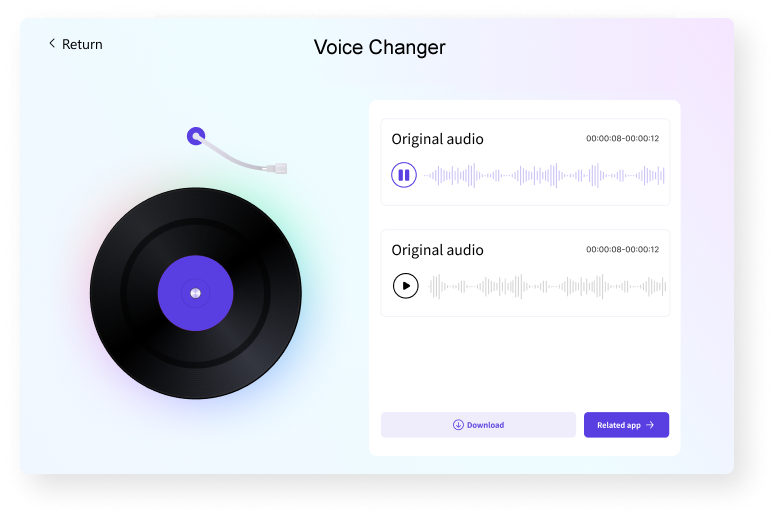
Why Makes Media.io Voice Modulator Different?
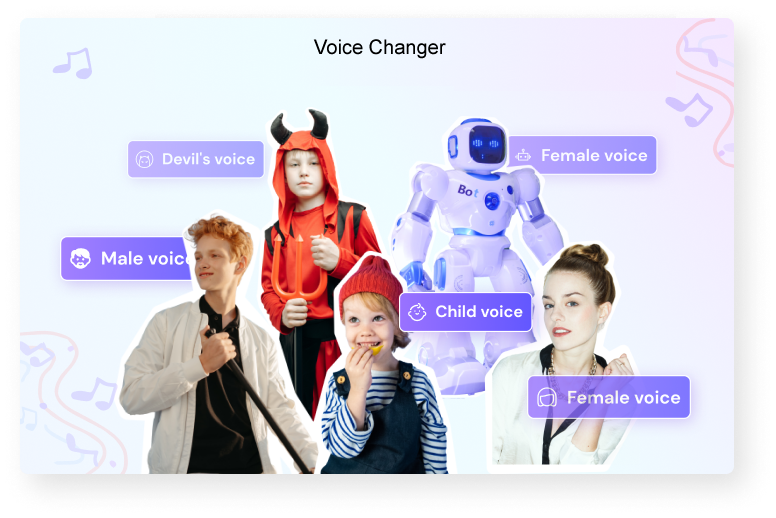
Media.io free online voice changer keeps adding more voice filters to give you what you need.

Change Gender Voice
Best male to female or female to male voice changer online. Turn your voice into different pitches in several clicks. No need to download software.

Abundant Voice Filters
Try different voice effects and find your favorite. Go high-pitched with anime girls or kids' screams. Get a little scary with the haunted ghost or cruel clown.

Powered by AI Voice Generator
Media.io voice changer uses an AI algorithm to convert your original sound to different voices. Act like the animation actor, cartoon character, or singer you want.

Support All Audio File Types
You can upload any audio or video format on Media.io online voice changer, such as MP3, M4A, OGG, AU, MP4, MOV, VOB, MTS, etc. Download the file in the format you want.

Edit and Customize Voice
Media.io is not just a voice changer. You can edit audio easily after you get the voice you want. Customize the audio to get the ideal effect.

Remove Uploaded Files in 24 Hours
No need to worry about data security. All uploaded files are removed automatically from our server within 24 hours.



Create Royalty-free Background Music with AI.
Voice Filters for Every Moment: Content, Fun, and Communication
Want to sound like a robot, a demon, your dream character, or an anime star? Change your voice with fun effects. It's your call!
Add Stunning Voiceovers with Anime Sound to Videos
Are you a big fan of animation? If yes, do you know that cartoons require a voice actor to walk through the various scenes of your favorite movie?
Media.io is a voice changer online platform to run a voiceover for your content. All you need is to join the Media.io family and experience the hand of the best anime voice changer online. If you work in an animation-producing company or other production, Media.io will come to your rescue regarding any voice-changing issue.

Send Funny Voice to Prank Your Friends
No matter what we experience in life, having fun is essential. After all, entertainment keeps us sane as we go through difficult times in life. And there is no better way to have fun than pranking your friends.
Technology has risen, making it easy to use different tools to multiply the fun. Media.io is the best voice changer online to assist you in turning voices into funny ones for fun. Besides, the platform is readily available for all making it convenient to pull pranks on your friends.
Voice Modifier Works Everywhere…
Whether working or a student, you often come across modified voices to improve presentations or conversations. Currently, voice modification is the real deal that aims to improve the general voice output. Besides, it is common in gaming, zoom meetings, etc.
One of the top voice modifier online tools is Media.io. Experience clear and presentable voices with Media.io. And make great audio-video content with changed and modified voices with Media.io effectively. That will create a difference among the users.

FAQs About the AI Voice Changer
-
?
1. How can I change my voice online?
Media.io is among the best voice changer online platforms you can use. Besides, it features a convenient and straightforward process that all can follow. Here are simple steps to change your voice online using Media.io in no time.
Step 1. Upload your file into Media.io using the Choose Files option. Note that the platform can comfortably work with different video formats.
Step 2. Select the required voice effect that suits you. Preview the voice to identify whether you like the voice or not and adjust accordingly.
Step 3. Download your video online via your Dropbox or drive. -
?
2. How can I change my male voice to a female voice online?
Change your voice online with Media.io and convert your male voice to a female voice. You need to follow several steps to alter your male voice to a female voice. Check it out!
Step 1. Visit the Media.io voice changer website and upload your audio file.
Step 2. Choose the male-to-female voice profile setting and make other necessary audio cuts online. Play your audio before downloading it to ensure that it fits your taste.
Step 3. Finally, download and save your audio file. -
?
3. How can I make my voice funny?
You can easily modify your voice online with Media.io and multiply the fun.
Step 1. Upload your original voice audio into Media.io. You can do that via their website available online.
Step 2. Choose one of the voice filters that suits your taste.
Step 3. Download and save your final audio output. -
?
4. What is the best voice changer for PC?
Voicemod: It is a super voice changer that works well with multiple programs, including Skype, Discord, etc.
Adobe Audition: The perfect choice for gaming, voiceover presentations, and podcasts.
Murf: The voice changer converts your voice to that of a professional studio.
Voice Changer: It includes voice-changing effects that allow you to customize your voice in a way that suits your taste and preference.
Clownfish: This voice changer perfectly suits all the windows systems, and there are many sound effects to use. -
?
5. What is the best online voice changer?
Media.io: Get the best online voice-changing experience with the help of the Media.io platform. It is pretty easy and convenient for all to use. Besides, it works with multiple video formats.
My Voice Mod: The voice changer online application is free and allows you to record and download audio conveniently. There are many voice change options you can use.
Voice Changer Org: With the many voice profiles available, you can alter your voice depending on your taste.
Custom voice maker: It is a perfect choice for people looking to create unique voices. After all, you can blend many voice effects to deliver a unique one.
Clownfish Voice Changer: The Google Chrome extension allows you to change voice online easily. -
?
6. What's the best voice changer app?
Best voice changer: It is a flexible app that allows you to record audio and add various effects. Also, you can import audio files from your phone.
Voice Changer with effects: This app best suits people who love experimenting with various voice effects. Note that it includes many voice filters.
Call voice changer: With a simple push of a button, you enable this app, and it ultimately makes your voice unrecognizable.
Funcall: It is an android application that helps you alter your voice and record incoming calls.
Super-voice editor: As the name suggests, the super-voice editor is a fantastic voice changer app that includes multiple voice profiles. Therefore, you can choose the voice that suits you. -
?
7. How can I change my squeaky voice?
Using the Media.io voice changer website, you can now convert your original voice to a squeaky or high-pitch voice.
Step 1. Upload your audio file into Media.io.
Step 2. Cut the unnecessary audio and apply the high-pitch voice converter setting. You can listen to the output and make the necessary adjustments.
Step 3. Download and save your final audio output.
More Tips and Tricks for Voice Changing

I have been looking for a voice changer online for a while now that suits my work as an audio editor without any luck. Fortunately, I came across Media.io, and I have nothing but gratitude. It simply has everything I need to deliver the ultimate audio.

No voice changer website works as great as Media.io. I have many years of experience in the field, and I have yet to find something this amazing.
I have used this voice changer for a while now, and everything works fine. Also, the voice changer has something to offer for everyone.


Not Just a Voice Changer.
Generate, Convert, and edit files online in minutes.