Home > AI Video Effects > AI Map to Travel Video

AI Map to Video: Create Cinematic Travel Transitions from Maps

Create viral AI map to travel videos using first and last frames. Start from a map, zoom into a location, generate a 3D landmark pop-up, then smoothly transition into real travel photos for cinematic storytelling on TikTok and Reels.

Create AI Map Video Now

Free credits on signup/login.

✓ AI map to video transition effect ✓ Map zoom + location pin animation ✓ Landmark to real travel scene ✓ Viral TikTok & Reels style video

How to Create an AI Map to Travel Video

Upload a map image → generate a travel photo → animate a smooth map zoom and landmark transition into a cinematic AI travel video.
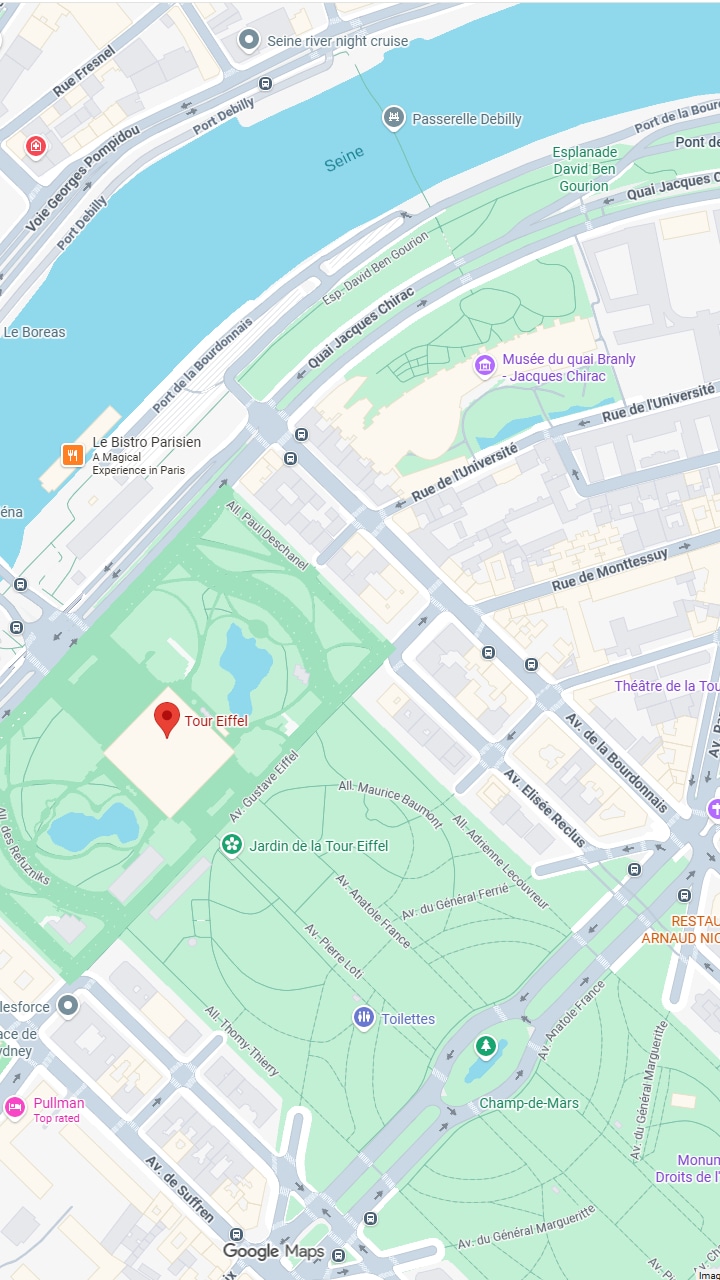
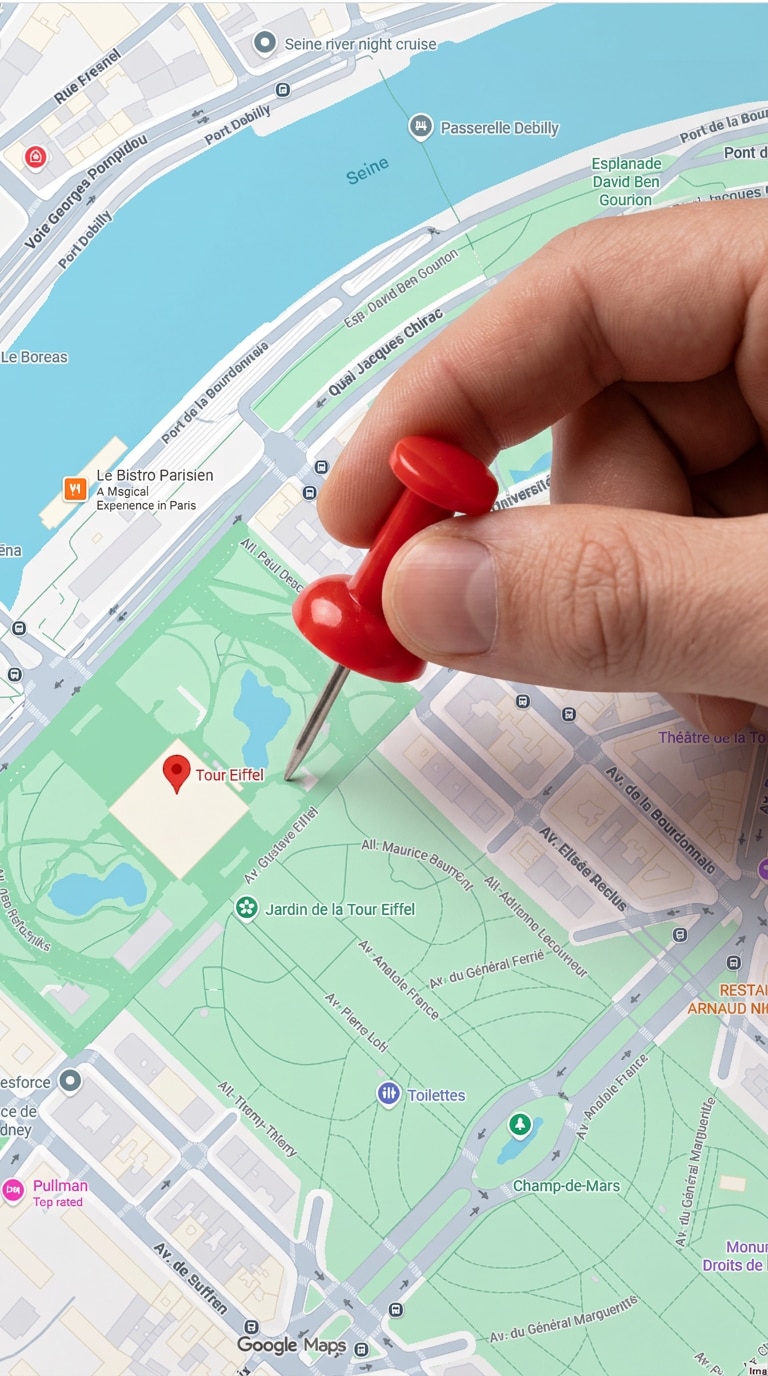
Map zoom start frame for AI map to video

Start Frame (Map)

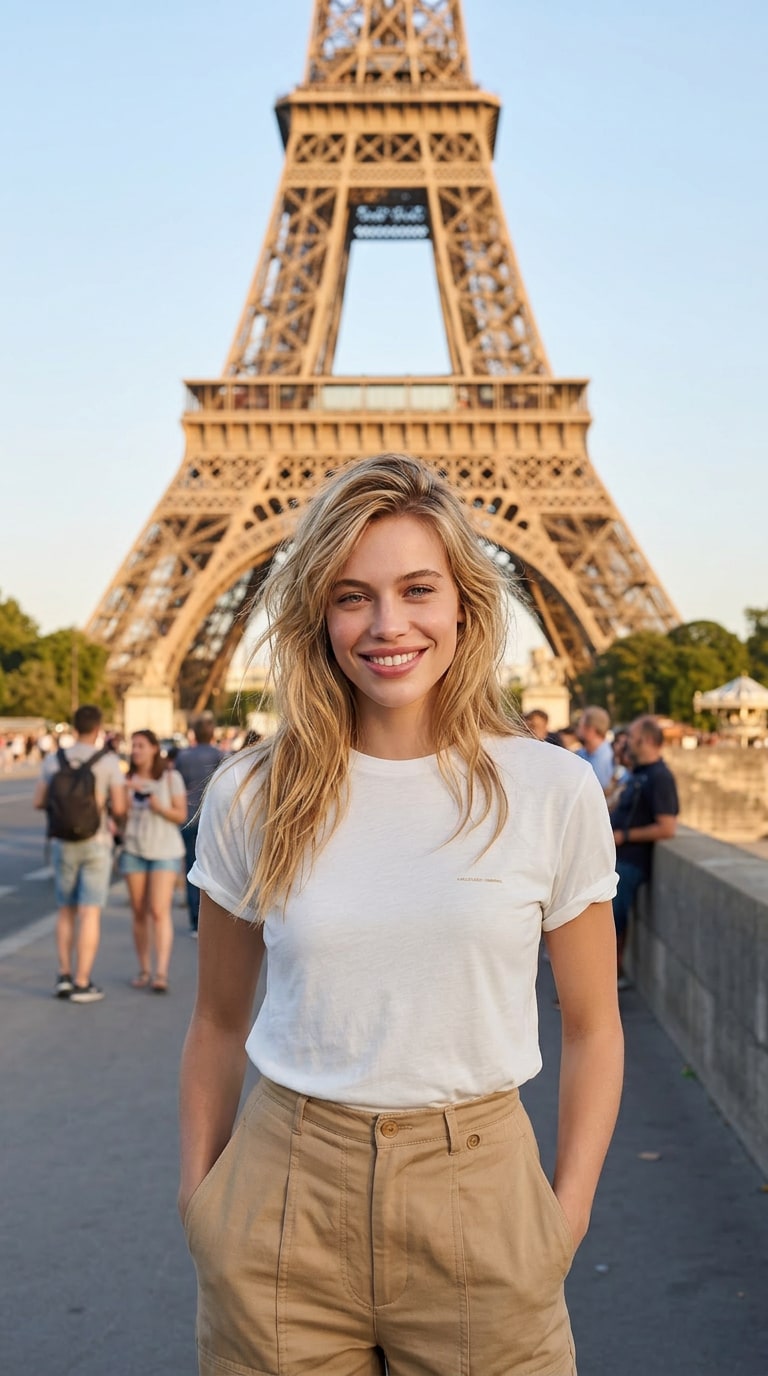
Travel photo end frame for AI map video

End Frame (Travel Photo)

Step 1

Prepare Map and Travel Images

  1. Open Media.io Image to Image .
  2. Create or upload a map image with a clear location.
  3. Generate a travel photo with matching lighting and perspective.
  4. Download both the start frame and end frame.
Map Start Frame Prompt
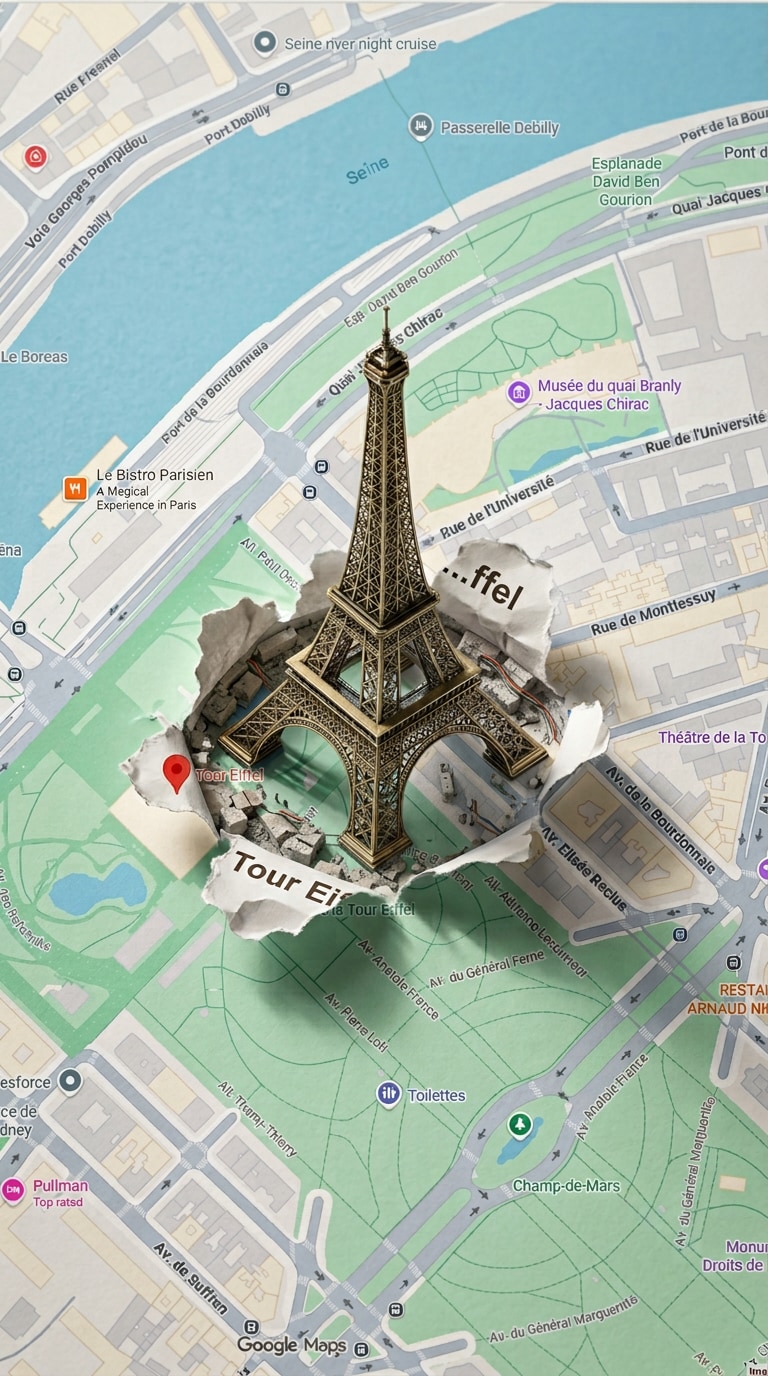
Satellite map zoom into Paris, smooth fast zoom, glowing location pin, Eiffel Tower outline emerging from map surface, cinematic lighting, clean map UI.
Travel End Frame Prompt
A young woman in Paris near the Eiffel Tower, smiling, travel outfit, cinematic lighting, realistic scene, perfect perspective match for map zoom transition, vibrant colors, soft depth of field
Generate Map & Travel Images Now 💡 Tip: Keep zoom direction and perspective consistent between map and travel photo for a seamless transition.
Step 2

Animate Map Zoom Into Travel Scene

  1. Open Media.io Image to Video .
  2. Upload the map image as the first frame.
  3. Upload the travel photo as the end frame.
  4. Paste the transition prompt below, then click Generate.
Map to Video Transition Prompt
camera zooms into a map location, a glowing pin appears, landmark rises from the map surface, smooth cinematic motion, the scene transitions seamlessly into a real travel photo, consistent perspective, natural lighting, dynamic camera movement
Create AI Map Video Now ⚡ Tip: Use a 3–5 second duration and trigger the transition after the map zoom reaches the location for best viral effect.
Map start frame before animation

Map Start

AI Map Video Result

Step 3

Download & Share Your Travel Video

  1. Download your final AI map to video.
  2. Share it on TikTok, Instagram Reels, or YouTube Shorts.
  3. Add trending audio and sync the map zoom with the beat.
  4. Use hashtags like #aimapvideo, #mapanimation, #travelvideo, #aivideo, and #maptotravel.
Start Creating Now 🔥 Tip: The most engaging videos show the map zoom first, then reveal the real-world travel scene with a smooth cinematic transition.

Social Media Showcase

Watch real examples on Instagram: Sky Fall Trend, Walk Transition, and Minecraft Background.

Why Choose Media.io for AI Map to Video Creation

Map to Travel Photo Transformation

Turn a simple map screenshot into a cinematic travel video. Landmarks rise from the map surface and seamlessly transition into real travel photos using first and end frame animation.

Designed for Viral Map Animations

Perfect for trending AI map animation videos on TikTok and Instagram Reels. The zoom-in + landmark pop + travel reveal creates a strong visual hook and high engagement.

Consistent Perspective & Camera Motion

Maintain the same zoom direction, camera angle, and lighting between map and travel photo to ensure a smooth and realistic transition effect.

Simple First & Last Frame Workflow

No editing skills needed. Upload a map image as the start frame and a travel photo as the end frame, then use prompts to generate a complete AI map animation video in seconds.


bg bg

Frequently Asked Questions About AI Map to Video

What is an AI map to video effect?
The AI map to video effect is a viral animation where a map zooms into a location, a landmark appears in 3D, and then transitions into a real travel photo or video.
Upload a map image as the start frame and a travel photo as the end frame. Then add a prompt describing zoom, pin location, and landmark animation to generate the video.
They combine storytelling and visual transitions, making travel content more engaging and emotional compared to static photos.
Keep consistent zoom direction, lighting, and composition between frames, and describe smooth camera movement instead of abrupt transitions.
Short clips of 3–5 seconds perform best for TikTok and Reels, with a quick map zoom and a satisfying travel reveal.
Yes. AI map videos are perfect for TikTok, Instagram Reels, and YouTube Shorts due to their strong hook and storytelling format.
Media.io Online Tools Quality Rating:
vote 4.7 (162,357 Votes)
media.io

AI Video Generator star

Easily generate videos from text or images

Generate