Google Veo 3 AI Video Generator
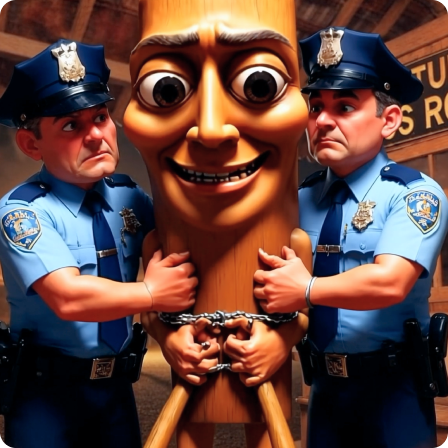
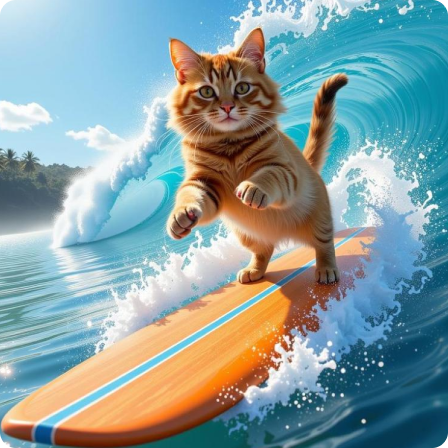
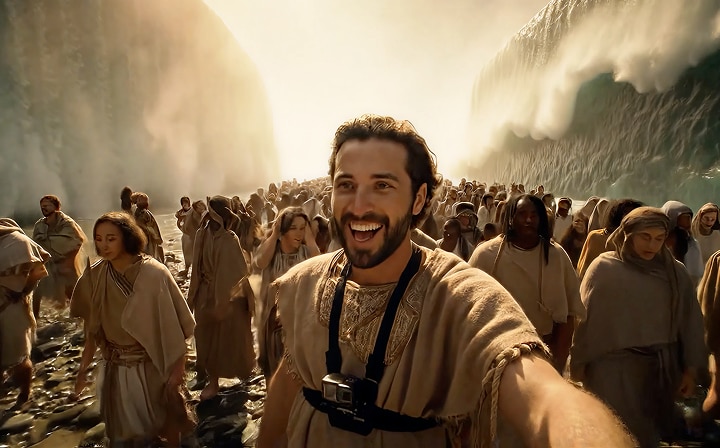
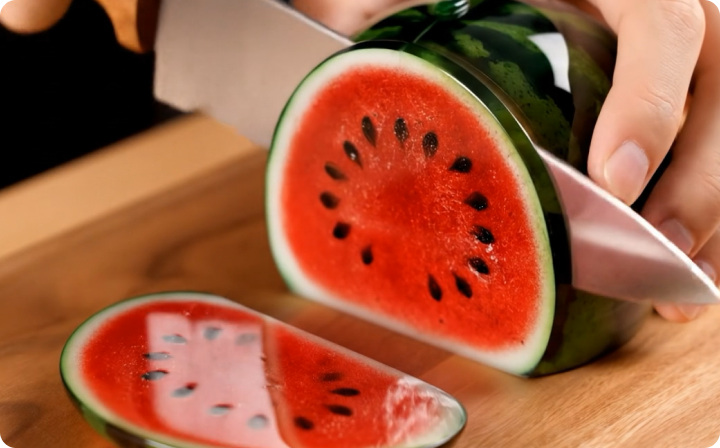
Google's Veo 3 is an advanced AI video generation model unveiled at Google I/O 2025, developed by DeepMind and representing a significant leap in AI video creation technology. It is designed to transform text or image prompts into high-definition, up to 4K resolution videos, with synchronized native audio including dialogue, ambient sounds, and background music.
Now, Media.io has officially partnered with Google Veo 3 — try Veo 3 for free today at Media.io!








How to Transform Your Image into a Minecraft-Style Video
Turn Photos into Minecraft-Style Animationss
For: Gamers, Creators, Kids, and FansEver wondered what you’d look like in the Minecraft universe? With Media.io, you can upload any face, full-body photo, or even a pet picture—and our Minecraft AI video generator will instantly convert it into a blocky animated video that looks like it was made straight in-game. No prompts to write, no sliders to tweak—we’ve fine-tuned our Minecraft-style filter to deliver authentic pixel art animations every time. Perfect for gaming intros, profile pictures, screenlock animations, or just for fun.
Start CreatingTurn Photos into Minecraft-Style Animationss
For: Gamers, Creators, Kids, and FansEver wondered what you’d look like in the Minecraft universe? With Media.io, you can upload any face, full-body photo, or even a pet picture—and our Minecraft AI video generator will instantly convert it into a blocky animated video that looks like it was made straight in-game. No prompts to write, no sliders to tweak—we’ve fine-tuned our Minecraft-style filter to deliver authentic pixel art animations every time. Perfect for gaming intros, profile pictures, screenlock animations, or just for fun.
Start Creating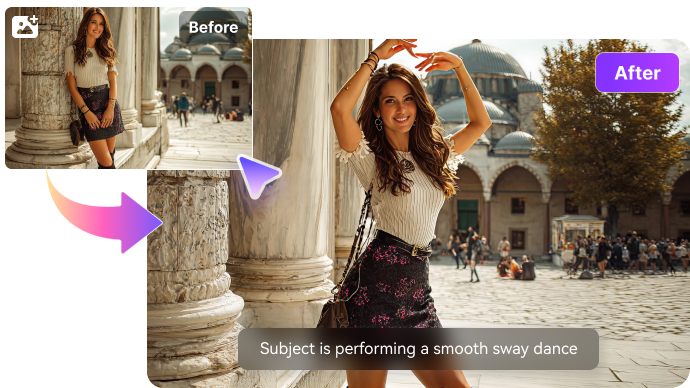
Turn Photos into Minecraft-Style Animationss
For: Gamers, Creators, Kids, and FansEver wondered what you’d look like in the Minecraft universe? With Media.io, you can upload any face, full-body photo, or even a pet picture—and our Minecraft AI video generator will instantly convert it into a blocky animated video that looks like it was made straight in-game. No prompts to write, no sliders to tweak—we’ve fine-tuned our Minecraft-style filter to deliver authentic pixel art animations every time. Perfect for gaming intros, profile pictures, screenlock animations, or just for fun.
Start Creating
What Makes Media.io Image Colorizer Stand Out?

Be mindful of your breathing
Try to breathe quietly during the recording, as heavy breathing can be recorded by the microphone and distract from the podcast content. Take deep breaths before you start speaking, and exhale slowly while speaking.

Avoid noisy clothing or accessories
Be mindful of any clothing or accessories that might make noise during the recording. For example, avoid wearing jangly jewelry or rustling clothing that could be picked up by the microphone.

Use a pop filter
A pop filter is a screen or mesh that is placed in front of the microphone to help filter out unwanted noise. It can help reduce plosives and other harsh sounds that can occur when speaking into a microphone.

A quiet recording environment
Find a quiet location to record your podcast, away from traffic and other noise sources. If possible, record in a room with sound-absorbing materials such as curtains or carpets to help reduce echoes.

Privacy Guaranteed
We prioritize your privacy. Our advanced algorithms safeguard your privacy against any infringement. Your privacy is kept strictly confidential throughout the whole removal process. All uploaded files will be deleted from our servers within 24 hours.

Use noise-canceling headphones
Wearing noise-canceling headphones can help you monitor your recording and hear any background noise that might be picked up by the microphone.
What Makes Media.io Image Colorizer Stand Out?
Be mindful of your breathing
Try to breathe quietly during the recording, as heavy breathing can be recorded by the microphone and distract from the podcast content. Take deep breaths before you start speaking, and exhale slowly while speaking.
Avoid noisy clothing or accessories
Be mindful of any clothing or accessories that might make noise during the recording. For example, avoid wearing jangly jewelry or rustling clothing that could be picked up by the microphone.
Use a pop filter
A pop filter is a screen or mesh that is placed in front of the microphone to help filter out unwanted noise. It can help reduce plosives and other harsh sounds that can occur when speaking into a microphone.
A quiet recording environment
Find a quiet location to record your podcast, away from traffic and other noise sources. If possible, record in a room with sound-absorbing materials such as curtains or carpets to help reduce echoes.
How to Transform Your Image into a Minecraft-Style Video
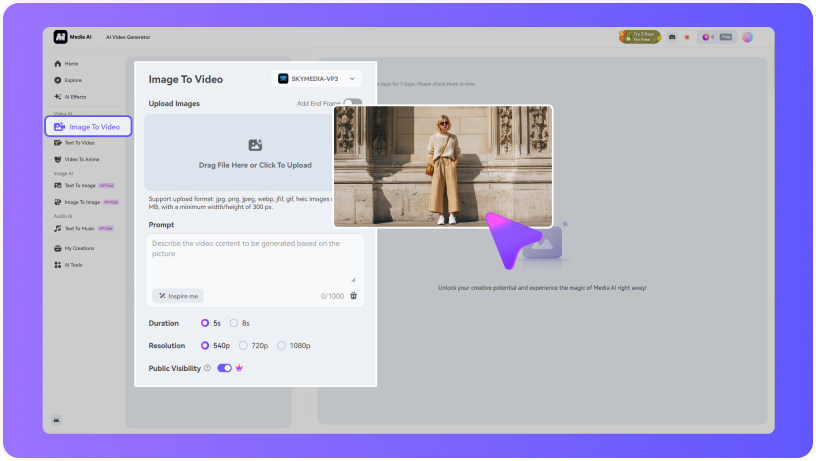
Go to Media.io’s AI Dance Generator and choose the Image-to-Video tool. Upload a clear full-body photo—you can use selfies, portraits, or even character images.
In the prompt box, type a specific dance style like “hip hop choreography,” “twerking,” “sexy dance,” or “k-pop group choreography.” You can also try fun variations like “anime girl dancing” or “model walking & dancing.”
Click “Generate,” and let the AI generate a dance video from your photo. Within seconds, you’ll have a fully animated dance video to download in HD and share on TikTok, Reels, or Shorts—no editing skills needed.

Millions of people like Media.io

Content and Film Programmer


Unlike most video editing softwares, it also doesn't lag often which makes it a superb choice for everyday use. Most of the editing techniques like zoom, duration, etc that take minutes and even hours to figure out in similar softwares, can be taken care of by a mere click of a on Media IO.
Content and Film Programmer
Unlike most video editing softwares, it also doesn't lag often which makes it a superb choice for everyday use. Most of the editing techniques like zoom, duration, etc that take minutes and even hours to figure out in similar softwares, can be taken care of by a mere click of a on Media IO.
Content and Film Programmer
Unlike most video editing softwares, it also doesn't lag often which makes it a superb choice for everyday use. Most of the editing techniques like zoom, duration, etc that take minutes and even hours to figure out in similar softwares, can be taken care of by a mere click of a on Media IO.