Grok Content Moderated? Try a Different Idea? We Have the Fix.
Stuck on "Content Moderated"? Bypass Grok's Block with These Proven Workarounds & Alternatives.
Tired of seeing "Grok content moderated. Try a different idea" when you're just trying to create?
You're not alone. This guide reveals the latest workarounds to bypass Grok's moderation, plus the best alternative AI models that offer more creative freedom.
Discover how to generate your images and videos without interruption.
Generate stunning, high-res images with adaptive moderation.
Your Escape Route from Grok Moderation: Top AI Models
When Grok blocks your creativity, switch to these powerful alternatives. Each model offers unique strengths and often has more flexible moderation policies for image and video generation.


The Ultimate Grok Moderation Bypass Guide
Learn the proven strategies used by top creators to navigate around Grok's "content moderated" blocks. From prompt engineering to alternative platforms, this is your complete toolkit for uninterrupted creation.
Rephrase Your Prompt Strategically
Avoid direct keywords that trigger moderation. Use abstract, artistic, or emotional language instead. Focus on mood, lighting, and atmosphere rather than explicit details.
✅ Good: "Create an elegant, sun-kissed portrait of a woman enjoying a serene beach day, captured in a soft, dreamy artistic style."
Use the "Pleading Tone" Workaround
Frame your request as a critical, time-sensitive need. This can help Grok apply additional reasoning and reduce false positives.
Switch to a More Flexible AI Model
If rephrasing doesn't work, don't fight the system. Switch to an AI model known for more lenient moderation, like Nano Banana Pro, which is designed for bold, creative concepts.
Why Creators Are Switching to Nano Banana Pro
Tired of Grok's constant moderation? Nano Banana Pro offers a faster, more flexible, and more creative alternative for all your AI image generation needs.
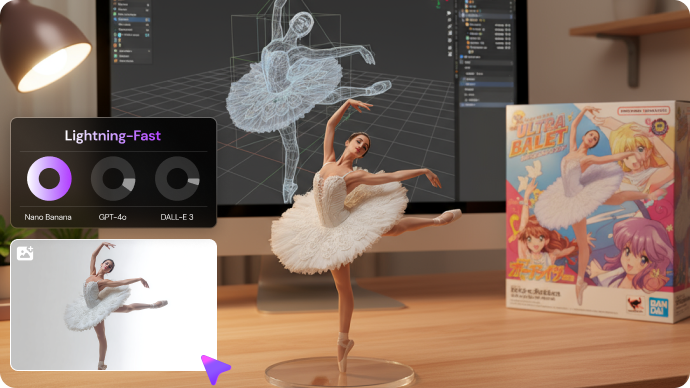
Lightning-Fast Generation
Generate stunning images in just 5 seconds - that’s 10× faster than GPT-4o and 20× faster than DALL·E 3.
✓ 90% first-try success rate
✓ Real-time editing capabilities
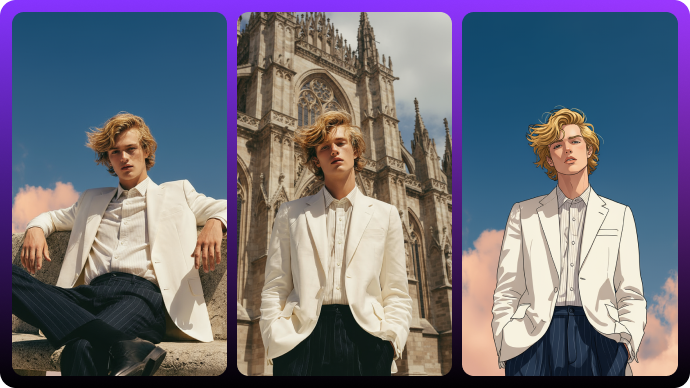
95% Character Consistency
Industry-leading identity retention across poses, scenes, and styles with 95% accuracy.
✓ Cross-scene consistency maintained
✓ No distortion or artifacts
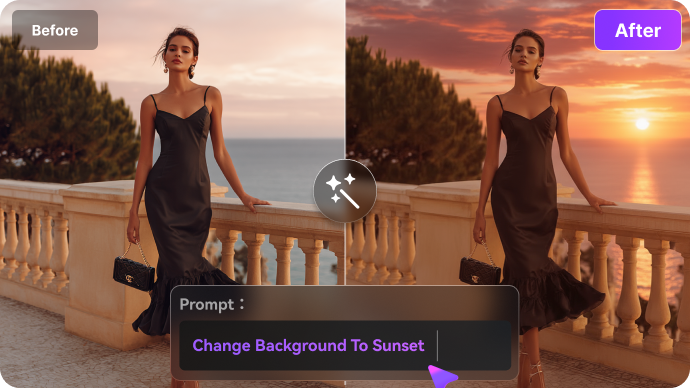
Intuitive Flow Editing
Edit with simple conversations - “change background to sunset” or “make her look more confident”.
✓ Multi-step editing support
✓ 99.5% prompt understanding
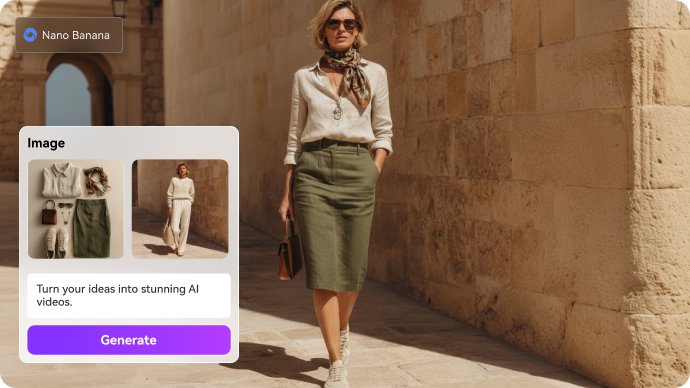
Advanced Physics & Spatial Intelligence
Realistic physics and spatial logic: proper shadows, accurate reflections, logical positioning, believable weight distribution.
✓ Accurate lighting and shadows
✓ Proper spatial relationships
Explore the Hottest AI Features and Effects






Frequently Asked Questions about Grok Moderation
This message means Grok's automated system detected your prompt or generated content as potentially sensitive or unsafe. It's a safety measure to prevent harmful material, not necessarily a reflection of your intent.
Grok's moderation policies have become stricter over time. The system may misinterpret educational, artistic, or fictional prompts as policy violations, especially if they contain keywords that are flagged as high-risk.
No, there is no official way to turn off Grok's content moderation. Attempting to bypass it can lead to account restrictions. The best approach is to use the workaround techniques outlined above or switch to a more flexible AI model like Nano Banana Pro.
The best alternatives include Nano Banana Pro (for fast, high-res images with adaptive moderation), MidJourney (for artistic styles), Leonardo AI (for concept art), and Stable Diffusion (for maximum control via open-source).
You cannot view the specific content that was moderated. Grok's system blocks the generation before it completes, so no output is saved. The best strategy is to adjust your prompt and try again.



