
















KlingAI O1: la prima AI Video multimodale unificata al mondo, ora su Media.io
Crea video cinematografici da testo, immagini o video di riferimento utilizzando il leader mondiale Modello video unificato KlingAI O1 . Generare scene, estendere gli scatti, aggiungere o rimuovere oggetti, cambiare stili e controllare il movimento della fotocamera, il tutto in un'unica intelligenza artificiale. Media.io ti consente di utilizzare Kling O1 online senza configurazione, senza limiti di regione e senza flussi di lavoro complessi.
Esportazioni MP4 di alta qualità senza filigrane.
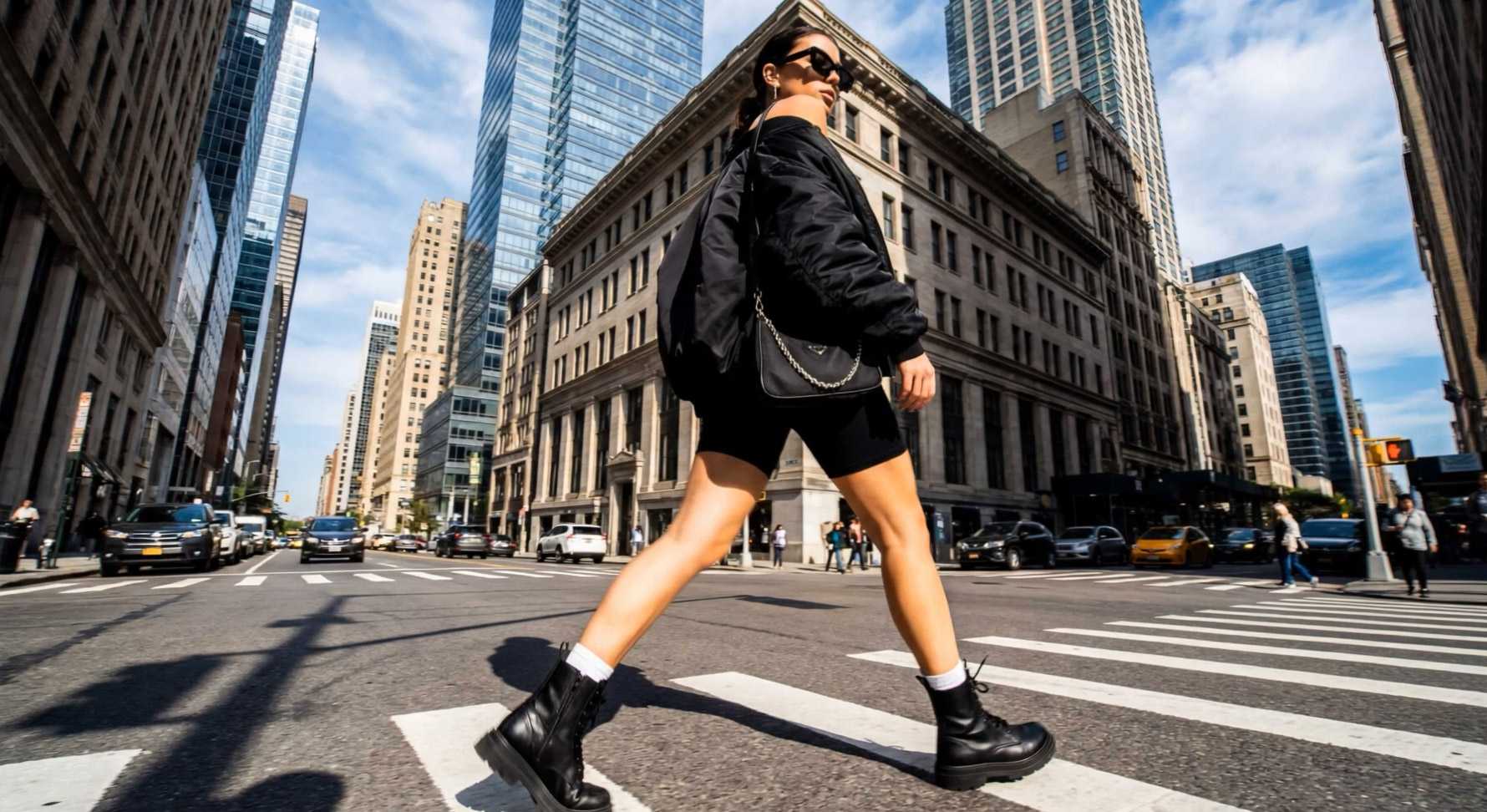


Perché KlingAI O1 è il modello Video multimodale più potente finora
Il taglio del regista: perfetta coerenza dei personaggi
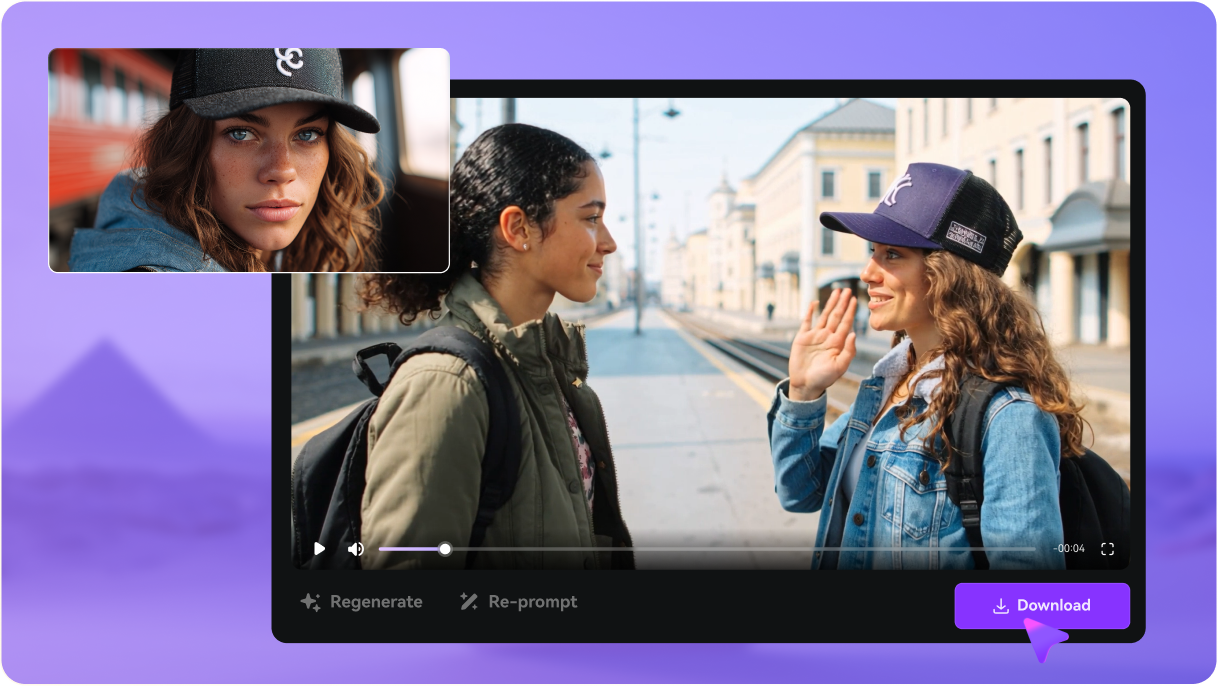
Il problema numero uno nel video AI è risolto. KlingAI O1 non dimentica chi è il tuo personaggio tra gli scatti. Combinando immagini ed elementi come riferimenti, KlingAI O1 Ricorda i tuoi personaggi e oggetti attraverso molteplici scene e movimenti complessi della telecamera, proprio come farebbe un regista umano. Infine, puoi creare una storia completa e coerente senza il mal di testa visivo.
Prova il modello Video KlingAI O1La post-produzione è ora un messaggio di testo
Perché usare un software di editing complicato quando puoi semplicemente parlare con il tuo video? KlingAI O1 ti permette di Modifica di filmati video esistenti usando parole semplici . Vuoi cambiare l'ora del giorno, rimuovere una persona sullo sfondo o scambiare un oggetto di scena con una singola parola? Digitalo. Modificare scene complesse è ora facile come avere una conversazione.
Prova il modello Video KlingAI O1All-in-One: generazione + Editing unificati
Per la prima volta, hai uno strumento che gestisce tutto. KlingAI O1 è il Il primo modello multimodale unificato al mondo , il che significa che è possibile mescolare testo, immagini e riferimenti video in un solo prompt. Dalla generazione di una scena al perfezionamento del suo stile alla rimozione di un oggetto, il tutto all'interno dello stesso flusso di lavoro. È il massimo motore creativo per accelerare l'intero processo video.
Prova il modello Video KlingAI O1Accedi AI migliori modelli Video AI del mondo in un unico spazio di lavoro
Media.io ti dà l'accesso immediato ai principali motori come Kling O1, Veo, Sora, Hailuo, Wan, Vidu, Runway e Pixverse, il tutto in un unico posto. Cambia modelli con un clic e genera video in qualsiasi stile, livello di qualità o direzione creativa.


Come creare video con Kling O1 in Media.io
Trasforma testo o immagini in video AI di alta qualità usando KlingAI O1 all'interno di Media.io. Basta seguire questi tre semplici passaggi.
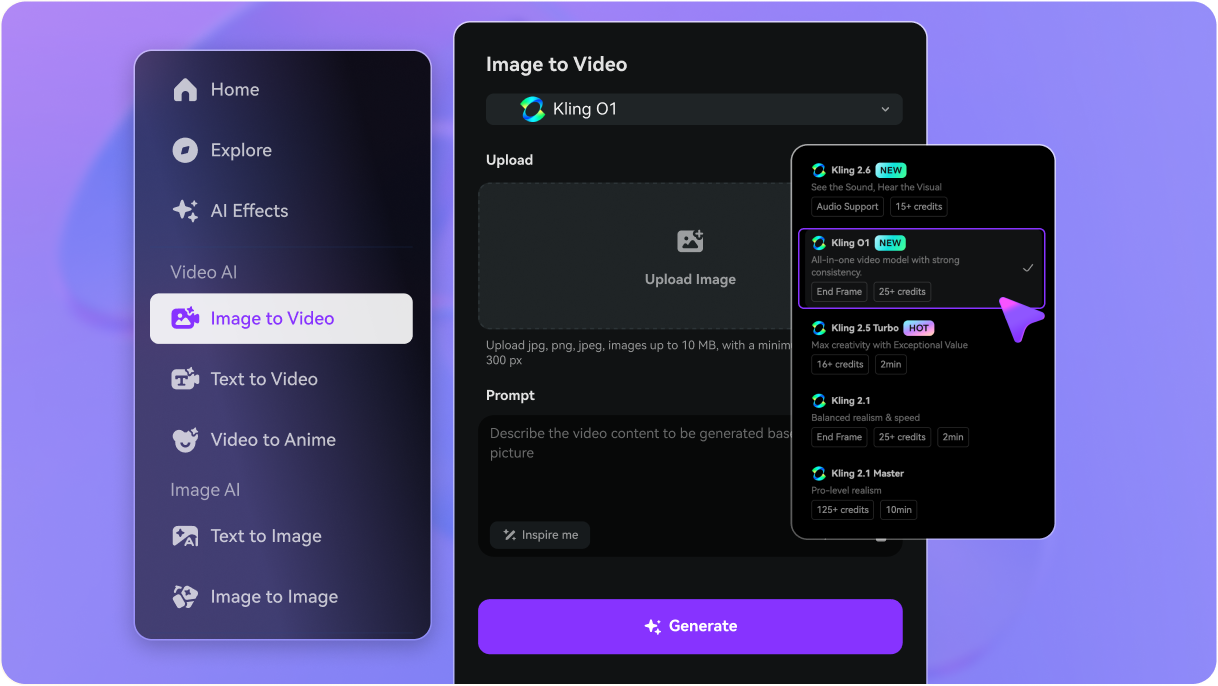
Vai a Media.io/ai e scegliere Testo a Video or Immagine a Video , a seconda se si desidera iniziare da un prompt o da un'immagine di riferimento. Nel menu a discesa Modello video, selezionare KlingAI O1 Come il tuo motore.
Descrivi la tua scena in un linguaggio naturale: personaggi, azioni, movimenti della telecamera, stile e umore. Quindi scegli il tuo rapporto di aspetto (16:9, 9:16, 1:1, ecc.), Durata del video , e risoluzione Quindi si adatta a YouTube, TikTok, Reels o qualsiasi piattaforma su cui hai intenzione di pubblicare.
clicca generare e lasciare KlingAI O1 Crea il tuo video. Anteprima il risultato, perfezionare il prompt se si desidera cambiare, quindi rigenerare se necessario. Quando sei soddisfatto, scarica il tuo video AI come un MP4 — Pronto per pubblicare, modificare ulteriormente o inserire direttamente nella timeline dei contenuti.

Esplora i più popolari effetti video e immagini AI



KlingAI O1: Risposta alle domande più importanti
Cos'è esattamente Kling O1?
Kling O1 (Omni One) è il primo modello di base video multimodale unificato al mondo. È il motore più avanzato della famiglia Kling AI, progettato per risolvere i più grandi problemi di coerenza e flusso di lavoro nei video AI. Invece di strumenti separati per la generazione e l'editing, O1 gestisce tutte le vostre esigenze all'interno di un unico, potente sistema basato su prompt.
In che modo Kling O1 è diverso dalle versioni precedenti (Kling 2.5, 1.6)?
Mentre le versioni precedenti (come 1.6 e 2.5) hanno fatto grandi balzi in termini di realismo e fluidità del movimento, il salto principale di Kling O1 è la sua architettura multimodale unificata. È la prima versione che combina senza soluzione di continuità testo, immagini e riferimenti Video come input, supportando sia la generazione che la modifica (modifica) in un unico flusso di lavoro e fornendo coerenza di livello industriale.
Quale lunghezza video e risoluzione può generare Kling O1?
È possibile generare clip di 3 secondi o 10 secondi per scatto, che possono essere facilmente incatenati per narrazioni più lunghe. Il modello supporta l'output fino a 1080p (Full HD) a una velocità fluida di 30 fotogrammi al secondo (FPS), con rapporti standard 16:9, verticale 9:16 e quadrato 1:1.
Come si confronta Kling O1 con Sora, Veo, Runway e Pixverse?
Il vantaggio competitivo di Kling O1 è la sua architettura multimodale unificata, che consente un controllo e una coerenza superiori. È noto in particolare per la sua capacità di mantenere una perfetta identità dei personaggi e combinare senza soluzione di continuità la generazione e l'editing in un unico posto, semplificando il flusso di lavoro rispetto a molti concorrenti.
Qual è la struttura dei prezzi e dei costi del Kling O1?
Kling AI opera su un sistema basato sul credito. Il costo è calcolato per secondo di video generato, con un consumo di credito più elevato per attività complesse come l'editing video-to-video. L'accesso completo richiede un'iscrizione a pagamento (Standard, Pro, ecc.), che sblocca funzionalità come l'output ad alta risoluzione e la rimozione delle filigrane.
Come posso ottenere I crediti gratuiti Kling AI?
Il modo più rapido per iniziare è creare un nuovo account sulla piattaforma ufficiale, in quanto questo di solito concede un'assegnazione una tantum di crediti gratuiti per testare le capacità del modello. Puoi anche cercare promozioni specifiche per partner e offerte di prova.
Esiste un'API Kling O1 disponibile per gli sviluppatori?
Sì, KlingAI O1 è messo a disposizione di sviluppatori e aziende attraverso un'API formale (Application Programming Interface). Ciò consente alle aziende di integrare le potenti funzionalità di generazione e modifica unificate direttamente nelle proprie applicazioni, piattaforme o flussi di lavoro personalizzati.
Dove posso trovare il Kling AI Mod APK, o esiste una versione gratuita?
Si consiglia vivamente di non scaricare o utilizzare qualsiasi "Mod apk" non autorizzato o software non ufficiale. Per la tua sicurezza, la sicurezza del tuo dispositivo e per garantire il miglior accesso alle funzionalità, ti preghiamo di utilizzare la piattaforma ufficiale Media.io. Offriamo crediti di iscrizione gratuiti in modo da poter testare in sicurezza le potenti funzionalità di KlingAI O1 sulla piattaforma sicura e autorizzata.
Altro da Media.io
 4.7 (162.357 voti)