











Popular Snore Sound Effects Library

Choose a ready-made snore that matches your camera distance and tone, or copy a prompt to generate alternate takes with different breath rhythm, texture, and room tone.

How to Generate Your Own
Snore Sound Effects

Cannot find the perfect snore sound effect you need? Generate custom AI snore audio effortlessly. Describe the style, such as short clean cue, cinematic hit, subtle background layer, branded UI alert, and Media.io AI builds tailored snore sound effects instantly. No audio editing experience needed. Turn your concept into a royalty-free, high-quality downloadable WAV snore clip in under 60 seconds.

1

Write your snore prompt

Type what you need: nasal vs mouth-breath, close vs distant, muffled pillow, comedic exaggeration, and whether you want obvious inhale transients.

2

Pick duration and takes

Choose 5s, 10s, or 20s, then set how many variations to generate so you can audition different rhythms and textures.

3

Generate and preview

Click Generate, listen to each result, and keep the version with the right loudness, room tone, and tail for your cut.

4

Download WAV and place

Download the WAV file and drop it into your timeline for videos, audio drama, apps, games, podcasts, or commercial projects.

What Can You Use These Snore Sound Effects For?

Creators in every field are using our royalty-free audio to set the perfect mood.

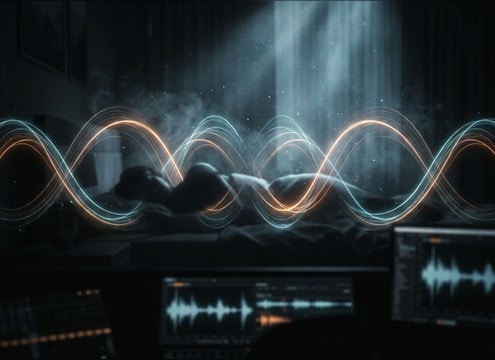
Comedic snore sound effect for a bedroom comedy scene

Bedroom comedy beats

Use exaggerated honk snores to punch a joke, then swap to lighter breaths to sell the calm after the gag.

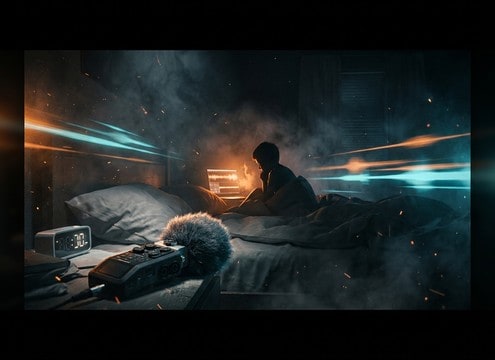
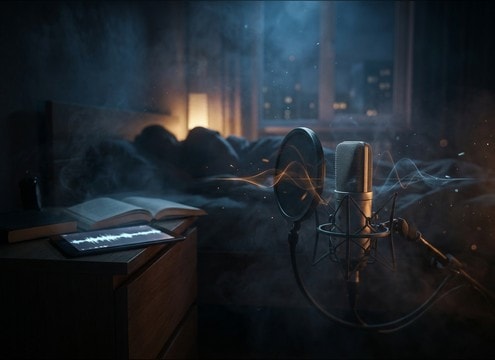
Close mic snoring SFX for a sleepy character closeup

Tired character closeups

Pick close-mic, low-room-tone snores so the breath texture reads clearly under soft dialogue and cloth rustle.

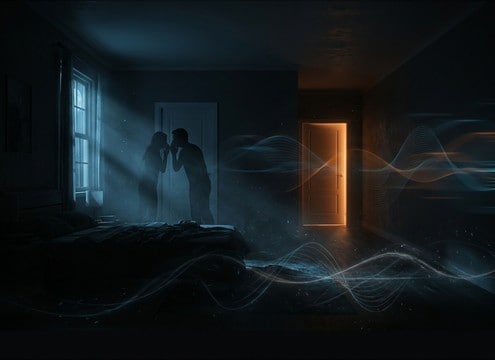
Distant snore audio behind nighttime dialogue

Couple arguing at

Layer a distant snore behind whispered lines to keep the other person asleep while the scene plays in the foreground.

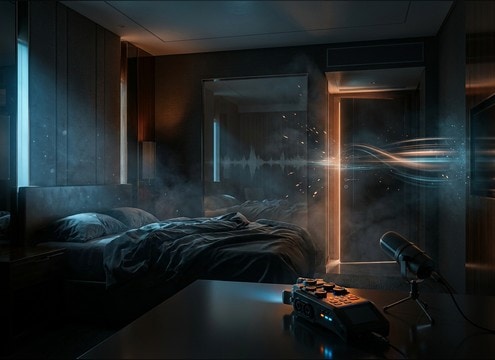
Hotel room snoring sound with subtle reflections

Hotel room interior

Choose a slightly reflective room tone tail to match hard walls and create believable next-room snoring bleed.

Loopable snore sound effect for an animation montage

Animated sleep montage

Loop-friendly rhythmic snore patterns help you sync to repeating poses without audible seams or bumps.

Breathy snore SFX under audiobook narration

Audiobook sleep moments

Soft, breathy snores can sit under narration when a character dozes off, without masking consonants.

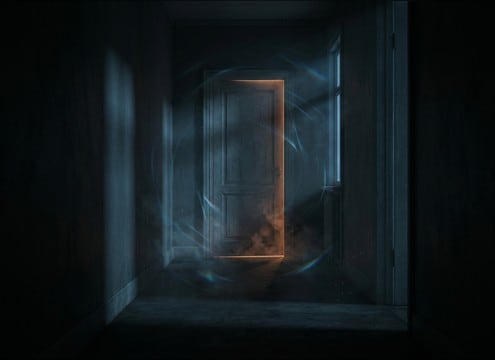
Muffled snoring leaking under a door in a hallway

Nighttime POV hallway

Use distant, muffled snores with narrower stereo width to feel like sound leaking under a door.

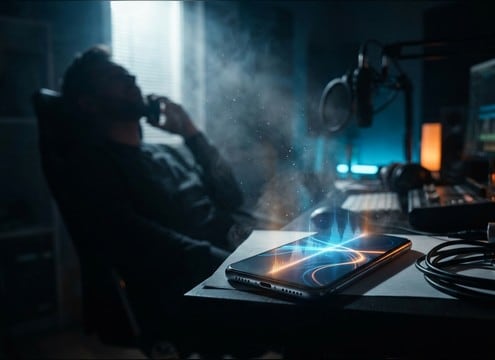
Short snore sound effect used in a phone call prank

Phone call prank

Short, clean snores are easy to place between lines to sell that someone fell asleep mid-call.

Why Choose Media.io for Snore Sound Generator?

See exactly why creators, developers and studios choose our AI audio generator over all others.

Prompt controls for snore sound generator settings

Prompt control for realism

Dial in nasal vs mouth-breath tone, breath rhythm, and how obvious the inhale transient should be.

Distance options for snoring sound effects

Scene-matched distance

Generate close, next-room, or across-the-bedroom perspectives with appropriate room tone and softer attacks.

Clean versus raspy snore sound variations

Clean or textured takes

Ask for smooth, quiet noise floors or add rasp and throat texture when you need character and grit.

Multiple snore variations generated for selection

Fast variation hunting

Regenerate multiple options to find the right rhythm and intensity without manually editing breaths.

WAV download of snore sound effect ready for editing

Mix-ready WAV downloads

Export WAV and place it directly on your timeline for precise trimming, looping, or level matching.

Snore Sound Generator workflow from prompt to download

Built as a Snore Sound Generator

Start from a library clip, then use the Snore Sound Generator workflow to create custom versions that fit timing and tone.

How to Choose or Prompt Snore Sounds That Fit the Scene

Snoring reads differently depending on camera distance, the room, and whether the moment is comedic or intimate. Use the library to audition quick takes, then refine with prompts that specify breath rhythm, muffling, and how much room tone you want. The goal is to match the cut: clear transients for close shots, softer attacks for distant rooms, and consistent cycles for loops.

Pick a snore style and intensity

Start by deciding if the snore should feel light and sleepy, heavy and disruptive, or intentionally cartoonish. Intensity changes the low-end body, rasp, and how much it masks dialogue.

  • Light: airy nasal tone, short decay, low masking strength
  • Heavy: thicker low-end, longer tail, more irregular dynamics
  • Comedic: honk-like pulses, brighter tone, obvious rhythm

Match distance and muffling to the camera

Distance determines detail. Close perspectives need clean transients and less room bed. Distant or next-room perspectives should sound softer, with more reflections and less high-frequency detail. Muffling can imply blankets, pillows, or a closed door.

  • Close mic: clearer inhale transient, wider detail, lower room tone
  • Across room: softer attack, more reflections, narrower presence
  • Muffled: rolled-off highs, reduced stereo width, gentler texture

Control rhythm for editing and looping

Snore cadence is what makes a scene feel natural. For quick cutaways, a single cycle may be enough. For montages or long interiors, ask for steady timing and smoother transitions so loops do not click or jump.

  • Cutaways: one to two obvious snore pulses that end cleanly
  • Background bed: consistent tempo with stable noise floor
  • Loop notes: request loop-friendly start and tail behavior

Avoid common snore SFX mistakes

Snore effects become distracting when they fight speech, contain harsh peaks, or feel too synthetic for the visual. Keep it believable, keep levels controlled, and use muffling when the snore should sit behind the scene.

  • Avoid sharp spikes that clip or pull focus from dialogue
  • Avoid overly bright, whistling tones unless it is a gag
  • Avoid sudden silence between cycles if the shot is continuous

Frequently Asked Questions About
Snore Sound Effects

Everything you need to know before downloading or generating your first sound.

Can I download these snore sound effects for commercial use?

Yes. You can preview, generate variations, and download royalty-free snore clips, then use them in client work, monetized videos, apps, and other commercial projects.

Do you offer snore sound effects as WAV files?

Yes. When you are ready, download the result as a WAV so it is easy to trim, fade, loop, and level-match inside your editor.

How do I make a snore sound like it is in the next room?

Choose or generate a distant take and ask for softer attack, reduced high frequencies, and more room tone or subtle reflections. Then keep it lower in the mix so it reads as background bleed.

What is the best duration to pick: 5s, 10s, or 20s?

Use 5s for quick cutaways or comedy beats, 10s for a short continuous shot, and 20s when you need a loopable bed for a longer interior or montage.

Are these snore sound effects free to download?

Yes. You can preview and download the AI-generated snore sound effects as WAV files and use them in personal or commercial projects.

Can I copy the prompt used for each sound?

Yes. Open any sound row to view the prompt, copy it, adjust the wording and generate a custom variation that better matches your scene.

Related Free Sound
Effect Categories

Explore other AI-generated sound libraries from Media.io

sound

Rain Sound Effects

10+ free sounds
sound

Thunder Sound Effects

10+ free sounds
sound

Farts Sound Effects

10+ free sounds
sound

Car Crash Sounds

10+ free sounds
sound

Explosion Sound Effects

10+ free sounds
sound

Gunshot Sound Effects

10+ free sounds
sound

Pistol Sound Effects

10+ free sounds
sound

AI Horror Sound Effects

10+ free sounds
sound

AI Forest Sound Effects

10+ free sounds
sound

AI Dog Whistle Sound

10+ free sounds
sound

AI Ding Sound

10+ free sounds
sound

Phone Ring Sound

10+ free sounds
media.io

AI Video Generator star

Easily generate videos from text or images

Generate

