














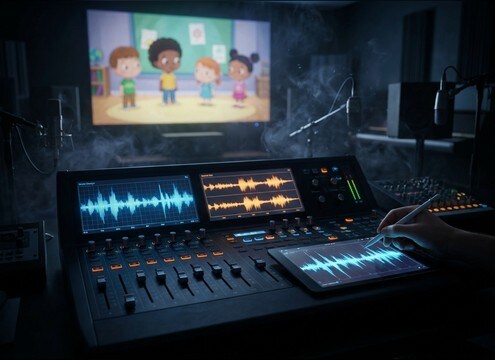

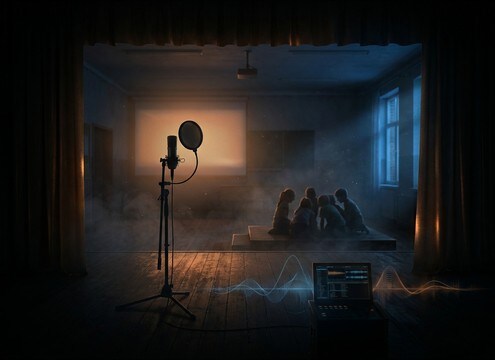

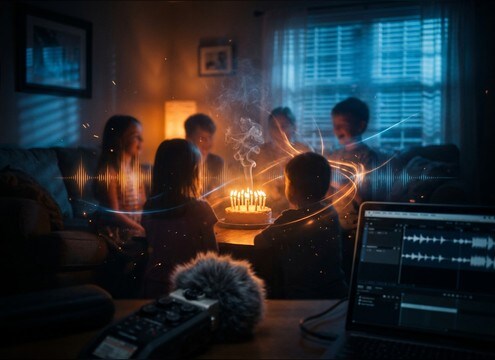





Kids laughter can read as joyful, awkward, or even unsettling depending on pitch, crowd density, and the space around it. Use this quick guide to choose the right clip or write a prompt that matches your shot, whether you need a single giggle button, a classroom titter, or a wide playground bed that stays out of the way of dialogue.
Match age and energy to the scene
Start by deciding whether you need a soft giggle, a burst of excitement, or sustained group laughter. Age feel often comes across through pitch range and cadence, so be explicit in your prompt.
- For quick reactions: ask for a single bright giggle with a fast decay
- For playful chaos: request a small group with overlapping laughs and light chatter
- For calmer moments: choose quieter titter with softer transients
Choose perspective: close, mid, or distant
Perspective changes how the laughter cuts through a mix. Close laughs have sharper attacks and less room tone, while distant laughs blend into ambience with more air and reflections.
- Close-mic: crisp attack, low ambience, easy to place under music
- Mid-distance: natural presence with some room tone and a gentle tail
- Distant bed: more air, softer consonants, wider stereo and lower detail
Decide on texture and masking
If your scene has dialogue or narration, pick laughs that do not fight the midrange. In prompts, request cleaner backgrounds and controlled tails to reduce masking.
- Ask for minimal background noise when you need clean edit points
- Request a short tail for tight cuts or comedic button moments
- Use wider stereo group laughs when your center channel is busy with speech
Avoid common realism breaks
Unnatural cadence, harsh sibilance, or overly perfect looping can make laughter feel fake. Prompt for natural spacing and a believable fade so it sits like production audio.
- Avoid nonstop, identical bursts; ask for natural pauses and variation
- Avoid metallic or overly bright highs; request a softer top end if needed
- Avoid abrupt stops; ask for a smooth decay and consistent room tone




