














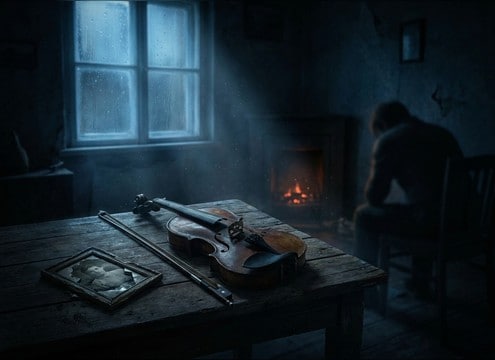


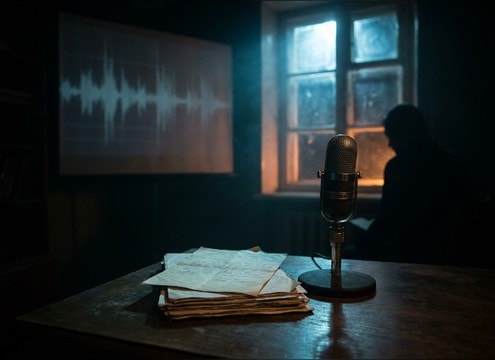





Sad violin sound effects work best when you treat them like scene punctuation. The same cue can feel intimate or manipulative depending on attack, vibrato, and tail length. Use the tips below to pick the right library clip or write a prompt that matches your camera distance, dialog density, and the exact moment you need to hit.
Match the cue type to the moment
Decide whether you need a quick emotional punctuation or a sustained layer. Stings read as story beats, while swells and sustains support pacing across multiple shots.
- For a reveal line, ask for a short minor-key sting with a controlled decay
- For a transition, prompt a slow swell with a soft attack and gentle release
- For a hold on a face, choose a sustain with evolving vibrato so it does not feel static
Control attack and tail to protect dialog
The transient can distract, and the tail can mask consonants. Prompt for softer bow onsets and a tail that ends cleanly where your edit needs silence.
- If narration is present, request a soft attack and lower brightness
- If the room is quiet, keep reverb subtle and avoid overly wide stereo
- If you need a hard stop, choose a shorter decay or plan a fade-out at the cut
Set perspective with space and texture
Close-miked cues feel personal and detailed, while distant cues add reflections and reduce finger noise. Use space details to match the scene location.
- Close: prompt for intimate mic, subtle finger noise, minimal room tone
- Distant: prompt for hall reflections, softened highs, longer tail
- Textured: add bow scrape or light grit when the scene needs fragility
Avoid common sad-violin mistakes
Overly dramatic violin can feel comedic or forced. Keep the cue supportive, then adjust intensity by regenerating a calmer take rather than boosting volume.
- Avoid extreme vibrato that draws attention away from performance
- Avoid boomy low-end that competes with music beds or room rumble
- Avoid long tails when the next line needs clean intelligibility




