











Popular Omg Sound Effects Library

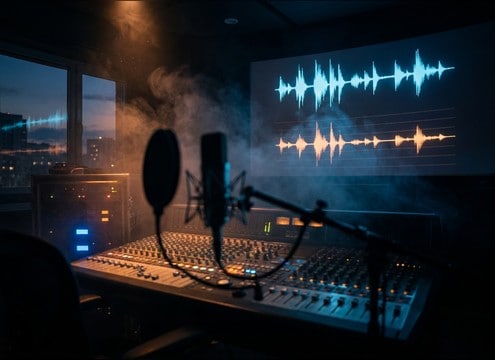
These are ready-to-use reaction hits and vocal-style surprises, tuned for clean transients and edit-friendly tails. Copy a prompt to generate a matching variation, or download a clip that already fits your scene timing.

How to Generate Your Own
Omg Sound Effects

Cannot find the perfect omg sound effect you need? Generate custom AI omg audio effortlessly. Describe the style, such as short clean cue, cinematic hit, subtle background layer, branded UI alert, and Media.io AI builds tailored omg sound effects instantly. No audio editing experience needed. Turn your concept into a royalty-free, high-quality downloadable WAV omg clip in under 60 seconds.

1

Write your reaction prompt

Type what kind of OMG you need: dry close-up, breathy gasp, cartoon pop, glitchy meme hit, or a distant roomy reaction.

2

Pick length and variations

Choose 5s, 10s, or 20s, then set how many options you want generated so you can audition different intensities.

3

Generate and preview

Click Generate, then play each result to compare attack, tail, and loudness. Regenerate with small prompt tweaks until it matches your cut.

4

Download WAV and use

Export the chosen take as a WAV file and drop it into short videos, reaction edits, app UX moments, audio drama, or commercial projects.

What Can You Use These Omg Sound Effects For?

Creators in every field are using our royalty-free audio to set the perfect mood.

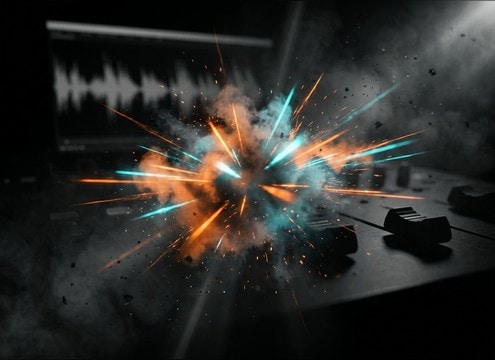
Editor placing an OMG reaction hit on a reaction meme timeline

Reaction meme punch-ins

Swap in a tight, dry OMG hit when you cut to a shocked face. Short tails help it sit under speech without masking the next line.

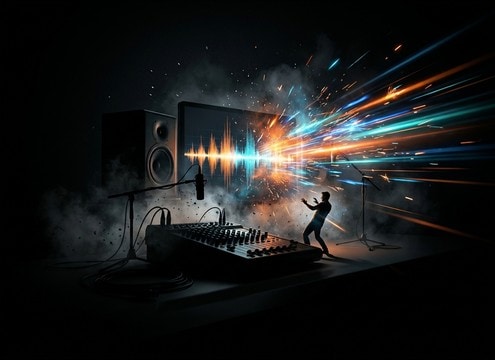
Comedy video reveal using an OMG stinger sound effect

Comedy reveal beats

Use a bright stinger-style OMG for punchlines, zooms, and smash cuts. A fast transient makes the joke land on the exact frame.

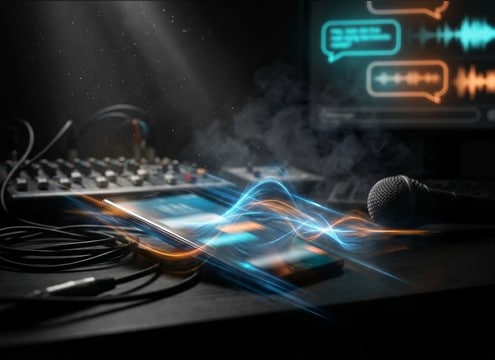
Chat overlay with an OMG pop sound synced to on-screen text

Text message and

Pair a light pop or chirp-like OMG with on-screen captions and chat overlays. Clean mids keep it audible on phone speakers.

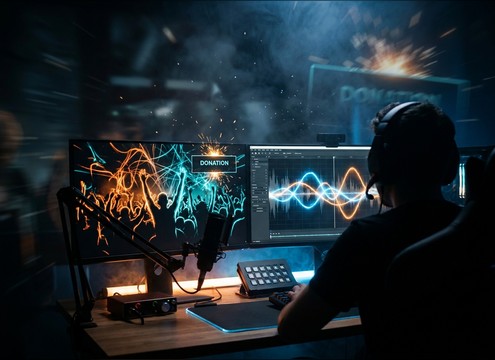
Stream highlight using a crowd OMG reaction sound

Live stream highlights

Trigger a crowd-style OMG layer for big plays and surprise donations. Wider stereo feels larger without needing more volume.

Audio drama scene with a breathy OMG reaction in the waveform

Audio drama reactions

Choose a breathy or whispered take to sound natural in dialogue scenes. Subtle room tone helps it match interior ambience.

Trailer cut using a distant OMG reaction with long reverb tail

Trailer teaser shocks

Add a distant, reverby OMG reaction as a quick transition into a title card. Longer decay sells space and tension.

Game UI surprise cue using a glitch OMG sound

Game UI surprise

Use a stylized glitch OMG or pop as a reward or warning cue. Keep the low-end tight so it does not muddy SFX buses.

Presentation slide reveal punctuated by an OMG sound effect

Classroom or presentation

Drop a clean, friendly OMG sting for slide reveals and fun facts. Controlled peaks prevent harshness on projectors and PA speakers.

Why Choose Media.io for Omg Sound Generator?

See exactly why creators, developers and studios choose our AI audio generator over all others.

Prompt panel controlling an OMG sound generator intensity and style

OMG Sound Generator with prompt control

Describe the exact vibe in plain language: breathy vs shouted, cartoon vs realistic, dry vs roomy, and get usable variations without hunting multiple libraries.

Audio preview list of OMG reaction sound effects

Preview-first, download-ready library

Audition reaction hits quickly and grab a clip that already has the right transient and tail length for fast edits.

WAV download button for OMG sound effects

Royalty-free exports for real projects

Download WAV files you can place into monetized reaction edits, branded content, app demos, or episodic audio without extra cleanup steps.

Regenerate button creating multiple OMG reaction timing options

Regenerate to match timing

If the reaction lands a frame late, regenerate with a tighter attack, shorter decay, or different emphasis until it syncs perfectly.

Waveforms showing natural vs glitch OMG reaction styles

Style range from natural to meme

Go from realistic vocal gasps with subtle room tone to glitchy, exaggerated hits with stereo motion for modern meme edits.

Limiter and waveform view showing controlled peaks on an OMG sound

Clean dynamics for dialogue cuts

Choose versions with controlled peaks and less masking so the reaction sits under voiceovers, captions, and music beds.

How to Pick and Prompt OMG Sounds That Cut Cleanly

OMG reactions are all about timing and texture. The best choice depends on whether you need a realistic vocal, a cartoon punctuation hit, or a stylized meme glitch. Use prompts to control the attack speed, how much room reflection you want, and whether the tail should end tight for jump cuts or linger for reveals.

Choose the reaction type first

Decide whether the audience should hear a human reaction (gasp, whispered wow, crowd murmur) or a nonverbal punctuation (pop, stinger, glitch). Vocal takes carry breath and mouth noise, while cartoon or UI-like hits are cleaner and more repeatable.

  • For dialogue scenes: prompt for breathy, close-mic, low sibilance
  • For punchlines: prompt for bright stinger, fast attack, short decay
  • For captions and overlays: prompt for pop or chirp with tight tail

Control timing with attack and tail

In fast edits, the transient must happen immediately and the tail must not step on the next cut. For reveals, you can allow a longer decay or light reverb. Be explicit about these in your prompt so the generated result lands on the frame.

  • Ask for instant attack when the reaction must hit a zoom or cut
  • Ask for short tail when it needs to sit under speech
  • Ask for longer decay and early reflections for distant perspective

Match space: dry, room, or distant

An OMG recorded dry can be placed anywhere, while a roomy take bakes in reflections that imply an interior space. Distant reactions work well when the camera is wide or off-screen. If your project already has ambience, avoid heavy reverb so the room tone stays consistent.

  • Dry and close: minimal room tone, easy to layer
  • Roomy: audible early reflections, moderate stereo width
  • Distant: rolled-off highs, longer tail, reduced presence

Avoid common reaction SFX problems

Reaction sounds can get annoying fast if they are too loud, too harsh, or too long. Keep peaks controlled and avoid sharp sibilance, especially for mobile playback. If you need meme energy, add it through texture (glitch, bitcrush) rather than sheer volume.

  • Avoid clipping and overly hot levels on shouted reactions
  • Avoid long tails when stacking multiple reactions in a montage
  • Avoid harsh sibilance; prompt for smooth top-end

Frequently Asked Questions About
Omg Sound Effects

Everything you need to know before downloading or generating your first sound.

Can I download OMG sound effects as WAV files?

Yes. After previewing a clip or generating a variation, you can download the result as a WAV so it is easy to drop into your editor and keep quality through exports.

Are these OMG sound effects free to download and safe for commercial use?

Media.io provides royalty-free downloads for these assets. If you are using them in ads, branded content, or monetized uploads, review the current license notes on the download page for the exact usage scope.

Should I use a spoken "OMG" or a gasp for my edit?

Use a spoken take when the moment is comedic or character-driven, and a gasp when you want a universal reaction that works across languages. If dialogue is already busy, a short nonverbal gasp usually masks less.

How do I make an OMG reaction hit the exact frame?

Pick a clip with an immediate transient and a short pre-roll. If it feels late, regenerate with a prompt like "instant attack" or "no lead-in breath" and keep the tail short for tight cuts.

Are these omg sound effects free to download?

Yes. You can preview and download the AI-generated omg sound effects as WAV files and use them in personal or commercial projects.

Can I copy the prompt used for each sound?

Yes. Open any sound row to view the prompt, copy it, adjust the wording and generate a custom variation that better matches your scene.

Related Free Sound
Effect Categories

Explore other AI-generated sound libraries from Media.io

sound

Rain Sound Effects

10+ free sounds
sound

Thunder Sound Effects

10+ free sounds
sound

Farts Sound Effects

10+ free sounds
sound

Car Crash Sounds

10+ free sounds
sound

Explosion Sound Effects

10+ free sounds
sound

Gunshot Sound Effects

10+ free sounds
sound

Pistol Sound Effects

10+ free sounds
sound

AI Horror Sound Effects

10+ free sounds
sound

AI Forest Sound Effects

10+ free sounds
sound

AI Dog Whistle Sound

10+ free sounds
sound

AI Ding Sound

10+ free sounds
sound

Phone Ring Sound

10+ free sounds
media.io

AI Video Generator star

Easily generate videos from text or images

Generate

