
















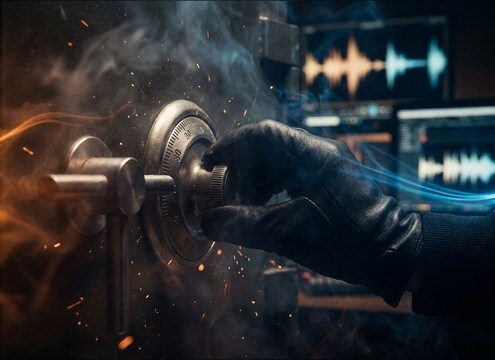







Turning sounds are all about the first transient and the friction that follows. When you prompt, name the object and mechanism (detent dial, spring latch, stiff valve), then describe the speed and whether you want clean movement or audible strain. A small change like adding a hint of squeak, reducing room tone, or asking for a steadier texture can make the clip match your close-up, wide shot, or quiet dialogue beat.
Start with the exact mechanism
The same on-screen action can sound completely different depending on what is turning. A plastic knob gives sharp ticks, a metal valve has torque and grit, and a safe dial is all about repeating detents.
- Name the object: knob, handle, valve, dial, key, wheel
- Add material: plastic, metal, leather, paper, wood
- Call out mechanics: detents, latch click, spring rattle, gear chatter
Set speed and effort for believable motion
Speed shapes the rhythm of clicks and the length of the friction bed. Effort (light vs forced) controls how much creak, strain, and low-end rub you hear in the tail.
- Use phrases like quick twist, slow torque, steady rotation
- Ask for occasional squeaks or keep it squeak-free
- Specify tail behavior: short dry decay or longer mechanical ring
Match space and perspective to picture
A close-up needs a clear transient with low ambience, while a wider shot can benefit from soft room reflections. If the sound feels too large, reduce stereo width and room tone.
- Choose close mic vs slightly distant perspective
- Prompt for small room reflections or dry studio sound
- Control stereo: centered mono feel or moderate width
Avoid common turn SFX mistakes
Turning sounds often fail when the noise floor is too loud, the transient is smeared, or the clip includes unrelated elements. Keep the action focused and easy to cut.
- Avoid added footsteps, voice, or unrelated impacts
- Avoid long reverb tails that blur the hand sync
- Avoid harsh high-end ticks that distract in quiet scenes




