















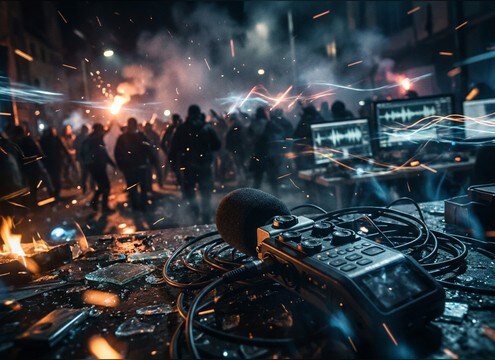
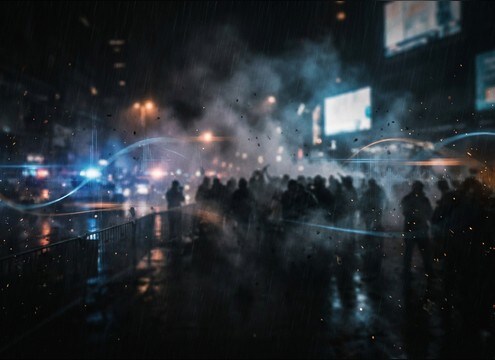
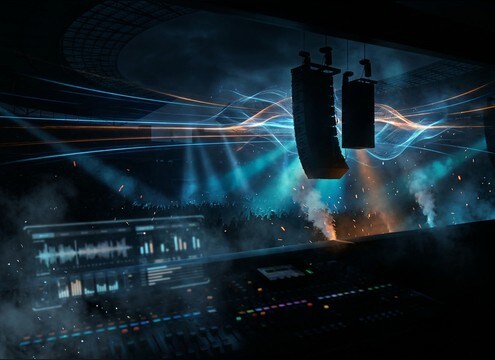


Crowd yelling can read as excitement, anger, pressure, or chaos depending on rhythm, density, and space. When choosing a clip or writing a prompt, decide whether you need a single impact yell for a cut, a chant pattern that supports dialogue, or a sustained bed that stays stable under music. The tips below help you get the right perspective, tail length, and texture without extra cleanup.
Pick the intent: cheer, chant, heckle, or panic
A stadium surge has a different shape than a protest chant or a chaotic scramble. Describe the intent first so the voice texture and cadence match the scene.
- Cheer surge: fast attack, short tail, bright presence
- Chant: steady rhythm, consistent peaks, less randomness
- Chaos: dense overlap, gritty texture, uneven dynamics
Call out distance and the space around it
Distance changes everything: close yells feel spiky and intelligible, while distant crowds become a wash with longer decay. Mention the environment so reflections make sense.
- Close perspective: dry room tone, sharper transients, less wash
- Arena or tunnel: audible reflections, longer decay, more smear
- Outdoor street: lighter tail, air movement, wider but less echo
Control density, stereo width, and masking
Crowd yelling easily masks dialogue and impacts. Ask for fewer voices, narrower stereo, or a shorter tail when the scene needs clarity, and go wider only when the shot is big.
- For dialogue scenes: lower density, shorter decay, less sibilance
- For wide shots: wider stereo, more room wash, smoother peaks
- For action cuts: stronger transient, controlled low-end rumble
Choose the right duration for the edit
Short clips work for cut points and reactions, while longer beds carry entrances and montages. Match the duration to the shot length and how often you need to reset energy.
- 5 seconds: punchy reaction, quick cutaway, single beat
- 10 seconds: sustained swell for entrances and reveals
- 20 seconds: stable bed for long shots and loop-friendly scenes




