











Popular Crickets Sound Effects Library

Choose a quick chirp accent or a mix-ready night bed. Each preset focuses on a different perspective, density, and loop behavior so you can match the shot and leave space for dialogue.

How to Generate Your Own
Crickets Sound Effects

Cannot find the perfect crickets sound effect you need? Generate custom AI crickets audio effortlessly. Describe the style, such as short clean cue, cinematic hit, subtle background layer, branded UI alert, and Media.io AI builds tailored crickets sound effects instantly. No audio editing experience needed. Turn your concept into a royalty-free, high-quality downloadable WAV crickets clip in under 60 seconds.

1

Describe the cricket scene

Type a prompt for the exact vibe you need, like single close chirps, a dense summer chorus, or distant field crickets with a soft air bed.

2

Pick length and variations

Choose 5s, 10s, or 20s, then set how many options you want generated so you can compare different chirp densities and textures.

3

Generate and preview

Click Generate, listen to each result, and keep the version with the right pace, background noise level, and stereo width for your scene.

4

Download WAV and use

Download the WAV file and drop it into your timeline for videos, games, apps, podcasts, or commercial projects.

What Can You Use These Crickets Sound Effects For?

Creators in every field are using our royalty-free audio to set the perfect mood.

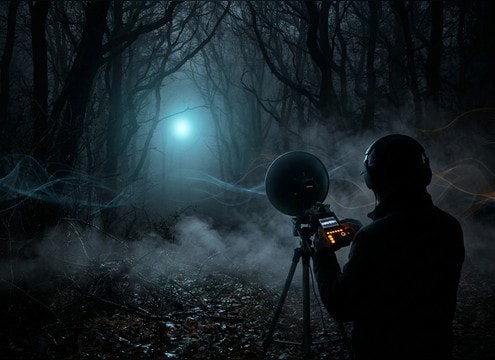
Cricket ambience under an exterior night establishing shot

Exterior night establishing

Lay a steady cricket bed under a wide shot to sell time-of-day without pulling attention from dialogue.

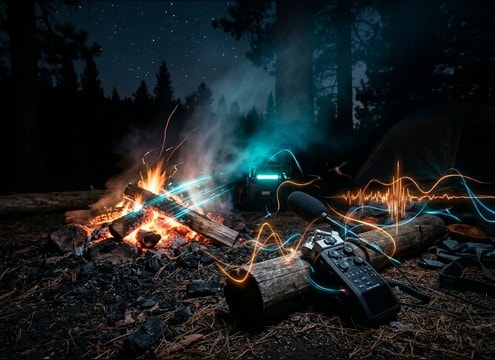
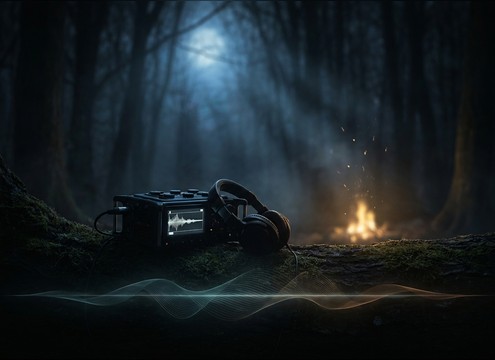
Crickets supporting a camping campfire scene sound bed

Camping and campfire

Add intermittent chirps around fire crackle so the background feels alive between character lines.

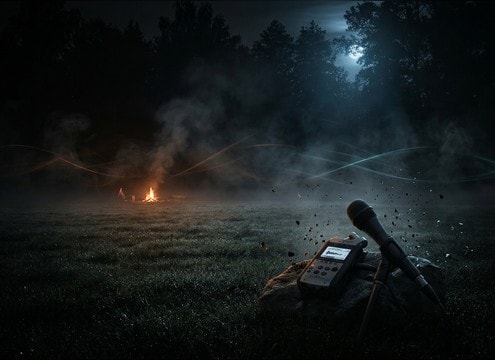
Distant crickets used for horror tension and silence contrast

Horror quiet-before-the-scare

Use a thin, distant layer with low masking strength to build tension, then cut it for contrast on the hit.

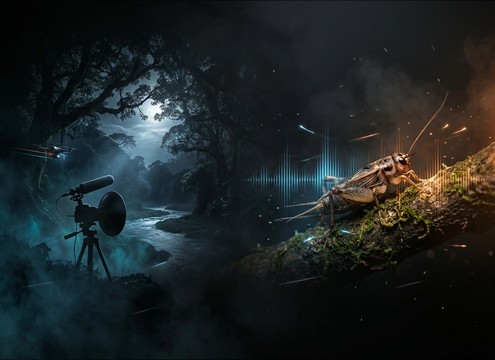
Cricket beds for nature documentary night footage

Nature documentary underscoring

Choose wider stereo beds for landscape shots, or isolated chirps for macro insect visuals and cutaway moments.

Loopable crickets for sleep and relaxation ambience

Sleep and relaxation

Pick longer loop-friendly ambience with stable texture and smooth noise floor for uninterrupted playback.

Stage ambience using soft cricket background sounds

Theater and live

Create consistent night ambience that can run quietly under stage dialogue without abrupt spikes.

Game nighttime level ambience with close and distant crickets

Nighttime game level

Use low-detail distant crickets for open areas, then switch to close chirps near foliage or checkpoints.

Close cricket chirps for ASMR outdoor headphone scenes

ASMR style outdoor

Generate close perspective chirps with gentle stereo spread and clean transients for intimate headphone listening.

Why Choose Media.io for Crickets Sound Generator?

See exactly why creators, developers and studios choose our AI audio generator over all others.

Prompt control for a crickets sound generator

Crickets Sound Generator prompt control

Dial in chirp speed, density, and perspective with plain-English prompts, then regenerate until it matches your cut.

Scene matching options in a crickets sound generator

Crickets Sound Generator scene matching

Switch between single-cricket ticks, intermittent bursts, and full chorus beds to match closeups, wides, and transitions.

Loop-ready cricket ambience generated for long scenes

Crickets Sound Generator loop readiness

Make ambience that holds steady with smooth tails and consistent texture, so it loops naturally under long dialogue scenes.

Multiple cricket variations generated for quick comparison

Crickets Sound Generator quick variations

Generate multiple candidates at once to compare stereo width, background noise, and masking strength without extra editing.

Previewing generated cricket audio before download

Crickets Sound Generator preview first

Audition sounds immediately before download, so you do not waste time exporting clips that will not sit in the mix.

WAV export for cricket sound effects

Crickets Sound Generator WAV export

Download WAV files that drop straight into your editor or DAW for trimming, looping, and level matching.

How to Pick and Prompt Crickets for Believable Night Ambience

Crickets can read as peaceful summer night, uneasy silence, or generic outdoors depending on chirp rate, density, and how wide the bed feels. Use the tips below to choose a ready-to-download clip or write a prompt that fits your shot length, camera distance, and how much space you need for dialogue and music.

Start with distance and focus

Decide whether the listener is near one cricket or hearing a whole field. Close chirps have sharp transients and obvious timing; distant beds soften attacks and blend into a steady texture. If you can picture the camera position, you can usually pick the right perspective fast.

  • For closeups, prompt for clear attacks and minimal room tone
  • For wides, prompt for softened transients and lower detail
  • If dialogue is present, choose thinner beds with low masking strength

Control chirp density and rhythm

Too many chirps can distract; too few can feel empty. Match density to the scene energy: calmer moments want steady, low-variation texture, while transitions can benefit from intermittent bursts that leave gaps for cuts.

  • Prompt for steady chorus when you need continuous ambience
  • Prompt for intermittent calls when you want natural pauses
  • Avoid overly regular timing if the scene aims for realism

Make it loop cleanly

Night ambience often runs longer than a single clip. For looping, consistency matters more than detail: stable noise floor, no sudden level jumps, and no standout chirps right at the start or end. A wider stereo bed can feel spacious, but keep it stable to prevent listener fatigue.

  • Choose clips with even texture and smooth tails
  • Prompt for clean loop feel and minimal pumping
  • Keep stereo width moderate if the scene has centered dialogue

Avoid common cricket pitfalls

Crickets are easy to overdo. A bright, harsh top end can become fatiguing, and a dense chorus can compete with speech. If the scene is meant to feel like one location, keep the ambience consistent rather than constantly changing chirp rates between shots.

  • Avoid overly bright, piercing chirps in long beds
  • Avoid dense layers when you need intimate dialogue clarity
  • Avoid sudden background changes unless motivated by the story

Frequently Asked Questions About
Crickets Sound Effects

Everything you need to know before downloading or generating your first sound.

How do I choose between single cricket chirps and a full chorus bed?

Use a single cricket when the shot is intimate or you want rhythm you can cut around. Use a chorus bed for establishing shots and longer scenes where you need a consistent texture. If you hear individual chirps pulling focus, switch to a more distant or denser layer.

What prompt details help generate more realistic crickets?

Include perspective (close, mid, distant), chirp density (sparse, steady, dense), and the background bed (quiet air, light breeze, subtle noise floor). If you need it to sit under dialogue, ask for low masking strength and controlled high end.

Can I download these for free and use them commercially?

You can preview and download the available clips and generated results from this page for your projects, including commercial uses, as provided in Media.io. If your project has specific compliance needs, review the on-page licensing notes before publishing.

Are the cricket files available as WAV, and can I trim or loop them?

Yes, you can download WAV files. For looping, pick clips with stable texture and smooth tails, then trim at zero crossings and add a tiny crossfade so the loop does not click.

Are these crickets sound effects free to download?

Yes. You can preview and download the AI-generated crickets sound effects as WAV files and use them in personal or commercial projects.

Can I copy the prompt used for each sound?

Yes. Open any sound row to view the prompt, copy it, adjust the wording and generate a custom variation that better matches your scene.

Related Free Sound
Effect Categories

Explore other AI-generated sound libraries from Media.io

sound

Rain Sound Effects

10+ free sounds
sound

Thunder Sound Effects

10+ free sounds
sound

Farts Sound Effects

10+ free sounds
sound

Car Crash Sounds

10+ free sounds
sound

Explosion Sound Effects

10+ free sounds
sound

Gunshot Sound Effects

10+ free sounds
sound

Pistol Sound Effects

10+ free sounds
sound

AI Horror Sound Effects

10+ free sounds
sound

AI Forest Sound Effects

10+ free sounds
sound

AI Dog Whistle Sound

10+ free sounds
sound

AI Ding Sound

10+ free sounds
sound

Phone Ring Sound

10+ free sounds
media.io

AI Video Generator star

Easily generate videos from text or images

Generate
