















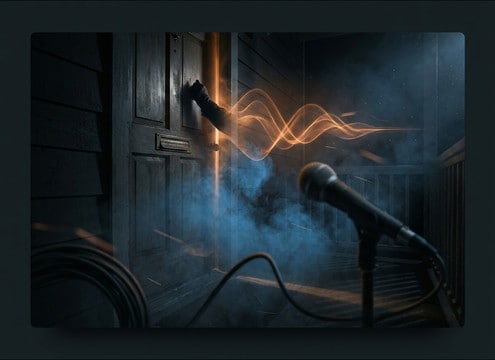

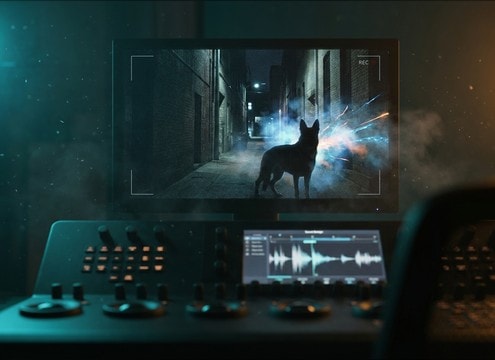






Barks read differently depending on emotion, distance, and rhythm. Use the prompts below to specify what the listener should feel (playful, warning, angry), how far the dog is (close, behind a door, across a yard), and the timing you need (single hit vs a short burst). Small details like transient sharpness and tail length help the bark sit naturally in a mix.
Start with dog size and emotion
A believable bark prompt begins with the dog type cues: puppy vs large dog, friendly vs defensive. These choices steer pitch, throatiness, and how hard the transient hits.
- Use words like puppy yip, medium bark, large guard bark
- Add emotion: playful, warning, anxious, aggressive
- Request texture: clean, raspy, breathy, slight growl edge
Specify distance and what the space is doing
Distance changes clarity and tail behavior. Tell the generator whether the bark is close-mic and dry, muffled behind a door, or distant with outdoor air and reflections.
- Close: dry, minimal room tone, sharp attack
- Indoors: hallway reflections, medium decay, stereo width
- Outdoors: rolled-off highs, air noise, softer reflections
Control timing with rhythm and spacing
Editors usually need barks to land on a cut. Ask for a single bark, 2 to 3 tight barks, or intermittent barks with pauses so you can place them around dialogue.
- Single hit for reaction shots and quick cutaways
- Short burst for escalation without sounding like a loop
- Intermittent pattern for neighborhood or night scenes
Avoid prompts that create unusable clips
A few words can prevent harsh, messy results. Ask for a clean noise floor, no music, and controlled loudness so the bark is easy to trim and fade.
- Avoid: crowd, music, heavy distortion, extreme reverb
- Ask with no background music, stable noise floor, no clipping
- If too harsh: request softer transient and shorter tail




