AI Photo Zoomer
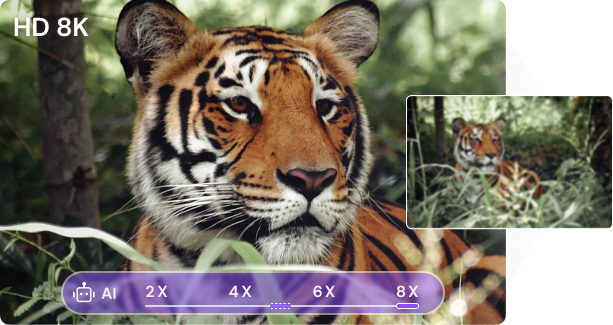
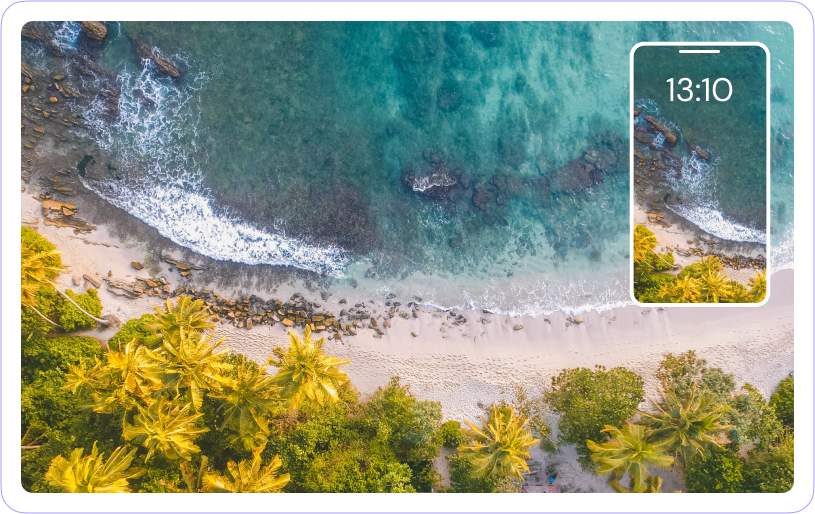
Instantly enlarge your photos size with excellent quality at 2X/4X/6X/8X.
Make every image bigger and clear online for better displaying or printing.
The auto enlarging processing only takes a few secs!
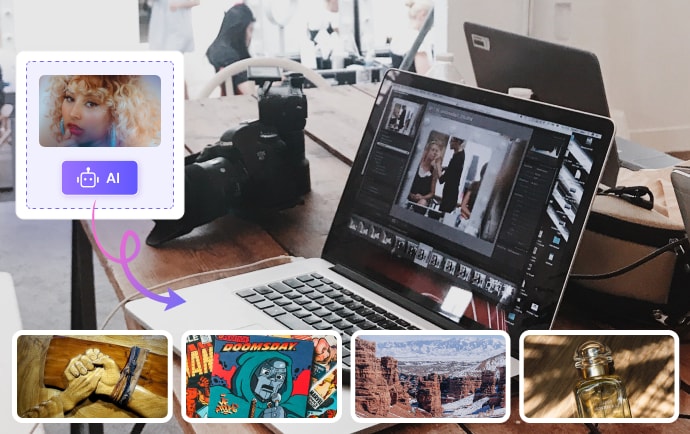
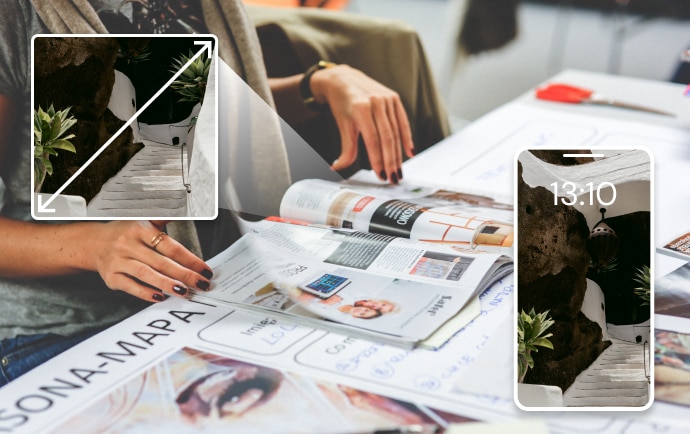
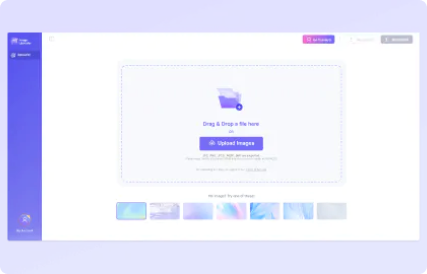


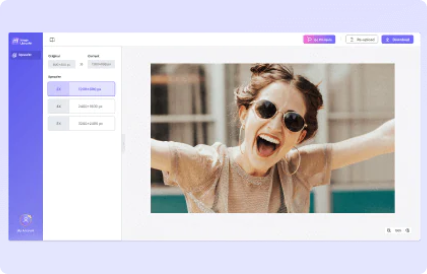
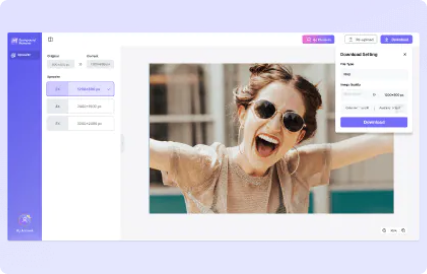

Our AI photo enhancer uses advanced Artificial Intelligence abilities to create high-quality photos. Just upload the image on Media.io Photo Enhancer and let the AI do all the dirty work.

This online photo enhancer has an intuitive user interface, meaning users don't need prior skills. You'll only need a few taps to upscale and enhance your images.

Our online image quality enhancer offers cross-platform compatibility on Windows, Mac, Android, and iOS.

Unlike other professional image enhancers that leave branding watermarks on the first free output, Media.io's outcomes are free of watermarks. Just visit the website and enhance your photos.
-
Social Media UGC
- With Media.io, you can stay on top of your game on social media by consistently churning out high-quality content for your followers. For example, social media are awash with flashback challenges where people share their old photos. Use Media.io to improve these photos before sharing them with your friends.
-
Real Estate Business
- Real estate marketers should know how critical photos are in this industry. Before closing a deal or attracting prospective clients, you must share high-quality images that appeal to your buyers. And you don't have the whole day to take multiple photos in the same spot, do you? With Media.io, you can quickly enhance your real-estate images with new resolutions, brightness, contrast, and more.
-
Digital Marketing
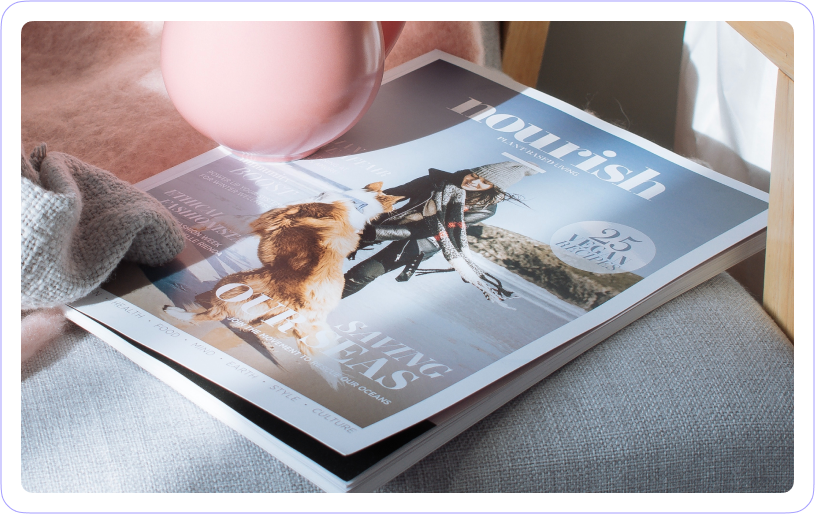
- E-Commerce is another industry that can significantly benefit from Media.io AI Photo Enhancer. Now answer this; how many grainy photos can you find on online marketplaces like eBay and Amazon? Probably none! In fact, some of these platforms have specific image specs before you are allowed to upload anything. Use our JPG enhancer to retouch your product photos and make them more appealing to prospective buyers.
-
Digital Art
- Media.io AI Photo Enhancer should also come in handy for digital artists. This free program allows you to enhance your artwork and bring your creations to life. You can use it with digital drawings, paintings, sculpting, animations, and more. For instance, you can have a beautiful illustration of your dog only to realize the lighting is a little low. Or you may want to sharpen the edges and remove any graininess on the painting.
-
Portraits
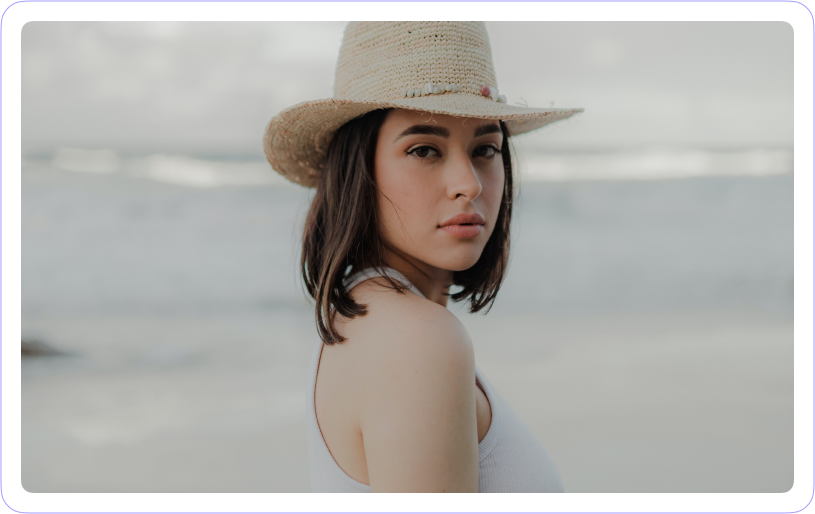
- Your online profile or portfolio speaks much about you before someone reads your biography. It's even safe to say that this is the gateway to your online presence. For this reason, uploading the most professional-looking profile picture on your CV, LinkedIn profile, Facebook PFP, and more is vital. Our AI photo enhancer online free helps you sharpen and improve your portrait photo, giving you the most professional appearance online.

AI Image Enlarger
-
?
What is color correction?
As the name suggests, color correction means adjusting the color of an image or video. For example, you can make the dark shadows lighter and brighter areas darker. The goal of color correction is to make your creations look natural and unfiltered.
-
?
What’s the difference between color correction and color grading?
While color correction makes your images look as natural as possible, color grading conveys a visual tone. For instance, making a blue sky brighter is color correction but turning a blue sky into a purple is color grading.
-
?
What will be corrected when using the Media.io Auto Color Correct?
Media.io Auto Color Correct can automatically adjust the temperature, contrast, white balance, saturation, and exposure in your image or video.
-
?
What's the image size limit when uploading images to Media.io Auto Color?
This free online tool supports images in JPG, JPEG, PNG, WebP, and BMP formats. Also, the image size and resolution should be below 25MB and 6000x4000 respectively.
-
?
What's the video file limit when uploading a video to Media.io Auto Color?
It can be MP4 and MOV. Also, the file size should be less than 50MB. You can use Media.io Video Compressor to reduce the video file size losslessly before uploading it to Auto Color Correct.
-
?
How can I correct the color of my photo automatically?
If you’re looking for an auto color correction tool, Media.io Auto Color is a perfect choice. Simply import the video or image file and the online tool will automatically correct it with just a click.
-
?
How can I color-correct my video online?
Use Media.io Auto Color to correct the color of your video online on any latest versions of web browsers.
-
?
Does Media.io Auto Color leave a watermark on your video or image?
No, Media.io Auto Color does not leave watermarks. Currently, you can download the video/image after the color correction procedure without paying any fees.
-
?
Why does the background of my image/video turn black after color correction?
The online cannot correct the colors of a picture or video with a transparent background.
-
?
I didn't see the significant changes after color correction. Why?
The Auto Color Correction algorithm will perform the color correction process based on your picture/video content. If you didn't see the obvious changes, it means that the chromaticity of the original file is recognized by our algorithm. Stay tuned with our future releases for more powerful features.