Gemini AI Hairstyle Prompts
Copy & Paste Prompts to Try Haircuts, Colors & Styles
Use Gemini AI hairstyle prompts to explore new haircuts, colors, textures, and styling ideas from a portrait photo. Copy ready-made prompts for styles such as bob, pixie, wolf cut, fade, curtain bangs, braids, curls, and different hair colors, then adjust the wording to fit your face, hair length, or target look. Media.io also provides an online AI Hair Color Try-On for users focused mainly on color changes.
No desktop download. Free credits may be available on signup.
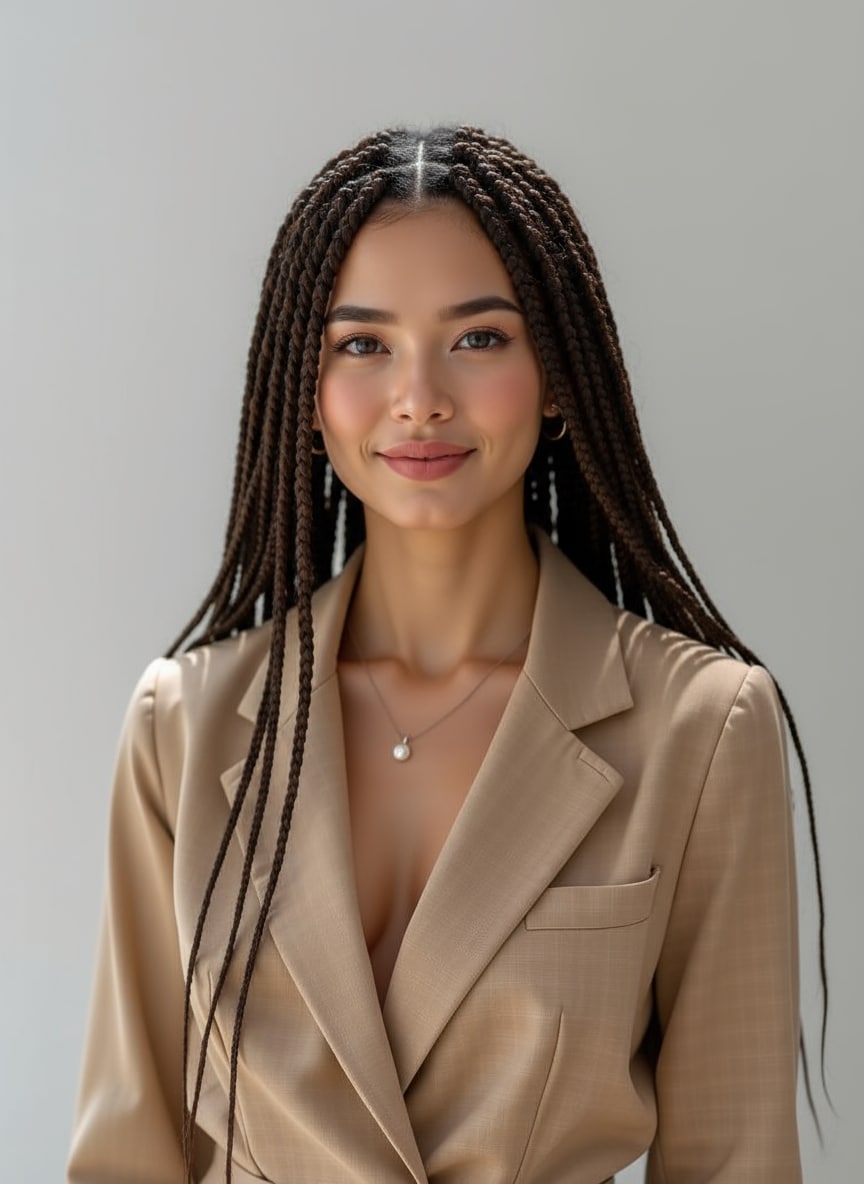
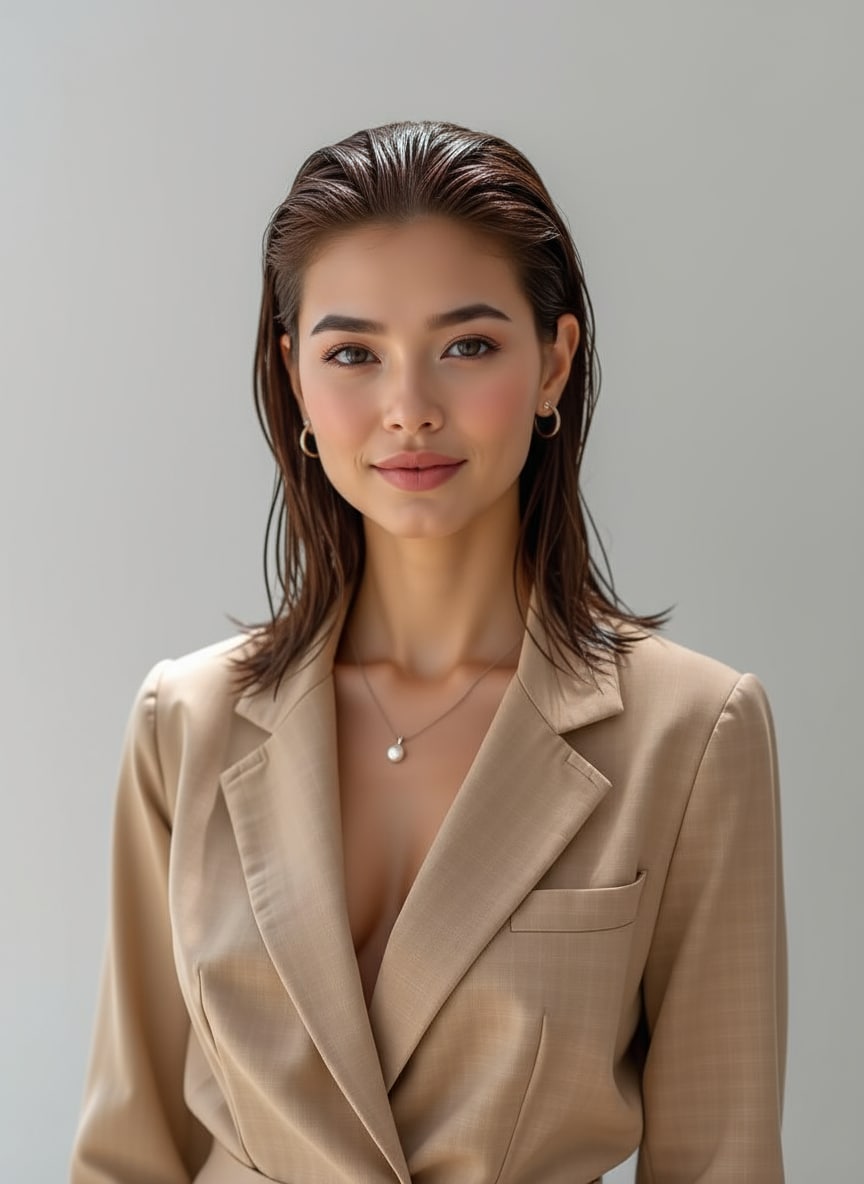
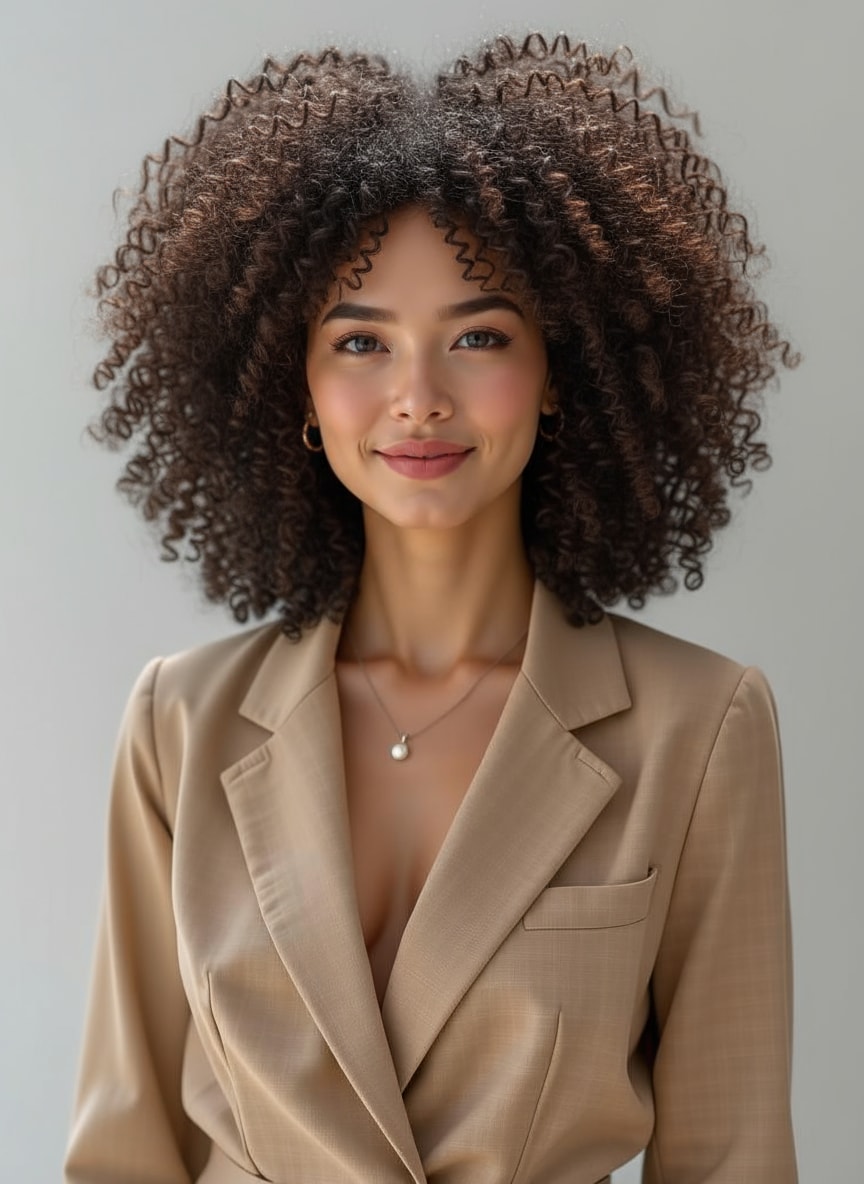
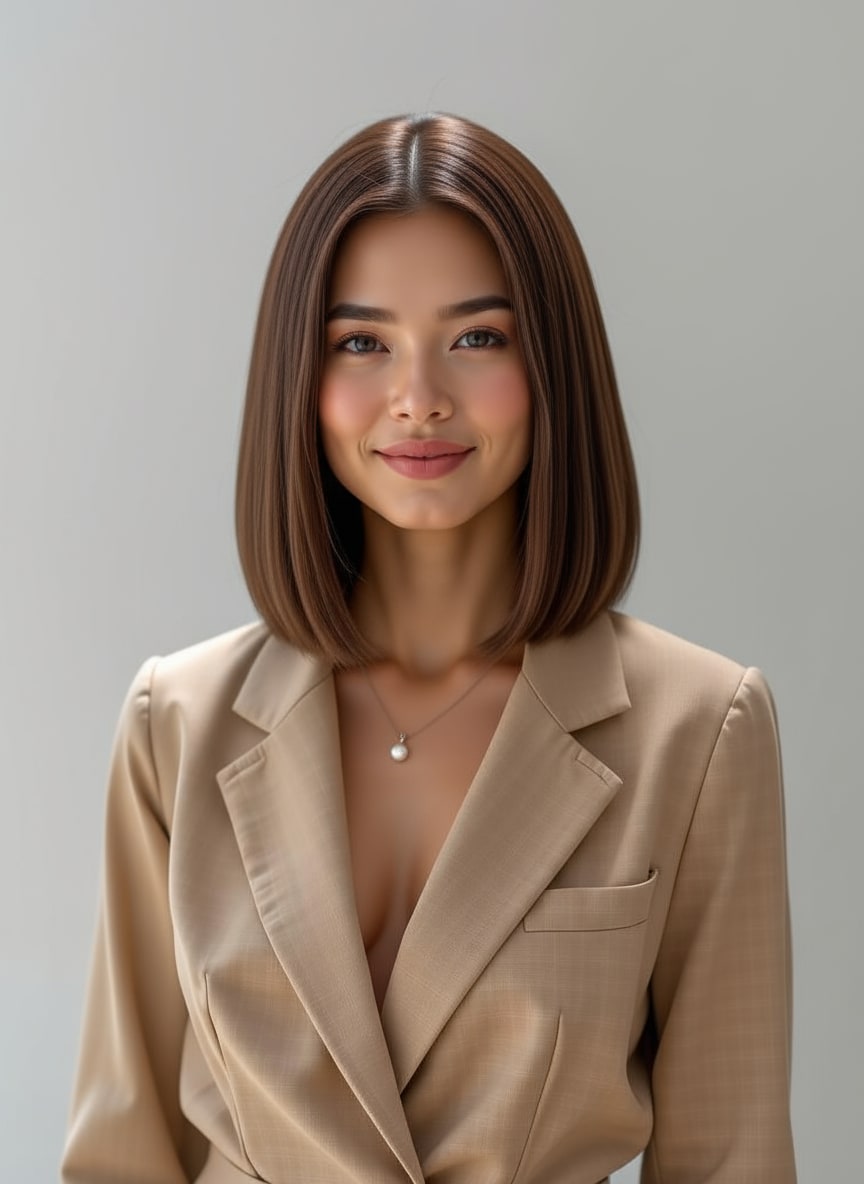
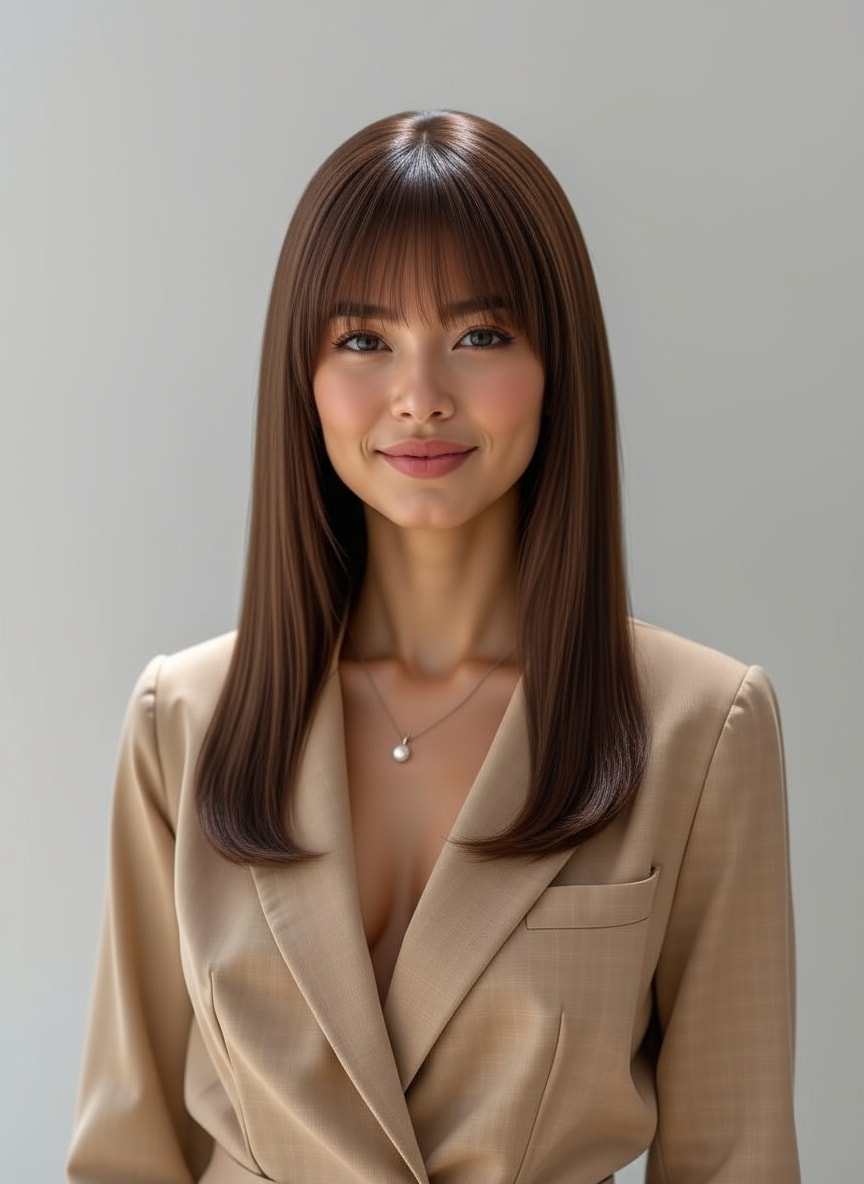
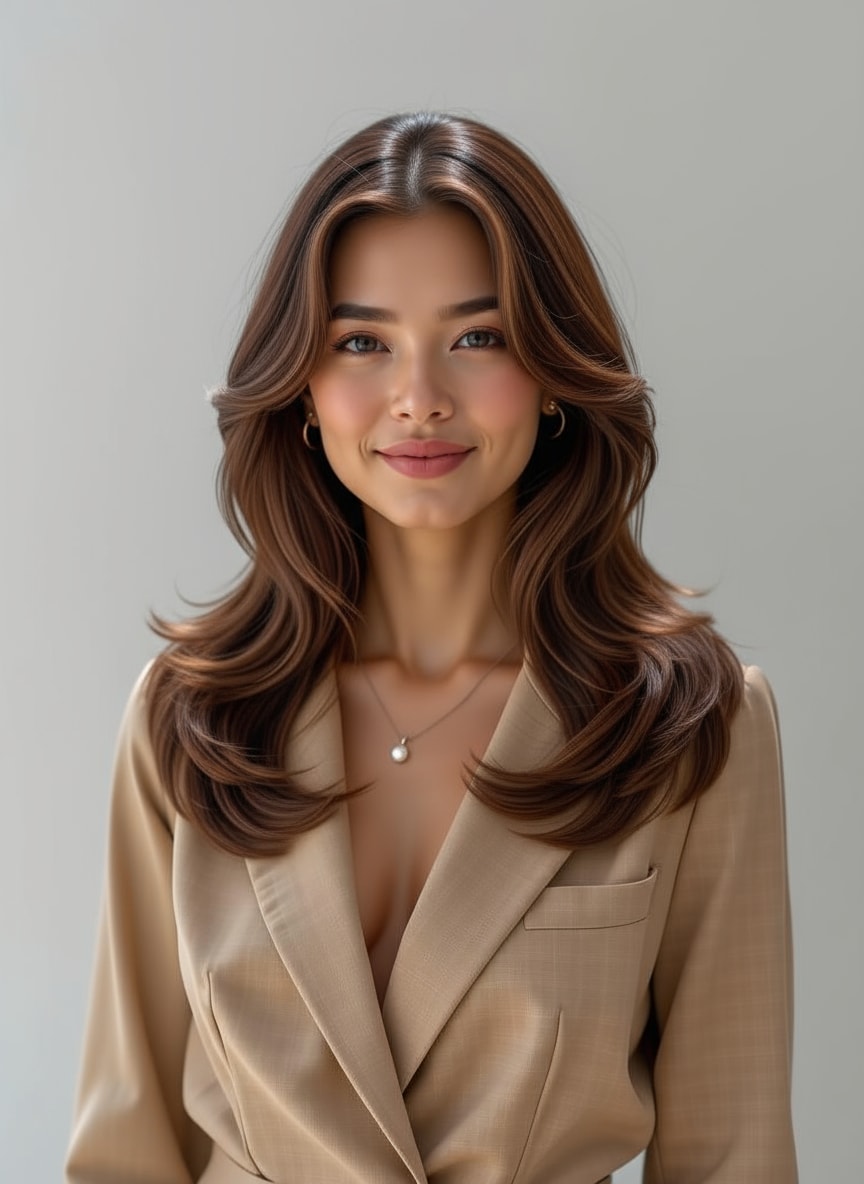
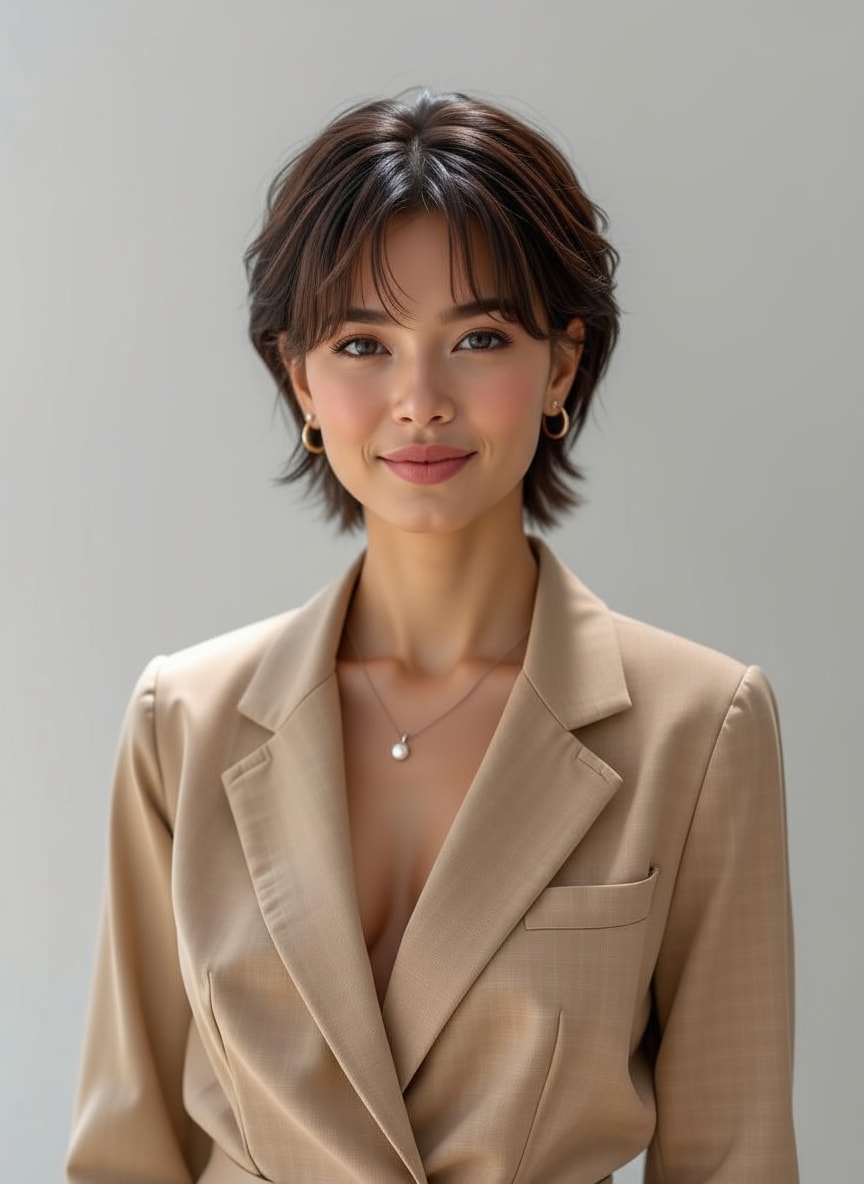
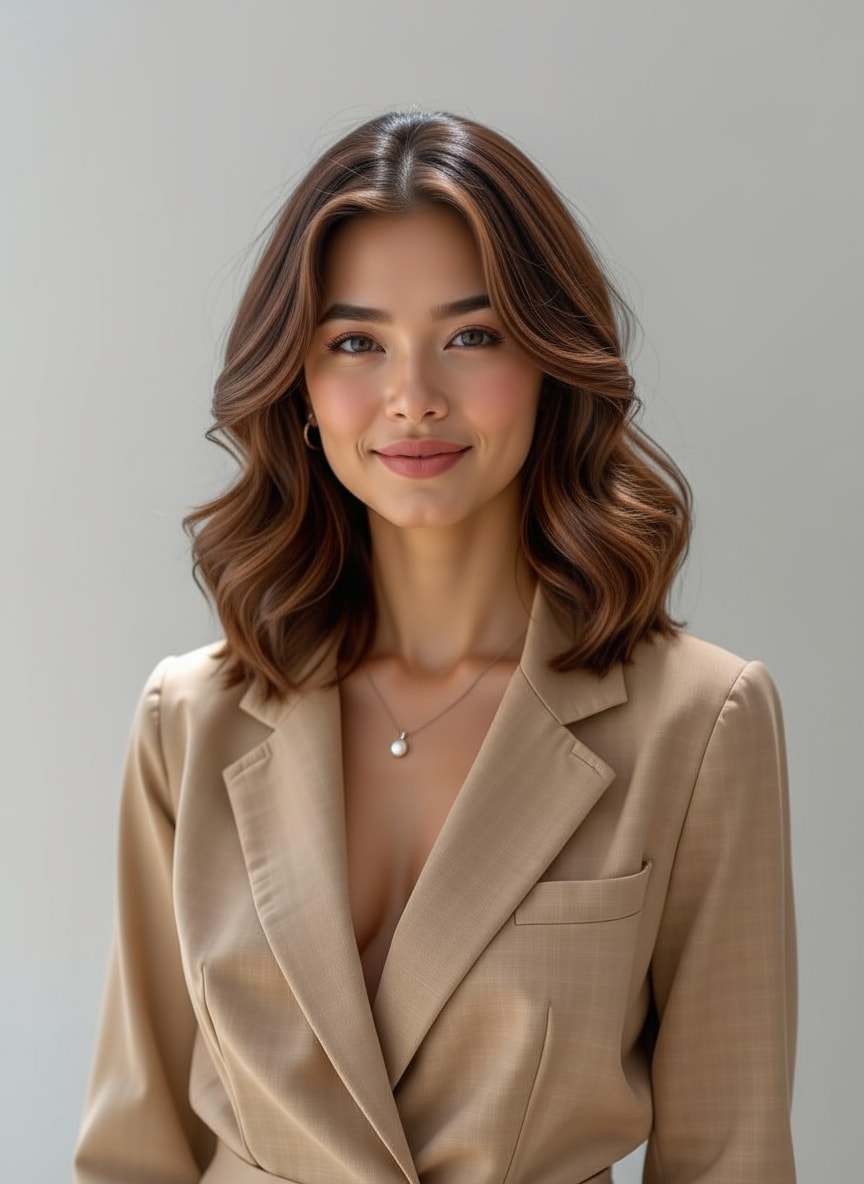
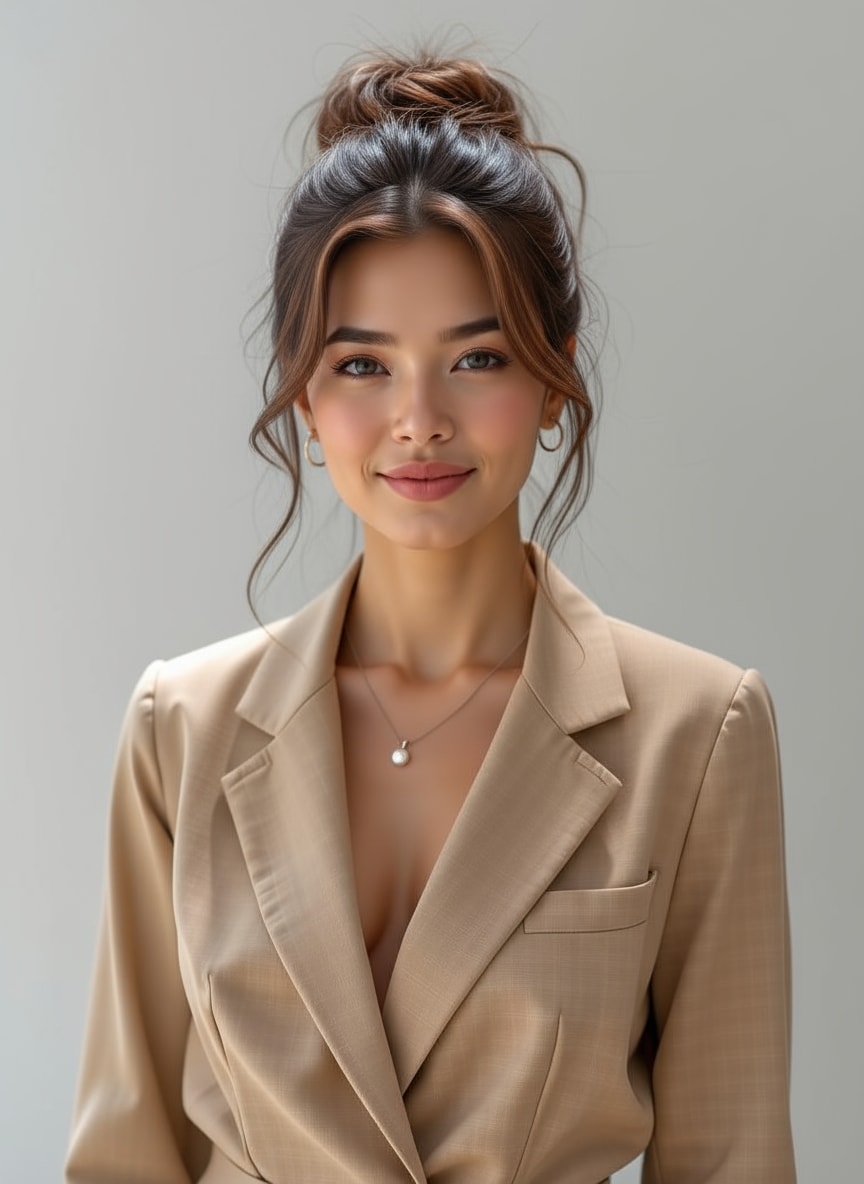
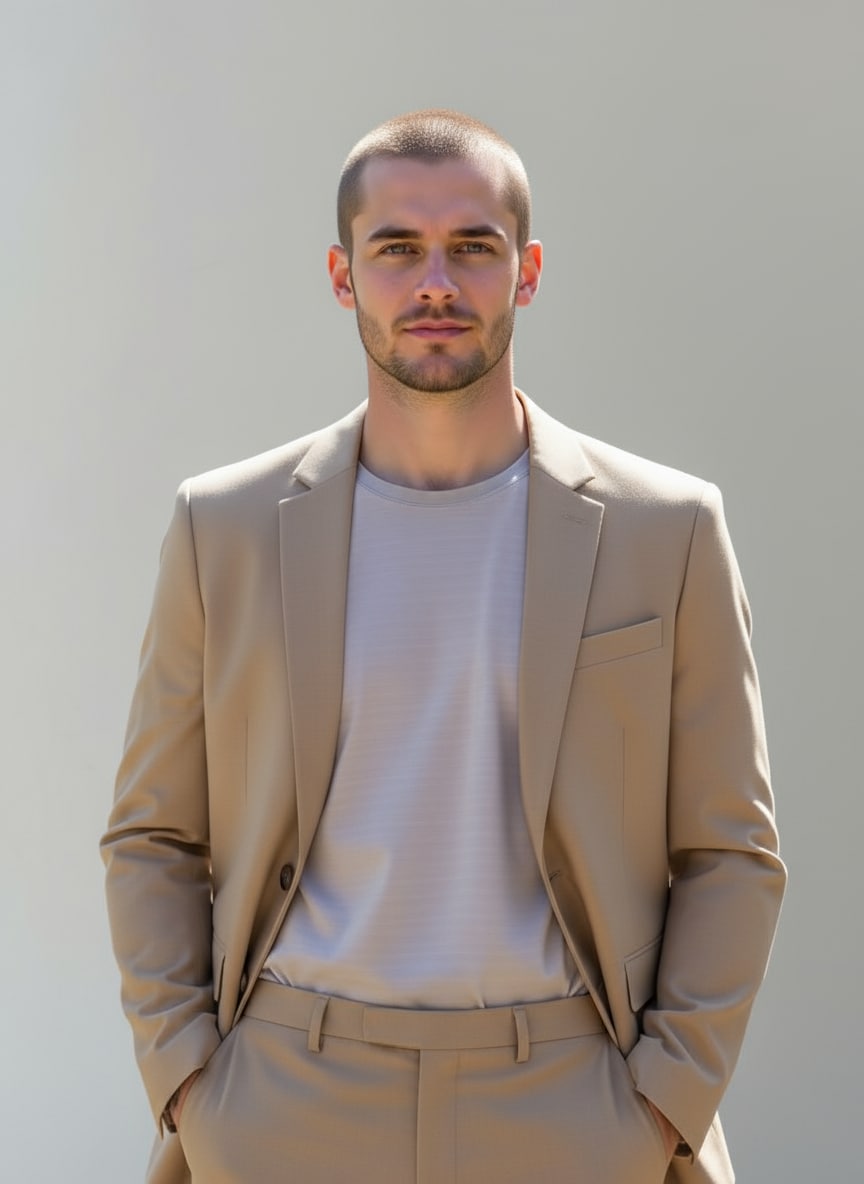
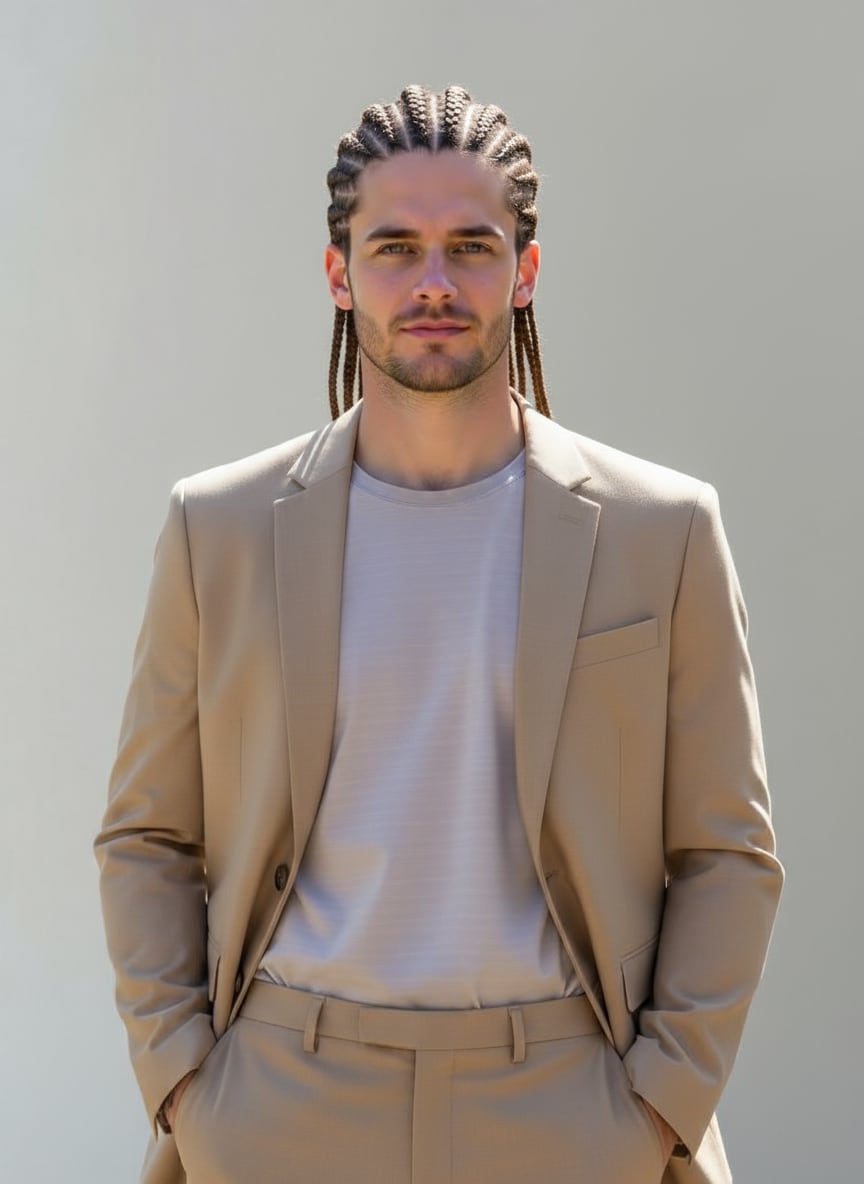
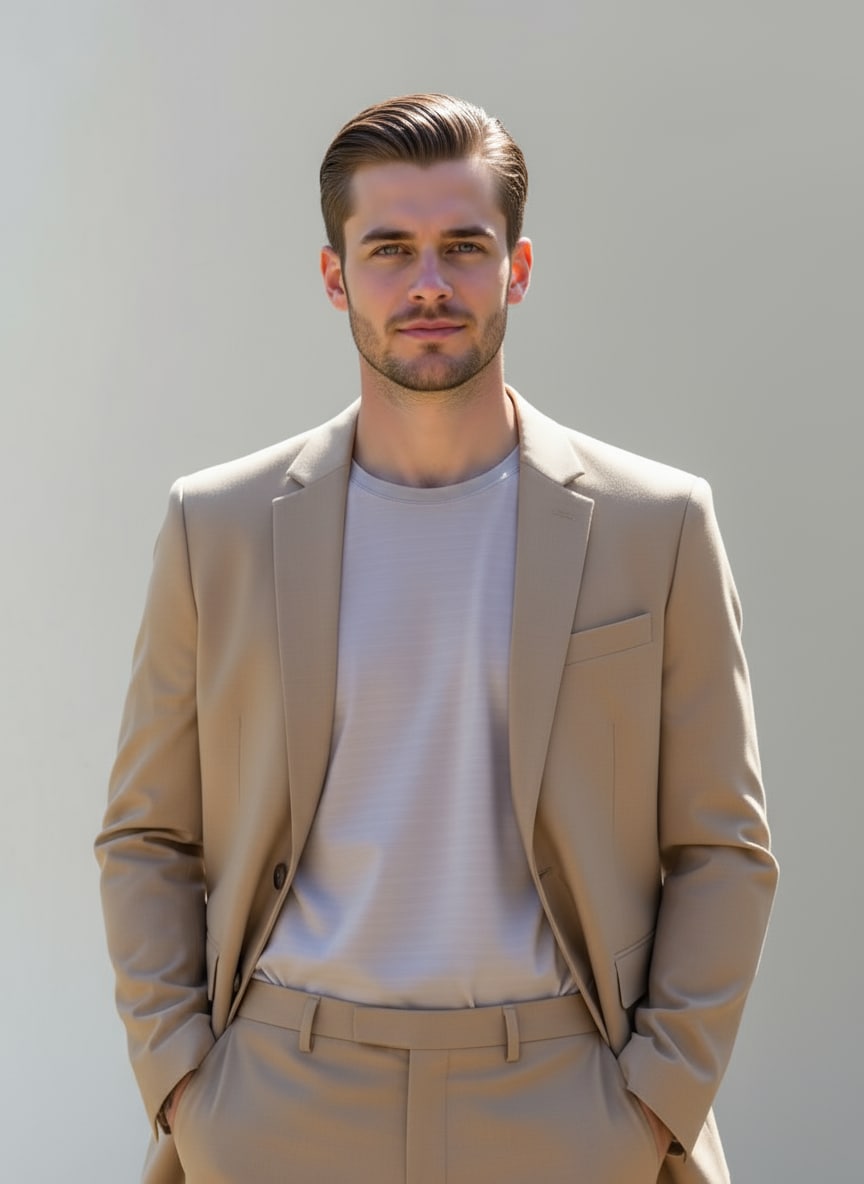
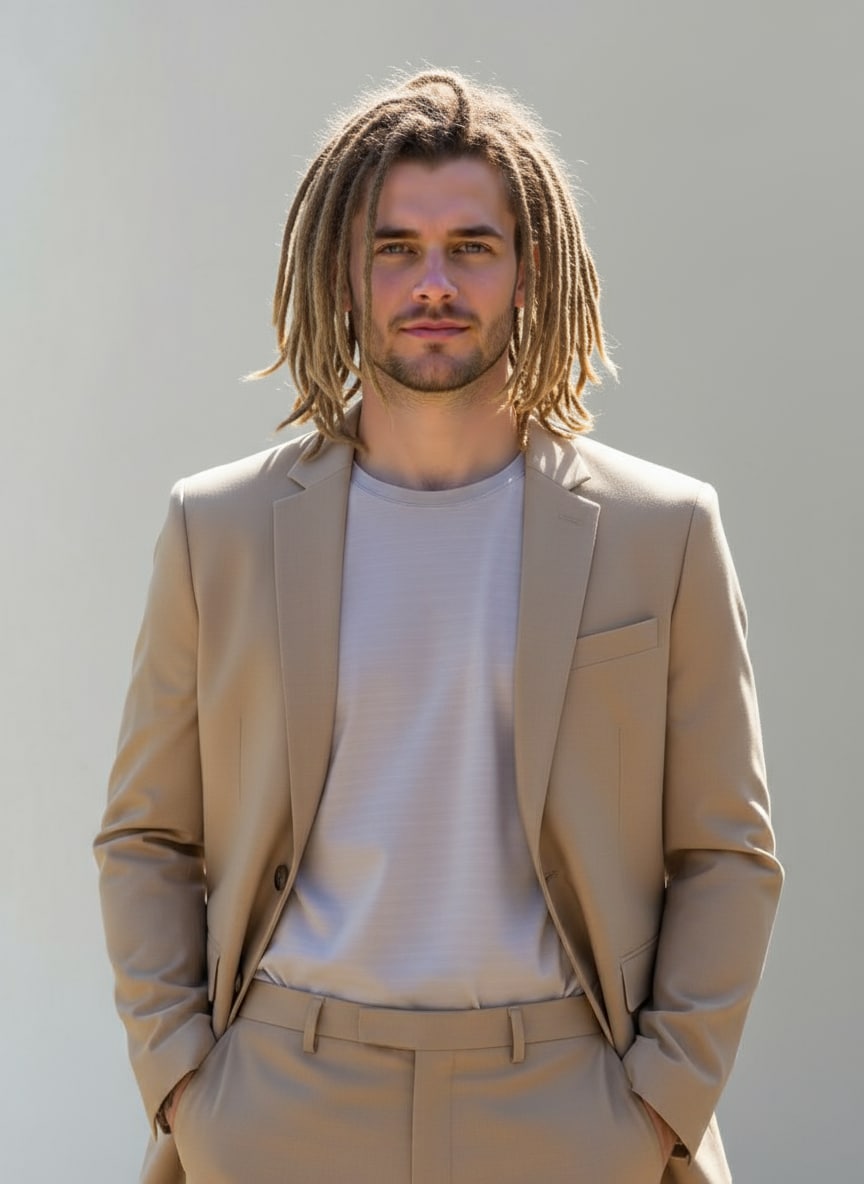
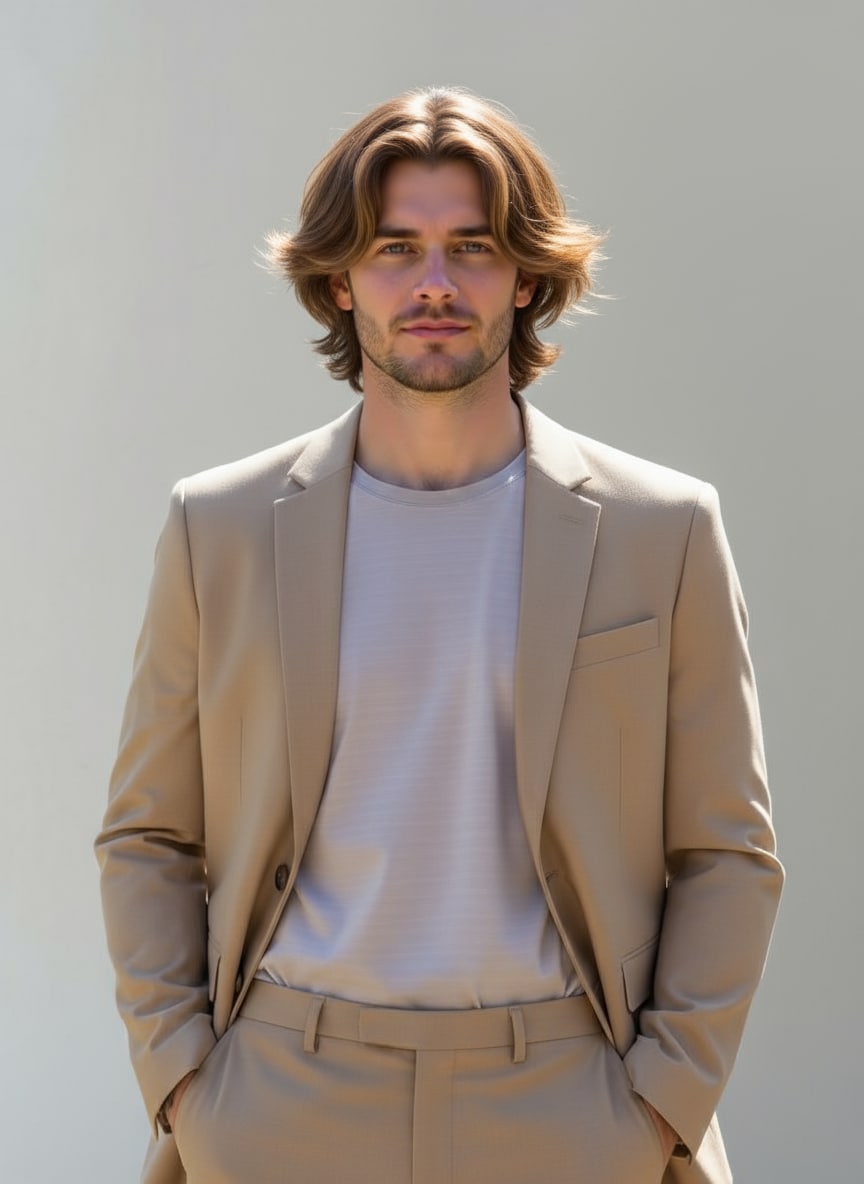
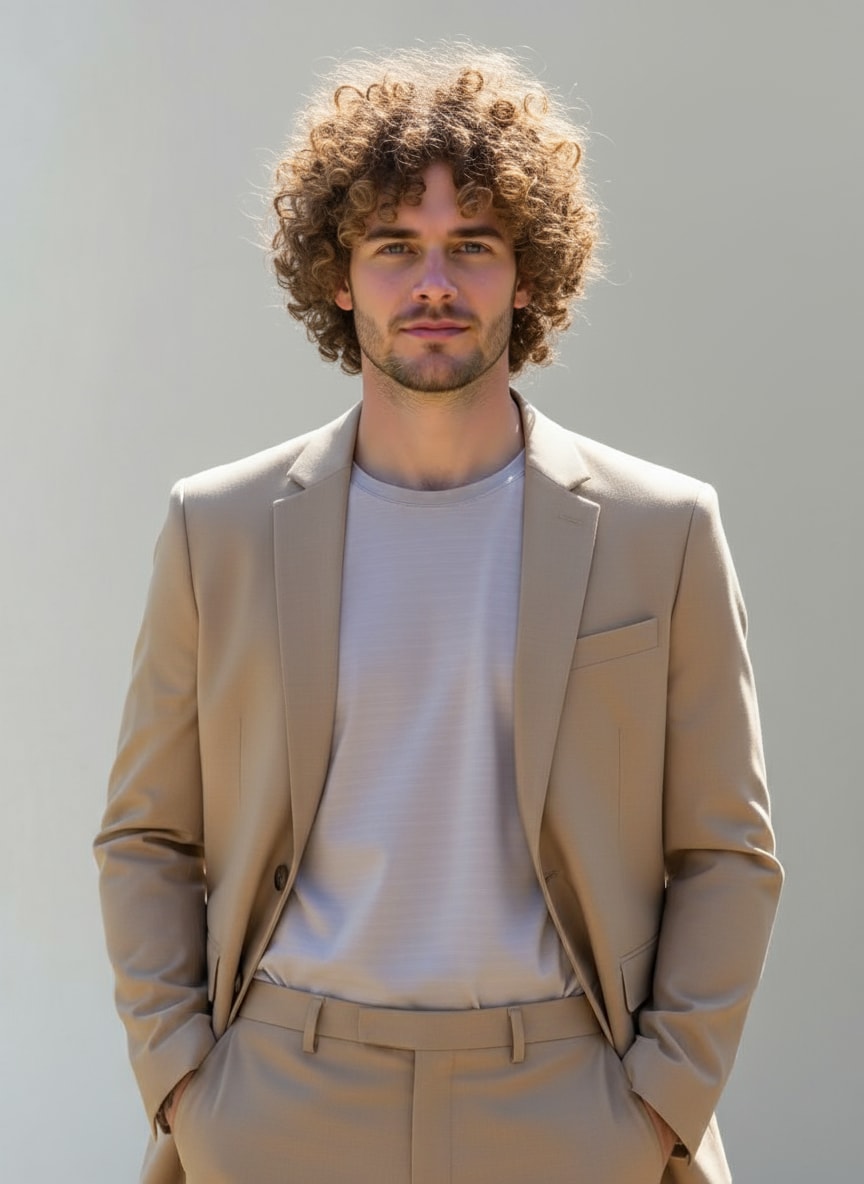
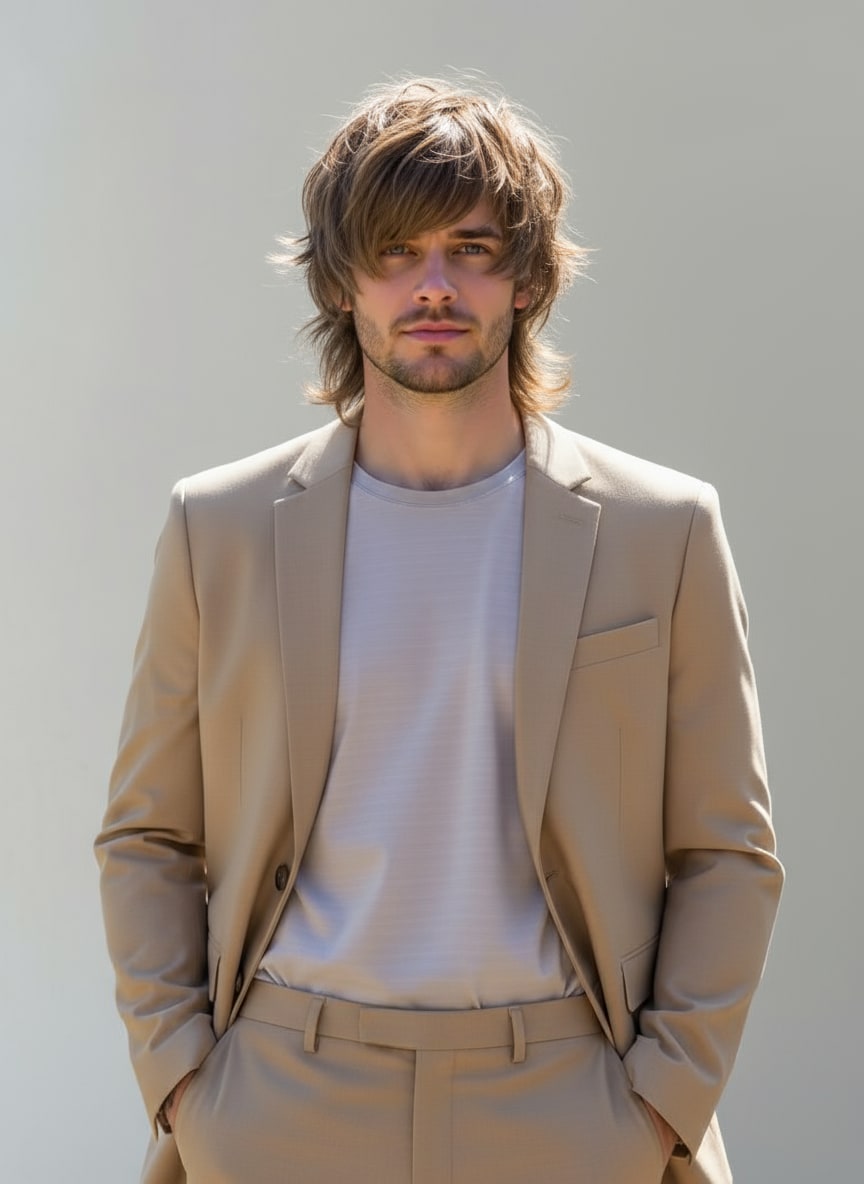
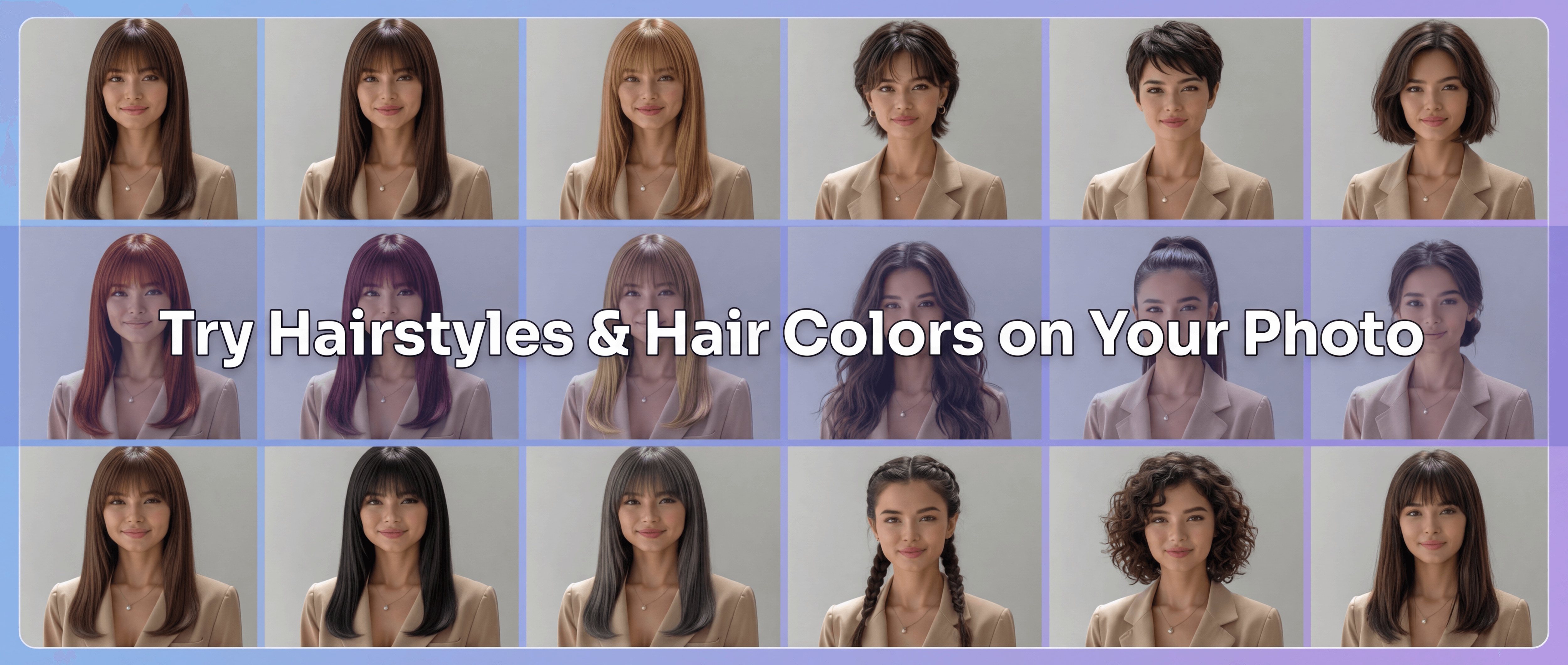
Gemini AI hairstyle examples created with Media.io.
Quick Answer
What Is a Gemini AI Hairstyle Prompt?
A Gemini AI hairstyle prompt is a text instruction that tells an image model how to change the hair in a portrait—such as haircut, length, bangs, color, texture, volume, or styling—while trying to keep the rest of the photo visually consistent. Copy a prompt below, replace the hairstyle name, upload a clear portrait, and generate a preview.
Published by Media.io · Updated August 27, 2026
Compare Multiple AI Hairstyles with Nano Banana Pro
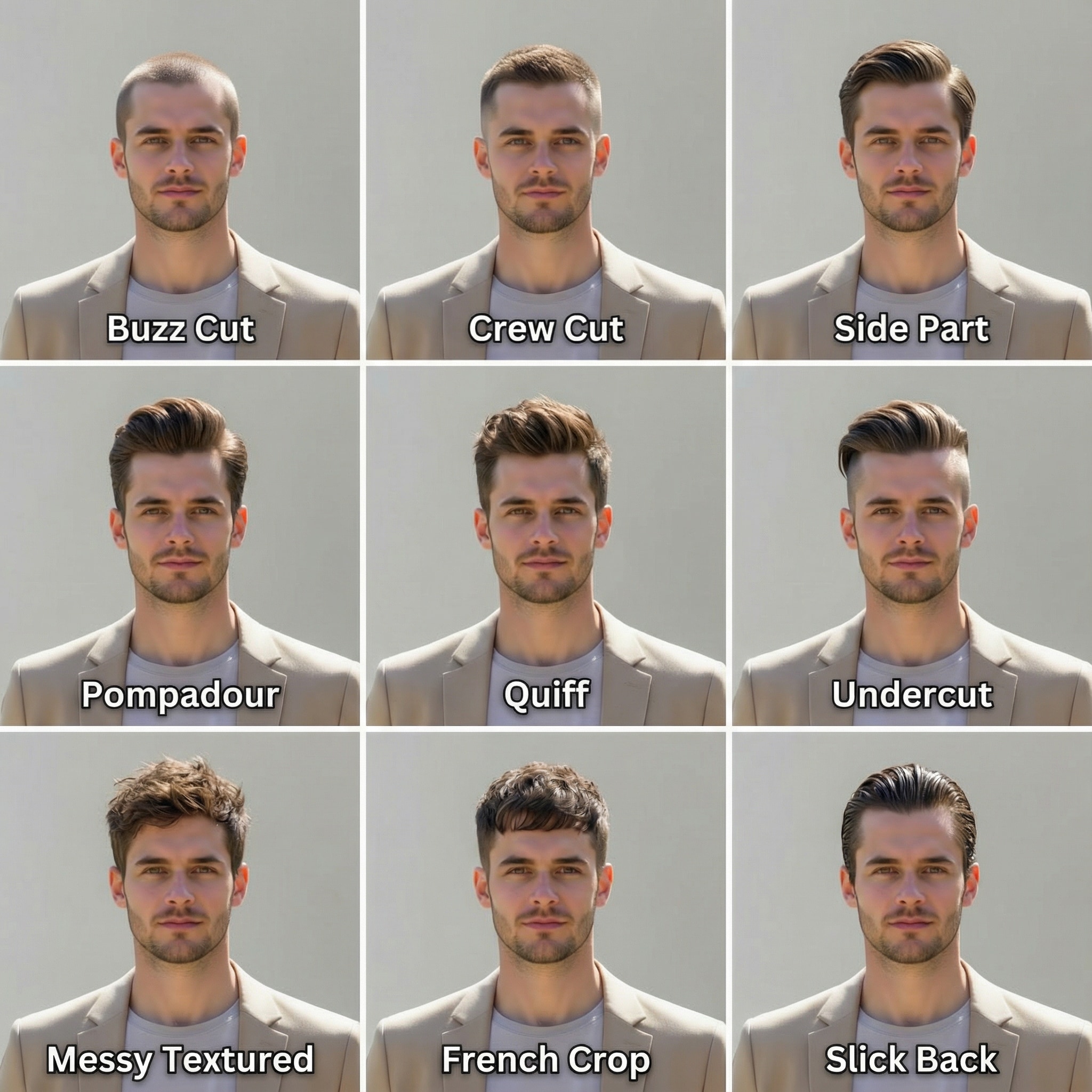
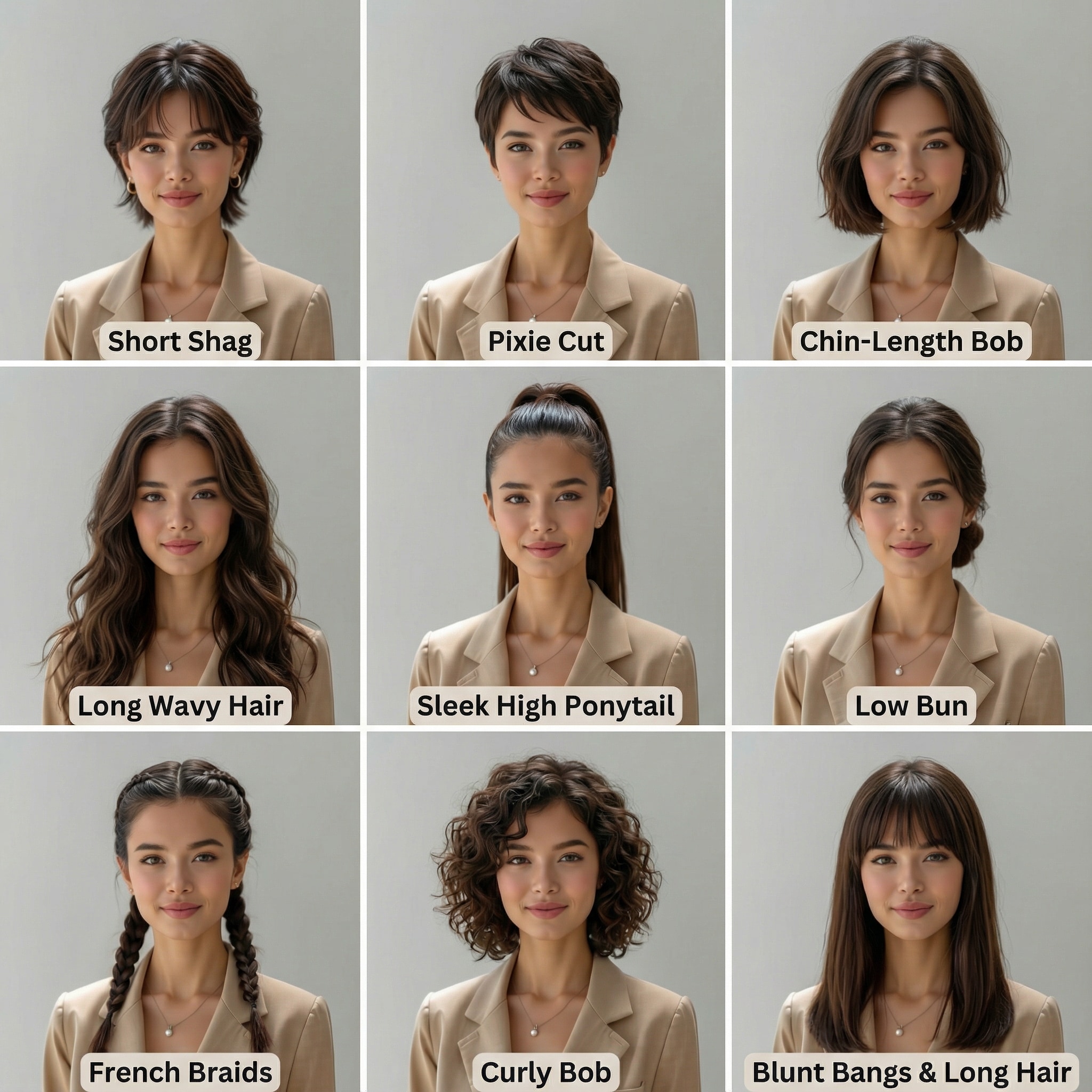
Upload one portrait and use Nano Banana Pro to compare multiple hairstyle directions on the same person. The examples below show male and female hairstyle grids designed to make side-by-side comparison easier. Facial consistency, lighting, hairline placement, and texture can vary with the source image and model output. Try Nano Banana Pro Hairstyles on Media.io .
How to Try New Hairstyles with Gemini AI in 3 Easy Steps
Follow these quick steps to transform your selfie using Gemini AI hairstyle prompts. Test different haircuts, colors, and styling ideas online before deciding which direction you want to explore further.
Open the Gemini Hairstyle Generator
Visit Gemini hairstyle photo generator on Media.io. The image-to-image workflow is designed to change the hairstyle while keeping the rest of the portrait visually consistent. Results can vary by source photo and prompt.
Upload Your Photo & Pick a Hairstyle Prompt
Upload your selfie or portrait. Then copy and paste one of our ready-made Gemini AI hairstyle prompts below — choose styles like bob, waves, buzzcut or coils look.
Generate & Save Your New Look
Click Generate to preview the hairstyle. Review the hairline, volume, texture, color, and facial consistency, then refine the prompt if needed. Save the result or try another style.
| Style | Gemini AI Hairstyle Prompts for Women | Preview | Copy |
|---|---|---|---|
|
Pixie Cut
#pixiecut
#shorthair
#modernlook
|
Keep the uploaded person’s facial appearance, pose, outfit, and background as consistent as possible, but change the hairstyle to a pixie cut. Make the new hair look natural, realistic, and consistent with lighting and head shape. Preserve realistic skin texture and overall likeness. |
|
|
|
Box Braids
#braids
#protectivehairstyle
#afrostyle
|
Keep the uploaded person’s facial appearance, pose, outfit, and background as consistent as possible, but change the hairstyle to box braids. Make the braids appear natural, detailed, and consistent with the lighting and head shape. Preserve realistic texture and authentic likeness. |
|
|
|
Wet Hair Look
#wethair
#editorial
#sleekstyle
|
Keep the uploaded person’s facial appearance, pose, outfit, and background as consistent as possible, but change the hairstyle to a wet hair look. The new hair should look shiny, sleek, and consistent with studio lighting. Maintain realistic skin detail and overall facial consistency. |
|
|
|
Afro Coils
#afrocoils
#curlyhair
#naturaltexture
|
Keep the uploaded person’s facial appearance, pose, outfit, and background as consistent as possible, but change the hairstyle to afro coils. The curls should look voluminous and natural, matching head shape and lighting. Preserve photo-realistic texture, detail, and the person’s full likeness. |
|
|
|
Straight Bob
#straightbob
#chic
#midlength
|
Keep the uploaded person’s facial appearance, pose, outfit, and background as consistent as possible, but change the hairstyle to a straight bob. Ensure clean edges, smooth texture, and consistent light reflection. Preserve realistic facial alignment and image quality. |
|
|
|
Long Layered Waves
#longhair
#layeredwaves
#softglow
|
Keep the uploaded person’s facial appearance, pose, outfit, and background as consistent as possible, but change the hairstyle to long layered waves. Make the waves flow naturally with soft lighting reflections and lifelike motion. Maintain realism and overall facial consistency. |
|
|
|
Messy Bun
#messybun
#casuallook
#updo
|
Keep the uploaded person’s facial appearance, pose, outfit, and background as consistent as possible, but change the hairstyle to a messy bun. Ensure natural flyaways, realistic lighting, and authentic hair texture. Maintain facial consistency and balanced proportions. |
|
| Style | Gemini AI Hairstyle Prompt for Men | Preview | Copy |
|---|---|---|---|
|
Buzz Cut
#buzzcut
#cleanlook
#shortstyle
|
Keep the uploaded person’s facial appearance, pose, outfit, and background as consistent as possible, but change the hairstyle to a buzz cut. The hair should appear evenly trimmed, sharp, and natural with realistic scalp texture and consistent lighting. Maintain realistic skin tone and overall likeness. |
|
|
|
Cornrow Braids
#cornrow
#braidedstyle
#afrohair
|
Keep the uploaded person’s facial appearance, pose, outfit, and background as consistent as possible, but change the hairstyle to cornrow braids. The braids should look tight, symmetrical, and cleanly defined, with realistic texture and consistent lighting. Preserve natural skin tone and facial consistency. |
|
|
|
Slick Back
#slickback
#classicstyle
#gentlemanlook
|
Keep the uploaded person’s facial appearance, pose, outfit, and background as consistent as possible, but change the hairstyle to a slick back style. The hair should look neatly combed backward with subtle shine and realistic texture, matching head shape and lighting. Preserve facial detail and realism. |
|
|
|
Dreadlocks
#dreadlocks
#naturaltexture
#afrostyle
|
Keep the uploaded person’s facial appearance, pose, outfit, and background as consistent as possible, but change the hairstyle to dreadlocks. The locks should look organic, textured, and well-defined, maintaining consistent light reflection and head shape. Preserve realistic details and overall likeness. |
|
|
|
Butterfly Hair
#butterflycut
#layeredstyle
#butterflycut
|
Keep the uploaded person’s facial appearance, pose, outfit, and background as consistent as possible, but change the hairstyle to butterfly hair. Add natural layers and soft volume with realistic highlights. Ensure the hair flows naturally around the face, while keeping the portrait visually consistent. |
|
|
|
Spiral Curly
#spiralcurly
#curlhairstyle
#naturalwaves
|
Keep the uploaded person’s facial appearance, pose, outfit, and background as consistent as possible, but change the hairstyle to spiral curly hair. The curls should look soft, springy, and realistic, following the natural head contour. Preserve lighting, depth, and skin realism. |
|
|
|
Wolf Cut
#wolfcut
#kpopstyle
#layeredhair
|
Keep the uploaded person’s facial appearance, pose, outfit, and background as consistent as possible, but change the hairstyle to a wolf cut. Create layered volume with textured ends and natural flow, matching head shape and lighting. Maintain realistic detail and facial consistency. |
|








How to Write a Better Gemini Hairstyle Prompt
If the generated hairstyle does not look right, refine the part of the prompt that controls the problem instead of adding many generic adjectives.
Cut & Length
Name the haircut and length clearly: chin-length bob, shoulder-length layers, cropped pixie, low fade, long wolf cut, or another specific style.
Texture & Volume
Describe straight, wavy, coily, braided, wet-look, fluffy, sleek, textured, or high-volume hair when texture matters to the result.
Hairline & Face Framing
Tell the model how the hair should sit around the forehead, ears, jawline, and cheeks, especially for bangs, fades, and layered cuts.
Color & Lighting
Specify hair color, highlights, balayage, or tone, then ask the edit to remain consistent with the original lighting and shadows.
FAQs About
Gemini AI Hairstyle Prompts
1. What is the Gemini AI Hairstyle Generator?


The Gemini AI Hairstyle Generator is an online tool on Media.io that lets you explore different haircuts, colors, and textures from a portrait photo. The workflow is designed to focus the edit on the hair while keeping the rest of the image visually consistent, though results can vary.
2. How do I use Gemini hairstyle prompts?
Upload your selfie or portrait to Media.io, then copy and paste one of the ready-made Gemini hairstyle prompts from this page. Click Generate to preview your new look. You can adjust length, texture, color, styling, or background and regenerate if the first result does not match your goal.
3. Can Gemini AI change only my hair and keep my face the same?
The workflow is designed to focus the edit on the hairstyle while keeping the rest of the portrait as consistent as possible. Exact face preservation is not guaranteed, and results can vary with the source image, pose, lighting, and prompt.
4. What kinds of hairstyles can I try with Gemini AI?
Gemini AI supports a wide range of hairstyles for both men and women, across every length and texture.
Women’s looks: pixie cut, layered bob, straight long hair with bangs, loose curls, layered waves, messy bun,
box braids, wet look, afro coils, shag cut, sleek ponytail, classic Hollywood waves.
Men’s looks: buzzcut, fade haircut, slick back, cornrow braids, dreadlocks, wolf cut, curly undercut,
mullet, spiky hair, textured fringe, side part classic.
Different styles can be tested from the same portrait, but facial consistency and realism can vary by image and model output.
5. Is the Gemini AI Hairstyle Generator free to use on Media.io?
Media.io may provide free credits for new users. Available credits, generation limits, download options, and paid plans can change, so check the current product page for the latest usage details.
6. How does Nano Banana Pro improve my AI hairstyle results?
Nano Banana Pro can be used to explore hairstyle edits with attention to hair shape, volume, lighting, texture, and reference-image details. Output quality still depends on the source portrait, prompt, and model behavior, so review the hairline and facial consistency before using the result as a hairstyle reference.



