XMK AI Review: Model Choice, Video Creation & Credits

XMK AI offers a compact workspace for creators who want to try popular video engines without paying for a long-term subscription. Its one-time credit packs sit alongside Seedance, Kling and Google Veo video generation, image models, and animation or lip-sync tools. The interesting question is not how many engines are listed, but what each useful finished shot costs once you factor in duration, resolution and retakes. This guide separates the current options from the trade-offs and explains where a scenario-led platform such as Media.io may better match the job.

Inside XMK AI: The Features That Matter

XMK is primarily a model-led image and video creation service: users choose a model, supply a prompt or reference, inspect the credit estimate, and generate a short result. Its pay-once approach is different from subscriptions whose unused monthly credits may expire.

Core Feature Overview

Compare Seedance Generations, Not Just Model Names

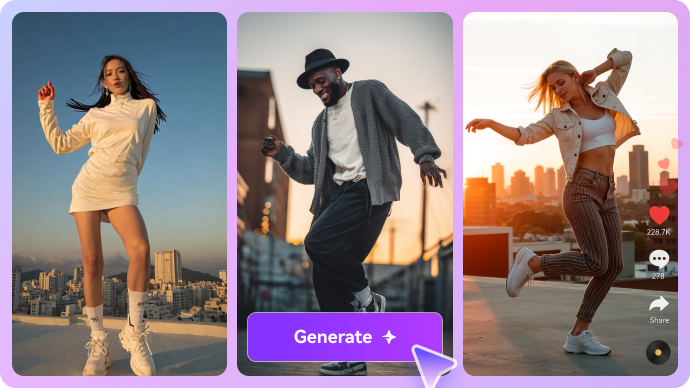
XMK groups several Seedance options in the same workspace. The important difference between a cheaper draft and a higher-end generation is not the label alone: reference support, audio, clip length and output resolution affect both the brief and the bill. A fashion marketer might generate a low-resolution camera move to check choreography, then spend more on the final shot. Treat XMK Seedance as a workflow choice and check the model selector before assuming every version accepts video or audio references.

Illustrative AI image and visual styling example

Generate Cinematic Shots with Veo

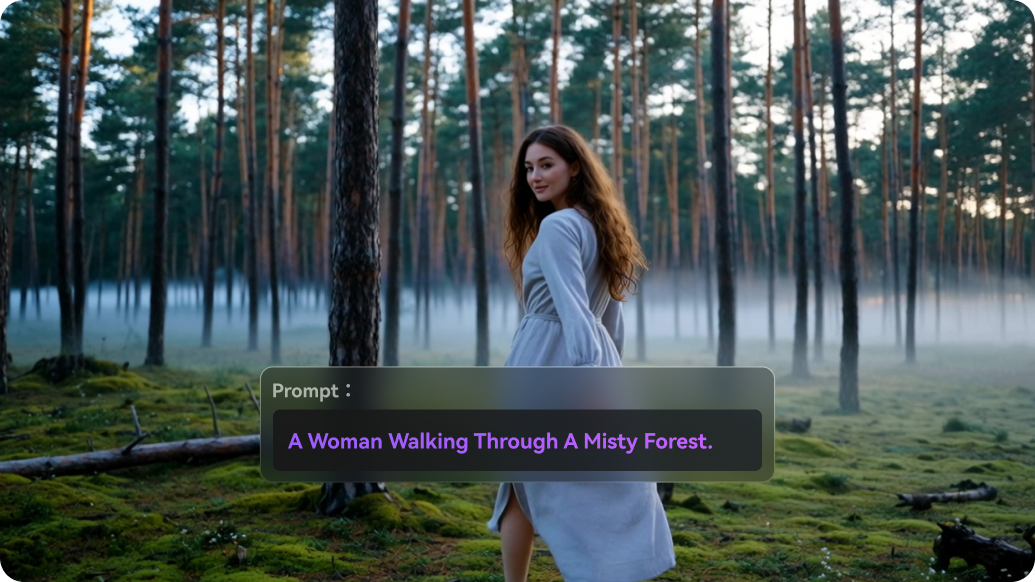
For dialogue-led scenes, XMK Veo offers a route into the Google Veo family. Its published credit chart distinguishes Fast and higher-cost modes and shows that cost can rise with clip length. Audio and scene fidelity depend on the chosen mode. In practice, a prompt should describe action, camera position, audible elements and what must stay unchanged. Media.io also offers text-to-video creation when the priority is starting with a narrative brief rather than a particular vendor.

Illustrative photo to video motion example

Animate Photos Using Kling or Other Engines

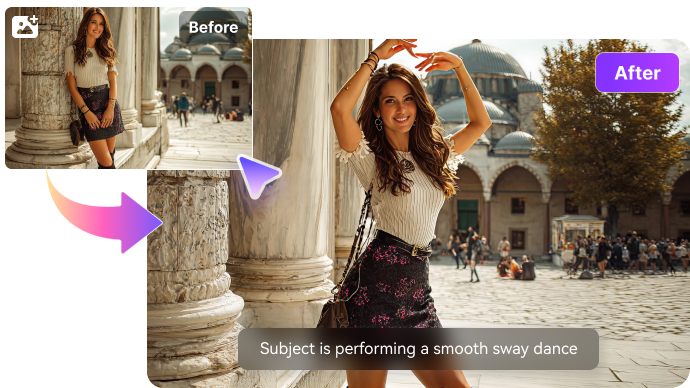
The XMK AI video generator can turn an uploaded picture into motion using a supported model such as Kling. For a beverage image, request a slow camera push and subtle condensation rather than complicated object motion; this reduces the risk of changing label geometry. With XMK Kling, the available duration and per-generation credits differ by model tier. If you just need the same photo animated into a short social clip, image-to-video is the relevant Media.io task. For an XMK image to video test, begin with the approved product still and keep the motion brief tightly scoped.

Illustrative talking video creative example

Use Image Models Before Spending Video Credits

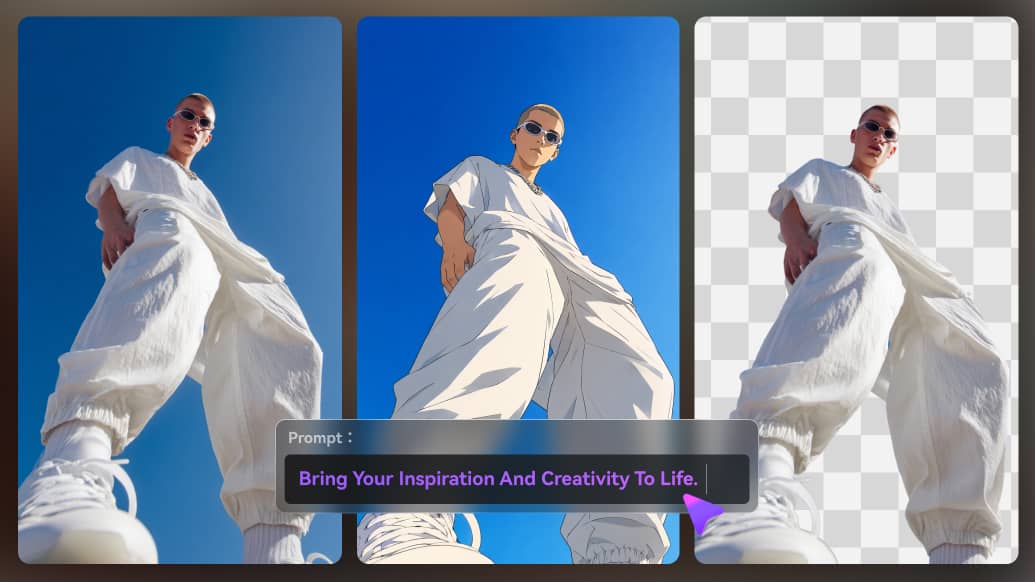
The XMK AI image generator supports model-based still creation, including Nano Banana and Seedream families on its pricing page. A sensible production sequence starts with a stable reference still: refine the face, product shape, composition or artwork before paying to animate it. For a thumbnail or ad concept that never needs motion, spending credits on video is unnecessary. An image-first creator can also make targeted transformations through Media.io image editing instead of changing the complete concept.

Illustrative generative image and editing example

Experiment with Video-to-Video, Avatars and Lip Sync

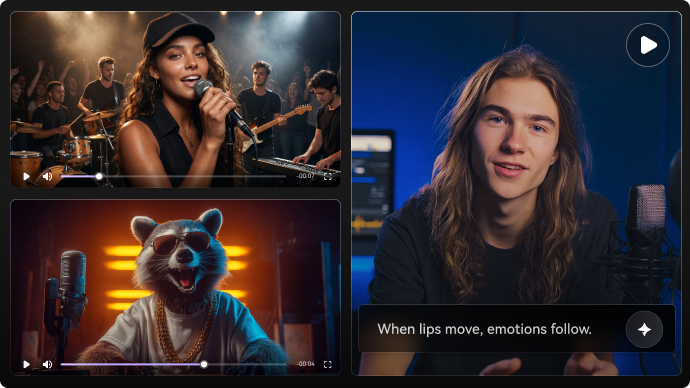
XMK lists additional transformation features, including video-to-video workflows and an audio-driven avatar/lip-sync studio on its product pages. That makes it relevant to users researching XMK video to video, XMK AI avatar or XMK AI lip sync, but not every effect is necessarily available in every plan or model. A useful check is whether the source accepts a face, voice track or full motion clip, and whether it returns a usable export. For a narrow lip-sync task, a dedicated lip-sync tool may be easier to evaluate.

Illustrative character or scene visual transformation

Understand the One-Time Pricing Structure

Unlike many recurring creative subscriptions, the current XMK AI pricing page describes one-time packs: Base $9.90 for 990 credits, Pro $29.90 for 3,300, Ultimate $49.90 for 5,700 and Creator $99.90 for 13,000. Its pricing calculator lists model-specific deductions; for example, longer Veo or high-resolution Seedance runs cost more than basic short tests. The site says purchased credits do not expire. Check that policy and the generation screen again before payment because model menus and prices can change.

Illustrative image to video workflow example

How to Animate a Product Photo with Media.io

1
2
3
1
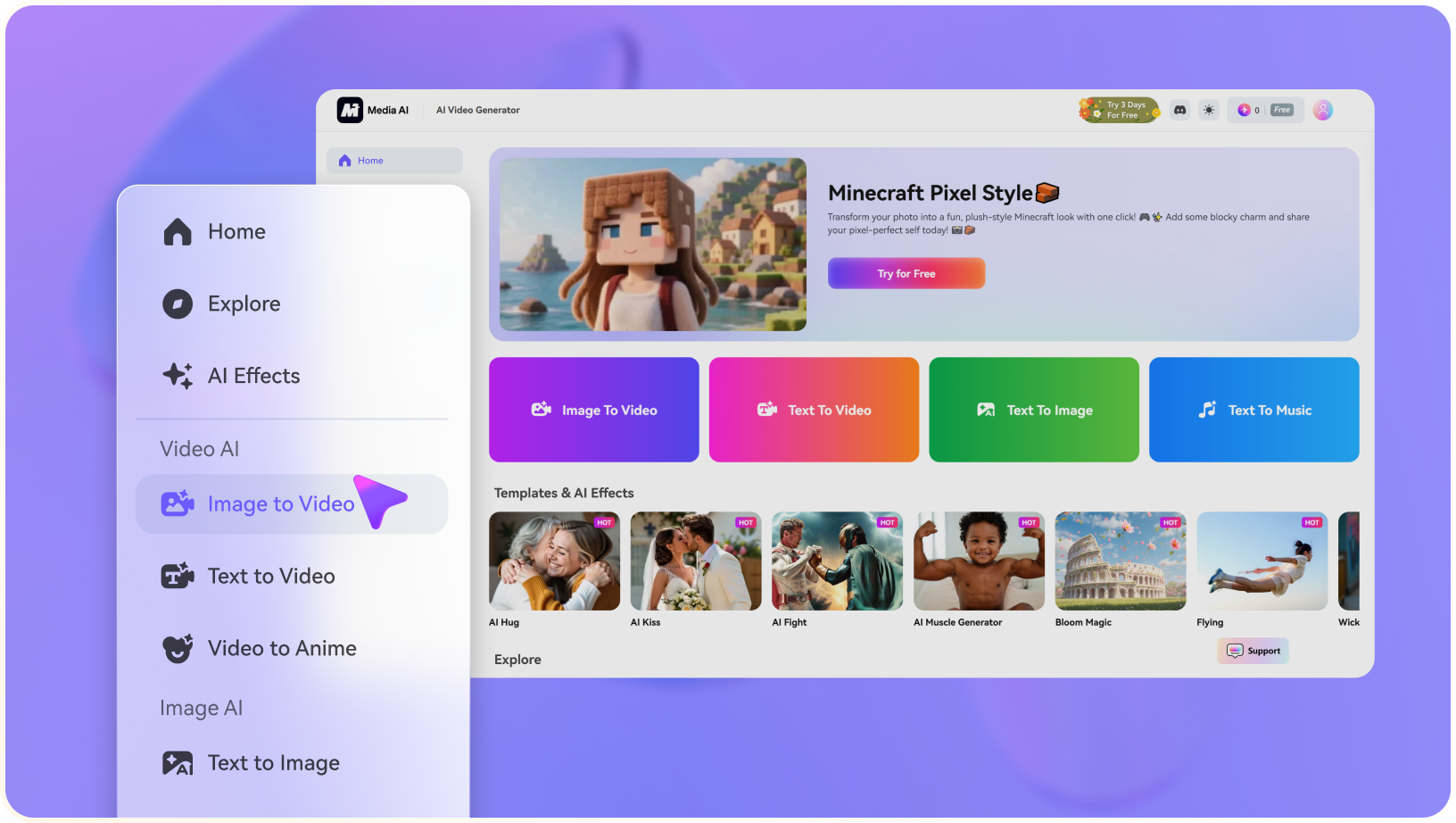
Step 1: Choose a Clean Reference Photo

Upload a picture with a well-lit main subject and readable product details.

2
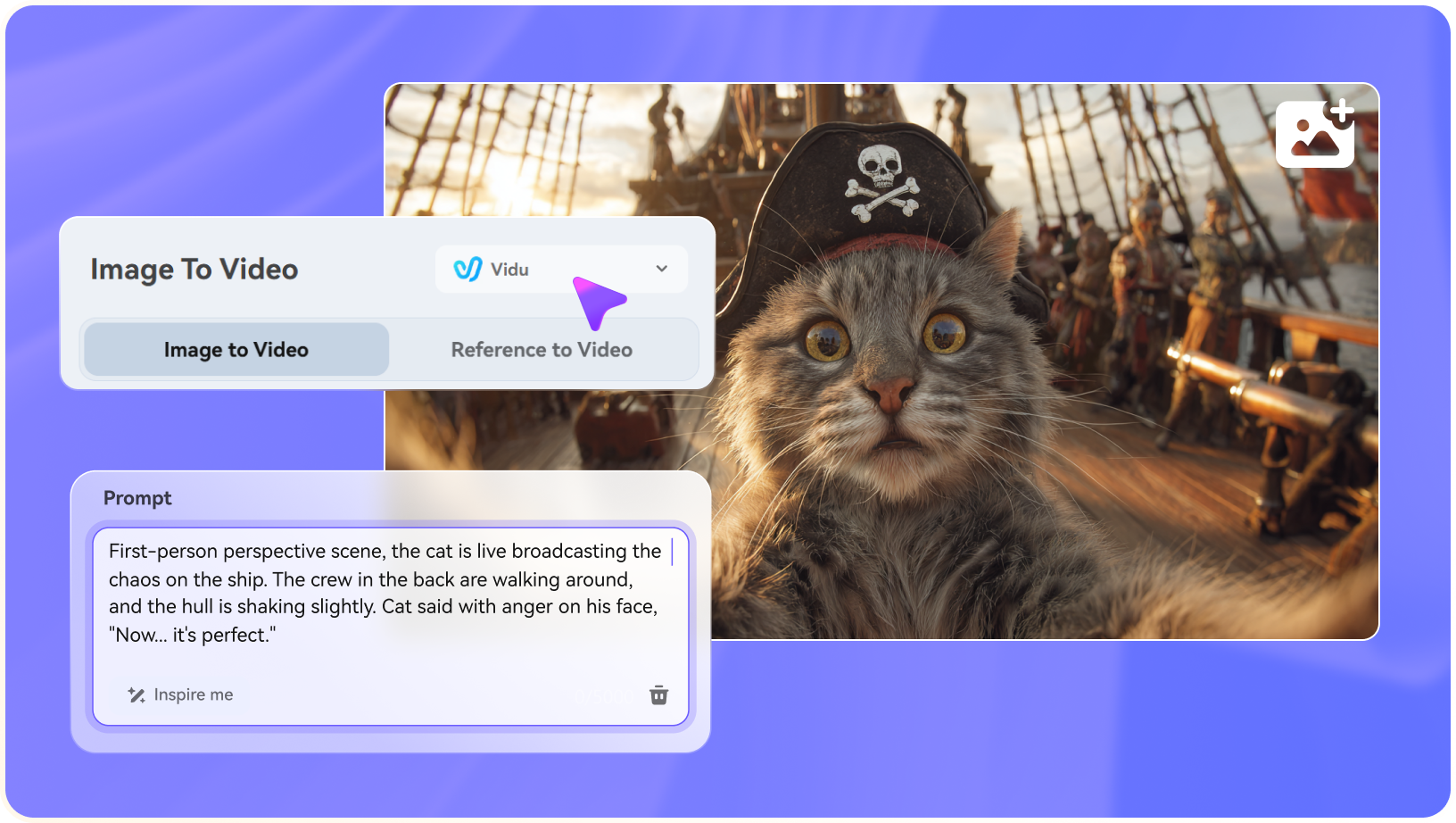
Step 2: Choose a Model and Describe Subtle Motion

Pick an available video model and describe one clear movement; avoid changing the subject identity.

3
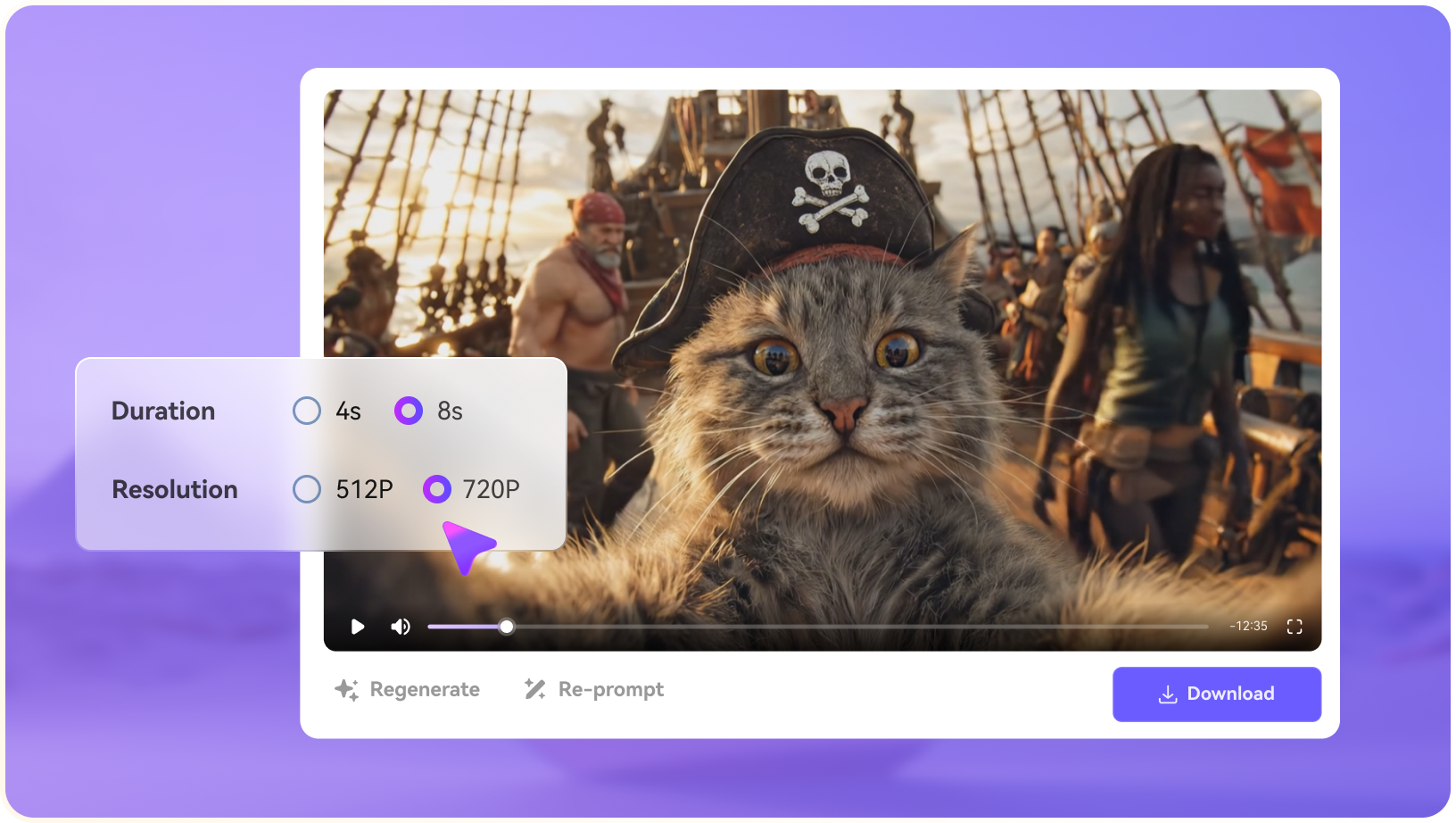
Step 3: Review Fidelity and Export

Check logos, hands and background continuity, then save the usable clip.

Media.io step 1 illustrative creative workflow
Media.io step 2 illustrative creative workflow
Media.io step 3 illustrative creative workflow

Where XMK AI Fits into Actual Creative Work

Specific projects where the platform's capabilities are useful - and what to inspect before treating a render as finished.

Storyboard a Product Reveal

Start with a clean product still, try a subtle orbit in a cheaper video mode, and purchase a sharper export only after verifying that the branding survives the motion.

Compare Cinematic Prompt Styles

Reuse one scene description across Veo and Kling to learn which handles lighting or camera movement better; do not infer performance from model names alone.

Build Short Social Teasers

Turn a single photo into a brief reveal or mood clip, then stitch it with captions and music in a separate finishing workflow if the campaign needs more than one shot.

Prototype Talking Characters

Use an available avatar or lip-sync tool for a quick presenter concept, while checking voice authorization and mouth movement before public release.

Test Multiple Looks Before Motion

Create alternate Seedream or Nano Banana imagery first so expensive video iterations begin with a deliberate still frame.

Irregular Freelance Projects

For an editor who works intermittently, one-time credits may be easier to budget than a subscription; compare the effective cost per usable export.

What to Consider Before Paying for XMK AI

These are workflow and purchase trade-offs, not claims based on invented benchmark tests.

Credits Depend on the Model

A premium 10-second video may cost much more than several draft clips. Include failed generations and retries in your real budget.

Controls Are Not Universal

Seedance, Veo and Kling expose different duration, reference, audio and output settings. A shared interface does not make every model interchangeable.

One-Time Does Not Mean Unlimited

Even when purchased credits have no expiration, each generation consumes them. A long project may need multiple top-ups.

Prompt Quality Still Matters

Inconsistent product lettering, deforming hands and scene drift are possible. Keep camera instructions simple when maintaining product fidelity matters.

Some Features May Be Tier-Specific

The front page and pricing matrix are not perfectly identical about feature access. Confirm a required avatar, upscaler or edit tool inside your account.

Finishing a Multi-Scene Video

XMK is geared to generating assets; captions, soundtrack assembly and distribution-ready formatting may require an additional workflow.

XMK AI vs Media.io: Match the Tool to the Task

XMK appeals to creators who want to buy a one-time credit pack and spend it on selected text-to-video or image-to-video engines. Media.io is a different kind of choice: it brings current models into more guided storytelling, advertising and post-production workflows. Compare the cost of a usable clip, not only the size of the advertised credit bundle.

Creative Need XMK AI Media.io
Pricing structure Strong Fit strong workflow fit
One-time credit packs with model-specific deductions.
Media.io pricing follows its own tool/model options; evaluate the cost of your actual intended outputs.
Video engine selection Strong Fit strong workflow fit
Seedance, Kling, Veo and other models are central to the interface.
Popular video model families plus scenario-focused entry points.
Text-to-video Prompt-based single-shot generation with settings that vary by engine. Strong Fit strong workflow fit
Text-based video generation and a separate script-to-video production path.
Photo animation Strong Fit strong workflow fit
Multiple supported image-to-video engines.
Image-to-video with options to continue into enhancement and other finishing tasks.
Audio-driven avatars Strong Fit strong workflow fit
Available studio-style avatar and lip-sync options; verify account access.
Dedicated talking-avatar and lip-sync tasks within a wider creative toolbox.
Product and social ads Useful for creating raw product motion experiments. Strong Fit strong workflow fit
AI Ad Generator offers a workflow specifically organized around advertising assets.
Multi-scene storytellingRequires organizing and evaluating shots deliberately.Strong Fit strong workflow fit
Script-to-video gives a more story-oriented creation path.
Image refinement Image generation and upscaling tools vary by model and plan. Image editing and specialized photo enhancement tools.
Best buyer fit Creators prioritizing pay-once credit control and model testing. Creators prioritizing models plus guided story, ad and finishing workflows.
Best for XMK AI Users

Choose XMK AI When You Need:

The strongest reasons are the distinctive product workflows and trade-offs described above.

  • Pay once for credits instead of maintaining a subscription
  • Compare short shots using Seedance, Veo and Kling
  • Try image generation and video upscaling within one account
  • Choose your engine and quality before each render
  • Budget independent experiments around a shared credit balance
Visit XMK AI Official Site
Best for Model + Task Workflows

Choose Media.io When You Need:

Media.io combines popular image and video models with task-based paths for actual creative deliverables.

  • Turn a finished script into planned scenes instead of manually arranging each video shot
  • Start with a product image and use a purpose-built AI advertising workflow
  • Create image or video content with multiple popular model families
  • Enhance, subtitle and reformat clips before publication
Animate a Photo

Final Verdict: Is XMK AI Worth It?

Our Take

XMK has a meaningful appeal for buyers who dislike recurring subscriptions. The published $9.90-$99.90 credit packs let a casual creator decide when to spend, and its Seedance, Kling and Veo menu makes cross-model experiments relatively accessible. It is particularly practical for isolated image animations, short visuals and occasional tests.

Its cost is less predictable if a project involves numerous premium retakes. The unit to compare is a usable, brand-safe shot, not just the headline number of credits. For campaign sequences, an attractive image alone may not solve the script, captions, edit and social export work.

Choose XMK for a model-first, one-time-credit approach. Choose Media.io when you want mainstream model access alongside an intentional path from script, photo or product idea to edited, shareable content.

XMK AI FAQ

What is XMK AI?
faq faq

XMK is a browser-based image and AI video platform where creators select models, supply prompts or references, and pay credits for generated assets.

XMK advertises model access and paid credit packs; the exact availability of free trials or introductory credits should be checked in the active account. Do not assume every premium engine is free.

The published pricing page lists one-time packs beginning at $9.90 for 990 credits, with larger $29.90, $49.90 and $99.90 packs. Per-video costs depend on model, duration and resolution.

Yes. Its image-to-video workflow uses a reference still and a prompt to describe the motion. The permitted duration and output options differ by model.

Yes. XMK text to video uses written prompts with supported video engines. Describe the action and camera movement clearly and inspect the result for unwanted changes.

XMK lists Seedance, Kling and Google Veo in its video model catalog. Check the selector for current version names and credit requirements.

Its site describes an audio-driven avatar and lipsync workflow. Verify accepted inputs and access conditions before planning a paid production.

It may be attractive when you want to buy credits once and produce short clips intermittently. Heavy premium-video users should calculate their expected number of usable renders.

Media.io is an option when model selection is only one part of the job and you also need script-to-video, ad creation or dedicated image/video editing tools.

What Media.io Creators Say About Their Workflow

Media.io AI video generator user
Sarah L.

Content Creator

star star star star half star

Media.io makes it much easier to test different AI video styles without jumping between several platforms. I can start with a text prompt or image, compare model results, and then resize or polish the clip for social media in the same workspace.

Media.io AI video creator
John D.

Social Media Marketer

star star star star half star

I use Media.io to create quick product clips, ad concepts, and short-form videos from images. The biggest advantage is that generation does not feel like the final step - I can continue with music, captions, enhancement, and format conversion before publishing.

Media.io AI video editing user
Emily T.

Freelance Designer

star star star star half star

The workflow is approachable even when I am experimenting with unfamiliar AI models. I can animate artwork, try different motion prompts, preview the output, and prepare a cleaner final version without needing advanced video-editing experience.

Media.io Online Tools Quality Rating:
vote 4.7 (162,357 Votes)
media.io

AI Video Generator star

Easily generate videos from text or images

Generate