Home>Comparison>MindVideo AI

MindVideo AI Video Generator

MindVideo AI is best understood as a broad AI creative sandbox for trying video, image, audio, effects, enhancement, and extension ideas in one place. That makes it useful when creators want to explore many directions before deciding which asset deserves more production time. This review separates MindVideo's experimentation value from Media.io, which is better framed as a scenario-based content workspace for script-to-story videos, product visuals, ad concepts, social-ready variants, and a steadier path from generated asset to finished video.

Core Features of MindVideo AI

MindVideo AI is an AI creative workspace for generating and editing videos, images, audio, effects, enhanced clips, and extended video ideas. It is mainly used by creators who want to explore multiple AI media directions before choosing which concept should become a finished asset.

Core Feature Overview

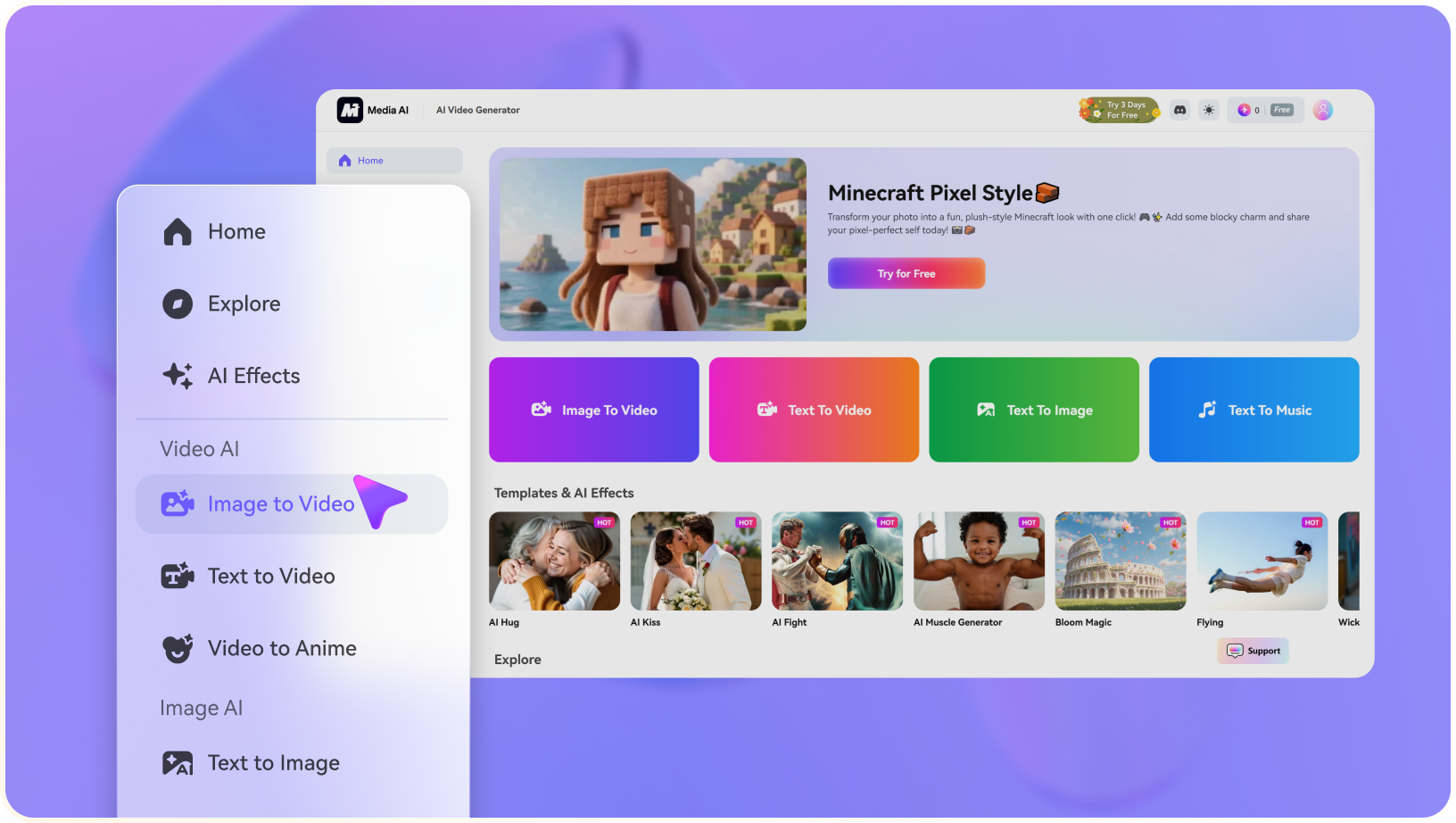
  • AI Video Generator: AI Video Generator is the broad entry point for turning prompts, images, templates, or campaign ideas into short AI video drafts.
  • AI Image Generator: AI Image Generator helps users create supporting visuals, concept frames, thumbnails, product scenes, or storyboard assets before turning them into video.
  • AI Audio Tools: AI Audio Tools is one of the practical reasons users evaluate MindVideo AI for all-in-one AI video, image, audio, effects, enhancement, and video extension workflows.
  • Video Effects: Video Effects is useful when creators need stylized visual treatments, motion ideas, or social-ready variations instead of a plain generated clip.
  • Video Enhancer: Video Enhancer is important when generated clips need extra quality, continuity, or length before publishing.
  • Video Extension: Video Extension is important when generated clips need extra quality, continuity, or length before publishing.
AI Video Generator in MindVideo AI

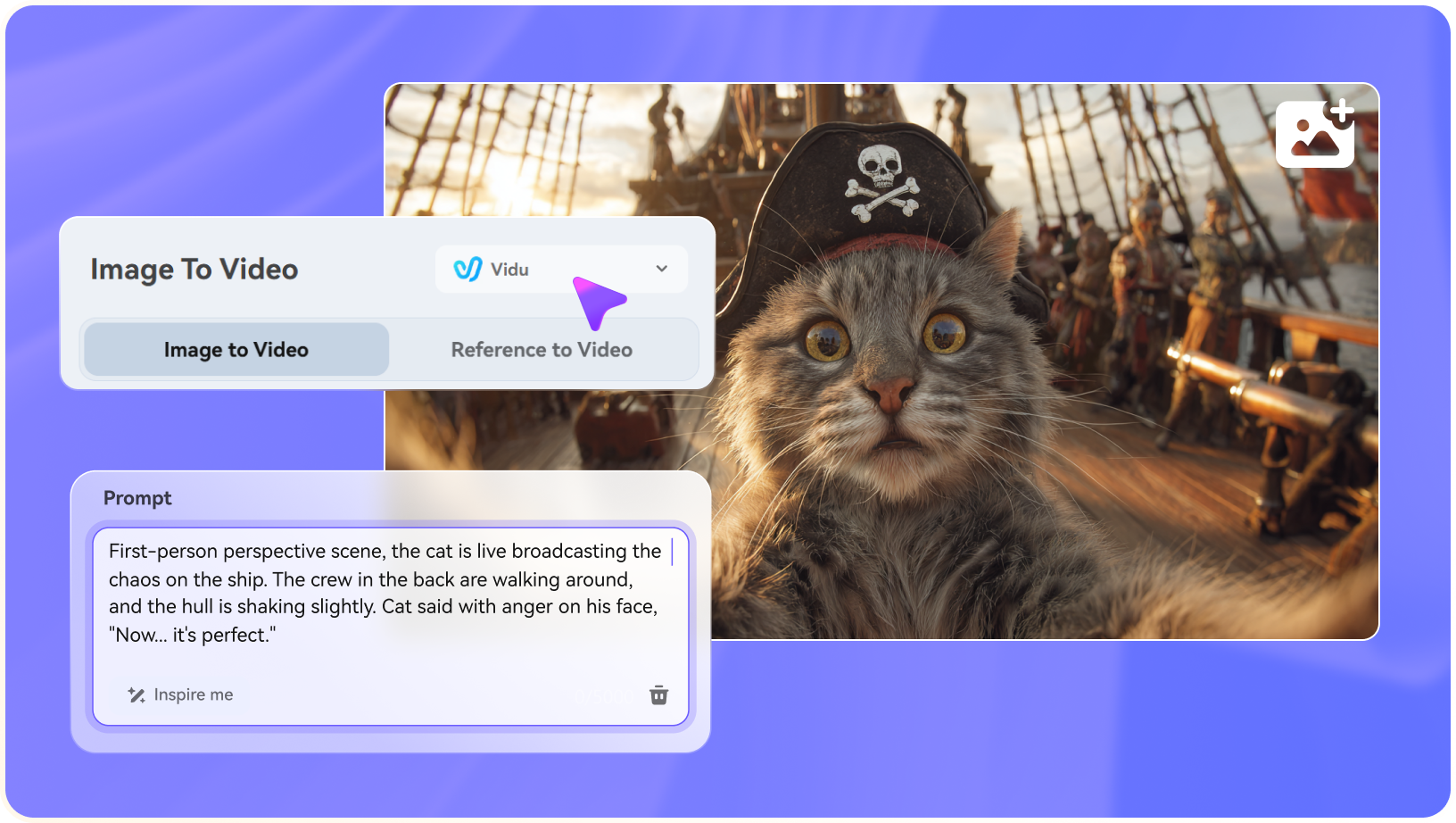
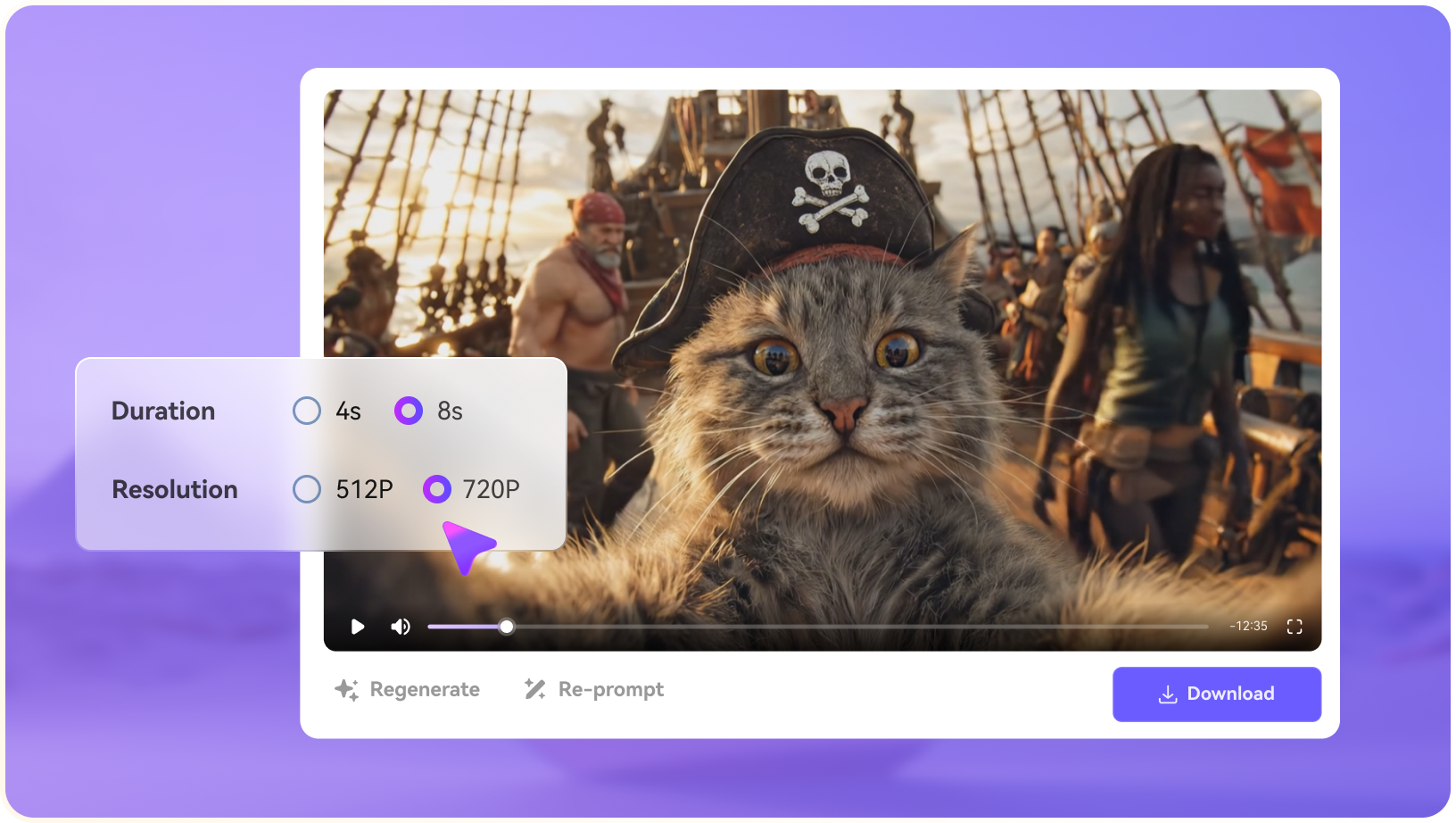
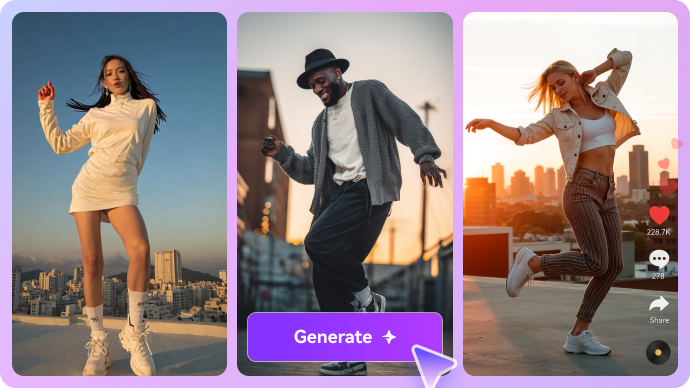
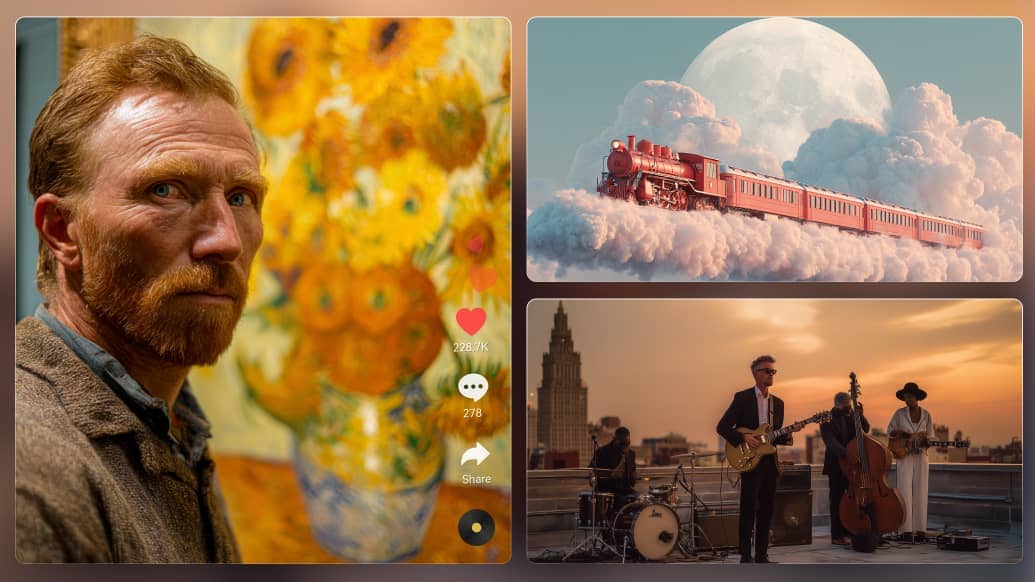
MindVideo AI's video generator is most useful as an open-ended ideation space: creators can test prompts, visual moods, effects, and short motion ideas before deciding what is worth producing further. That sandbox style is helpful early in a campaign, but the first clip still needs review for consistency, captions, audio, export quality, and publishing fit. Media.io AI Script to Video and Media.io AI Image to Video are more relevant when the task is already a concrete story, product video, ad concept, or social asset that should move into a finished workflow.

MindVideo AI AI Video Generator

AI Image Generator in MindVideo AI

MindVideo AI's image generation can support concept frames, style tests, visual references, and campaign ideas inside a broader creative sandbox. The value is strongest when teams are still exploring direction rather than locking a final content system.

MindVideo AI's image generation can support concept frames, style tests, visual references, and early campaign ideas within a broader creative sandbox. Media.io offers a more flexible alternative for users who want greater control over the generation stage, with access to multiple leading AI image models and prompts of up to 2,000 characters for more detailed scene, style, subject, and composition instructions.

MindVideo AI AI Image Generator

AI Audio Tools in MindVideo AI

MindVideo AI's audio tools make sense when creators want to test mood, sound, and multimedia ideas alongside video and image experiments. For publishing, audio still needs to match the story rhythm, rights requirements, captions, platform format, and final mix quality. Media.io is more production-oriented when sound effects, lyrics-to-song ideas, AI music video assets, and generated visuals need to support a complete video rather than remain separate experiments.

MindVideo AI AI Audio Tools

Video Effects in MindVideo AI

MindVideo AI's effects are useful for quick visual exploration, style tests, social hooks, and alternate creative directions. They work best when the goal is to discover a look before choosing the final content route. Media.io becomes the stronger fit when effects must be part of a scenario-led deliverable, such as a product visual, ad variant, story video, or social clip that also needs enhancement, subtitles, resizing, and export.

MindVideo AI Video Effects

Video Enhancer in MindVideo AI

Video Enhancer matters because it sits between experimentation and publishable output: generated clips often need more clarity, continuity, or usable duration. MindVideo AI can be useful if its enhancement or extension mode solves the specific asset problem. Media.io is better positioned when enhancement, video extend, object removal, subtitles, resizing, conversion, and final export should stay connected in one post-production flow.

MindVideo AI Video Enhancer

Video Extension in MindVideo AI

Video Extension matters because it sits between experimentation and publishable output: generated clips often need more clarity, continuity, or usable duration. MindVideo AI can be useful if its enhancement or extension mode solves the specific asset problem. Media.io also allows you to extend video clips with your prompts, it analyzes motion, lighting, and camera flow to generate new frames that look and feel completely natural.

MindVideo AI Video Extension

How to Use Media.io AI Video Generator

1
2
3
1
Step 1: Open Media.io and Choose Your Input

Launch Media.io AI Video Generator and choose whether to start from text or an image.

2
Step 2: Describe the Video or Upload a Reference

Enter a concise prompt, upload a source image when needed, and specify the motion, camera style, mood, or output goal.

3
Step 3: Generate, Preview, and Continue Editing

Generate the clip, preview the result, then continue with editing, enhancement, subtitles, music, resizing, or export.

step1 visit media.io
step2 choose a model and upload an image
step3 generate video from photo

Real-World Use Cases: Where MindVideo AI Fits

MindVideo AI is most useful when creators need a wide creative sandbox first, then a more structured workflow later for scenario-based videos and post-production.

Early Creative Direction Exploration

MindVideo AI fits the stage where a team has a rough concept and wants to test several video, image, audio, and effects directions before committing to one. The goal is breadth: discover a look, rhythm, or mood that can later become a real content path.

Product and Social Concept Testing

Marketing teams can use MindVideo to try visual treatments for product clips, social hooks, ad ideas, or campaign moodboards. Media.io becomes more useful once the team chooses a scenario and needs to build the video toward captions, cleanup, enhancement, and export.

Audio and Visual Mood Experiments

Because MindVideo reaches beyond video into audio and effects, it can help creators test atmosphere, movement, and style together. The limitation is that mood tests still need structure before they become a finished ad, story video, or product asset.

Video Enhancement or Extension Checks

MindVideo's enhancement and extension tools may help when a generated clip needs more polish or length. Teams should test continuity, resolution, and output stability before relying on those results for publishing.

Sandbox-to-Storyboard Workflow

Creative teams can use MindVideo to explore raw material, then turn the strongest idea into a storyboard, script, or production brief. This is where Media.io's script-to-video, AI character assets, and image-to-video workflow become a clearer fit.

Multi-Asset Campaign Ideation

MindVideo can support a broad ideation sprint across visuals, sounds, and effects. For final campaign delivery, Media.io is stronger when the selected assets need to become social-ready variants with subtitles, aspect ratios, conversion, and export controls.

Where MindVideo AI Falls Short

The strongest limitations are practical workflow boundaries, source-rights concerns, and production-readiness checks around MindVideo AI's actual feature set.

Sandbox Breadth Needs Direction

MindVideo AI's wide mix of video, image, audio, effects, enhancement, and extension tools is useful for exploration, but teams still need a clear brief to avoid producing scattered assets that do not become a finished campaign.

Scenario Workflows May Need Extra Structure

A product video, story video, ad concept, or social content package usually needs planning around script, audience, format, captions, sound, and final delivery. Those steps should be tested instead of assuming the broad toolset covers them automatically.

Generated Assets Still Need Production Review

Prompts, image quality, audio choices, visual effects, and extension settings can all change the result. Review motion logic, continuity, brand fit, subtitles, and export quality before using output in public channels.

Finishing Depth Is the Real Test

Enhancement or extension features are only helpful if they solve the final asset problem. Check whether the workflow can handle cleanup, object removal, aspect ratios, captions, conversion, and handoff without slowing the team down.

Rights and Source Materials Remain Sensitive

Uploaded images, music, voices, trademarks, and likenesses still require permission checks. Broad AI creation does not remove the need for commercial-use, copyright, and brand-safety review.

Plan Details Can Affect Repeat Use

Model availability, credits, resolution, watermark behavior, export limits, and commercial terms may change. Verify current official details before building repeatable MindVideo AI recommendations.

MindVideo AI vs Media.io: Which One Fits Your Workflow?

MindVideo AI and Media.io can both cover several AI media tasks, so the useful distinction is not simply which one has more tools. MindVideo is better framed as a broad creative sandbox for exploration, while Media.io is stronger when creators need scenario-based content building and a more stable path from generation to finished video.

Workflow Need MindVideo AI Media.io
Creative Sandbox RangeStrong Fit best fit
Fits users who want to explore many AI media directions across video, image, audio, effects, enhancement, and extension before narrowing the brief.
Fits users who already know the content scenario and need a guided path from source asset or script into a finished deliverable.
Scenario-Based Video BuildingUseful for open-ended experiments, but less clearly organized around repeatable story, product, ad, or social publishing scenarios.Strong Fit best fit
A better fit for script-to-story video, product visuals, image-to-video ideas, ad concepts, social variants, and browser-based delivery.
AI Video and Image GenerationGood for testing prompts, image assets, effects, and generated clips across multiple creative directions.Better when text-to-video and image-to-video need to continue into character assets, editing, cleanup, resizing, and export.
Audio, Effects, and MV IdeasHelpful when the creator wants a broad effects playground that also touches audio and visual experiments.Useful when sound effects, lyrics-to-song ideas, AI music video assets, and generated visuals need to support a more finished video.
Post-Production StabilityCan help transform assets, but teams still need to verify consistency, rights, captions, export formats, and final polish.Strong Fit best fit
A better fit when video enhancer, object remover, video extend, subtitles, resizing, conversion, and export should stay in one workflow.
Best Overall FitChoose MindVideo AI when the goal is broad creative exploration and fast testing across many AI media modes.Choose Media.io when the goal is scenario-led content creation plus a steadier route from generation to publishable video.
Best for Creative Exploration

Choose MindVideo AI When You Need:

MindVideo AI is better suited when the project is still in exploration mode and the team wants to test many AI media directions before committing to a production path.

  • A broad AI creative sandbox covering video, image, audio, effects, enhancement, and extension experiments
  • Fast prompt tests, visual effect ideas, audio experiments, and alternate creative directions in one workspace
  • Early-stage concept development where variety matters more than a locked publishing workflow
  • Simple asset transformation tasks before a separate editor or production process takes over
  • A MindVideo-specific toolset when your team already prefers its interface or output style
Explore MindVideo AI
Best for Scenario-to-Final Video

Choose Media.io When You Need:

Media.io is better suited when the brief has moved beyond open-ended experimentation and needs a scenario-led path from idea, script, image, or footage to a finished video.

  • AI Script to Video for story videos, product explainers, campaign drafts, and character-led narratives
  • AI Character assets for recurring roles, visual consistency, storyboard planning, and reusable creative materials
  • AI Image to Video and AI Text to Video for product visuals, ad concepts, social clips, and source-image animation
  • Video Enhancer, object remover, Video Extend, subtitles, resizing, conversion, and export in the same finishing flow
  • AI sound effects, lyrics-to-song, AI music video ideas, and other media assets when the final video needs richer production support
Try AI Video Now

Final Verdict

Our Take

MindVideo AI is most convincing as a broad creative sandbox. It is useful when a creator wants to test many directions across AI video, image, audio, effects, enhancement, and extension before deciding which concept should become a real production asset.

That breadth can also make the comparison with Media.io feel blurry unless the workflow is defined clearly. MindVideo is better for open-ended exploration, while Media.io is better positioned for scenario-based content building: script-to-story videos, product visuals, ad concepts, social-ready variants, AI character assets, and a more stable path through enhancement, cleanup, extension, subtitles, conversion, and export.

Bottom line: Choose MindVideo AI when the main goal is broad AI media experimentation. Choose Media.io when the project needs to move from a concrete scenario or source asset into a polished, publishable video with dependable post-production tools.

MindVideo AI FAQ

What is MindVideo AI best used for?
faqfaq

MindVideo AI is best used as a broad creative sandbox for testing AI video, image, audio, effects, enhancement, and extension ideas before choosing a final production direction.

MindVideo AI covers a wide range of AI media tasks, but it is more useful to judge it as an exploration workspace than as a guaranteed end-to-end production system for every publishing scenario.

MindVideo AI is stronger for broad experimentation across many AI media modes. Media.io is more focused on scenario-based content building, such as script-to-story videos, product visuals, ad concepts, social-ready videos, AI character assets, and finished exports.

MindVideo AI includes enhancement and extension-style capabilities, but users should test output stability, clip continuity, resolution, and export behavior before relying on those results for final campaigns or client work.

Media.io is usually the better fit when the goal is a finished video workflow because generation can continue into enhancement, object removal, video extension, subtitles, resizing, conversion, and export in the browser.

Yes. MindVideo AI can be useful for audio and effects experiments, especially when creators are still exploring mood, style, or visual direction. For final production, check whether the audio, effects, and export controls fit the target platform.

Commercial use depends on MindVideo AI's current terms, plan limits, input ownership, source rights, and export rules. Always verify the official policy before using generated assets in ads, client work, or monetized content.

Media.io is a practical alternative when the project needs image-to-video, text-to-video, script-to-video, AI character assets, video enhancer, object remover, video extend, sound effects, music video ideas, subtitles, and final export in one workflow.

Choose Media.io when you already know the content scenario and need a more stable path from script, image, product asset, or existing footage to a polished video for social, ads, stories, explainers, or presentations.

What Creators Say About Media.io AI Video Generator

Media.io user
Maya R.

Campaign Producer

starstarstarstarstar

Media.io feels more directed once a rough AI idea needs to become a deliverable.

I can use a sandbox-style tool to explore looks, then move the chosen idea into Media.io for a product clip, story video, captions, enhancement, and the final social formats. That handoff matters when the team has a deadline instead of unlimited experiments.

Media.io user
Leo C.

Creative Strategist

starstarstarstarstar

The useful difference is scenario planning, not just another list of AI tools.

For open exploration, broad AI workspaces are helpful. For a campaign, I need to start from a script, image, or product angle, keep the assets consistent, and finish the video with cleanup and export options. Media.io is easier to evaluate around that path.

Media.io user
Anika S.

Social Video Editor

starstarstarstarstar

I use Media.io when the selected concept needs polish and delivery formats.

A generated clip is rarely the end. I still need to extend a moment, remove distractions, add subtitles, tighten the aspect ratio, and prepare versions for ads or short-form feeds. That is where a connected finishing workflow saves time.

Media.io Online Tools Quality Rating:
vote 4.7 (162,357 Votes)
media.io

AI Video Generator star

Easily generate videos from text or images

Generate