Home>Comparison>Magic Hour

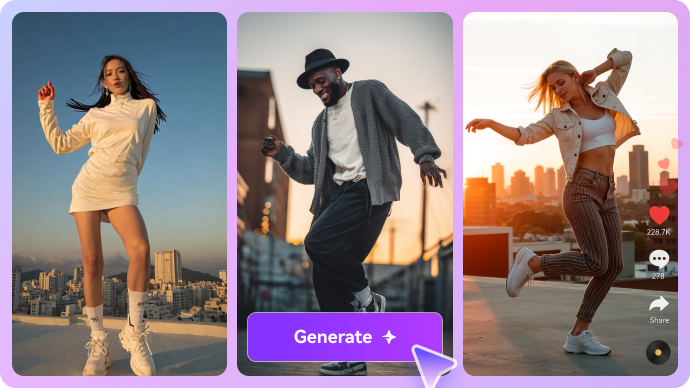
Magic Hour AI Video Generator

Magic Hour AI Video Generator is a broad creator platform for text-to-video, image-to-video, face swap, lip sync, templates, and AI-assisted editing. It is most relevant when a creator wants to move quickly from a prompt, product image, portrait, or short campaign idea into a usable video draft. This review looks at where Magic Hour is strongest, where the workflow still needs checks, and when Media.io offers a lighter scenario-based path for image-to-video, text-to-video, AI character assets, sound effects, music-video ideas, and practical polish.

Core Features of Magic Hour

Magic Hour AI is an AI media creation platform for generating videos, images, face swaps, lip-sync clips, templates, and creator-style campaign assets. It is mainly used by creators and marketers who want to test short-form visual ideas, portrait-led content, and ad variations quickly.

Core Feature Overview

  • AI Video Generator: AI Video Generator is the broad entry point for turning prompts, images, products, or campaign concepts into short AI video drafts.
  • Image-to-Video: Image-to-Video helps creators animate product photos, portraits, reference frames, or campaign images into short motion assets.
  • Text-to-Video: Text-to-Video helps users move from a written prompt or scene idea into a first video draft that can be tested against a real content goal.
  • Face Swap and Lip Sync: Face Swap and Lip Sync matters when the video depends on a presenter, portrait, lip-sync moment, face-swap concept, or localized avatar-style message.
  • Templates and Editing Tools: Templates and Editing Tools helps creators move faster with reusable layouts, preset structures, and repeatable short-form formats.
  • API Access: API Access matters when AI media tasks need to run inside repeatable product, marketing, or automated content workflows.

AI Video Generator in Magic Hour

Magic Hour's AI Video Generator gives creators a broad starting point for testing prompts, images, visual styles, and short campaign ideas. It is helpful for quick creative direction, but the first result still needs checks for motion quality, subject consistency, sound direction, and final format. Media.io can support prompt-based generation too, while Media.io AI Script to Video is useful when the input is closer to a full script, narration draft, or brand story that needs an outline, characters, storyboard preview, and a more complete final video.

Magic Hour AI Video Generator

Image-to-Video in Magic Hour

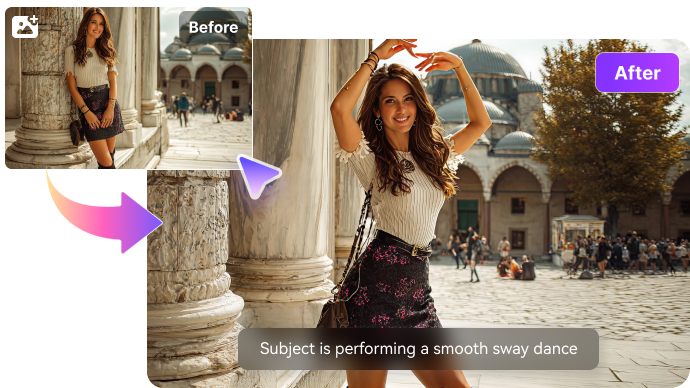
Magic Hour's Image-to-Video workflow is useful when creators already have a product image, portrait, style frame, or reference visual and want to test motion quickly. Quality depends on the source image, prompt clarity, subject stability, and whether the motion fits the intended ad, social, or story format. Media.io AI Image to Video lets users upload an image, choose from multiple AI video models, and write detailed motion prompts of up to 8,000 characters. For more visual control, Media.io can also use up to 9 reference images, which helps with product photos, portraits, character frames, and campaign visuals that need clearer direction.

Magic Hour Image-to-Video

Text-to-Video in Magic Hour

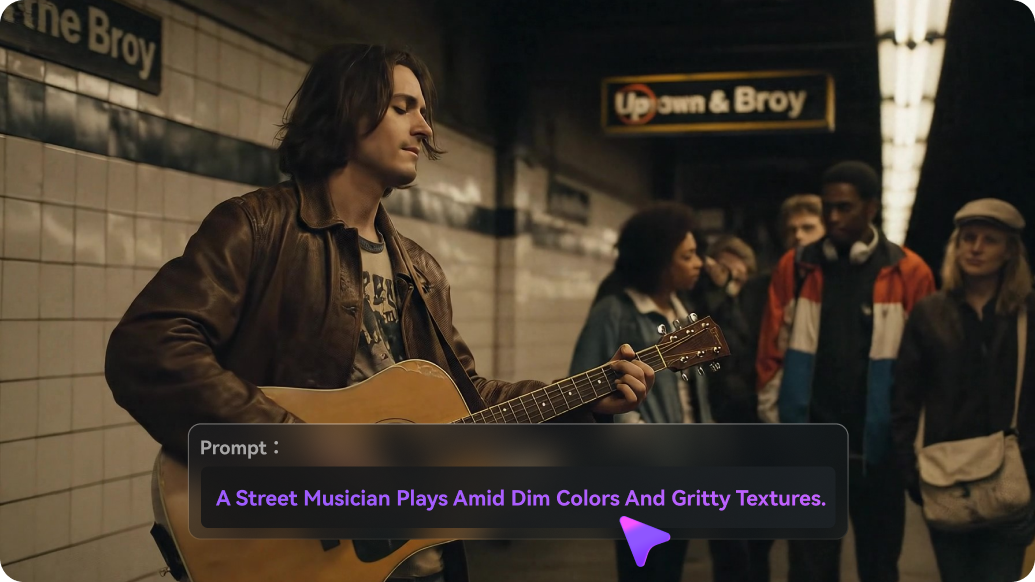
Magic Hour's Text-to-Video capability is useful for fast ideation: creators can describe a scene, test a visual direction, and decide whether the result deserves more production time. The first draft still needs checks for narrative clarity, product accuracy, subject consistency, motion quality, sound direction, and final format. Media.io can also handle short prompt-based generation, while Media.io AI story video generator is better for longer scripts, narration drafts, or brand story ideas. It helps organize the story outline, set up characters, preview the storyboard, and move toward a complete final video instead of stopping at a single prompt-to-clip result.

Magic Hour Text-to-Video

Face Swap and Lip Sync in Magic Hour

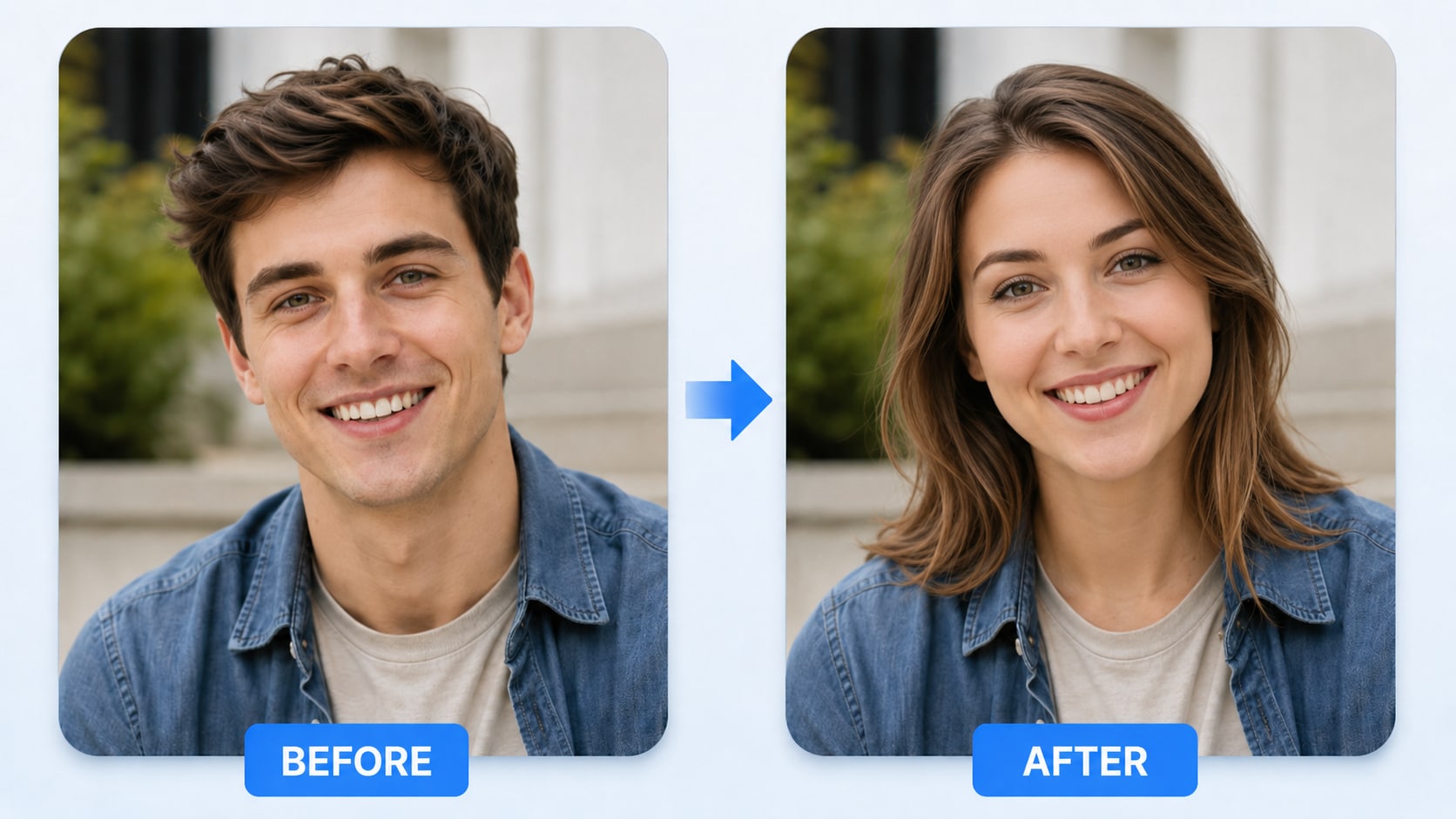
Face Swap and Lip Sync gives Magic Hour a face-led creation path for likeness tests, source-media face replacement, lip-sync ideas, and presenter-style clips. The main checks are output realism, supported media types, consent, likeness rights, and voice permissions. For quick photo swaps, Media.io AI Face Swap keeps the workflow simple: upload the source image and target face, let Media.io detect the faces, choose from multiple faces when needed, and generate a natural-looking result for avatars, profile visuals, memes, social posts, or lightweight marketing images.

Magic Hour Face Swap and Lip Sync

Templates and Editing Tools in Magic Hour

Magic Hour's templates and editing tools can speed up short-form production when creators need reusable layouts, preset structures, or quick visual formats instead of building every asset from scratch. The output still needs enough customization to avoid feeling generic, especially for ads, branded posts, and creator campaigns. Media.io adds value in the finishing stage, where tools such as Video Enhancer can improve clarity and overall visual quality, while Object Remover helps clean up unwanted elements, distractions, or background details before the content is exported and published.

Magic Hour Templates and Editing Tools

API Access in Magic Hour

API Access matters when teams want to connect AI media generation to a product, content operation, or automated marketing workflow. Teams should check documentation, privacy, retries, credit behavior, queue speed, and how failed generations are handled. For creators and lean teams that do not want to maintain an API pipeline, Media.io keeps the same work in a browser: generate from images, scripts, products, music, or sound ideas, then handle light polish before publishing.

Magic Hour API Access

How to Use Media.io AI Video Generator

1
2
3
1
Step 1: Open Media.io and Choose Your Input

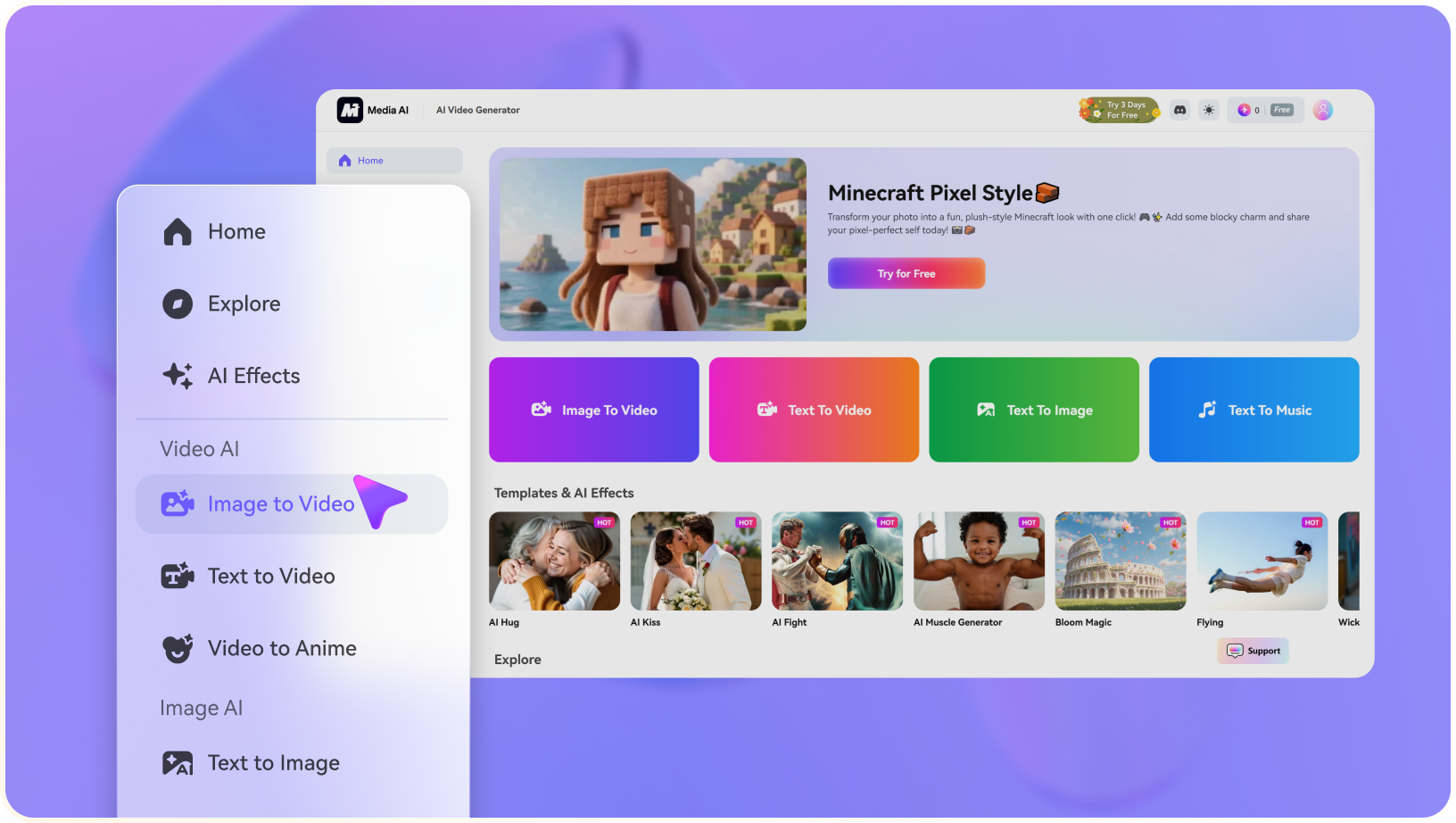
Launch Media.io AI Video Generator and choose whether to start from text or an image.

2
Step 2: Describe the Video or Upload a Reference

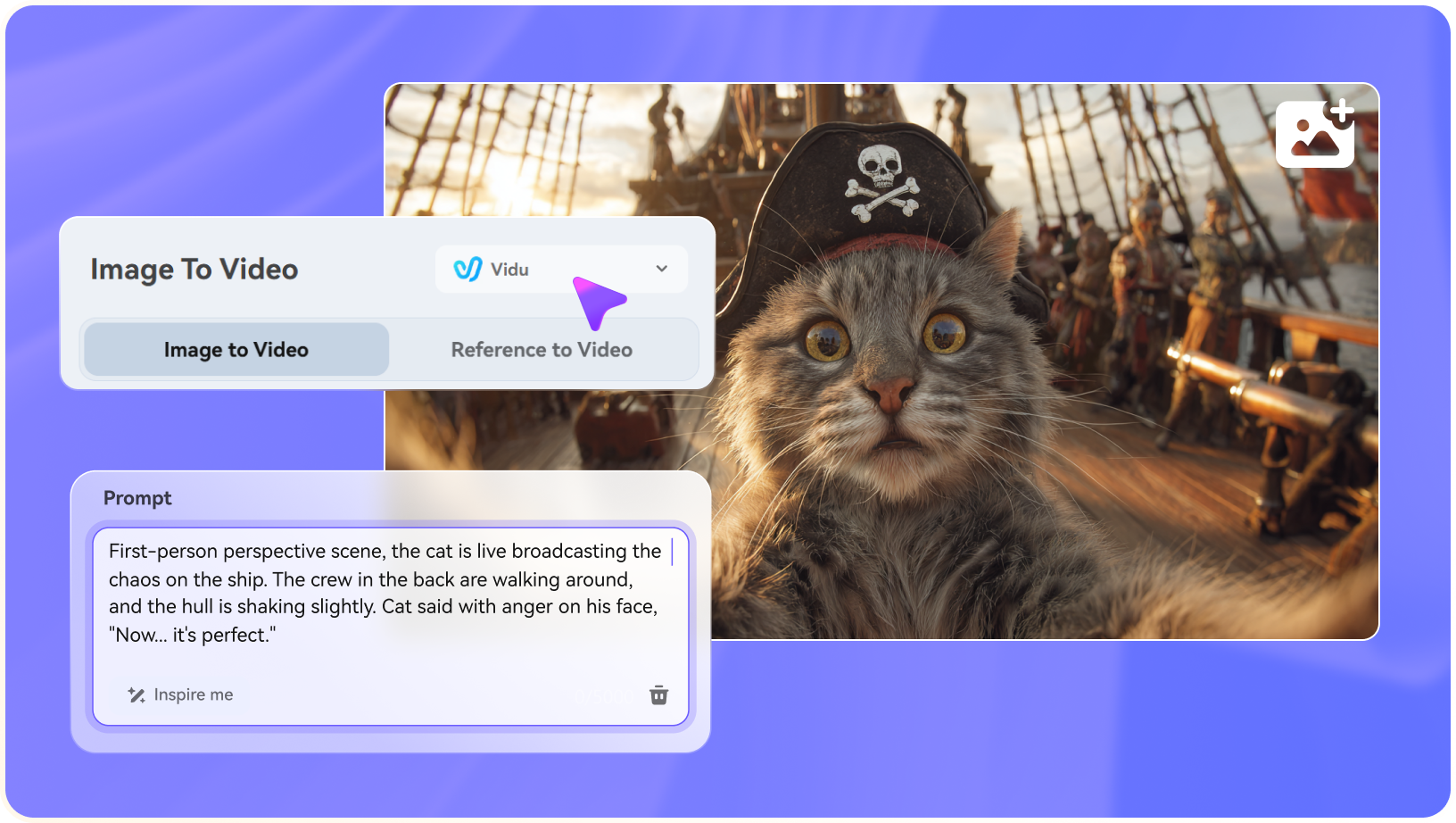
Enter a concise prompt, upload a source image when needed, and specify the motion, camera style, mood, or output goal.

3
Step 3: Generate, Preview, and Continue Editing

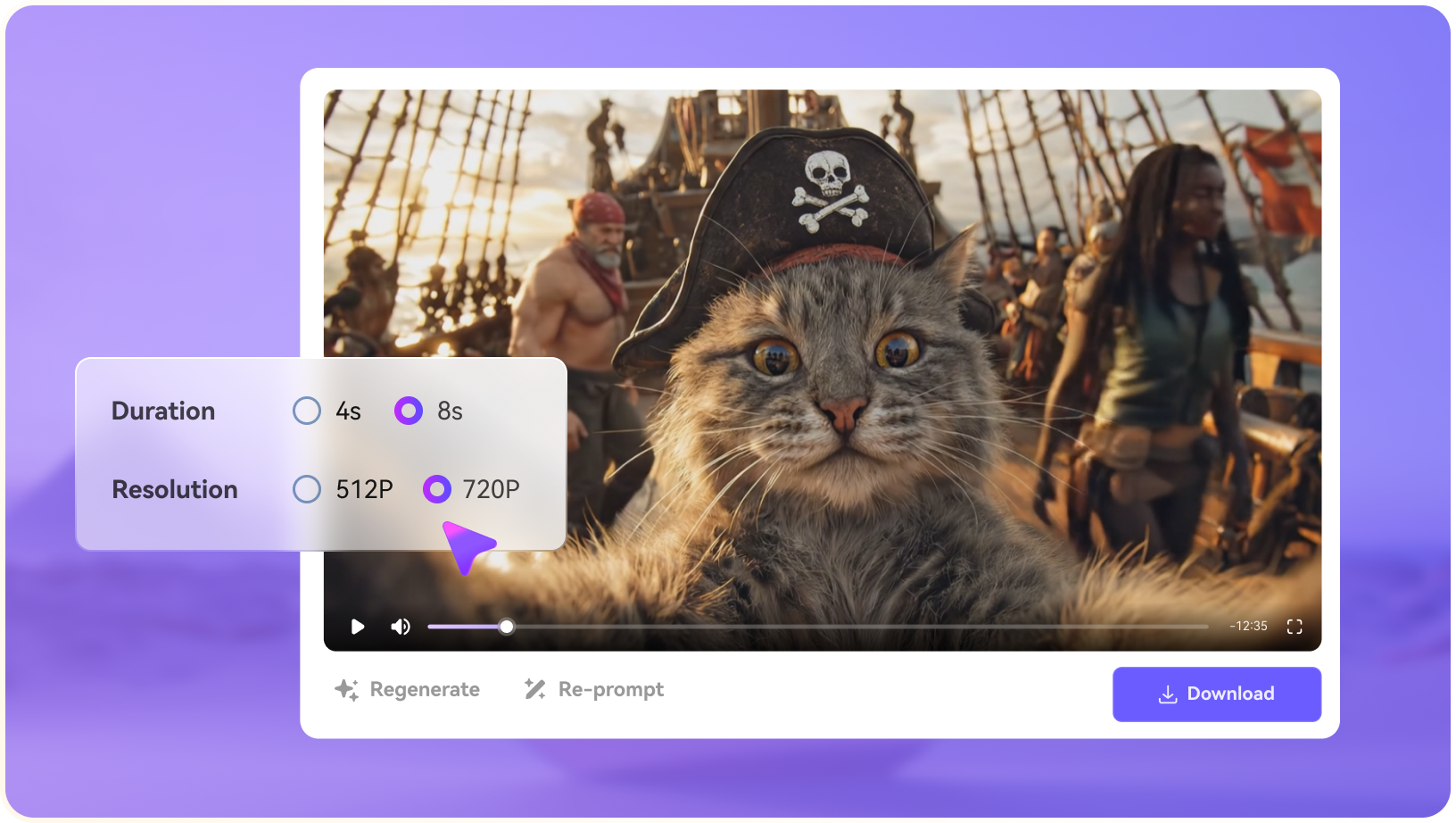
Generate the clip, preview the result, then use light polish tools such as enhancement, subtitles, music, resizing, or export when the asset needs them.

step1 visit media.io
step2 choose a model and upload an image
step3 generate video from photo

Real-World Use Cases: Where Magic Hour Fits

Magic Hour is strongest when creators need fast AI media experiments across video, images, portraits, face swap, lip sync, templates, and API-backed variants.

Short-Form Campaign Drafts

Creators can use Magic Hour to turn prompts, product images, and quick campaign ideas into several short video directions. It is useful at the hook-testing stage, while Media.io becomes more relevant when the chosen direction needs image-to-video, sound, subtitles, resizing, and light export support.

Face Swap and Talking-Photo Concepts

Portrait-led content, face swaps, talking photos, and lip-sync drafts can help teams test creator-style ads or social posts. These uses need careful consent and likeness review before any public or commercial release.

Image-to-Video Product Motion

A product photo, lifestyle image, or campaign frame can become a motion test for ads, landing pages, or social teasers. Teams should still check whether the movement supports the offer and whether the clip needs enhancement, music, captions, or alternate aspect ratios.

Template-Led Social Variants

Magic Hour templates can help produce repeatable social hooks, visual treatments, and ad variations quickly. The stronger workflow is to treat these as drafts, then polish the best version for brand consistency and delivery requirements.

API-Backed Creative Tests

Teams with technical resources may evaluate Magic Hour API workflows for repeatable generation. The practical review should include queue behavior, failure handling, privacy, model coverage, and how generated assets move into a final editing stack.

Creator Studio Experiments

Small studios can use Magic Hour to explore visuals, face-based concepts, and campaign variants before committing production time. Media.io is the follow-up workspace when the experiment needs AI character assets, sound, subtitles, music-video ideas, or light cleanup.

Where Magic Hour Falls Short

The strongest limitations are practical workflow boundaries, source-rights concerns, and production-readiness checks around Magic Hour's actual feature set.

Broad Toolset Can Feel Fragmented

Magic Hour covers many AI video, image, audio, template, face-swap, lip-sync, and editing jobs. That breadth is useful, but creators still need to choose the right entry point and verify which tool actually fits the output they need.

Face Swap and Lip Sync Need Rights Review

Realistic portraits, face swaps, talking photos, and lip-sync content require careful consent, likeness, trademark, and commercial-use checks before publication, especially for ads or client work.

Prompt Results Still Need Finishing

Text-to-video and image-to-video outputs can be fast, but generated clips may still need enhancement, object cleanup, subtitles, music, resizing, or continuity edits before they look campaign-ready.

Plan and Credit Rules Matter

Watermark-free exports, API access, commercial use, credit rollover, and refund behavior can vary by plan or change over time, so pricing and terms should be verified before recommending Magic Hour for production use.

Brand Consistency Is Not Automatic

Templates and AI models can produce attractive drafts, but teams with strict visual guidelines still need to check colors, logo usage, scene logic, pacing, and whether generated assets match the brand system.

API Workflows Need Operational Testing

If Magic Hour is used through an API, teams should test documentation, latency, retries, error handling, privacy requirements, model availability, and how generated assets move into the final editing workflow.

Magic Hour vs Media.io: Which One Fits Your Workflow?

Magic Hour and Media.io overlap around AI video creation, but they solve different bottlenecks. Magic Hour is strongest as a broad AI creation suite with face swap, lip sync, templates, and API options; Media.io is stronger when creators need lightweight image-to-video, text-to-video, AI character assets, AI music video ideas, sound effects, and light browser polish.

Workflow Need Magic Hour Media.io
Breadth of AI Creation ToolsStrong Fit best fit
Strong when creators want many entry points in one product, including AI video, image, audio, face swap, lip sync, templates, and API options.
Stronger when the page goal is a lightweight Media.io workflow for image-to-video, text-to-video, AI characters, sound, music-video ideas, and light polish.
Text-to-Video and Image-to-VideoUseful for fast prompt tests, image animation, social clips, ads, and visual concept generation with multiple creative modes.Strong Fit best fit
A strong fit when users want image-to-video or text-to-video generation for specific scenes, products, ads, or social concepts.
Face Swap and Lip SyncStrong Fit best fit
Better suited when the main brief is face swap, talking-photo output, lip sync, or portrait-led creator content.
Useful when face-based output is one asset inside a broader project that also needs AI character assets, image-to-video, sound, and light cleanup.
Templates and Campaign VariantsHelpful for quick creator templates, ads, visual hooks, and repeatable short-form formats.Helpful when generated campaign assets also need AI music video ideas, sound effects, object removal, video extension, subtitles, conversion, and platform variants.
Light Support After GenerationCan support editing tasks, but final delivery still requires checking quality, rights, captions, aspect ratios, and export settings.Strong Fit best fit
A stronger fit when generation needs light support such as video enhancer, object remover, video extend, subtitles, resizing, conversion, and export.
API and Automated ProductionStrong Fit best fit
A better fit when developers specifically need Magic Hour's API, model access, or product-specific automation.
Better for creators and teams that prefer no-code scenario-based generation in a browser workspace.
Best Overall FitChoose Magic Hour when face swap, lip sync, many AI creation tools, or Magic Hour's API are central to the brief.Choose Media.io when the bigger need is turning prompts, images, scripts, music, or sounds into lightweight scenario-based media.
Best for Broad AI Creation

Choose Magic Hour When You Need:

Magic Hour is better suited when the main goal is fast creation across many AI media formats, especially face-based and template-led creator content.

  • Text-to-video, image-to-video, animation, and quick visual concept generation
  • Face swap, talking-photo, and lip-sync workflows for portrait-led videos
  • Template-led short-form assets, social hooks, ads, and campaign variants
  • A broad AI tool catalog that also covers image, audio, and editing experiments
  • Magic Hour-specific API access or automation that your product workflow requires
Explore Magic Hour
Best for Scenario-Based Generation

Choose Media.io When You Need:

Media.io is stronger when the project needs a lighter path from source image, prompt, script, portrait, or music idea into a usable short-form asset.

  • AI Image to Video and AI Text to Video generation for product visuals, social hooks, ad variants, and creator scenes
  • AI Script to Video workflows for story videos, character setup, storyboard planning, and reusable creative assets
  • AI Character Generator assets, face swap support, image generation, and visual consistency for recurring story roles
  • AI Music Video Generator, AI sound effects, text-to-music, lyrics-to-song, and image-to-image assets for richer scene building
  • Light cleanup, enhancement, subtitles, resizing, conversion, and export when the generated clip needs practical publishing support
Try AI Video Now

Final Verdict

Our Take

Magic Hour AI Video Generator is a capable choice for creators who want a broad AI media playground. It is especially persuasive when the brief involves fast text-to-video or image-to-video tests, face swap, lip sync, talking-photo ideas, creator templates, or API-backed experiments.

Its limits become clearer when a team needs to turn broad experiments into a specific scenario asset. Magic Hour can help create many types of AI media, but a campaign concept still needs rights review, brand consistency, source-image control, sound direction, light cleanup, and practical export handling. Media.io is stronger when image-to-video, text-to-video, AI character assets, AI music video, sound effects, video extend, and light polish need to support the same short-form idea.

Bottom line: Choose Magic Hour for broad AI creation, face swap, lip sync, templates, and Magic Hour-specific API workflows. Choose Media.io when the goal is lightweight scenario-based generation from images, scripts, characters, music, or sound ideas.

Magic Hour FAQ

What is Magic Hour AI Video Generator best used for?
faqfaq

Magic Hour is best suited to fast AI video and image creation, including text-to-video, image-to-video, face swap, lip sync, talking-photo concepts, templates, and short-form creator assets.

Yes. Magic Hour offers workflows for creating videos from text prompts and turning images into animated clips. Output quality still depends on prompt clarity, source-image quality, model behavior, and the amount of finishing work needed before publishing.

Magic Hour is especially relevant for face swap, talking-photo, and lip-sync style creator content. These workflows should be reviewed carefully for likeness rights, consent, commercial terms, and brand safety before public or client use.

It can be useful for social hooks, product concepts, short ads, visual experiments, and template-based campaign drafts. Teams should still check captions, aspect ratios, pacing, brand consistency, and whether the final export meets the platform requirements.

Magic Hour has official API-related materials, but API availability, model coverage, pricing, queue behavior, and usage terms should be checked against current documentation before building an automated workflow around it.

Commercial use depends on the current plan, source assets, likeness permissions, watermark behavior, API terms, and Magic Hour's official licensing rules. Check the latest pricing and terms before using generated work in paid campaigns or client deliverables.

Magic Hour can generate many types of AI media, but final use may still require source-rights review, brand checks, sound direction, light enhancement, object cleanup, subtitles, resizing, conversion, and continuity review.

Media.io is a practical alternative when the project needs AI image-to-video, text-to-video, script-to-video, AI character assets, AI music video ideas, sound effects, video extend, subtitles, and light browser-based polish.

Choose Media.io when the goal is not only to test a clip, but to create a specific scenario asset from an image, script, character, song, sound idea, or short-form campaign concept.

What Creators Say About Media.io AI Video Generator

Media.io user
Chris V.

Short-Form Creator

starstarstarstarstar

Media.io is useful when a generated idea needs a clearer scene.

Magic Hour-style tools are great for testing hooks, face-based ideas, and visual concepts. When I keep a direction, I usually need image-to-video, sound, subtitles, resizing, and sometimes object cleanup before it is ready for a feed or ad test.

Media.io user
Elena T.

Performance Marketer

starstarstarstarstar

I care about fast variants, but also about scenario fit.

A prompt or image can produce a promising ad concept quickly. Media.io gives me a place to make that asset more specific with captions, cleaner visuals, music-video ideas, sound effects, and export settings without treating it like a full edit.

Media.io user
Mateo G.

Creator Studio Owner

starstarstarstarstar

It helps when video, character, and audio generation are connected.

For client work, the challenge is not only producing a cool AI clip. I need source-image animation, story assets, AI characters, better quality, rights checks, and lightweight final formats. A scenario-based workspace makes those follow-up tasks easier to manage.

Media.io Online Tools Quality Rating:
vote 4.7 (162,357 Votes)
media.io

AI Video Generator star

Easily generate videos from text or images

Generate