Home>Comparison>PixelDojo AI Review

PixelDojo AI: Image, Video & Pricing Review

PixelDojo AI brings FLUX image generation, Kling and Veo video models, photo editing, upscaling, and reusable characters into one creative workspace. Its Character, Film, and Marketing Studios appeal to people developing repeatable visual concepts rather than a single image. This PixelDojo AI review looks at what those workflows do, how credits affect experimentation, and when alternatives make sense. Media.io also offers a frequently updated selection of popular image and video models. The practical difference is what happens around the model: Media.io pairs generation with purpose-built workflows for AI storytelling, script-based videos, product ads, viral trend remixes, and focused image, video, and audio tasks.

What Can PixelDojo AI Actually Do?

The appeal of PixelDojo is how its models, Character Studio, Canvas, and project tools work together. It can be especially useful when a creator wants to build a recognizable character or run a visual campaign from concept to multiple assets. Both PixelDojo and Media.io offer a choice of AI models; the more useful distinction is whether your next step is managing a character-driven project or turning model output into finished visual and audio content.

Core Feature Overview

  • FLUX and Image Models: Generate portraits, layouts, artwork, and product concepts using FLUX alongside Ideogram, Qwen, Seedream, and other image engines.
  • Image-to-Video Motion: Animate a reference photo with Kling, Seedance, or other supported models; the model determines available motion and duration controls.
  • Text-to-Video with Veo: Create a shot from a prompt using Google Veo, Kling, WAN, and other engines, with audio available in supported modes.
  • AI Photo Editor and Upscaler: Edit an existing image, replace a background, refine a region, or upscale a keeper instead of regenerating the whole scene.
  • Consistent Characters and Studios: Reuse saved character references in Character Studio and develop scenes through Film or Marketing Studio workflows.
  • Credits, Plans, and API: Run different image and video engines through a shared credit balance; developers can use the documented model API.

Explore FLUX and Other Image Models

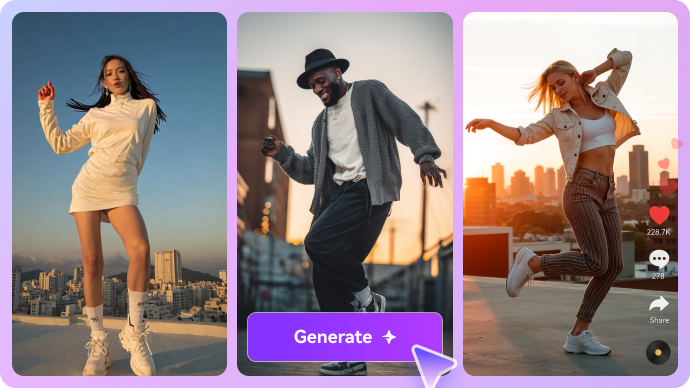
The PixelDojo AI image generator puts several distinct image engines behind one interface. FLUX is useful for realistic lighting and photographic texture; Ideogram is positioned around legible lettering; other models can suit illustration, layout, or reference-based edits. That variety matters when a product hero needs consistent packaging while a poster needs accurate type. PixelDojo FLUX options are part of a wider catalog rather than a single house style. Compare two models on the same brief and inspect hands, text, and product details before spending more credits on a final image. For example, a designer can test the same product label in FLUX and Ideogram, then choose the output that preserves brand typography most faithfully.

FLUX image models for realistic portraits and branded artwork

Turn One Image into a Moving Shot

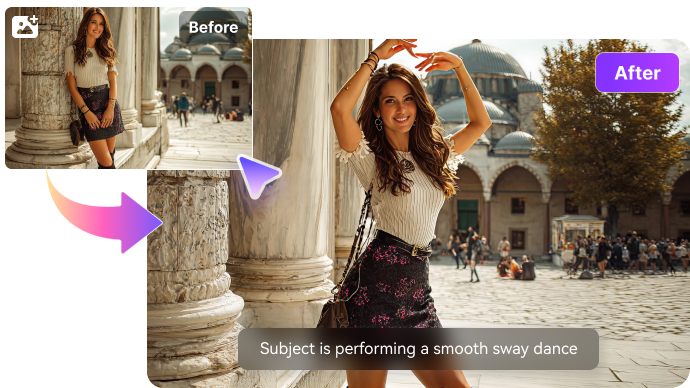
With PixelDojo image to video, an existing product photo or artwork becomes the reference for motion. Upload a frame, describe what should move, and select an engine for the shot: a subtle push-in over a handbag, a portrait turning toward the camera, or changing light across a nighttime scene. PixelDojo Kling options suit creators who want to explore model-dependent motion and reference settings. Media.io's image-to-video generator also supports multiple popular engines, including Kling, Veo, and Sora families, letting you choose an appropriate model before moving into other creative tools. Whichever platform you use, inspect subject fidelity and movement before paying for more iterations.

Photo to video animation with controlled camera and subject motion

Make Prompt-Led Video with Kling, Veo, and WAN

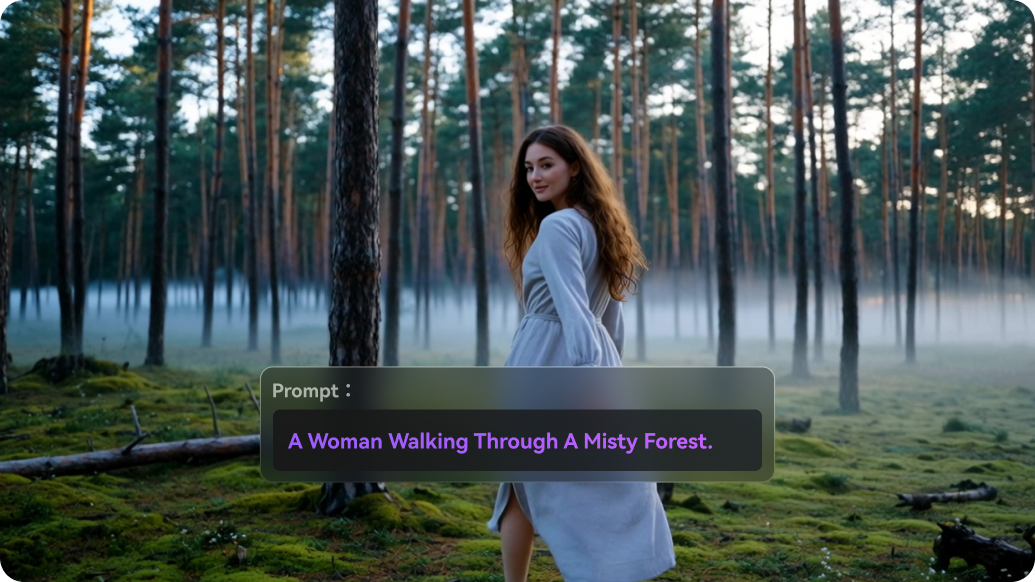
The PixelDojo AI video generator can create scenes directly from a written prompt, without a source photo. Describe a rainy storefront, slow tracking movement, spoken dialogue, and ambient sound, then select an engine whose controls fit the job. PixelDojo Veo 3.1 is relevant for short clips with native audio; Kling and WAN offer different motion and cost trade-offs. PixelDojo text to video is therefore a model-selection workflow, not a fixed generator. Media.io likewise gives creators access to a frequently updated selection of major video models, including Veo, Kling, Seedance, Sora, Wan, and Runway. On either service, compare per-run costs, duration limits, and available audio controls rather than assuming the same prompt will work identically across engines.

Text prompt to video with scene, camera and audio directions

Edit, Relight, and Upscale Existing Pictures

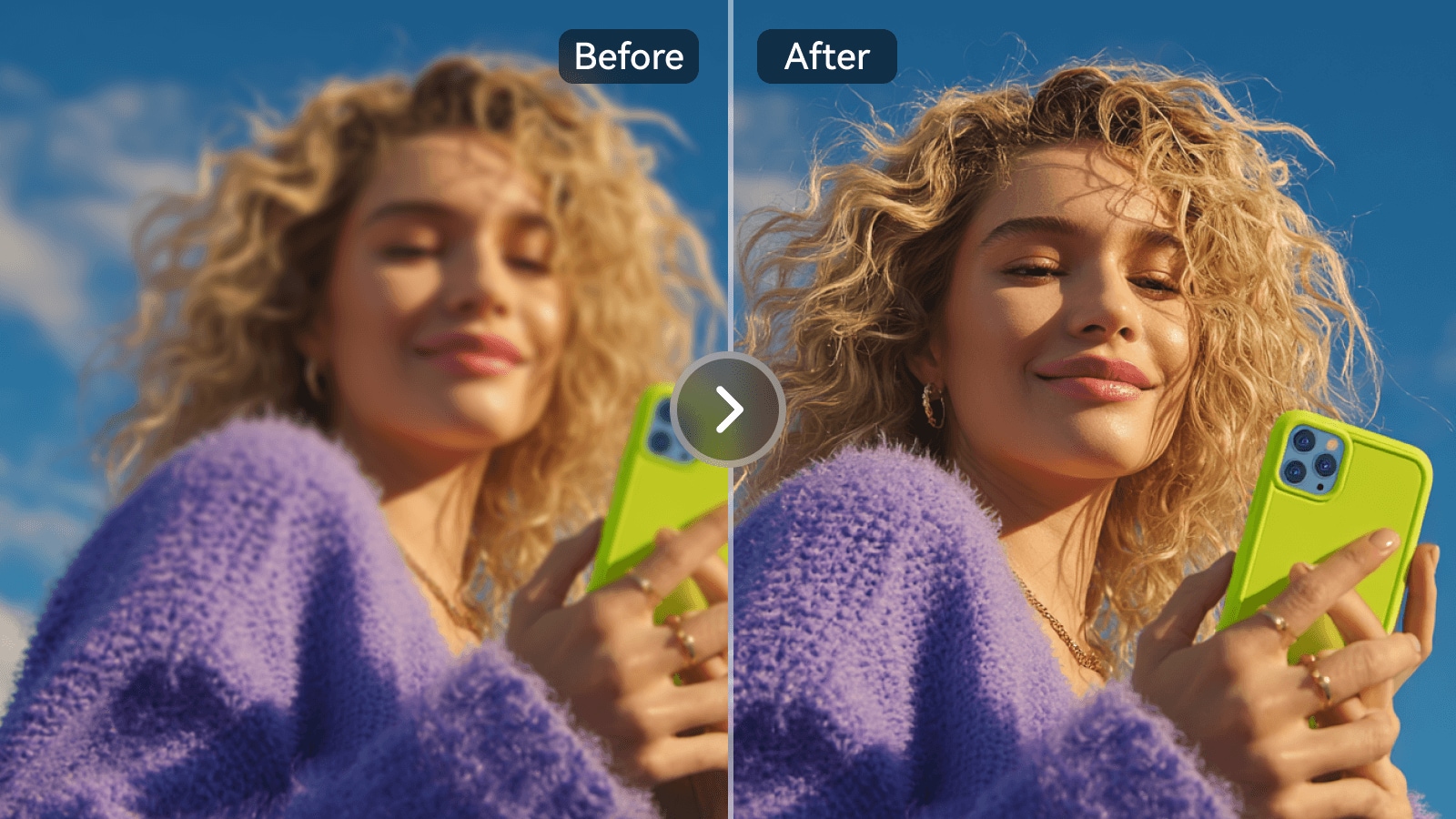
A PixelDojo AI photo editor workflow can start with a real image rather than an empty prompt. PixelDojo lists inpainting, background changes, style transfer, virtual try-on, and refinement tools in its image stack. For PixelDojo AI upscaler work, the choice between creative enhancement and detail-preserving output can matter as much as resolution. That difference is important: a stylized enhancement can invent plausible texture that was never in an old scan. If you need to fix a portrait or improve a low-resolution asset, evaluate facial likeness, logos, and small text at full size. Media.io's AI image enhancer is another task-focused route to sharpening and cleanup.

AI photo editing and image enhancement on existing images

Build a Repeatable Character or Campaign

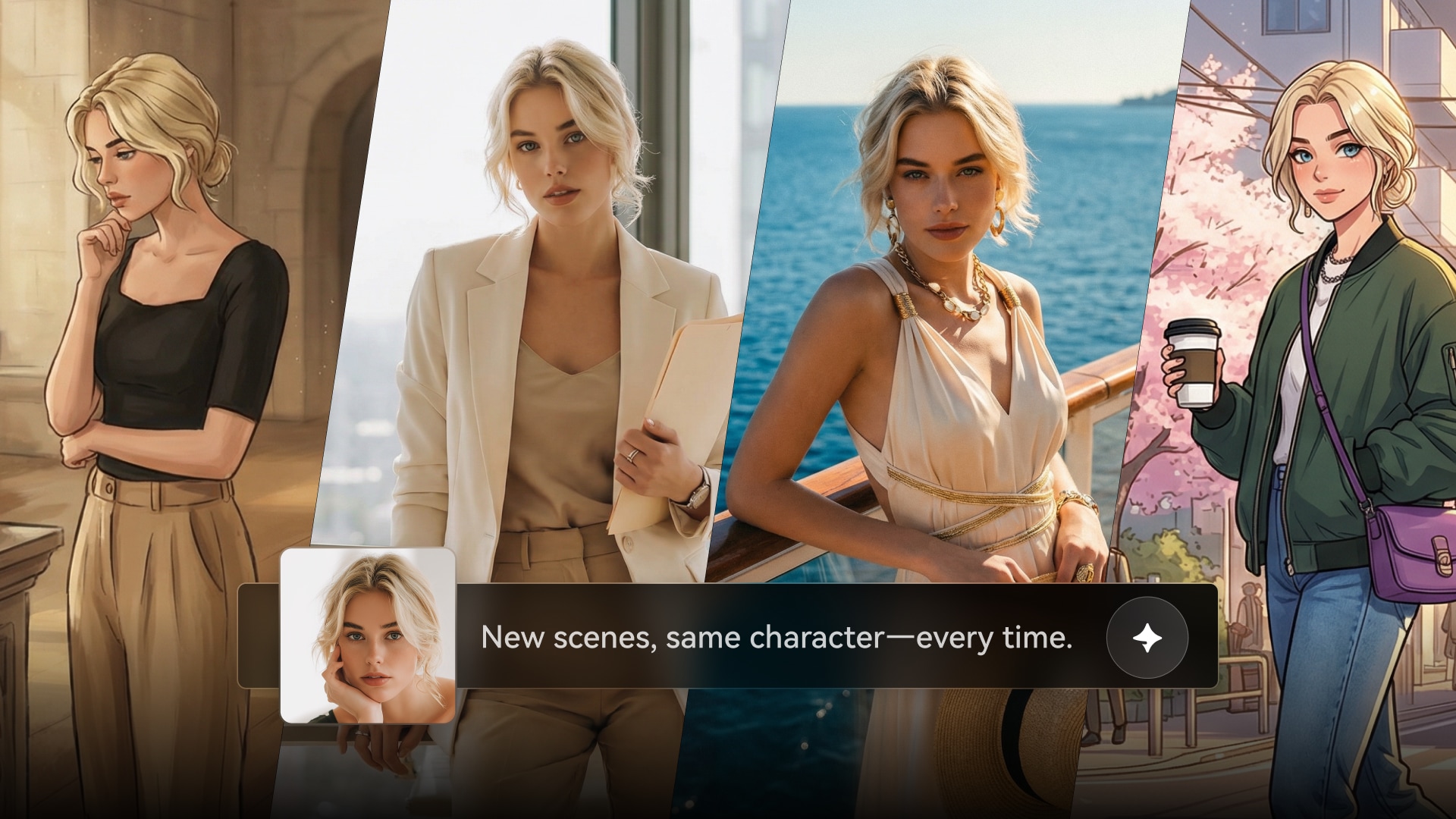
PixelDojo's Character Studio goes beyond a one-off image prompt. A user can save a face, outfit, or product reference, produce alternate angles, and carry the reference into later scenes. Film Studio and Marketing Studio extend that idea toward storyboards and video ads. For a small brand, a practical test is to generate three images of the same mascot from different camera angles, then animate one frame and check whether its colors and markings remain identifiable. Reference tools improve consistency, but they do not eliminate the need to review every output. Storyboards should be checked for continuity before moving expensive stills into video generation; a stable character does not automatically make the whole scene coherent.

Character consistency across images and story scenes

Understand Credits Before Starting a Project

A PixelDojo account uses a shared credit balance for premium image and video generations, with the projected cost shown before each run. PixelDojo pricing is easier to assess as cost per usable asset than as cost per subscription. On PixelDojo's current main pricing page, Lite is listed at $10 a month for 160 credits, Pro at $25 for 500, and Pro Max at $50 for 1,100. For example, its pricing table lists a five-second Kling 3.0 clip at 20 credits versus 3 credits for a 2K Seedream 5 Pro image. Every creative retry affects the usable-shot cost. PixelDojo also publishes an API reference for developers who want to integrate models into their own workflows. Always verify the latest in-account price before generating.

Credit cost planning for a multi-model image and video workflow

How to Turn a Photo Into an AI Video on Media.io

1
2
3
1
Step 1: Start with a Photo or Image Prompt

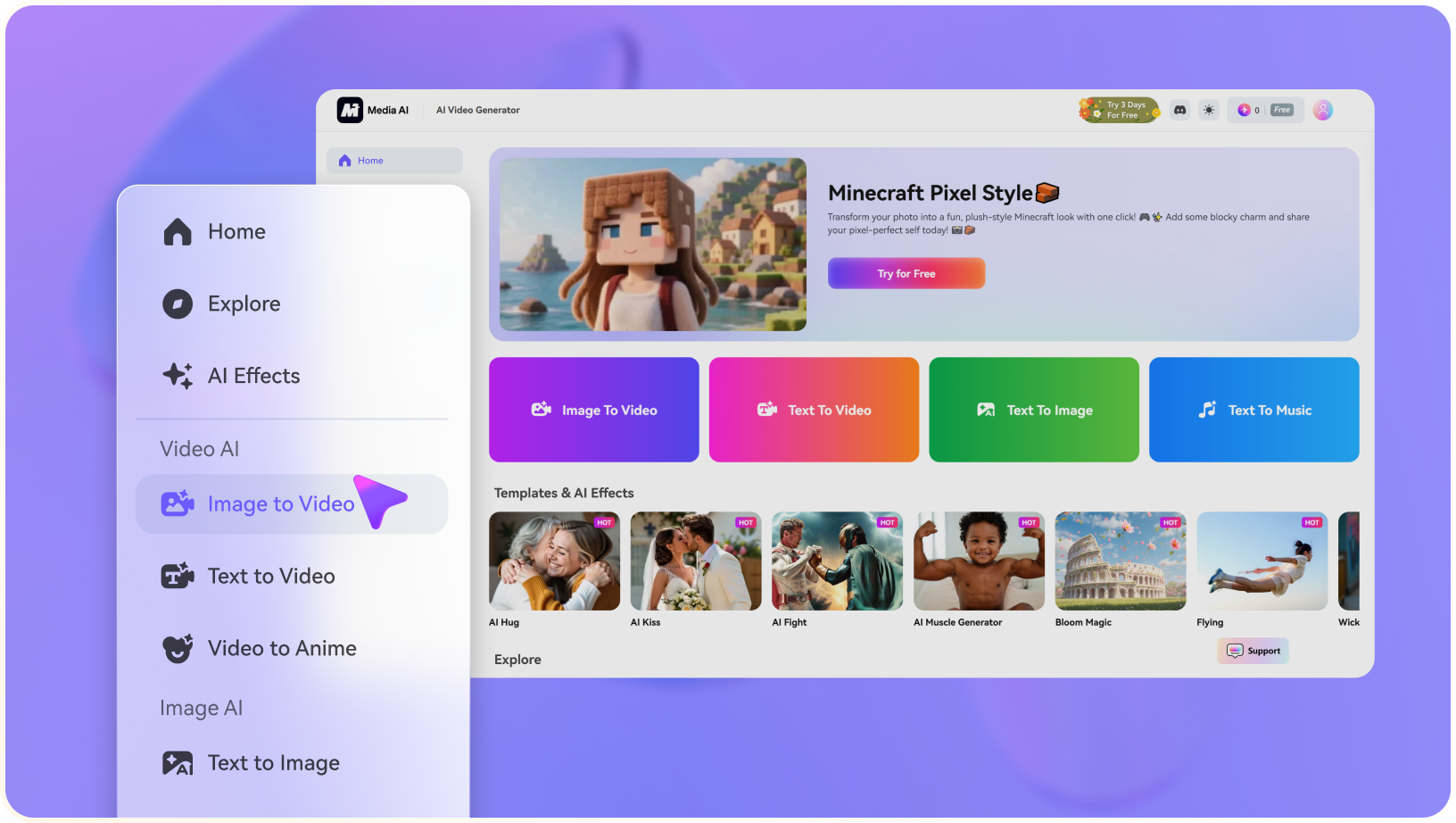
Open the image-to-video tool and upload the photo, illustration, or product image you want to animate. Choose a clear frame with a recognizable main subject.

2
Step 2: Choose a Video Model and Describe Motion

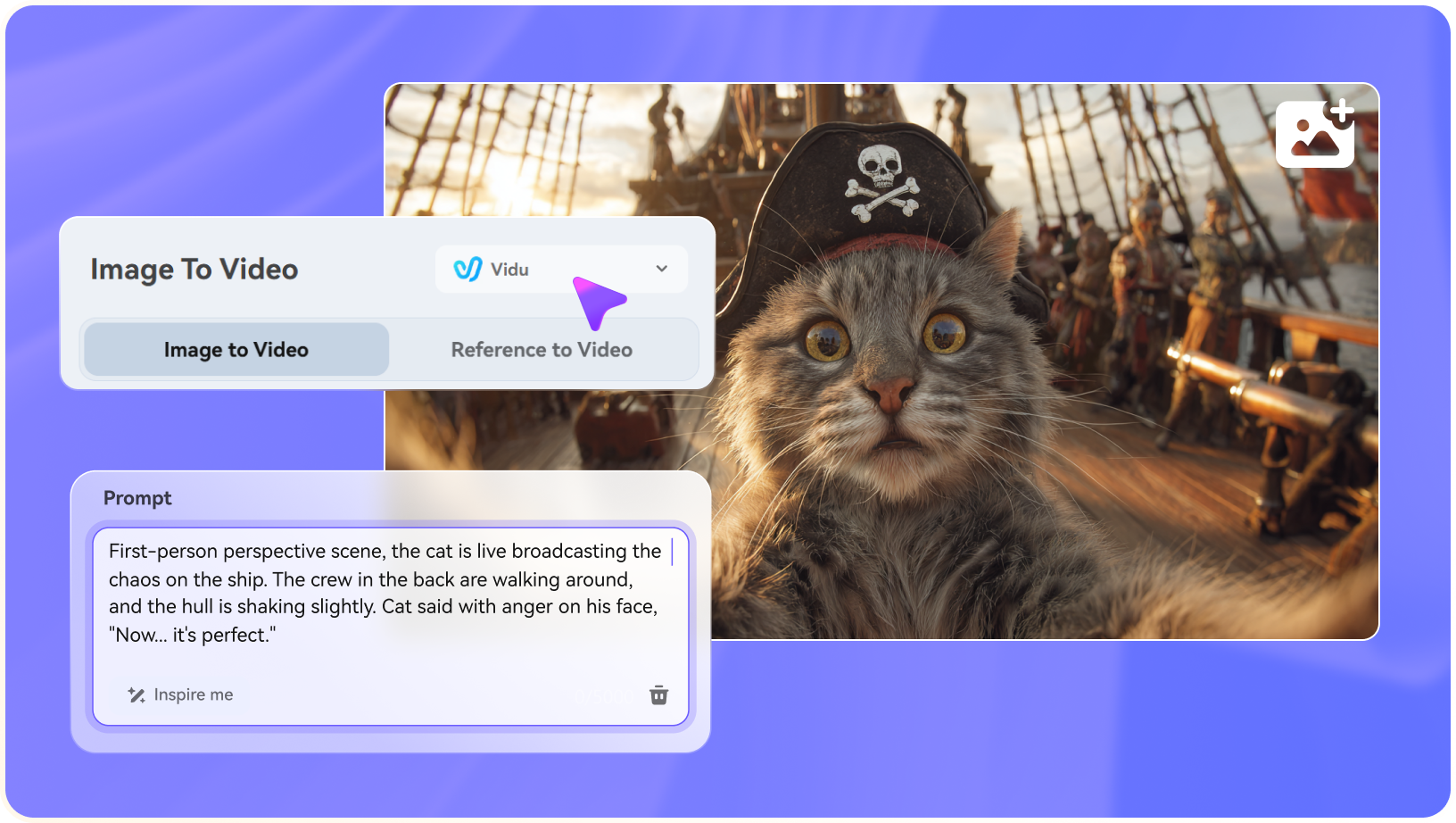
Select an available video model for the shot, then describe the subject action, camera movement, and pace. A calm product orbit needs different motion control than a fast sports scene. Model settings and supported durations can differ.

3
Step 3: Generate, Check, and Download Your Clip

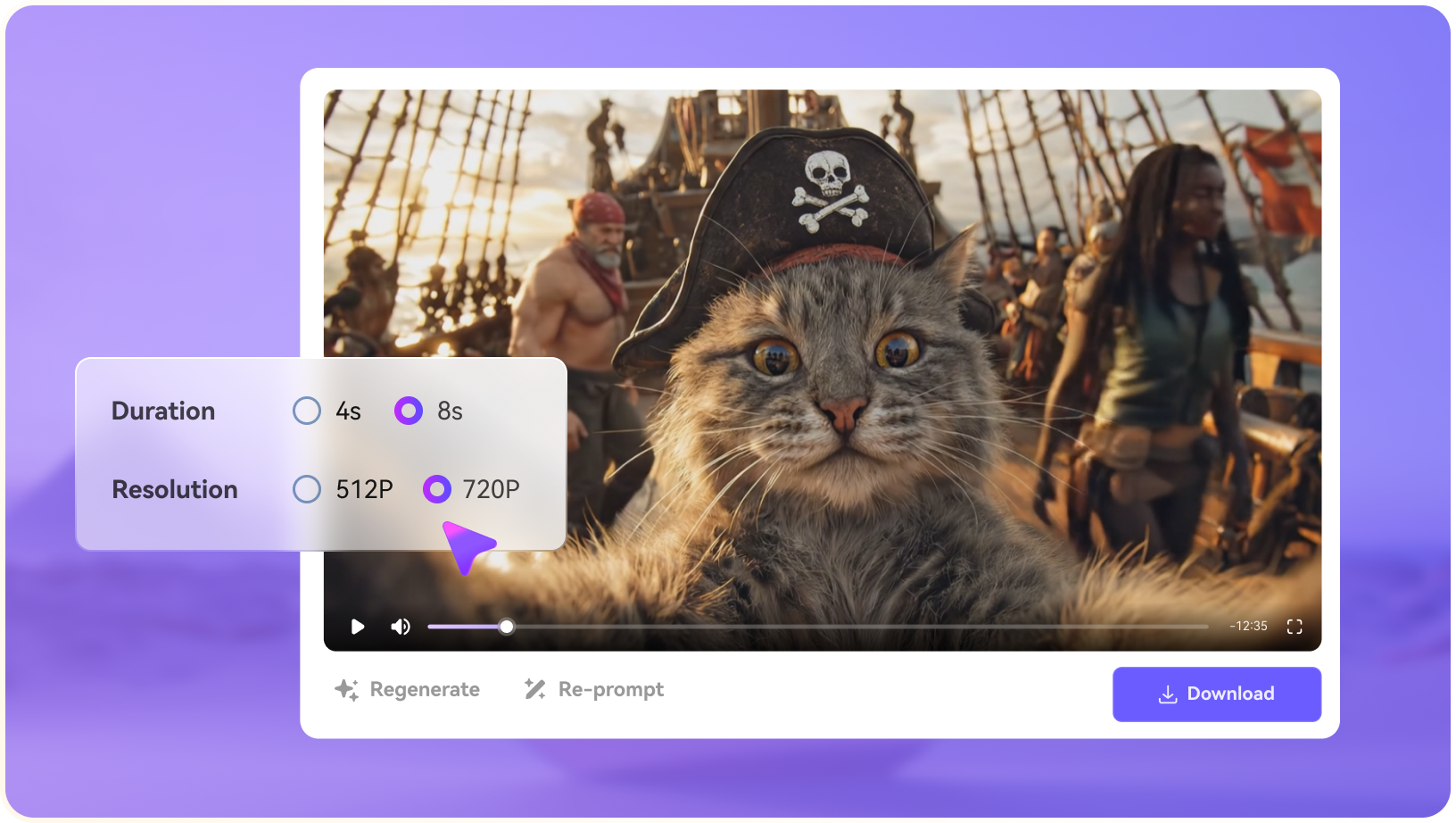
Choose the settings offered for the selected model, run the generation, and inspect subject fidelity before downloading. If details drift, simplify the movement and try again.

Upload a reference image for video animation
Choose a video model and write a motion prompt
Preview AI-generated video and export

Where PixelDojo Fits into Real Creative Work

The usefulness of PixelDojo depends less on the number of models than on the asset you need to deliver and the number of iterations your project can afford.

Product Listing Visuals

A store owner can create alternative product backdrops with an image model, adjust lighting in Canvas, and animate a selected still. The quality check is whether packaging, shape, and printed branding stay faithful to the actual product.

Model-by-Model Visual Exploration

A designer preparing key art can compare FLUX, Ideogram, and other image engines using the same brief. It helps separate photorealism from typography and illustration rather than treating all outputs as interchangeable.

Short AI Motion Tests

A creator can take one frame and test a push-in with Kling, then compare it with an alternate engine on a similar prompt. A five-second proof of concept is often enough to assess whether a motion idea is viable.

Repeat-Character Storyboards

Character Studio can carry a saved face or costume into multiple frames. That is useful for children's stories, brand mascots, or recurring scenes—but hands, accessories, and background objects still need a manual continuity check.

Social Ad Concepts from URLs

Marketing Studio is designed for turning a product link into a video-ad workflow. It can help marketers sketch early concepts before investing in finished photography, accurate legal claims, or brand approval.

Developer Prototypes

The model API lets technical teams compare programmatic outputs and automate tasks. Budgeting should account for the specific engine, media duration, output size, and retry rate rather than the subscription tier alone.

PixelDojo Limitations to Weigh Before Subscribing

A serious PixelDojo review has to look past model counts. A multi-model catalog offers flexibility, but it also changes how you judge output quality, cost, and editing effort before a large project.

Video Credits Add Up Quickly

Premium video generations can require substantially more credits than images. The relevant number is the cost per usable shot after retries, not just the number of credits in the monthly plan.

Different Models, Different Controls

Veo, Kling, WAN, and other engines do not share identical durations, audio support, reference options, or aspect-ratio settings. A prompt that works on one may need adjustment on another.

Reference Consistency Still Needs Review

Character Studio and image references can make scenes more cohesive, but they do not guarantee identical faces, logos, hands, or wardrobe elements in every frame.

Free Access Is Limited in Scope

PixelDojo advertises three free photo or video effects per day. That should not be confused with unlimited free access to its full premium video and image model catalog.

Creative Upscaling May Change Details

Some upscalers generate plausible new texture rather than merely recovering original pixels. That may suit concept artwork but requires care with historical photos, product labels, and identity-sensitive portraits.

Learning Curve Across the Full Suite

Model selection, credits, Canvas, character references, and multiple studios provide depth, but a creator who only needs a single photo edit may prefer a narrower task-based interface.

PixelDojo vs Media.io: Which Workflow Makes More Sense?

Choosing among PixelDojo AI alternatives is not simply a contest over model count: both PixelDojo and Media.io offer multiple image and video engines. PixelDojo makes a strong case for hands-on model exploration, reusable characters, LoRA projects, and campaign assets. Media.io's AI Model Hub brings together popular models and updates its available lineup, but also offers guided ways to create a story, turn a script into scenes, build product ads, or adapt social trends. The best fit depends on whether your main work is managing model experiments or finishing a specific creative task.

Decision Point PixelDojo AI Media.io
Multi-Model Image Generation Strong Fit best fit
FLUX, Ideogram, Qwen, Seedream, and other image models under one shared account.
Media.io offers multi-model AI image creation and editing, including Nano Banana, GPT Image, and Seedream families. Its available model lineup is updated over time, rather than being limited to a single image engine.
Text-to-Video and Video Engines Veo, Kling, WAN, Seedance, and other engines can be selected by shot requirements and credits. Strong Fit best fit
Choose among leading video-model families such as Kling, Veo, Sora, Seedance, Wan, and Runway; Media.io also keeps adding newer model options and connects creation to related tools.
Animating a Reference Image Strong Fit best fit
Image-to-video across several engines, with model-dependent motion, duration, and reference controls.
Image-to-video with a choice of model families, including Kling, Veo, Sora, and Vidu. Users can test reference-photo animation and then enhance or adapt generated clips in Media.io.
Image Editing and Specialized AI Tools Canvas and specialized tools for regional edits, upscaling, background replacement, and reference-driven modifications. Strong Fit best fit
Dedicated image, video, and audio tools include face editing, image enhancement, object removal, lip sync, subtitles, and audio noise cleanup, alongside prompt-led image edits.
Consistent Characters and Project Studios Strong Fit best fit
Character Studio, reusable references, and Film / Marketing Studio project workflows.
AI Story and Script to Video can include character setup and reference photos in structured video planning, though the workflow is not identical to PixelDojo's dedicated Character Studio or LoRA projects.
AI Stories and Script-to-Video Production Film and Faceless Studio support PixelDojo's project-style creative workflows. The available setup and amount of manual control depend on the studio and model used. Strong Fit best fit
AI Story and Script to Video go beyond a single clip: Agent Mode automates the workflow, while Structured Mode lets creators review story beats, characters, and a storyboard before generating visuals, voiceover, and optional music and subtitles.
Product Ads and Viral Social TrendsPixelDojo's Marketing Studio and generative models can help with campaign concepts and branded visuals; preparing ads or remixing trends may still require project-specific setup.Strong Fit best fit
AI Ad Generator starts with product images or a URL and supports image or video ads. Viral Studio can begin with trend discovery or a supported social link, then help create a customized variation.
Credits and Cost Transparency Single cross-model credit wallet, with per-generation estimates; expensive video iterations can consume credits faster. Pricing and available credits depend on the Media.io feature and selected generation path; check before exporting.
API Access and Creative Workflows Strong Fit best fit
Public model API, consistent-character workflows, and a broad model catalog for technical projects.
Media.io also offers a unified developer API for AI image and video models, plus browser-based workflows for creators who do not want to write code. The API is not exclusive to PixelDojo.
Best for Model Explorers

Choose PixelDojo When You Need:

PixelDojo is a strong fit when model selection, repeat characters, and image-to-video experimentation are central to your creative process.

  • Multiple FLUX, Ideogram, Qwen, and video models under one plan
  • Saved characters and reusable reference-image workflows
  • Kling, Veo, and WAN comparisons within one account
  • Model-level API access for programmatic generation
  • The flexibility to trade image quantity for premium video runs
Visit PixelDojo Official Site
Best for Models + Use-Case Workflows

Choose Media.io When You Need:

Media.io works well when you want current AI image and video model options without assembling an entire production process yourself. Alongside model-led generation, it provides dedicated paths for stories, product advertising, trend-inspired content, and the small editing jobs that come before export.

  • Choose from regularly updated image and video model families to match a specific shot, visual style, or cost budget
  • Develop multi-scene narratives using Script to Video, with optional character planning and storyboard review
  • Adapt fast-moving social ideas with Viral Studio, starting from a supported link or trend inspiration
  • Handle targeted edits such as face changes, upscaling, object removal, subtitles, lip sync, and audio cleanup after generating
Explore Media.io AI Tools

Final Verdict: Is PixelDojo AI Worth It?

Our Take

PixelDojo is compelling for hands-on multi-model projects. Its combination of FLUX-family images, Kling and Veo motion, Character Studio, LoRA-oriented options, and Film or Marketing Studios makes sense when you need recurring visual references and want direct control over creative experiments. Those are real reasons to consider PixelDojo rather than treating it as interchangeable with every other model aggregator.

Media.io also provides popular image and video engines, but its additional strength is the ability to start from a creative goal instead of a model name. A script can become a planned video with characters and narration; product assets can become image or video ads; a social trend can become a personalized concept. When the result needs cleanup, Media.io's video enhancement and other focused image, video, and audio tools support the next step. Compare actual model availability and credit use before deciding.

Bottom line: Choose PixelDojo for deeper character/project experimentation, LoRA workflows, and hands-on model comparisons. Choose Media.io when you value both a changing selection of mainstream models and task-based workflows for stories, scripts, ads, viral content, and post-generation editing. Neither is best for every task; the end-to-end workflow is the deciding factor.

PixelDojo AI FAQ

What is PixelDojo AI best used for?
faq faq

PixelDojo combines many AI image and video models with image editing, upscaling, saved character references, and project studios. It is especially useful when you want to compare model outputs or build a visual project across several generations.

PixelDojo currently advertises three free photo or video effects per day, with a small watermark on free effects. Full access to its premium image and video models is tied to paid plans. Free effects are not the same as a limitless premium-generation trial.

On its main pricing page checked in October 2026, PixelDojo lists Lite at $10/month for 160 credits, Pro at $25/month for 500, and Pro Max at $50/month for 1,100. Credits are consumed according to the selected model and settings; check the live checkout and in-app generation estimate.

Yes. PixelDojo offers FLUX-family image generation alongside other image engines, including Ideogram, Qwen, and Seedream options. Choose based on the output you need: realistic images, type-heavy designs, reference edits, or style experiments.

Yes. PixelDojo supports both workflows. You can upload an existing still and describe motion or start from a text prompt that specifies the subject, action, camera, and sound. Available controls and output duration depend on the chosen video model.

PixelDojo lists Kling and Google Veo models in its video catalog. Kling can suit controlled motion and multi-shot experimentation; Veo is often chosen for shorter cinematic clips with audio. Model access, duration, and credit cost can change.

Yes. PixelDojo includes AI photo editing, inpainting, background changes, image enlargement, and dedicated upscale models. Creative upscaling may reconstruct details, so check original identity and text carefully before using an enhanced image in a real project.

It can be worthwhile if you use several image and video engines each month or need consistent-character projects. If you only occasionally edit one picture or create a short clip, calculate the cost per usable result and compare a task-focused alternative before committing.

Media.io is a PixelDojo alternative with access to multiple popular AI image and video models and more task-focused workflows. Its AI Story, Script to Video, AI Ad Generator, and Viral Studio help creators turn specific ideas into videos, product advertising, or trend-inspired content, while the AI Tools directory covers photo, video, and audio editing. PixelDojo can be a better choice for Character Studio, LoRA-oriented projects, and hands-on model exploration. Check current models, credits, and export options for your intended task.

What Media.io Creators Say About Their Workflow

Media.io AI video generator user
Sarah L.

Content Creator

star star star star half star

Media.io makes it much easier to test different AI video styles without jumping between several platforms. I can start with a text prompt or image, compare model results, and then resize or polish the clip for social media in the same workspace.

Media.io AI video creator
John D.

Social Media Marketer

star star star star half star

I use Media.io to create quick product clips, ad concepts, and short-form videos from images. The biggest advantage is that generation does not feel like the final step—I can continue with music, captions, enhancement, and format conversion before publishing.

Media.io AI video editing user
Emily T.

Freelance Designer

star star star star half star

The workflow is approachable even when I am experimenting with unfamiliar AI models. I can animate artwork, try different motion prompts, preview the output, and prepare a cleaner final version without needing advanced video-editing experience.

Media.io Online Tools Quality Rating:
vote 4.7 (162,357 Votes)
media.io

AI Video Generator star

Easily generate videos from text or images

Generate