Home>Comparison>Raphael AI

Raphael AI Image Generator Review

Raphael AI is a free unlimited AI image generator first, not a full AI video platform. It is most relevant when users want fast text-to-image stills, high-fidelity prompt results, and low-friction image creation. Media.io is the closer alternative when those images need a same-type generator, character assets, or a lightweight path from stills into image-to-video.

Core Features of Raphael AI

Raphael AI is a free unlimited AI image generator for text-to-image and high-fidelity still creation. It is especially relevant to creators who want prompt-led images first, then may later move selected stills into motion or product workflows.

Core Feature Overview

  • Text-to-Image: Creates still images from written prompts for thumbnails, product mockups, style frames, and campaign boards.
  • Unlimited Image Generation: Supports high-volume prompt-to-image testing when teams need many stills for ideation, not one tightly directed hero asset.
  • High-Fidelity Image Models: Focuses on higher-fidelity image models and cleaner detail for portraits, product shots, and campaign stills.
  • Creative Prompting: Helps users steer image results through prompt wording, style notes, and iteration instead of uploading a finished reference.

Text-to-Image in Raphael AI

Raphael AI's Text-to-Image turns a written prompt into a still image for thumbnails, product mockups, style frames, and campaign boards. Creators describe the subject, style, lighting, and composition, then decide whether the still is clear enough to publish or animate later. This is an image workflow, not a video generator, so judge the result by subject accuracy, composition, and brand fit rather than motion quality. Start in Media.io AI Text to Image when there is no source image yet and the brief is still a description of subject, style, and lighting.

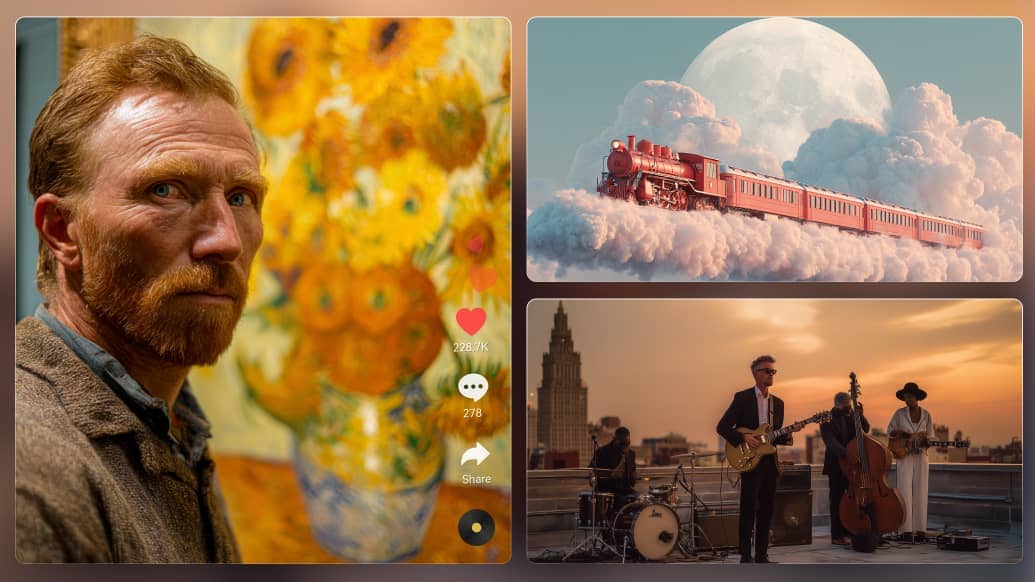
Raphael AI Text-to-Image

Unlimited Image Generation in Raphael AI

Raphael AI's Unlimited Image Generation is about volume: generating many stills from prompts so teams can explore directions quickly. That helps moodboards, campaign ideation, and thumbnail testing, but a high generation cap is not the same as commercial-ready quality or video tools. Treat it as an ideation engine, then keep the stills that have a clear subject and a usable composition. Use Media.io AI Text to Image to test whether a prompt-to-still workflow is enough, instead of stretching an image tool into video production.

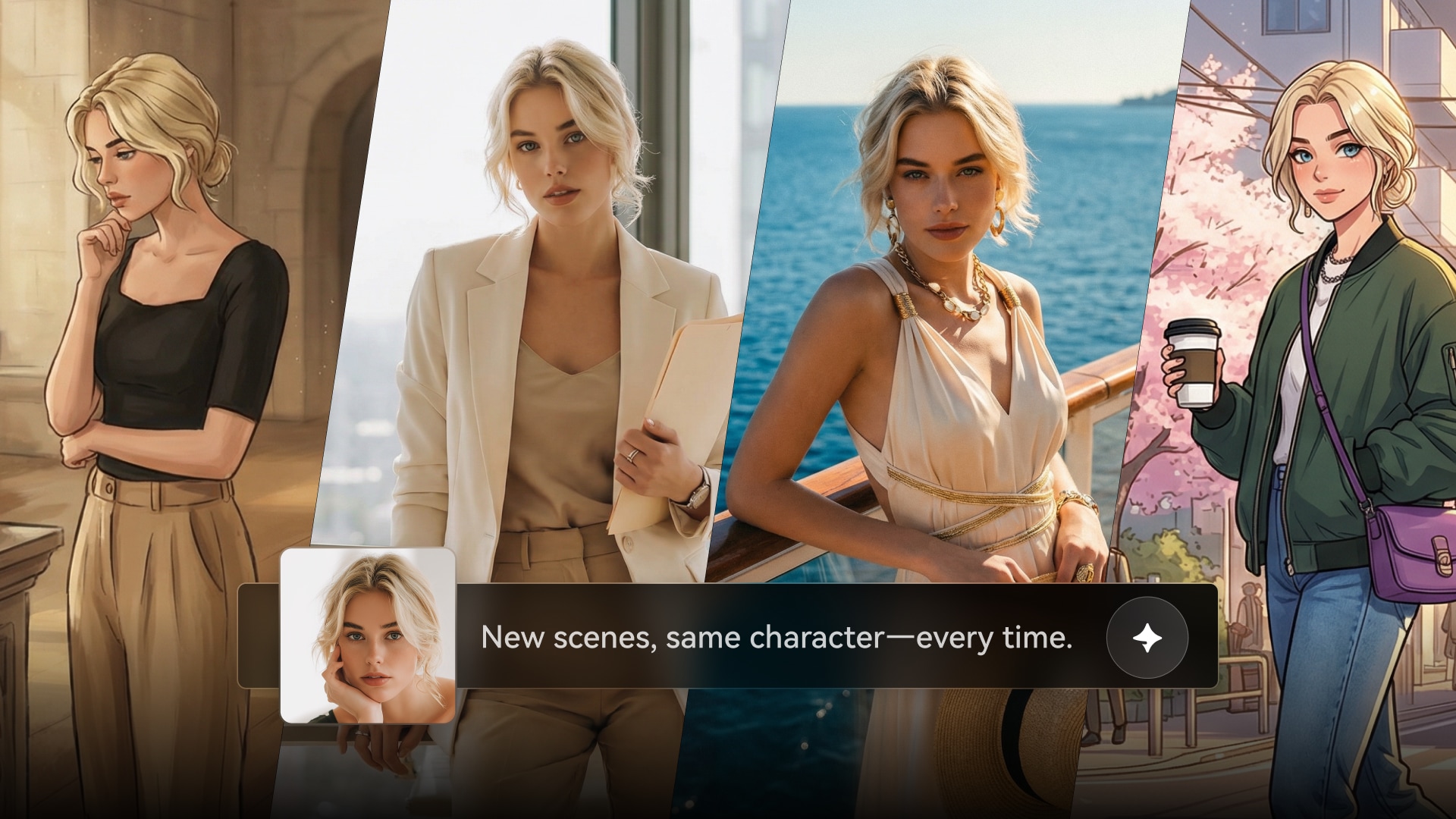
Raphael AI Unlimited Image Generation

High-Fidelity Image Models in Raphael AI

Raphael AI's High-Fidelity Image Models focuses on cleaner detail, sharper textures, and more believable stills from higher-fidelity image models. It matters for portraits, product shots, and campaign images where softness, warped hands, or muddy type would fail a brand review. Compare outputs on the same prompt and look at edges, text, materials, and whether the still holds up at publishing size. Explore more best ai image generation models.

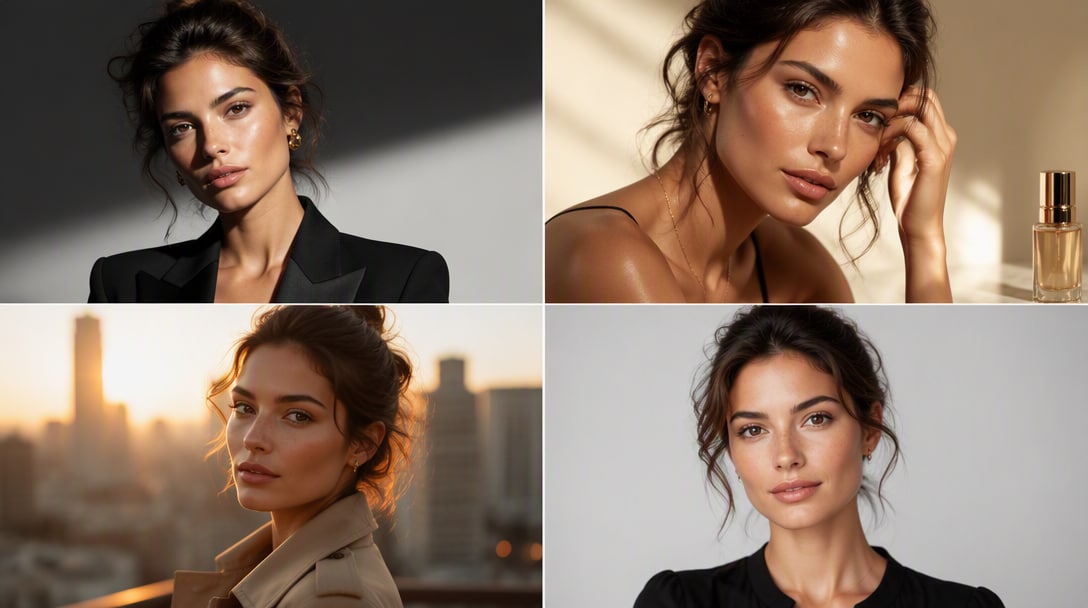
Raphael AI High-Fidelity Image Models

Creative Prompting in Raphael AI

Raphael AI's Creative Prompting is the control layer for stills: prompt wording, style notes, and iteration that steer the image without uploading a finished reference. It fits users who know the look they want and need to refine lighting, composition, or medium through language. The feature is working when small prompt changes create predictable visual changes instead of random rerolls. Explore a plora of copy-paste ready ai photo editing prompts.

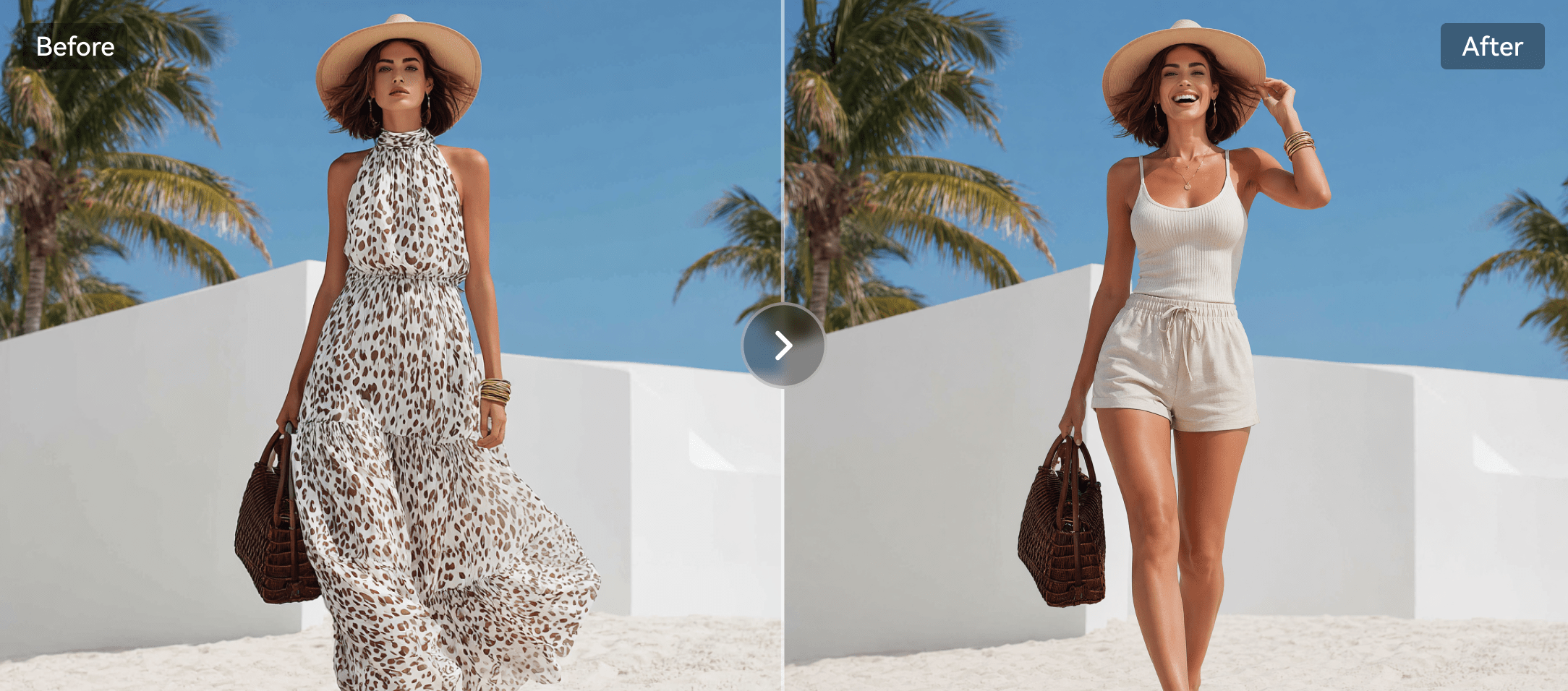
Raphael AI Creative Prompting

How to Use Media.io AI Text to Image

1
2
3
1
Step 1: Open Media.io and Start from a Prompt

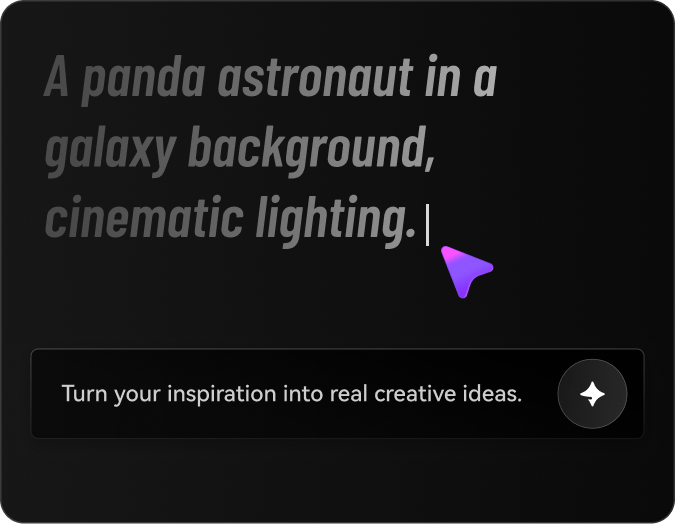
Launch Media.io AI Text to Image and describe the still you need: subject, style, lighting, and where the image will be used.

2
Step 2: Add a Reference Photo When You Have One

If the job is a variation, portrait, or product shot, upload the source image so the result stays recognizable.

3
Step 3: Generate the Still and Keep Only the Keeper

Preview the image, refine the prompt or reference, and export the version that is clear enough to publish. Animate it later only if the brief actually needs motion.

step1 visit media.io
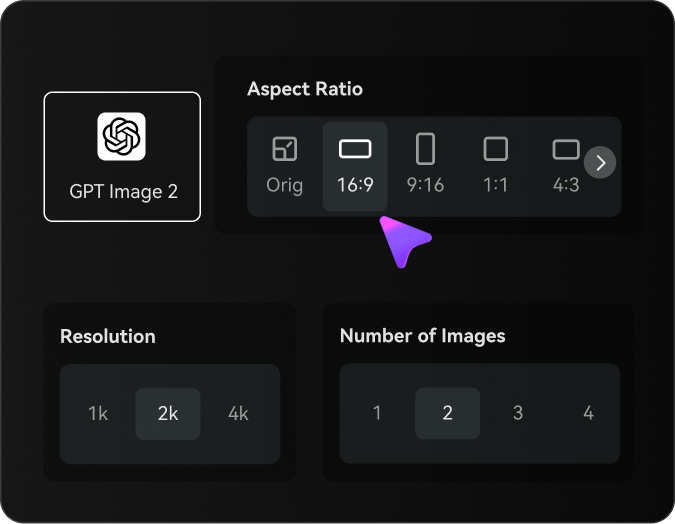
step2 choose a model and upload an image
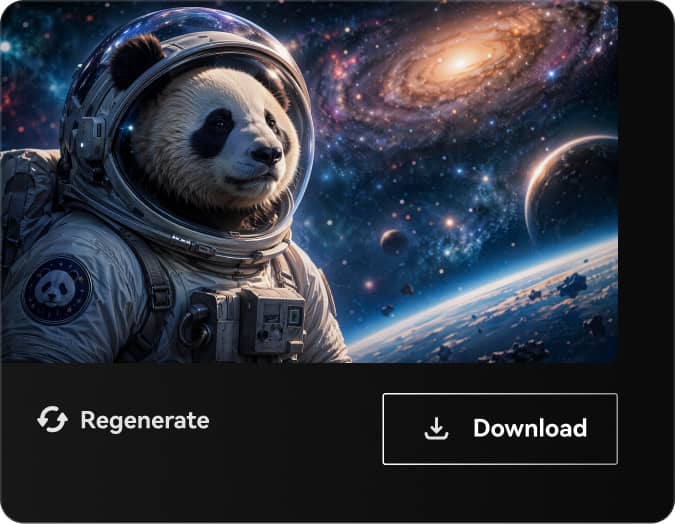
step3 generate image

Real-World Use Cases: Where Raphael AI Fits

These are the jobs where Raphael AI is a reasonable first tool for free unlimited AI image generation for text-to-image, high-fidelity stills, and prompt-led visual creation. Each case maps to a real Raphael AI capability, so you can judge the product on work you already have.

Prompted Stills in Raphael AI

Use Raphael AI when a marketer, designer, or seller needs a thumbnail, mockup, style frame, or campaign still from a written brief. Judge the still by subject accuracy and whether it is clear enough to publish or hand to a motion step.

Explore Many Image Directions Quickly

Raphael AI is useful when a team needs a large set of prompt-to-image options for ideation. Volume is not the same as a directed hero still, so pick a few keepers and review them as images, not as a video platform.

Push for Cleaner Image Detail

Use Raphael AI when the still needs tighter texture, lighting, or model look. Compare it on the same prompt and subject, then decide whether a reference-image edit is the next step.

Where Raphael AI Falls Short

These are the gaps that show up when you use Raphael AI for free unlimited AI image generation for text-to-image, high-fidelity stills, and prompt-led visual creation.

Raphael AI Stops at the Still

Raphael AI is an image workflow first. A strong portrait, product still, or stylized photo still needs a separate motion or talking-video path if the brief is already a clip.

Likeness and Detail Can Drift

Prompted or restyled images in Raphael AI can lose facial identity, product labels, or material detail after a few retries. That is the real quality check for this product.

Volume Is Not the Same as Control

Raphael AI may generate many stills quickly, but a large batch still needs a human to pick a hero frame that matches the brief.

Raphael AI vs Media.io: Which One Fits Your Workflow?

This table compares Raphael AI with Media.io by real workflow decisions instead of forcing a generic feature checklist. For this topic, Media.io is most relevant around AI Text to Image, AI Image to Image, AI Image to Video, and AI Character Generator, with light editing or export only as supporting steps when the generated asset needs them.

Workflow Need Raphael AI Media.io
Primary WorkflowRaphael AI is strongest when the brief matches free unlimited AI image generator for text-to-image and high-fidelity stills.Media.io is stronger when the project needs scenario-based AI image generation with a path into image-to-video.
Text-to-VideoUseful when the product supports prompt-led generation and model selection for short clips.Strong Fit best fit
Useful for creators who want lightweight prompt-to-video generation for story, social, product, or campaign scenes.
Image-to-VideoUseful when motion effects, camera movement, or reference-image animation are central.Strong Fit best fit
Useful when users want to animate a source image into a short scenario-based video rather than open a complex editing workflow.
Avatar or Presenter VideoStrong Fit best fit
A better fit when avatar, translation, lip-sync, or presenter workflows are the main reason to buy.
A better fit when avatar output is only one asset inside a wider video workflow.
Light Polish After GenerationMay require additional tools for captions, enhancement, resizing, conversion, or final formatting.Strong Fit best fit
Covers practical polish after generation, but is best framed as lightweight support rather than a heavy editing suite.
Ease for BeginnersCan be effective but may require learning credits, models, settings, or product-specific controls.Strong Fit best fit
Designed for creators who want a simpler path from idea to a usable generated asset.
Best for Core Workflow

Choose Raphael AI When You Need:

Raphael AI is better suited when the main objective is free unlimited AI image generator for text-to-image and high-fidelity stills.

  • A project centered on free unlimited AI image generator for text-to-image and high-fidelity stills
  • Direct experimentation with the product's own modes, effects, editor, or presentation style
  • A workflow where the competitor's interface, templates, team features, or API are already preferred
  • Fast first drafts where downstream enhancement, cleanup, and format conversion are secondary
  • A focused evaluation of the competitor's core creation path before adding extra finishing tools
Explore Raphael AI
Best for Scenario Generation

Choose Media.io When You Need:

Media.io is better suited when the brief needs scenario-based AI image generation with a path into image-to-video, especially for lightweight content generation rather than complex editing.

  • AI Text to Image: creates image assets from prompts for thumbnails, scenes, storyboards, or supporting visuals
  • AI Image to Image: transforms existing images into new visual styles or supporting assets
  • AI Image to Video: animates source images into video clips with prompt-led motion and browser-based preview
  • AI Character Generator: helps create AI character assets for visual stories, recurring roles, and creative projects
  • AI Video Effects: provides AI effects and preset-style creative video plays
Try AI Image Now

Final Verdict

Our Take

Raphael AI can be a strong choice when the brief depends on free unlimited AI image generation for text-to-image, high-fidelity stills, and prompt-led visual creation. Its value should be judged by the exact asset the user needs, the quality of the source material, and the amount of review required before publishing.

The main tradeoff is workflow fit. Raphael AI may be useful for its specialized creation task, but teams often still need a clearer way to create scenario-based video, image, audio, music, or character assets without moving into a heavy editing workflow. Media.io is a better fit when the project aligns with AI Text to Image, AI Image to Image, AI Image to Video, and AI Character Generator and needs light polish such as cleanup, captions, resizing, conversion, or export after generation.

Bottom line: Choose Raphael AI when its specialized workflow is the center of the brief. Choose Media.io when the project needs lightweight, scenario-based AI media generation with practical support tools around it.

Raphael AI FAQ

What is Raphael AI best used for?
faqfaq

Raphael AI is best used when the job matches free unlimited AI image generation for text-to-image, high-fidelity stills, and prompt-led visual creation. If your brief needs a different input or output, compare a same-type Media.io tool instead of stretching Raphael AI.

Consider Raphael AI if you already know you need text-to-image and can judge the result on a real asset, not a demo. Skip it if you actually need a different kind of workflow.

Raphael AI's Text-to-Image is one of the main reasons to open the product. Test it with the same source you would use in production, then decide whether the output is clear enough to publish or only a draft.

Unlimited Image Generation is a separate job from Text-to-Image. Use it when that is the bottleneck, not as proof that Raphael AI also covers every nearby tool.

Choose Raphael AI when its specialized workflow around text-to-image is the center of the brief and you specifically want that product's modes, templates, or interface.

Choose Media.io when you need a prompt-to-still, a reference-image edit, or a portrait, and you want a lighter image workflow than Raphael AI. Animate the still later only if the brief becomes a clip.

No. Raphael AI is strongest at free unlimited AI image generation for text-to-image, high-fidelity stills, and prompt-led visual creation. If you already need motion, ads, or a talking presenter, that is a different job.

Judge High-Fidelity Image Models as a still: subject accuracy, likeness, labels, crop, and whether you would publish the picture. Motion quality is the wrong score unless the feature actually makes video.

Media.io is a practical alternative when you need AI Text to Image, AI Image to Image, or a portrait still, then an optional motion step after the picture is right.

What Creators Say About Media.io Image Tools

Media.io user
Sarah L.

Brand Designer

starstarstarstarstar

I judge Raphael AI on the still, not on a video demo.

When the deliverable is a thumbnail, portrait, or campaign board, I keep the work in Raphael AI and compare Media.io AI Text to Image on the same prompt. I only animate later if the picture already looks right.

Media.io user
John D.

Ecommerce Marketer

starstarstarstarstar

Photo restyling and prompt stills are different jobs.

Raphael AI is useful when I already have a photo to restyle or a prompt for a new still. Media.io AI Image to Image is the comparison I use when the source picture has to stay recognizable after the edit.

Media.io user
Emily T.

Content Lead

starstarstarstarstar

If the brief is a picture, I keep it a picture.

Headshots, posters, and listing images fail for different reasons than clips do. I compare Raphael AI and Media.io on likeness, labels, and crop, then decide whether motion is even needed.

Media.io Online Tools Quality Rating:
vote 4.7 (162,357 Votes)
media.io

AI Video Generator star

Easily generate videos from text or images

Generate