JXP AI: Reference-Led Video Creation and Credit Costs

A prompt alone is often inadequate when a video must reproduce a particular outfit, camera movement or character. JXP AI emphasizes reference-guided generation alongside text-to-video, image-to-video, multi-model image creation and avatar lip sync. Its Seedance pages go unusually deep into working with mixed references, while the pricing menu separates one-time packs from monthly refills. This review focuses on which controls actually help a creator preserve a visual brief - and when Media.io's script-led, image-to-video and editing workflows are more convenient.

Inside JXP AI: The Features That Matter

JXP is a model-and-reference-led creative studio. Its distinct strengths are multimodal reference workflows, dedicated Seedance choices and a combined video/image/character toolkit rather than merely being another text prompt box.This JXP AI review weighs source references and credit mechanics ahead of marketing render counts.

Core Feature Overview

Direct Complex Scenes with Seedance References

JXP makes JXP Seedance a major part of its offering. Its Seedance 2.5 guidance discusses mixing images, video, audio and other reference assets to constrain a new scene. The practical question is which input is allowed in your selected model - not every Seedance version has the same file and duration limits. For a fashion ad, use a garment reference separately from a motion cue, then inspect whether fabric details survive. The platform lists support for multiple Seedance generations, so a lightweight draft may cost less than a reference-heavy final.

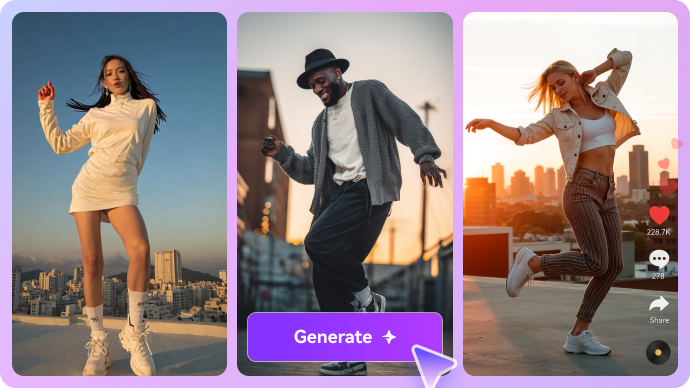
Illustrative AI image and visual styling example

Use Reference-to-Video for Character and Product Fidelity

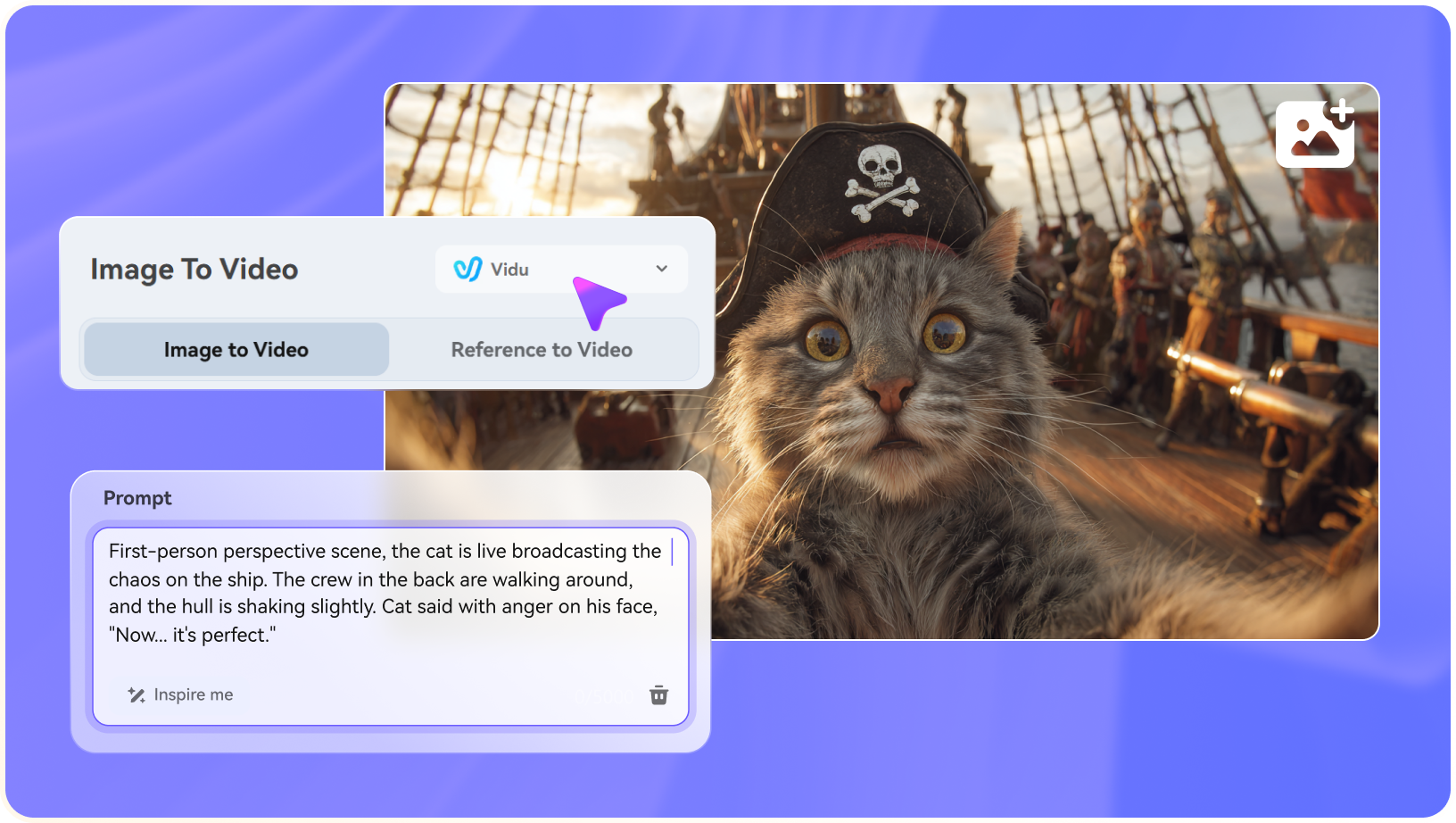
A JXP reference to video task can be more constrained than a simple photo animation. Rather than relying on a single still, the creator may supply a product reference, lighting cue or action sample as supported by the model. That can help a brand preserve a product silhouette across camera movements. It remains generative - not a pixel-perfect video compositor - so labels, logos and costume details require human inspection. Media.io image-to-video is a simpler route when a single approved still is enough. The JXP AI video generator is relevant here because its supported video models differ in how many references they accept.

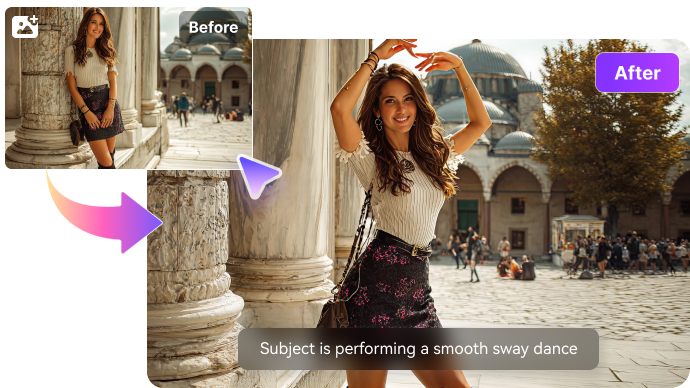
Illustrative photo to video motion example

Compare Kling and Veo with Text-to-Video

JXP lists Kling, Veo, Wan and other video engines in addition to Seedance. For JXP text to video, the user should select a model based on audio, duration, reference requirements and camera behavior rather than a generic popularity ranking. A single-shot prompt can describe framing and environmental sound; multi-scene scripts need additional assembly. Media.io script to video becomes relevant when the goal is to plan multiple connected scenes instead of generating one impressive isolated shot. JXP Kling and JXP Veo options should be tested with clearly defined camera and timing requirements.

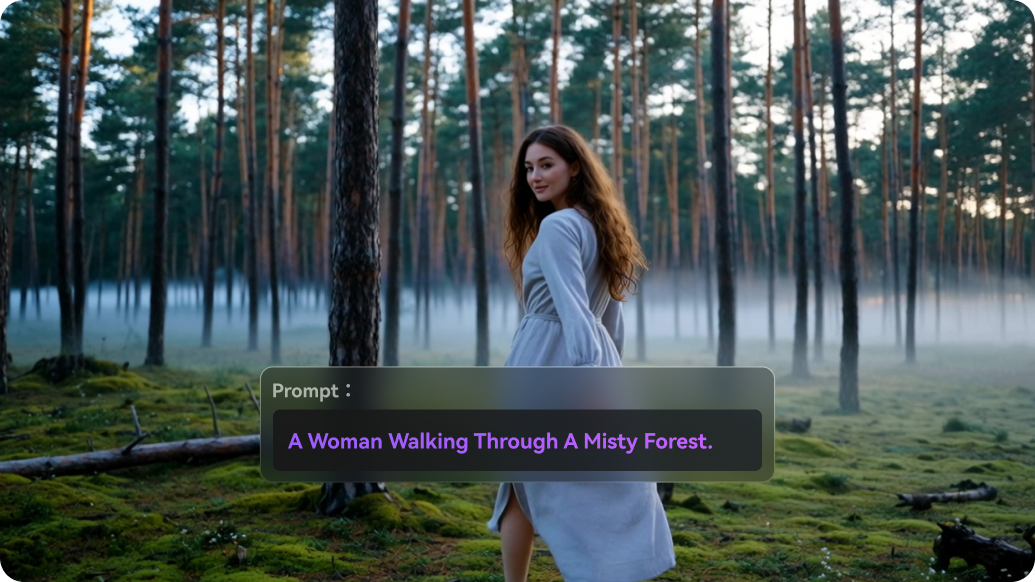
Illustrative talking video creative example

Move Between Generated Images and Video

The JXP AI image generator includes access to Nano Banana, GPT Image and other image options. This matters for an ad creative: test the layout and product placement on a still first, then use it as reference for video. A JXP Nano Banana image-editing step may help refine the input before spending a video allocation. Check resolution and model-specific generation pricing. Media.io image-to-image is an alternative when all you need is a prompt-driven image revision. JXP Seedream image creation is another way to prepare a clean still before video.

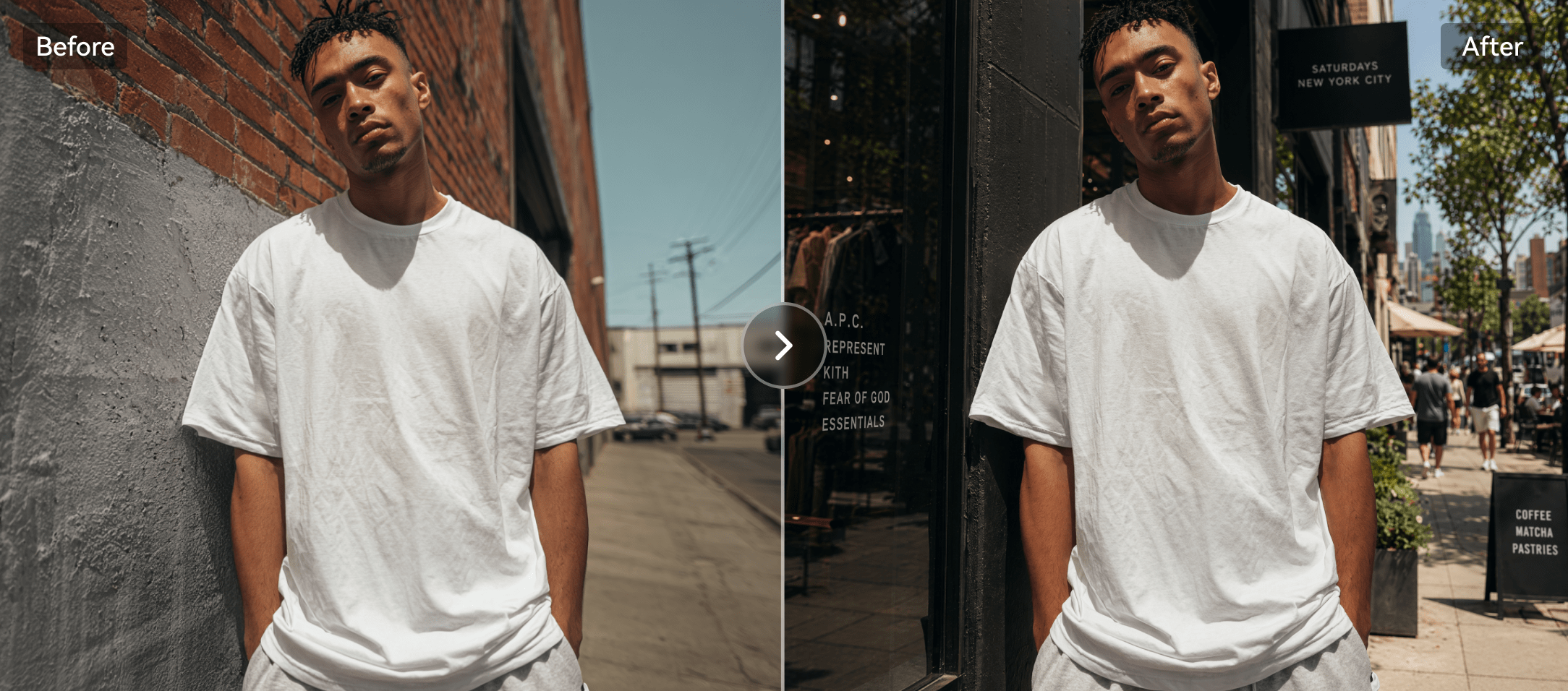
Illustrative generative image and editing example

Create Talking Presenters and Lip-Synced Clips

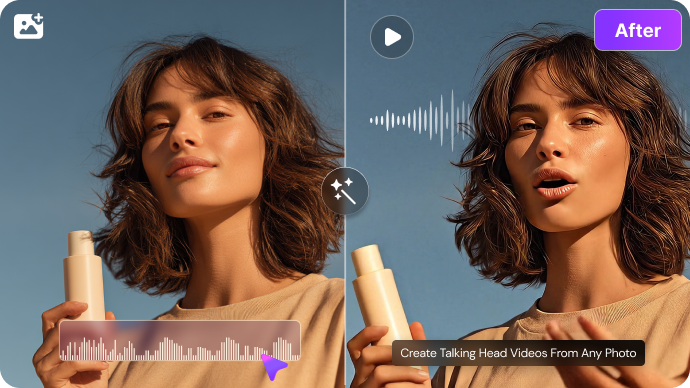
The JXP homepage includes avatar lip sync as a core workflow. That broadens the platform beyond cinematic motion into presentational content and character performances. A JXP AI lip sync clip should be judged on mouth timing, voice rights, and how the source character behaves during head turns. Users making educational videos may care more about clean captions and audio than intense effects. Media.io offers AI lip sync and other focused tools within a larger video-production flow.

Illustrative character or scene visual transformation

Compare One-Time Packs with Monthly Credits

The public JXP pricing page offers a $10 one-time Starter pack with 100 credits, a $30 Premium pack with 330, and a $99 Ultimate pack with 1,211. It separately lists monthly tiers at $10, $30 and $99 with different allocations. One-time credits are advertised as non-expiring; monthly billing changes how often new credits arrive. For a long project, estimate what a Seedance reference run or repeated video edit costs before assuming the headline package is sufficient. JXP AI pricing should always be compared at the intended render quality.

Illustrative image to video workflow example

How to Animate a Reference Image on Media.io

1
2
3
1
Step 1: Upload the Approved First Frame

Start with a clear character, object or product reference.

2
Step 2: Select a Video Model and Set Motion

Describe one meaningful movement and keep product or character appearance consistent.

3
Step 3: Review Continuity Before Saving

Check features, packaging and timing, then export the best version.

Media.io step 1 illustrative creative workflow
Media.io step 2 illustrative creative workflow
Media.io step 3 illustrative creative workflow

Where JXP AI Fits into Actual Creative Work

Specific projects where the platform's capabilities are useful - and what to inspect before treating a render as finished.

Fashion Reference Videos

Attach clothing images and motion cues to a supported model and verify garment detail after motion. A JXP image to video plan works best when you can clearly define the reference image and desired movement.

Storyboard-to-Clip Experiments

Prepare a still storyboard and animate one shot before spending on the whole sequence.

Product Demonstration Concepts

Use a product photograph as a constraint, then compare whether the generator preserves package proportions.

Talking Product Explainers

Try an avatar with short scripted speech and check mouth timing before placing it in a wider campaign.

Model Benchmarking

Run one brief through Kling and Seedance with comparable settings; compare usable exports, not one-off visual surprises.

Small Studio Cash Flow

Choose between non-expiring one-time credits and monthly allocations based on production cadence.

What to Consider Before Paying for JXP AI

These are workflow and purchase trade-offs, not claims based on invented benchmark tests.

Reference Limits Vary by Model

Do not assume an image/video/audio input accepted by one Seedance version is accepted by all others.

Brand Assets Can Drift

Text, product logos and costumes may change during generation despite strong reference prompts.

Credits Are Not Equal to Videos

A premium render can consume many credits; budget retakes at the desired length and resolution.

Version Names Change Frequently

The model selection catalog can evolve, so verify the live controls rather than relying on old walkthroughs.

API Availability Is Conditional

A pricing tier describes API access as coming soon; do not purchase assuming immediate availability.

Single Clips Still Need Assembly

A story with multiple shots may need sequencing, audio, captions and final export work beyond generation.

JXP AI vs Media.io: Match the Tool to the Task

JXP is a practical contender when reference-image controls and specific premium video models are the deciding factors. Media.io may be more suitable when those clips must become a structured story, marketing video or finished social deliverable. Before choosing, compare which reference inputs the exact model accepts and how many paid rerenders the project is likely to require.

Creative Need JXP AI Media.io
Reference-first generation Strong Fit strong workflow fit
Strong emphasis on rich, model-dependent multi-reference creation.
Image-to-video and other model workflows; reference handling varies by mode.
Seedance workflows Strong Fit strong workflow fit
Dedicated Seedance model pages and version comparisons.
Multi-model video generation and task-focused production.
Text-to-video Strong Fit strong workflow fit
Prompt-led short-video creation with several model choices.
Text creation plus guided script-to-video sequences.
Image generation Nano Banana, GPT Image and other models. Strong Fit strong workflow fit
Multi-model images and specialized editing tools.
Avatar lip sync Strong Fit strong workflow fit
Avatar and lip-sync workflow is part of JXP.
Dedicated talking-avatar and lip-sync options.
Credit purchase Strong Fit strong workflow fit
One-time non-expiring packs or monthly subscription tiers.
Pricing and model selection depend on Media.io product path.
Creative editingGenerative visual transformation and some specialized effects.Dedicated enhancement and finishing utilities.
Ads and stories Reference visuals useful for cinematic story shots. Strong Fit strong workflow fit
Explicit AI Ad and Script to Video paths.
Best audience Hands-on creators working with layered references. Users seeking model access alongside outcome-specific workflows.
Best for JXP AI Users

Choose JXP AI When You Need:

The strongest reasons are the distinctive product workflows and trade-offs described above.

  • You need to direct motion with multiple reference types
  • You already understand Seedance model variants
  • You want one-time credits for an intermittent project
  • You need generated image assets and video in a single model workspace
  • You want an avatar lip-sync option near reference video tools
Visit JXP AI Official Site
Best for Model + Task Workflows

Choose Media.io When You Need:

Media.io combines popular image and video models with task-based paths for actual creative deliverables.

  • You need a guided multi-scene story from a script
  • You want to turn a product brief into ready-to-adapt advertising assets
  • You value several leading video model choices without building a reference-heavy workflow
  • You need dedicated video enhancement and subtitle tools
Make an Image-to-Video Clip

Final Verdict: Is JXP AI Worth It?

Our Take

JXP is an interesting choice for creators who think in references, not just text prompts. The availability of Seedance-specific controls, mixed assets and model guidance gives technically curious users more ways to constrain a shot. Its ability to buy non-expiring credits also makes sense for episodic production. The decision in this JXP review rests on source control and usable results rather than a theoretical model leaderboard.

But more references are not the same as guaranteed fidelity. Important branded objects, dialogue timing and consistent character details must be reviewed after rendering. Also examine the exact plan: one-time Starter credits differ from monthly Starter credits, and API availability is not necessarily immediate. Buyers weighing JXP AI alternatives should separate model-level reference controls from story production and editing tools.

Choose JXP for reference-led Seedance experimentation and flexible credit purchasing. Choose Media.io for a broader mix of accessible model creation and guided scripts, advertising and finishing workflows.

JXP AI FAQ

What does JXP AI do?
faq faq

JXP provides AI image and video generation, reference-guided creative tools and avatar lip sync using several model families.

JXP advertises new-user trial credits for eligible users. Available models, limits and download conditions depend on the active offer.

The official pricing page lists one-time packs from $10 for 100 credits and separate monthly plans from $10 with different credit allocations.

It is a model-dependent workflow using reference assets to guide the appearance or action of a generated scene. Accepted file types and limits vary.

Yes. Its image-to-video workflows animate an uploaded image, with output settings dependent on the chosen model.

JXP offers dedicated Seedance variants; the official model directory distinguishes short low-cost drafts from higher-end, reference-heavy versions.

JXP lists Nano Banana and other still-image models that can be used to prepare or refine visual inputs.

It can be when varied reference types are central to the shot and you are comfortable testing model-specific constraints and credit costs.

Media.io provides image-to-video, script-to-video, multiple models, specialized creative tools and editing workflows for creators whose needs go beyond reference-led shots.

What Media.io Creators Say About Their Workflow

Media.io AI video generator user
Sarah L.

Content Creator

star star star star half star

Media.io makes it much easier to test different AI video styles without jumping between several platforms. I can start with a text prompt or image, compare model results, and then resize or polish the clip for social media in the same workspace.

Media.io AI video creator
John D.

Social Media Marketer

star star star star half star

I use Media.io to create quick product clips, ad concepts, and short-form videos from images. The biggest advantage is that generation does not feel like the final step - I can continue with music, captions, enhancement, and format conversion before publishing.

Media.io AI video editing user
Emily T.

Freelance Designer

star star star star half star

The workflow is approachable even when I am experimenting with unfamiliar AI models. I can animate artwork, try different motion prompts, preview the output, and prepare a cleaner final version without needing advanced video-editing experience.

Media.io Online Tools Quality Rating:
vote 4.7 (162,357 Votes)
media.io

AI Video Generator star

Easily generate videos from text or images

Generate