Home>Comparison>HeadshotPro

HeadshotPro Review: One-Time AI Headshots for Teams

Corporate photo consistency becomes complicated when employees join from different offices. HeadshotPro offers paid individual AI headshot shoots and team credits with admin-managed invitations, outfit choices and matching background options. The decision is not simply image quality; it is how many photos a person receives, how much administrative control a company needs and what happens to uploaded selfies afterward.

Key Features of HeadshotPro AI Headshot Generator

HeadshotPro creates professional portraits from uploaded selfies with individual one-time headshot packages and team credit programs for coordinated styles, invitations and bulk downloads.

Core Feature Overview

One-Time Professional Headshot Shoots

Individual packages let a person upload selfies and choose portrait styles instead of booking a physical studio session. The quoted number of final portraits, turnarounds and edit credits differ by package.

Illustrative Media.io workflow graphic, not a HeadshotPro interface screenshot

Outfit and Background Selection

HeadshotPro offers wardrobe and backdrop combinations to match workplace contexts. Realism still depends on suitable original photos, and a generated jacket is not proof that the subject wore that outfit.

Illustrative Media.io workflow graphic, not a HeadshotPro interface screenshot

Individual Photo Retouches and Redos

Some packages provide additional photo credits and a redo window. Users should check the specific policy and quality guarantee rather than assuming unlimited regenerations.

Illustrative Media.io workflow graphic, not a HeadshotPro interface screenshot

Team Invitations and Admin Dashboard

A company can allocate a shoot credit to each employee, invite them by email or link and track the rollout from an admin dashboard. This solves a different problem from one person making a profile avatar.

Illustrative Media.io workflow graphic, not a HeadshotPro interface screenshot

Company Style and Download Coordination

Team admins can curate clothing and backgrounds and retrieve results in bulk. Matching appearance helps a staff directory look consistent even when hires live in several cities.

Illustrative Media.io workflow graphic, not a HeadshotPro interface screenshot

Privacy Controls and Procurement Options

The official pricing page discusses deletion of uploaded photos, no training on user photos and security documentation. Enterprise options add procurement and identity management considerations.
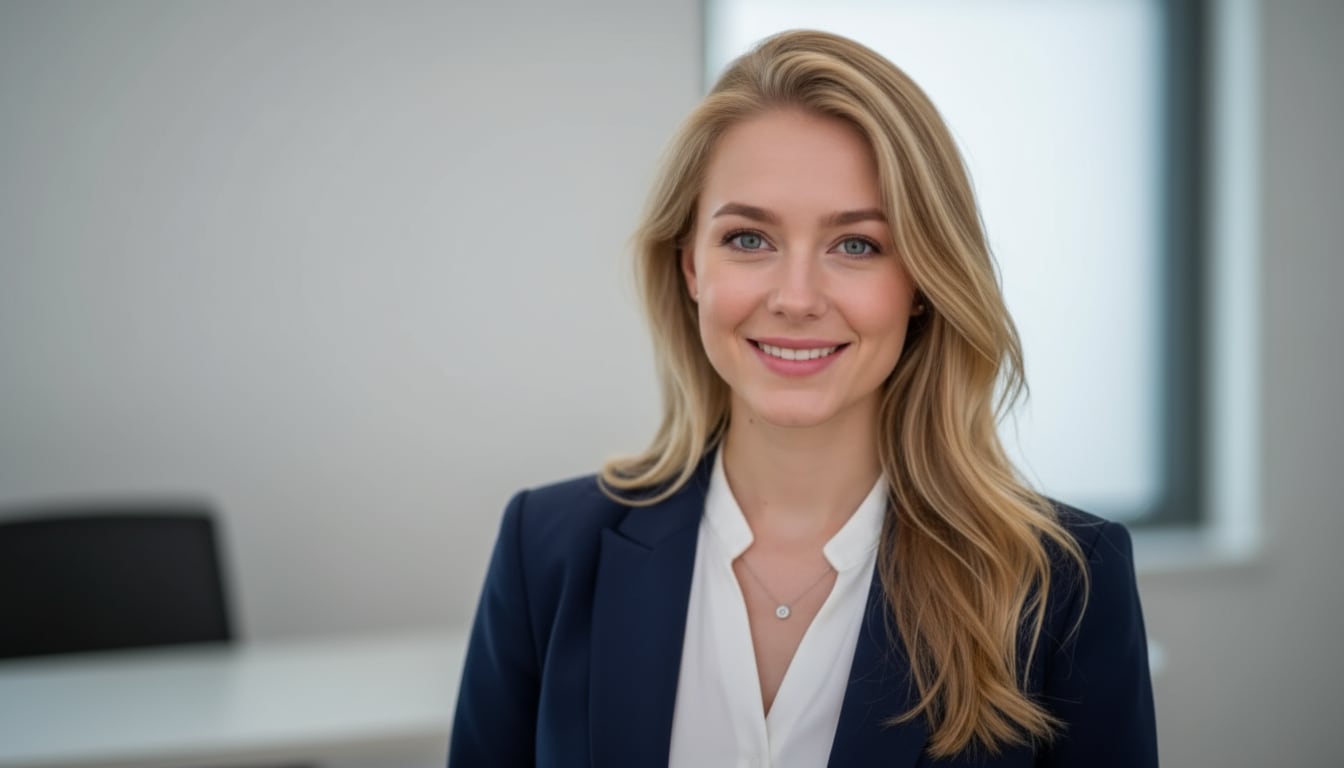
Illustrative Media.io workflow graphic, not a HeadshotPro interface screenshot

How to Make a Professional Headshot From a Selfie

1
2
3
1
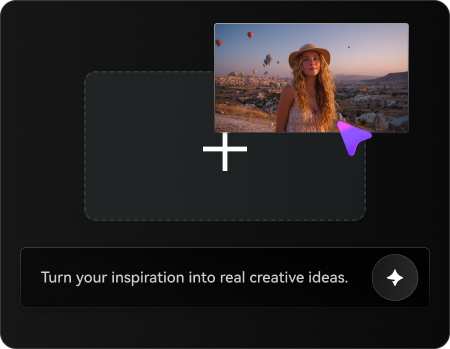
Upload Your Selfie

Upload a clear selfie with your face fully visible, then describe the professional headshot style, background, and attire you want to create.

2
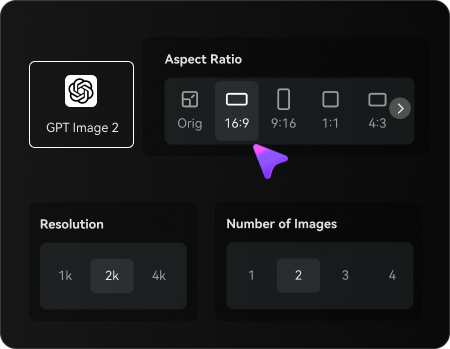
Set Your Image Options

Choose an AI model, adjust the aspect ratio and resolution, and select the number of images to generate.

3
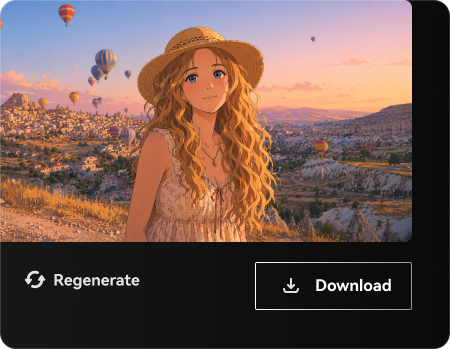
Generate and Refine Your Headshot

Generate your AI headshots, review facial details and likeness, then regenerate or refine your preferred result before downloading.

Illustrative Media.io workflow graphic, not a HeadshotPro interface screenshot

Best Uses of HeadshotPro: Paid Individual Corporate Headshots And Team Rollout

Invite a distributed sales team to upload their own selfies and produce a consistent portrait set. Additional tasks include linkedin profile refresh and company website relaunch.

Remote Team Directory

Invite a distributed sales team to upload their own selfies and produce a consistent portrait set.

New-Hire Onboarding

Issue one headshot credit when a new employee joins, without scheduling a new office photo session. For a related Media.io workflow, explore Close Up Headshot.

LinkedIn Profile Refresh

Generate alternative business portraits with controlled outfits and backdrops for a job application.

Conference Speaker Bios

Provide high-resolution portraits with visual continuity for a multi-speaker event landing page.

Company Website Relaunch

Update staff pages across multiple office locations with common crop and background choices. For a related Media.io workflow, explore LinkedIn Banner Maker.

Personal Branding Portfolio

Test several professional looks for a consultant while evaluating whether skin and facial details remain recognizable.

HeadshotPro Pricing, Restrictions and Practical Limitations

A Basic purchase and an Executive purchase do not offer the same number of portraits, image resolution or turnaround. Confirm the exact tier before comparing prices. Hair coverage, lighting and different angles in source photos affect the usefulness of the final headshots.

Package Selection Changes Output

A Basic purchase and an Executive purchase do not offer the same number of portraits, image resolution or turnaround. Confirm the exact tier before comparing prices.

A Good Selfie Set Is Still Necessary

Hair coverage, lighting and different angles in source photos affect the usefulness of the final headshots.

Generated Likeness Needs Review

An attractive generated portrait may alter teeth, facial proportions, clothing seams or accessories. Users should select realistic results rather than all outputs.

Team Governance Requires Team Credits

An individual purchase does not replicate organization-wide admin controls, invite tracking or matching photo policy.

Refund and Redo Rules Have Conditions

The vendor describes a realism guarantee, but its actual eligibility and redo time window should be read before ordering.

Not an Open-Ended Image Editor

A dedicated headshot purchase is not designed to create a diverse catalog of illustrations, animations and campaign ads.

HeadshotPro vs Media.io: Pricing, Features and Workflow Fit

HeadshotPro sells a coordinated photo shoot, not just one portrait retouch: employees have individual invitation flows, central style choices and package credits. Media.io should be assessed as a faster individual portrait workflow rather than a replacement for a company-wide staff directory rollout.

Decision Factor HeadshotPro Media.io
Primary task Run consistent staff portrait campaigns with invite tracking, team controls and one-time shoot credits. Make a fast individual headshot or experiment with a linkedin portrait outside a company-wide rollout.
Core feature One-Time Professional Headshot Shoots: Individual packages let a person upload selfies and choose portrait styles instead of booking a physical studio session. The quoted number of final portraits, turnarounds and edit credits differ by package. Refresh one professional profile photo without rolling out employee invitations.
Source and preparation Some packages provide additional photo credits and a redo window. Users should check the specific policy and quality guarantee rather than assuming unlimited regenerations. Choose a well-lit personal photo where your face is clearly visible and only you are in frame.
Ideal deliverable Remote Team Directory: Invite a distributed sales team to upload their own selfies and produce a consistent portrait set. Explore attire and portrait backgrounds for a resume or LinkedIn page.
Workflow control A company can allocate a shoot credit to each employee, invite them by email or link and track the rollout from an admin dashboard. This solves a different problem from one person making a profile avatar. Use related photo-editing tools if the goal is a single image correction.
Pricing model HeadshotPro lists one-time individual packages at $29, $39 and $59 and separate team credit pricing. The Professional $39 option describes 50 headshots, 26 photo-edit credits and a redo window; team per-shoot prices and bulk discounts vary by volume. Check current checkout. HeadshotPro uses one-time individual shoots and separate employee credits for teams, with the number of portraits and retouches varying by purchase. For one Media.io professional portrait, compare only the actual editing or generation cost needed for that individual.
Main production limitA Basic purchase and an Executive purchase do not offer the same number of portraits, image resolution or turnaround. Confirm the exact tier before comparing prices.Prioritize likeness and consent over generating a large corporate shoot package.
Who owns the process The official pricing page discusses deletion of uploaded photos, no training on user photos and security documentation. Enterprise options add procurement and identity management considerations. Review facial details and cropping before using the result in a professional profile or company bio.
Best user fit Run consistent staff portrait campaigns with invite tracking, team controls and one-time shoot credits. Make a fast individual headshot or experiment with a linkedin portrait outside a company-wide rollout.
Best for HeadshotPro

Choose HeadshotPro for Paid Individual Corporate Headshots And Team Rollout

HeadshotPro is the more logical choice when you need to run consistent staff portrait campaigns with invite tracking, team controls and one-time shoot credits. Its dedicated workflow matters most for the following decisions.

  • Remote Team Directory: Invite a distributed sales team to upload their own selfies and produce a consistent portrait set.
  • New-Hire Onboarding: Issue one headshot credit when a new employee joins, without scheduling a new office photo session.
  • LinkedIn Profile Refresh: Generate alternative business portraits with controlled outfits and backdrops for a job application.
  • Conference Speaker Bios: Provide high-resolution portraits with visual continuity for a multi-speaker event landing page.
  • Company Website Relaunch: Update staff pages across multiple office locations with common crop and background choices.
Visit HeadshotPro
Best for Media.io

Choose Media.io for Individual Professional Headshots

Someone updating one LinkedIn photo can choose a suitable business backdrop in Media.io without setting up employee invitations. An HR department rolling out matching portraits to 150 remote hires needs the centralized tracking and style governance offered by HeadshotPro.

  • Refresh one professional profile photo without rolling out employee invitations.
  • Explore attire and portrait backgrounds for a resume or LinkedIn page.
  • Use related photo-editing tools if the goal is a single image correction.
  • Prioritize likeness and consent over generating a large corporate shoot package.
Create an AI Headshot

HeadshotPro Review: Who Should Use It?

Our Take

New-Hire Onboarding is a revealing evaluation: Issue one headshot credit when a new employee joins, without scheduling a new office photo session. HeadshotPro offers wardrobe and backdrop combinations to match workplace contexts. Realism still depends on suitable original photos, and a generated jacket is not proof that the subject wore that outfit. A rigorous comparison needs a real conference speaker bios sample, because refund and redo rules have conditions could change the value of this feature.

A Basic purchase and an Executive purchase do not offer the same number of portraits, image resolution or turnaround. Confirm the exact tier before comparing prices. An attractive generated portrait may alter teeth, facial proportions, clothing seams or accessories. Users should select realistic results rather than all outputs. The pricing decision is also concrete: HeadshotPro lists one-time individual packages at $29, $39 and $59 and separate team credit pricing. The Professional $39 option describes 50 headshots, 26 photo-edit credits and a redo window; team per-shoot prices and bulk discounts vary by volume. Check current checkout.

Choose HeadshotPro if you run consistent staff portrait campaigns with invite tracking, team controls and one-time shoot credits. Choose Media.io if your priority is to make a fast individual headshot or experiment with a LinkedIn portrait outside a company-wide rollout. Before selecting a plan, examine generated likeness needs review and test remote team directory with an authorized source asset.

HeadshotPro FAQ: Features, Pricing and Alternatives

How do HeadshotPro AI headshot packages work?
faq faq

HeadshotPro creates professional portraits from uploaded selfies with individual one-time headshot packages and team credit programs for coordinated styles, invitations and bulk downloads.

Individual packages let a person upload selfies and choose portrait styles instead of booking a physical studio session. The quoted number of final portraits, turnarounds and edit credits differ by package. HeadshotPro lists one-time individual packages at $29, $39 and $59 and separate team credit pricing. The Professional $39 option describes 50 headshots, 26 photo-edit credits and a redo window; team per-shoot prices and bulk discounts vary by volume. Check current checkout.

A company can allocate a shoot credit to each employee, invite them by email or link and track the rollout from an admin dashboard. This solves a different problem from one person making a profile avatar.

Team admins can curate clothing and backgrounds and retrieve results in bulk. Matching appearance helps a staff directory look consistent even when hires live in several cities.

HeadshotPro lists one-time individual packages at $29, $39 and $59 and separate team credit pricing. The Professional $39 option describes 50 headshots, 26 photo-edit credits and a redo window; team per-shoot prices and bulk discounts vary by volume. Check current checkout.

The official pricing page discusses deletion of uploaded photos, no training on user photos and security documentation. Enterprise options add procurement and identity management considerations.
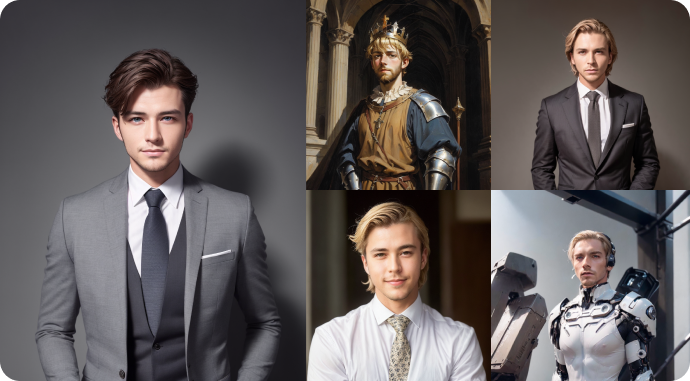
Hair coverage, lighting and different angles in source photos affect the usefulness of the final headshots. The vendor describes a realism guarantee, but its actual eligibility and redo time window should be read before ordering.

make a fast individual headshot or experiment with a LinkedIn portrait outside a company-wide rollout. HeadshotPro adds employee invites and centralized team control.

A company can allocate a shoot credit to each employee, invite them by email or link and track the rollout from an admin dashboard. This solves a different problem from one person making a profile avatar. Aragon is another one-time headshot service; compare team procurement and style policies with current vendor documents.

What Media.io Creators Say About Their Workflow

Media.io AI video generator user
Sarah L.

Content Creator

star star star star half star

Media.io makes it much easier to test different AI video styles without jumping between several platforms. I can start with a text prompt or image, compare model results, and then resize or polish the clip for social media in the same workspace.

Media.io AI video creator
John D.

Social Media Marketer

star star star star half star

I use Media.io to create quick product clips, ad concepts, and short-form videos from images. The biggest advantage is that generation does not feel like the final step - I can continue with music, captions, enhancement, and format conversion before publishing.

Media.io AI video editing user
Emily T.

Freelance Designer

star star star star half star

The workflow is approachable even when I am experimenting with unfamiliar AI models. I can animate artwork, try different motion prompts, preview the output, and prepare a cleaner final version without needing advanced video-editing experience.

Media.io Online Tools Quality Rating:
vote 4.7 (162,357 Votes)
media.io

AI Video Generator star

Easily generate videos from text or images

Generate