Design Striking Close-Up Headshots with AI Detail

Turn your ideas into captivating close-up headshots using Media.io's AI Character Generator. Every face is rendered with lifelike lighting, texture, and emotion to fit your creative vision. Whether you're developing a game character, an OC, or personal branding content, Media.

Generate My AI Headshot Now

Get full control over lighting, emotion, and artistic style in your AI portraits.

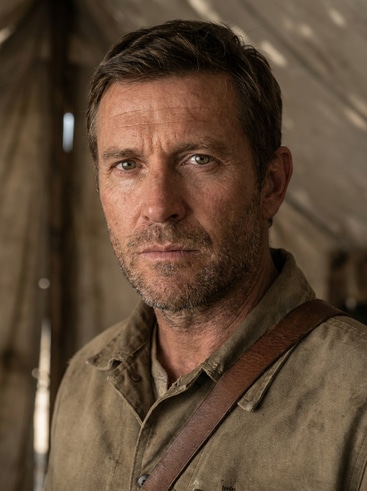
AI generated close-up headshot of a heroic adventurer

Cinematic Close-Up of a Heroic Adventurer

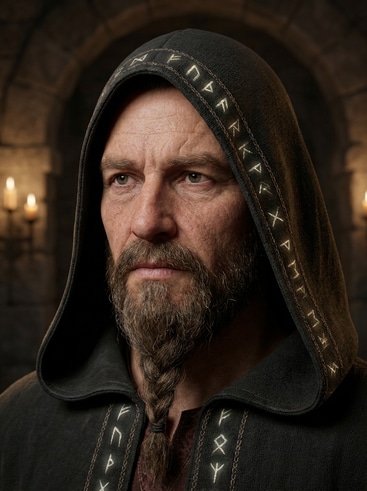
AI generated close-up headshot of a fantasy mage

Stylized Fantasy Mage Portrait

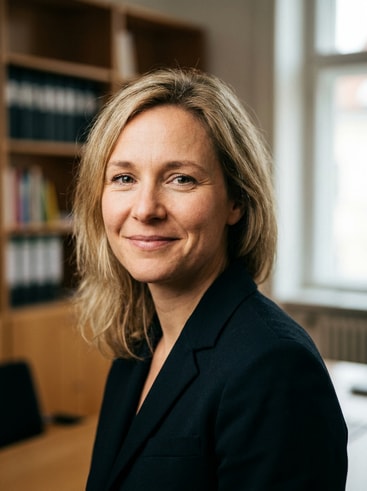
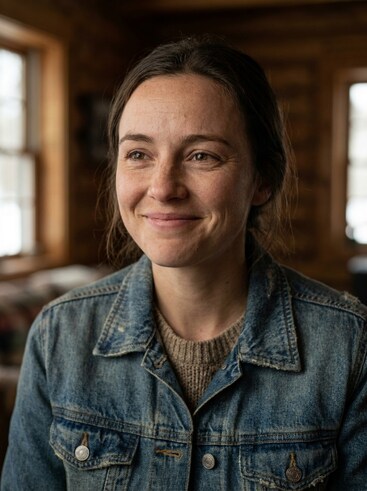
AI generated close-up headshot of a modern professional

Modern Professional Profile Shot

AI generated close-up headshot in anime style

Emotive Anime-Inspired Character

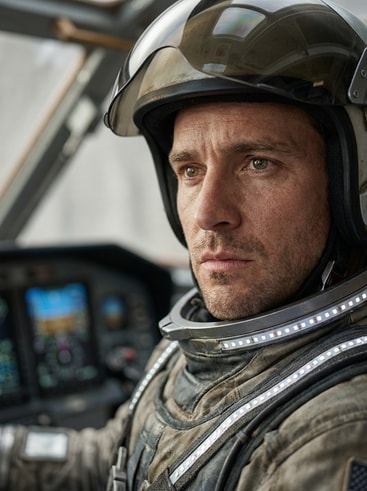
AI generated close-up headshot of a sci-fi pilot

Futuristic Sci-Fi Pilot Portrait

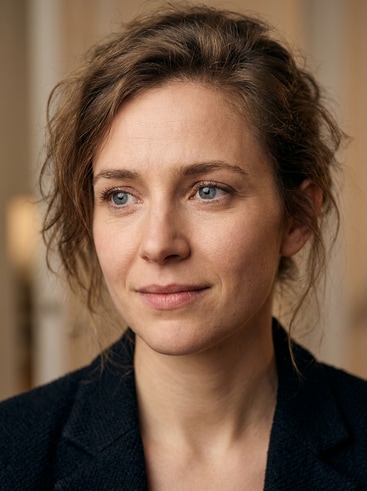
AI generated close-up headshot of an indie game character

Charming Indie Game Protagonist

Why Choose Media.io for Close-Up Headshots

Media.io makes it simple to craft expressive close-up headshots without complex design software. The platform combines AI precision with creative flexibility, offering tools that help creators, brands, and storytellers craft unique visuals. Each headshot stays crisp, realistic, and adaptable across different output sizes. From idea to finished piece, Media.

Professional-Level Detail

Media.io's AI understands lighting, focus, and facial structure for ultra-clear portrait results. Each close-up headshot delivers convincing shadows and reflections that highlight depth and quality. You can define artistic style or camera angle to create professional imagery. It provides a studio-quality finish suitable for portfolio, branding, or storytelling.

Fast Customization for Every Character

Switch expressions, adjust angles, or fine-tune hair and accessories in seconds. This flexibility helps artists and marketers create cohesive sets of headshots for multiple personas. Media.io lets you iterate easily without losing consistency. It becomes your creative studio for diverse characters without restarting each design.

High Consistency in Repeated Creations

Once you generate a look you love, keep producing matching versions seamlessly. Media.io's intelligent modeling retains features across multiple poses and moods. This makes it ideal for ongoing creative series or episodic projects. The consistent rendering saves time and keeps your visual style recognizable.

Ready for Multi-Platform Sharing

Your generated headshots are instantly optimized for profile use, social banners, and creative projects. Media.io offers export sizes fit for TikTok, YouTube thumbnails, and Instagram visuals. With AI-rendered clarity, your portrait retains aesthetic appeal across formats. You deliver sharp, memorable images that strengthen your brand presence.

How to Generate a Close-Up Headshot with Media.io

01

1. Choose or Describe Your Character

Start by entering a creative prompt describing the person or character you want to capture in a close-up headshot. Mention style, mood, and lighting to guide the AI exactly where you want it.

02

2. Customize the Look and Angle

Refine your image with Media.io's adjustment tools. Select camera angle, color scheme, or background tone to perfect your final composition while maintaining facial details and personality.

03

3. Download and Reuse with Ease

Once satisfied, export your close-up headshot for use across avatars, story art, or brand visuals. Media.io saves your generations for reuse, remix, or cohesive project expansion.

What Creators Say About Media.io AI Headshots

user
Ryan M.

Digital Artist

starstarstarstarstar

"Perfect for Expressive Facial Studies" Media.io helps me capture subtleties in expressions that look hand-painted but only take minutes. The lighting and face proportion come out balanced in every render. I've built a full OC portfolio using its close-up headshot output. It's now a key step in my concept art workflow.

user
Alicia G.

Content Creator

starstarstarstarstar

"Easy AI Tool for Profile and Brand Use" As someone managing multiple channels, I need icons that match my identity but stay consistent. Media.io generated cohesive close-up portraits for all my platforms. The colors and composition look professional without needing extra editing. I can refresh my visuals in seconds.

user
Jordon L.

Game Developer

starstarstarstarstar

"Great for Character Design References" I used Media.io to quickly mock up detailed close-up headshots for NPC artwork. The AI output matched my game's atmosphere perfectly. The clarity allows artists on my team to translate ideas into 3D models accurately. It streamlined our pipeline significantly.

user
Maya S.

Visual Designer

starstarstarstarstar

"Reliable Quality With Minimal Input" Even minimal prompts create impressive headshots that capture unique emotion and depth. The generator always respects lighting direction and symmetry. I love how each iteration builds on the last with no loss in quality. It's one of the most dependable AI generators I've used.

user
Ethan R.

Indie Filmmaker

starstarstarstarstar

"Essential for Visual Mood Boards" Media.io's realistic close-ups make pitching character ideas easier than ever. I can visualize emotional tone and lighting reference directly from AI renders. Every export keeps its cinematic depth and looks ready for use in key visuals. It saves me hours in preproduction mood board work.

Artists, marketers, and storytellers love the realistic quality and control this tool gives.

Close-Up Headshot FAQ

1. What Is a Close-Up Headshot in Media.io?
faqfaq

A close-up headshot focuses on a character's face and upper features, showcasing detailed emotion and texture. Media.io's AI captures this look with realistic lighting and shadow depth. It delivers lifelike portraits ideal for thumbnails, avatars, and concept visualization. Creators can fine-tune each render in seconds.

Yes, you can control art style, camera angle, and tone easily in Media.io. The generator supports both realistic and stylized looks depending on your creative needs. You can refine the same character across different moods while keeping facial features consistent. This flexibility is perfect for diversified portfolios or branding sets.

Absolutely. Media.io offers export quality suitable for professional projects, marketing visuals, or cinematic concept boards. The images maintain clarity even in high-resolution formats. It gives freelancers, creators, and teams a reliable way to produce presentation-ready portraits.

Use saved prompts or reference images in Media.io to maintain consistent features across scenes. Adjust emotions, lighting, or accessories while reusing the same model foundation. This enables creators to build cohesive storylines or collections. The AI ensures small details like eye color and facial proportions stay uniform.

Yes, the tool lets you produce profile-ready AI images sized for most platforms. Each export keeps its visual quality on TikTok, YouTube, or Instagram. You can instantly refresh banners, icons, or thumbnails without losing clarity. It's a quick and creative upgrade for your personal or brand presence.

No design expertise is needed. The intuitive interface guides you through prompt creation and simple style adjustments. Everything is visual and easy to test so you get fast results. Even beginners can create professional-looking portraits without technical skills.

Media.io offers free credits to explore basic AI character generation. For advanced controls and commercial rights, premium options are available at affordable rates. You only pay for extra features when you truly need them. This makes it budget-friendly for individuals and small teams.

Yes, many creators use them for scripts, visual novels, or animation planning. Media.io's close-up renders communicate mood and emotion effectively. The detailed lighting and texture help visualize scenes better. You can expand them into full-body concepts later with consistent character modeling.

Media.io Online AI Tools Quality Rating:
vote 4.7 (162,357 Votes)



