














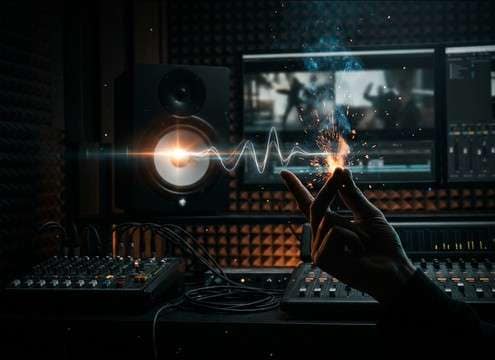


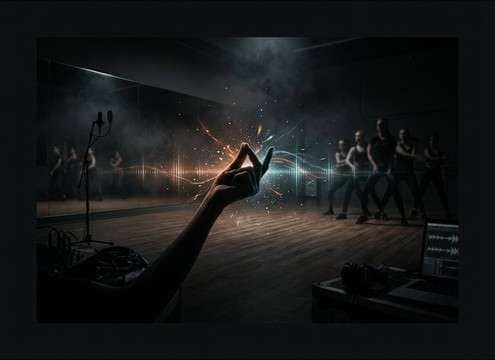


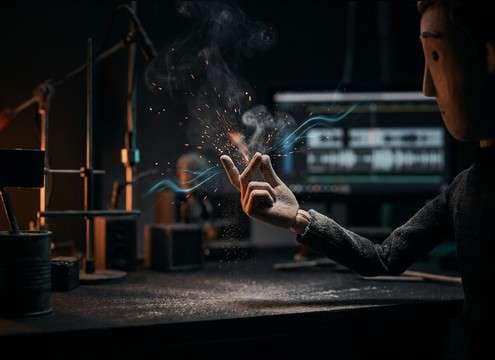


A good snap is mostly about the transient: how sharp the initial click is, how much skin texture you hear, and whether the space adds reflections. When browsing downloads, listen for how quickly the sound decays and how much room tone sits behind it. When prompting AI, describe perspective (close vs distant), environment (dry vs room), and whether you need one snap or a timed sequence.
Start with the transient
If the snap needs to cut through dialogue or music, prioritize a fast attack with clear high-frequency detail. For softer scenes, reduce the bite so it doesn't sound like a click track.
- Use words like "crisp transient" or "rounded attack" in prompts
- Avoid overly bright snaps if you plan heavy compression
- Pick a snap that still reads clearly at low volume
Match the room and distance
A snap recorded "in space" feels believable on screen, but too much tail can wash out quick cuts. Decide whether you want dry and close, or distant with audible reflections and room bed.
- For close-up hands, choose dry or very short reflections
- For wide shots, allow more room tone and softer highs
- Keep stereo width subtle unless the scene is intentionally stylized
Single hit vs timed pattern
Many edits need one clean snap for a visual beat, while choreography or rhythm cues need consistent spacing. Choose assets that match your edit style so you don't fight timing artifacts later.
- For transitions, one isolated snap is easiest to sync
- For tempo cues, ask for "evenly spaced snaps" in the prompt
- Leave a little pre-roll so you can align the transient exactly
Avoid common snap problems
The quickest way to ruin realism is a snap with odd ringing, digital grit, or a reverb tail that doesn't match the scene. Keep the sound simple and scene-appropriate.
- Skip clips with metallic ringing or unnatural resonance
- Don't overuse long reverb tails for fast comedic cuts
- If it masks speech consonants, pick a softer snap or lower its level




