













Double-Beep Sound Effects for Gadgets and Games

Start with the message the double beep needs to communicate. A short matching pair suits confirmation, a high-low response can give a robot character personality, and spaced pulses are better for a fictional reversing vehicle.

How to Generate Beep Beep Sound Effects with AI

Build a double beep around its purpose, not just the word "beep." The prompt can specify two pitches, the pause between them and whether the sound should feel friendly, mechanical or urgent.

1

Open Media.io AI Sound Effects Generator

Visit Media.io AI Sound Effects Generator to create an original beep beep sound from a text description.

2

Enter a Sound Prompt

Describe the sound you want, including source and performance. For example: "Two synthesized beeps with high pitch followed by low pitch and tiny digital tail, friendly fictional robot response." Adjust the details to match your scene.

3

Choose Duration, Quantity and Generate

Select 5s, 10s, 20s or 40s; choose to generate 1, 2, 3 or 4 results; then click Generate. Start with a shorter cue for isolated actions, or a longer setting if the sound needs room to develop.

4

Preview and Download Your Sound

Listen to each generated option before downloading. Two crisp, equal-pitch pips suggest completion; regularly repeated pulses can convey a cautionary state. Keep those patterns audibly different in a product interface. Save the take whose timing and texture match the scene.

Beep Beep Sounds in Context: Eight Practical Scenes

Paired tones work when the listener needs a clear reaction without speech. Their timing should match the button press, moving vehicle or animated gesture in the shot.

App success cue scene for beep beep audio

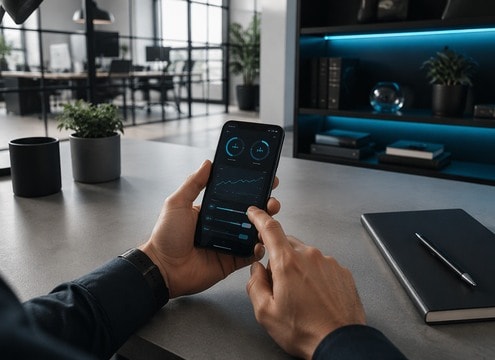
App success cue

Paired clean beeps confirm a completed action.

Warehouse reversing scene for beep beep audio

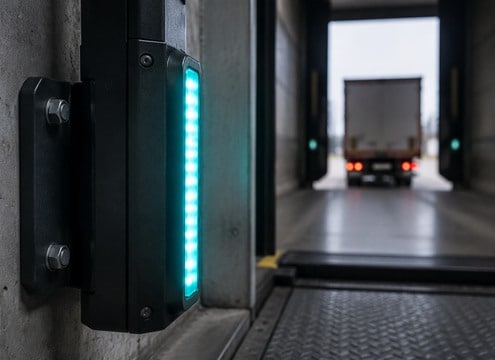
Warehouse reversing

Regular beeps give context to moving equipment.

Cartoon vehicle scene for beep beep audio

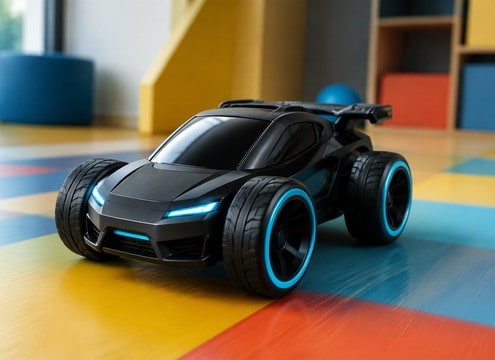
Cartoon vehicle

Rubber horn pair adds personality to a toy car gag.

Retail checkout scene for beep beep audio

Retail checkout

Two scanner pips underline rapid product handling.

Robot animation scene for beep beep audio

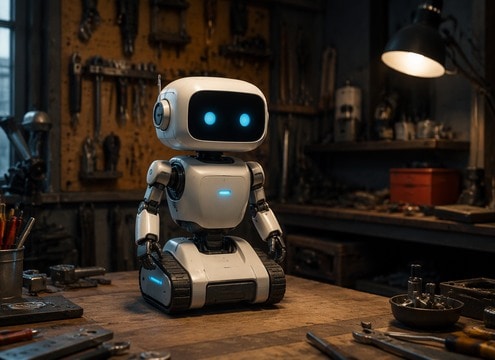
Robot animation

High-low tones make a small robot respond.

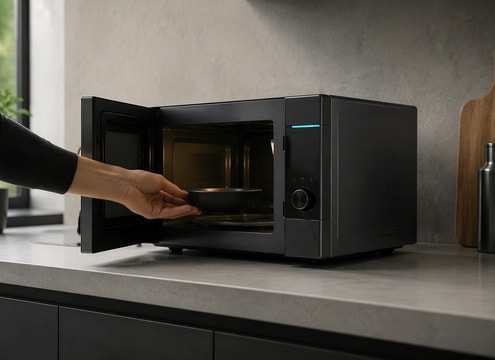
Kitchen appliance scene for beep beep audio

Kitchen appliance

Soft double tone signifies a finished timer.

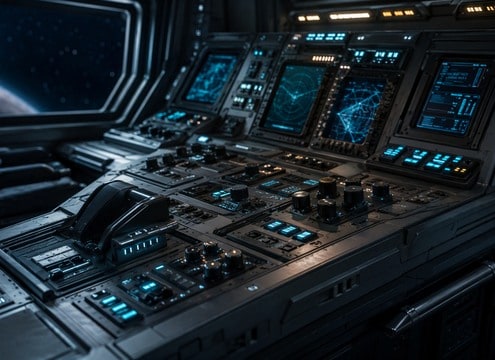
Sci-fi game scene for beep beep audio

Sci-fi game

Console bleeps communicate an interaction state.

Clinic training scene for beep beep audio

Clinic training

Generic equipment beeps support an instructional simulation.

How to Choose Beep Beep Sound Effects That Fit

Small electronic tones can make a product feel responsive - provided that success, warning and character reactions sound different.

Clean Double Confirmation: Listen to the Attack

Separate Confirmation from Warning

Two crisp, equal-pitch pips suggest completion; regularly repeated pulses can convey a cautionary state. Keep those patterns audibly different in a product interface.

Put App success cue in the Right Space

Give Robots Their Own Response

A descending second note can sound puzzled, while a rising pair feels enthusiastic. Tiny pitch changes are more expressive than adding extra effects.

Reversing Truck Beeps for a Different Mood

Match Beeps to Machine Scale

A pocket scanner needs a thin, short ping. A fictional industrial vehicle can use a wider, slower signal with a little distance in the recording.

Give Warehouse reversing Its Own Rhythm

Avoid Notification Fatigue

For repeated UI actions, choose a restrained amplitude and a short decay so the same sound remains tolerable during a long session.

Compare Toy Car Horn Double with Scanner Two Pips

Use Silence Between the Notes

A 100-millisecond pause reads as a connected pair; a longer gap may sound like two unrelated actions. Describe the spacing in your prompt.

Make Arcade Life Alert Easier to Mix

Keep Fictional Alerts Unmistakable

Design new patterns rather than mimicking safety equipment or copyrighted notification sequences exactly, particularly for demos and branded apps.

Design Two Beeps
as a Meaningful Pair

Two beeps are a tiny language. Start by deciding whether the listener should feel success, attention or personality. A matched pair is easy to understand as a single completed action, while alternating pitches can imply a question or reply.

Treat the gap as a design choice

Listen to the gap between notes at ordinary phone volume. If the second beep arrives too late, users may think a second event occurred; if it arrives too quickly, the pair can merge into a buzz.

  • Clean Double Confirmation - Two short identical soft sine-wave beeps separated by 160 milliseconds, precise digital interface cue, neutral midrange, no music.
  • High-Low Robot Reply - Two synthesized beeps with high pitch followed by low pitch and tiny digital tail, friendly fictional robot response.
  • Reversing Truck Beeps - Regular spaced safety reversing beeps from a stationary vehicle speaker in open industrial lot, slight distance, no engine loudness.
  • Microwave Completion Pair - Two bright household appliance tones ring in quick succession with short pause, dry kitchen ambience, no known device signature.
  • Toy Car Horn Double - Cute tiny rubbery vehicle horn gives two distinct honks, playful toy sound, no roadway ambience.

Build a family of related states

For a product or game, keep a shared timbre across success, caution and error variants, then change only rhythm and interval. Preview the tones together so they sound related without becoming interchangeable.

  • App success cue - Paired clean beeps confirm a completed action.
  • Warehouse reversing - Regular beeps give context to moving equipment.
  • Cartoon vehicle - Rubber horn pair adds personality to a toy car gag.
  • Retail checkout - Two scanner pips underline rapid product handling.
  • Robot animation - High-low tones make a small robot respond.
  • Kitchen appliance - Soft double tone signifies a finished timer.
  • Sci-fi game - Console bleeps communicate an interaction state.
  • Clinic training - Generic equipment beeps support an instructional simulation.

FAQs About Beep
Beep Sound Effects

Questions about double-pulse timing, interface states and fictional alert sounds.

How do I create a double beep sound effect?

Specify two pulses, their pitches, spacing and whether they should have a clean or softened attack.

What is the difference between a confirmation beep and warning beep?

Confirmation tones are often brief and low urgency; warning patterns tend to repeat or sound more insistent.

Can I make beep beep sounds for a robot character?

Yes. Combine high and low electronic pitches with a distinct rhythm, keeping the sequence original.

Should reversing beep sound effects be loud?

Use a realistic level relative to the scene and avoid presenting stylized audio as a real safety or compliance signal.

How do I make a beep sound distinct from a text message notification?

A beep can mark any device state; messaging notifications should be tied to received or sent communication events.

How long should a double confirmation beep last?

For a button or scan event, a concise pair usually reads more clearly than a lingering tone. Preview it with rapid repeated actions before deciding on duration.

Can AI beep sounds replace an actual safety alarm?

Treat generated tones as creative audio for fictional scenes or prototypes, not certified signals for real vehicles, medical devices or emergency systems.

More Sound Effects
for App Success Cue

From interface clicks to machinery cues, browse neighboring effects when a double beep needs a more specific action or environment.

sound

Fire Alarm Sound Effects

Browse sounds
sound

Party Horn Sound Effects

Browse sounds
sound

Ship Horn Sound Effects

Browse sounds
sound

Reggae Horn Sound Effects

Browse sounds
sound

Car Horn Sound Effects

Browse sounds
sound

Truck Horn Sound Effects

Browse sounds
sound

Air Horn Sound Effect

Browse sounds
sound

Auto Horn Sound Effects

Browse sounds
sound

Burglar Alarm Sound Effects

Browse sounds
sound

Notification Sound Effects

Browse sounds
sound

Smoke Alarm Sound Effects

Browse sounds
sound

Train Horn Sound Effects

Browse sounds
sound

Robot Sound Effects

Browse sounds
sound

Alarm Clock Sound Effects

Browse sounds
sound

Censor Beep Sound Effects

Browse sounds
sound

All Sound Effects

Explore all topics
media.io

AI Video Generator star

Easily generate videos from text or images

Generate