Winnie the Pooh Test Pooh Test Trend: Turn Your Results into Shareable AI Images & Videos
The Pooh Test trend has become a popular way to explore personality through familiar Winnie the Pooh characters. Many people take the test to find out which character they relate to most—but once the results appear, the experience often stops at a simple screenshot.
If you’ve already discovered which Winnie the Pooh character you are, you don’t have to end there. With Media.io, you can turn your Pooh test results into expressive AI fairytale images, character-style avatars, and short animated videos that feel more personal and are made to be shared on social media.
Create My Pooh Character with Media.io Free Now→
Stunning AI creations generated with Media.io - powered by Nano Banana Pro.
How to Turn Your Pooh Test Results into AI Images & Videos in 3 Simple Steps
Turning your Pooh Test results into shareable visuals is simple. In just a few steps, you can create personalized images or animated videos that bring your character match to life.
1
Open the AI Image or Video Generator
Start by opening Media.io’s AI Pooh image or video generator. This is where your Pooh Test results become the creative foundation for your visuals. Choose whether you want to create a still image, a character-style avatar, or a short animated video.
2
Upload a Photo and Add a Prompt
Upload your photo, or start from scratch if you prefer a fully illustrated look. Then enter a creative prompt to describe how you want your Pooh character or fairytale scene to appear—you can pick one directly from the prompt library below or customize it to match your personality.
3
Generate, Preview, and Save
Let the AI generate your image or video based on your prompt and inputs. Preview the result, make adjustments if needed, and once you’re happy, save or download it. Your Pooh-inspired visual is now ready to share on TikTok, Instagram, or anywhere you like.
Winnie the Pooh Test AI Photo Prompt (Best for Realistic Results)
Winnie the Pooh
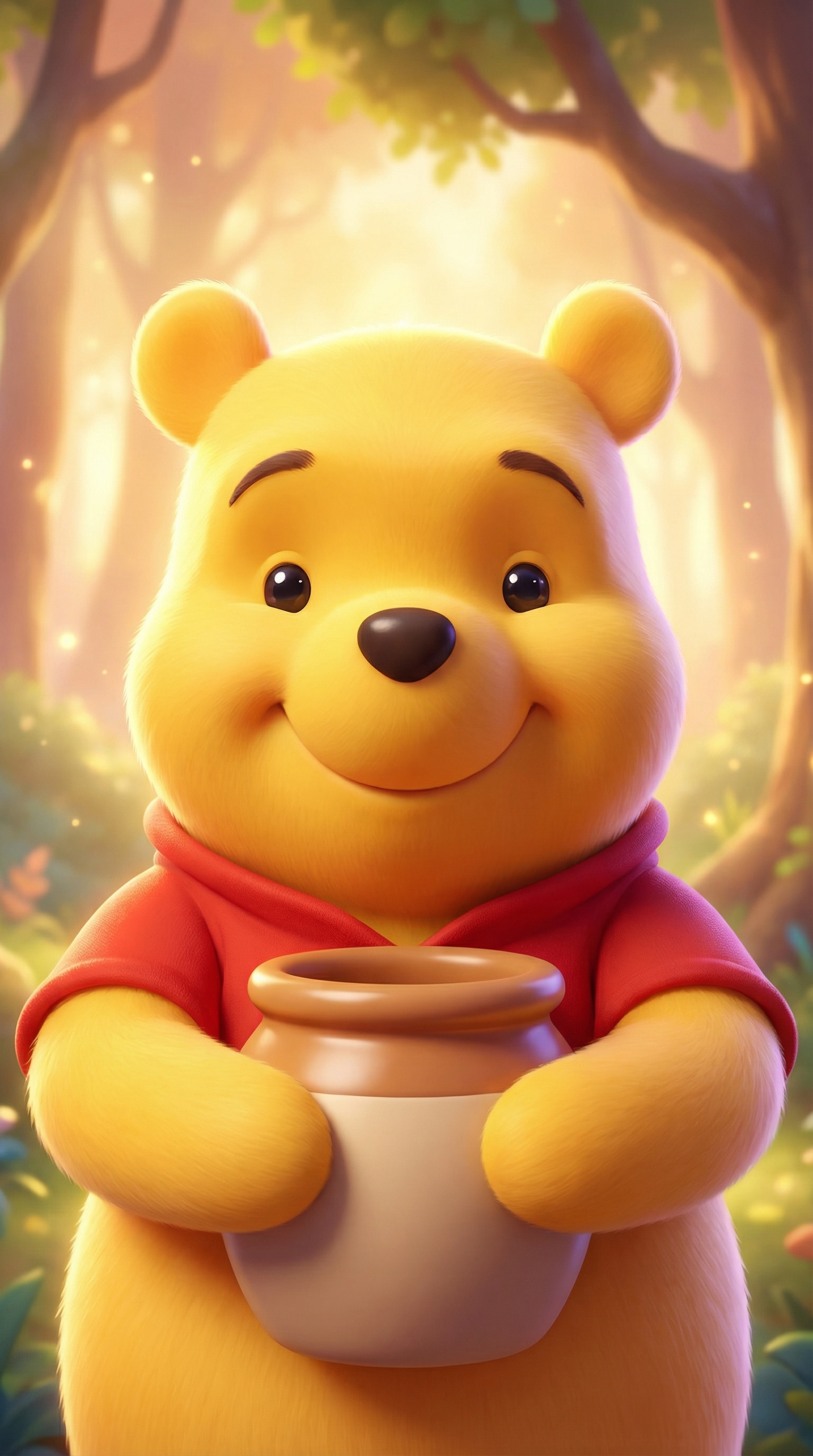
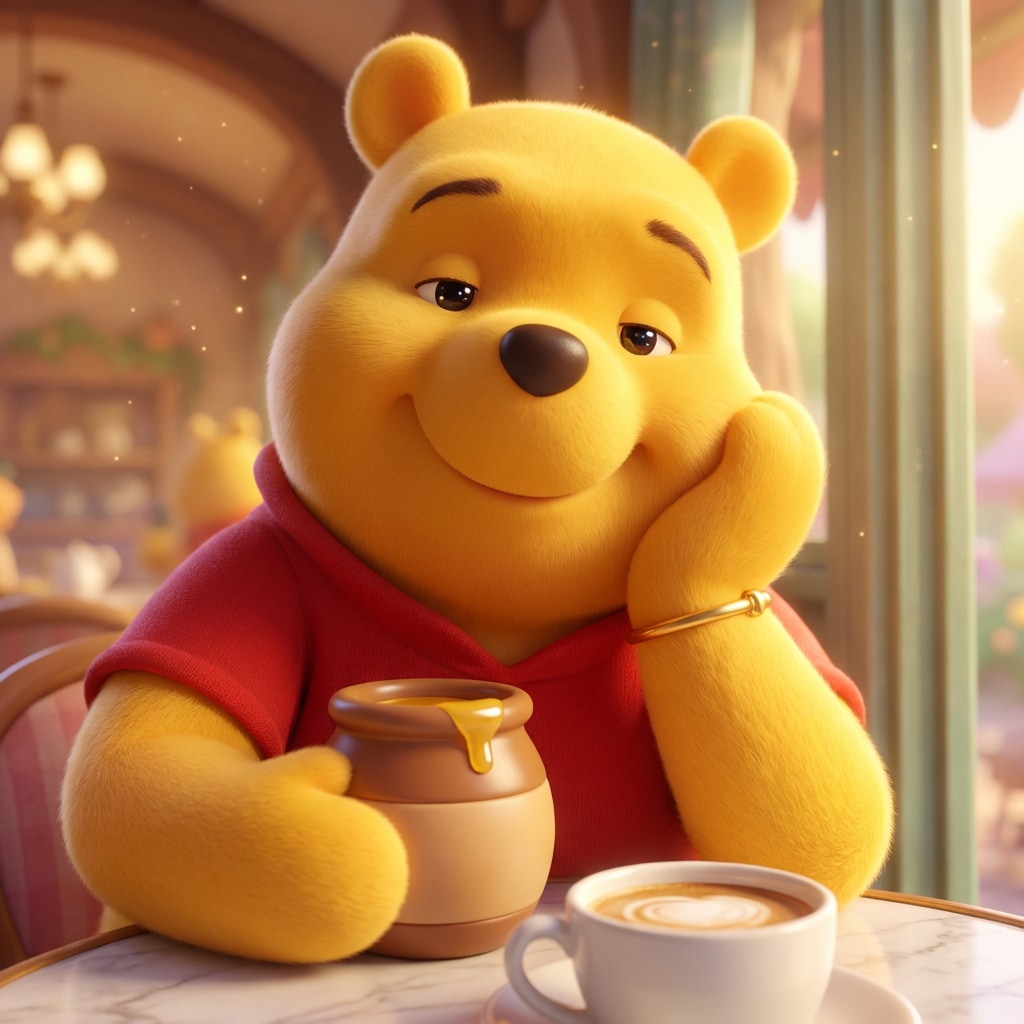
The uploaded portrait was transformed into a character from the Hundred Acre Wood, adopting a modern 3D animation style similar to the 2011 Disney animated film *Winnie the Pooh*. It features glossy, soft fur texture, gentle cel coloring, vibrant yet soothing pastel tones, sparkling eyes, an adorable, rounded body proportion, and a warm, happy expression. The background glows with a subtle forest magic light, creating a healthy, happy, and warm atmosphere—the perfect social media profile picture. The details are rich, with the pose and body language perfectly matching the reference image, including arm position, head tilt angle, leg posture, and facial expression. as Winnie the Pooh himself, round chubby yellow bear wearing a small red shirt, holding a honey pot, calm sleepy contented gentle smile, relaxed "oh bother" vibe
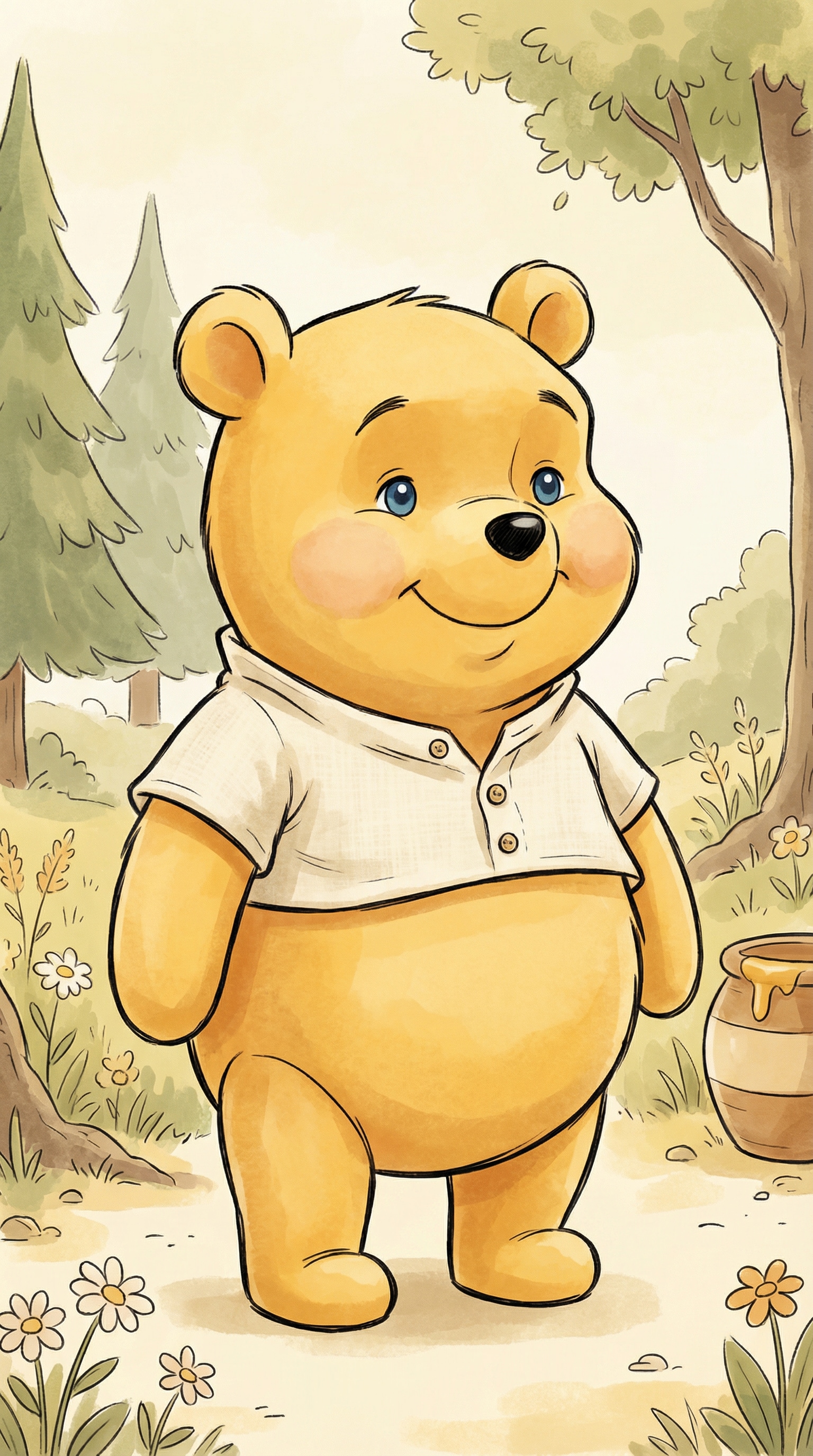
Winnie the Pooh
Turn the uploaded photo into a classic Winnie-the-Pooh–style bear character.
Transform the person completely into a warm, round, honey-loving bear with soft shapes and a gentle, friendly expression.
Use a classic children’s animation and storybook illustration style with watercolor textures and clean line art.
Color palette should be warm yellow, honey gold, and soft cream.
The character should feel cozy, innocent, and comforting.
Simple background with a soft storybook atmosphere.
No realism, no human facial features, no 3D, no modern anime style.
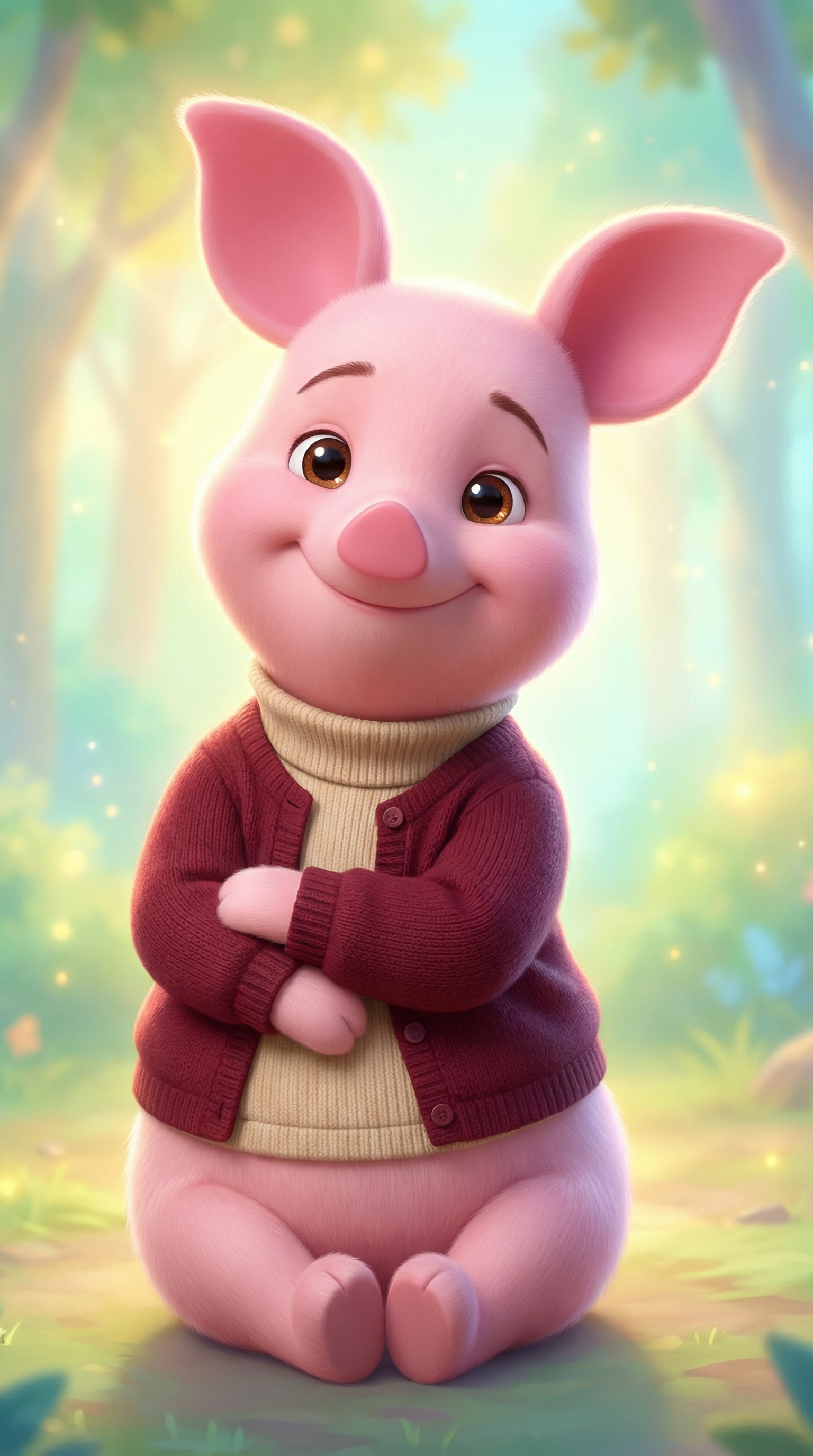
Piglet
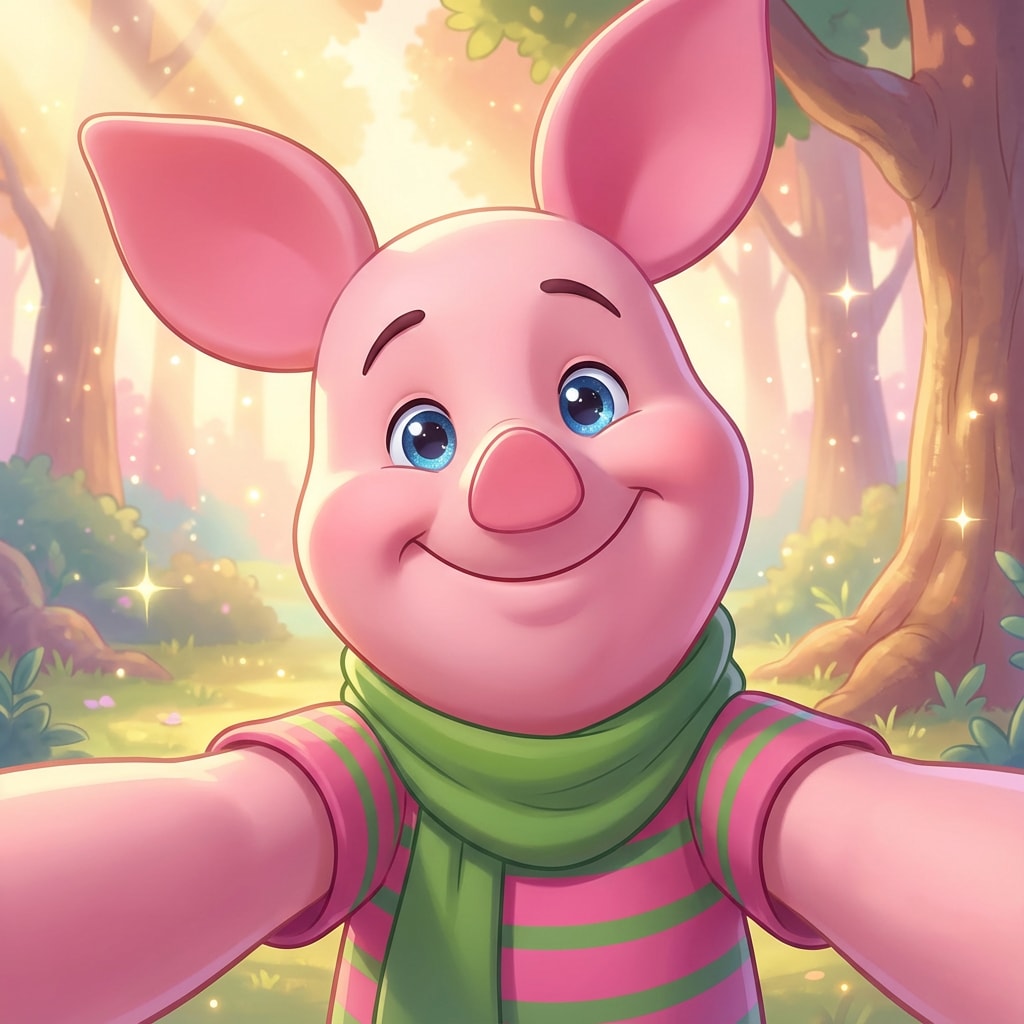
The uploaded portrait was transformed into a character from the Hundred Acre Wood, adopting a modern 3D animation style similar to the 2011 Disney animated film *Winnie the Pooh*. It features glossy, soft fur texture, gentle cel coloring, vibrant yet soothing pastel tones, sparkling eyes, an adorable, rounded body proportion, and a warm, happy expression. The background glows with a subtle forest magic light, creating a healthy, happy, and warm atmosphere—the perfect social media profile picture. The details are rich, with the pose and body language perfectly matching the reference image, including arm position, head tilt angle, leg posture, and facial expression. Piglet, a pink pig wearing a green scarf or pink striped shirt, has sparkling eyes, appearing both worried and brave, nervous and cute, radiating an aura of shyness, loyalty, anxiety, and strength.
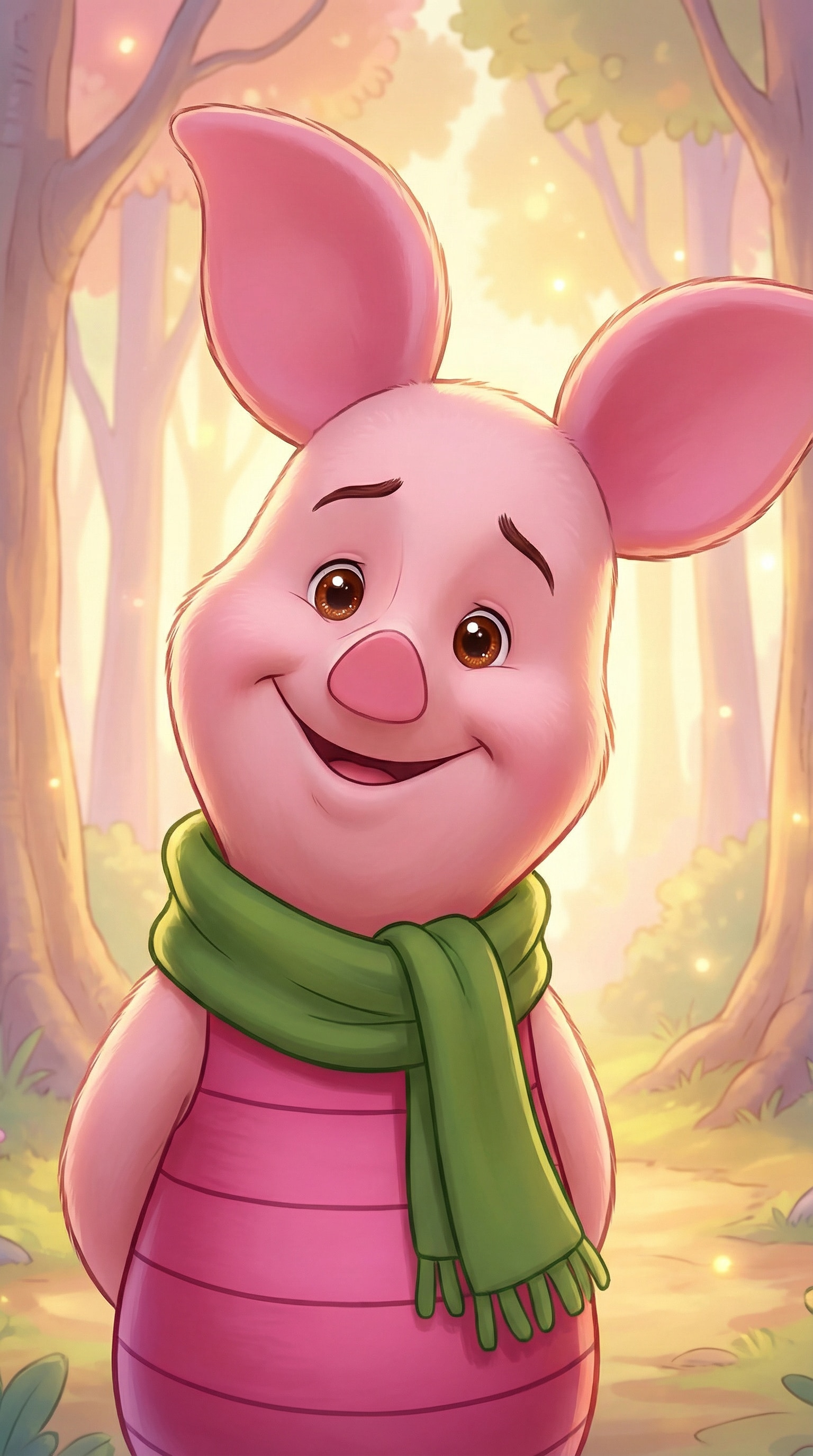
Piglet
Turn the uploaded photo into a sweet Piglet-style character.
Transform the person completely into a small, pink piglet with big gentle ears, a shy but kind expression, and simple rounded features.
Use a classic children’s animation and storybook watercolor style.
Soft pastel colors, warm lighting, and a calm, comforting mood.
The character should feel sensitive, gentle, and lovable.
Minimal storybook background, clean and cozy.
No human face, no realism, no 3D, no exaggerated cartoon style.
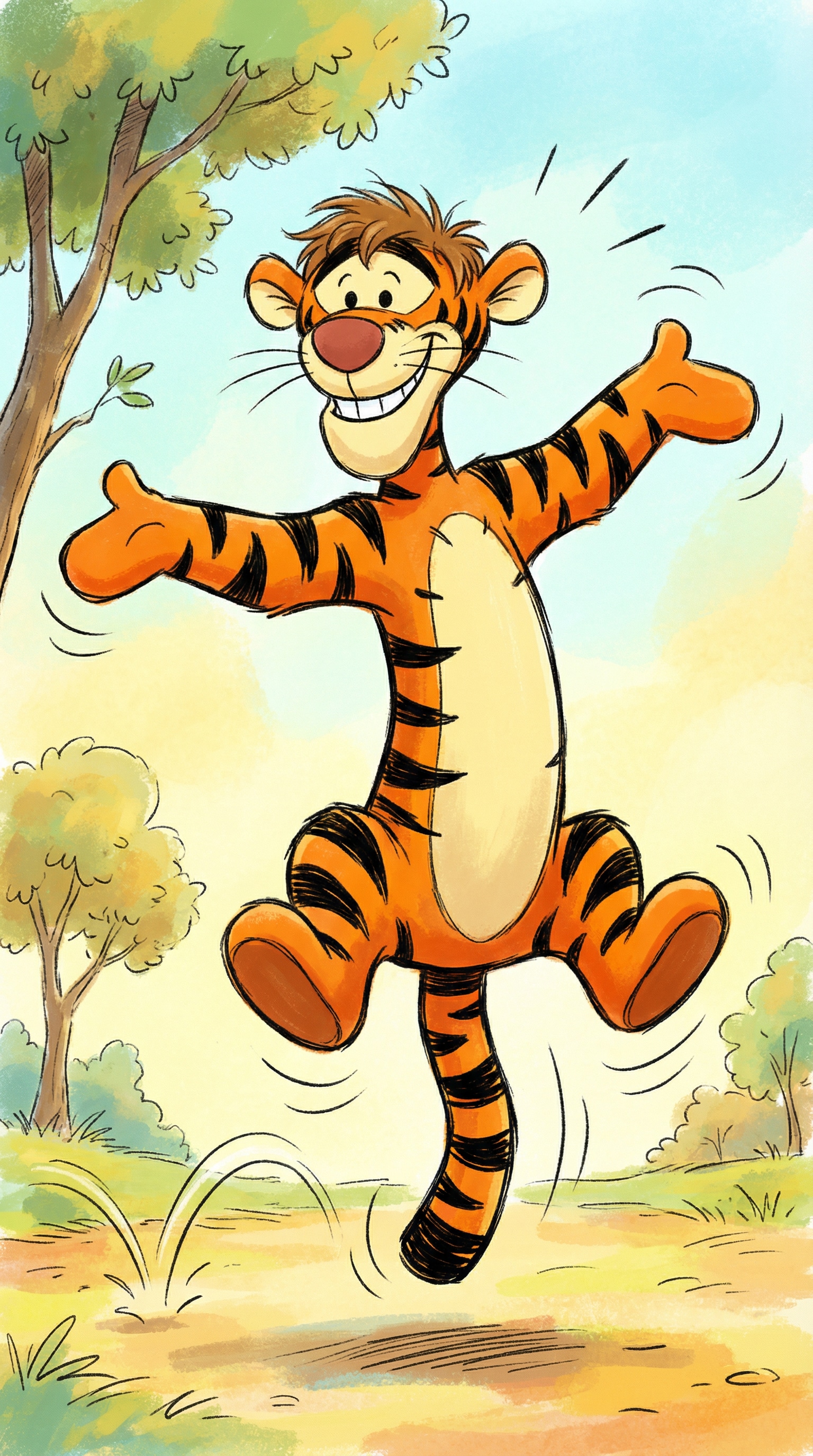
Tigger
Turn the uploaded photo into a playful Tigger-style tiger character.
Transform the person completely into an energetic orange tiger with bold stripes, a big cheerful smile, and a lively pose.
Use a classic children’s animation and illustrated storybook style.
Bright warm colors, dynamic posture, and a fun, bouncy feeling.
The character should feel confident, joyful, and full of energy.
Simple storybook background with motion-friendly elements.
No realism, no human facial features, no 3D rendering.
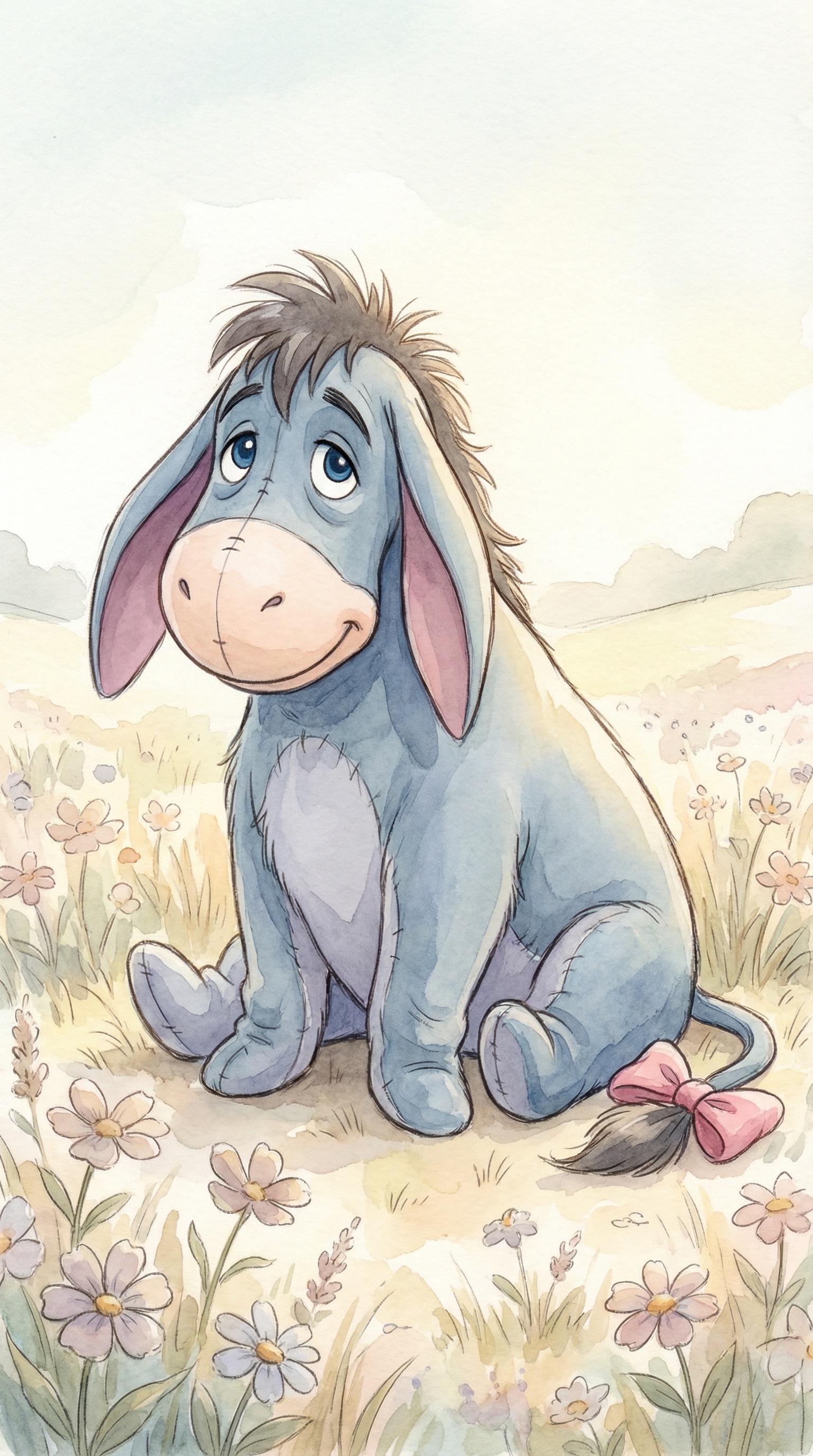
Eeyore
Turn the uploaded photo into a gentle Eeyore-style donkey character.
Transform the person completely into a soft gray-blue donkey with long droopy ears and a calm, slightly melancholic expression.
Use a classic children’s animation and watercolor storybook illustration style.
Muted pastel colors, soft lighting, and a quiet, comforting atmosphere.
The character should feel thoughtful, tender, and emotionally warm.
Minimal background with a peaceful storybook mood.
No realism, no human face, no dark or gloomy tone.
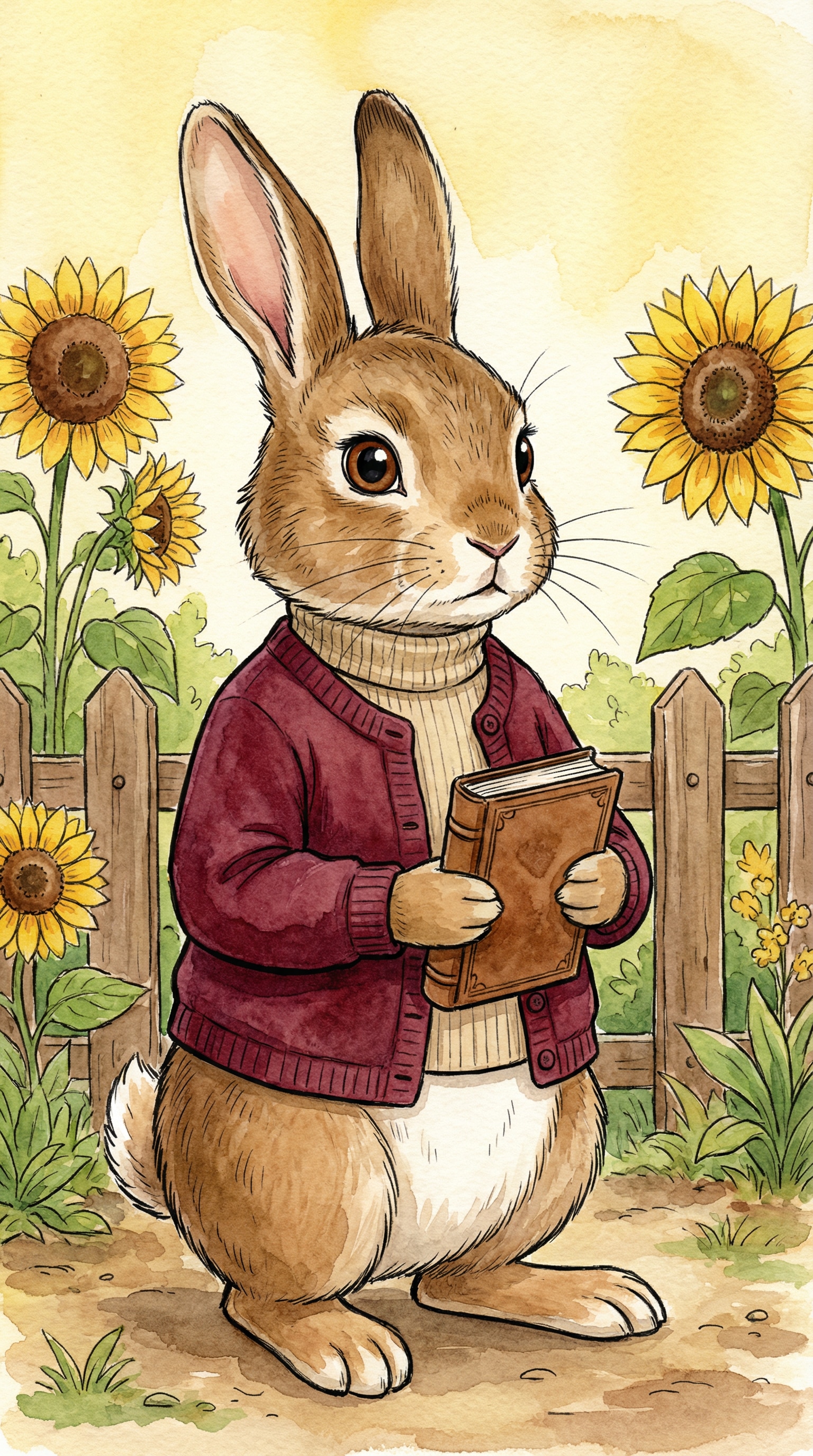
Rabbit
Turn the uploaded photo into a Rabbit-style character from a classic children’s animation.
Transform the person completely into a neat, upright rabbit with alert eyes and an organized, expressive personality.
Use a hand-painted storybook illustration style with clean line art and watercolor textures.
Warm yellow and earthy tones, tidy composition.
The character should feel responsible, slightly serious, but caring.
Simple garden or storybook background.
No realism, no human facial features, no modern cartoon style.
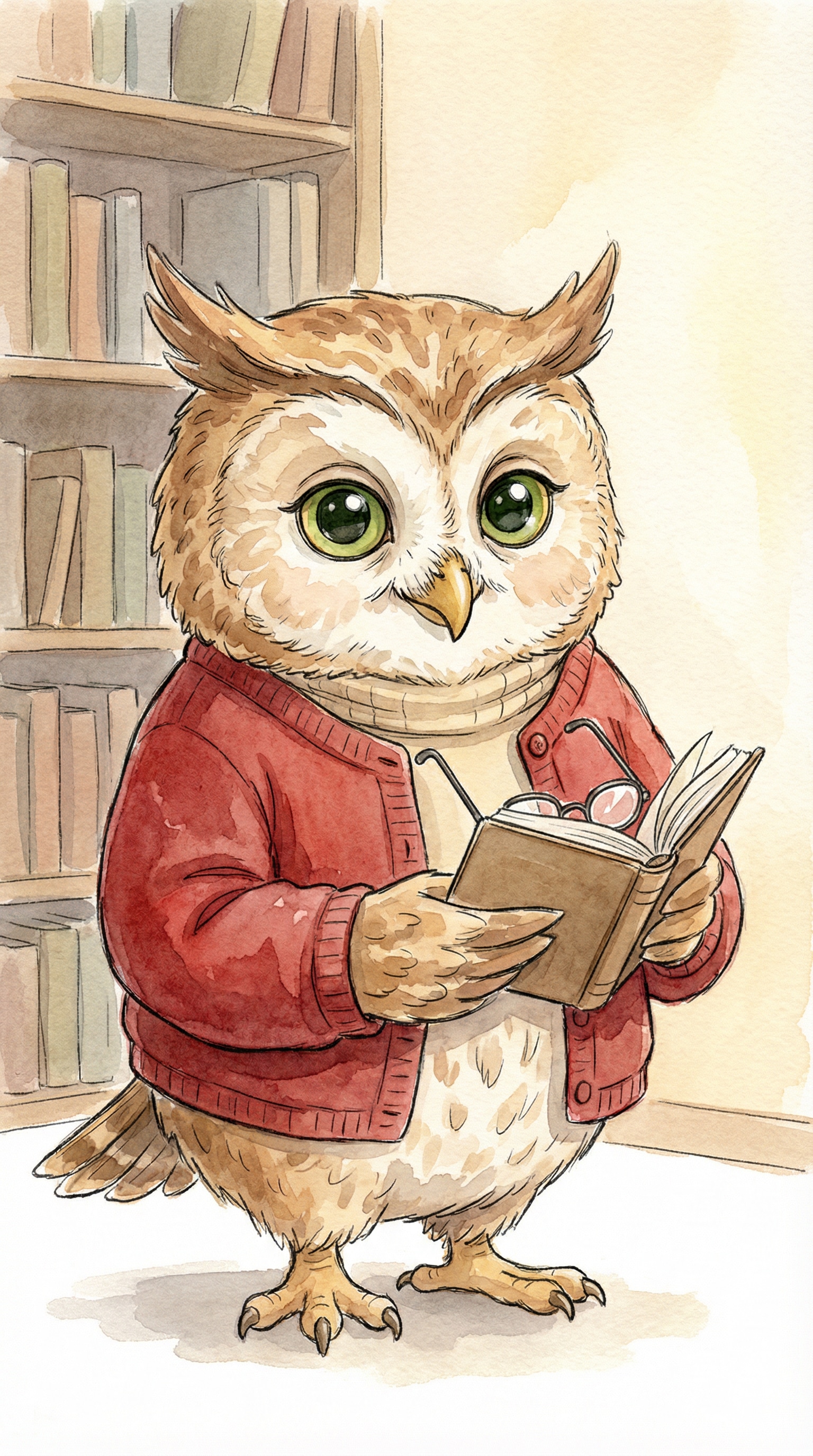
Owl
Turn the uploaded photo into an Owl-style character from a classic children’s storybook.
Transform the person completely into a wise-looking owl with large expressive eyes and soft feather textures.
Use a traditional children’s animation and watercolor illustration style.
Warm brown and cream colors, gentle lighting, and a cozy intellectual mood.
The character should feel talkative, thoughtful, and charming.
Minimal storybook background, clean and readable.
No realism, no human face, no 3D effects.
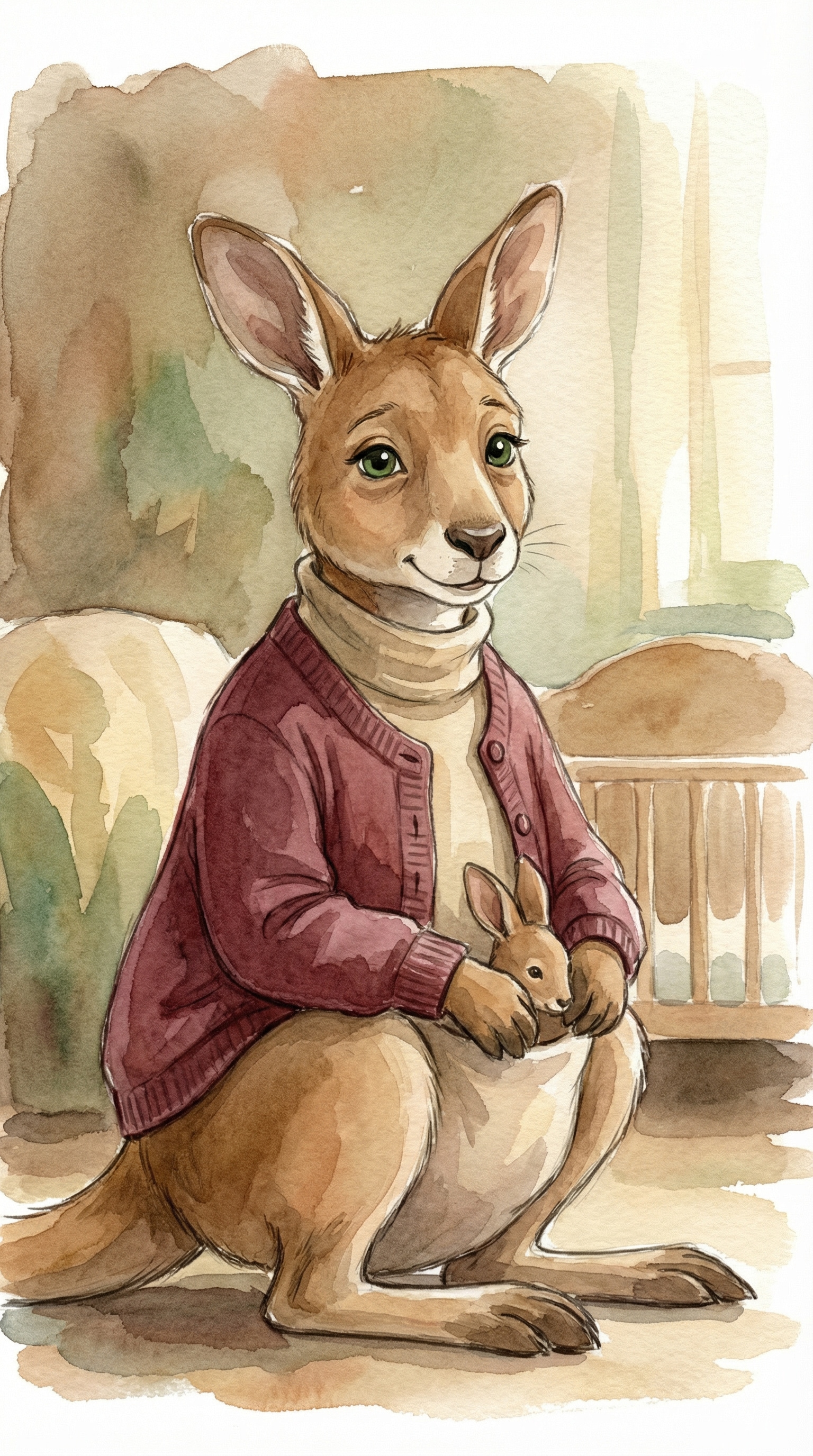
Kanga
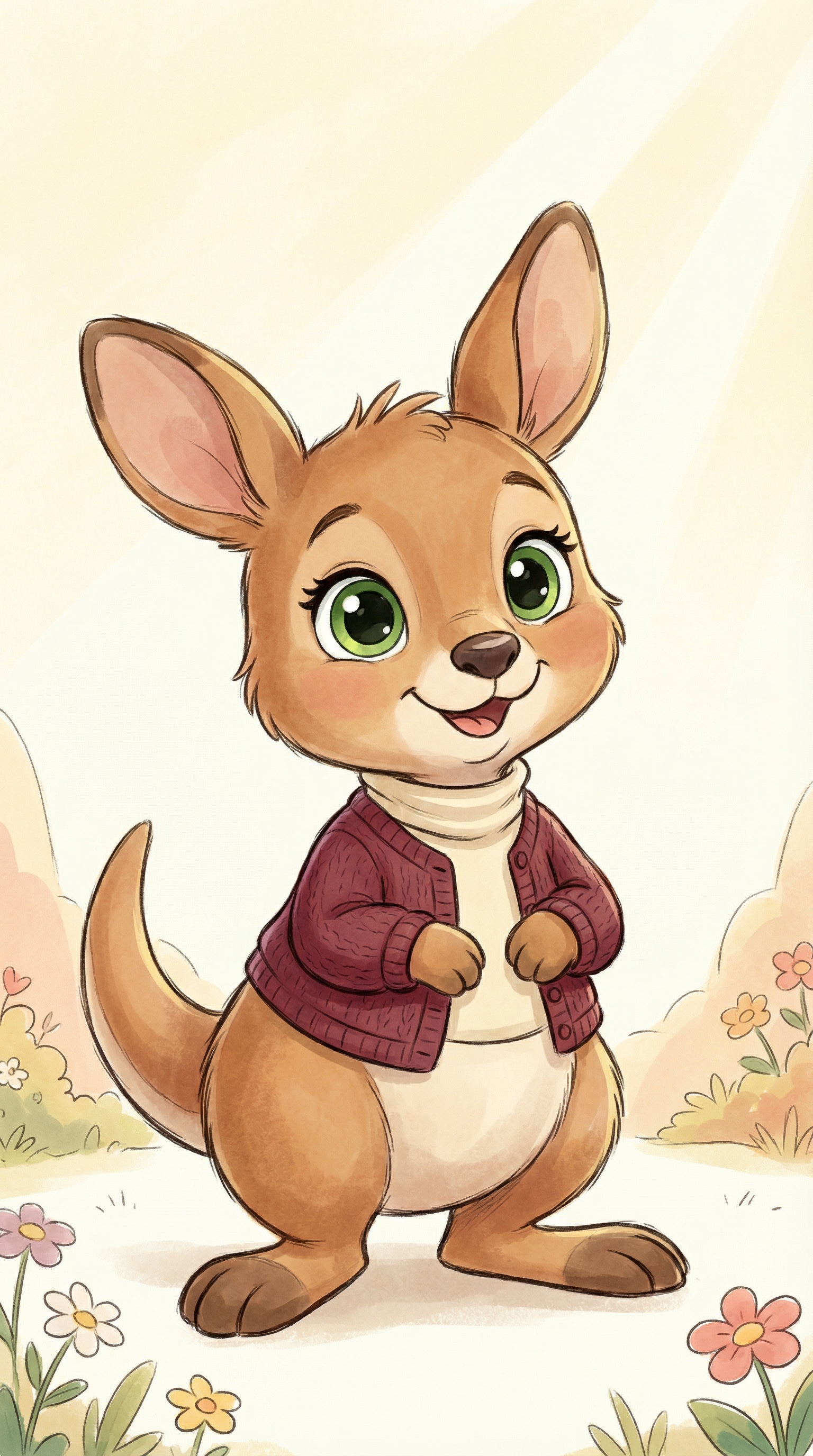
Turn the uploaded photo into a Kanga-style motherly kangaroo character.
Transform the person completely into a warm, caring kangaroo with gentle eyes and a soft, nurturing posture.
Use a classic children’s animation and storybook watercolor style.
Warm earthy colors, soft shadows, and a comforting family-friendly mood.
The character should feel protective, loving, and calm.
Simple storybook background with a cozy atmosphere.
No realism, no human facial features, no exaggerated cartoon style.
Roo
Turn the uploaded photo into a realistic Makar Sankranti festival portrait.
Keep the person exactly the same as in the original photo, preserving facial features, skin tone, hairstyle, and expression.
Dress the person in traditional Indian Sankranti attire with bright festive colors.
Set the background with clear blue sky, warm sunlight, and colorful kites creating a joyful festival atmosphere.
Natural daylight, high realism, professional DSLR photo quality.
No cartoon, no illustration, no artificial AI look.
The image should feel authentic, bright, and full of Sankranti spirit.
Winnie the Pooh Test AI Video Generator
BeforeAfter
Friendly Wave Animation
Create a short animated video from the image.
Keep the character exactly the same as in the image, with no change to face, body proportions, or art style.
Add a clear but gentle waving motion:
the character slowly raises one arm or paw and waves softly toward the viewer.
Include subtle secondary motion such as blinking, slight breathing, and a gentle body sway.
The movement should feel friendly, warm, and natural, like a character greeting someone.
No fast motion, no exaggerated gestures, no camera movement.
No zoom, no pan, no scene change.
The result should look like a storybook character coming to life, not a cartoon animation.
Create a short animated video from the image.
Keep the character exactly identical to the original image in design and proportions.
Animate a friendly waving gesture:
the character gently waves one paw or hand while slightly tilting the head.
Add soft facial animation such as blinking and a subtle smile change.
Include minimal background motion like floating light or gentle breeze.
Keep the animation slow and controlled.
No dramatic motion, no exaggerated facial expression, no camera movement.
The final result should feel cute, welcoming, and storybook-like.
Your Pooh Test results don’t have to stay as static charts or screenshots. With the right creative tools, they can become expressive visuals and short videos that reflect your personality and are made to be shared.
Personality Percentage Collage
Turn your Pooh personality test results into a visually striking collage that shows how each character trait makes up who you are. Instead of a plain score breakdown, you get a balanced, shareable image that feels personal and easy to understand at a glance.
This format works especially well for people who enjoy comparing results with friends or posting story-style updates. It keeps the original test meaning while presenting it in a more creative, social-friendly way.
Fairytale Forest Emotion Map
If you enjoy storytelling and mood-based visuals, this format transforms your Pooh test results into an AI fairytale–style emotion map. Different character traits are reimagined as places, paths, or symbols inside a soft, storybook-inspired forest scene.
It’s ideal for users who want something more symbolic than literal—less about numbers, more about feelings. The result looks like a page from a personal fairytale rather than a personality chart.
Storybook-Style Character Cover
Most users don’t want to learn how to write prompts—they just want results.
Create a storybook-style cover featuring your matched Pooh character as the main theme. This visual approach is perfect for users who love the nostalgic side of the Winnie the Pooh test and want their results to feel warm, playful, and timeless.
Instead of sharing a test score, you’re sharing a “character moment”—something that looks like the cover of a children’s book inspired by your personality.
Animated Character Video for Social Media
Whether you’re creating a keepsake for your family, a festive WhatsApp photo, or an Instagram-ready post, Media.io delivers high-quality images made to be shared.
For users following the Pooh Test trend on TikTok or Instagram, turning results into a short animated video is the most engaging option. Your character, colors, and mood come together in motion, making the result feel alive rather than static.
These videos are designed for quick sharing, reactions, and comparisons, helping your post stand out in feeds where screenshots all start to look the same.
FAQs About
Winnie the Pooh Test
1. Do I need to take the Pooh Test on Media.io first?
No. You can take the Pooh Test or Winnie the Pooh personality test on any platform you like. Media.io is designed for what comes next—helping you turn your Pooh test results into creative AI images or videos that are easier and more fun to share.
Many users simply copy their results or use them as inspiration when creating visuals on Media.io.
2. What can I create from my Pooh Test results?
You can turn your results into a wide range of visuals, including personality percentage collages, AI fairytale–style illustrations, character avatars, and short animated videos. These formats are especially popular for sharing on TikTok, Instagram, and other social platforms.
Instead of posting a plain screenshot, you can present your results in a more expressive and personalized way.
3. Is Media.io free to find out my matched winnie the pooh character?
Yes. You can try Media.io for free and explore how your Pooh Test results look when transformed into AI-generated images or videos. Free access lets you test different styles and ideas before deciding whether you want higher-resolution exports or additional features.
This makes it easy to experiment without commitment.
4. Is my data safe when I upload photos or create content?
Yes. Media.io takes user privacy seriously. Uploaded files and generated content are automatically removed from our servers within a short period of time, ensuring your data isn’t stored longer than necessary.
This means you can create and experiment with confidence, without worrying about long-term data retention.
5. Can I use the generated images or videos anywhere I like?
Media.io is built for personal creativity and social sharing. Many users post their AI-generated visuals on social media, use them as profile images, or keep them as personal projects inspired by the Pooh Test trend.
If you plan to use generated content in more formal or public-facing contexts, it’s a good idea to review how and where it will be used, and make sure it aligns with applicable guidelines and third-party rights.
What Users Are Saying About the Pooh Test Trend
Alex M.
Long-Distance Lover
Way more fun than just sharing a screenshot.
I took the Pooh Test out of curiosity, but I didn’t expect the results to turn into something this creative. Turning my character match into an AI fairytale image made it feel personal—and honestly, much more worth sharing than the original test result.
Maya J.
Graphy Designer
It actually feels like my Pooh character.
At first I thought the visuals might look generic, but the style, colors, and mood matched my personality surprisingly well. The character avatar looked playful and expressive, not artificial or copied. It felt like a natural extension of my Pooh Test results.
Jordan P.
Casual User
I posted it on TikTok and people immediately asked how I made it.
I followed the Pooh Test trend and turned my results into a short animated video. The reactions were great—friends were tagging each other and comparing characters. It was an easy way to join the trend without posting the same screenshot everyone else was sharing.