Romantic AI Partner Match Prompt
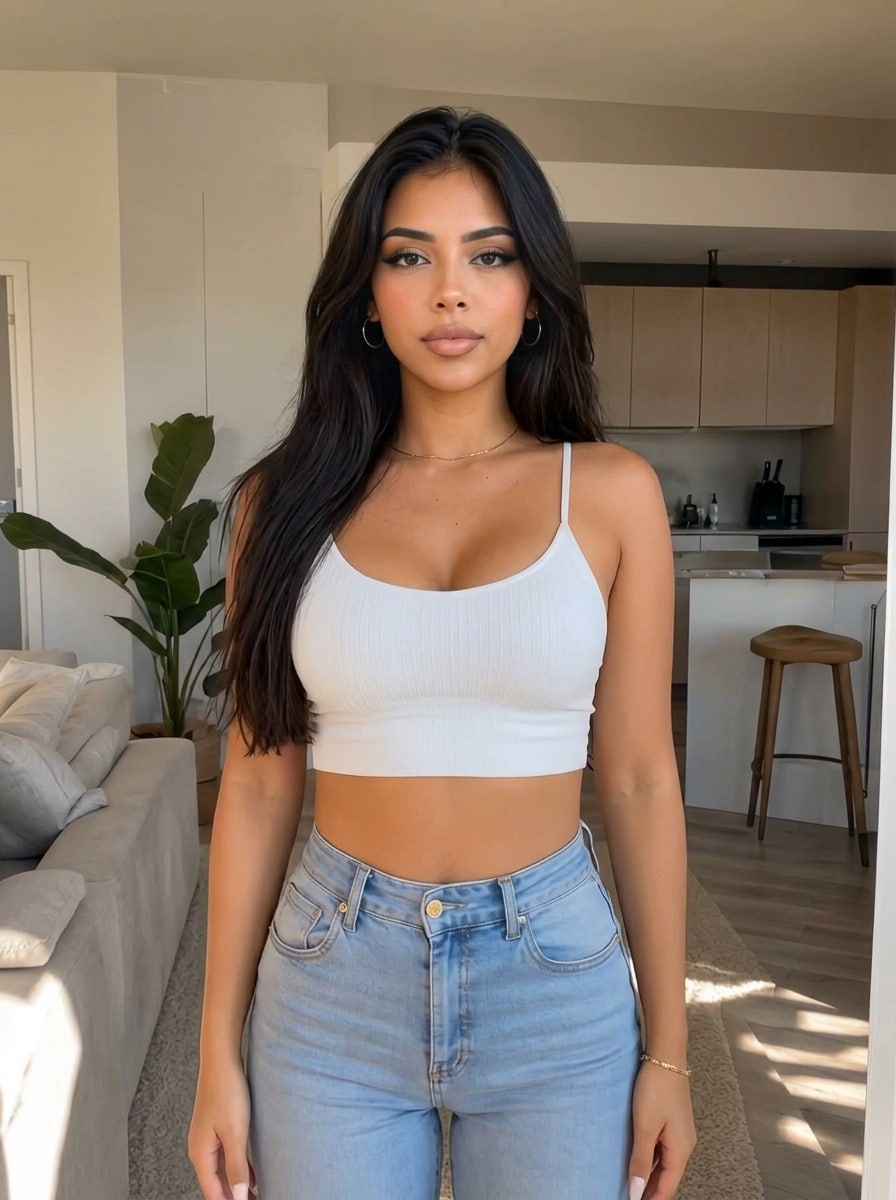
Put a man next to me that would suit me as a romantic partner. Don't make changes to my face.
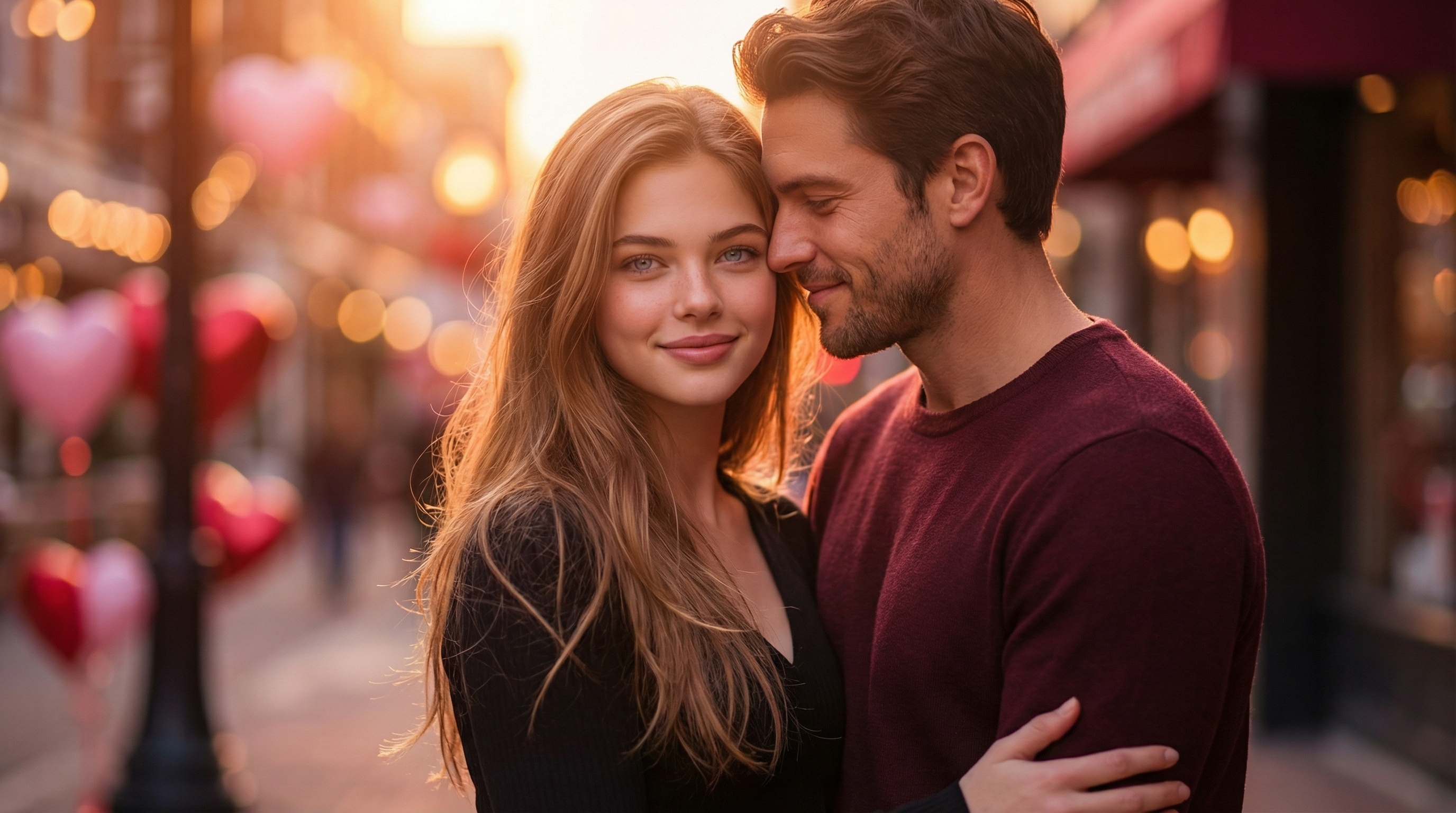
Upload a single selfie and instantly create a realistic AI boyfriend powered by Gemini AI. With our advanced AI boyfriend photo generator, you can simply copy and paste proven Gemini AI boyfriend prompts to place a natural-looking male partner right beside you—no editing skills required. Whether you want a romantic cinematic couple photo, a cozy everyday moment, or a funny AI boyfriend image made for social media, Media.io helps you turn imagination into stunning visuals in seconds. Perfect for TikTok trends, Instagram posts, or Valentine’s Day fantasies, this tool lets you experience what it’s like to generate a man next to you with AI—fast, realistic, and effortlessly shareable.
Try the Gemini AI Boyfriend Photo Generator for Free →
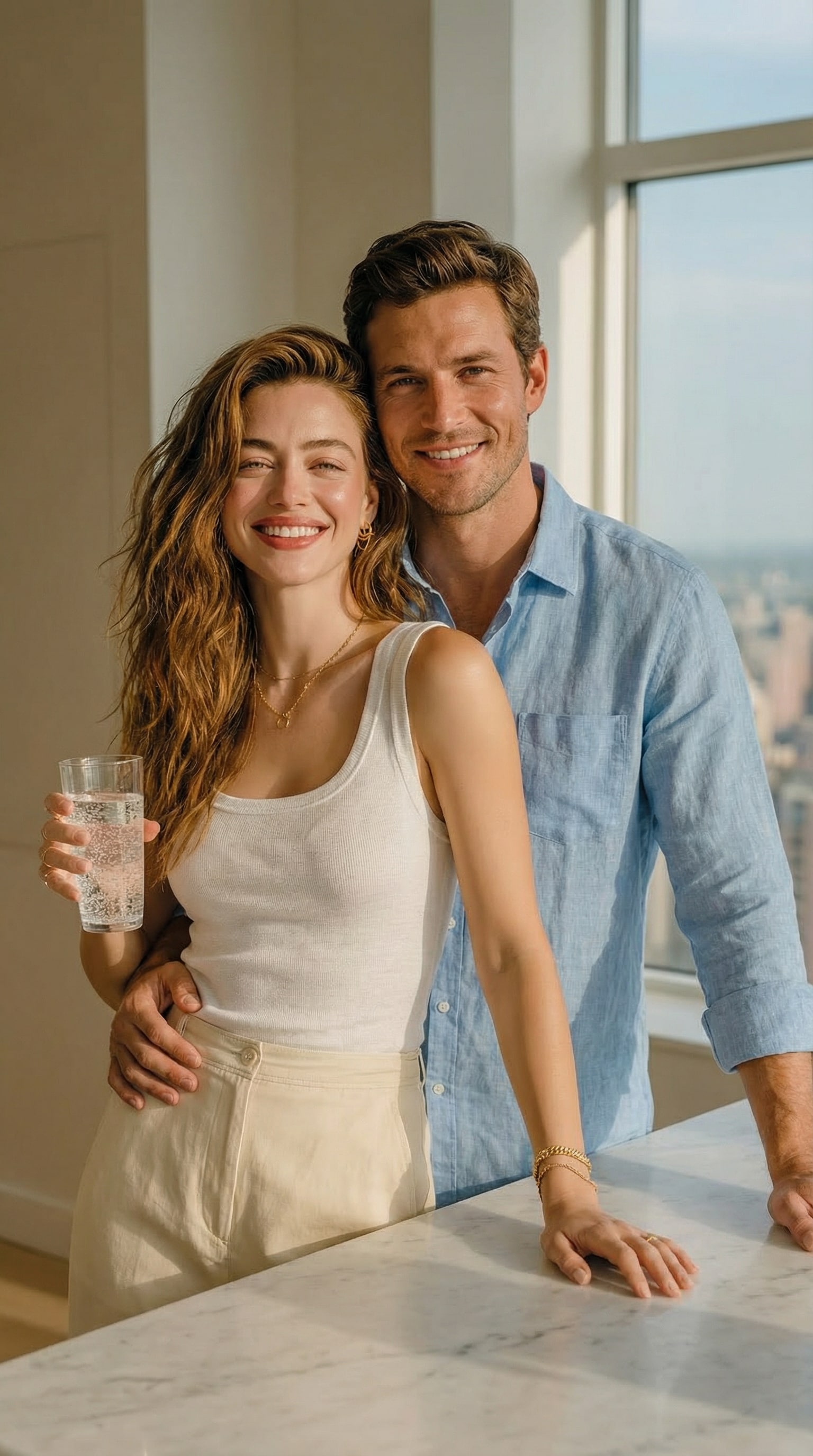
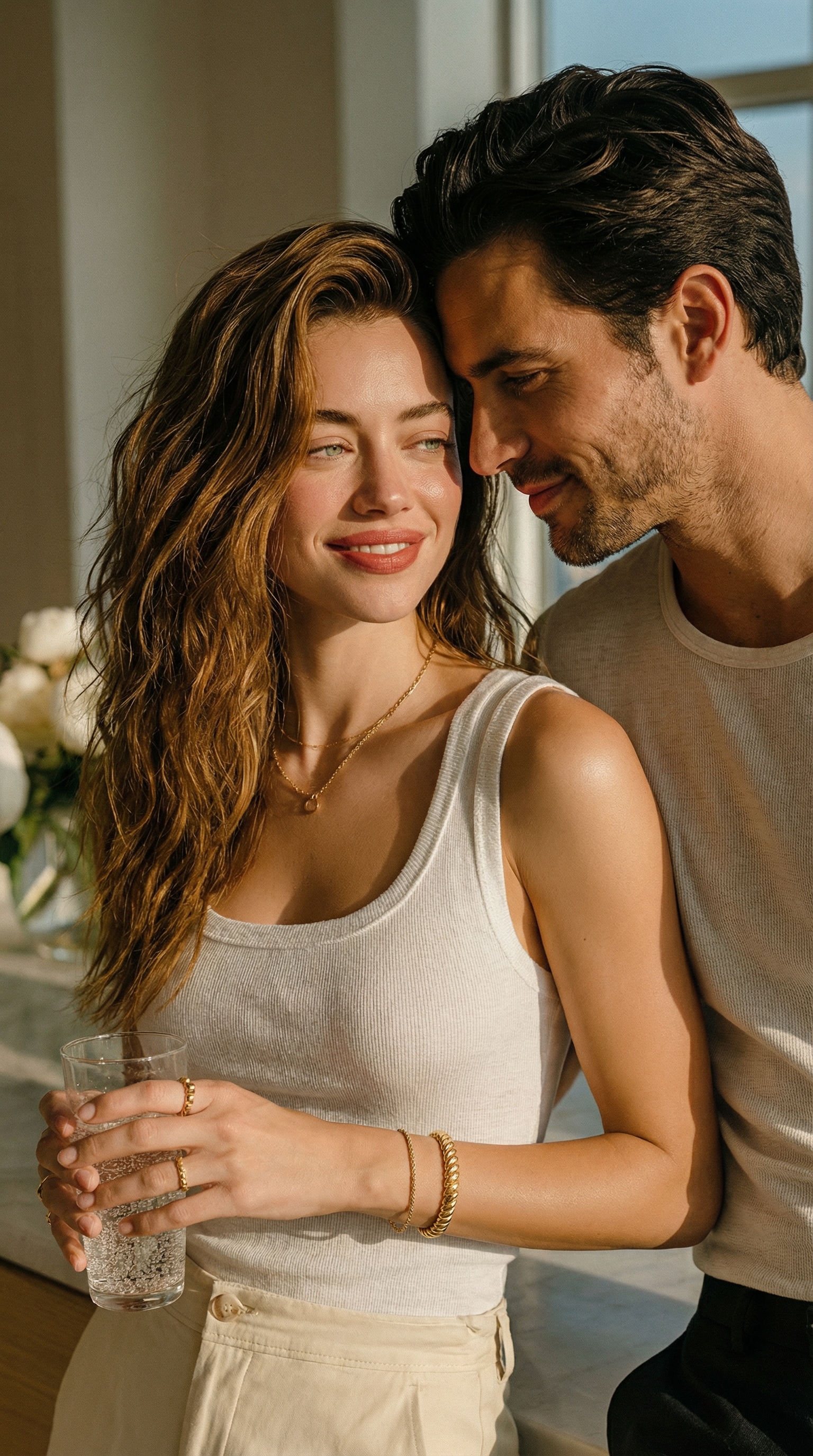
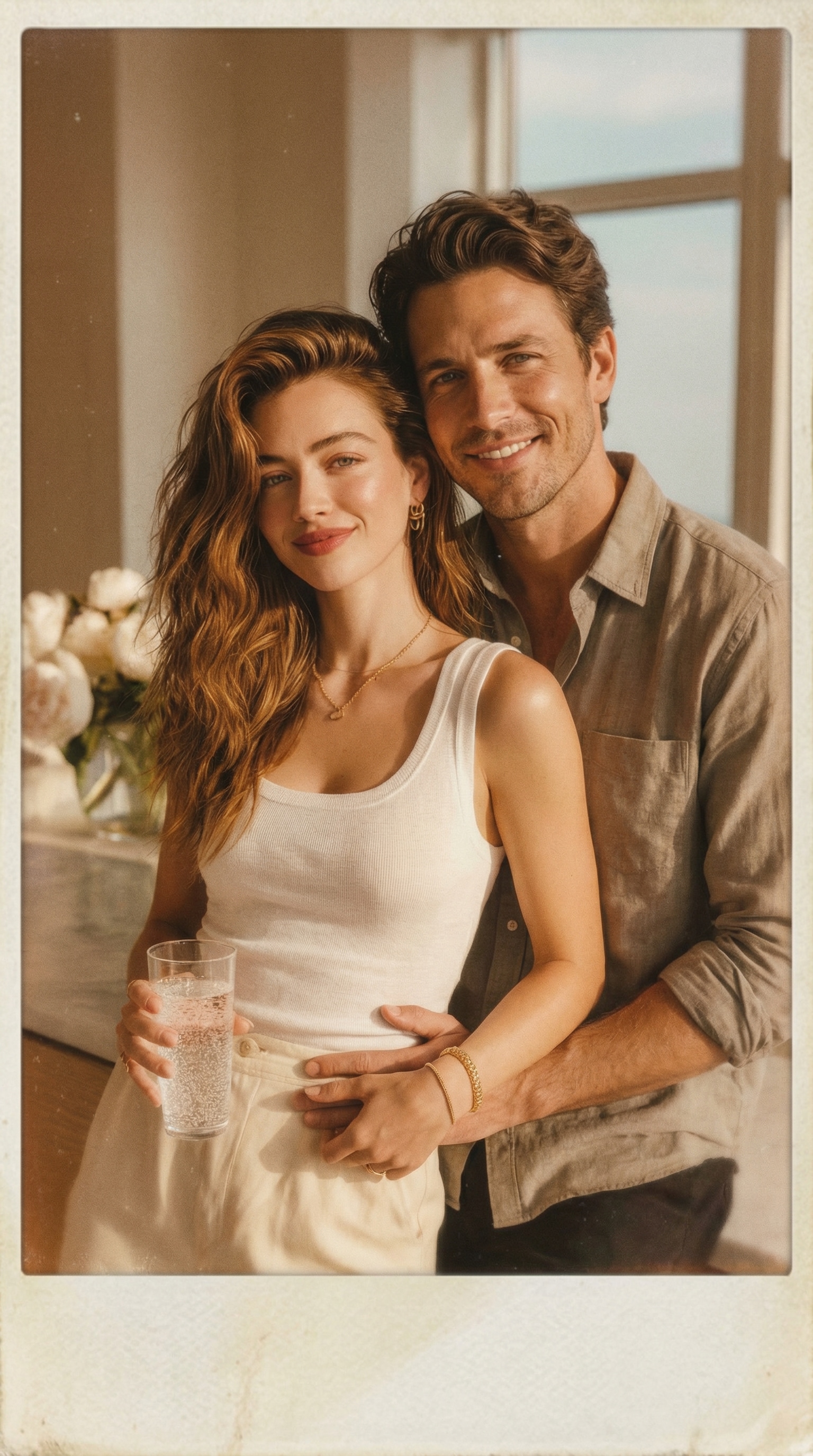
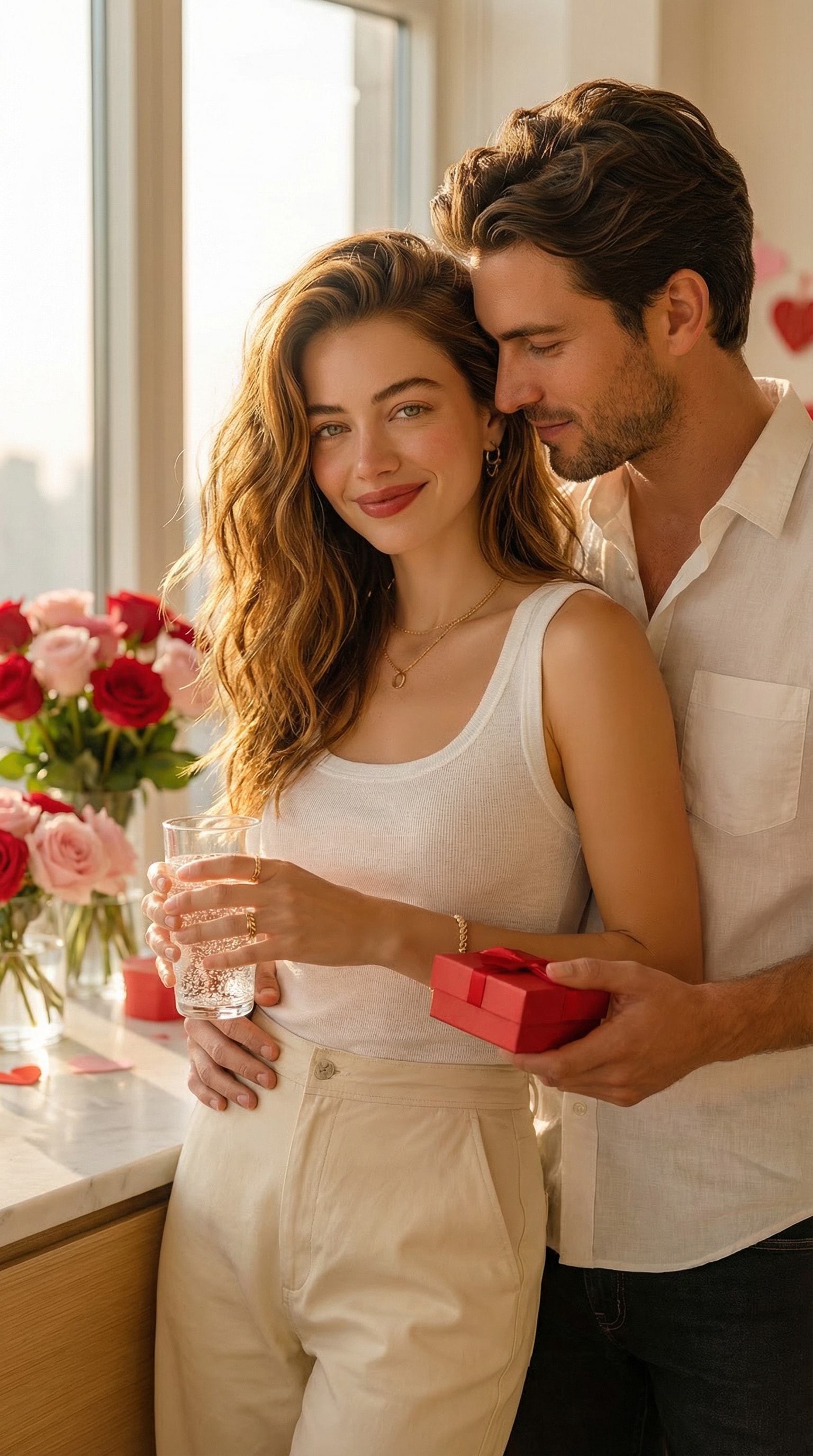
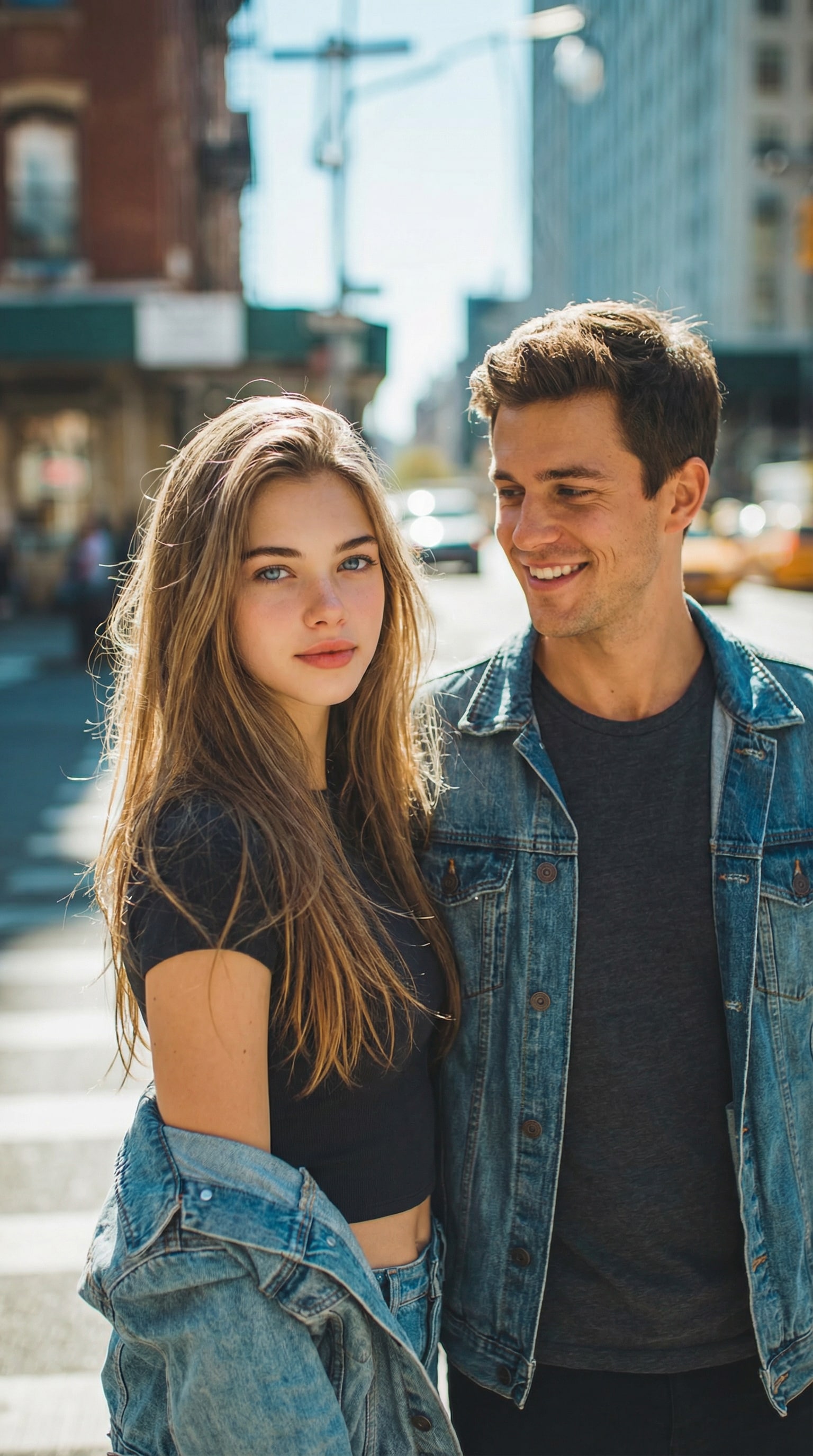
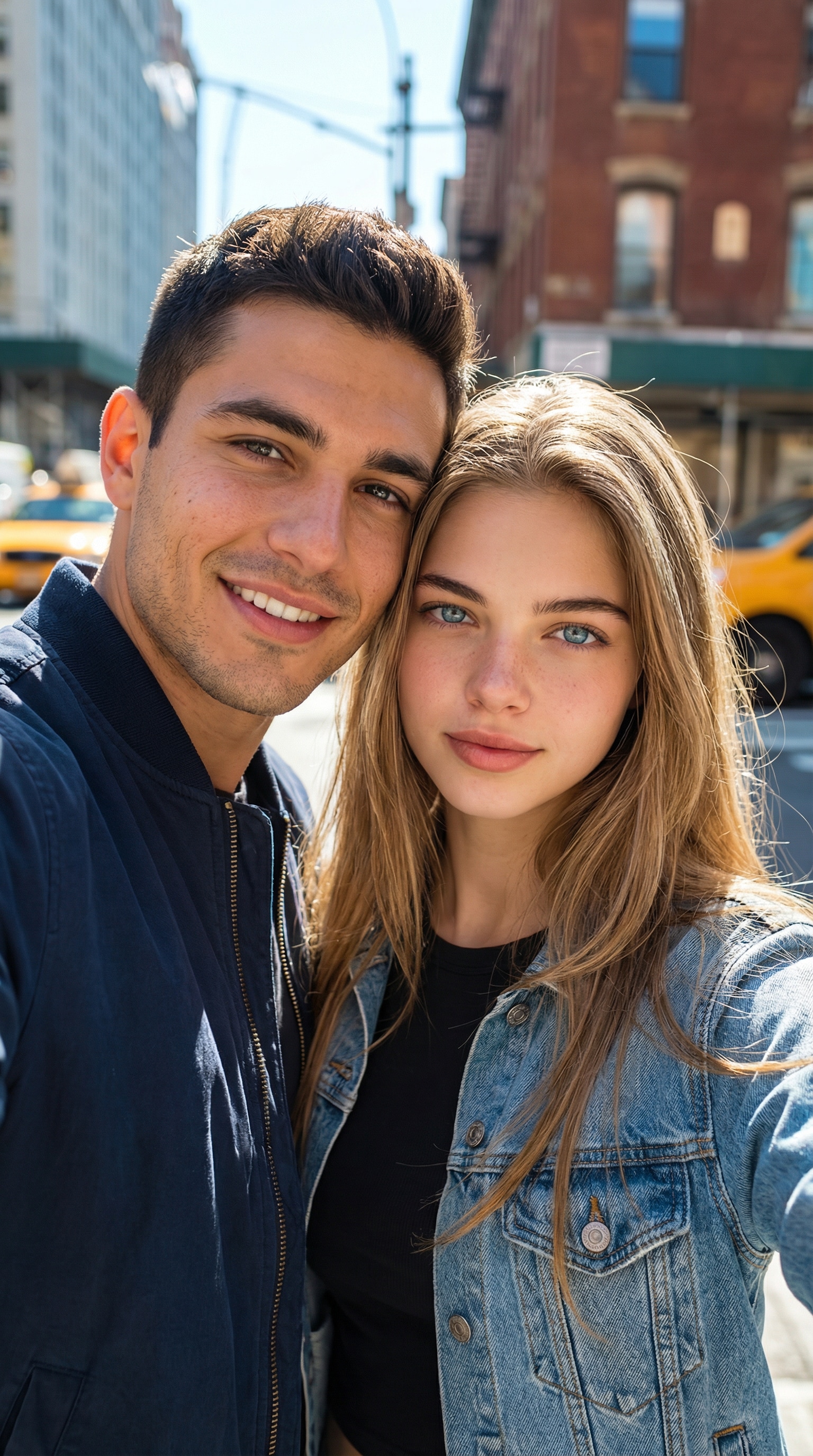
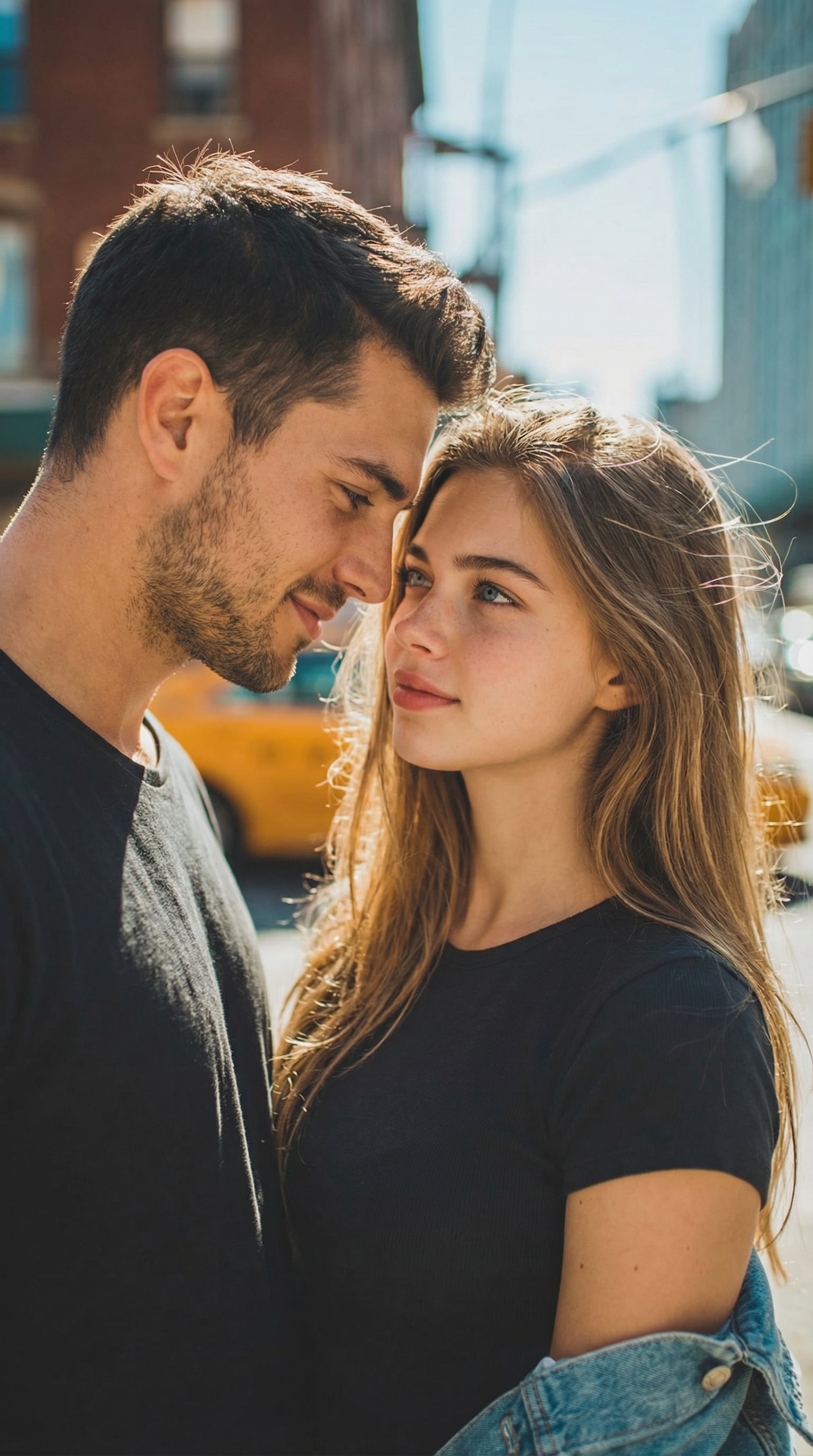
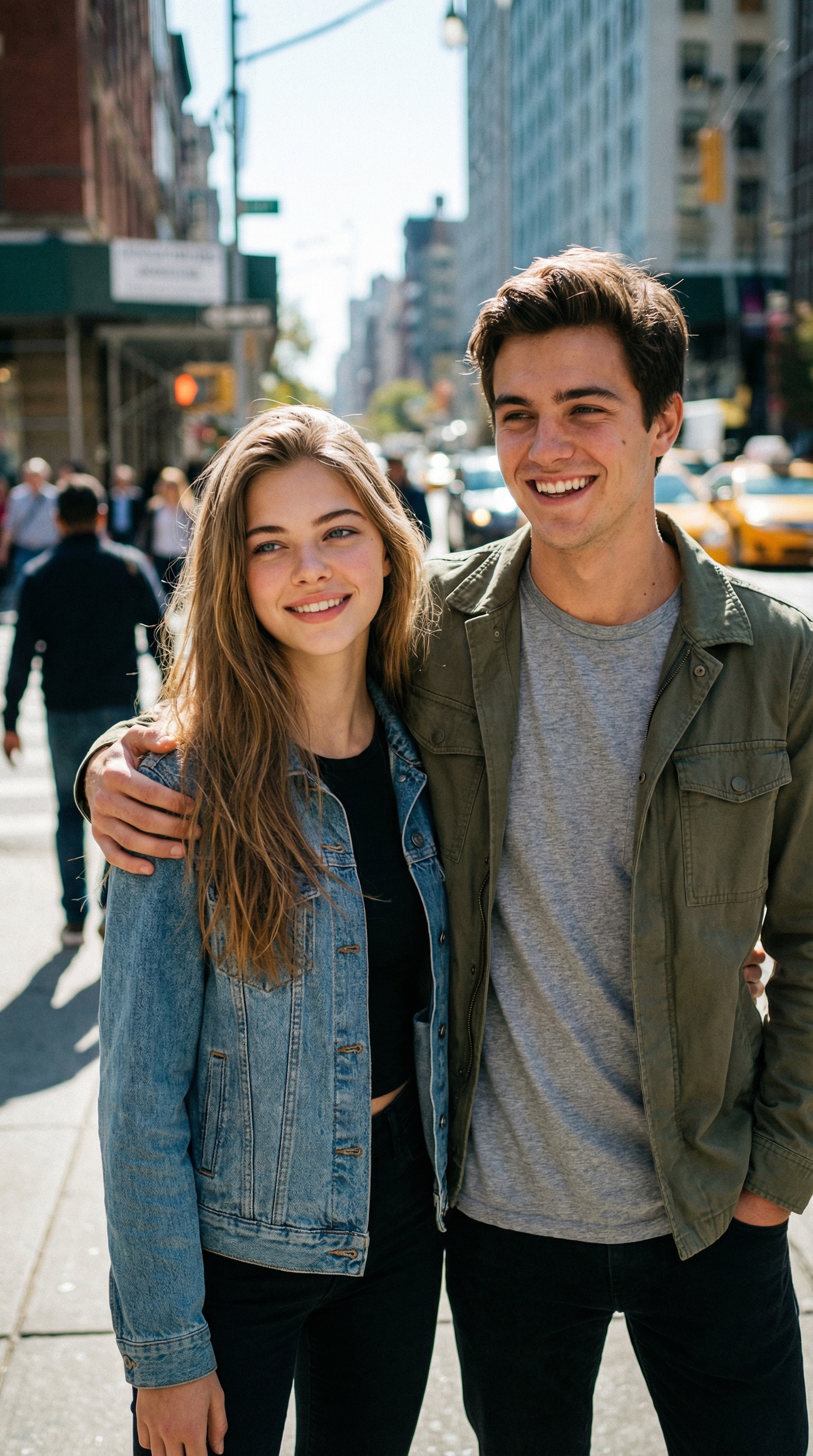
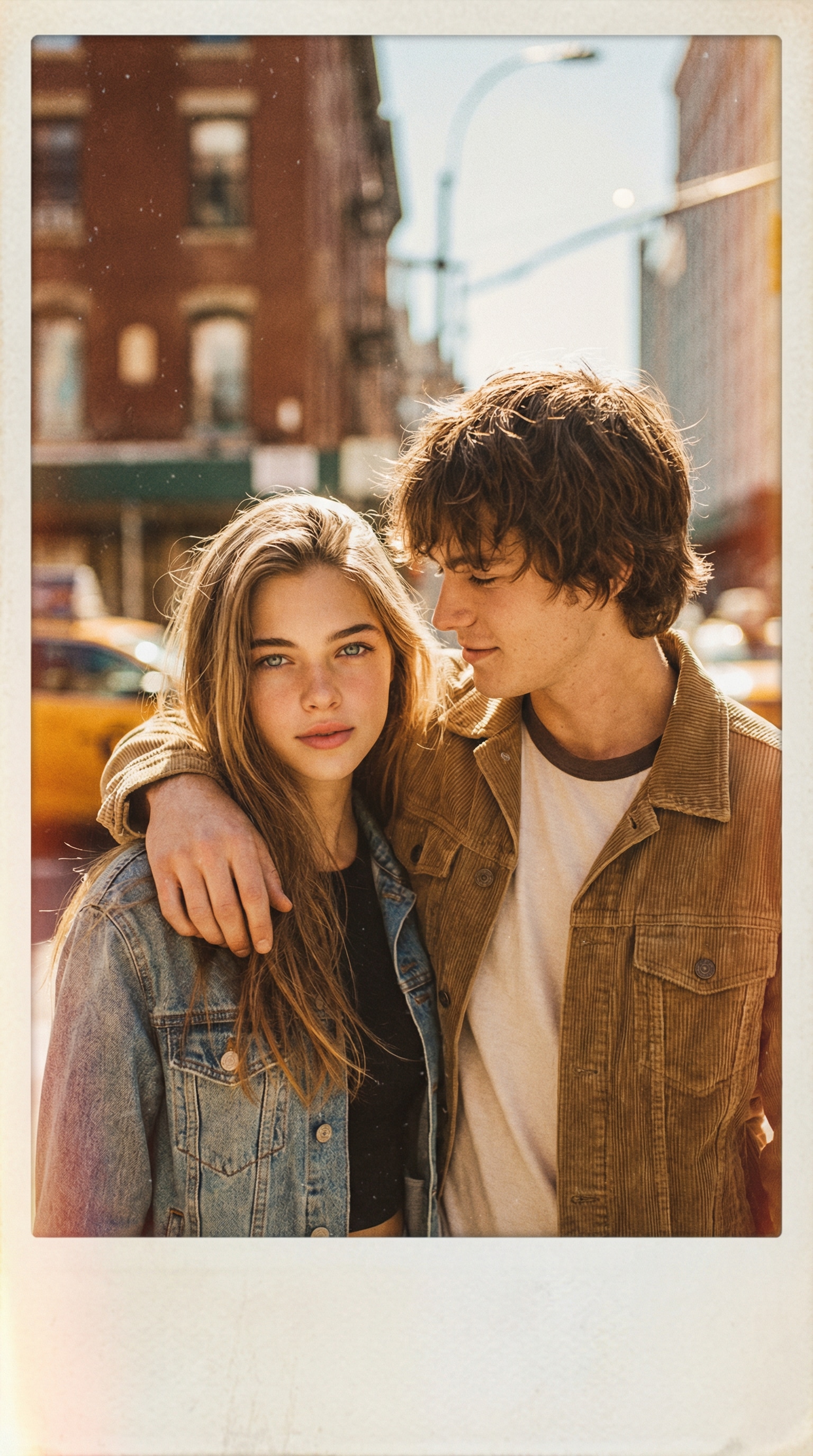
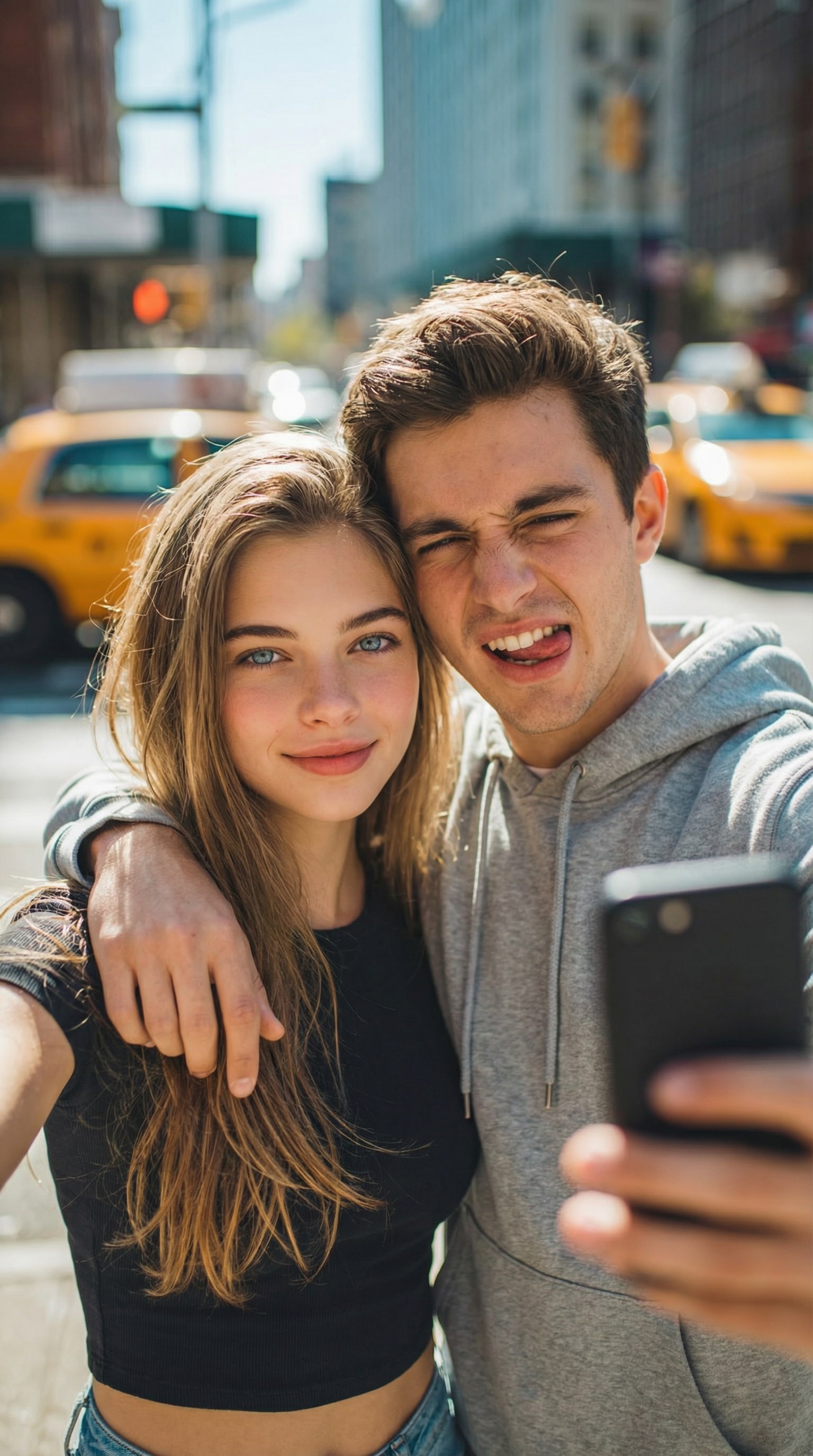
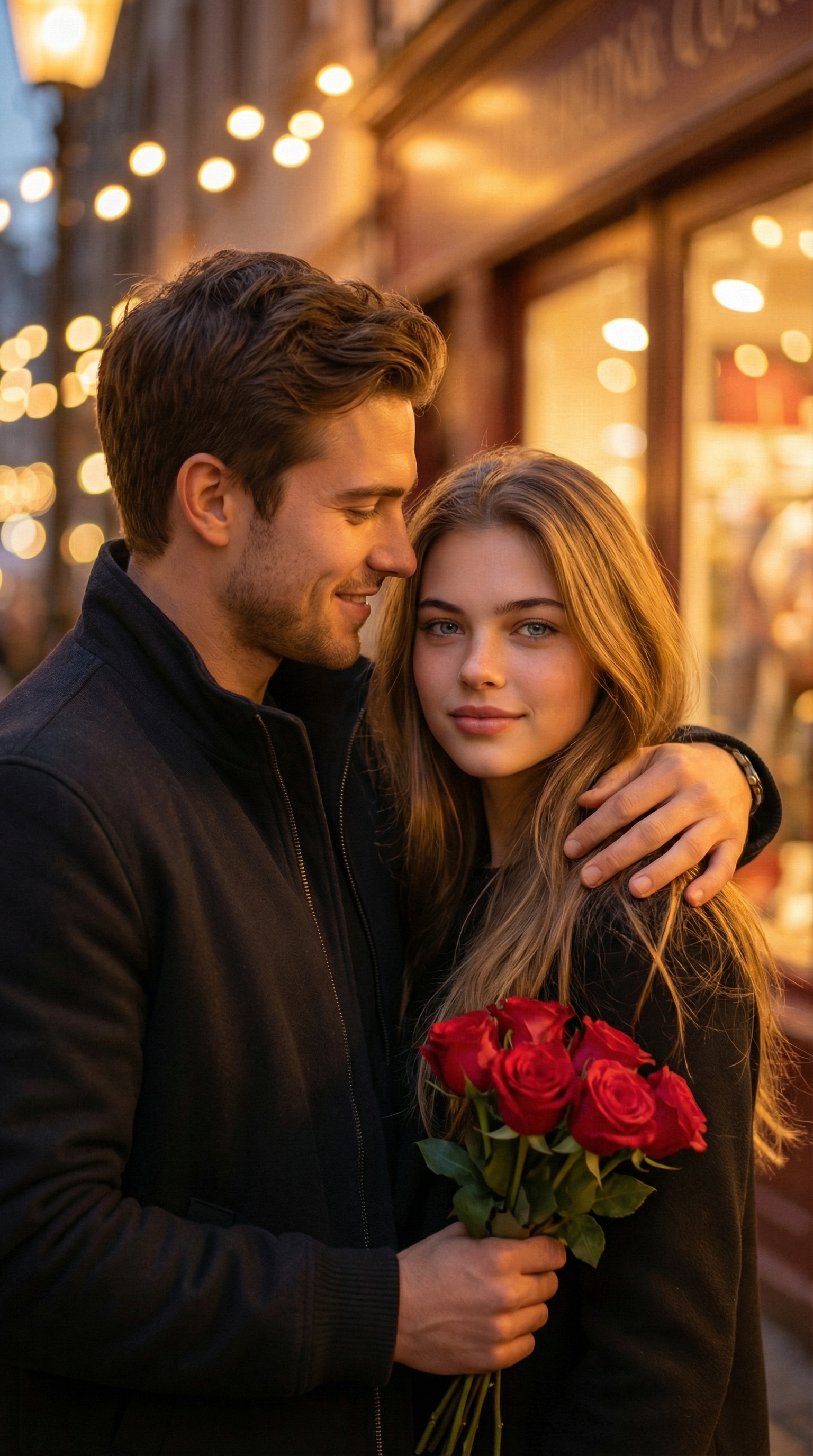
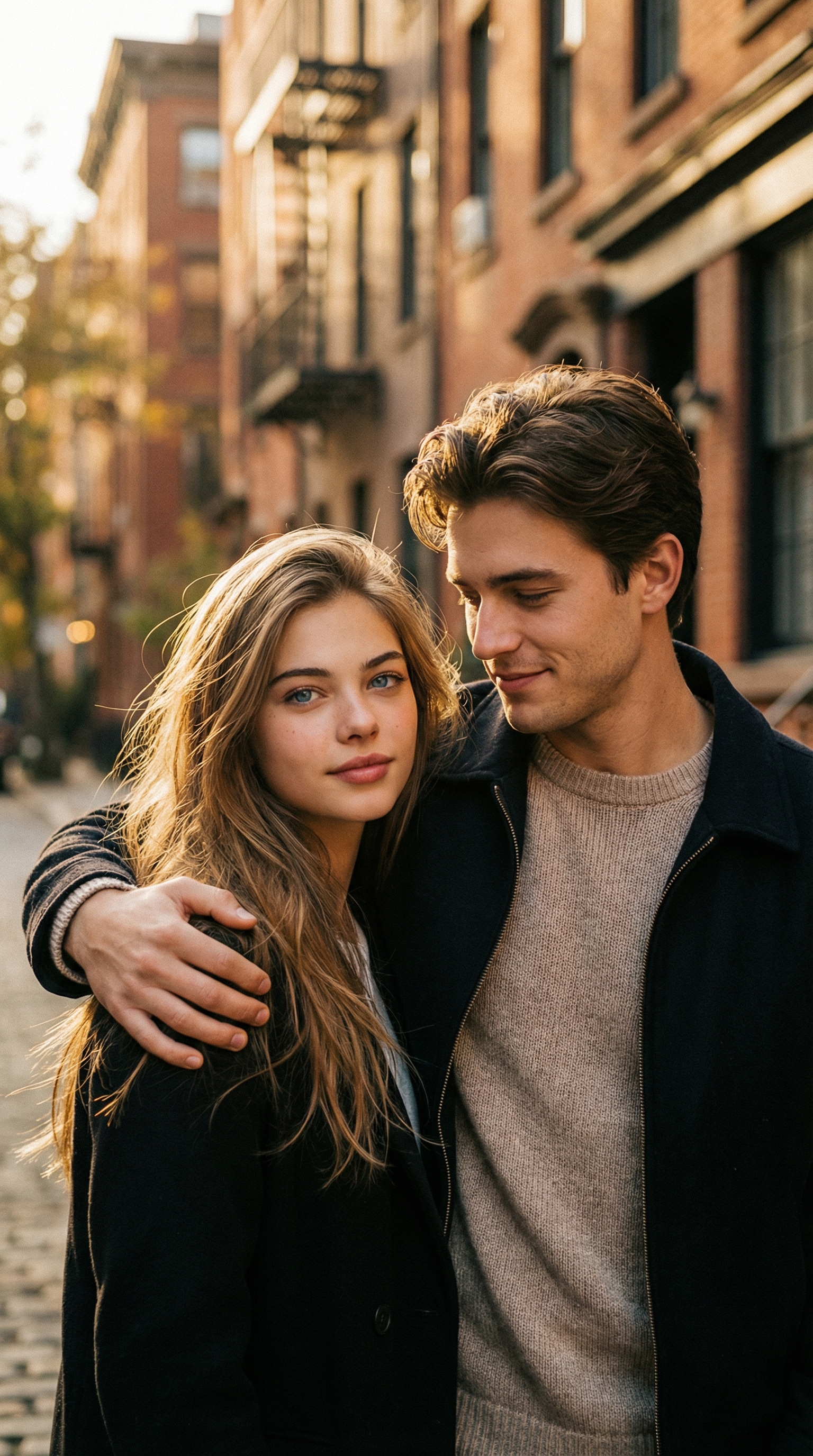
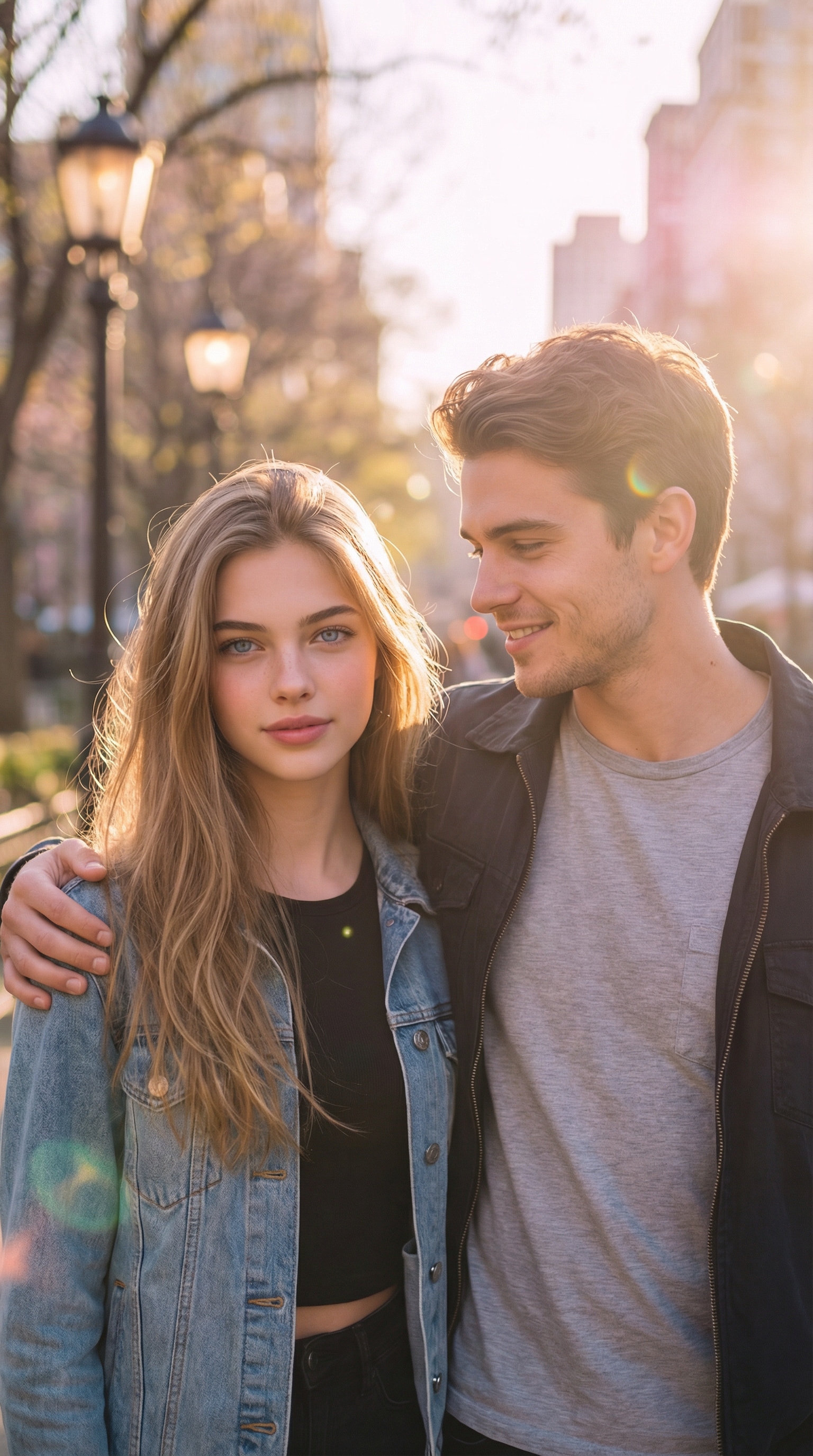
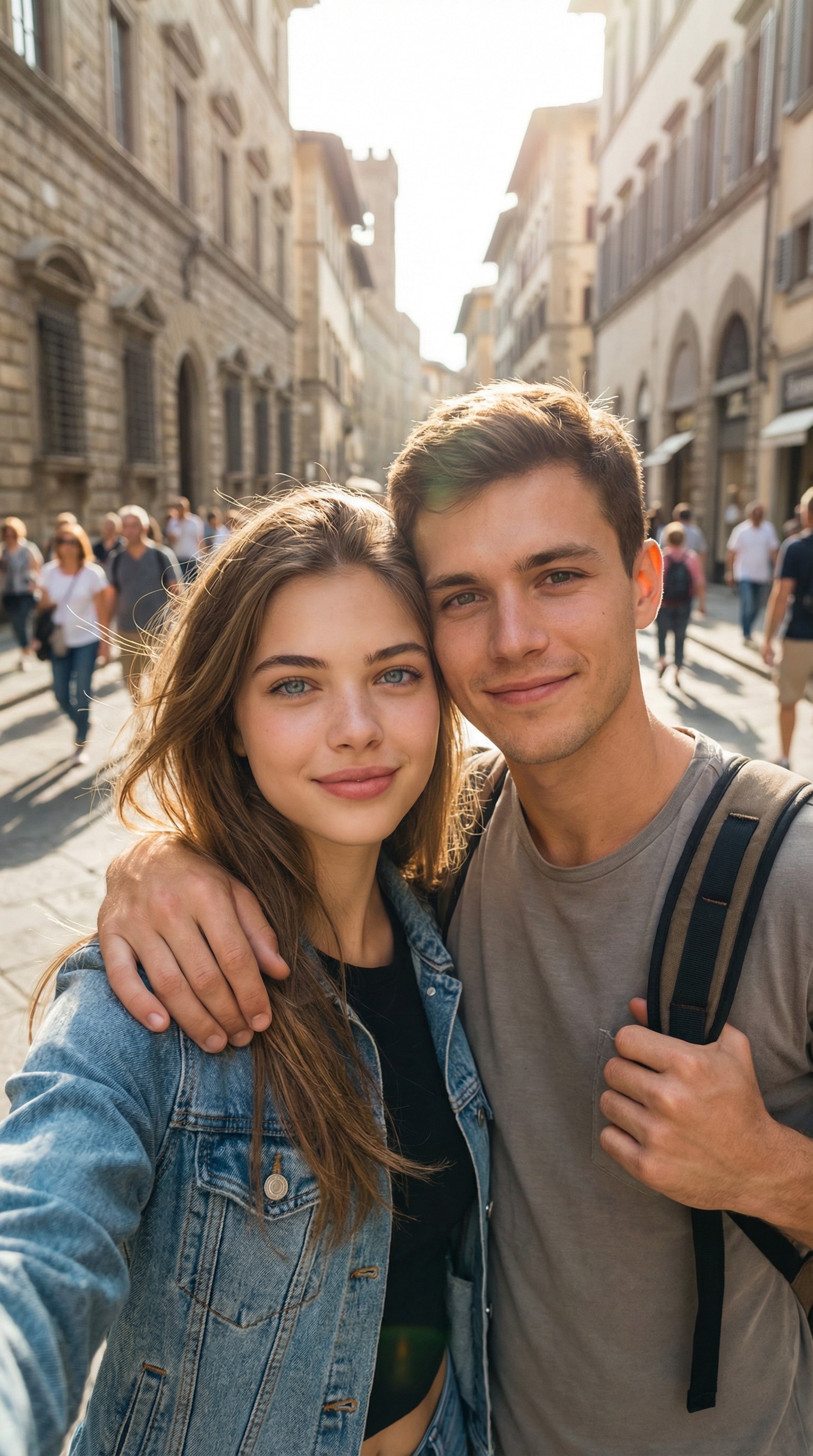
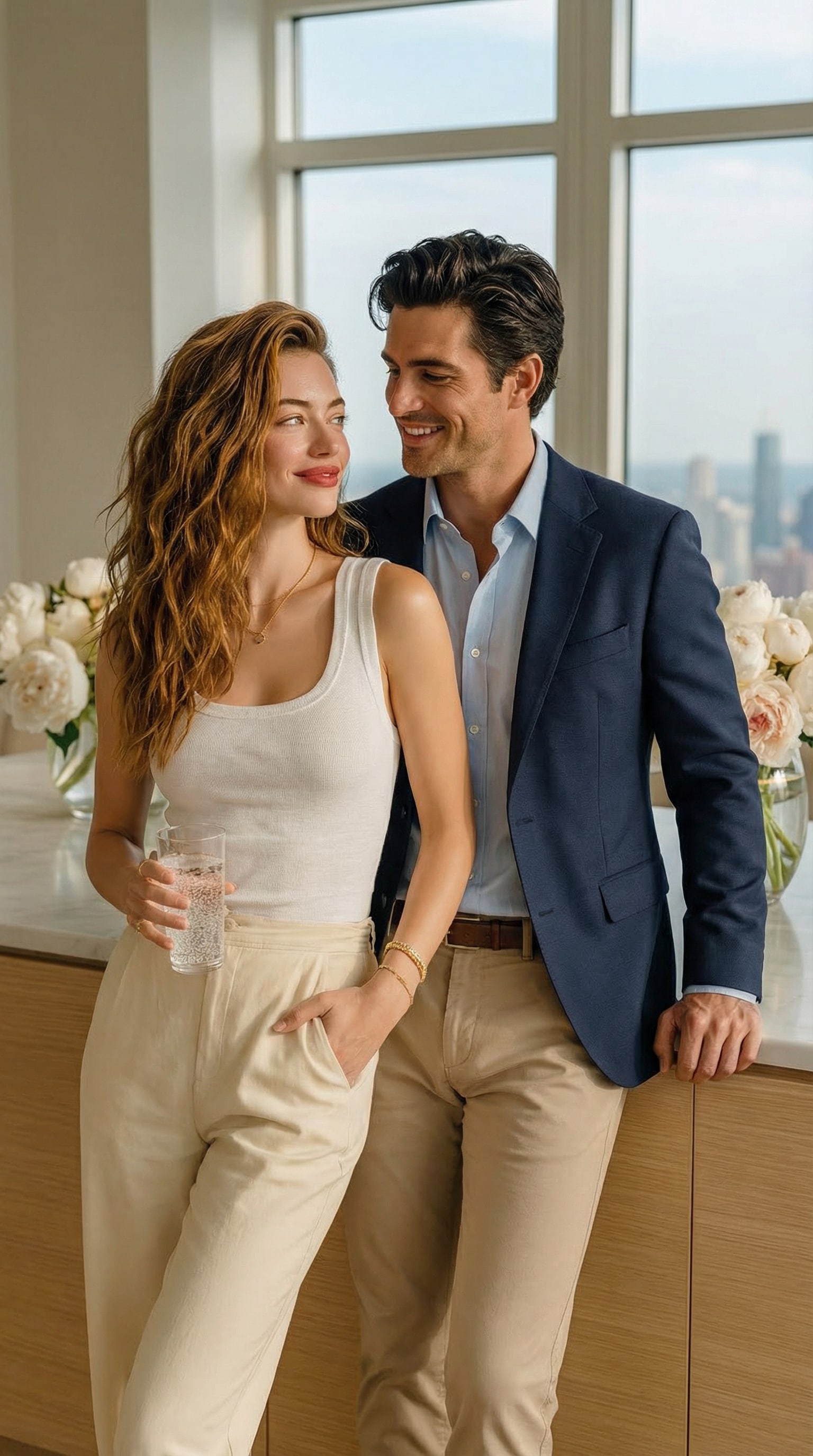
Stunning AI creations generated with Media.io - powered by Nano Banana Pro.
Turn separate photos into one seamless group portrait with Media.io’s AI Group Photo Generator. Follow these simple steps to bring everyone together effortlessly — no editing skills required. Creating a realistic Gemini AI boyfriend photo only takes a few seconds. Follow these simple steps to turn your selfie into a romantic, cinematic, or funny AI couple image—no editing skills required.
Start by opening the AI boyfriend photo generator on Media.io. This tool is powered by Gemini AI and designed specifically for creating realistic couple-style images. Everything runs online, so you can start instantly without downloading any app.
Upload a clear selfie and choose a Gemini AI boyfriend prompt from the prompt library below. Simply copy and paste the prompt to describe the style you want—romantic, cinematic, cozy, or funny. The AI will keep your face natural while generating a believable male partner next to you.
Click generate and let the AI create your realistic AI boyfriend photo in seconds. Preview the result, regenerate if needed, or try a different prompt style for a new look. Once you’re happy, save your image and share it on TikTok, Instagram, or anywhere you like.
Put a man next to me that would suit me as a romantic partner. Don't make changes to my face.
Create a realistic couple photo using the uploaded selfie as the main reference. Keep the person in the uploaded photo exactly the same — identical facial features, bone structure, skin tone, hairstyle, facial expression, and overall appearance. Do not change the face. Add a natural-looking male boyfriend standing close beside me. The boyfriend should look realistic, attractive, and emotionally warm, with natural proportions and lifelike facial details. The scene should feel like a real photo taken by a camera, not AI-generated. Photorealistic lighting, natural skin texture, soft shadows, realistic depth of field, no cartoon, no illustration, no exaggeration. High-resolution, cinematic realism.
Create a realistic cinematic couple photo using the uploaded selfie as the main reference. Keep the person exactly the same as in the uploaded photo, with identical facial features and expression. Add a handsome male boyfriend standing close beside me, gently leaning toward me with a soft, romantic expression. The scene feels like a romantic movie still — warm cinematic lighting, shallow depth of field, natural skin texture, emotional eye contact, intimate atmosphere. Ultra-realistic photography, 4K quality, no AI artifacts, no illustration.
Create a vintage-style couple photo using the uploaded selfie as the main reference. Keep my face exactly the same and realistic. Add a male boyfriend standing close beside me, natural and affectionate. The image should look like a retro film photo or Polaroid — soft grain, warm tones, slight blur, nostalgic lighting, authentic film texture. Photorealistic vintage photography, no cartoon, no illustration.
Create a romantic Valentine’s Day couple photo using the uploaded selfie as the main reference. Keep my face exactly the same and natural. Add a male boyfriend standing close to me, gentle and affectionate. Soft dreamy lighting, warm romantic colors, subtle glow, emotional atmosphere. Photorealistic, cinematic romance, high-resolution, realistic skin texture.
Put a man next to me that would suit me as a romantic partner. Don't make changes to my face.
Create a realistic couple photo using the uploaded selfie as the main reference. Keep the person in the uploaded photo exactly the same — identical facial features, bone structure, skin tone, hairstyle, facial expression, and overall appearance. Do not change the face. Add a natural-looking male boyfriend standing close beside me. The boyfriend should look realistic, attractive, and emotionally warm, with natural proportions and lifelike facial details. The scene should feel like a real photo taken by a camera, not AI-generated. Photorealistic lighting, natural skin texture, soft shadows, realistic depth of field, no cartoon, no illustration, no exaggeration. High-resolution, cinematic realism.
Create a realistic cinematic couple photo using the uploaded selfie as the main reference. Keep the person exactly the same as in the uploaded photo, with identical facial features and expression. Add a handsome male boyfriend standing close beside me, gently leaning toward me with a soft, romantic expression. The scene feels like a romantic movie still — warm cinematic lighting, shallow depth of field, natural skin texture, emotional eye contact, intimate atmosphere. Ultra-realistic photography, 4K quality, no AI artifacts, no illustration.
Create a natural everyday couple photo using the uploaded selfie as the reference. Keep my face exactly unchanged and realistic. Add a male boyfriend standing naturally next to me, relaxed posture, casual outfit, natural smile. The photo should look like a candid street photo or travel snapshot — natural daylight, realistic shadows, no posing, no artificial lighting. Photorealistic, unedited camera look, authentic and believable.
Create a vintage-style couple photo using the uploaded selfie as the main reference. Keep my face exactly the same and realistic. Add a male boyfriend standing close beside me, natural and affectionate. The image should look like a retro film photo or Polaroid — soft grain, warm tones, slight blur, nostalgic lighting, authentic film texture. Photorealistic vintage photography, no cartoon, no illustration.
Create a fun and playful couple photo using the uploaded selfie. Keep my face exactly the same with no changes. Add a male boyfriend next to me with a lighthearted, humorous vibe — playful expression, friendly energy. The image should feel casual and fun, like a spontaneous photo taken for social media. Realistic photography, natural lighting, no exaggerated cartoon effects.
Create a romantic Valentine’s Day couple photo using the uploaded selfie as the main reference. Keep my face exactly the same and natural. Add a male boyfriend standing close to me, gentle and affectionate. Soft dreamy lighting, warm romantic colors, subtle glow, emotional atmosphere. Photorealistic, cinematic romance, high-resolution, realistic skin texture.
Create a soft, emotionally warm couple photo using the uploaded selfie as the main reference. Keep my face exactly the same with no changes to facial features, skin tone, or expression. Add a gentle male boyfriend standing close beside me, with calm body language and a comforting presence, as if he truly belongs with me. The atmosphere should feel intimate and peaceful, with soft lighting, warm tones, and natural shadows. Photorealistic, authentic camera look, no stylization, no cartoon, no illustration.
Create a dreamy, romantic couple photo using the uploaded selfie as the reference. Keep my face exactly unchanged and realistic. Add a male boyfriend standing next to me, visually harmonious and emotionally connected. The scene should feel magical and dreamlike — soft glow, gentle light haze, pastel tones, subtle highlights. Photorealistic base with a dreamy aesthetic, no cartoon, no exaggerated fantasy elements.
Create a realistic travel-style couple photo using the uploaded selfie as the main reference. Keep my face exactly the same with no changes. Add a male boyfriend standing beside me as a travel companion, relaxed and natural. The scene feels like a candid travel moment — natural daylight, casual outfits, spontaneous atmosphere, realistic background. Photorealistic travel photography, natural color grading, authentic camera feel.
Ultra-realistic cinematic video, natural motion, real human skin texture, soft film lighting, shallow depth of field, handheld subtle micro-shake, 4K detail, no cartoon, no illustration, no CGI look. Keep both people exactly the same as the reference photo at all times: same facial features, identity, hairstyle, skin tone, body proportions, outfit, and overall vibe. Do not change faces. Scene & action (6–8 seconds): Start with the couple standing close, looking at each other with gentle eye contact and warm smiles. They slowly lean in, arms naturally wrapping around each other, moving into an intimate embrace. Add small affectionate details: a soft cheek touch, a slight head tilt, breathing and micro facial expressions. The embrace becomes more tender and lingering, then they gradually move closer and kiss naturally at the end. Hold the kiss for the final 1–2 seconds. Camera: Medium close-up framing (waist-up), slow push-in toward their faces, smooth motion, stable but slightly hand








Whether you’re following the viral Gemini AI boyfriend trend, experimenting with creative prompts, or simply curious about what AI can create from a single photo, Media.io is built to turn your idea into a stunning, share-ready image—fast, realistic, and effortless.

Many users search for Gemini AI boyfriend prompts because they want more than just an image—they want a feeling. Media.io lets you place a believable AI partner right beside you, creating romantic, cinematic moments that feel intimate and emotionally real. From soft eye contact to natural body language, every detail is designed to make the scene feel like it actually happened.

This trend isn’t just about generation—it’s about sharing. With Media.io, you can create cinematic AI couple photos that look perfect for TikTok, Instagram, and Reels. The lighting, composition, and realism are optimized for social feeds, making your AI boyfriend image stand out instantly in scrolling timelines.

Users searching for “Gemini AI boyfriend prompt copy and paste” want speed and simplicity. That’s exactly why Media.io offers ready-made prompts you can use instantly. No prompt engineering, no guessing—just upload your photo, paste a prompt, and let the AI do the rest while keeping your face natural and unchanged.

Not every AI boyfriend needs to be serious—and we get that. Whether you want a heartfelt Valentine’s Day photo, a cozy everyday couple moment, or a funny AI boyfriend image made purely for laughs, Media.io adapts to your style. You control the vibe, the mood, and the story—AI simply brings it to life.


Not at all. Media.io is designed for simplicity. Just upload a selfie, copy and paste a Gemini AI boyfriend prompt, and generate your image in seconds. The AI handles composition, lighting, and realism automatically—no design or editing experience required.
Yes. You can start with a free trial to explore how the AI boyfriend photo generator works. This allows you to test different prompt styles and see real results before deciding whether you want more advanced generations or higher-resolution downloads.
Your privacy is a top priority. All uploaded photos and generated images on Media.io are handled securely and automatically removed within 7 days. This ensures you can experiment freely without worrying about long-term storage or unauthorized access.
Media.io uses Gemini AI to balance realism and authenticity. The AI carefully preserves your original facial features while generating a believable male partner with natural expressions, lighting, and proportions. The result feels realistic—without looking artificial or over-edited.
Most users create AI boyfriend images for personal enjoyment, social sharing, or creative inspiration, such as TikTok or Instagram posts. If you plan to use generated images beyond casual or personal contexts, it’s always a good idea to review how and where the content will be shared, ensuring it aligns with platform guidelines and local regulations.

Long-Distance Lover


It felt unreal—in the best way. I used the Gemini AI boyfriend generator to turn a simple selfie into a romantic couple photo. The lighting, expressions, and body language looked so natural that my friends thought it was a real picture. Way better than I expected.

Graphy Designer
I thought it would look fake, but it didn’t at all. I was worried the AI boyfriend might feel artificial, but the result was surprisingly realistic. My face stayed exactly the same, and the scene felt warm and cinematic—like a real moment captured on camera. Perfect for sharing on TikTok.

Casual User
I followed the trend and it instantly went viral. I tried the AI boyfriend photo trend using a copy-and-paste prompt and posted the result on TikTok. People loved how natural and romantic it looked, and the comments kept coming. It was such a fun and easy way to join the trend.
 4.7 (162,357 Votes)