Home>Comparison>WayinVideo

WayinVideo AI Review

WayinVideo is best understood as an existing-video repurposing workflow: it helps teams find useful moments, create clips, work with transcripts, add captions, and prepare long-form footage for shorter formats. That makes it relevant for webinars, lessons, demos, podcasts, livestreams, and training libraries where the source video already exists. This review also explains when Media.io becomes the stronger companion: after the best clip is selected and still needs enhancement, cleanup, image-to-video inserts, sound, subtitles, resizing, conversion, or finished campaign exports.

Core Features of WayinVideo

WayinVideo is an AI video repurposing platform for finding, clipping, captioning, summarizing, and reframing useful moments from existing long-form videos. It is mainly used by webinar, podcast, training, education, and marketing teams that need shorter assets from footage they already have.

Core Feature Overview

  • AI Video Clipping: AI Video Clipping is useful for portrait-led social videos, ads, creator edits, localization, and identity-based visual experiments.
  • Video Search and Summaries: Video Search and Summaries helps teams repurpose existing footage into shorter, clearer, platform-ready video assets.
  • Transcription and Captions: Transcription and Captions helps teams repurpose existing footage into shorter, clearer, platform-ready video assets.
  • Auto Reframe: Auto Reframe helps teams repurpose existing footage into shorter, clearer, platform-ready video assets.
  • Video API: Video API matters for teams that want AI media generation inside repeatable product, marketing, or automation workflows.
  • Content Repurposing: Content Repurposing helps teams repurpose existing footage into shorter, clearer, platform-ready video assets.

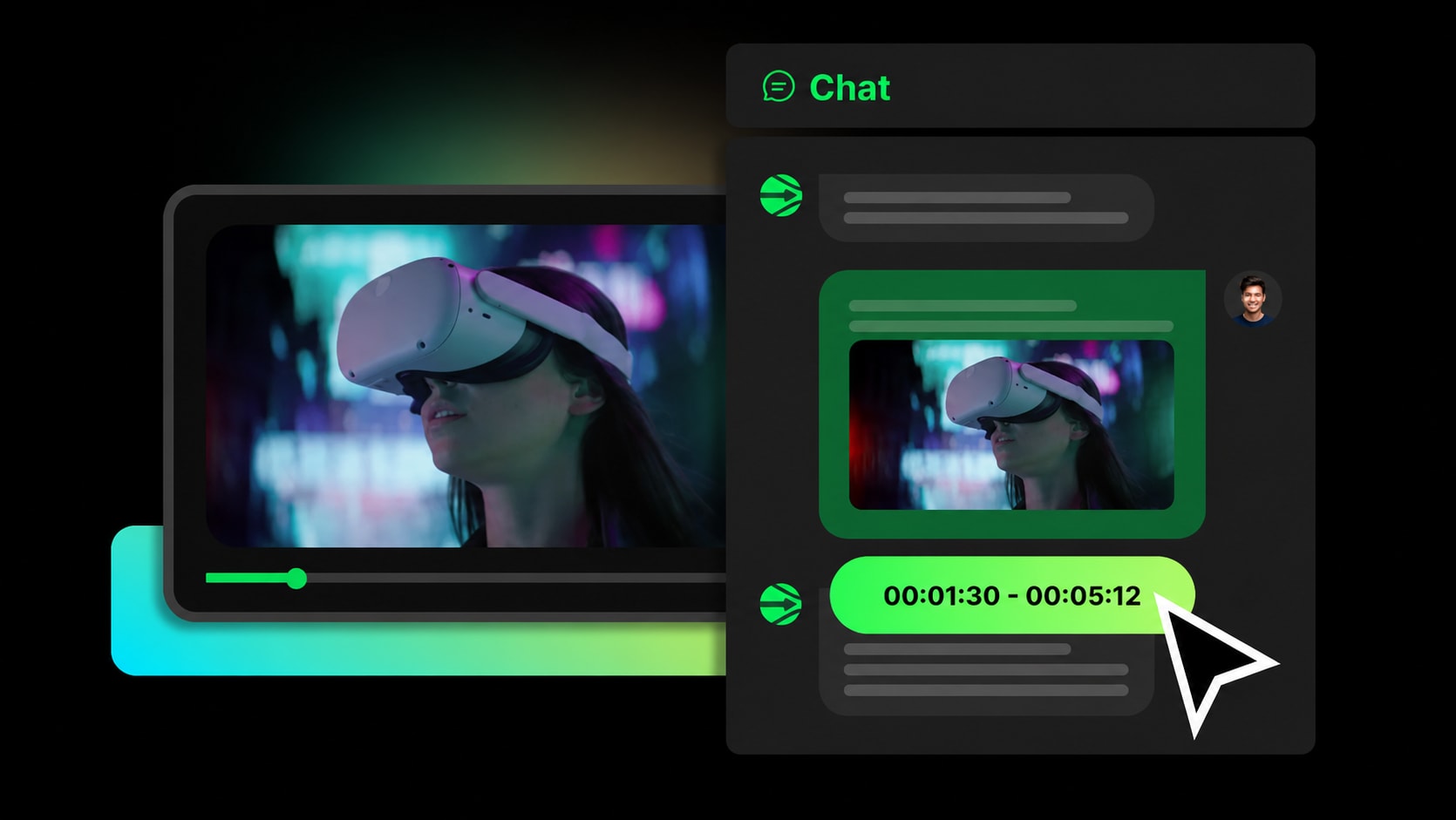
AI Video Clipping in WayinVideo

WayinVideo's clipping workflow is most useful when a team already has long webinars, demos, lessons, podcasts, or interviews and needs to identify the few moments worth publishing. The quality test is editorial, not only technical: the chosen clip needs a clear hook, enough context, accurate captions, and a format that works without the full source video. Media.io becomes the natural next step when that selected moment still needs video enhancer cleanup, object removal, vertical resizing, music, image-to-video inserts, or final export versions.

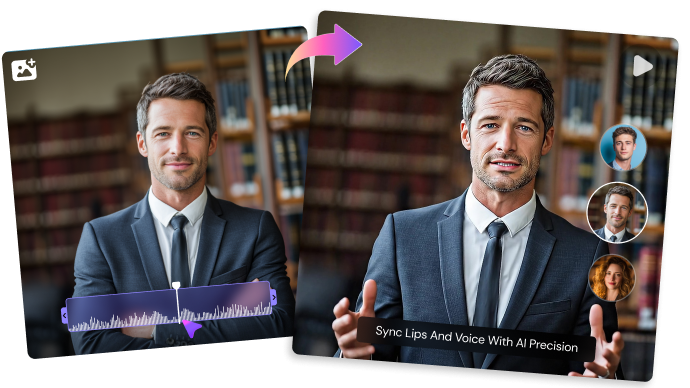
WayinVideo AI Video Clipping

Video Search and Summaries in WayinVideo

Search and summaries matter when a content library is too large for manual review. For marketing, education, and sales teams, the useful outcome is not just a transcript, but a reliable way to find claims, examples, product mentions, questions, and moments that can stand alone as short assets. Media.io is more relevant after discovery, when the team wants to turn a found moment into a cleaner social clip, supporting visual, short ad, or training excerpt.

WayinVideo Video Search and Summaries

Transcription and Captions in WayinVideo

Transcription and captions are central to repurposed video because the short clip often travels without the original context. Names, product terms, numbers, and technical phrases should be checked carefully before the clip becomes public-facing content. Media.io also allows you to upload videos and get auto subtitles immediately, and it also fits when captions need to sit beside enhancement, resizing, format conversion, audio work, and export rather than remain a separate transcript task.

WayinVideo Transcription and Captions

Auto Reframe in WayinVideo

Auto reframe is useful when a horizontal source video needs to become vertical or square without losing the speaker, product, slide, or demo area. The review should focus on whether the reframed version still feels intentional, readable, and platform-ready. Media.io is a stronger companion when the reframed cut also needs cleanup, subtitles, cover frames, added visuals, music, and final delivery settings.

WayinVideo Auto Reframe

Video API in WayinVideo

WayinVideo API workflows matter when a team wants to process many videos, search archives, produce captions, or generate clips inside an automated content operation. The important checks are privacy, batch limits, transcript accuracy, retry handling, and how editors approve clips before publishing. Media.io is better suited for no-code finishing once approved clips need visual polish, creative additions, or platform-specific exports.

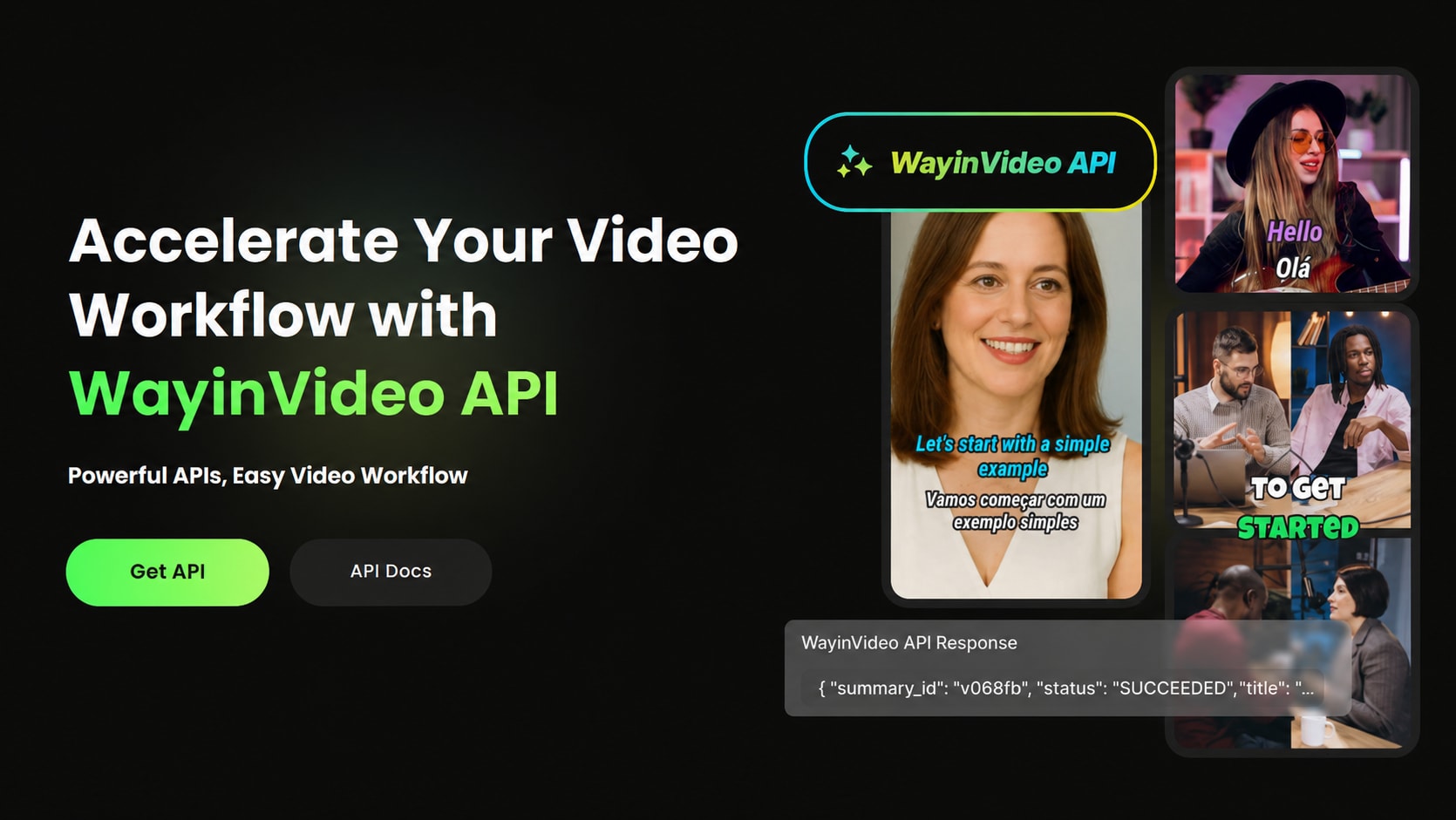
WayinVideo Video API

Content Repurposing in WayinVideo

Content repurposing is WayinVideo's clearest strategic fit: one webinar, course, livestream, or customer call can become multiple highlights, captions, snippets, and follow-up assets. The risk is treating every extracted clip as publishable without reviewing story, accuracy, and visual quality. Media.io completes the path when the repurposed moment needs generated B-roll, image-to-video material, cleaner visuals, music, subtitles, and campaign-ready export versions.

WayinVideo Content Repurposing

How to Use Media.io AI Video Generator

1
2
3
1
Step 1: Open Media.io and Choose Your Input

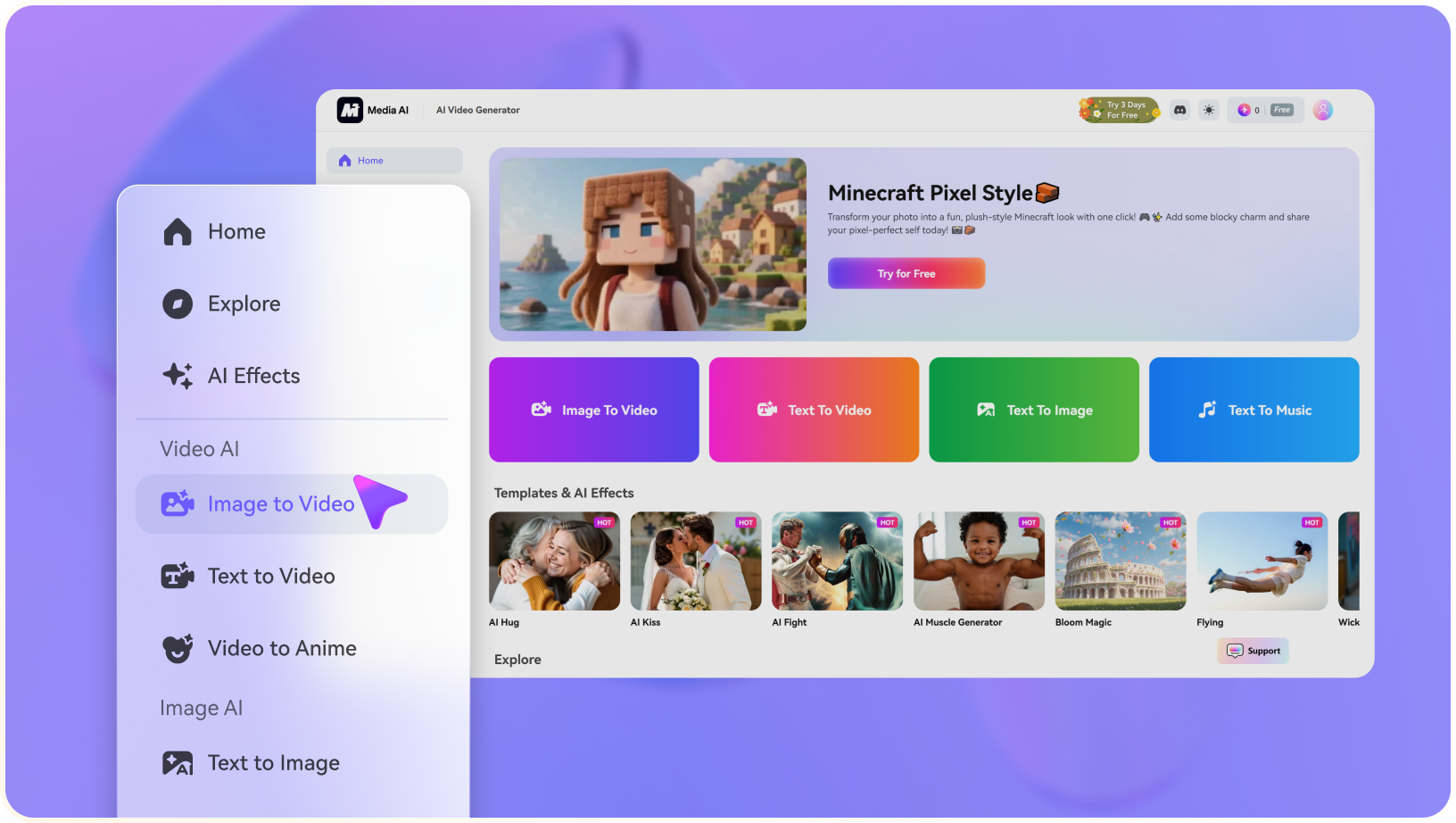
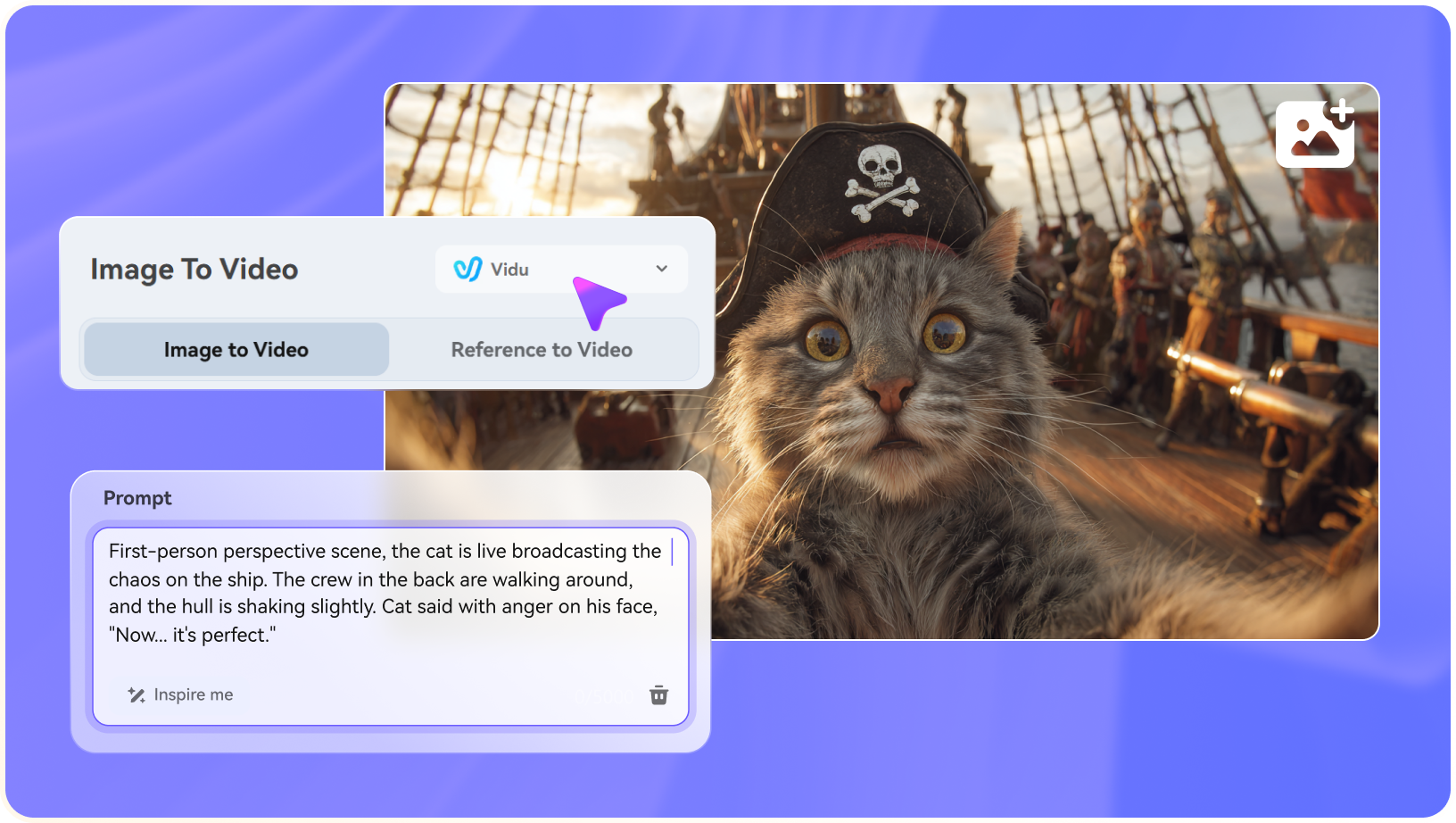
Launch Media.io AI Video Generator and choose whether to start from text or an image.

2
Step 2: Describe the Video or Upload a Reference

Enter a concise prompt, upload a source image when needed, and specify the motion, camera style, mood, or output goal.

3
Step 3: Generate, Preview, and Continue Editing

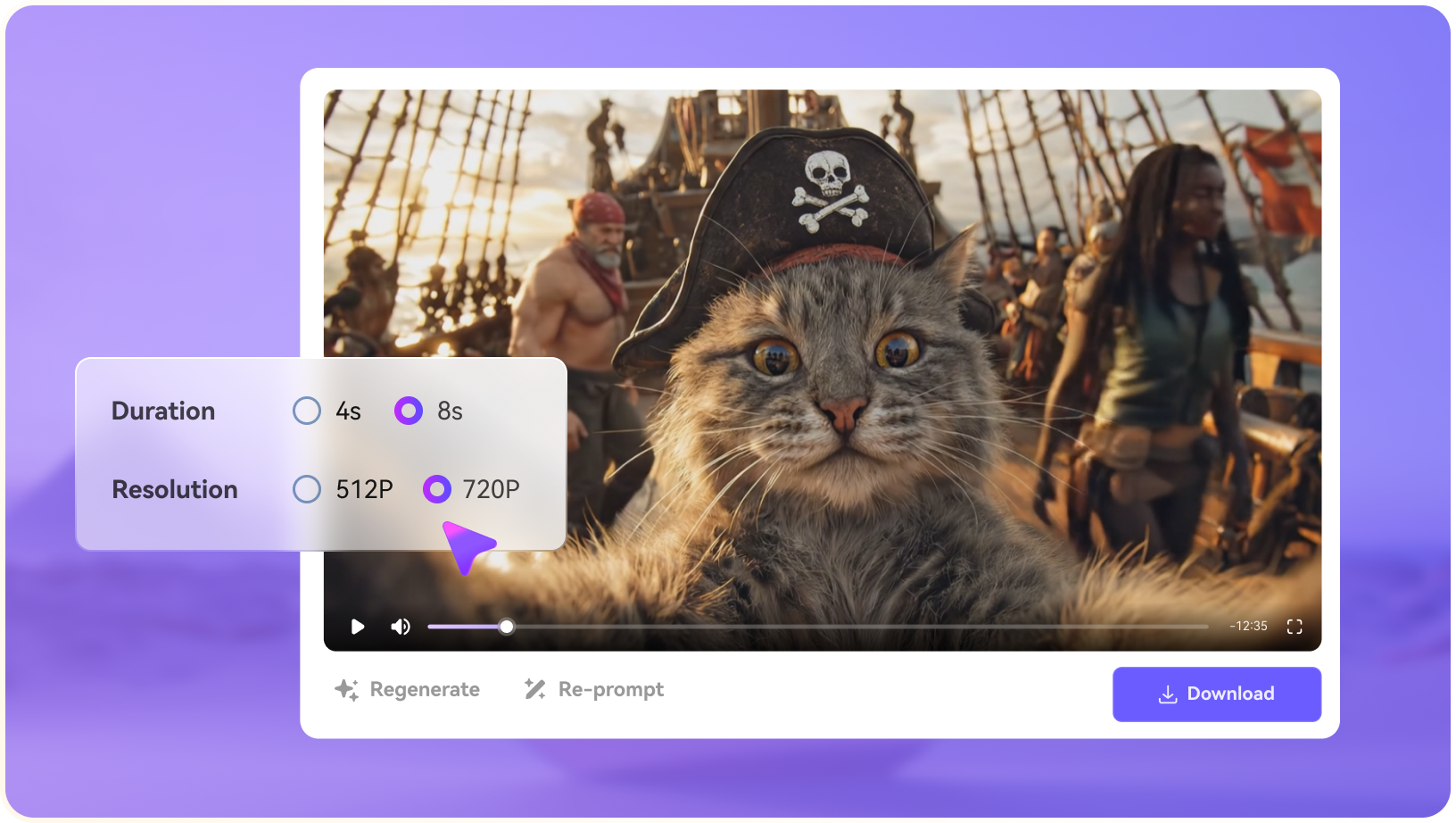
Generate the clip, preview the result, then continue with editing, enhancement, subtitles, music, resizing, or export.

step1 visit media.io
step2 choose a model and upload an image
step3 generate video from photo

Real-World Use Cases: Where WayinVideo Fits

WayinVideo fits content operations that already have long-form source videos and need to find, caption, clip, summarize, and reframe the useful moments.

Webinar Highlight Repurposing

Marketing teams can use WayinVideo to find strong moments inside webinars, product demos, or livestreams, then turn them into short clips. The best outputs still need editorial review, captions, hook framing, and platform-specific finishing.

Training and Knowledge Library Clips

Operations and education teams can search long training sessions for specific explanations, examples, or policy updates. This is useful when the organization already owns source footage and wants shorter learning assets without re-recording.

Podcast and Interview Snippets

Podcasts, customer interviews, and expert discussions often contain moments that can become social clips or sales enablement material. WayinVideo helps locate those moments, while Media.io can polish the selected snippet with enhancement, subtitles, and export variants.

Captioned Social Derivatives

Teams producing LinkedIn, Shorts, Reels, or TikTok derivatives need captions and mobile framing so clips work without sound or context. WayinVideo is useful for extraction; Media.io is useful for finishing and delivery.

Searchable Video Archives

Large teams can use video search and summaries to find quotes, product mentions, support explanations, or customer proof points inside a growing archive. The value comes from turning stored footage into accessible reusable material.

API-Based Repurposing Operations

For high-volume content teams, API workflows can help process many videos consistently. The production review should still include transcript accuracy, approval steps, privacy handling, and how selected clips move into a final editing workflow.

Where WayinVideo Falls Short

The strongest limitations are practical workflow boundaries, source-rights concerns, and production-readiness checks around WayinVideo's actual feature set.

Repurposing Depends on Source Quality

WayinVideo-style clipping, search, captions, and summaries work best when the original webinar, lesson, livestream, or interview has clear audio, visible speakers, and enough useful moments to extract.

Generation Is Not the Main Strength

Teams looking for prompt-based AI video, image-to-video scenes, product visuals, or story clips may need a separate generation workflow before or after the repurposing stage.

Clips Still Need Editorial Judgment

AI can help find moments, but marketers and educators still need to choose the hook, trim context, verify accuracy, and make sure the short clip makes sense without the full source video.

Finishing May Sit Outside the Repurposing Tool

A selected highlight may still need visual enhancement, object cleanup, music, subtitles, vertical formatting, conversion, and final export before it is ready for social or campaign use.

Transcript Accuracy Should Be Checked

Search, summaries, and captions depend on transcription quality. Names, technical terms, product claims, and multilingual content should be reviewed before publishing.

Automation Requires Workflow Testing

If the team uses APIs or batch repurposing, test privacy rules, processing limits, retry behavior, export formats, and how edited clips move into the final publishing stack.

WayinVideo vs Media.io: Which One Fits Your Workflow?

WayinVideo and Media.io solve different production problems. WayinVideo is stronger for repurposing and searching existing long-form video, while Media.io is stronger when the team needs to generate new AI media, enhance clips, remove objects, extend video, add creative assets, and export finished deliverables.

Workflow Need WayinVideo Media.io
Existing Video RepurposingStrong Fit best fit
Strong for turning longer videos into clips, searchable moments, summaries, captions, and reframed social assets.
Stronger when repurposed clips also need AI enhancement, object cleanup, image-to-video inserts, music, conversion, and final exports.
Video Search and SummariesStrong Fit best fit
Useful when teams need to find moments inside webinars, training videos, interviews, demos, or livestreams.
More relevant when the task starts with creating or polishing new media rather than searching an existing video library.
Captions and ReframeA practical fit for content teams that need transcripts, captions, and mobile-friendly versions from existing footage.A stronger fit when captions are only one step alongside enhancer, object remover, video extend, resizing, conversion, and export.
AI Video GenerationLess central if the main workflow is clipping, summaries, search, and repurposing existing video.Strong Fit best fit
Better when the project starts from prompts, source images, AI story concepts, or generated creative assets.
API and AutomationStrong Fit best fit
A good fit when the team needs WayinVideo-specific clipping, search, captioning, or repurposing inside automated pipelines.
Better for no-code creators who want to generate, improve, and export media in the browser.
Finished Media DeliveryHelpful for preparing clips, but final polish may still require extra enhancement, cleanup, music, subtitles, or conversion.Strong Fit best fit
A stronger fit for browser-based finishing after clips or generated media are selected.
Best for Video Repurposing

Choose WayinVideo When You Need:

WayinVideo is better suited when the source footage already exists and the main job is finding, clipping, captioning, summarizing, or reframing the useful moments.

  • Webinars, podcasts, demos, livestreams, or training videos turned into shorter clips
  • Searchable video archives where teams need to locate quotes, moments, or product mentions
  • Transcription, captions, summaries, and context preservation for long-form content
  • Auto reframe and social derivatives from existing horizontal footage
  • API or batch workflows for repeatable video repurposing operations
Explore WayinVideo
Best for Clip Finishing

Choose Media.io When You Need:

Media.io is better suited when the useful moment has already been found and the team needs to turn that clip into a polished asset for social, ads, training, or campaign delivery.

  • Video Enhancer, object remover, subtitles, resizing, conversion, and export after a webinar or demo clip is selected
  • AI Image to Video or AI Text to Video inserts for B-roll, product visuals, story openers, or supporting campaign scenes
  • Video Extend when a short selected moment needs more usable duration or smoother continuity
  • AI sound effects, music, captions, and format changes to make repurposed clips feel complete
  • A no-code browser workflow for editors who need to polish selected moments without building a custom API pipeline
Try AI Video Now

Final Verdict

Our Take

WayinVideo is most useful when the source video already exists and the production job is repurposing. It is a practical fit for teams that need to search webinars, demos, lessons, podcasts, livestreams, or training footage, then turn the best moments into clips, captions, summaries, and mobile-friendly derivatives.

Its limits appear when the selected moment still needs to become a polished final asset. WayinVideo can help identify and prepare clips, but many teams still need visual enhancement, object cleanup, generated B-roll, image-to-video inserts, music, subtitles, resizing, conversion, and export packaging. Media.io is stronger for that clip-to-campaign finishing stage.

Bottom line: Choose WayinVideo for long-form video search, clipping, captions, summaries, reframing, and repurposing operations. Choose Media.io when the chosen clip needs to become a cleaner, richer, publishable video asset.

WayinVideo FAQ

What is WayinVideo best used for?
faqfaq

WayinVideo is best used for repurposing existing long-form video, such as webinars, demos, lessons, interviews, podcasts, livestreams, and training footage, into searchable, captioned, reframed, or shorter clips.

WayinVideo is better understood as a video repurposing and clipping workflow than a prompt-first AI video generator. If the project starts from a script, image, or new creative concept, Media.io is usually the more relevant comparison.

WayinVideo is relevant for transcription, captions, summaries, and searchable video moments. Teams should still review names, numbers, claims, product terms, and multilingual content before publishing clips.

Content marketers, educators, webinar teams, sales enablement teams, and internal training teams should consider WayinVideo when they already have long source videos and need to extract useful moments efficiently.

WayinVideo may not cover the full finishing path after a clip is selected. A short clip can still need enhancement, object cleanup, generated supporting visuals, music, subtitles, resizing, conversion, and export packaging.

WayinVideo can be relevant for teams exploring API or repeatable video repurposing operations. Before building around it, verify current API availability, privacy rules, processing limits, retry behavior, and export handling.

Not completely. It can help find, clip, caption, summarize, or reframe existing videos, but editors may still need to polish the selected clips, improve quality, add creative assets, and prepare final platform-specific exports.

Media.io is a practical alternative or companion when selected clips need AI video enhancement, object removal, image-to-video inserts, text-to-video assets, subtitles, music, resizing, conversion, and browser-based export.

Choose Media.io when the bottleneck is not finding the clip, but turning the selected moment into a polished social, ad, product, training, or campaign video asset.

What Creators Say About Media.io AI Video Generator

Media.io user
Nora K.

Content Repurposing Lead

starstarstarstarstar

Media.io helps after the clip has been found and selected.

Search, summaries, and captions are useful for mining long videos. Once I have the strongest moment, I still need enhancement, cleanup, resizing, extra visuals, and export versions. Media.io is the browser workspace I would compare for that finishing stage.

Media.io user
Dev P.

Webinar Marketer

starstarstarstarstar

The value is turning a clip into something publishable.

A webinar highlight often needs a better opening frame, cleaner audio-visual quality, subtitles, and a vertical cut. Media.io is useful when the repurposed segment needs to become a campaign asset rather than just a transcript-backed clip.

Media.io user
Iris M.

Training Content Manager

starstarstarstarstar

I look for tools that can polish learning clips without rebuilding the lesson.

For internal training, I may start with a recorded session, isolate the useful section, and then add clearer captions, remove visual distractions, or create a short supporting visual. That makes Media.io a practical companion to repurposing workflows.

Media.io Online Tools Quality Rating:
vote 4.7 (162,357 Votes)
media.io

AI Video Generator star

Easily generate videos from text or images

Generate