Home>Comparison>VidMage AI

VidMage AI Video Generator Review

VidMage AI Video Generator is best reviewed as a lightweight AI media creation workspace for video generation, image-to-video, video-to-video, face swap, effects, and browser or Mac-based creator workflows. Face swap is still one of its most visible use cases, but the broader question is whether VidMage can help creators move from a prompt, image, clip, or likeness idea into a usable short-form asset. Media.io is the more useful comparison when the project needs connected image-to-video, script-to-video, video-to-video, AI effects, character assets, sound, and light publishing support in one browser workflow.

Core Features of VidMage AI

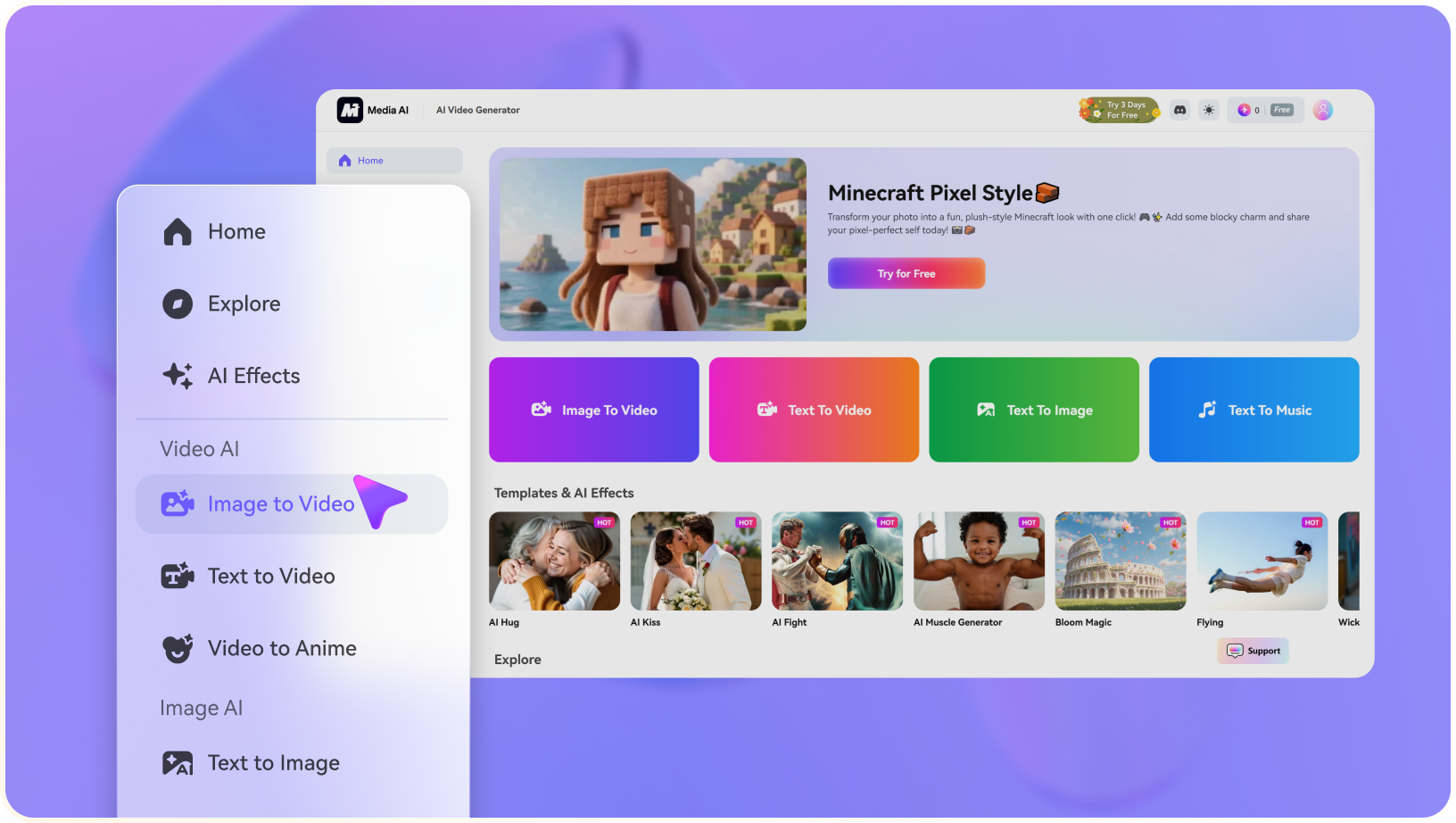
VidMage AI Video Generator is an AI media creation platform for text-to-video, image-to-video, video-to-video, face swap, effects, and image/video tools. It is mainly used by creators who want quick AI video drafts, face-swap edits, social visuals, and browser or Mac-based media workflows.

Core Feature Overview

  • AI Video Generator: AI Video Generator is the broad entry point for turning prompts, images, products, or campaign concepts into short AI video drafts.
  • Text-to-Video and Image-to-Video: Text-to-Video and Image-to-Video helps creators animate product photos, portraits, reference frames, or campaign images into short motion assets.
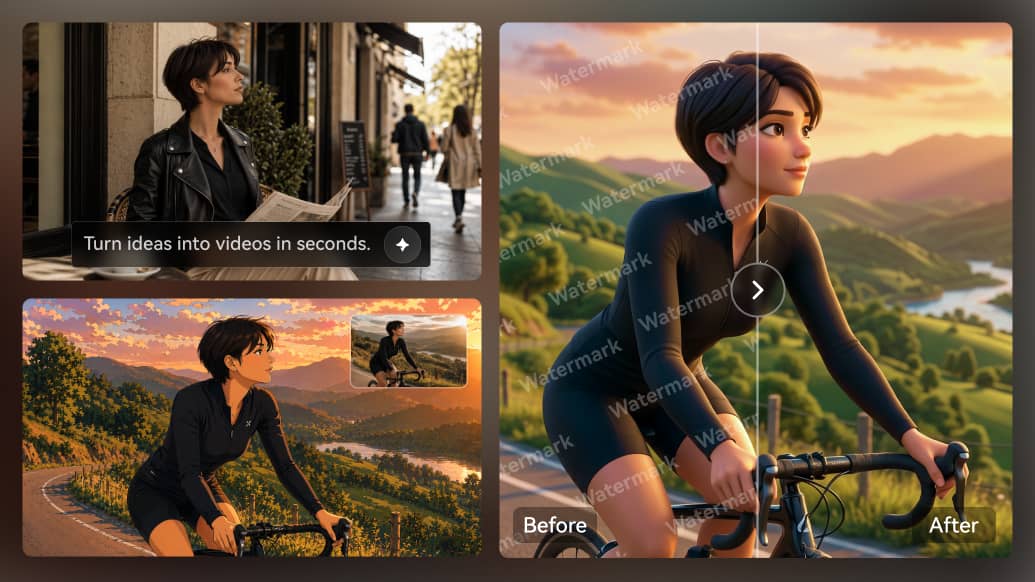
  • Video-to-Video: Video-to-Video is most useful when creators want to restyle or transform existing footage instead of starting every clip from a prompt.
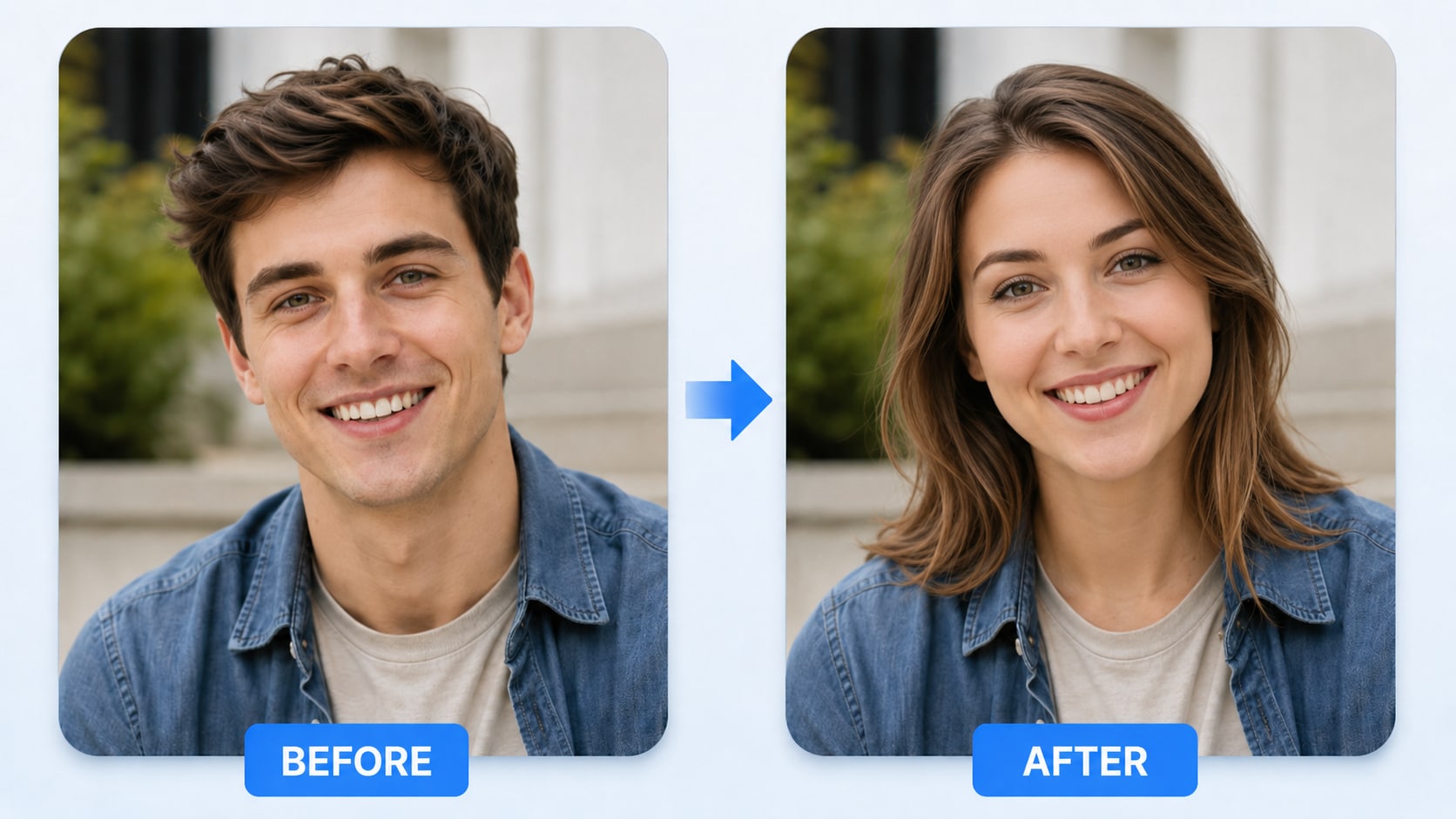
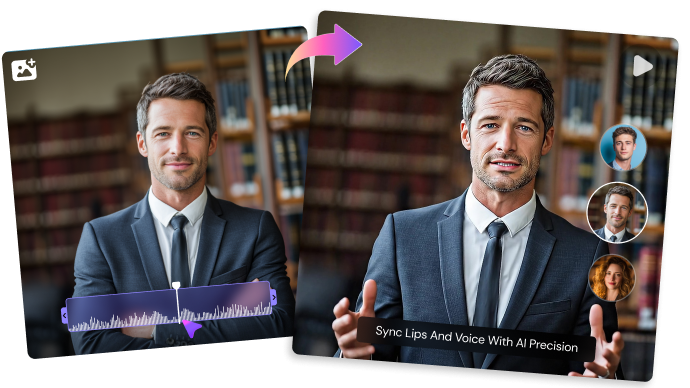
  • AI Face Swap: AI Face Swap matters when the video depends on a presenter, portrait, lip-sync moment, face-swap concept, or localized avatar-style message.
  • AI Effects and Media Tools: AI Effects and Media Tools is useful when creators need stylized looks, trend-style video plays, visual hooks, or fast creative variations.
  • Browser and Mac Workflow: Browser and Mac Workflow is one of the practical reasons users evaluate VidMage AI for AI video generation, image-to-video, video-to-video, face swap, effects, media tools, and browser/Mac creator workflows.
AI Video Generator in VidMage AI

VidMage AI Video Generator is useful when creators want a quick path from a prompt, image, or source clip to an AI-generated video draft. It is broader than a face-swap-only workflow because users may also be testing short social ideas, product visuals, stylized clips, or creator edits. Media.io AI Script to Video is a useful comparison when the input is a longer story, narration draft, or campaign script that needs an outline, characters, storyboard preview, and a more complete final video.

VidMage AI AI Video Generator

Text-to-Video and Image-to-Video in VidMage AI

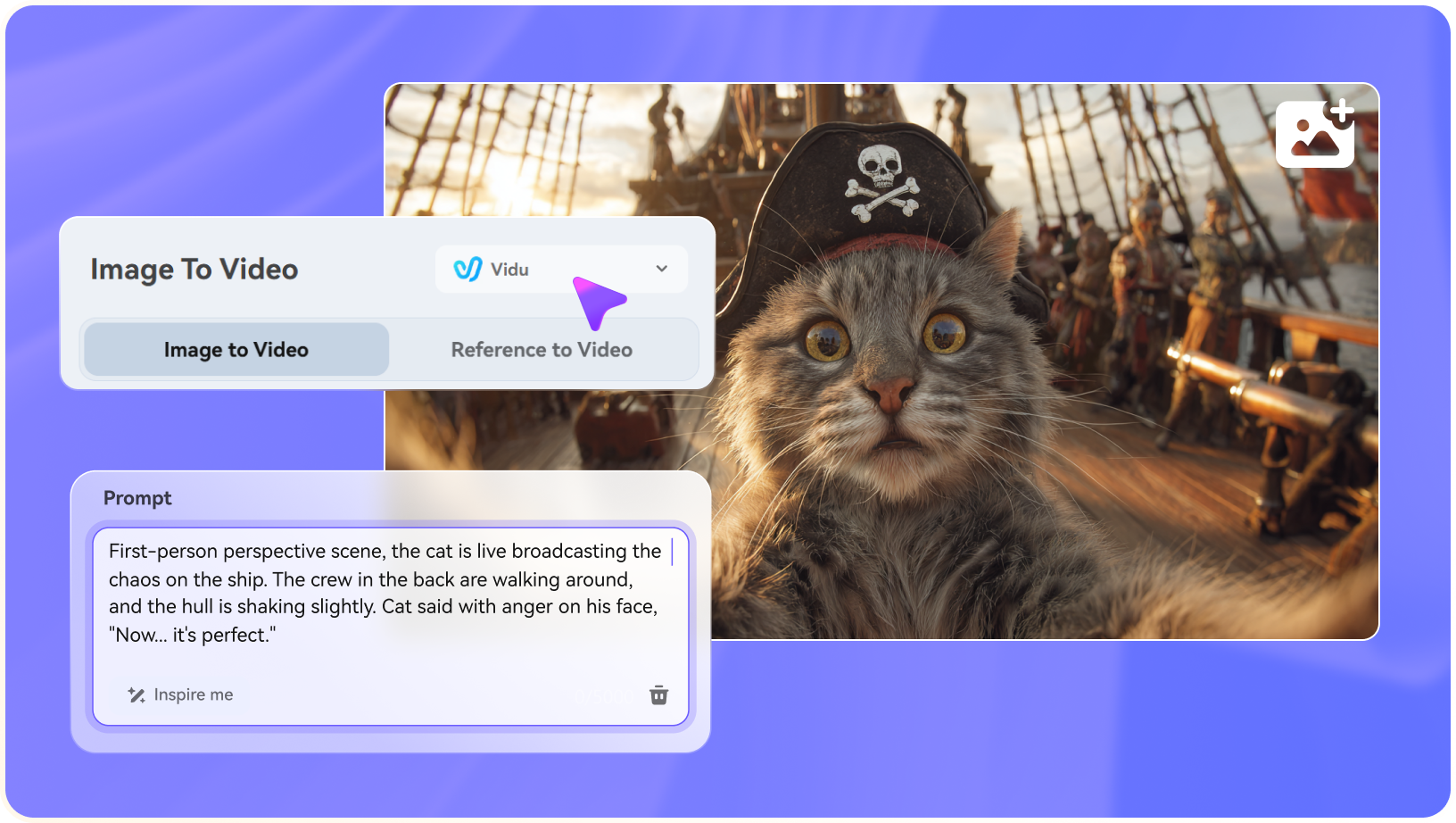
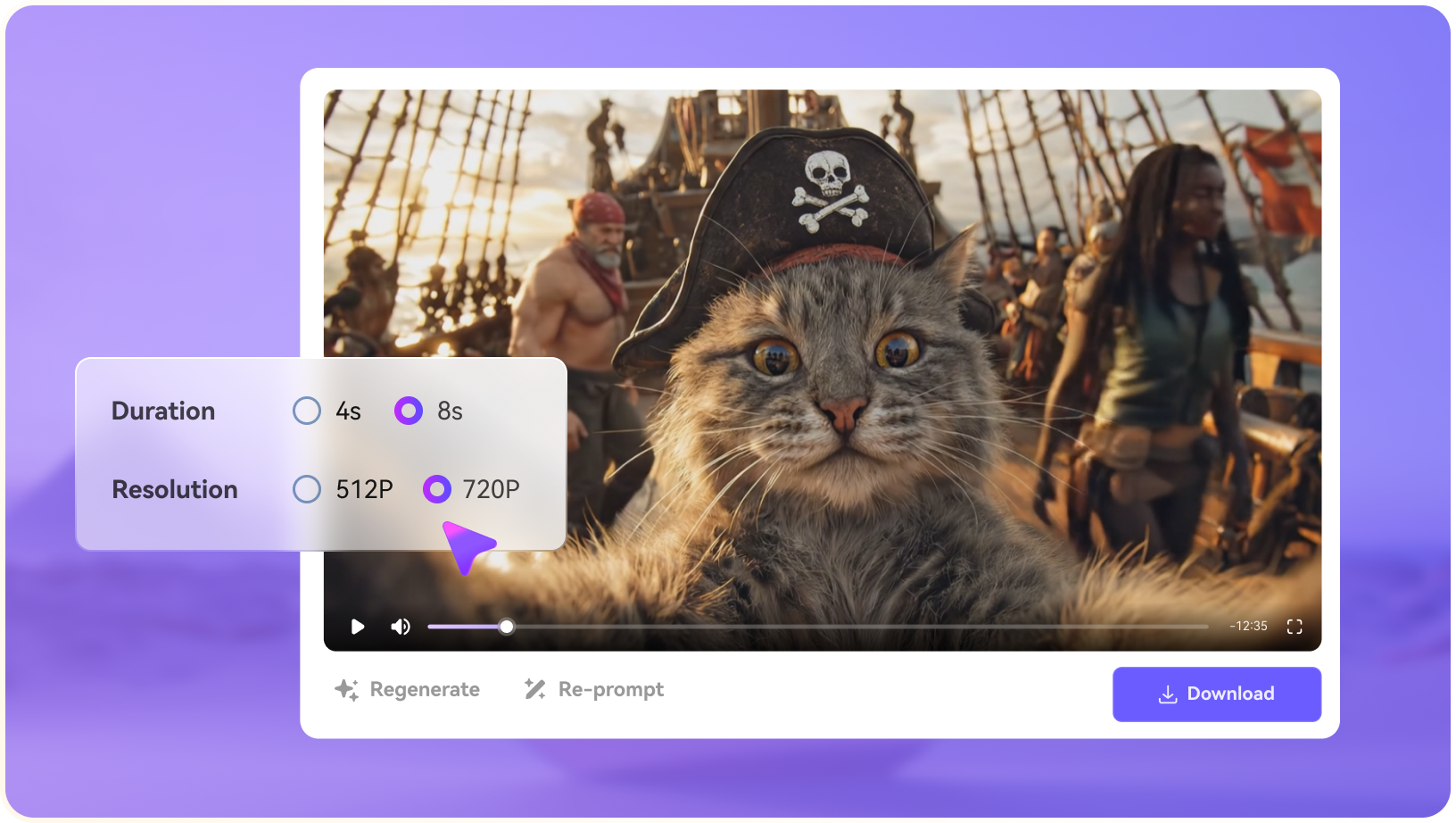
VidMage AI's text-to-video and image-to-video tools are useful when creators want to test prompts, reference images, product shots, portraits, or social visuals without starting from a blank timeline. The key checks are prompt clarity, source-image quality, motion stability, and whether the generated clip fits the intended channel. Media.io AI Image to Video supports multiple AI video models, long motion prompts, and up to 9 reference images, while Media.io text-to-video and script-to-video options give creators different starting points for short prompts or longer story ideas.

VidMage AI Text-to-Video and Image-to-Video

Video-to-Video in VidMage AI

VidMage AI's video-to-video workflow is useful when the creator already has footage and wants to restyle it, turn it into a different visual look, or test an AI transformation before editing further. Source quality still matters because motion, compression, lighting, and subject clarity affect the final result. Media.io AI Video to Video follows the same direct transformation idea: upload a clip, choose AI video style presets, and convert footage into stylized looks such as anime, cinematic, cartoon, fantasy, claymation, watercolor, or pixel-art.

VidMage AI Video-to-Video

AI Face Swap in VidMage AI

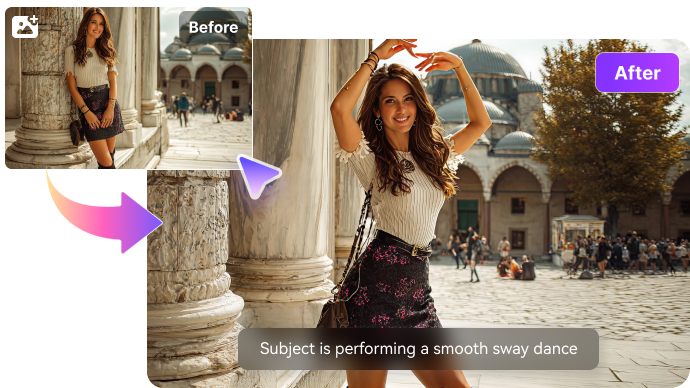
VidMage AI's face swap tools are useful when creators need to replace, preview, or experiment with a likeness in photos, videos, GIF-style assets, or social drafts. The same feature can be efficient for creator concepts, but it also raises the bar for consent, source ownership, realism, and brand safety. Media.io AI Face Swap gives users a simple browser option for photo swaps, while Media.io AI Character, image-to-video, and script-to-video tools are better when the idea should move beyond a single swapped face.

VidMage AI AI Face Swap

AI Effects and Media Tools in VidMage AI

VidMage AI's effects and media tools are useful for creator-style experiments, quick visual treatments, cleanup tasks, and social drafts that need more than one raw generated clip. This makes the product easier to evaluate as a lightweight media workspace rather than only a face-swap tool. Media.io AI Video Effects offers popular AI video and image effect plays, while Media.io's enhancer, object remover, image tools, and audio tools can support quick polish around generated assets.

VidMage AI AI Effects and Media Tools

Browser and Mac Workflow in VidMage AI

VidMage AI's browser and Mac workflow matters when creators care about where processing happens, how quickly they can test edits, and whether the tool fits casual web use or a more local desktop setup. That can be useful for frequent creator edits, face-swap tests, video drafts, and media cleanup tasks. Media.io stays closer to a browser-first workflow for creators who want to generate image-to-video clips, text-to-video drafts, face swaps, effects, subtitles, enhancement, resizing, and conversion without installing a heavier editing stack.

VidMage AI Browser and Mac Workflow

How to Use Media.io AI Video Generator

1
2
3
1
Step 1: Open Media.io and Choose Your Input

Launch Media.io AI Video Generator and choose whether to start from text or an image.

2
Step 2: Describe the Video or Upload a Reference

Enter a concise prompt, upload a source image when needed, and specify the motion, camera style, mood, or output goal.

3
Step 3: Generate, Preview, and Continue Editing

Generate the clip, preview the result, then use light polish tools such as enhancement, subtitles, music, resizing, or export when the asset needs them.

step1 visit media.io
step2 choose a model and upload an image
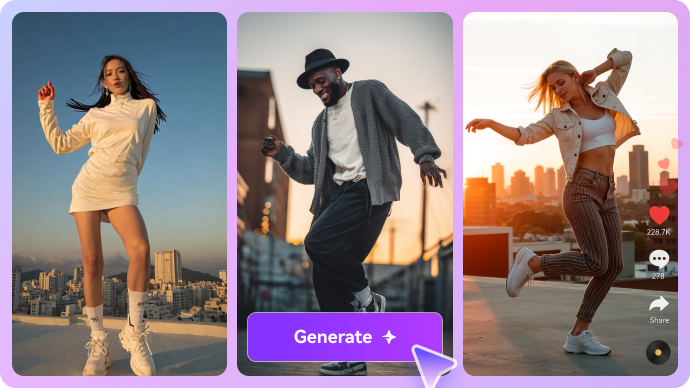
step3 generate video from photo

Real-World Use Cases: Where VidMage AI Fits

VidMage AI fits creator workflows that combine AI video generation, image-to-video, video-to-video, face swap, effects, and lightweight browser or Mac-based media editing.

AI Video Drafts for Social Concepts

VidMage AI can help creators test quick video ideas from prompts, images, or existing media before deciding which direction deserves a full edit. This fits short-form hooks, creator concepts, product visuals, and lightweight campaign drafts where speed matters.

Image-to-Video and Video-to-Video Experiments

A product photo, portrait, reference frame, or existing clip can become a motion test or stylized video draft. The best results still depend on source quality, prompt clarity, motion control, and whether the generated output fits the target channel.

Photo and Video Face Swap Edits

Face swap remains one of VidMage AI's most recognizable use cases, but it should be treated as one feature inside the larger video generator workflow. Teams still need consent, likeness rights, source ownership, and realism checks before public or commercial use.

AI Effects and Creator Media Tools

VidMage AI can support creator-style effects, cleanup, image/video tools, and fast social media experiments. These tools are useful when the goal is to produce several rough directions before choosing one for captions, sound, polish, or export.

Browser and Mac-Based Creator Workflows

VidMage's web and Mac options matter for creators who want quick browser access or a more local desktop-style workflow. The practical question is whether the interface fits frequent drafting, face swaps, media cleanup, and short-form publishing needs.

Campaign and Client Mockups

Designers and marketers can use VidMage AI for concept boards, ad mockups, influencer-style drafts, or product visuals. Client-facing work still needs clear labeling, source-rights review, brand checks, and final polish before delivery.

Where VidMage AI Falls Short

The strongest limitations are practical workflow boundaries, source-rights concerns, and production-readiness checks around VidMage AI's actual feature set.

Generated Drafts Still Need Review

VidMage AI can create quick video, image-to-video, and video-to-video drafts, but teams should still check motion logic, prompt accuracy, brand fit, captions, sound, and export quality before publishing.

Face Swap Requires Rights Checks

Face-based content needs careful permission checks for the people shown, the source materials, and the final commercial context. This is especially important for ads, client work, and public social content.

Source Quality Affects Output

Prompt clarity, image resolution, face visibility, lighting, camera motion, compression, and scene complexity can all change the quality of VidMage AI results. Real campaign assets are better tests than demo examples.

Not Every Workflow Is a Full Story Workflow

VidMage can support fast AI media creation, but longer explainers, script-led stories, recurring characters, and multi-scene brand campaigns may still need a more structured planning workflow.

Finishing Tools May Still Be Needed

Generated videos may still need captions, enhancement, object cleanup, music, resizing, format conversion, and export settings for each target platform.

Plan and Export Rules Should Be Verified

Watermarks, video length, resolution, queue behavior, commercial permissions, source ownership, and Mac/web feature differences should be checked before relying on VidMage AI for repeatable production.

VidMage AI vs Media.io: Which One Fits Your Workflow?

VidMage AI and Media.io overlap across AI video creation, but they should not be compared as face-swap tools only. VidMage is useful for quick AI media creation with face swap and creator tools, while Media.io is stronger when image-to-video, text-to-video, video-to-video, effects, character assets, sound, and light finishing need to support the same content workflow.

Workflow Need VidMage AI Media.io
AI Video GenerationUseful for quick creator drafts across prompt, image, video, face-swap, and effect-led workflows.Strong when creators want source-image generation, AI Text to Video, script-to-video planning, and light support in one browser workflow.
Image-to-Video and Text-to-VideoHelpful when VidMage's own generation modes match the creator's preferred style and workflow.Strong Fit best fit
Strong for AI Image to Video with model choices, long prompts, reference images, and connected support tools.
Video-to-Video Style ConversionUseful when creators want to restyle existing footage or test AI transformations inside VidMage.Also strong for direct AI Video to Video style conversion with ready-made visual presets.
Face SwapStrong Fit best fit
Strong when photo or video face swap is the main creative task and permissions are clear.
Useful for quick photo face swap through AI Face Swap, plus safer AI character or generated-video routes when likeness risk is too high.
Effects and Media ToolsUseful for quick social experiments, cleanup tasks, AI media tools, and creator-style drafts.Strong for AI Video Effects, image/video tools, sound effects, enhancement, object removal, subtitles, and export support.
Best Overall FitChoose VidMage AI when you want a media creation workspace with face swap, video generation, effects, and web/Mac workflows.Choose Media.io when source-image generation, script/story video, effects, character assets, and light finishing need to stay connected.
Best for AI Media Drafts

Choose VidMage AI When You Need:

VidMage AI is better suited when creators want quick AI video, face swap, effects, and media-tool drafts in a browser or Mac workflow.

  • AI video drafts from prompts, images, or existing source media
  • Image-to-video, text-to-video, video-to-video, effects, and cleanup-style creator experiments
  • Photo or video face swap when likeness replacement is part of the concept
  • Browser access for quick tests or Mac workflow preferences for repeated creator edits
  • Fast social mockups, campaign concepts, profile visuals, and lightweight media assets
Explore VidMage AI
Best for Connected Generation

Choose Media.io When You Need:

Media.io is better suited when the project needs connected AI generation across source images, scripts, videos, effects, characters, and light finishing.

  • AI Image to Video and AI Text to Video for campaign visuals, product scenes, social clips, and source-image animation
  • AI Video to Video and AI Video Effects when an existing clip needs style conversion or a popular AI effect template
  • AI Script to Video when the project needs story structure, storyboard planning, or a complete script-led video
  • AI Character Generator when recurring roles, safer fictional presenters, or reusable visual assets matter
  • Video Enhancer, object remover, subtitles, resizing, conversion, and export as light support after generation
Try AI Video Now

Final Verdict

Our Take

VidMage AI Video Generator is more useful when reviewed as a broader AI media creation workspace, not only as a face-swap tool. It makes sense for creators who want quick video drafts, image-to-video or video-to-video experiments, face-swap edits, effects, cleanup-style media tools, and browser or Mac-based creator workflows.

Its limits appear when a project needs a more connected path from script, source image, character, video style, sound, and light finishing into a publishable asset. VidMage can be useful for fast creator experiments, but campaign work still needs source-rights review, output polish, captions, sound, aspect ratios, and brand checks. Media.io is stronger when image-to-video, text-to-video, video-to-video, AI effects, character assets, and light delivery tools need to support the same content workflow.

Bottom line: Choose VidMage AI for quick AI video, face swap, effects, and media-tool drafts. Choose Media.io when you need connected image-to-video, script/story video, video-to-video, AI effects, character assets, and light publishing support.

VidMage AI FAQ

What is VidMage AI Video Generator best used for?
faqfaq

VidMage AI Video Generator is best used for quick AI video drafts, image-to-video and video-to-video experiments, face-swap edits, AI effects, media cleanup, and lightweight browser or Mac-based creator workflows.

No. Face swap is one of VidMage AI's most recognizable features, but the product also includes AI video, AI image, AI effects, AI audio, AI models, and related image/video tools. It should be reviewed as a broader AI media workspace.

VidMage AI is relevant for face swap workflows, including creator-style photo and video edits. Output quality depends on source angle, lighting, motion, face visibility, resolution, and whether the use of the likeness is permitted.

VidMage AI presents AI video generation, image-to-video, text-to-video, video-to-video, and related creator tools as part of its broader media workflow. Users should still test output stability, motion quality, and export behavior before using results in campaigns.

Commercial use depends on source ownership, consent, likeness rights, trademarks, platform policy, and VidMage AI's current terms. For client work or ads, permissions and responsible use should be reviewed before publishing.

VidMage AI may fall short when the project needs deeper story structure, reusable character planning, precise brand control, captions, sound design, object cleanup, enhancement, resizing, conversion, or final export support.

Media.io can be safer when a brief can use fictional AI characters, generated product visuals, image-to-video clips, or script-led story assets instead of relying on a real person's likeness.

Yes. VidMage AI outputs may still need enhancement, subtitles, object cleanup, audio, resizing, conversion, and export settings. Media.io is useful when those support tasks need to stay close to image-to-video, text-to-video, video-to-video, effects, or AI character generation.

Media.io is a practical alternative when the project needs AI image-to-video, text-to-video, script-to-video, video-to-video, AI effects, AI character assets, video enhancer, object remover, sound, subtitles, conversion, and lightweight video delivery.

What Creators Say About Media.io AI Video Generator

Media.io user
Rina J.

Creator Editor

starstarstarstarstar

Face swap is specific; Media.io is where I look when the edit becomes a full video.

A face-based draft can be useful, but the final post may need source-image animation, subtitles, cleanup, and format changes. Media.io is more relevant when that asset has to become a broader campaign or story clip.

Media.io user
Owen L.

Brand Video Producer

starstarstarstarstar

I want alternatives when likeness risk is not the right creative route.

Some briefs should avoid face swap entirely. Media.io gives me other directions, such as AI character assets, image-to-video, text-to-video, product visuals, and sound-led generated assets that do not depend on a borrowed likeness.

Media.io user
Priya N.

Social Ads Designer

starstarstarstarstar

The stronger workflow is the one that gives me a safer content route.

After a quick browser edit, I still need to check consent, polish the clip, add captions, remove distractions, and export in the right sizes. Media.io fits when the asset should become a generated scene or character-led story instead of only a swap.

Media.io Online Tools Quality Rating:
vote 4.7 (162,357 Votes)
media.io

AI Video Generator star

Easily generate videos from text or images

Generate