














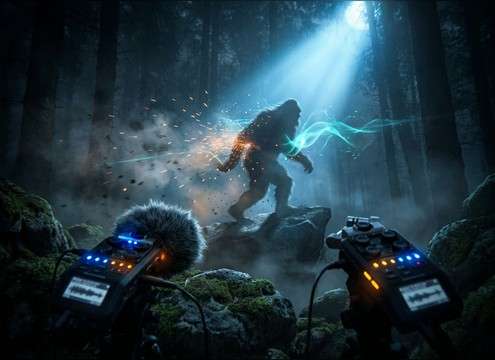






A great werewolf howl isn't just "loud." It needs the right emotion, perspective, and tail so it lands on the cut and fits the space. Use the library to audition quickly, then copy a prompt and change only one variable at a time (distance, grit, echo, or pacing) to lock the exact vibe for your scene.
Start with the scene emotion
Decide what the howl communicates before you pick intensity. A threat howl wants a confident rise and stable tone; pain needs instability; a pack call benefits from layered voices and wider stereo.
- Threat: fast attack, strong midrange, controlled tail
- Pain: pitch wobble, rasp, breathy breaks
- Pack: 3–5 layers, slight timing offsets, wide image
Match camera distance and framing
Distance sells realism more than volume. Close perspectives should feel dry and present; distant howls should lose top end and lean on ambience with a longer decay.
- Close: minimal reflections, strong transient detail
- Mid: light room tone, moderate tail, clear core pitch
- Far: softer highs, more air/space, longer decay
Choose the right space: forest, alley, cave
The same howl reads differently depending on reflections. Forest spaces feel diffused and airy; alleys add tighter slap; caves add long, obvious echoes and low-mid resonance.
- Forest: subtle diffusion, gentle tail, faint night bed
- Alley: short reflections, tighter stereo, quicker decay
- Cave: slapback echoes, extended tail, darker resonance
Avoid common "stock howl" problems
Overly synthetic distortion, random clipping, or tails that run too long can make the effect feel pasted on. Keep the tail purposeful, and leave headroom for music and dialogue.
- Skip harsh clipping; ask for "clean peak" or "controlled distortion"
- Avoid tails that smear the next line; request a "tight cutoff"
- If it masks dialogue, generate a thinner version with reduced low-end




