



















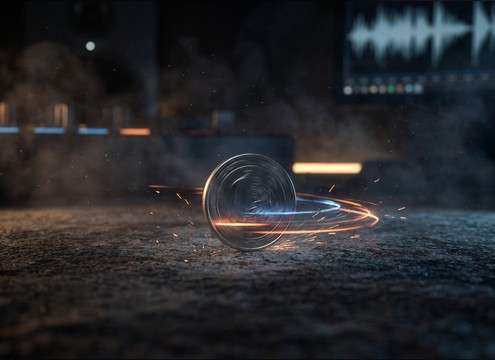
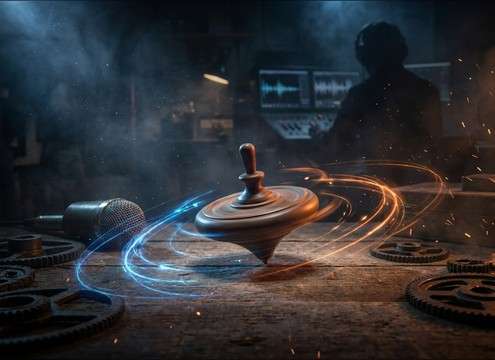



"Spin" can mean a clean UI rotation, a physical object wobbling on a surface, or a motor-driven reel. Use prompts that specify the source, speed behavior, and how the sound should end. When browsing, listen for the transient (start), tonal wobble, and whether the decay leaves space for the next on-screen event.
Name the source and material
Start by stating what is spinning and what it's made of. Material strongly shapes the tone: metal rings, plastic hums, and rubbery parts feel duller with more midrange.
- Coin, bottle cap, toy top, prize wheel, reel, rotor, or UI spinner
- Material cues: metal ring, plastic whirr, wood rattle, rubber squeak
- Add texture words: "smooth", "gritty motor", "wobbly", "polished"
Describe speed, wobble, and stop
Most spin moments are about motion over time. If the picture accelerates, ask for a pitch rise. If it slows, request a gradual pitch drop and thinning texture. Decide whether the end is a clean cut, a gentle fade, or a final tick.
- Speed shape: steady, ramp up, ramp down, or ramp up then down
- Wobble amount: none (UI), subtle (wheel), obvious (coin on table)
- End behavior: abrupt stop, soft fade, or ticked stop point
Pick perspective and space
Perspective changes how "present" the spin feels. Close-up spins should be dry with strong detail; distant spins should be softer and less bright. If you need realism, specify the environment so reflections make sense.
- Distance: close-mic, arm's length, across the room
- Space: dry studio, small room, arcade ambience, open hall
- Stereo width: centered UI vs wide whoosh for transitions
Decide one-shot vs loop
A one-shot spin works for reveals and transitions, while a loopable bed fits menus or continuous shots. For loops, aim for even texture and stable loudness so the seam disappears.
- One-shot: clear transient and a tail that ends before the next beat
- Loop: steady tone, minimal random clicks, consistent stereo image
- Avoid: overly long reverb tails, harsh high-end hiss, sudden volume dips




