

















"Firing" can mean anything from a tight close-up crack to a distant report with long reflections. The fastest way to get a believable result is to decide what the camera hears (distance), what the space contributes (tail/echo), and whether you need extra mechanical texture. Use the tips below to pick the right library clip or write a prompt that generates a better-fitting variation.
Start with shot type and intensity
Before you worry about echo, decide whether the moment calls for a single clean report, a controlled burst, or a heavier blast. The perceived "power" often comes from transient sharpness plus low-end body—too much of either can feel cartoonish or distort in a mix.
- Single shot: crisp transient and short decay for clear sync
- Burst/volley: consistent spacing so edits feel intentional
- Heavy blast: more low-end and slightly longer tail for impact
Choose perspective: close, mid, or distant
Distance changes everything: close sounds have aggressive attack and detail, while distant reports lose high-end and pick up atmosphere. Match the sound to the visual framing so the brain doesn't fight the cut.
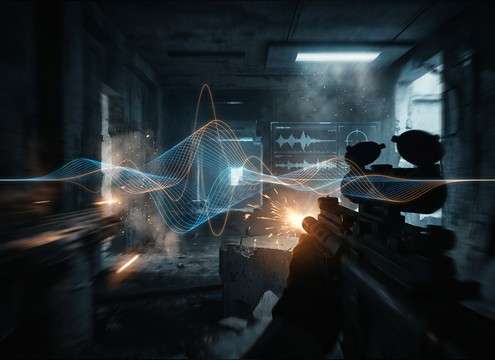
- Close: bright snap, minimal air between attack and body
- Mid: balanced tone with a modest tail that reads as "real space"
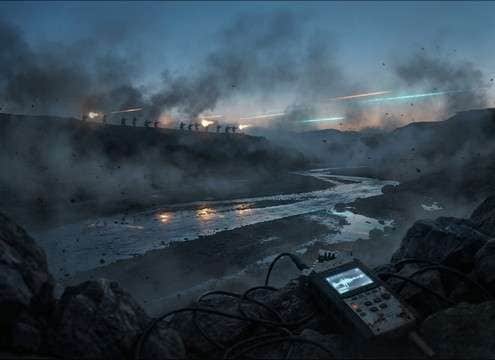
- Distant: softened transient, longer fade, more ambience
Match the environment with tails and reflections
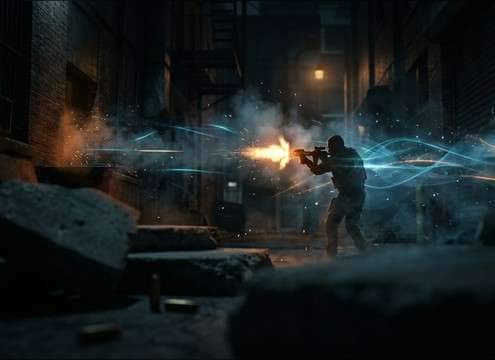
Indoor shots usually bring early reflections and a denser tail; outdoor shots tend to be drier unless you're near hard surfaces (alleys, canyons, concrete). When generating, explicitly name the space to control the tail character.
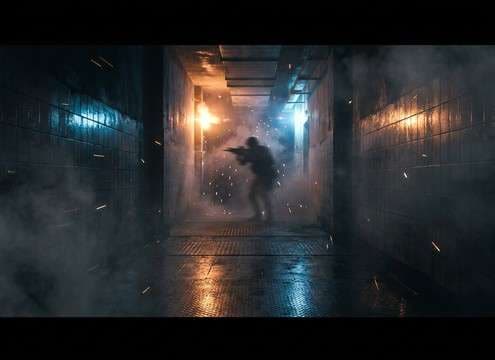
- Corridors: boxy resonance and quick slapback
- Large rooms/warehouses: longer tail with clear early reflections
- Open outdoors: short decay with airy high-frequency falloff
Add mechanical texture (but don't overdo it)
Mechanical details—trigger press, bolt/slide movement, casing ticks—can make a firing cue feel physical, especially for close perspectives. Keep them subtle when the scene is busy so they don't mask dialogue or music.
- Use mechanical action for close-ups and quiet tension beats
- Reduce mechanical detail for wide shots and loud sequences
- Avoid exaggerated clicks that read as "toy-like"




