Dead Sound Prompts: Collapse, Defeat and Sudden Silence

A defeat tone, a padded collapse and a sudden cutoff tell different stories. Compare them against your scene before deciding whether the audience should feel tension, humor or finality.

How to Generate Dead Sound Effects with AI

Decide what dead means in your project: a game state, a fictional collapse or a dramatic silence. Then describe one clear audio event.

1

Open the AI Sound Effects Generator

Visit the Media.io AI Sound Effects Generator to create an original dead audio cue from a text description.

2

Enter a Sound Effect Prompt

Describe the precise audible source and situation. Example prompt: Fictional animated hero slumps onto a padded wooden floor, a single dull clothing-and-body thump followed by abrupt quiet room tone, no gore or music.

3

Choose Duration and Generate

Choose a duration of 5s, 10s, 20s or 40s, then select 1, 2, 3 or 4 sounds to generate. Click Generate to create the selected variations.

4

Preview and Download

Listen for the implied weight and transition to quiet. The result should serve the story, not introduce unrelated alarms or medical realism. Preview the generated sounds, then download and save the one that fits your project.

Silence, Collapse and Defeat Are Not the Same

Not every ending calls for a scream or crash. A clean pause, small thud or familiar game-like tone can communicate that the action has stopped.

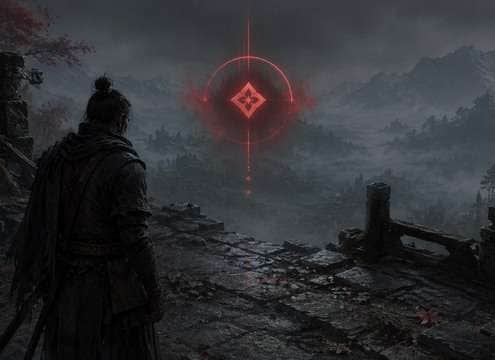
Video game defeated avatar sound scene

Video game defeated avatar

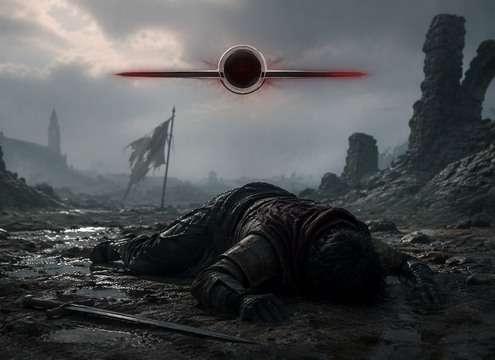
A low synthesized failure cue gives a character death or knockout a clear state change.

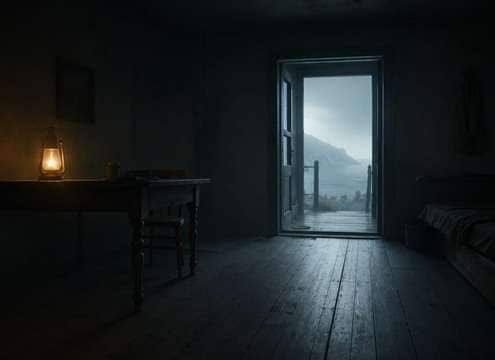
Film fade-to-black sound scene

Film fade-to-black

A short subdued hit followed by a quiet sound floor tells the story has stopped.

Comedy deadpan reaction sound scene

Comedy deadpan reaction

An intentionally empty pause after a bad joke makes the awkwardness audible.

Fantasy creature collapse sound scene

Fantasy creature collapse

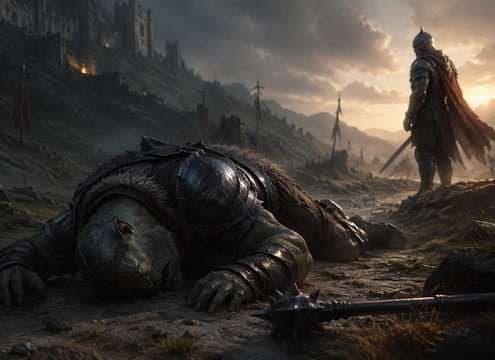
Heavy cloth and armor landing cues a fictional character falling without gore.

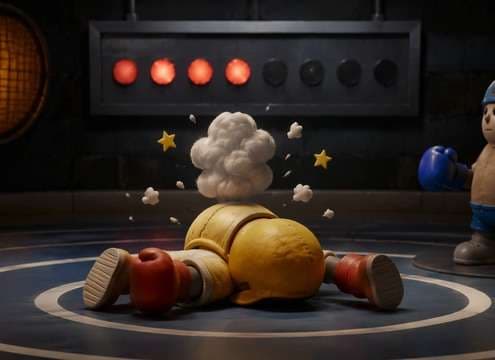
Animated knockout scene sound scene

Animated knockout scene

An exaggerated soft plop can communicate cartoon defeat harmlessly.

Audio drama final breath sound scene

Audio drama final breath

A quiet release and room silence can mark an ending without a dramatic score.

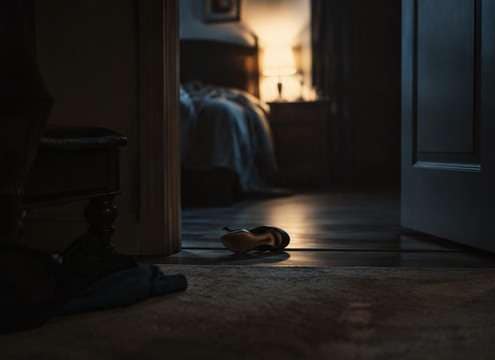
Thriller aftermath sound scene

Thriller aftermath

One dropped object in an otherwise still scene suggests abrupt absence.

Game mission failure sound scene

Game mission failure

A minimal descending UI cue communicates a lost attempt without long music.

Choose the Ending Before the Effect

Use contrast, restraint and a clear ending to guide the viewer without forcing graphic or overly theatrical sound design.

Silence must be intentionally edited concept icon

Silence must be intentionally edited

Absolute digital zero can be jarring; a subtle room floor may make the absence feel more natural.

Collapse sound depends on material concept icon

Collapse sound depends on material

Armor on stone, clothing on carpet and an animated padded fall convey different weight and genre.

Defeat cues differ from injury sounds concept icon

Defeat cues differ from injury sounds

A musical or UI signal can mark game state without implying any physical harm.

Let the final transient decay concept icon

Let the final transient decay

A body-weight thump should finish before a planned silent beat begins.

Use restraint around sensitive scenes concept icon

Use restraint around sensitive scenes

Avoid sensational audio and choose subdued Foley when depicting death or loss.

Distinguish adjacent page intent concept icon

Distinguish adjacent page intent

A short defeat cue can announce a game loss, while a quiet cutoff after one soft impact works better for a serious film ending.

When Dead Means Silence Versus Defeat

For games, a short designed defeat cue often works better than realistic physical Foley. It signals a change of state immediately and can be repeated consistently after every failed attempt.

Build the last audible event

For film or animation, choose a physical sound that matches the surface: cloth on carpet, armor on stone or a padded cartoon fall. Then let the effect finish. A small room tone beneath the silence may feel more natural than absolute digital zero.

  • Cavern Call - A single adult voice calling "Hello" into a huge limestone cavern; dry onset, one delayed low-volume return followed by irregular long natural reflections, no music.
  • Tiled Tunnel Footsteps - Three measured boot steps on tile; each step repeats quickly along a narrow underground passage, hard-wall reflections and quiet decay, no crowd.
  • Canyon Whistle - One clear human whistle projected over a rocky canyon, separated echo returning twice at decreasing levels, open-air background nearly silent.
  • Stairwell Key Clink - Small brass key falls on concrete, bright metal ping and three tight hard-wall stairwell repeats with natural decay, isolated.
  • Distant Voice Fade - Single wordless distant human call that grows more diffuse in an outdoor valley with gradual high-frequency loss and long delayed reflection.

Keep the transition believable

If the moment is sensitive, avoid sensational layers. Try a muted impact followed by a controlled pause, and let the picture carry the emotion. You can use an original sound without reproducing a familiar game over jingle or a recognizable clip.

  • Cave dialogue - A lost explorer calls into a cavern and hears one delayed reply, establishing enormous distance.
  • Subway passage - Footsteps repeat along tile while the platform stays empty, making a quiet scene uncomfortable.
  • Mountain rescue - A faraway shout returns from a cliff face before the camera finds its source.
  • Stone stairwell - A dropped key produces hard short reflections that reveal narrow concrete walls.
  • Dream transition - An everyday phrase decays into a long airy echo as a character enters a memory.
  • Haunted corridor - A gentle metallic tap develops a hollow echo rather than an obvious monster cue.
  • Sci-fi hangar - A coded beep ricochets through a cavernous metal interior and anchors scale.
  • Podcast flashback - A short spoken line shifts into a spacious acoustic perspective between scenes.

Dead Sound Effects: Questions Answered

Understand the difference between dramatic silence, fictional collapse and game defeat cues, with ways to handle each appropriately.

Does dead sound effects mean death sounds or dead silence?

Both interpretations appear in creative use. Choose a collapse or defeat cue for an event, or an intentionally quiet sound bed for absence.

How do I make a dramatic silence transition?

Use an abrupt music stop followed by a faint room floor or tiny final object sound, avoiding a noisy tail.

What works for a game character defeat?

A compact descending UI signal or stylized impact is often clearer than prolonged realistic collapse audio.

Can I create a non-graphic collapse sound?

Yes. Ask for fabric, a muffled padded thud and ordinary room ambience without distressing details.

Should a dead silence clip be an audio file at all?

For editing, silence can be created directly on the timeline; a quiet room-tone file is useful when you want to preserve natural ambience.

What is the difference between dead and game-over audio?

A dead cue may describe one character or scene; game over usually denotes the entire session ending.

Can these effects be used in memorial or serious storytelling?

Use subdued, respectful sounds and review your wording and licensing; avoid sensational framing.

More Game Failure and Cinematic Endings

Combine a brief ending cue with room tone, low impacts or subtle game UI audio as the scene requires.

sound

Boom Boom Boom Sound Effects

Explore related sounds
sound

Bee Sound Effects

Explore related sounds
sound

Car Crash Sound Effects

Explore related sounds
sound

Firing Sound Effect

Explore related sounds
sound

Toilet Flush Sound Effects

Explore related sounds
sound

Police Sound Effects

Explore related sounds
sound

Baby Crying Sound Effects

Explore related sounds
sound

Applause Sound Effect

Explore related sounds
sound

Civil Defense Siren Sound Effects

Explore related sounds
sound

Amber Alert Sound Effect

Explore related sounds
sound

Loud Scream Sound Effects

Explore related sounds
sound

Camera Sound Effects

Explore related sounds
sound

Dragon Roar Sound Effects

Explore related sounds
sound

AI Kill Sound Effects

Explore related sounds
sound

Fire Drill Sound Effects

Explore related sounds
sound

All Sound Effects

Browse all sounds
media.io

AI Video Generator star

Easily generate videos from text or images

Generate