

Keep Full Framing Without Cropping
Unlike standard crop tools that cut away the bottom corner of vertical reels or landscape edits, Media.io removes the InShot watermark without cropping your original composition.
Exported your video and stuck with the bottom-right InShot watermark? If you still have the app project, you can remove it free before saving. If you only have the finished file, upload it to Media.io's InShot Watermark Remover to erase the baked-in logo without cropping the frame or regenerating your video.
Free credits on signup. No software installation needed.
For videos you own or are authorized to edit. This tool removes visible on-frame logos and overlays only.







Unlike standard crop tools that cut away the bottom corner of vertical reels or landscape edits, Media.io removes the InShot watermark without cropping your original composition.
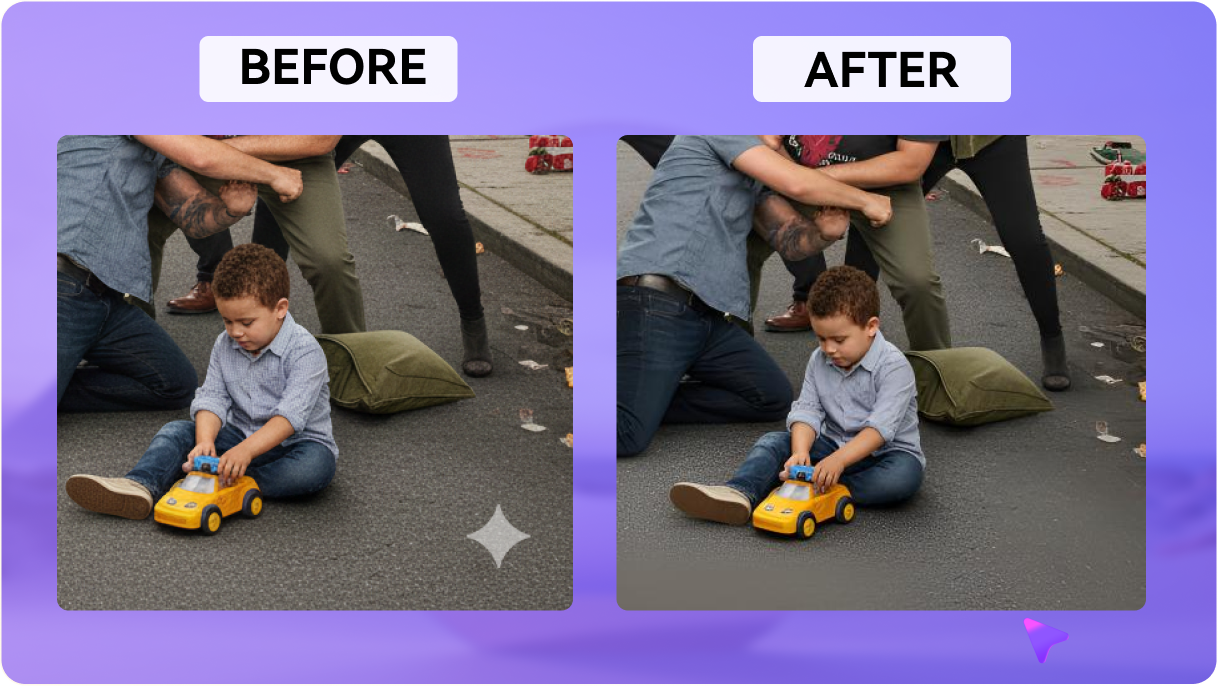
AI analyzes surrounding pixels and frames to reconstruct the area behind the semi-transparent or opaque InShot logo instead of simply blurring it.
Lost the original InShot project or switched devices? Upload the already exported MP4 or MOV and clean the visible watermark without reopening the original draft.
Use Media.io directly from Chrome, Safari, Edge, or Firefox. Upload your exported InShot video from desktop, iPhone, or Android without installing another editor.
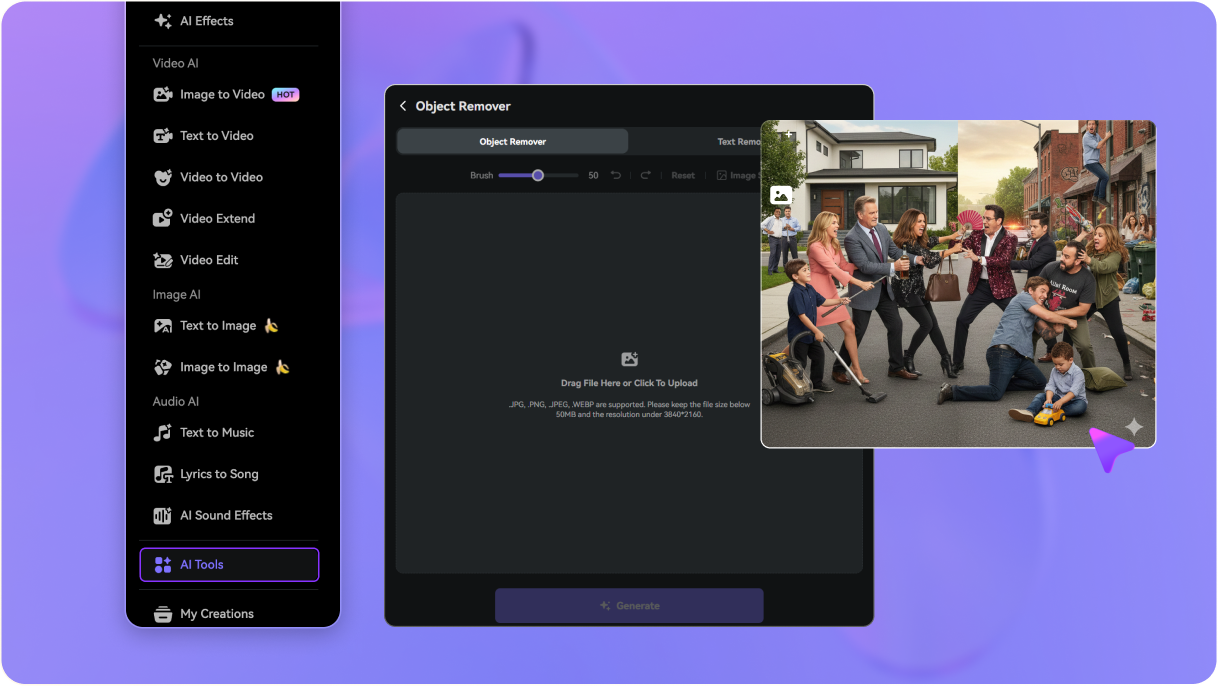
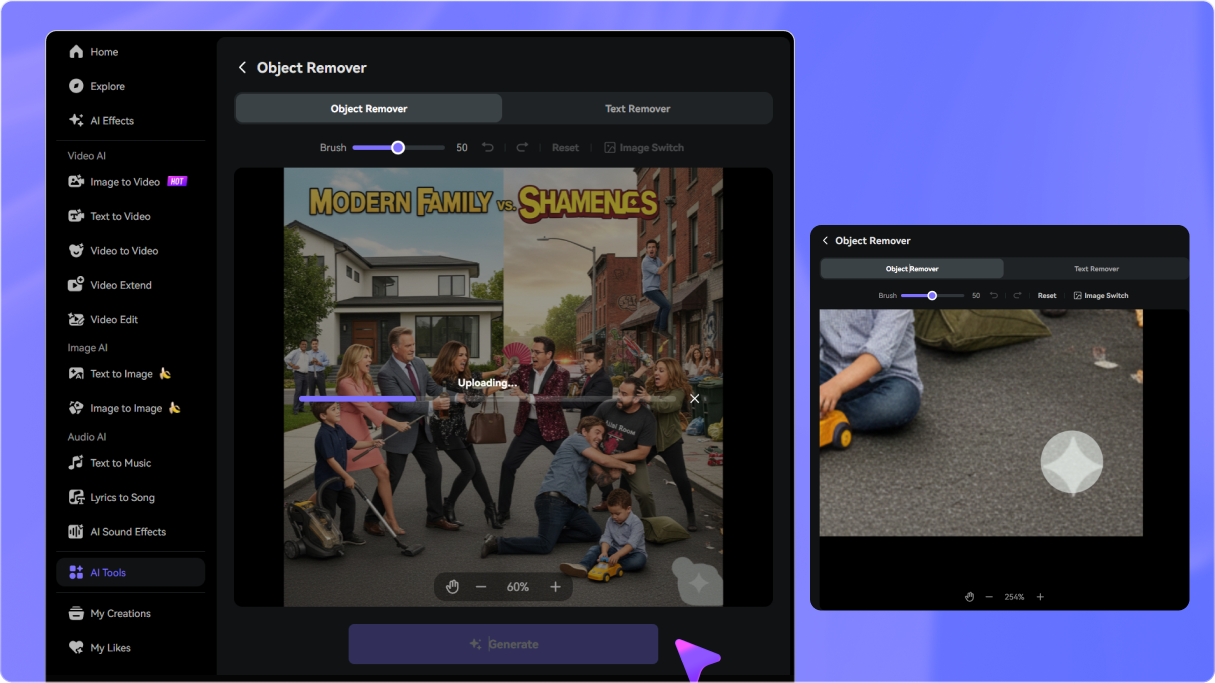
Open Media.io Video Eraser and upload the finished InShot video containing the visible corner logo. This workflow is useful when the original project or clean export is no longer available.
Choose a removal mode, then brush or select the visible InShot watermark in the lower-right corner. Adjust the timeline if the mark changes, moves, or appears only during part of the video.
Click Generate, inspect the reconstructed area, and refine the selection if necessary. Download your clean InShot video without watermark once the result looks right.

Shorts & Reels Creator

“Saved my viral reel without cropping the frame.” I forgot to remove the InShot watermark before rendering my reel and later deleted the draft. Cropping would have cut into the caption layout, so cleaning only the logo area was much more useful.

Social Media Specialist
“Useful for old client exports.” A client sent archived InShot videos with the bottom watermark and no original project files. Media.io gave me a practical way to clean the visible logo from the existing exports.

Freelance Videographer
“The full frame stayed intact.” I did not want to crop the lower-right corner because it would change the composition. Selecting only the InShot logo gave me much more control over the cleanup.

TikTok Creator
“Quick and browser-based.” I had several finished clips on my PC that still included the InShot mark. Being able to clean them directly in Chrome meant I did not need to move everything back to my phone.


 4.7 (162,357 Votes)






