Home>AI Prompts>Gemini AI Photo Edit Prompt with Headphones
25+ Gemini AI Photo Edit Prompt with Headphones for Instant Cool Vibes
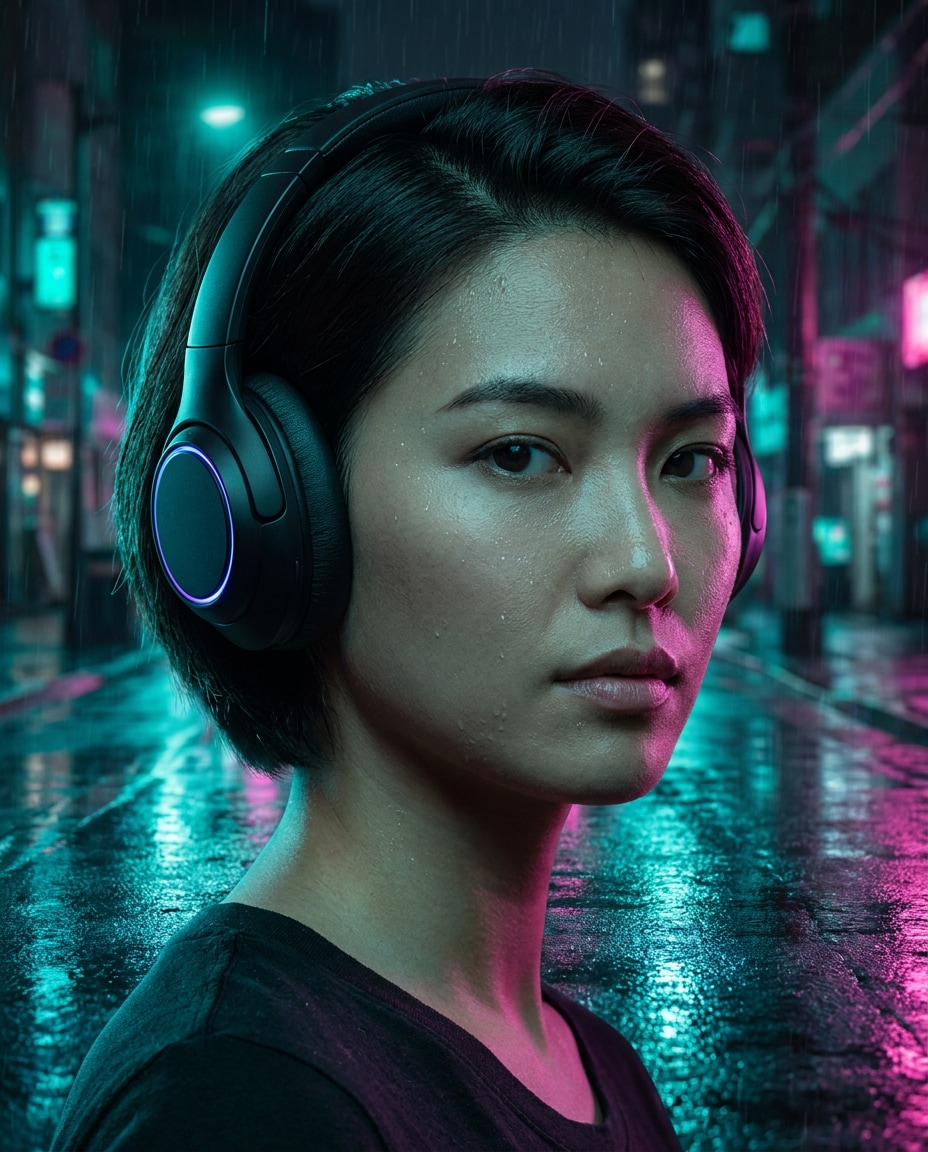
Create a bold headphones moment with neon reflections, crisp skin detail, and an editorial glow that looks straight off a music cover. These Gemini AI Photo Edit Prompt with Headphones ideas are built for realistic swaps, clean lighting, and viral portrait vibes. Upload your photo, paste a prompt, and generate instantly. No retouching skills needed.
Stunning AI edit with headphones generated with Media.io - powered by
Nano Banana Pro.
How to Use Gemini AI Photo Edit Prompt with Headphones in 3 Steps
Editing with Media.io is a fast 3-step flow. Start with a photo, choose a prompt, and let the AI handle the headphones look in seconds.
1
Open Media.io AI Photo
Go to Media.io and open the AI Photo Generator or AI Photo Editor. Choose a mode that supports image-to-image editing so you can keep the same face while changing styling, lighting, and adding realistic accessories like headphones.
2
Upload and paste a prompt
Upload your portrait or selfie, then copy one of the prompts below and paste it into the prompt box. For the best Gemini AI Photo Edit Prompt with Headphones result, specify headphone type, material, color, and the scene lighting you want.
3
Generate and download
Click Generate, review the first results, and iterate with small tweaks like changing the headphone finish or the background mood. When it looks right, download your favorite version in high quality for social posts, thumbnails, or profile photos.
Best Gemini AI Photo Edit Prompt with Headphones Ideas & Examples
Neon Night Walk
Edit the uploaded portrait to add sleek matte black over-ear headphones with subtle LED ring glow, keep the same identity and facial features, rainy neon city street background with reflections on pavement, cinematic teal and magenta color grading, soft rim light on hair, shot on Sony A7IV 85mm f/1.4, half-body framing, shallow depth of field, ultra-realistic skin texture, editorial street photography, sharp focus --ar 4:5
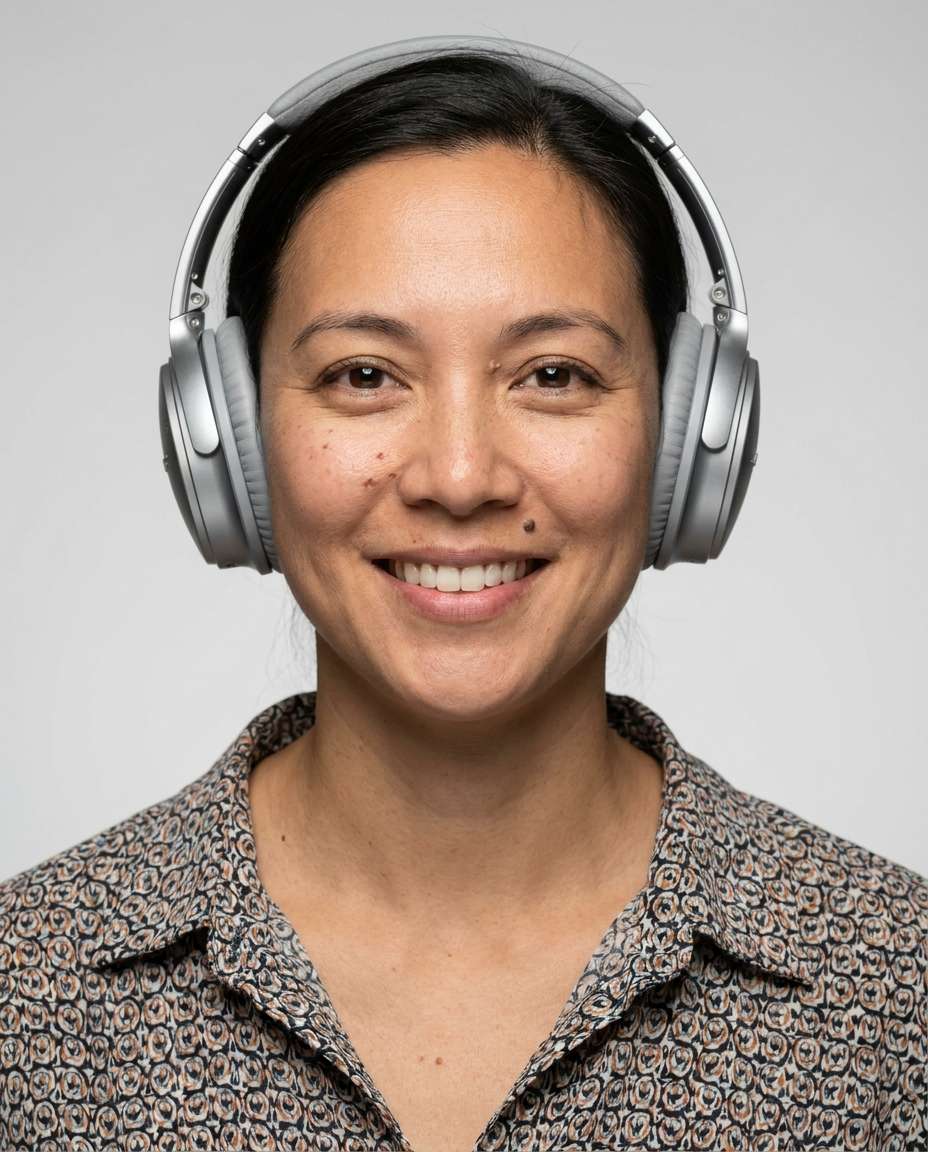
Clean Studio Headshot
Transform the uploaded photo into a crisp studio headshot with minimalist silver over-ear headphones, keep expression and identity unchanged, seamless light gray backdrop, softbox key light with gentle shadow falloff, catchlights in eyes, shot on Canon R5 70mm, centered composition, professional corporate portrait style, natural pores, high resolution, true-to-life color --ar 4:5
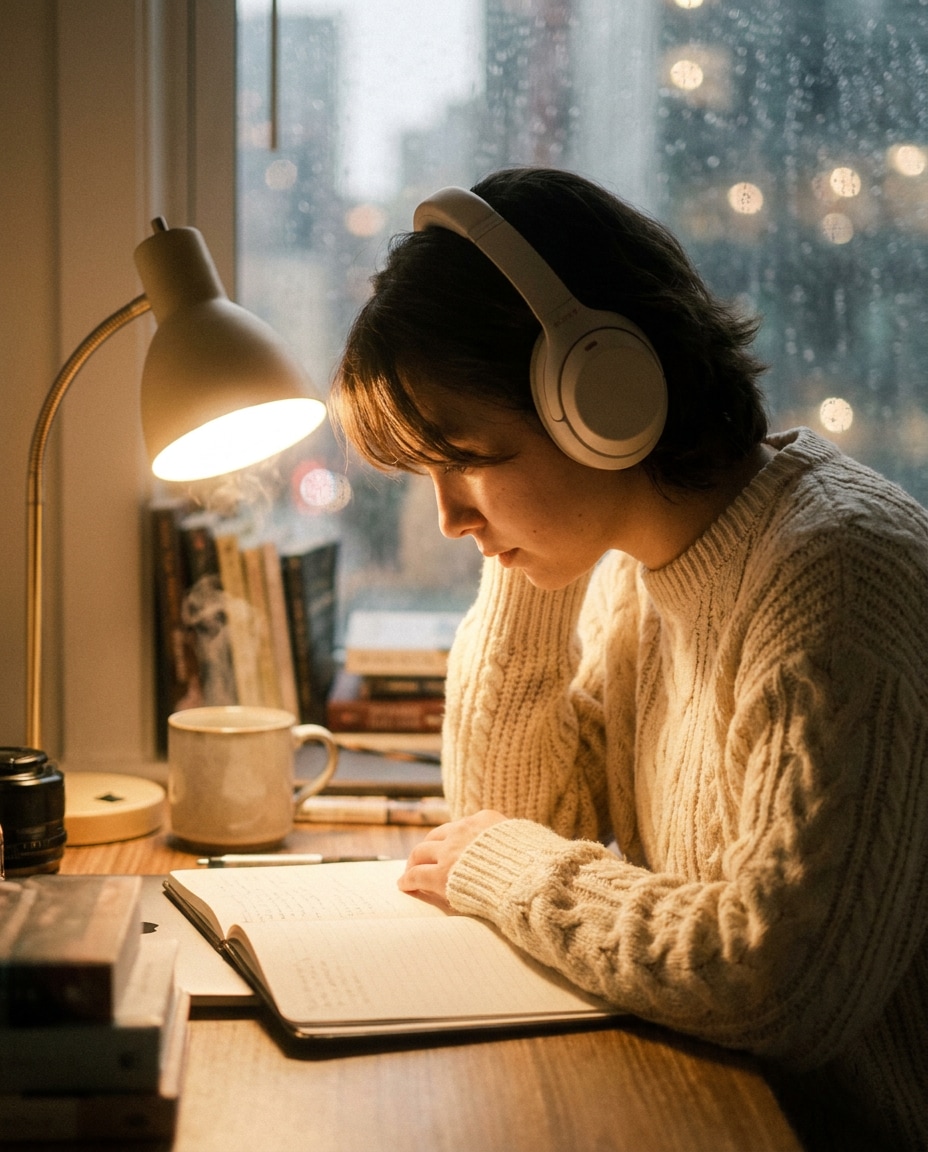
Lo-Fi Desk Cozy
Edit the provided image into a cozy lo-fi study scene: warm desk lamp, blurred books and a mug in background, add cream-colored padded headphones resting on the head, knit sweater styling, window rain bokeh, warm film color grade, shot on Fujifilm X-T5 56mm f/1.2, waist-up framing, photorealistic, soft grain, calm focused mood, soft cinematic lighting --ar 4:5
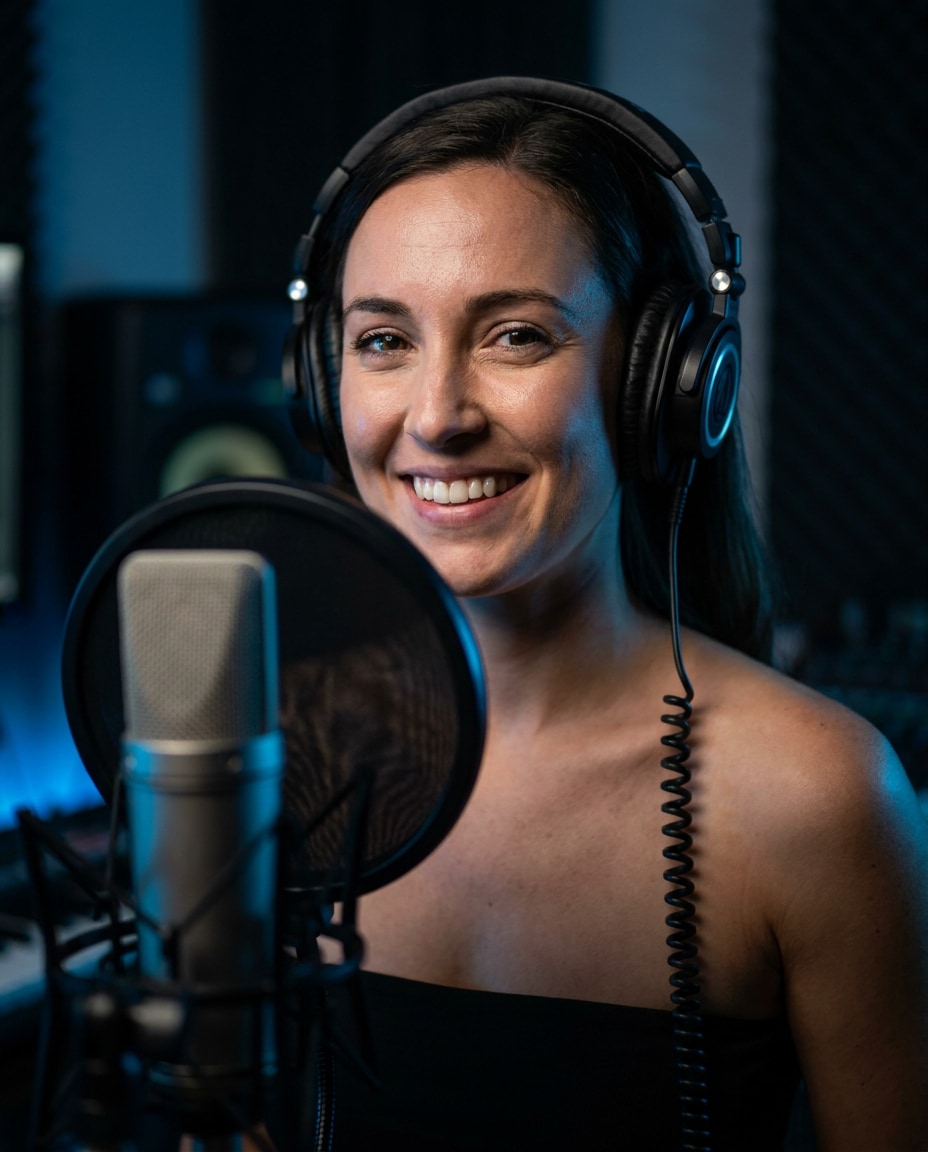
Podcast Mic Setup
Make the uploaded portrait look like a podcast recording session, add black studio over-ear headphones with coiled cable, include a blurred condenser microphone and pop filter in the foreground, moody studio lighting with blue accent, shallow depth of field, shot on Sony A7S III 50mm f/1.4, three-quarter angle, realistic skin detail, content creator vibe --ar 4:5
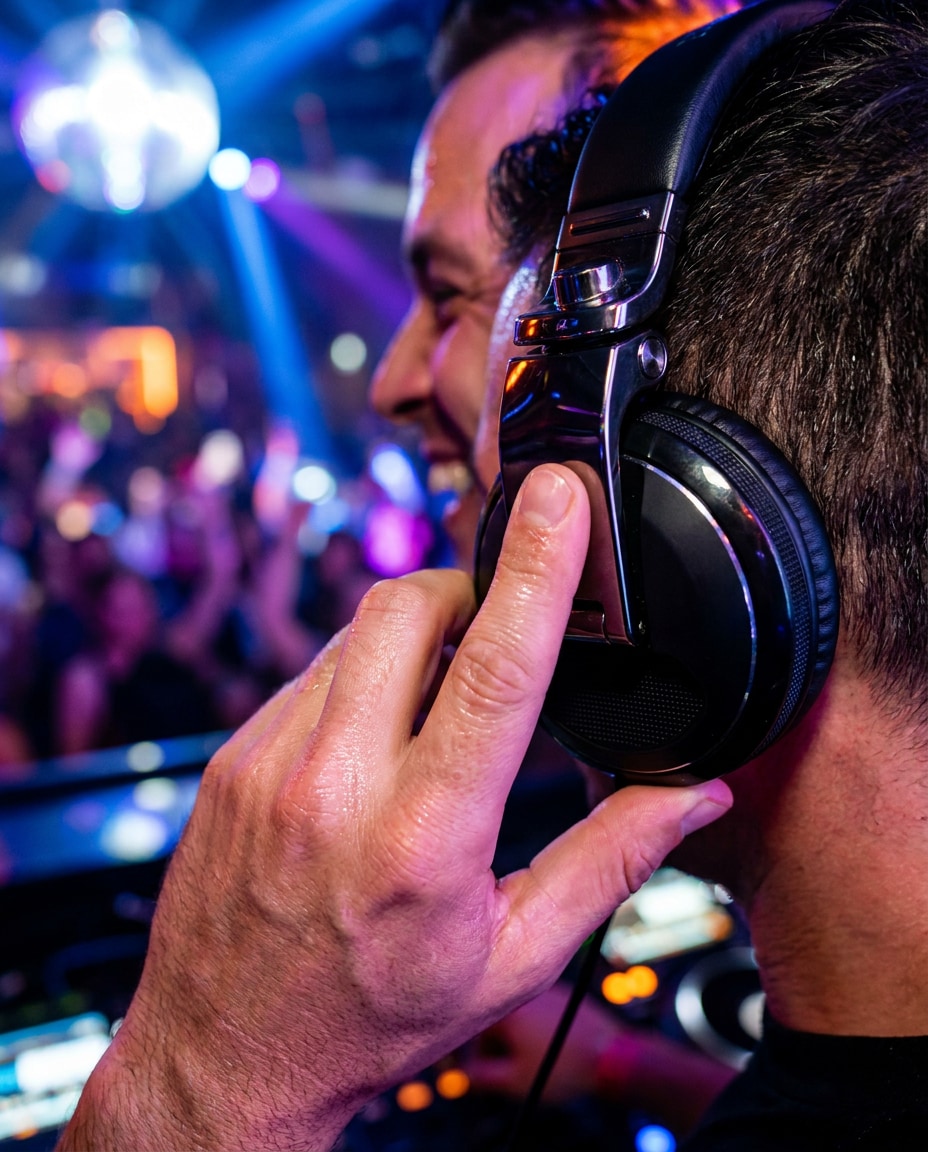
DJ Booth Energy
Edit the uploaded photo into a high-energy DJ booth scene, add glossy over-ear DJ headphones with metallic hinges, one hand lightly touching the earcup, colorful club lights and crowd bokeh behind, strobe highlights, cinematic contrast, shot on Nikon Z8 35mm f/1.8, dynamic close-up, photorealistic sweat sheen, vivid saturation --ar 4:5
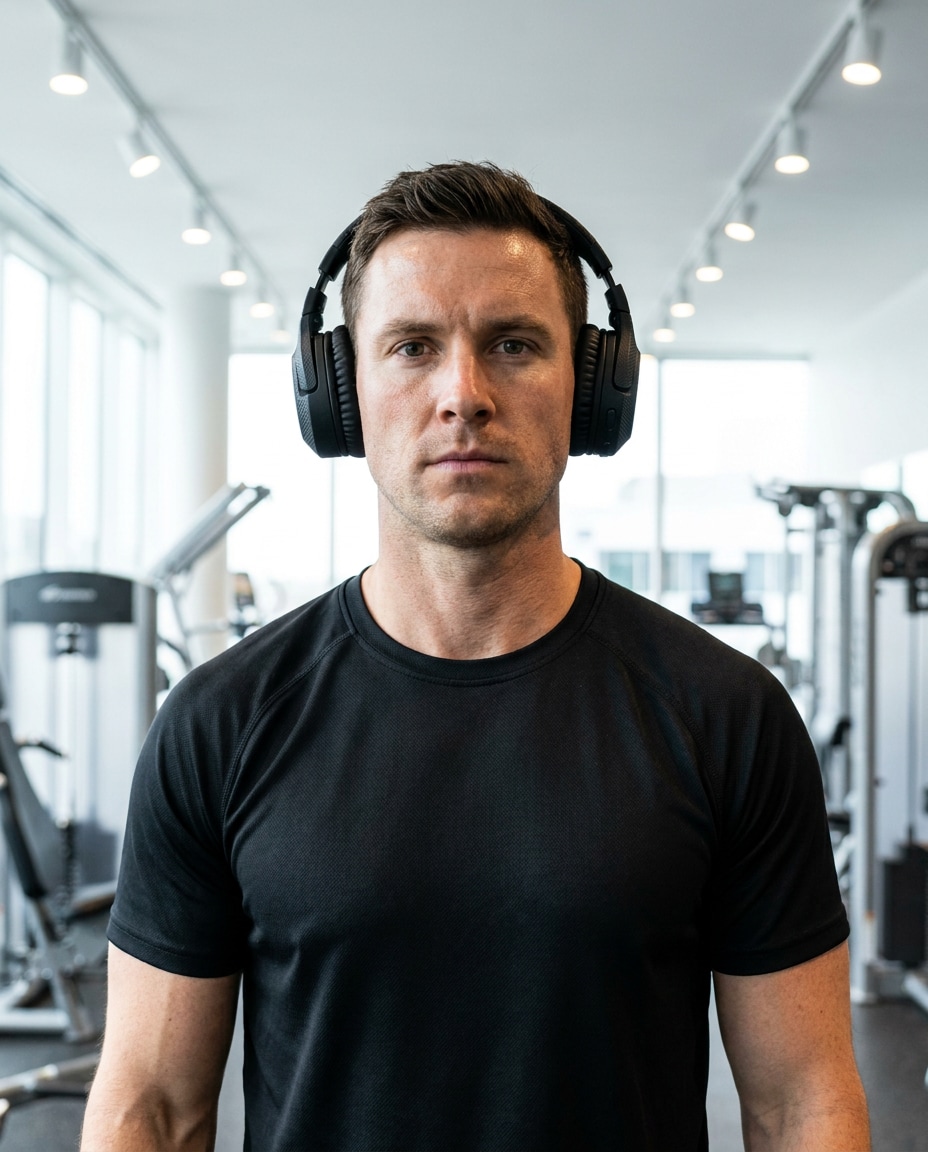
Gym Focus Mode
Convert the uploaded portrait into a fitness lifestyle shot, add rugged wireless over-ear headphones with rubber texture, sporty outfit, bright modern gym background softly blurred, cool white overhead lighting, shot on Canon R6 50mm, chest-up framing, realistic skin and fabric texture, determined expression, clean commercial photo style --ar 4:5
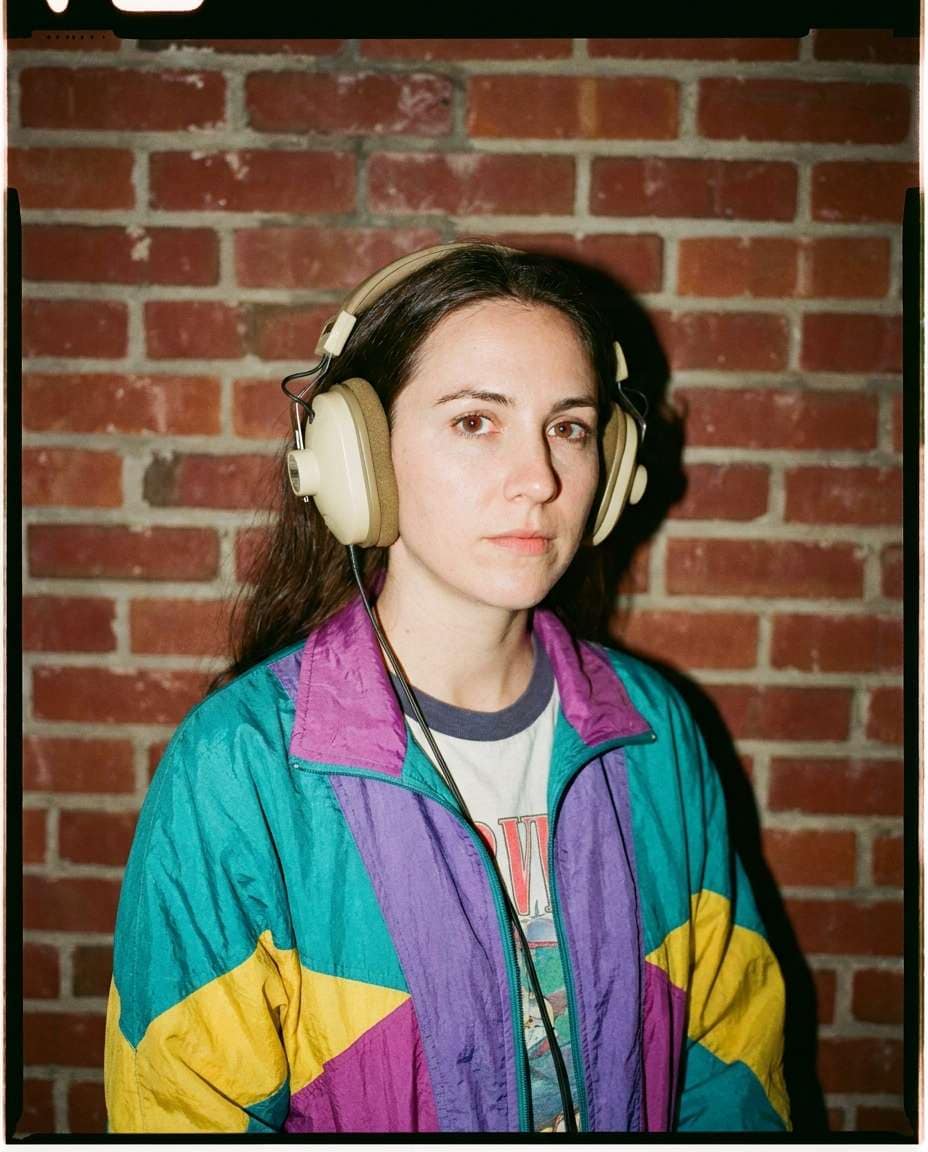
Retro Film Aesthetic
Edit the uploaded image to a retro 90s film portrait, add chunky beige over-ear headphones with foam pads, vintage windbreaker outfit, brick wall backdrop, direct on-camera flash with slight red-eye prevention look, Kodak-style color cast, subtle film grain, shot on 35mm look 28mm, candid vibe, photorealistic --ar 4:5
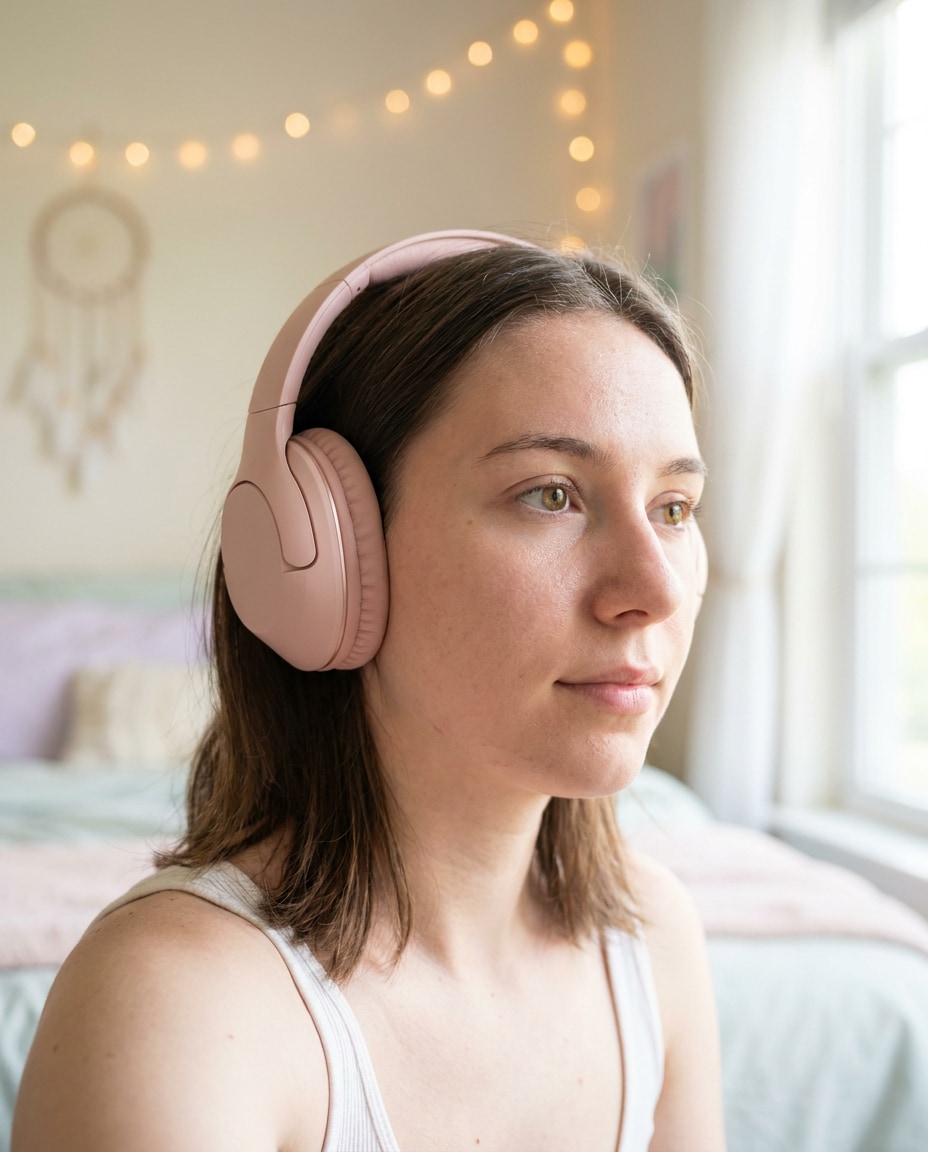
Soft Pastel Bedroom
Transform the uploaded selfie into a pastel bedroom aesthetic, add blush pink over-ear headphones with plush padding, soft window light, airy background with fairy-light bokeh, gentle skin smoothing without losing pores, shot on Sony A7IV 50mm f/1.8, close-up framing, dreamy but realistic color grading --ar 4:5
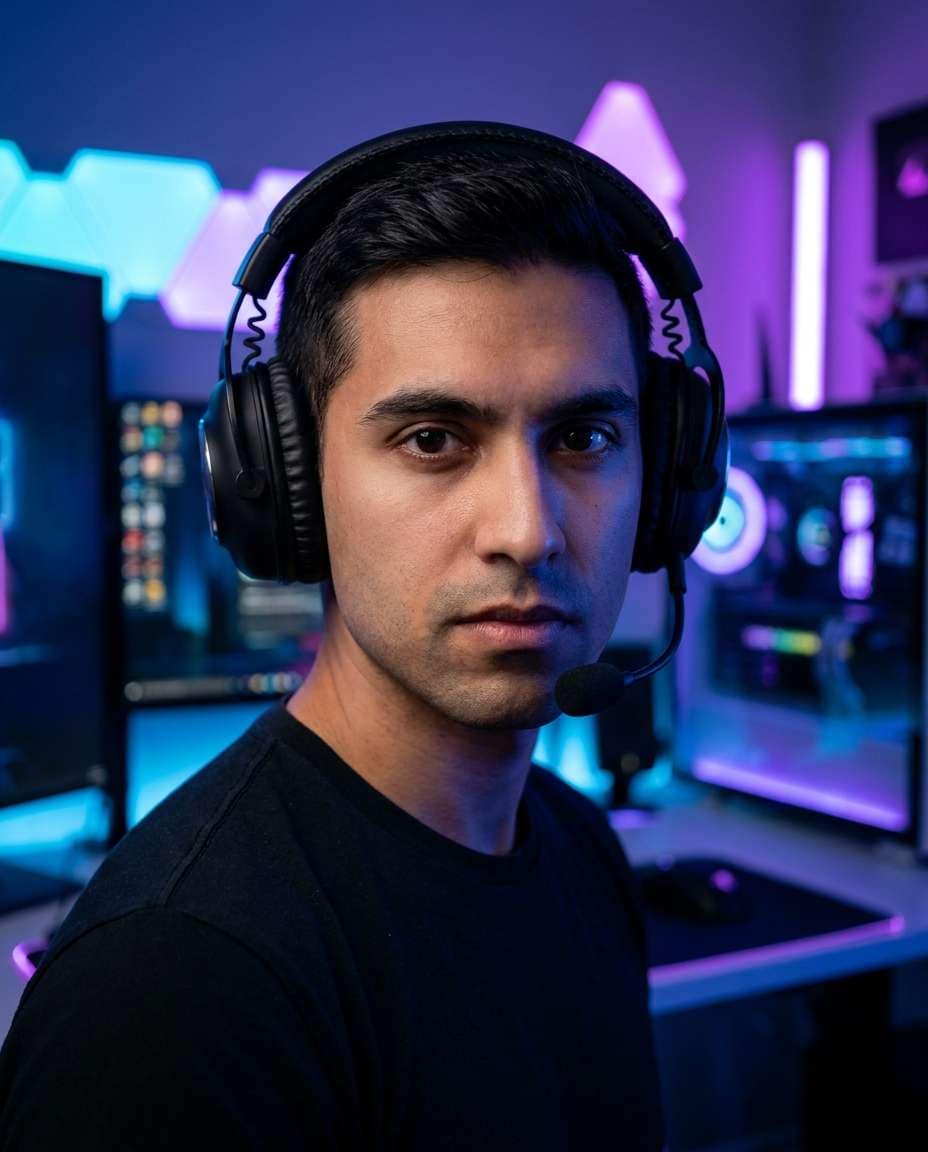
Gamer Stream Lighting
Edit the uploaded portrait for a live-stream look, add a modern gaming headset with padded headband and subtle mic boom, neon RGB room lighting, blurred PC setup and LED panels behind, high contrast, sharp eyes, shot on Sony A7S III 35mm f/1.4, half-body framing, photorealistic, streamer aesthetic --ar 4:5
Coffee Shop Creator
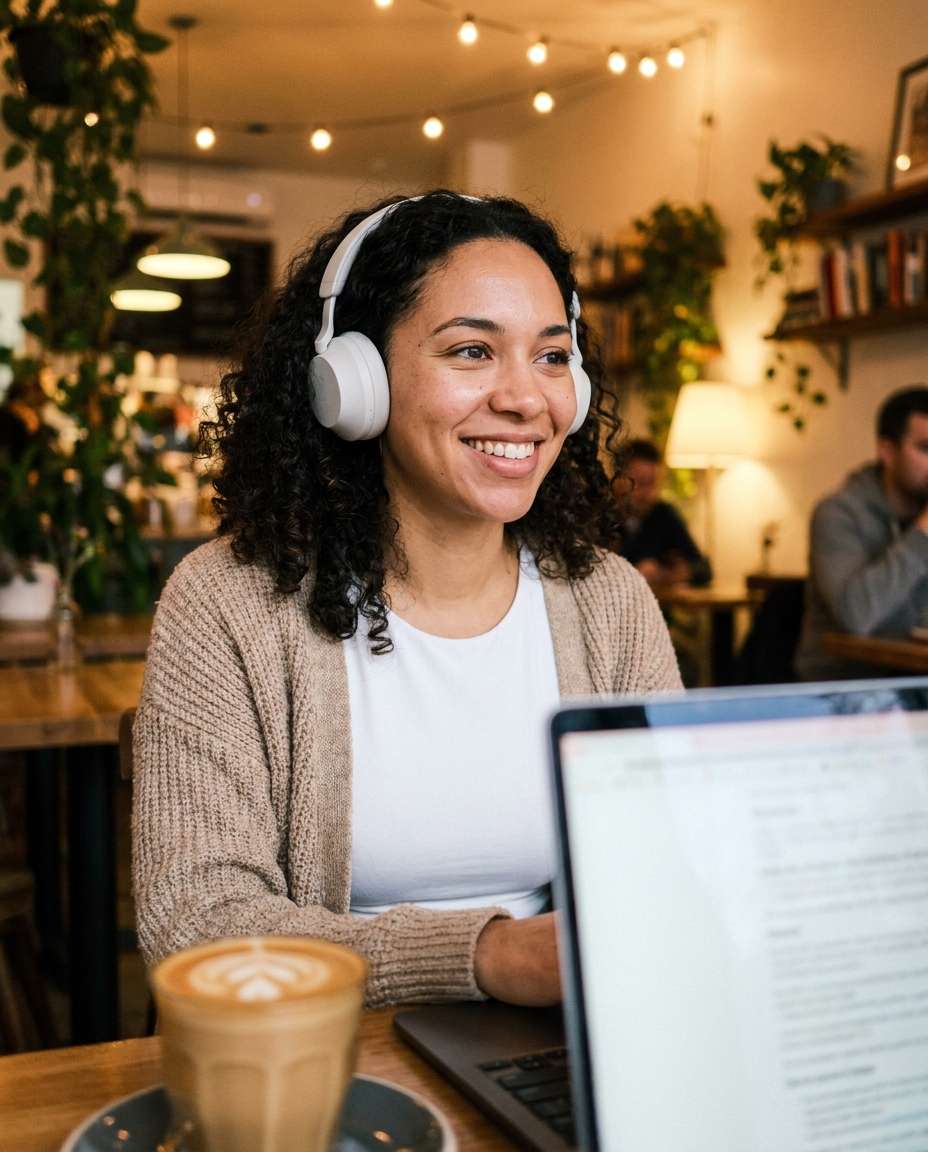
Turn the uploaded photo into a cozy coffee shop content creator scene, add compact on-ear headphones in matte white, latte and laptop on table blurred in foreground, warm ambient lighting, natural candid smile, shot on Fujifilm X100V 23mm f/2 look, rule of thirds composition, realistic skin detail, soft background bokeh --ar 4:5
Golden Hour Rooftop
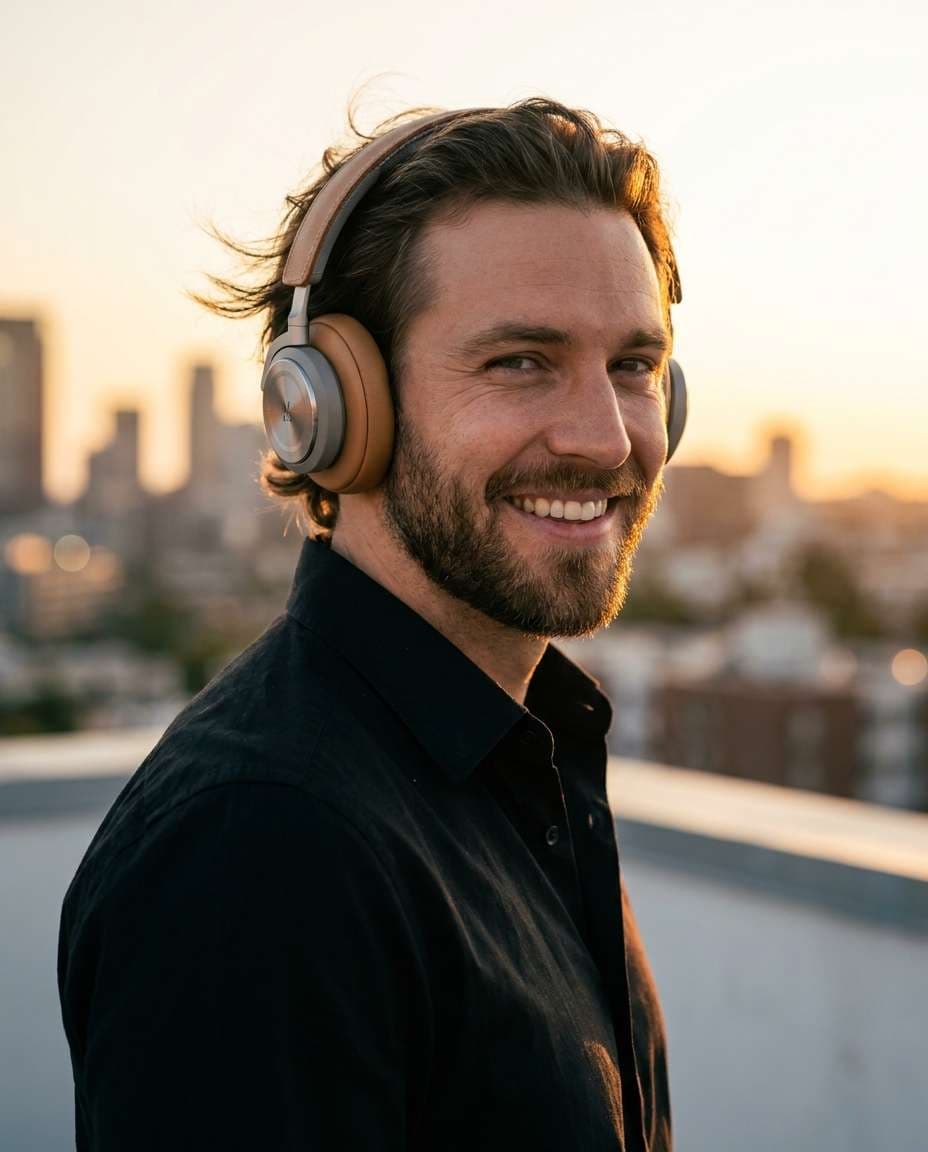
Edit the provided portrait into a golden hour rooftop shot, add tan leather over-ear headphones with brushed metal accents, warm rim light from sunset, city skyline bokeh, gentle wind in hair, shot on Canon R5 85mm f/1.2, waist-up framing, ultra-realistic skin texture, premium editorial mood --ar 4:5
Black And White Drama
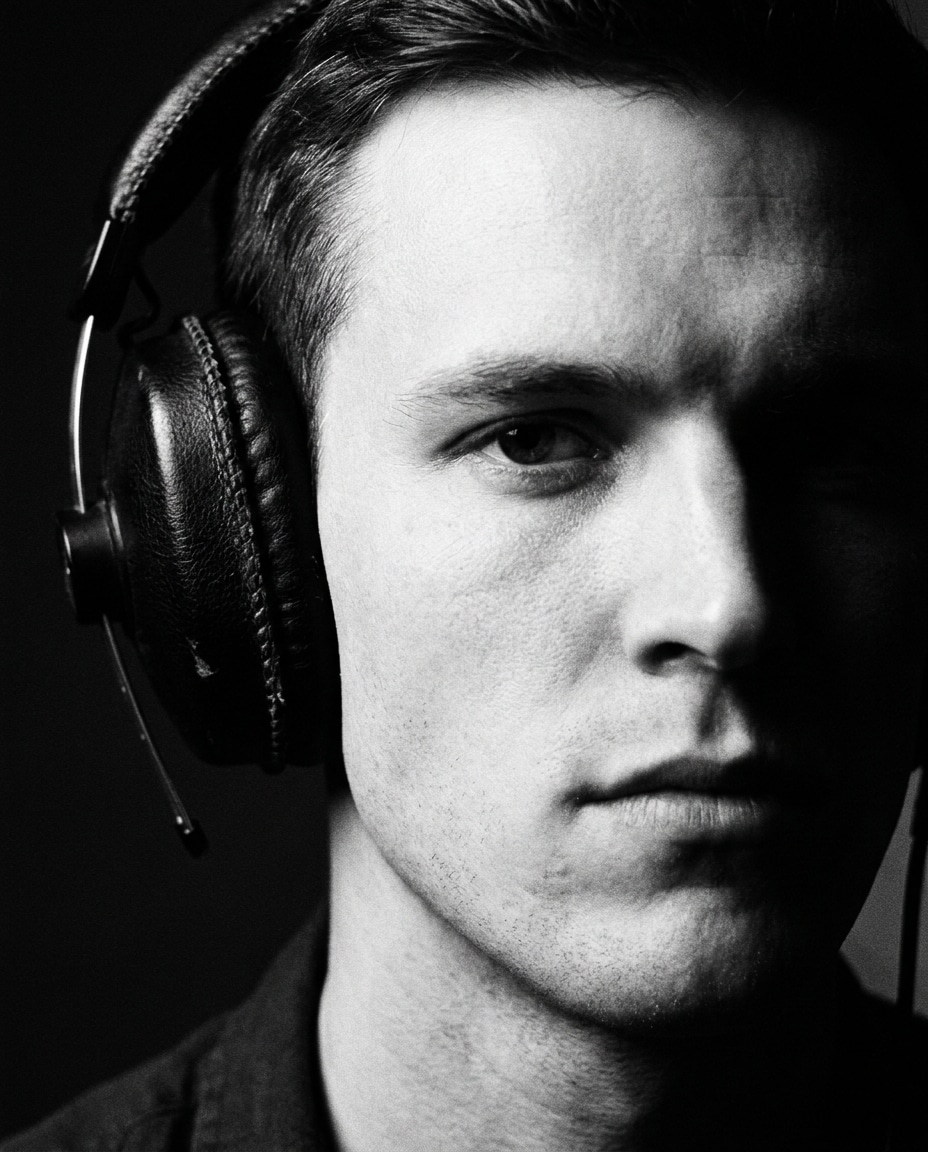
Make the uploaded image a dramatic black-and-white portrait, add classic black studio headphones with visible stitching, high-contrast Rembrandt lighting, deep shadows, sharp jawline definition, shot on Leica-style 50mm, close-up framing, crisp grain structure, timeless fine-art photography realism --ar 4:5
Streetwear Lookbook
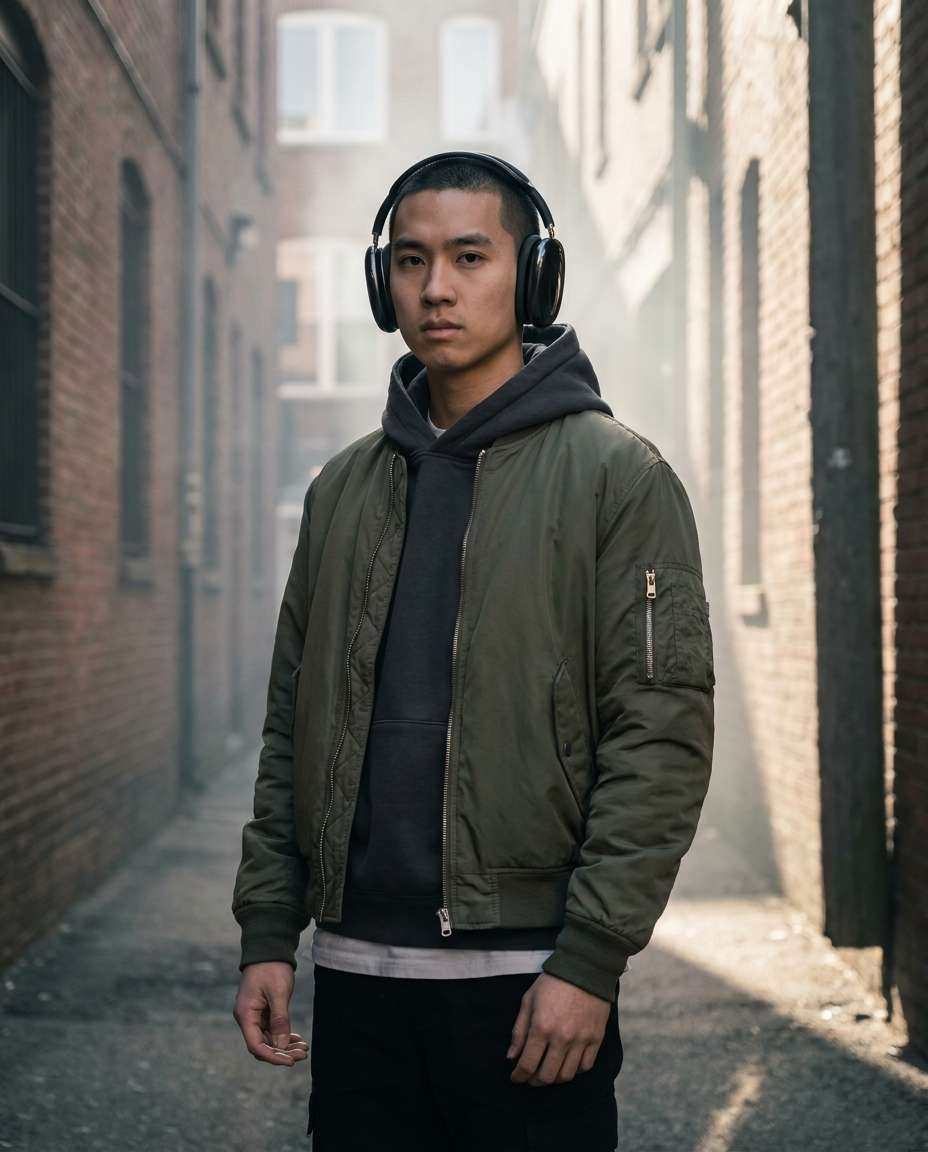
Edit the uploaded photo into a streetwear lookbook frame, add oversized glossy black headphones, layered hoodie and bomber jacket styling, urban alley background with soft haze, hard side light plus fill, shot on Sony A7IV 35mm f/1.8, full-body framing, clean editorial color grade, photorealistic texture --ar 4:5
Minimal White Background
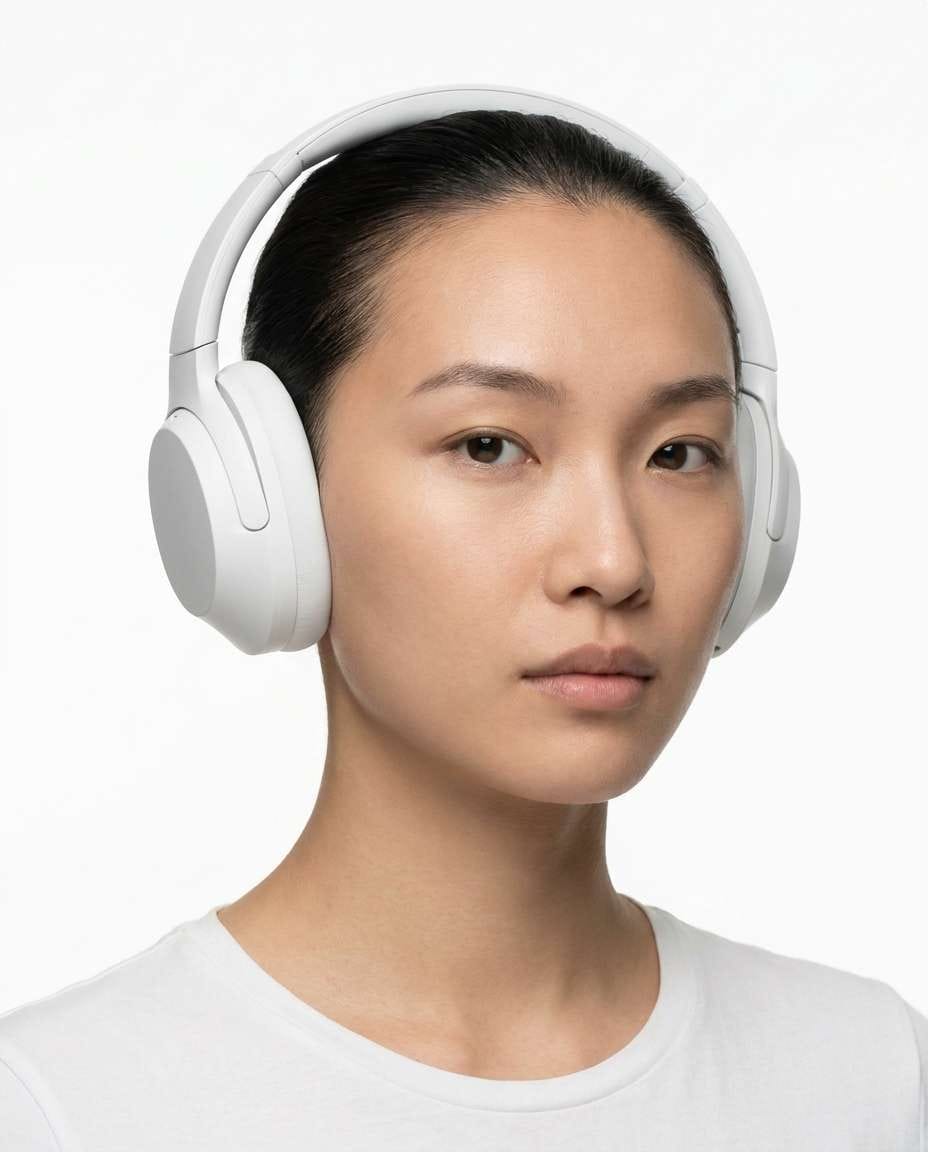
Convert the uploaded portrait to an ultra-clean e-commerce style shot, add simple white over-ear headphones with minimal seams, pure white background, even studio lighting, no harsh shadows, shot on Canon R5 70mm, centered composition, high resolution, realistic materials and reflections, polished commercial finish --ar 4:5
Rainy Window Mood
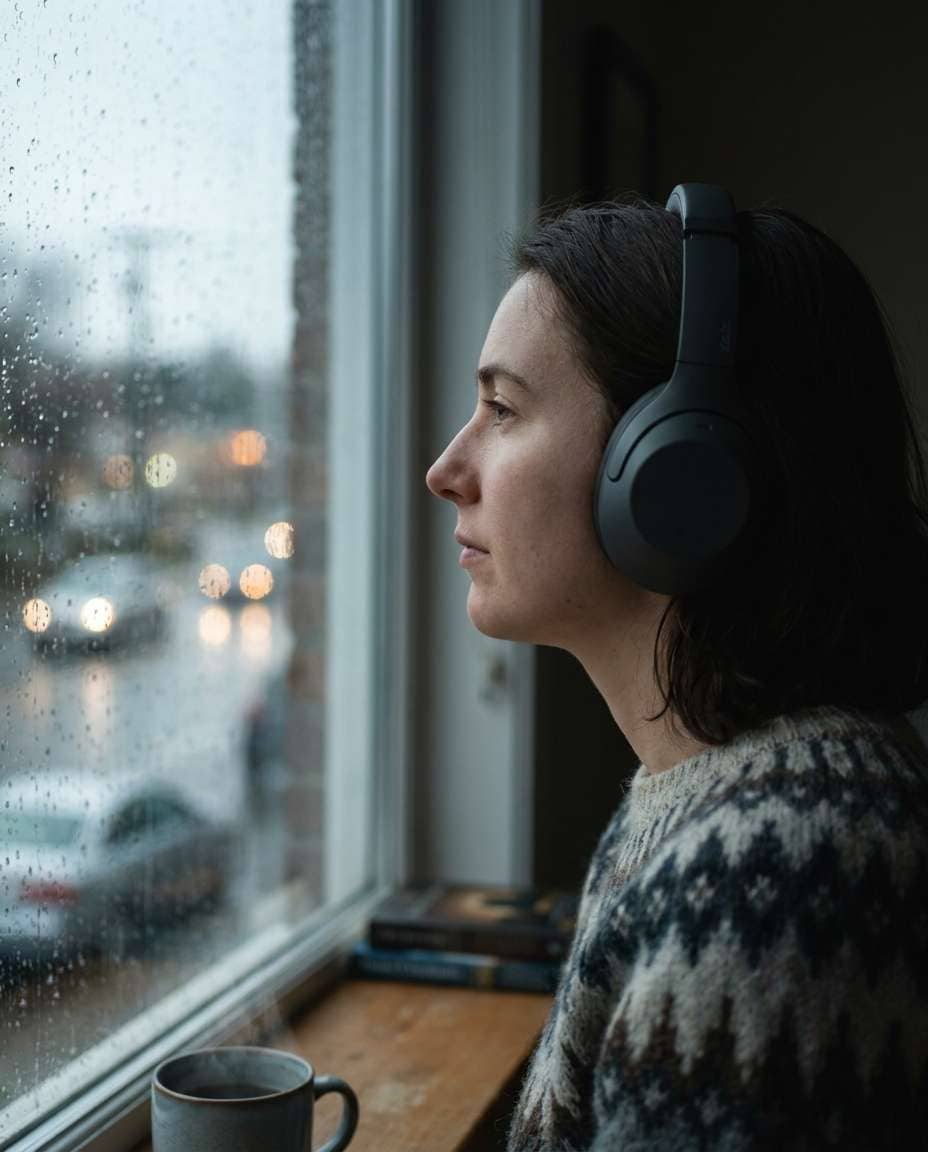
Edit the uploaded photo into an intimate rainy-day scene by a window, add charcoal gray over-ear headphones, soft natural window light, raindrops on glass with bokeh highlights, muted color palette, shot on Nikon Z6 II 85mm f/1.8, close-up profile angle, photorealistic, quiet reflective mood --ar 4:5
Festival Sunset Glow
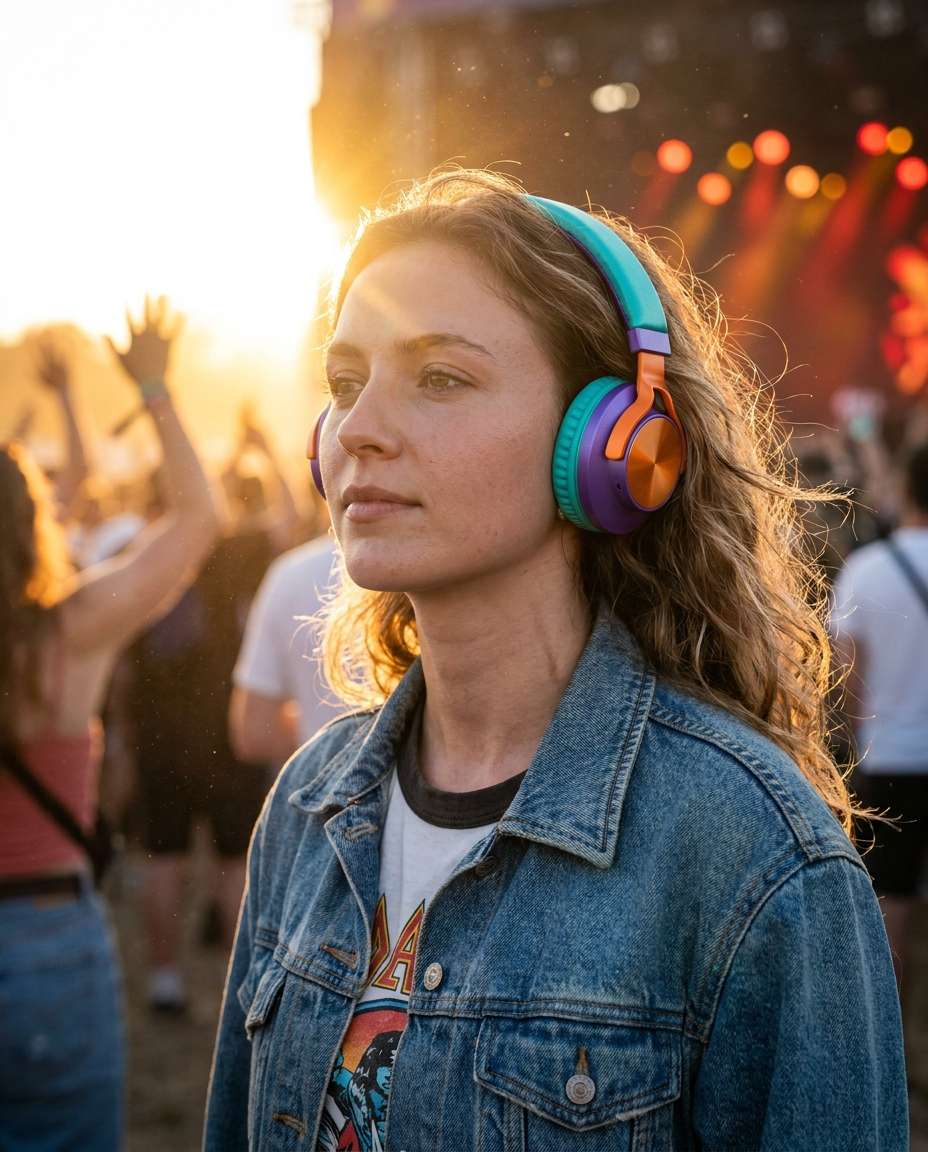
Transform the uploaded portrait into a music festival vibe, add bright colorful over-ear headphones with satin finish, sun flare and dust particles in backlight, crowd and stage lights blurred, shot on Sony A1 50mm f/1.2, half-body framing, warm vibrant grading, realistic skin and hair detail --ar 4:5
Airplane Travel Chill
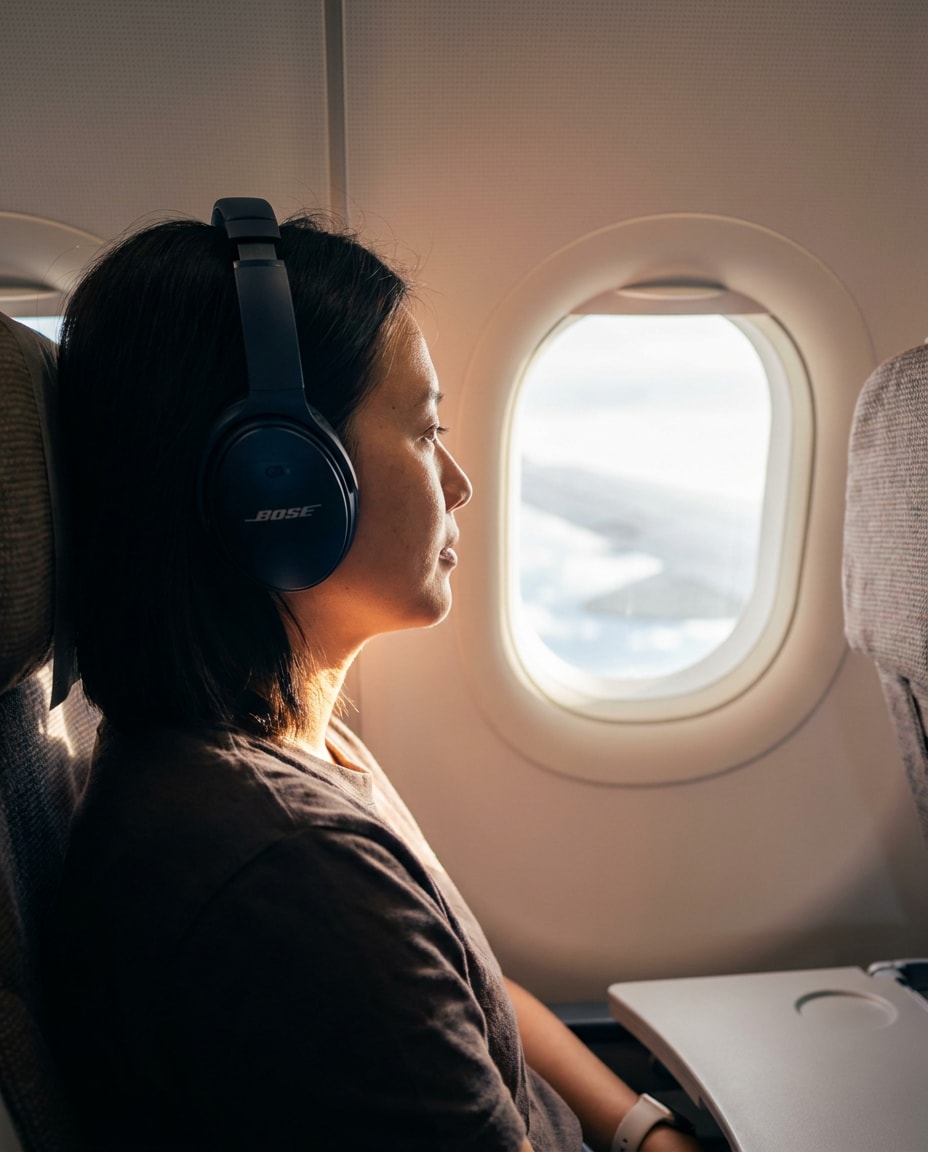
Edit the uploaded photo to look like an airplane window seat travel portrait, add sleek noise-canceling over-ear headphones in dark navy, soft cabin lighting, window light on face, blurred seat and tray table background, shot on Canon R6 35mm f/1.8, natural candid mood, photorealistic --ar 4:5
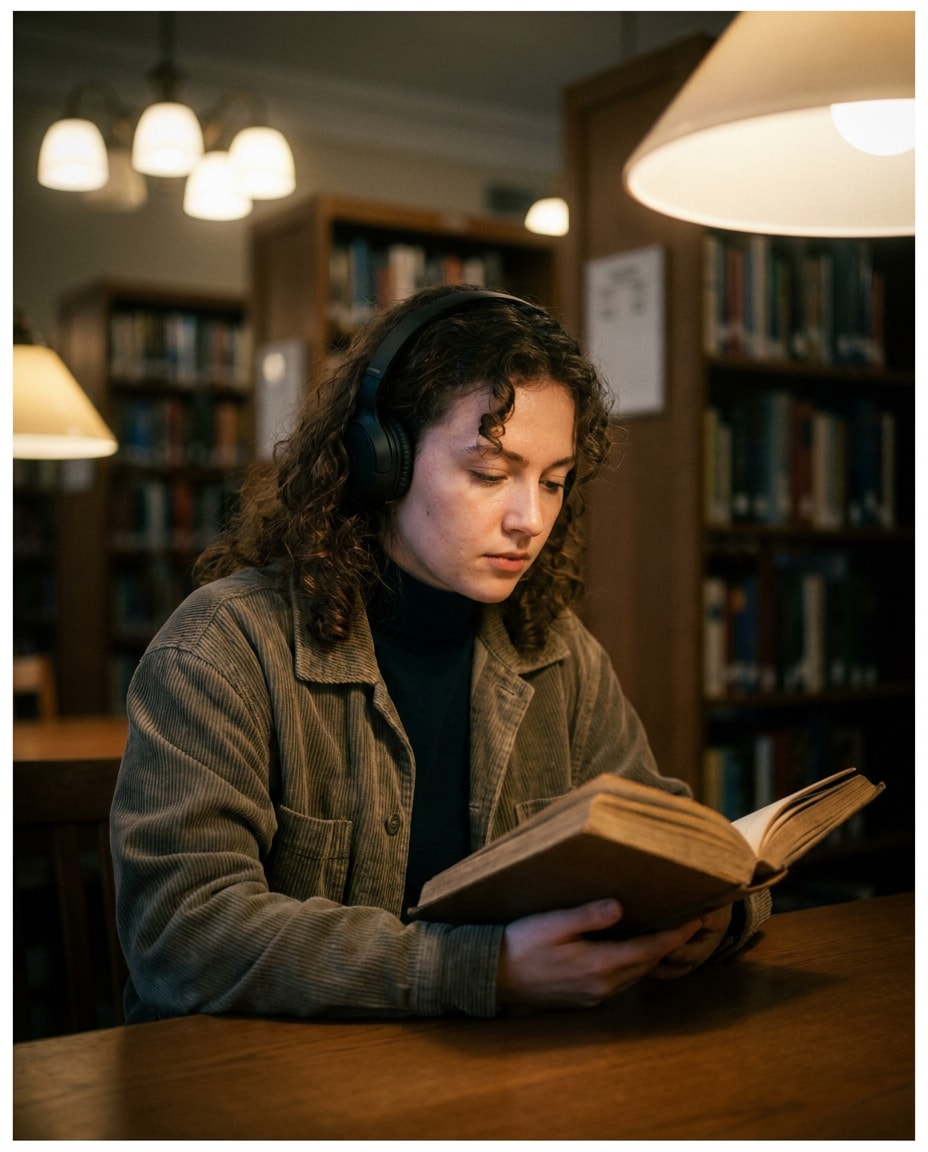
Library Quiet Focus
Turn the uploaded portrait into a quiet library scene, add understated black on-ear headphones, bookshelves softly blurred behind, soft overhead tungsten mixed lighting, subtle vignette, shot on Fujifilm X-T5 56mm f/1.2, waist-up framing, realistic skin texture, calm studious mood --ar 4:5
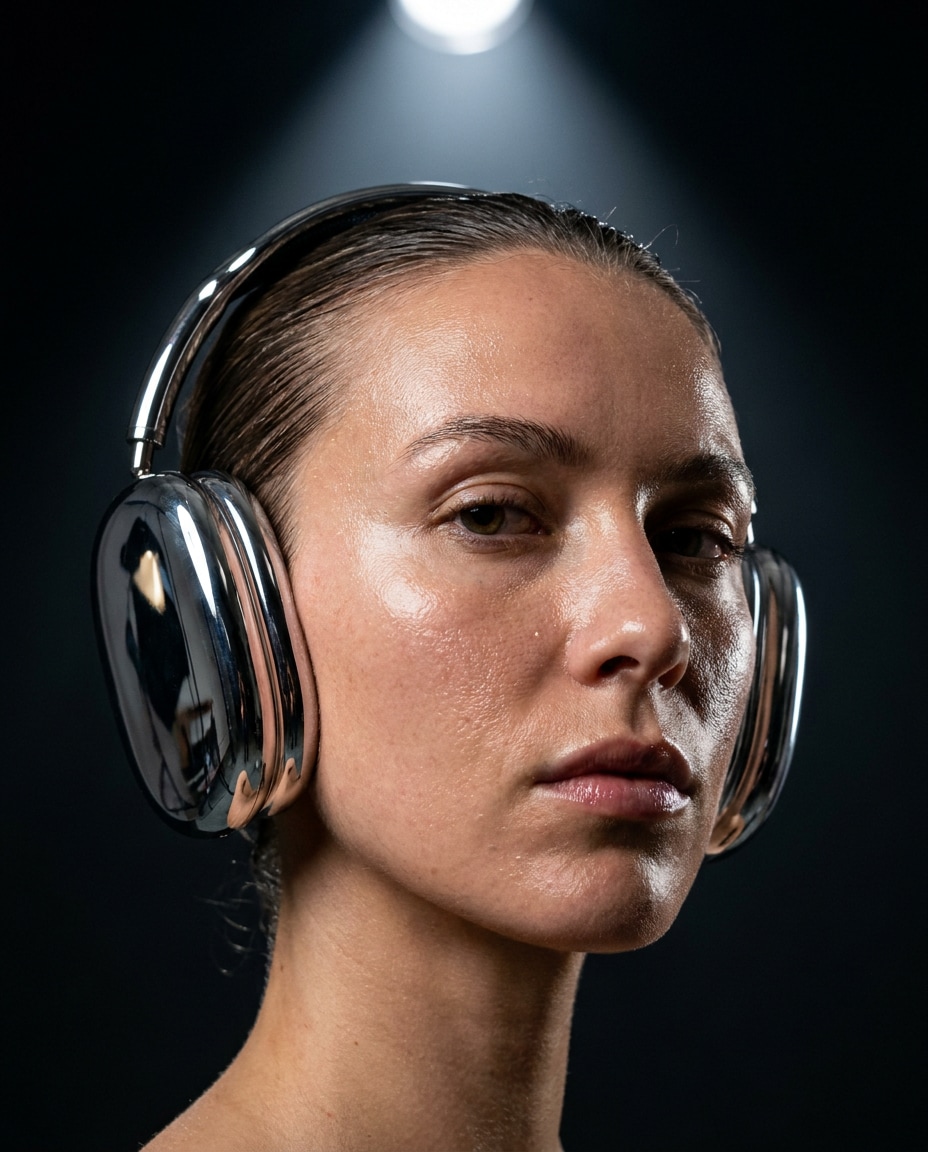
Chrome Reflection Pop
Edit the uploaded photo with statement chrome over-ear headphones, emphasize realistic reflections and highlights on metal, dark background with a single spotlight, high fashion beauty lighting, shot on Sony A7R V 85mm f/1.4, tight close-up framing, glossy editorial retouch but natural pores --ar 4:5
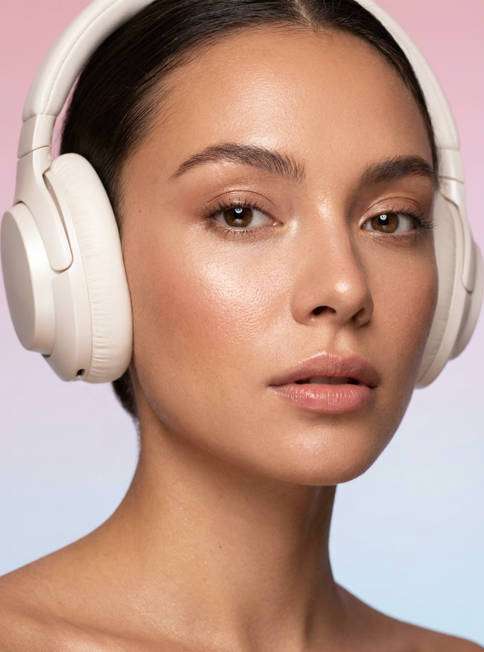
Soft Glam Makeup
Transform the uploaded portrait into a soft glam beauty shot, add pearl white over-ear headphones with plush texture, dewy makeup, pastel gradient backdrop, large softbox lighting, clean catchlights, shot on Canon R5 100mm macro look, close-up framing, photorealistic skin detail, beauty editorial finish --ar 4:5
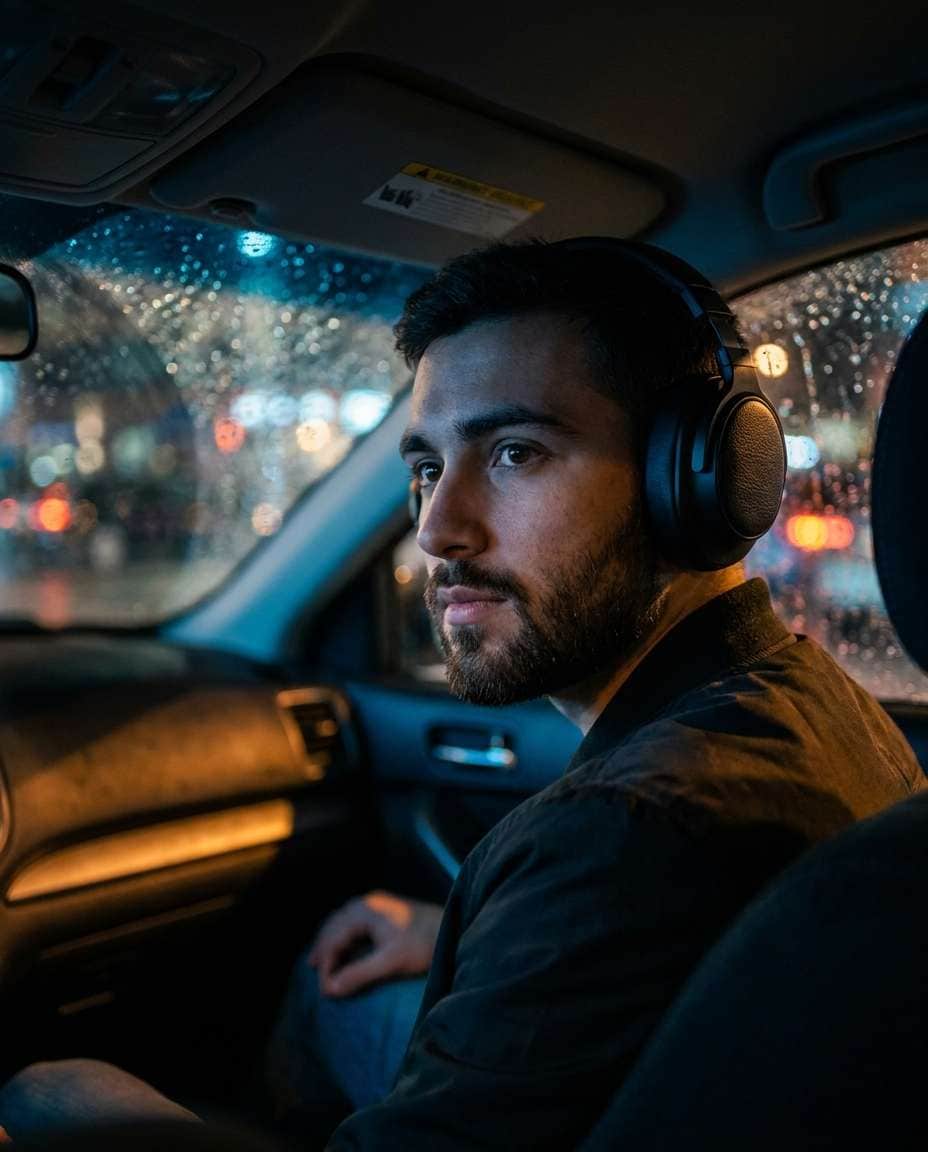
Cinematic Car Night
Edit the uploaded image into a cinematic car-at-night portrait, add black over-ear headphones with subtle leather grain, dashboard glow lighting with blue and amber tones, rain streaks on windshield bokeh, shot on Sony A7S III 35mm f/1.4, three-quarter close-up, moody realistic color grade --ar 4:5
Hands Adjusting Earcup
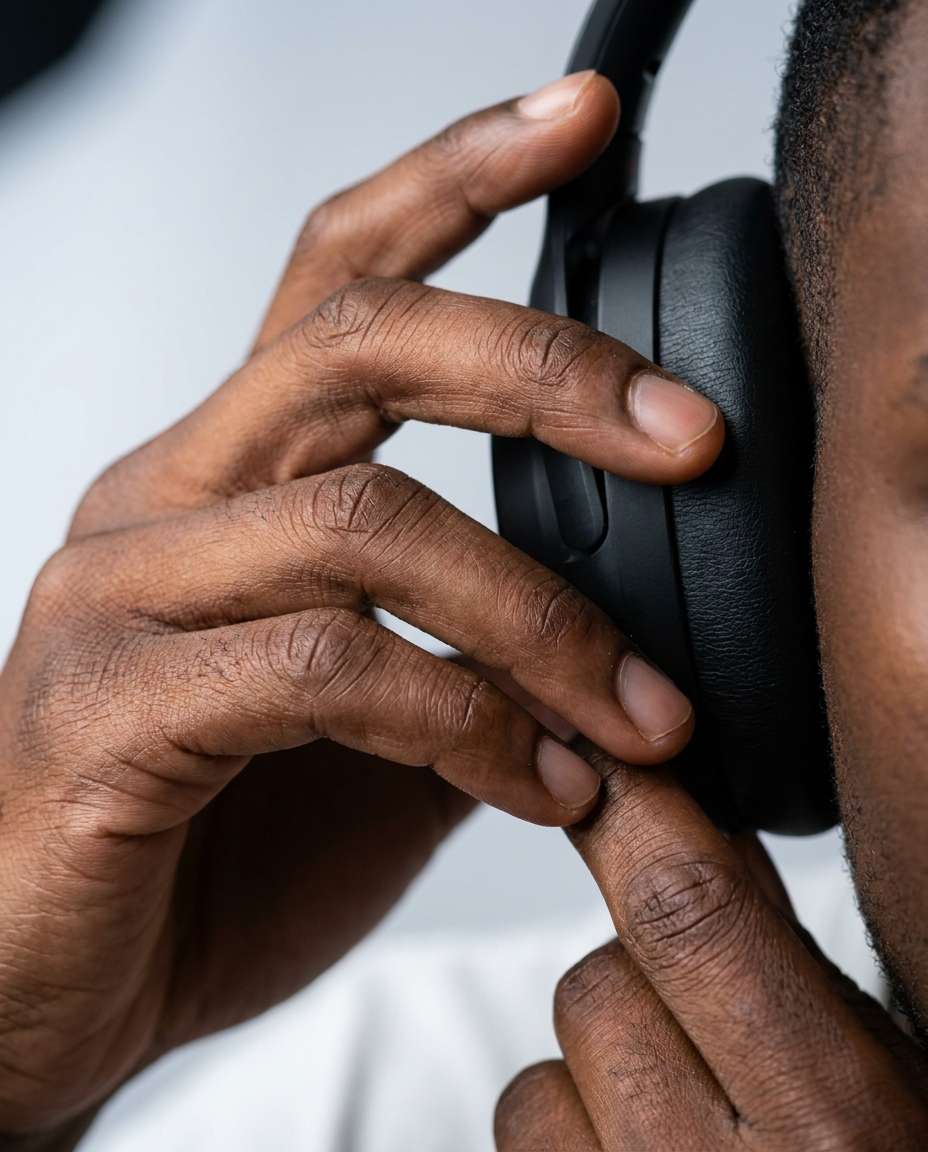
Create a photorealistic close-up edit of the uploaded photo focusing on hands gently adjusting an over-ear headphone earcup, keep the same person and skin tone, shallow depth of field, soft studio lighting, shot on Sony A7IV 85mm f/1.8, crisp texture on fingertips and headphone padding, clean background blur --ar 4:5
Headphones Flat Lay
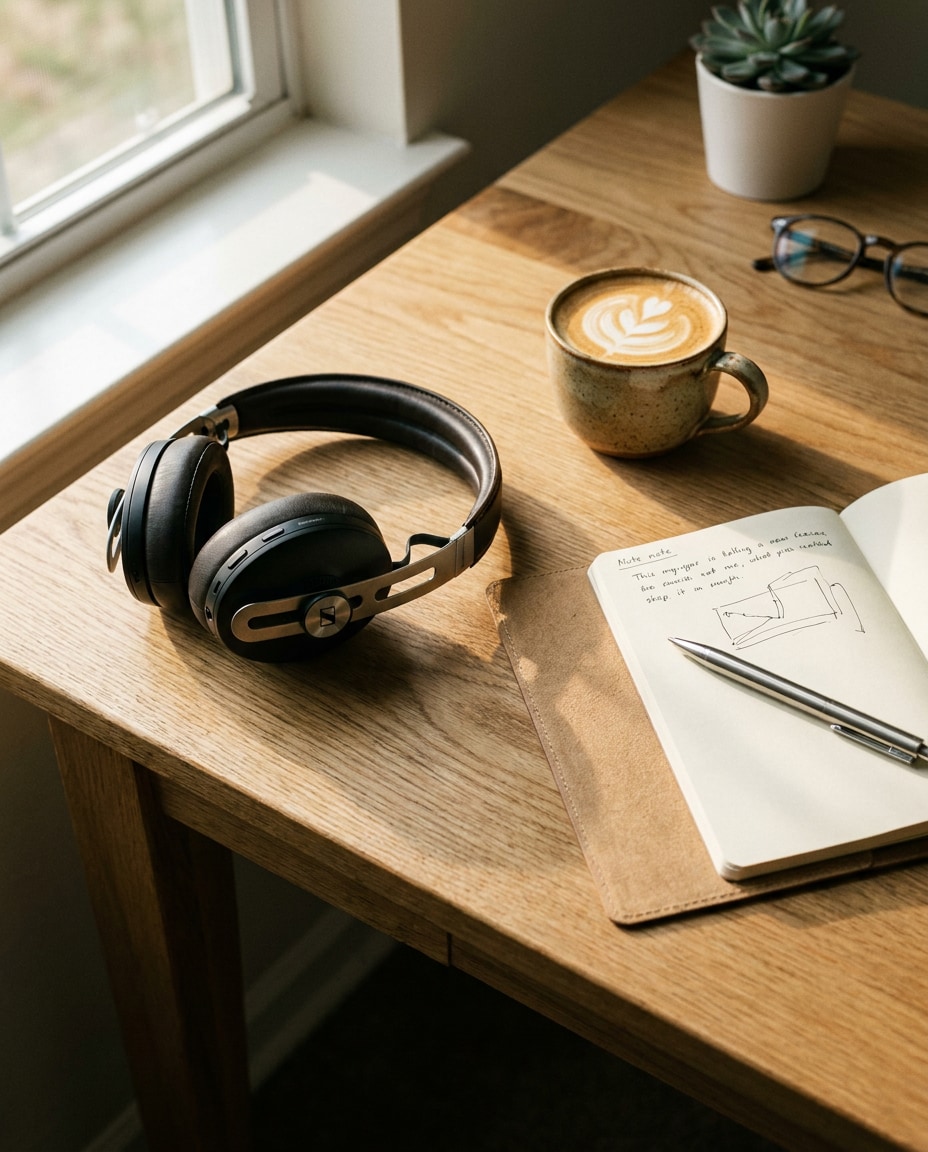
Generate a photorealistic flat lay scene featuring premium over-ear headphones on a wooden desk next to a notebook, pen, and coffee cup, warm morning window light, soft shadows, shot on Canon R5 35mm, top-down composition, realistic materials and subtle grain, minimal aesthetic --ar 4:5
Color Swap Challenge
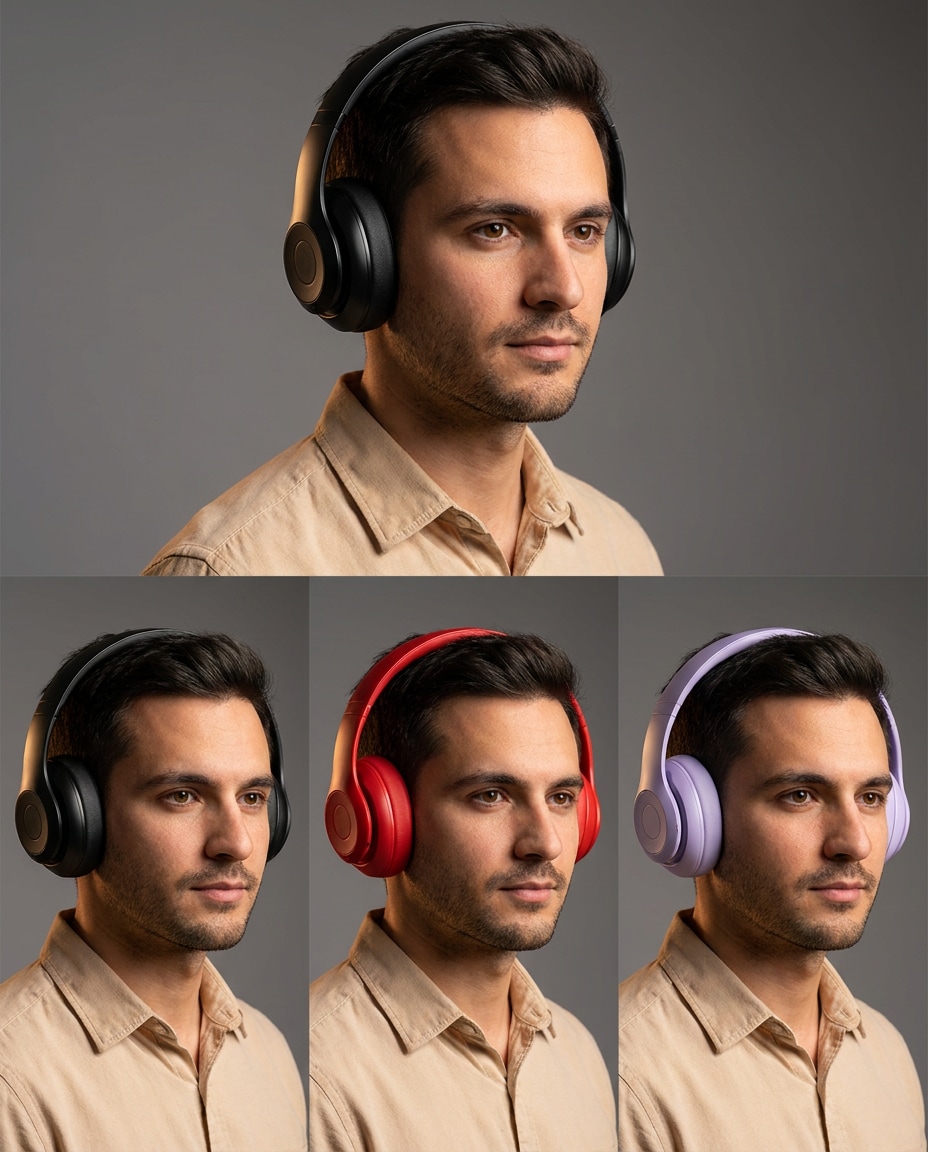
Edit the uploaded portrait and keep identity locked, add over-ear headphones and produce three variations in the same image style: matte black, bold red, and pastel lavender, identical lighting and pose, studio gray background, shot on Sony A7IV 50mm, consistent reflections, photorealistic finish, clean color accuracy --ar 4:5
Holographic Futuristic
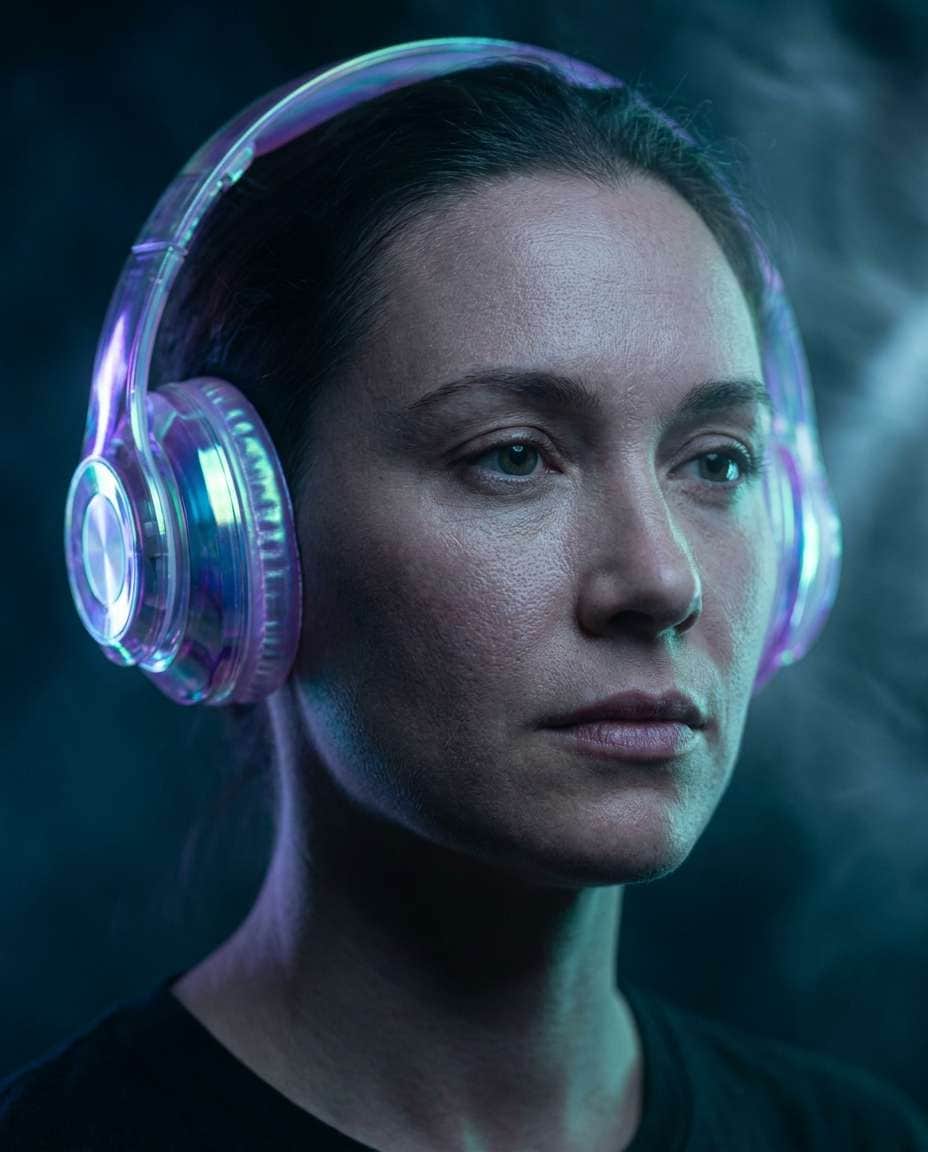
Transform the uploaded portrait into a futuristic editorial look, add translucent holographic over-ear headphones with subtle iridescent sheen, dark background with neon edge lighting, foggy light beams, shot on Sony A1 85mm f/1.4, close-up framing, ultra-realistic skin texture, cinematic sci-fi color grading --ar 4:5
How to Write Better Gemini AI Photo Edit Prompt with Headphones
Great edits come from precise details, not longer text. If you are searching for a Gemini AI prompt to add headphones to a photo, focus on material, lighting, and how the headphones sit on hair and ears. Use the formula below, then swap one element at a time.
Recommended Prompt Formula
Identity lock: keep the same person, face, age, and expression
Headphones: type, color, material, finish, and fit over hair
Outfit and vibe: streetwear, studio, cozy, sporty, or editorial
Setting: specific location plus background elements and bokeh
Lighting: key light direction, rim light, and color temperature
Framing and realism: lens, distance, sharp focus, natural skin texture
Prompt Tweaks That Matter
Ask for realistic headphone shadows on hair and cheek to avoid a pasted-on look.
Specify earcup size and headband thickness when using a Gemini AI photo edit prompt for realistic over ear headphones.
For selfies, request clean catchlights and minimal distortion (50mm or 85mm look).
If results feel too glossy, add: natural pores, subtle texture, no plastic skin.
Use one strong style anchor: neon street, podcast studio, or golden hour rooftop.
Iterate fast: only change one variable per generation (color swap, background, or lighting).
Why Choose Media.io for Gemini AI Photo Edit Prompt with Headphones
Create stylish Gemini AI headphone photo edits with cinematic lighting, modern streetwear aesthetics, immersive music vibes, and flexible prompt control for trendy portraits, social media visuals, and urban-inspired photography.
Copy-Paste Ready
Pick a prompt, paste it, and generate. Each idea is written to produce realistic headphones placement, believable lighting, and a creator-first aesthetic for profile photos, thumbnails, and Reels without spending hours tweaking settings.
Identity-Preserving Edits
Keep the same face while changing the vibe. Media.io helps you steer edits toward consistent features, so your headphones portrait still looks like you, not a random model. Perfect for brand consistency across your social feeds.
Fast Style Variations
Create multiple looks from one photo: neon night, clean studio, cozy lo-fi, or high-fashion chrome. This is ideal when you need a Gemini AI headphones selfie prompt for Instagram and want several options to test for engagement.
High-Quality Downloads
Export sharp, share-ready results with clean detail in hair, skin, and headphone textures. Whether you are testing a Gemini AI prompt to change headphone color and style or building a full content set, downloads are made for posting.
FAQs About
Gemini AI Photo Edit Prompt with Headphones
1. How do I use a Gemini Ai Photo Edit Prompt with Headphones on a selfie?
Upload your selfie to Media.io, then paste a prompt that clearly says to keep your identity unchanged while adding headphones. Specify over-ear or on-ear, color, and the lighting style (studio softbox, neon, golden hour). Generate, then refine by adjusting only one detail at a time.
2. What makes headphones look realistic instead of pasted on?
Realism comes from fit and lighting. In your Gemini Ai Photo Edit Prompt with Headphones, mention how the headband sits on hair, earcup pressure, and subtle shadows on cheeks and jaw. Ask for accurate reflections based on material (matte plastic, leather, chrome) and consistent light direction.
3. Can I add over-ear headphones without changing my face?
Yes. Use an identity-lock instruction and avoid rewriting facial features. A good Gemini AI prompt to add headphones to a photo should say: keep the same person, same expression, same hairstyle, and only add headphones plus background styling. If the face shifts, reduce style intensity and regenerate.
4. How do I change the headphone color and keep everything else identical?
Generate a base edit first, then do controlled variations. In your Gemini Ai Photo Edit Prompt with Headphones, request the same pose, background, and lighting, and change only the headphone color. This matches the intent behind a Gemini AI prompt to change headphone color and style and helps you compare options quickly.
5. Do I need to upload a photo, or can I generate from text only?
You can do either, but upload works best for consistent identity and realistic edits. If you are learning how to edit portrait with headphones using Gemini AI, start with a clear portrait upload, then use prompts that call out lens look, lighting, and exact headphone placement for the most believable results.
Why Creators Love Media.io's Gemini AI Photo Edit Prompt with Headphones?
Alex M.
Photographer
Ultra Realistic Results.
I used these edit with headphones prompts to create visuals that looked like real photography. The lighting, textures, and colors felt incredibly natural.
Maya J.
Designer
Perfect Lighting & Detail.
The prompts produced cinematic compositions and soft lighting, making every image feel like a professional shoot.
Jordan P.
Creator
Perfect for Social Media.
I used these prompts to create viral content. It's fast, easy, and consistently produces stunning visuals.